

Stripe
Requirements
HubSpot Plan HubSpot Account permissions No permissions required Access Type Shared Stripe Subscription - Review Stripe's Pricing Page plan
Overview
1/3
Connect Stripe data without manual data entry or messy, time-consuming imports.
Here’s what you get:
Works with data studio in Data Hub: Blend data in a familiar, spreadsheet-like interface with the help of AI.
Two-way sync: Data is shared between Stripe and HubSpot in real time
Default field mappings: Set-up is quick with out-of-the-box field mappings already created for you
Historical syncing: Your existing data will sync right away, and updates will sync as they happen
Please check the Shared Data section below to know which objects will be synced.
Features
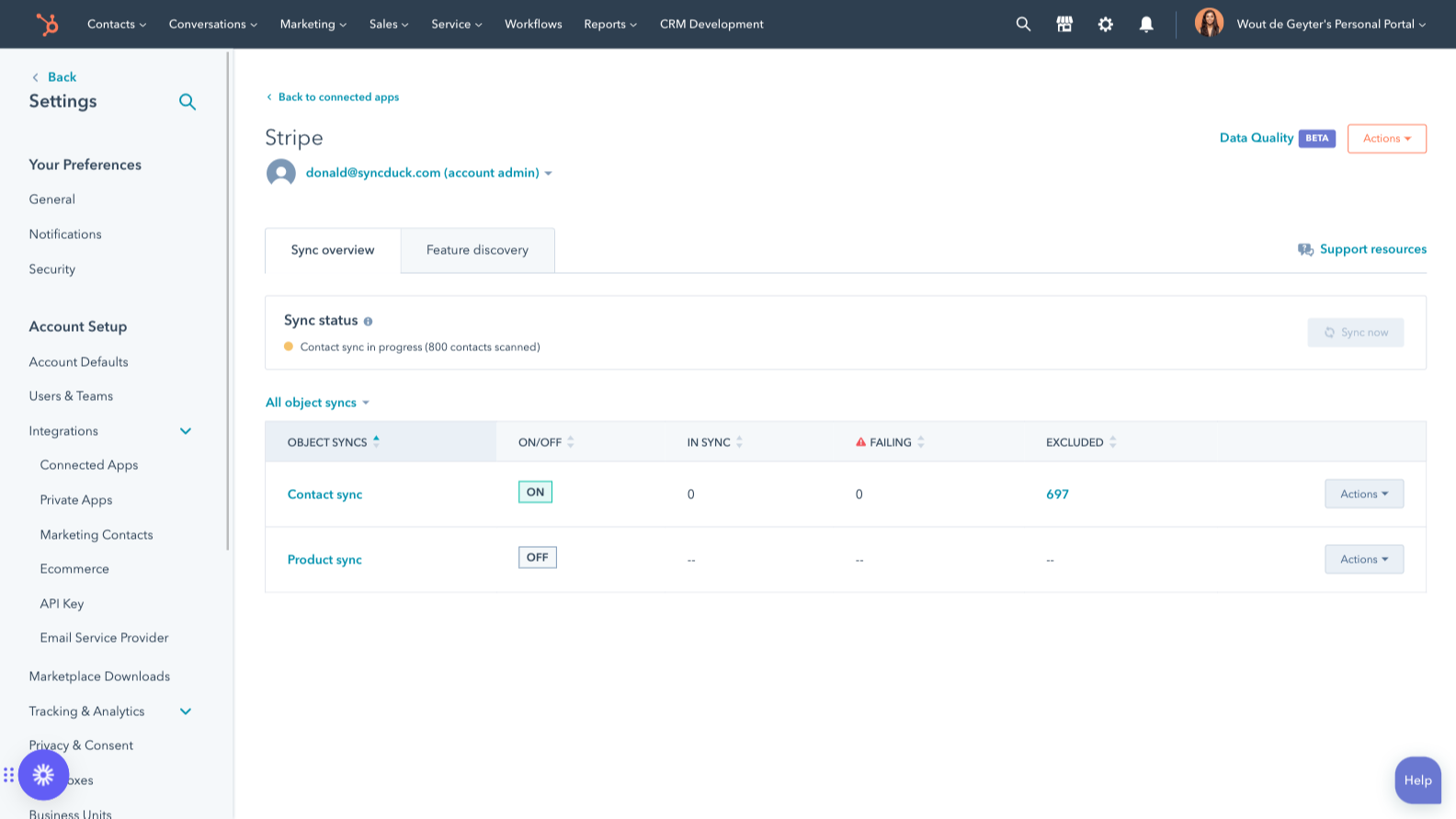
Sync Stripe and HubSpot data
Make manual data entry a thing of the past by syncing contacts between HubSpot and Stripe. When records are created or updated in either app, that information will be automatically shared with the other one.
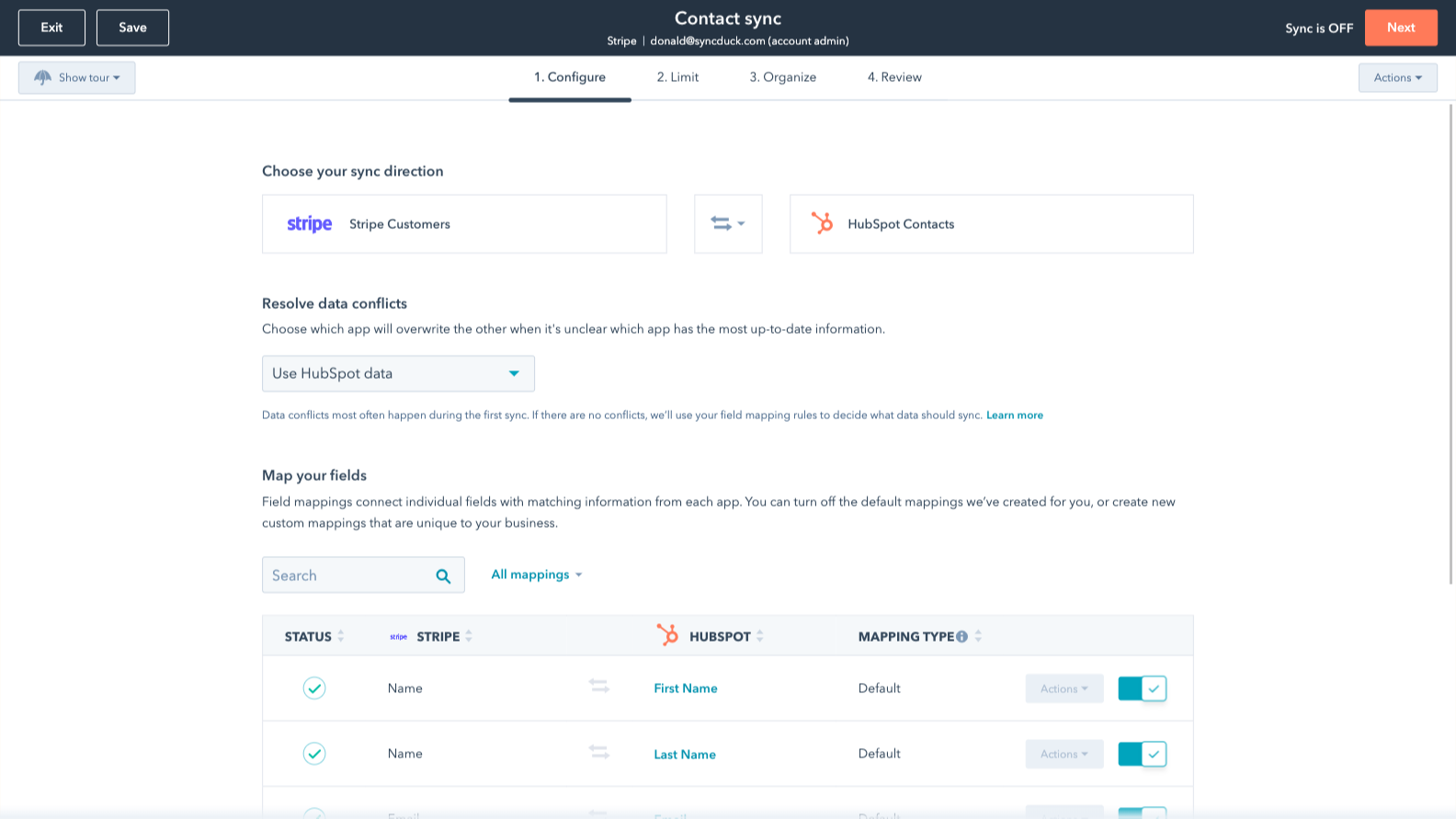
Custom field mappings
Custom field mappings are available with Operations Hub Starter or Professional plans. Custom mappings add the flexibility to create your own mappings or make changes to your default ones.
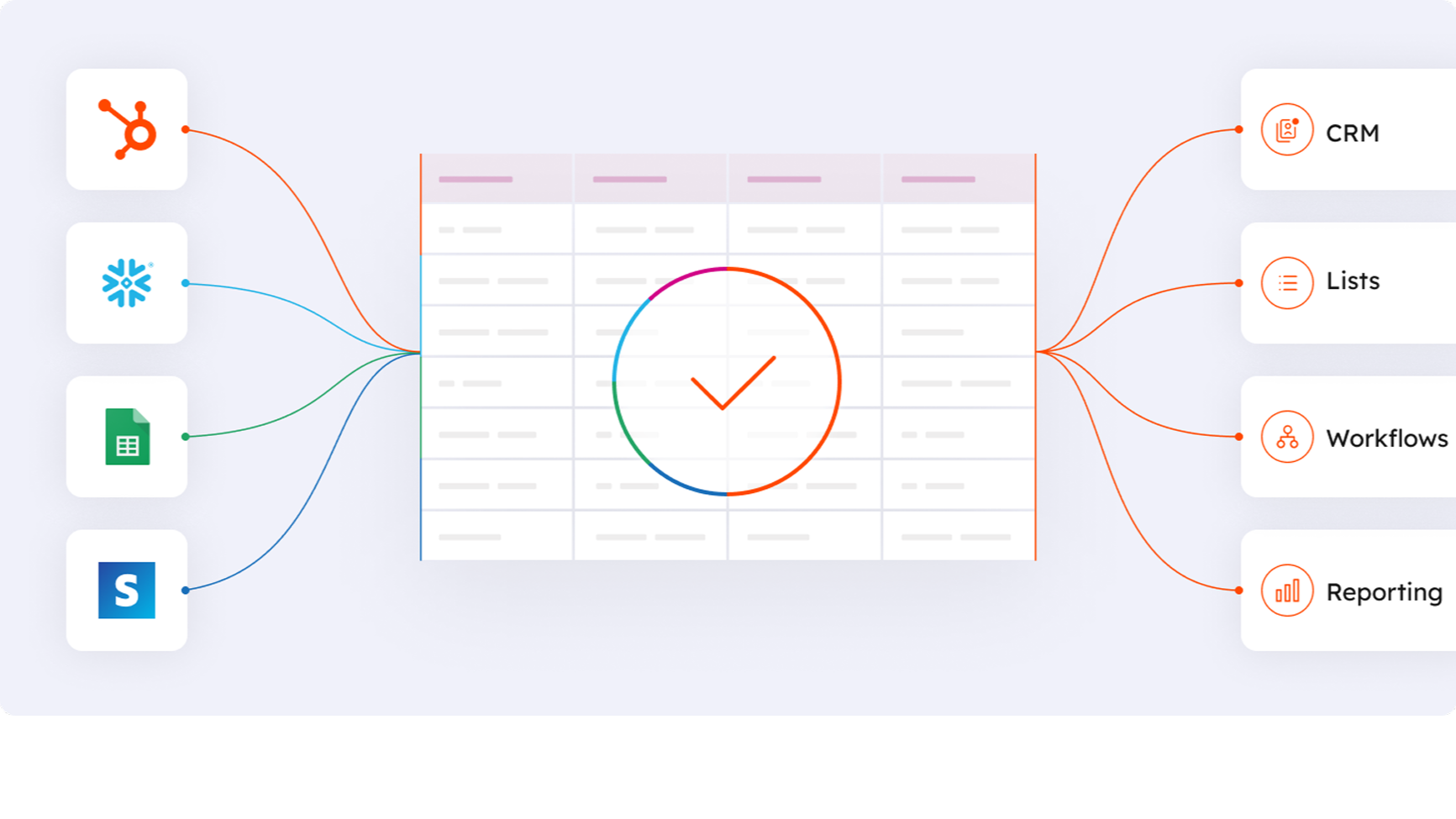
Works with data studio in Data Hub
Built for marketers, data studio in Data Hub lets anyone blend data in a familiar, spreadsheet-like interface with the help of AI. Create custom datasets that power advanced segmentation, automation, and reporting. You can also easily manage the flow of data between multiple external data sources, including Stripe, and the HubSpot CRM.
App Functionality
Shared Data
Each object has field mappings that connect matching information from each app. Default mappings are listed below. If you want to change these default mappings or create your own, custom field mappings are available with Operations Hub Starter and up. Syncing Subscriptions requires Enterprise (Custom Objects).
Customers | ||
Invoices | ||
Products | ||
Subscriptions | ||
Stripe data | ||
Payment Transactions |
Reviews
2.1
91
2.1
91
The integration transfers basic contact information but does not natively sync subscription details, purchase history, or dynamic tax data. Managing B2B company records and triggering automated workflows often requires manual workarounds or third-party apps. However, some users appreciate the straightforward setup and note it works well for generating simple invoices and processing payments.
- Sep 11, 2026
Good but not great
It's good to have a record of Stripe transactions, but it would be much better if it recorded the items related to the transaction.
It records payments
It does not detail which item has bee paid for
Training, T.
- Jul 22, 2026
The integration isn't working.
It's not showing the customers who made purchases on my website, so I can't mark them as "negated" in the emails.
The integration isn't working.
Varandas, P.
Pricing
Review Stripe's Pricing Page
$0
Use the 'See all pricing options' link on the righthand side
Make sure to confirm the HubSpot subscription and the Stripe subscription needed to install this integration
Note: "Free" is referring to the cost of the integration, not the app subscriptions
Review Stripe's Pricing Page
$0
Use the 'See all pricing options' link on the righthand side
Make sure to confirm the HubSpot subscription and the Stripe subscription needed to install this integration
Note: "Free" is referring to the cost of the integration, not the app subscriptions
* The pricing here is for display purposes only. All prices do not include taxes, incentives, discounts, or other pricing variables. You should contact the partner for the most up to date and correct pricing information. HubSpot does not take any responsibility for this pricing information, which is provided by our partners. Pricing last updated: 09/26/2025
Most popular

Gmail
Bring HubSpot to your inbox with the HubSpot integration for Gmail.

Google Calendar
Book meetings quickly and easily with HubSpot and Google Calendar.
