
Dialpad Meetings
Requirements
HubSpot Plan HubSpot Account permissions No permissions required Access Type Personal Dialpad Meetings Subscription - Free or Business plans
Overview
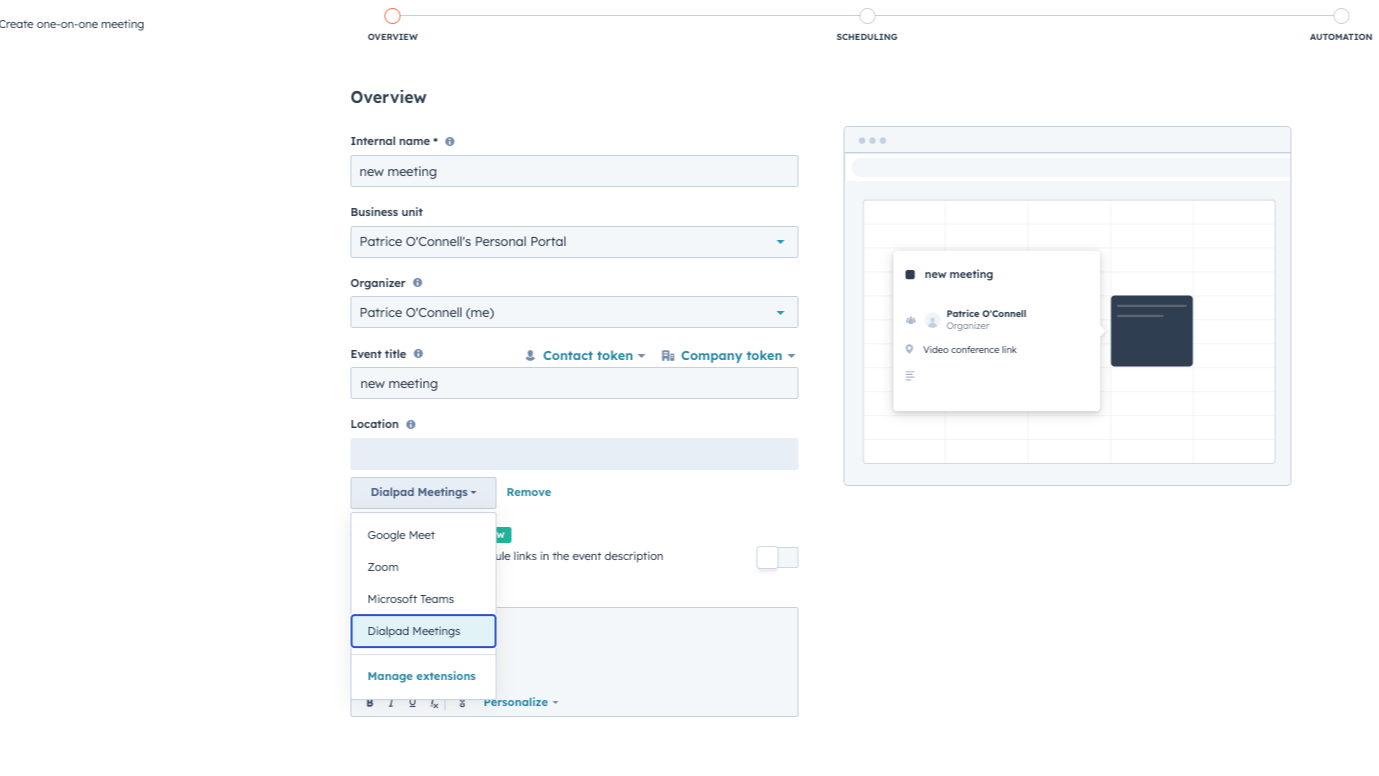
1/2 - Configure all meetings to be Dialpad Meetings
Integrate with HubSpot meetings
Schedule calls to your HubSpot prospects directly from their contact record. Easily specify that date, time, length, and attendees to your call and turn every meeting booked in your HubSpot CRM into an Dialpad Meetings meeting.
Features
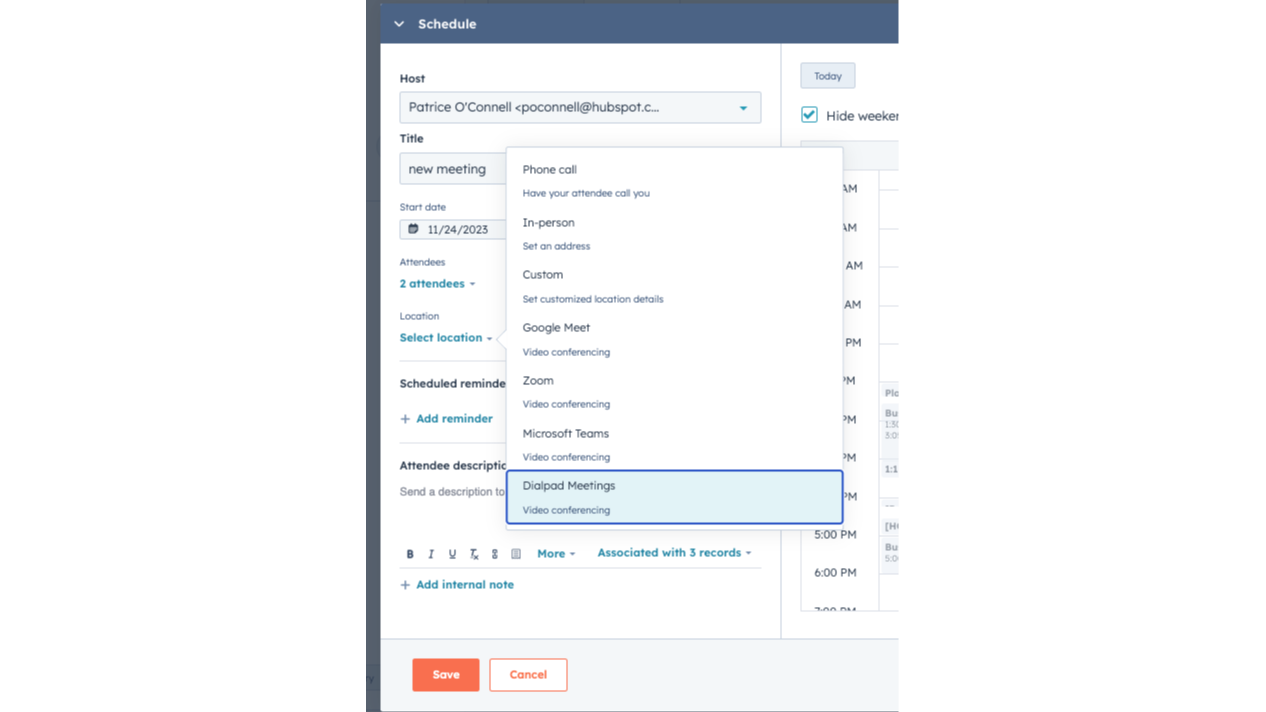
Schedule Dialpad Meetings meeting from the contact timeline
As a sales or service rep -- there's nothing better than a quick call to get a pulse on what your lead or customer needs from you to succeed. Easily schedule an Dialpad Meetings meeting from any contact record to get your conference call on the books.
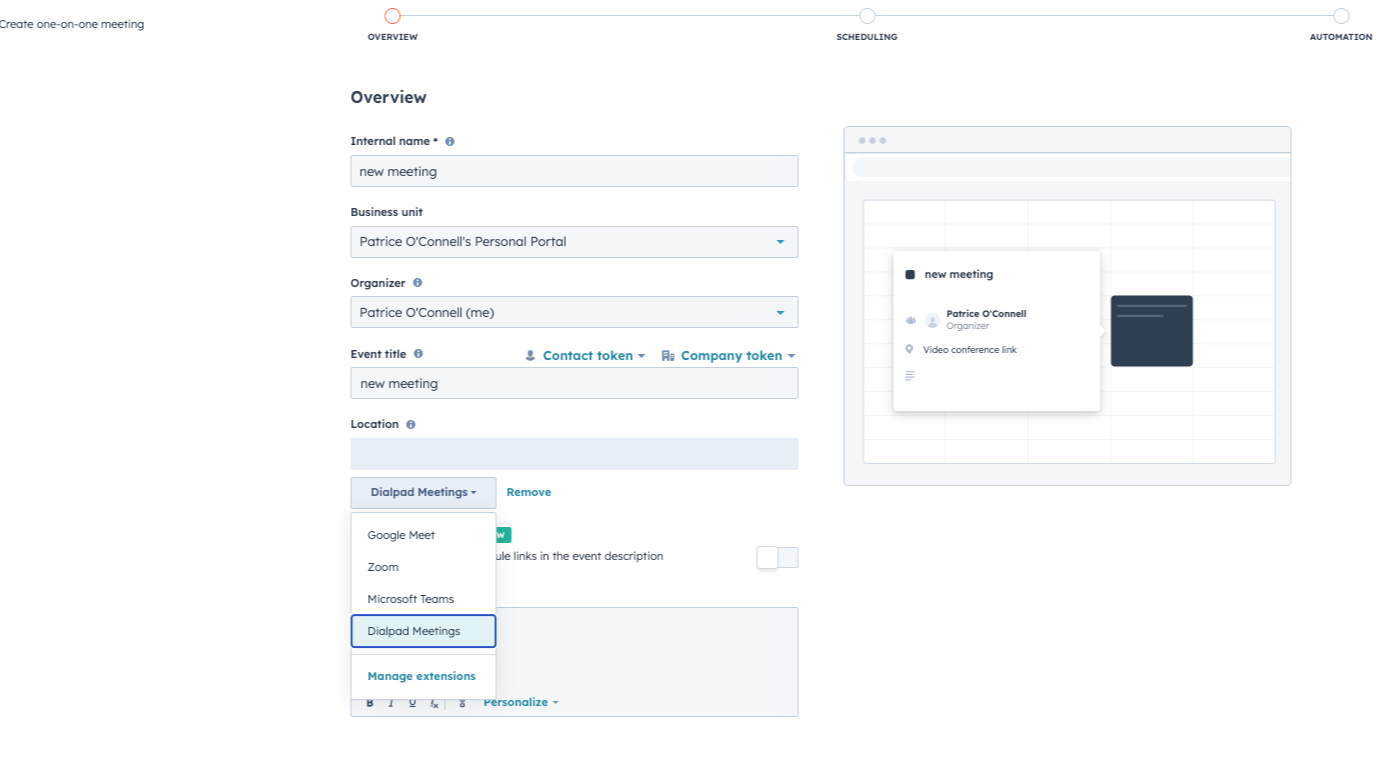
Configure all meetings to be Dialpad Meetings
Email your clients with your schedule to book a meeting with you, and ensure all your scheduled meetings are Dialpad Meetings
App Functionality
Shared Data
Calls |
Reviews
2.2
9
2.2
9
- May 21, 2025
No Help When Needed - Support Issues Made It Useless
I haven't used it. Dialpad customer support failed to help me resolve an issue, and I thought this might help, but it didn't.
Umaña, E.
- Jul 1, 2024
Not the best meeting platform, but good!
It's pretty easy to use but I have some small critiques (see below).
Meeting with potential new clients
- Controls are easy to access and labelled well so first-time users generally have a pretty seamless experience - It's nice having one meeting link!
- The background blur setting is very bad compared to other similar platforms, it's basically unusable. This can be an issue for personal use, but I've also received feedback from customers I'm talking to who find it hard to access + don't like how it works - The video is laggy and seems to take more WiFi bandwidth to keep a stable connection compared to other similar platforms
Wilhoit, C.
- 51 to 200 employees
Pricing
Free
$0
Up to 10 participants
45 min Maximum Conference Duration
PINs required
Unlimited conferences
Screen and Document Sharing
Call Recording
HD Quality Audio
Mobile Apps
Free
$0
Up to 10 participants
45 min Maximum Conference Duration
PINs required
Unlimited conferences
Screen and Document Sharing
Call Recording
HD Quality Audio
Mobile Apps
* The pricing here is for display purposes only. All prices do not include taxes, incentives, discounts, or other pricing variables. You should contact the partner for the most up to date and correct pricing information. HubSpot does not take any responsibility for this pricing information, which is provided by our partners. Pricing last updated: 08/29/2025
Most popular

Gmail
Bring HubSpot to your inbox with the HubSpot integration for Gmail.

Google Calendar
Book meetings quickly and easily with HubSpot and Google Calendar.
