

WebinarGeek
Built by - WebinarGeek
Installs - 900+ installs
Rating 4.2
(22)

Leading
Requirements
HubSpot Plan HubSpot Account permissions - View the required account permissions
Access Type Shared WebinarGeek Subscription - Premium or Enterprise plans
Overview
1/6
As soon your HubSpot is connected with WebinarGeek the basis is already set up correctly and you are already able to benefit from the following possibilities:
All the webinar registrations are automatically registered or updated in HubSpot.
All the viewing behavior and all actions of the webinar viewers will automatically be send over to HubSpot as events. Think about chat messages, polls, call to actions, questions, evaluation forms, and of course data such as watch time.
Every contact in HubSpot will get two custom properties with the date your contact last viewed a webinar and when they last registered for a webinar, which can be used to segment your contacts.
Use HubSpot forms to collect registrations for your webinar and fully customize the registration process.
Connect HubSpot lists to webinars and auto-register contacts for the events you choose.
Send HubSpot marketing emails to confirm registration to your webinar subscribers.
Features
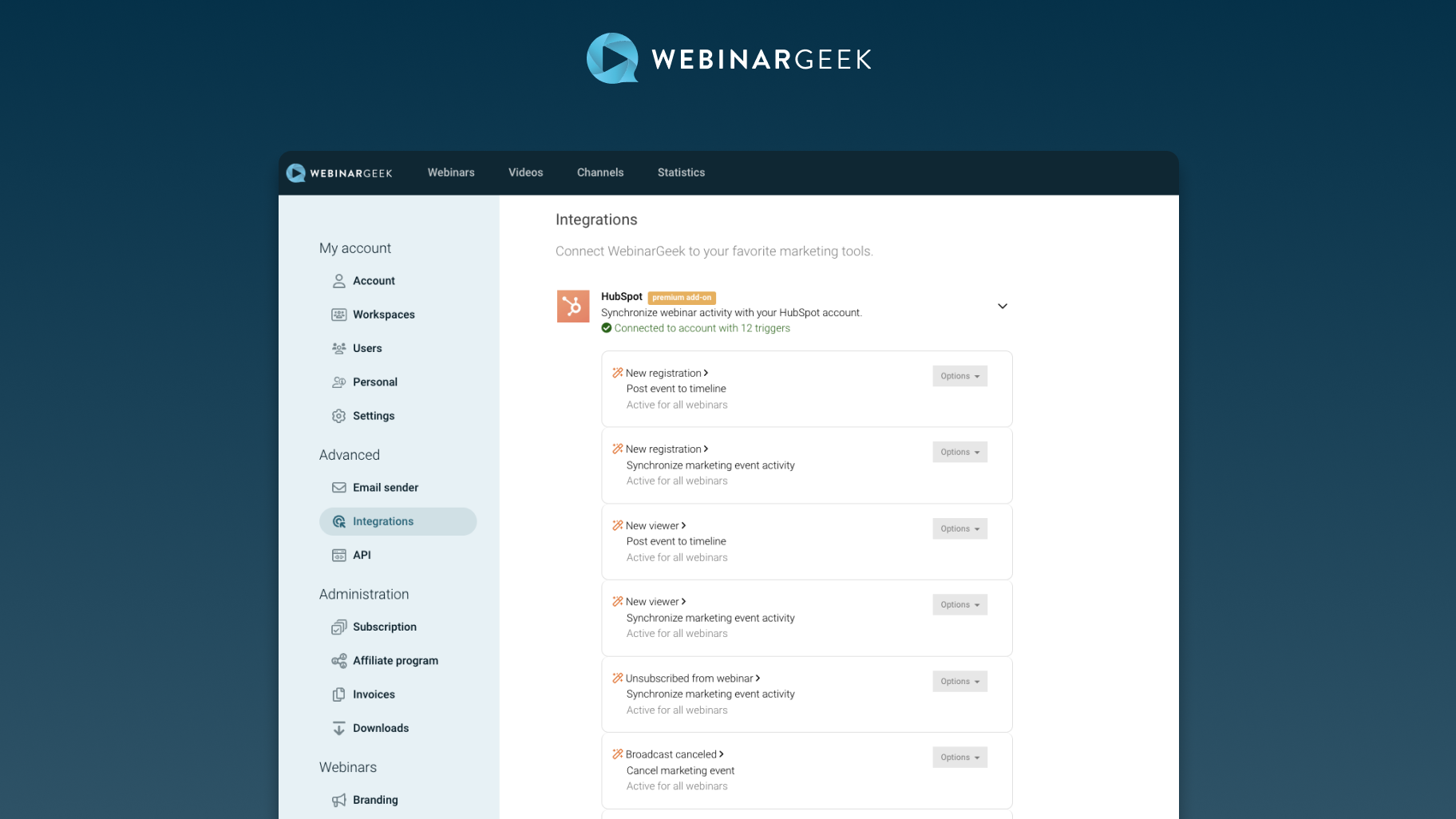
Use HubSpot forms to collect webinar registrations
Connect your HubSpot form to WebinarGeek in order to collect subscribers and automatically register them for your webinars. This way you can fully customize your registration process to your own needs.
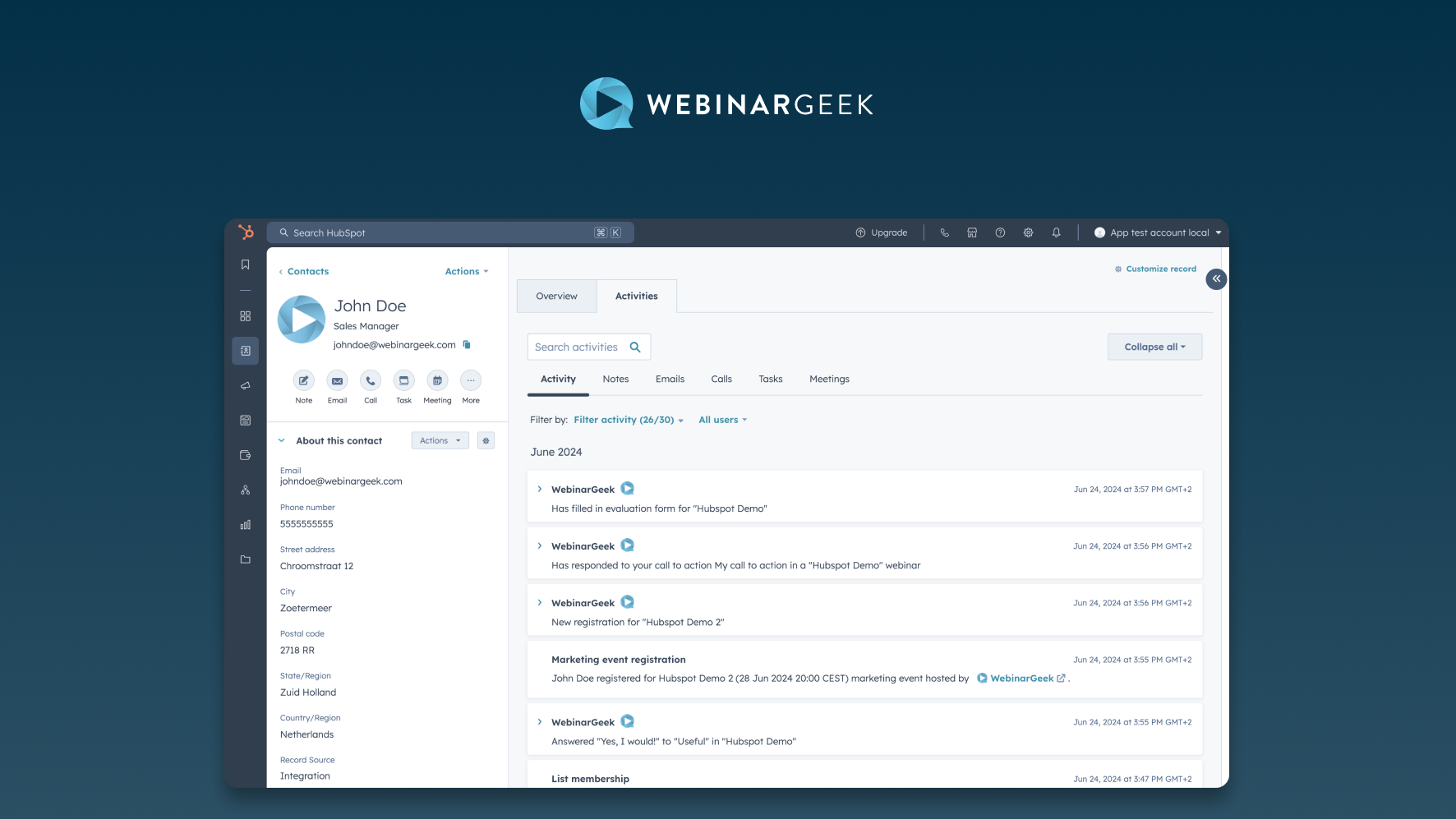
Webinar events are sent to your HubSpot timeline
Events such as new registration, poll votes, calls to action filled in, new viewers, evaluation forms, questions will be automatically send to your HubSpot timeline.
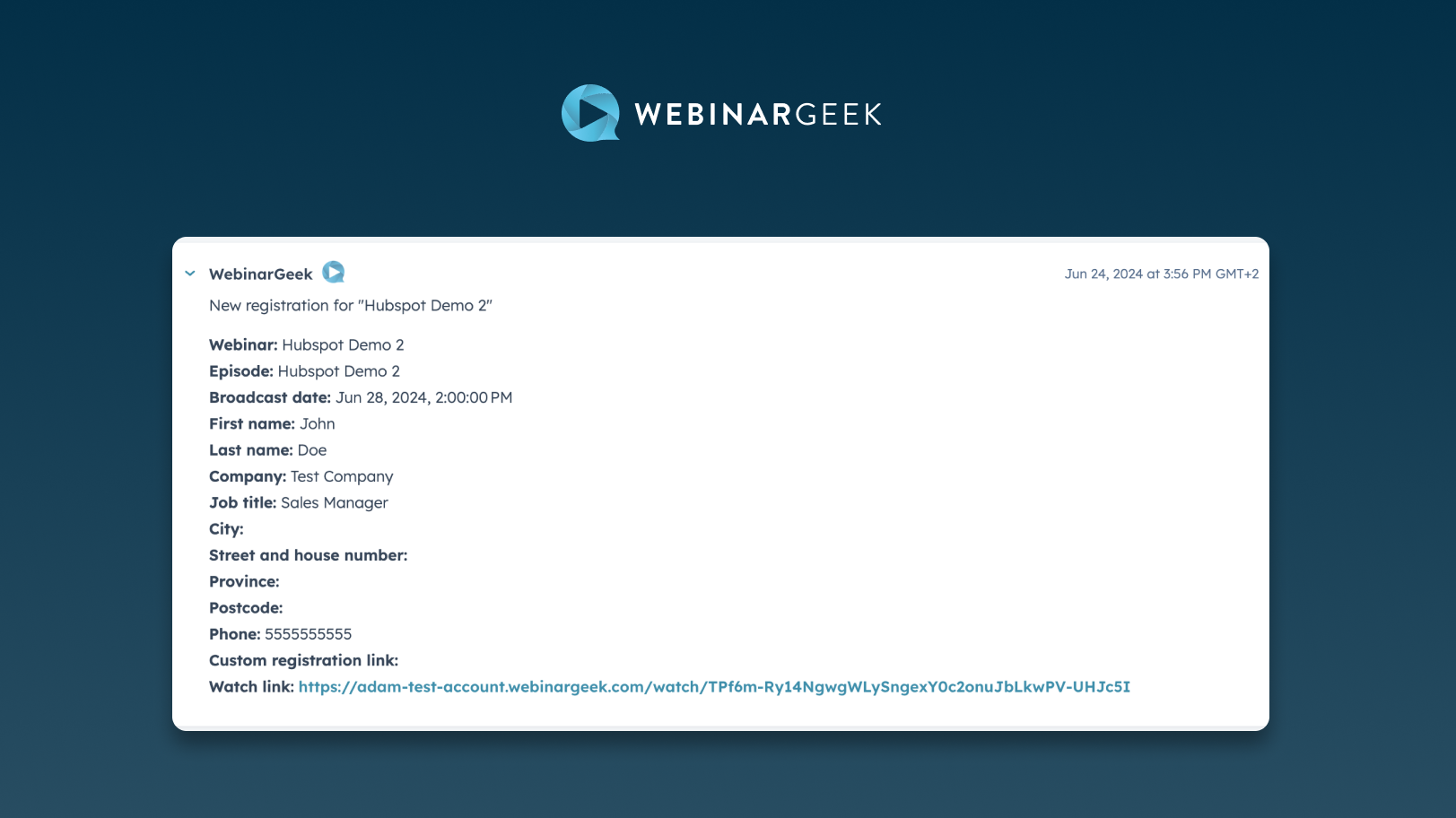
Complete marketing integration
Use HubSpot marketing email to send the unique watch link and the webinar date and time to those who subscribe to your webinar based on their contact properties. Synchronize marketing event activities when someone registers, views or unsubscribes from your webinar to see the effectiveness of your marketing strategy.
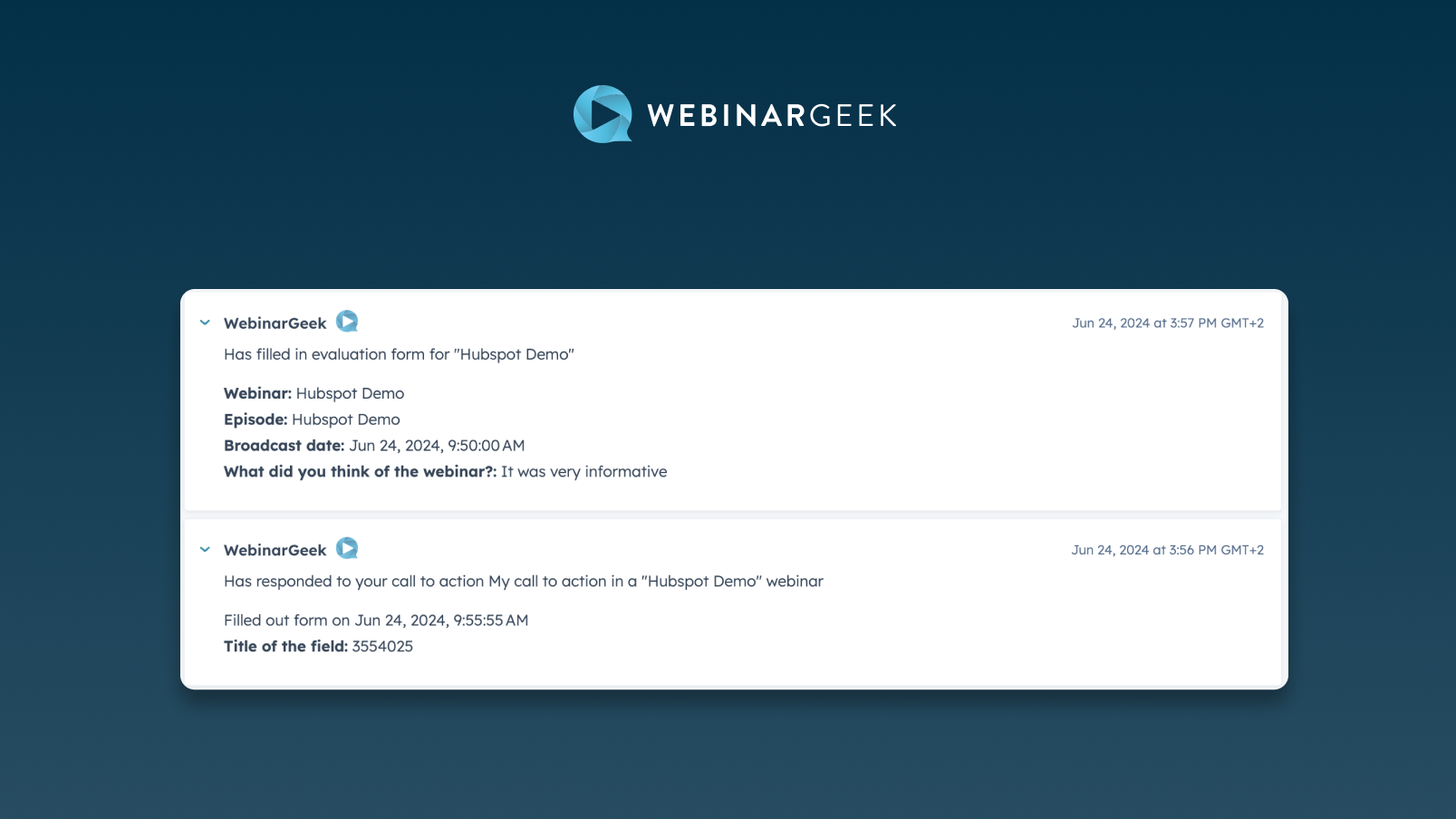
Webinar activity is captured in contact fields
Use contact fields to segment your audience based on webinar activity. Easily segment your recent viewers from your audience or filter your contacts based on whether they ever watched a webinar.
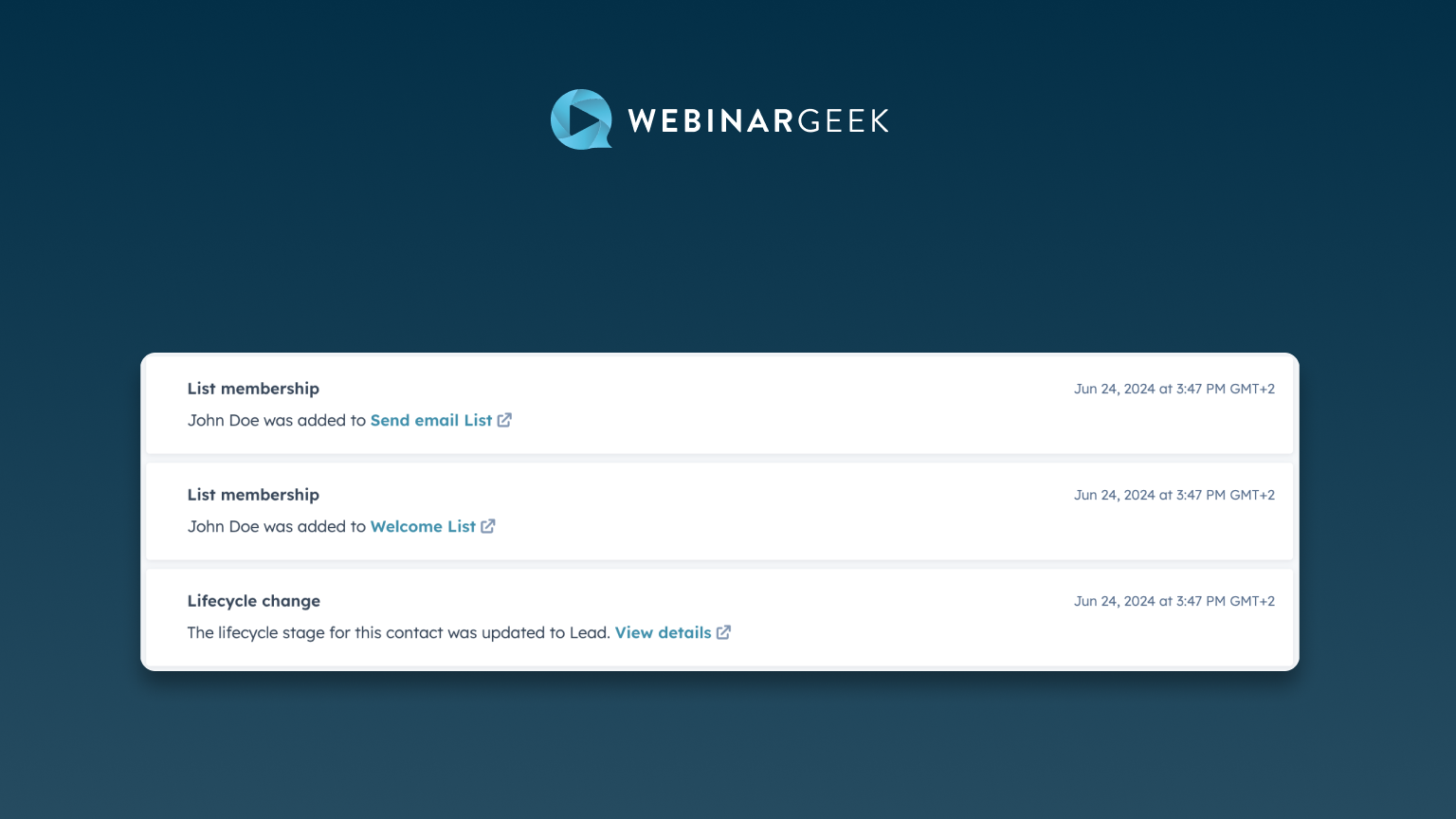
In-depth segmentation and filtering based on webinar activity
Every time someone watches your webinars their activity and statistics are sent to your HubSpot timeline, allowing you to create audience profiles and filters within your webinar or your entire audience.
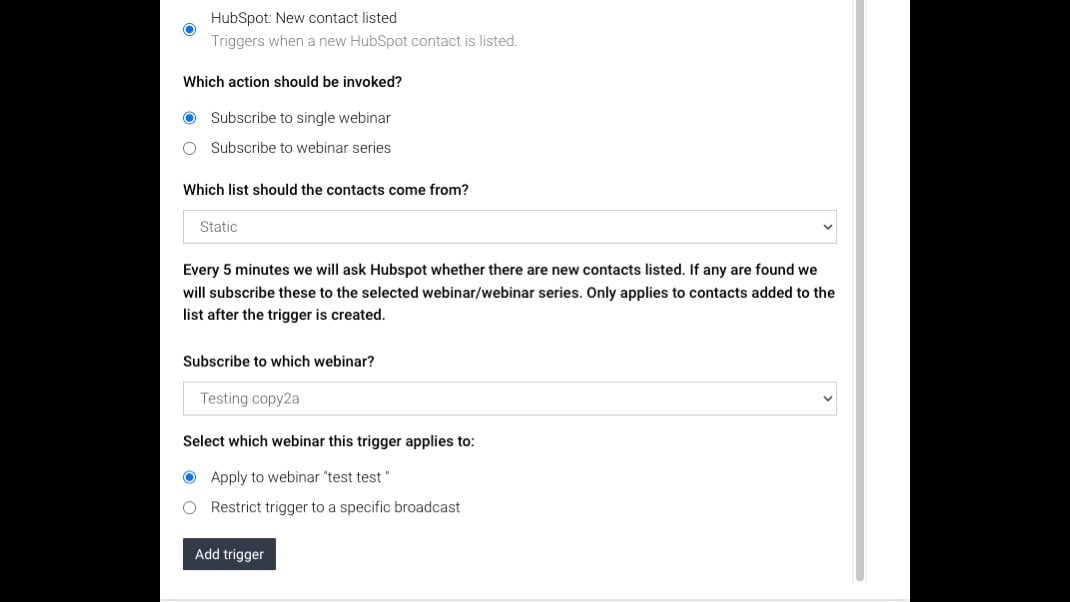
Connect HubSpot Lists to Webinars
Link HubSpot contact lists to specific webinars. WebinarGeek automatically registers contacts for the events you select, keeping CRM and webinar data in sync while reducing manual work and improving targeted outreach.
App Functionality
Shared Data
Subscriber | ||
Subscriber | ||
Subscriber | ||
Subscriber | ||
Subscriber | ||
Watched Live | ||
Watched On-Demand | ||
Watched Replay |
Reviews
4.2
22
4.2
22
- Sep 30, 2026
A Simple and Reliable HubSpot Integration That Just Works
The WebinarGeek integration with HubSpot is a simple and reliable solution that saves us considerable integration and maintenance work. It automatically brings webinar registrations and engagement data into our CRM without requiring the complicated Zapier setup we previously had to maintain.
The integration is straightforward, easy to set up and - most importantly - reliable. Registrations and webinar activity are transferred automatically, including useful information about live attendance, replays and no-shows. It works much better than our previous combination of another CRM and Zapier and provides a solid foundation for lead management and follow-up in HubSpot.
I would like more flexible field mapping between WebinarGeek and HubSpot. In particular, transferring the WebinarGeek Internal title and allowing selected webinar fields to be mapped to standard HubSpot contact properties would make it much easier to distinguish between live and on-demand webinars, product lines, languages and sales regions in HubSpot workflows. Some of this also depends on HubSpot making custom Marketing Event properties available in contact-based workflows. Using HubSpot forms and emails is a viable alternative that provides greater control over consent, CRM properties, segmentation and automation, and I may test this approach in the future. However, it requires more setup and maintenance than WebinarGeek’s native registration process. Better field mapping would make an already dependable integration considerably more powerful.
Schwartzkopf, A.
- Sep 29, 2026
Reasonably priced webinar platform with great features.
I love WebinarGeek. It's an incredibly affordable webinar platform with a reliable HubSpot integration that has all the same key features as some of the biggest platforms. I can run all types of webinars easily and reliably with timed interactions and CTAs, offer feedback forms, and quizzes. I'm really glad I found this platform.
It's so helpful to cut out the manual contact creation or list uploads with this integration. WebinarGeek has been a great platform for my company's needs and this integration has made it even easier to keep the entire company informed of who is attending our marketing and training events.
Some of WebinarGeek's best metrics - like interaction data and lenght of time watched - only import into HubSpot at the contact level, making it difficult to bulk report on some of those metrics (or use them for lead scoring). I think there's an opportunity to make this data even more actionability with some improvements from HubSpot (and the technical abilities of Marketing Events) and WebinarGeek.
Williams, E.
Pricing
Premium
€59
/monthEverything you need to grow with webinars.
All our standard features
Up to 5000 live viewers
Custom branding
Moderator dashboard
HD+ quality
Automated webinars
Marketing integrations
Premium
€59
/monthEverything you need to grow with webinars.
All our standard features
Up to 5000 live viewers
Custom branding
Moderator dashboard
HD+ quality
Automated webinars
Marketing integrations
* The pricing here is for display purposes only. All prices do not include taxes, incentives, discounts, or other pricing variables. You should contact the partner for the most up to date and correct pricing information. HubSpot does not take any responsibility for this pricing information, which is provided by our partners. Pricing last updated: 10/01/2026
Most popular
Gmail
Bring HubSpot to your inbox with the HubSpot integration for Gmail.

Google Calendar
Book meetings quickly and easily with HubSpot and Google Calendar.
