
Requirements
HubSpot Plan HubSpot Account permissions - View the required account permissions
Access Type Shared WhosOn To Hubspot Subscription - Free, WhosOn Cloud, or WhosOn On-premise plans
Overview
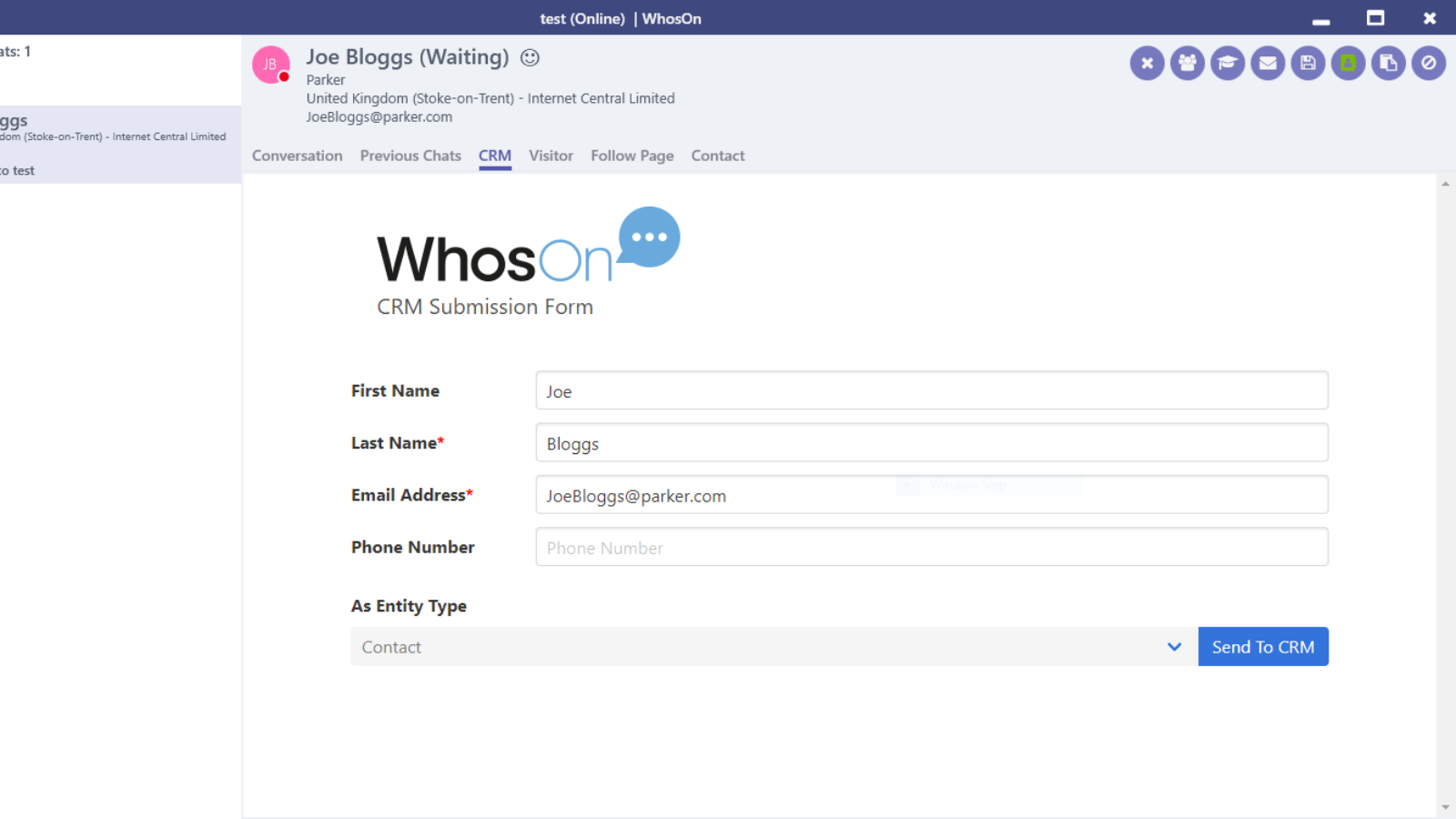
1/1 - Update and create HubSpot records from within the WhosOn client
Enrich HubSpot with data from your live chat conversations. WhosOn smoothly feeds chats to your CRM, for a connected tech stack with fluid information syncs.
- Create new HubSpot contacts directly through chat sessions
- Update existing HubSpot records with any fresh conversational data
- Enjoy effortless, pre-populated CRM submissions – no manual data entry
- Augment records with detailed chat transcripts stored against records
- Auto-send URLs to your new or updated HubSpot records back to WhosOn logs
- Get all this data exchange seamlessly and in seconds, via a rich integration
Features
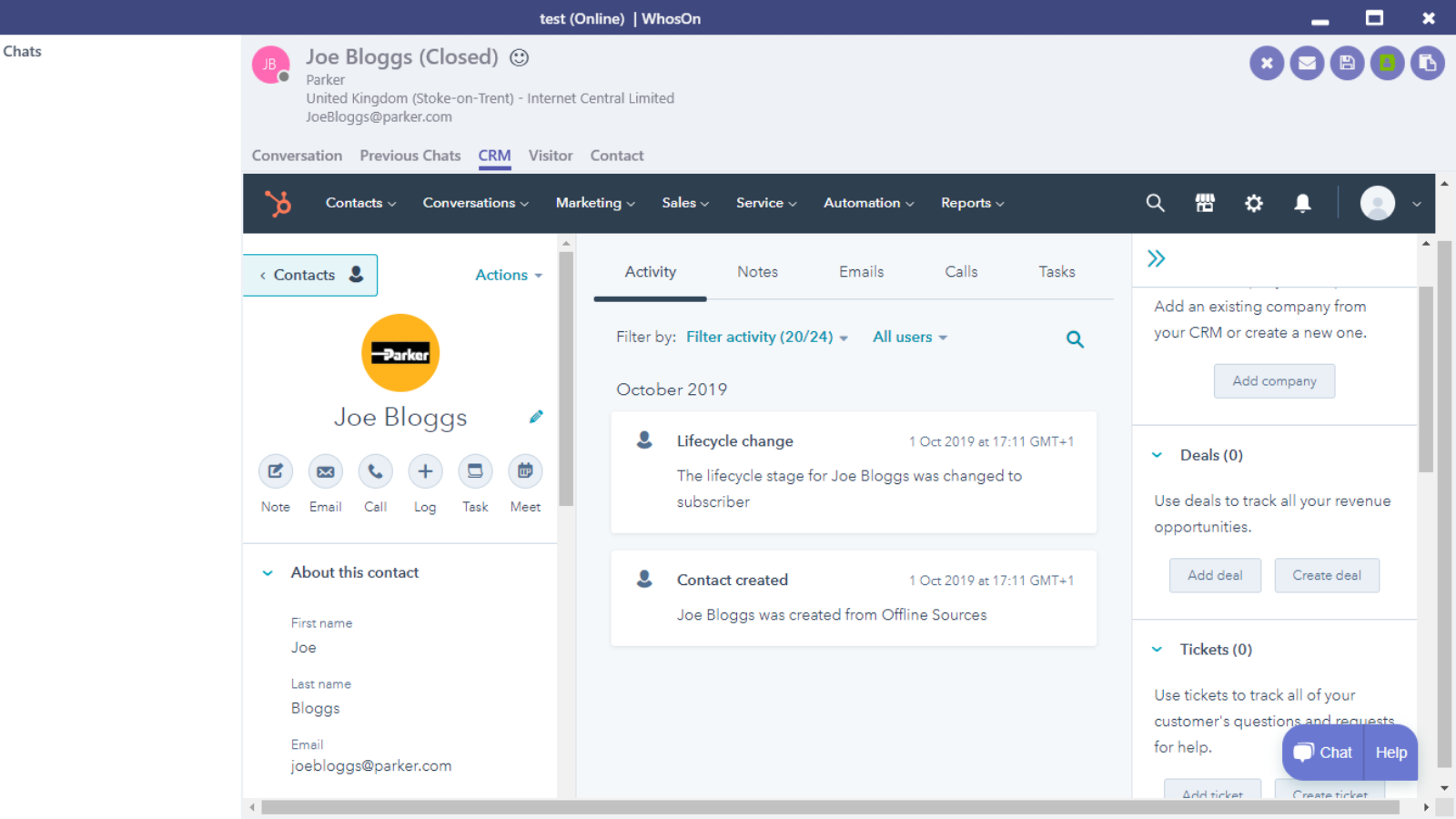
Integrate chat data with HubSpot
Use your live chat sessions to create new HubSpot contacts. All it takes is a few quick clicks from inside your WhosOn chat app. No switching between platforms, and no need to copy-paste data.
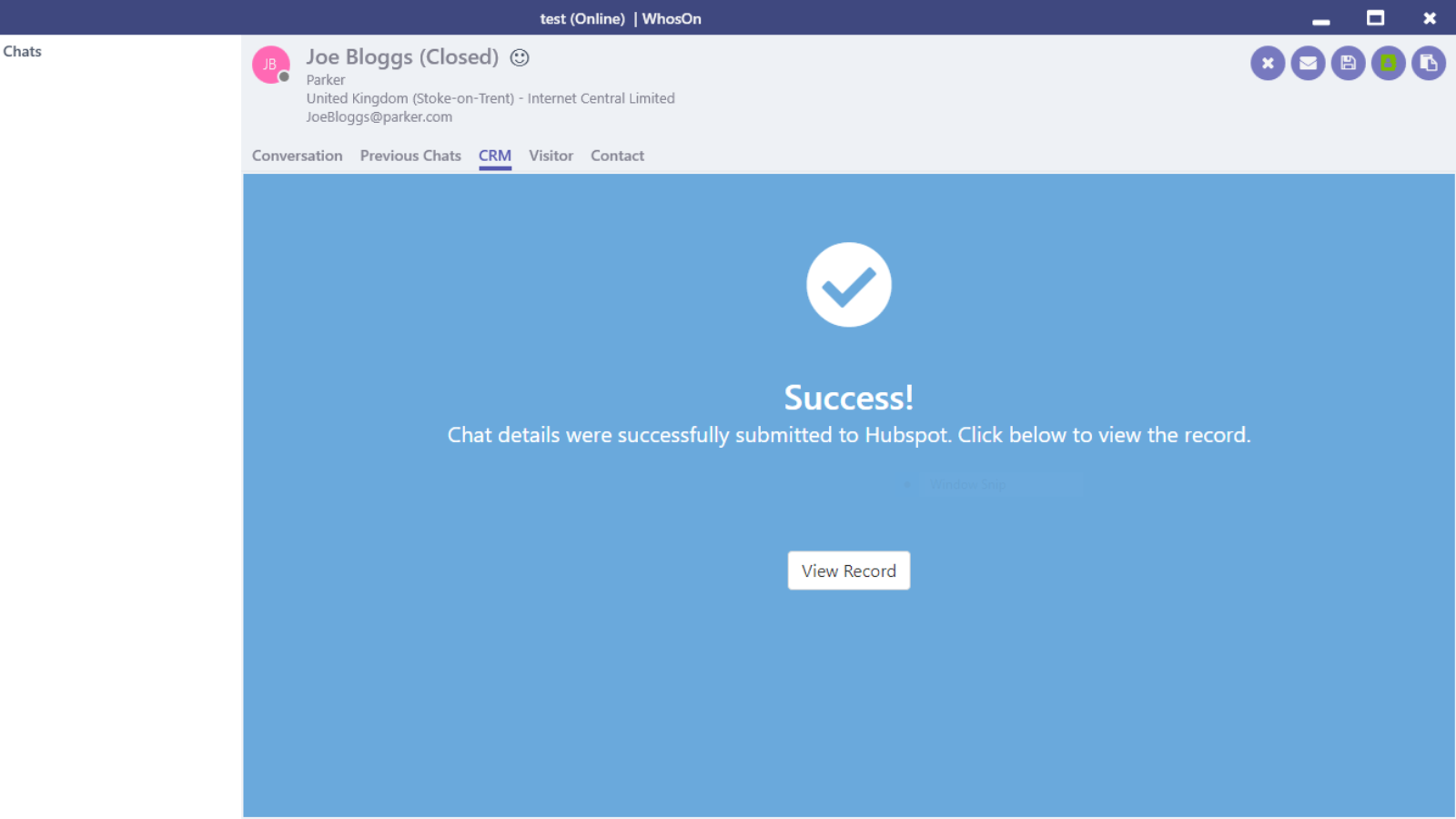
Keep your CRM records current
As well as adding new HubSpot contacts, WhosOn will also update existing ones. So, anytime a customer or lead returns to chat, you can seamlessly push that fresh data to the right HubSpot record.
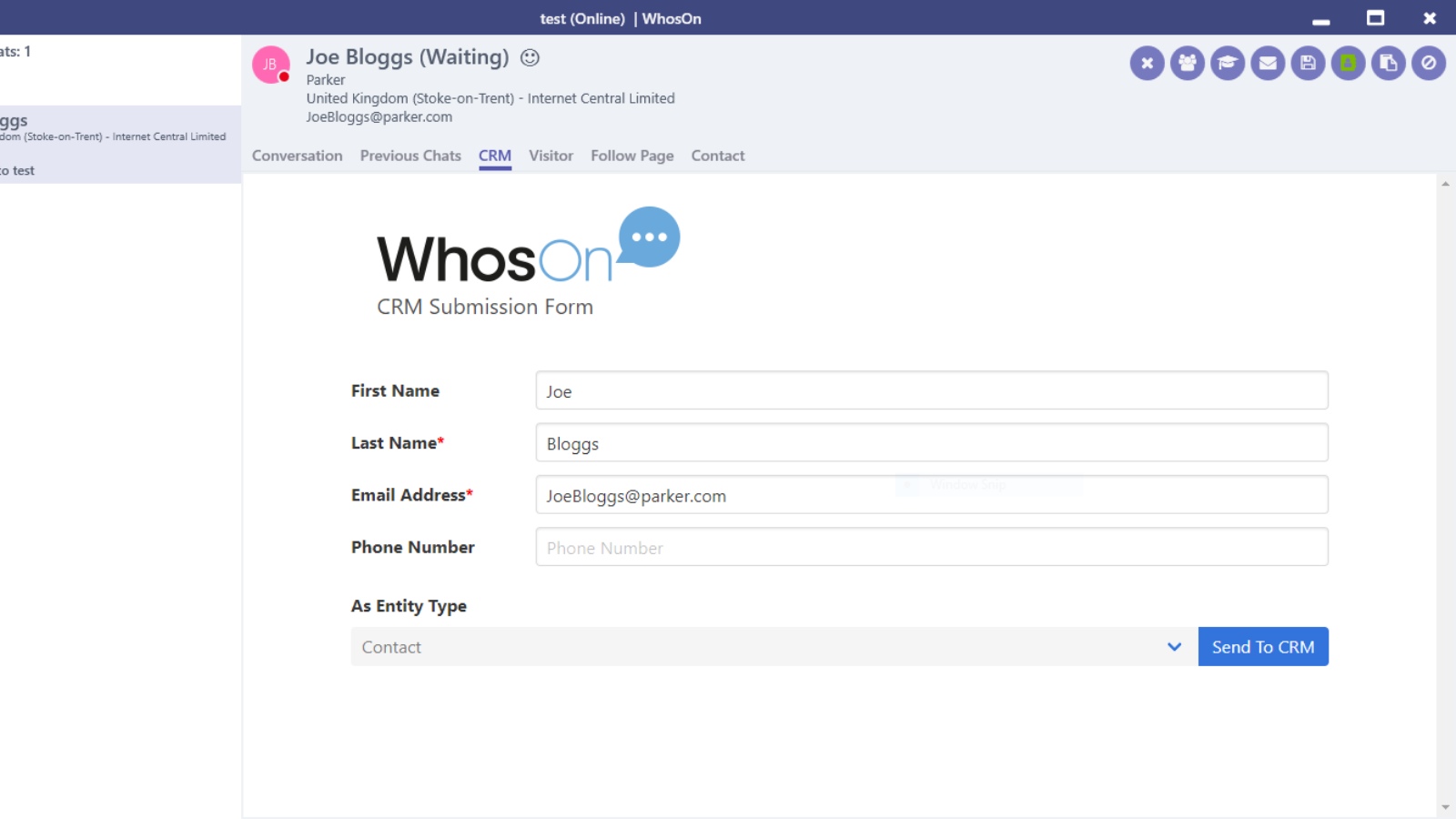
Save time on manual data entry
WhosOn will auto-populate your CRM submissions with data retrieved from each chat session. So, you don't have to search the conversation to find and type out contact information. It's all automatically pulled in for you.
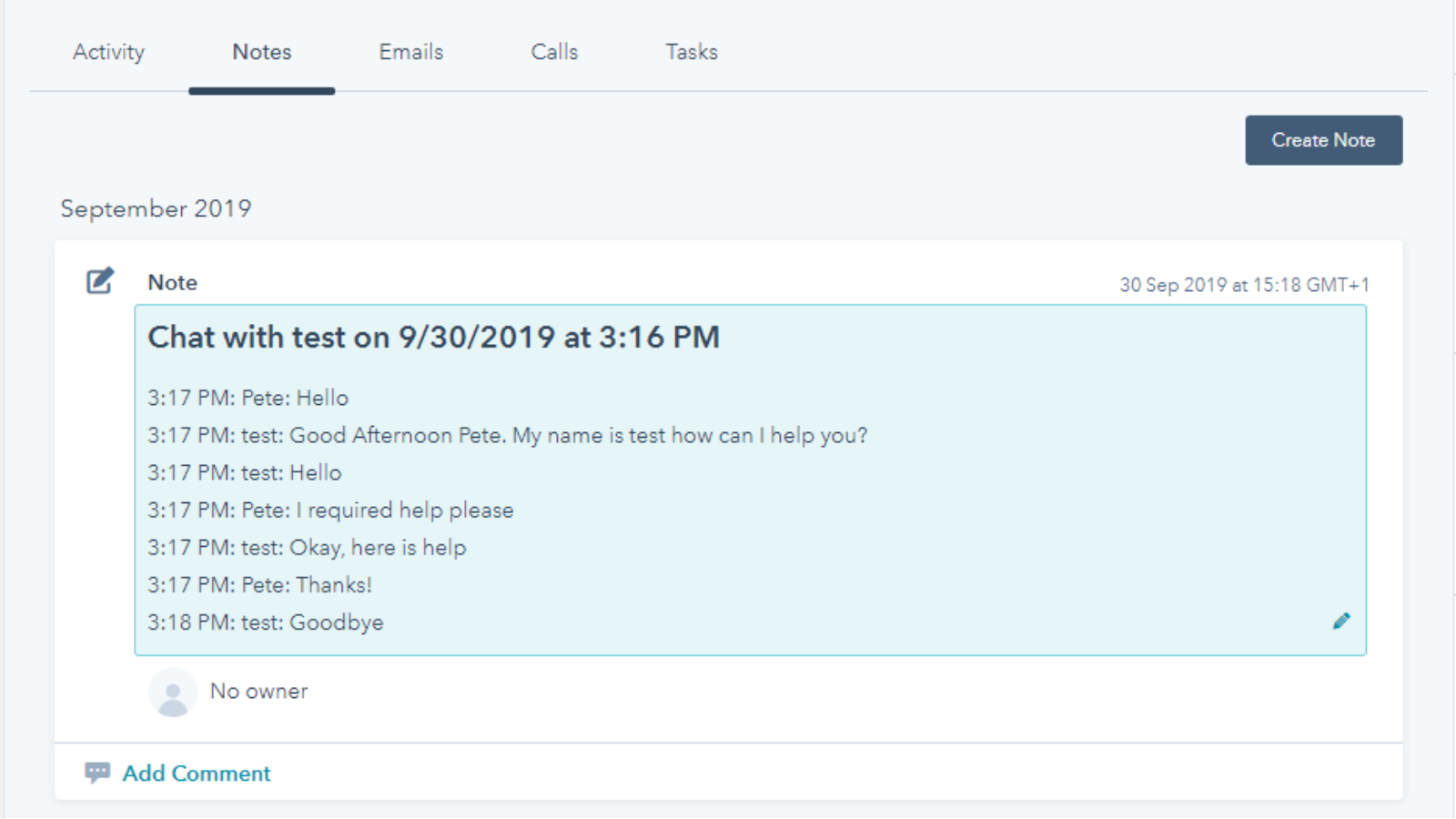
Get all your information in one place
Your chat transcripts contain valuable customer information. So, you don't want it stuck in a silo. That's why WhosOn automatically stores chat transcripts against your HubSpot contacts, to enrich your records.
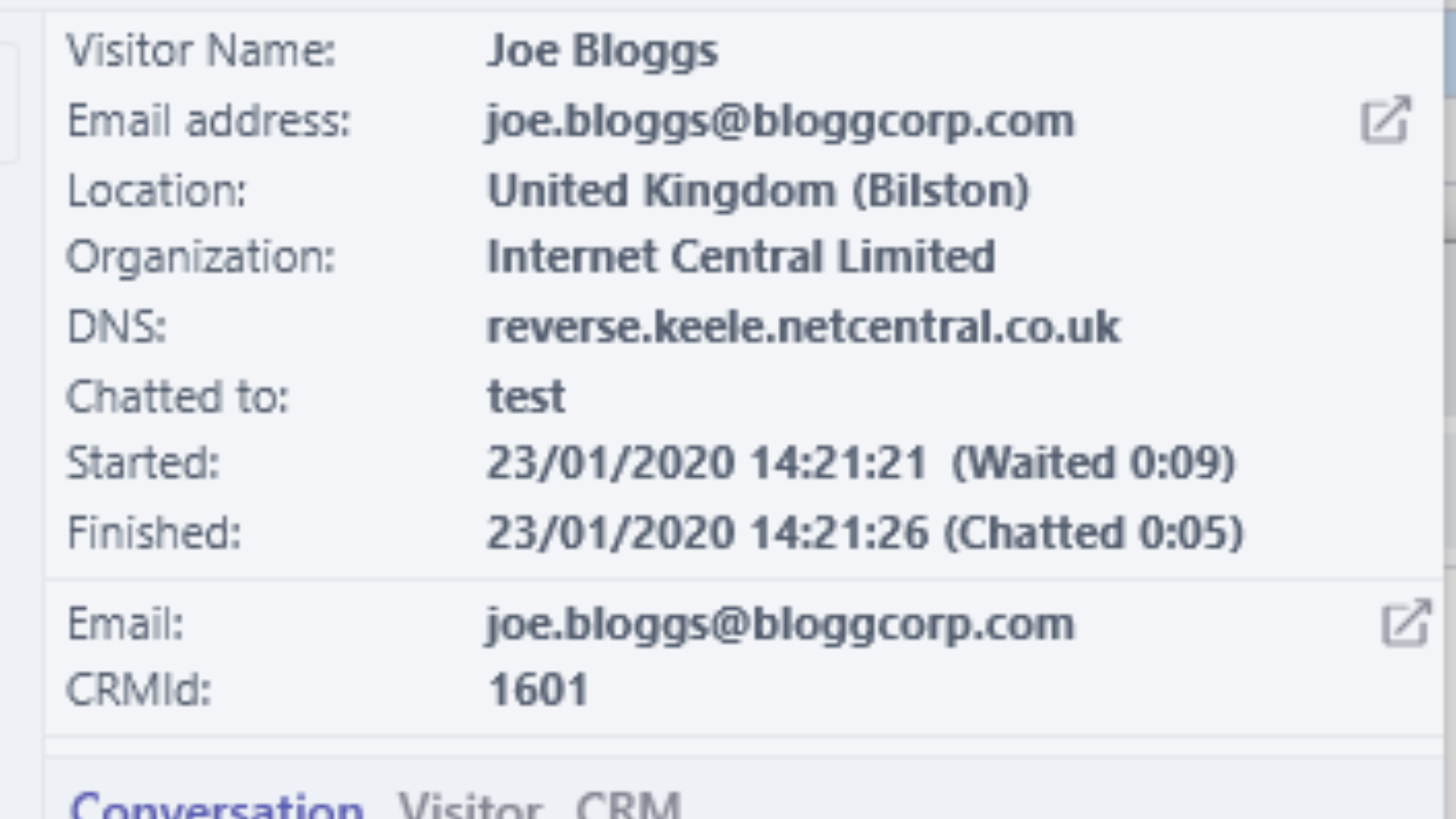
Give intelligent support
Inform future chat sessions by syncing HubSpot data back to WhosOn. Any IDs to your new or updated HubSpot records are pushed to WhosOn and logged against the visitor's record. So, it's that bit easier to give smart, informed service.
App Functionality
Shared Data
Chats |
Reviews
Be the first to write a customer review
Pricing
Free
$0
Free
$0
* The pricing here is for display purposes only. All prices do not include taxes, incentives, discounts, or other pricing variables. You should contact the partner for the most up to date and correct pricing information. HubSpot does not take any responsibility for this pricing information, which is provided by our partners. Pricing last updated: 08/11/2025
Getting attention today