

LinePilot: Automate line items
Create Quotes, Invoices, Payments or CPQ by automating your line items
Bygget av - Weave + Blend
Installeringer - 300+ installasjoner
Rangering 4,8
(6)
Krav
HubSpot-abonnement HubSpot-kontotillatelser - Vis nødvendige kontotillatelser
LinePilot: Automate line items-abonnement - Free, Starter eller Pro-abonnementer
Oversikt
1/5
Get Started with a 14-day free trial of LinePilot Pro
Stop asking your teams to calculate pricing and configure line items!
Save hours of time, and eliminate errors by automating line items with LinePilot.
LinePilot is a lightweight alternative to bulky CPQ tools that helps you take control of your quoting or invoicing process without leaving HubSpot
In just a couple of minutes you could be set up and creating Line Items on your deals automatically, and you can start for free.
What can you build?
With LinePilot you can build powerful solutions across the customer journey, such as:
Create templated quotes
Send payment links to customers
Pre-populate deals for your Sales Team
Calculate deal pricing automatically
Get deals ready to Invoice
...and much more
We can't wait to see what you will build with LinePilot!
Funksjoner
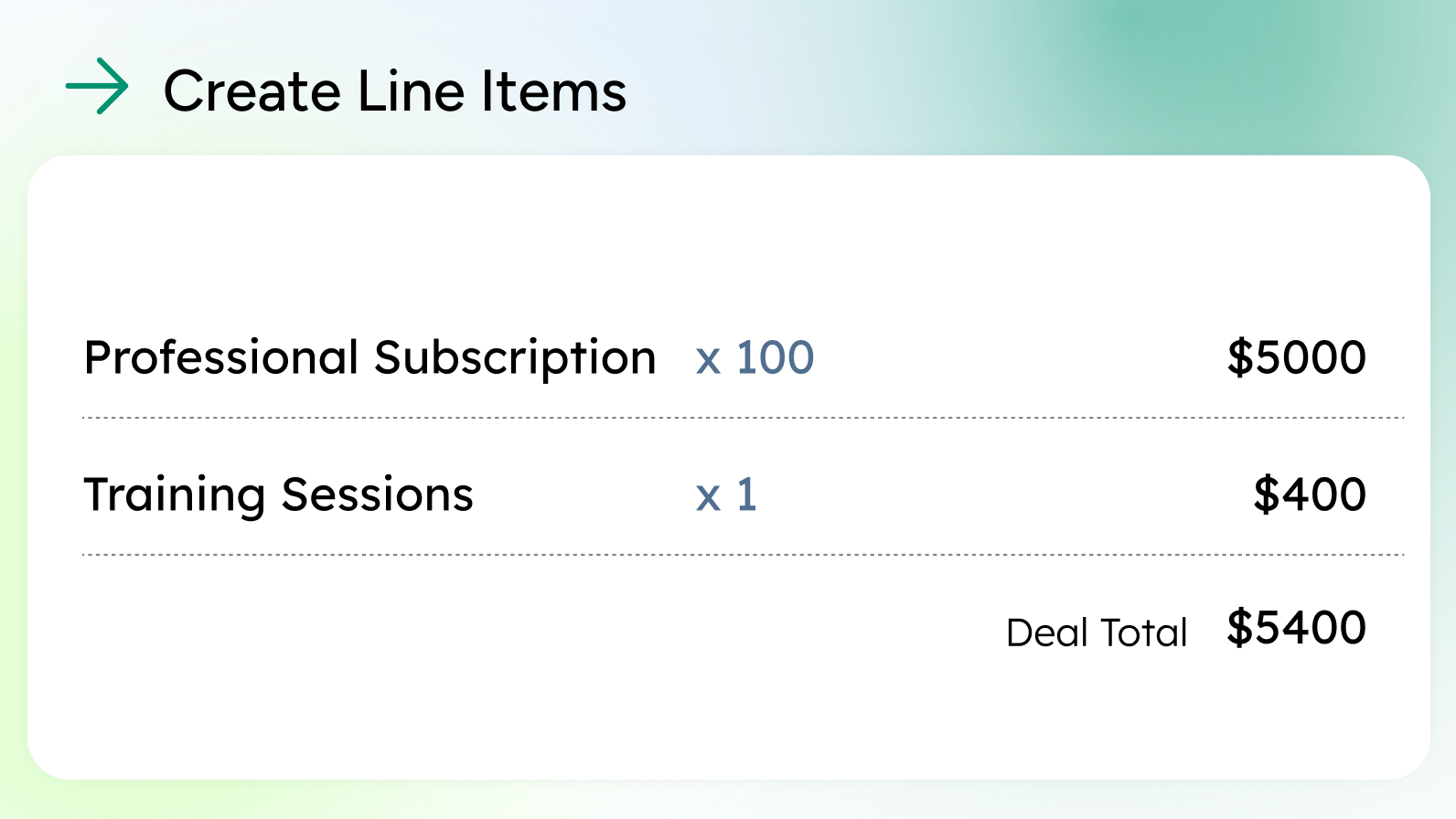
Automatically add line items to your deals
Manage complex line item operations easily with LinePilot's easy to use template system. Simply choose products from your HubSpot Product library, define custom items or let users choose a product from a list.
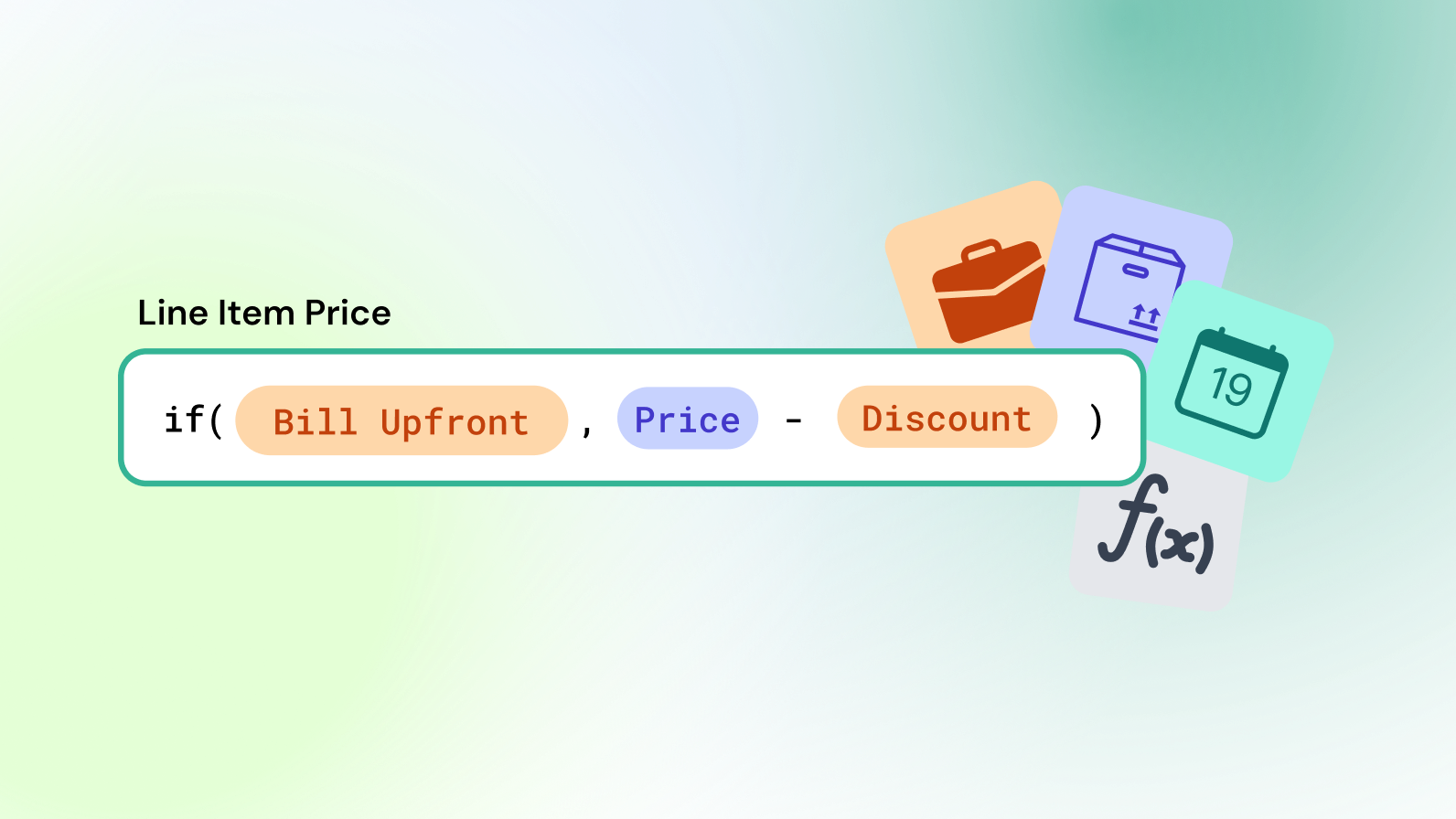
Dynamic data and Calculations
Make your line items adapt to the data in your deal by merging deal properties into your line items. LinePilot's easy to use formula builder lets you build out advanced logic such as if/else statements, editing text, mathematical operations and amending dates.
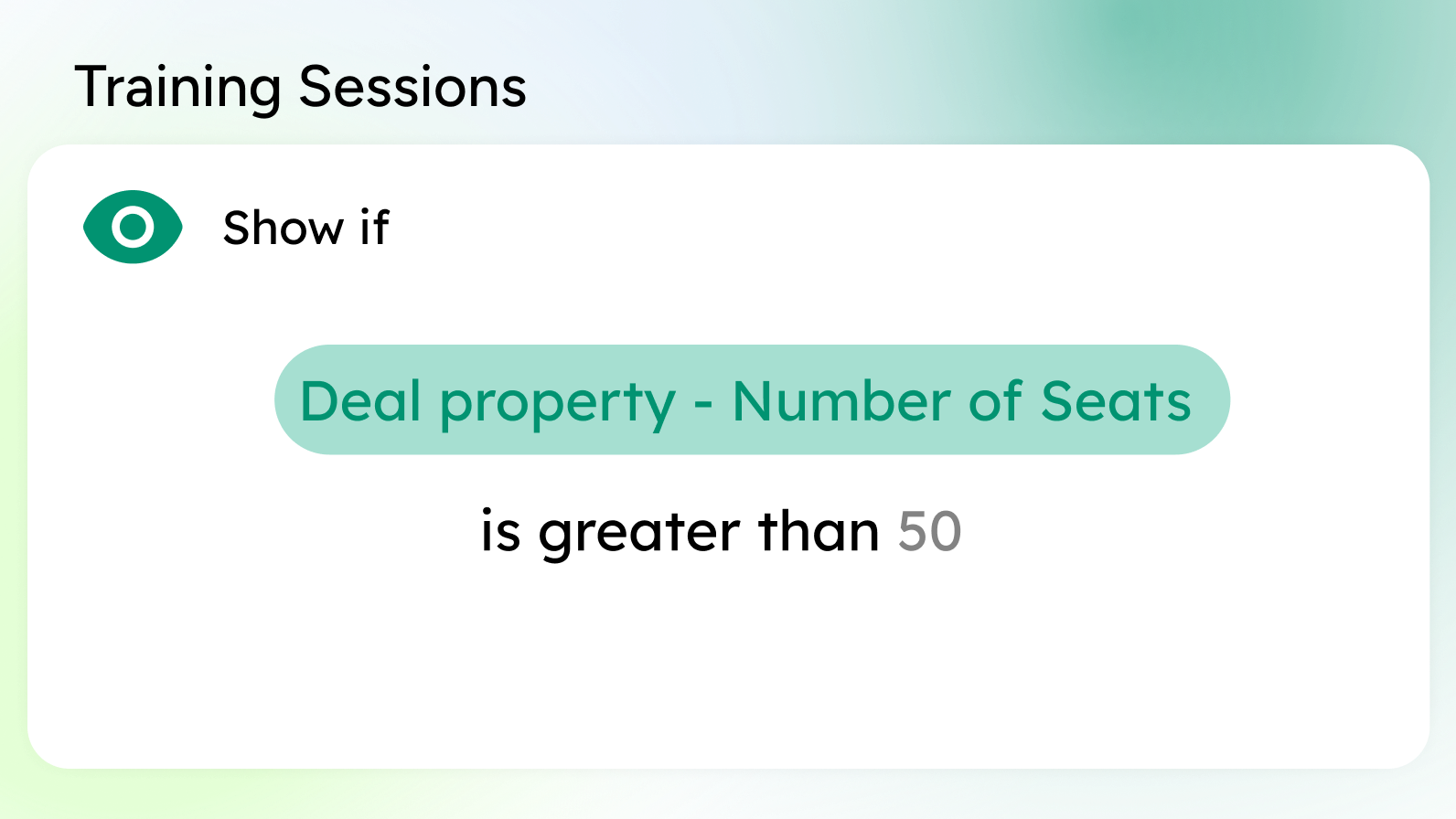
Conditional line items
Show and hide line items and templates based on data in your deals or even other line items - letting you easily build complex line logic without worrying about duplicates or messy data.
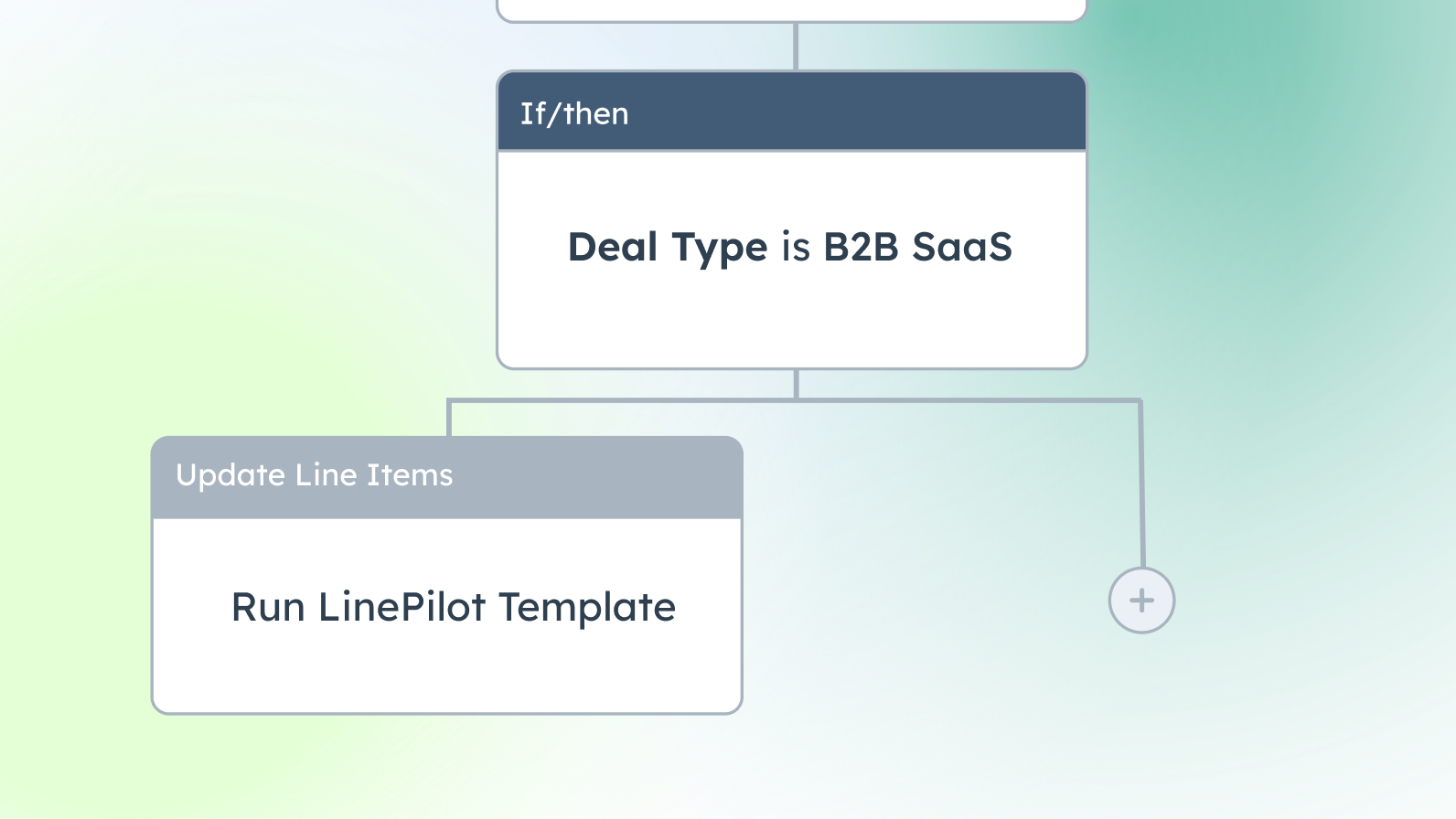
Multiple ways to run LinePilot
Simply apply templates when deals get created or move across pipelines, or use more powerful logic with our workflow action (LinePilot Pro required) or even Breeze Agents
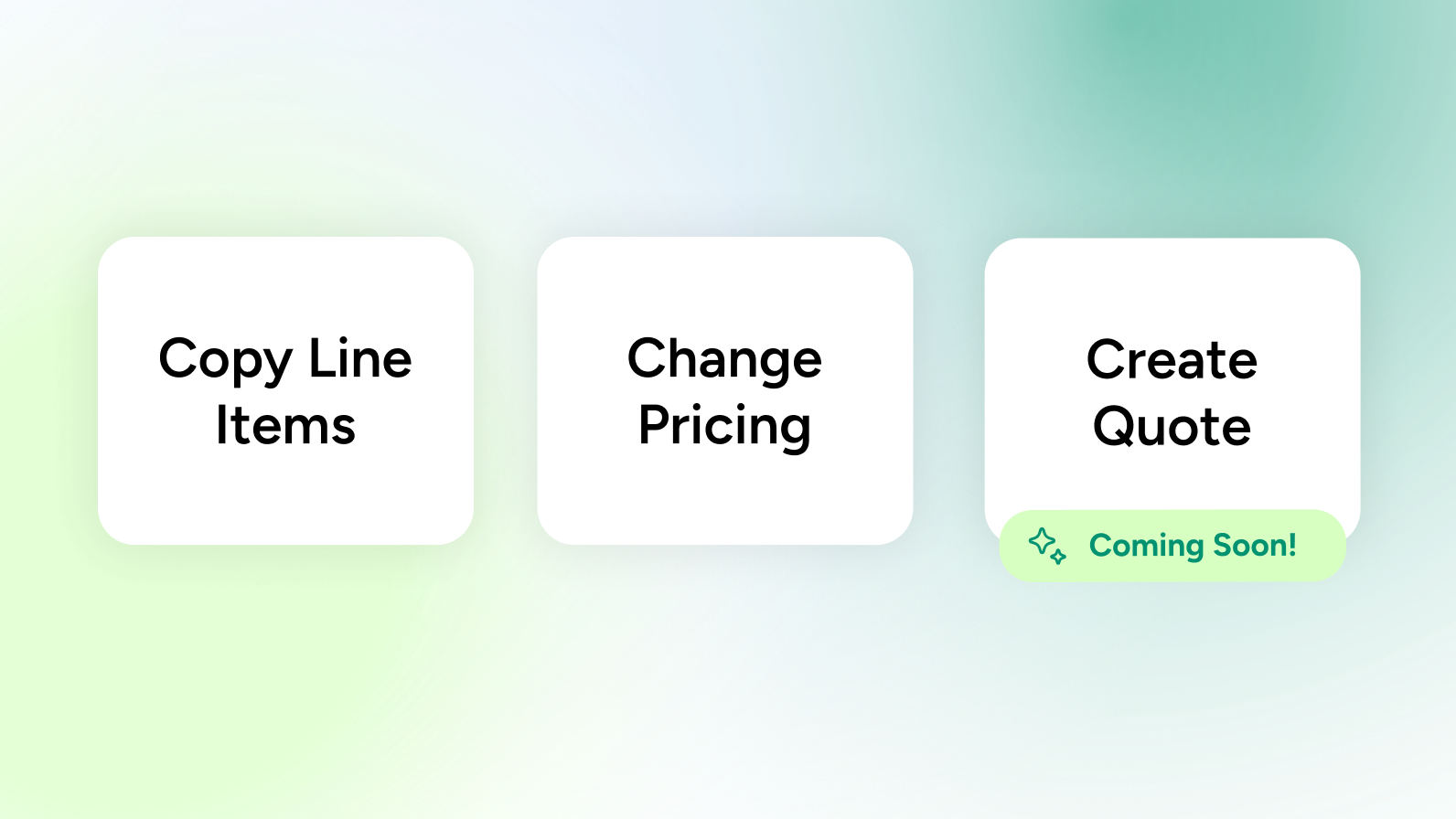
Line Item Tools
Included in your subscription, a suite of extra tools that make it easy to build even more complex workflows using HubSpot line items, such as copying line items between deals, changing or pricing or generating quotes. Run these from the deal sidebar, from Workflows, or from Breeze Agents
Appfunksjonalitet
Gjennomganger
4,8
6
4,8
6
- 25. juni 2025
Bulk Updates Work But Post-Negotiation Changes - just need to know whether there is a work around in the app?
Good for bulk updates in cases where there are fixed quantities of goods that need to be offered.
Ability to bulk update line items and quantities in one go with a logic plugged onto templates. E.g. industrial grade PP goods updated based on manufacturing minimum order quantity.
Ability to exact the quantity on a given deal after negotiations need to be updated separately. Just wondering is there a way to further update deal quantities after they have been appended in bulk.
Kulkarni, S.
- 7. mai 2025
Perfect tool for creative use cases
LinePilot is a highly effective extension for automating the update of line items and generating quotes with ease. Its clear structure and the option to use different templates provide valuable flexibility for a wide range of sales scenarios. It addresses a notable gap in HubSpot’s current functionality when it comes to editing and managing line items within deals — a feature many users have been missing. The support team is very responsive, professional, and clearly committed to improving the product continuously. Overall, LinePilot is a strong addition to any sales workflow that relies on HubSpot.
Schwehm, R.
Free
USD 0
Light usage? Use LinePilot absolutely free
20 runs per month
1 template only
Free
USD 0
Light usage? Use LinePilot absolutely free
20 runs per month
1 template only
* Prissettingen her er kun for illustrasjonsformål. Prisene inkluderer ikke avgifter, insentiver, rabatter eller andre prissettingsvariabler. Kontakt partneren for å få oppdatert og riktig prissettingsinformasjon. HubSpot tar ikke ansvar for denne prissettingsinformasjonen, som gis av våre partnere. Prissetting sist oppdatert: 02.09.2025
Mer info
Bygget av - Weave + Blend
Installeringer - 300+ installasjoner
Kategorier Språkene appen er tilgjengelig på Engelsk
Mest populært


