

Webflow

Leading
Krav
HubSpot-abonnement HubSpot-kontotillatelser - Vis nødvendige kontotillatelser
Tilgangstype Delt Webflow-abonnement - Starter-abonnement
Oversikt
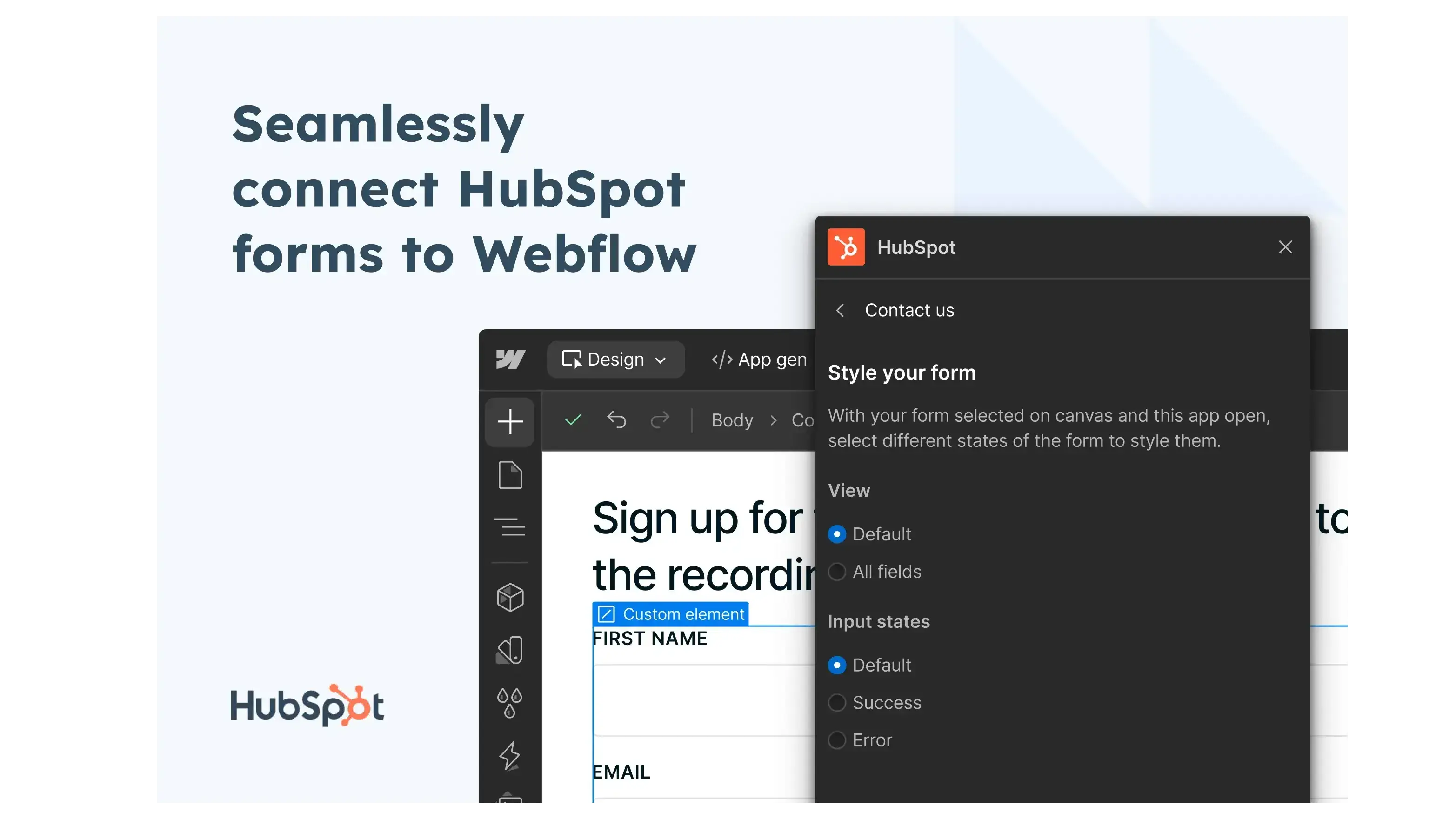
1/3 - Seamlessly connect HubSpot forms to Webflow
Webflow named an Essential App for Marketers in 2024 by HubSpot!
Webflow is a Website Experience Platform that empowers modern marketing teams to visually build, manage, and optimize stunning websites that offer both the consumer experience teams expect and the enterprise-grade performance and scale they need. With AI-driven personalization baked in, Webflow helps teams significantly boost conversion rates, translating directly into measurable business growth.
While both products are powerful alone, they're even better together. With HubSpot and Webflow, customers can enjoy the best of both worlds: a high-performing site powered by Webflow that connects seamlessly with HubSpot's robust customer platform.
Today, over 300,000 of the best companies in the world from The New York Times, Dropbox, Away, Clear, Lattice, Vanta, TED, IDEO, Greenhouse, Checkout to Orangetheory Fitness build, manage, and optimize their websites on Webflow. Founded in 2013 and based in San Francisco, Webflow is backed by Accel, CapitalG, Silversmith Capital Partners, Y-Combinator, and Draper Associates.
Funksjoner
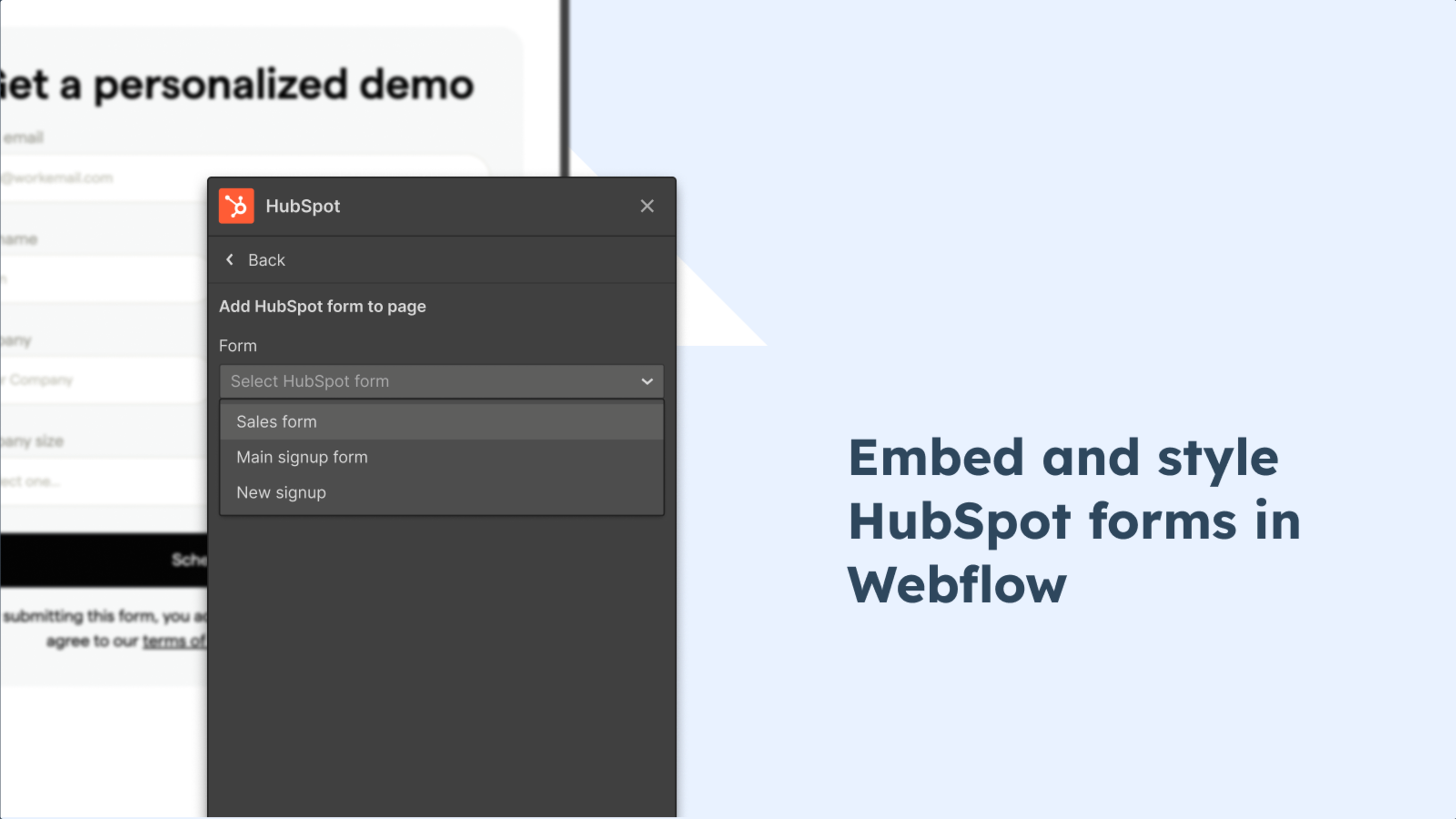
Embed and style HubSpot forms in Webflow
Embed and style your HubSpot forms directly in Webflow. Simply select the existing HubSpot form you want to embed from the dropdown and you can preview and style the form like you would a native Webflow form.
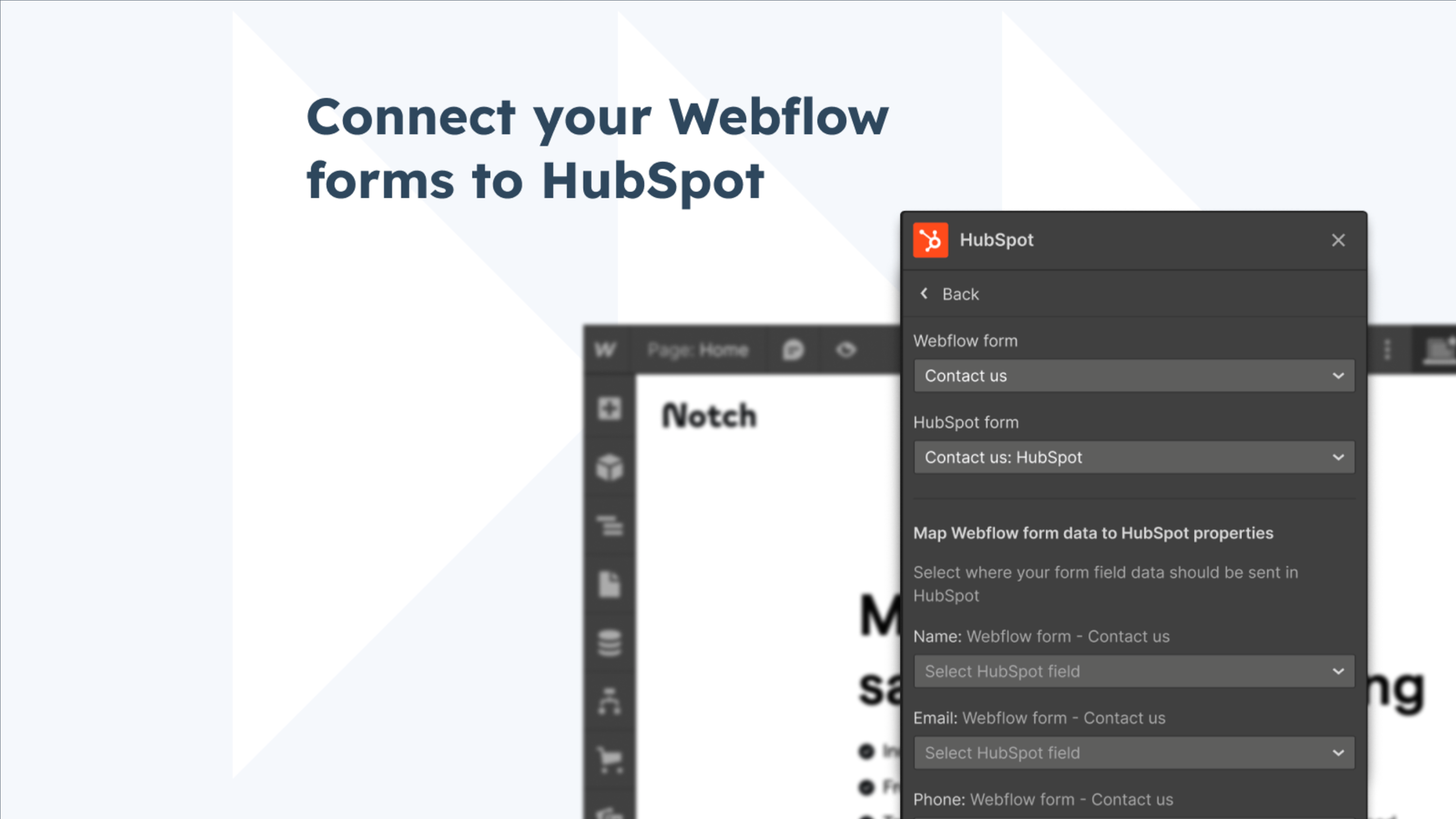
Connect your Webflow forms to HubSpot
If you’d prefer to use your existing Webflow forms, you can now map your Webflow forms to an existing HubSpot form. Once connected, you can view and update all of the connected forms from the App menu.
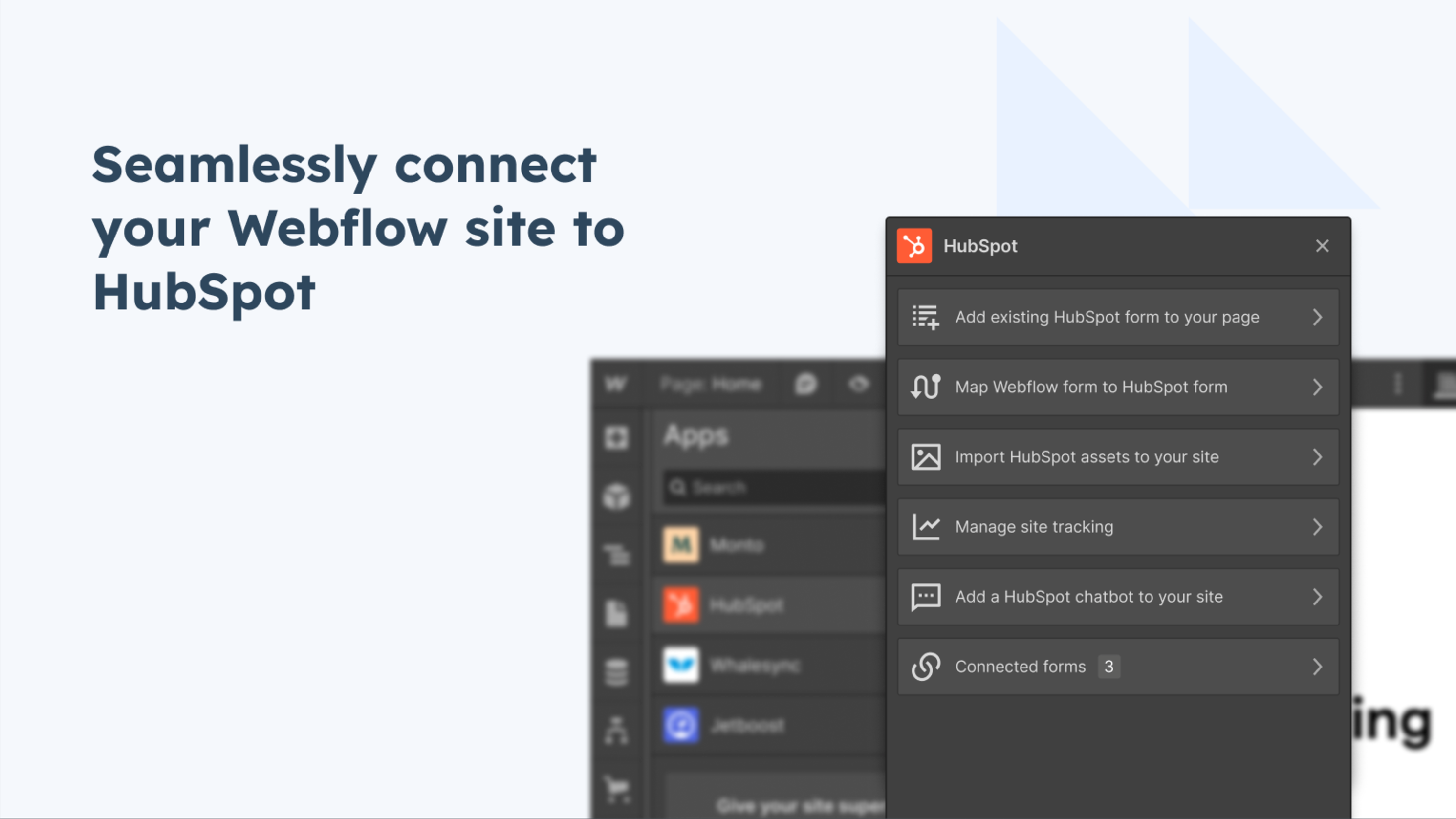
Turn on site tracking & enable chat bots
Add your HubSpot tracking code to your entire site with the click of a button. Quickly grab and embed the code required to add a HubSpot chatbot to a Webflow site.
Appfunksjonalitet
Delt data
Webflow Forms | ||
Webflow Object | ||
Webflow Object |
Gjennomganger
2,8
79
2,8
79
- 13. aug. 2026
Good, but could sync more seamlessly.
The developer embed is great and offers the most control, but not full control. It would be great if I could control error messages and DOM.
Easy to sync and "pull".
Can't use existing Webflow forms unless they are text inputs only.
Amato, J.
- 19. juni 2026
S4F
eher weniger gut
Ginczek, A.
Starter
USD 0
Best for learning how to use Webflow
webflow.io domain
50 CMS items
50 form submissions (lifetime)
1 GB bandwidth
Starter
USD 0
Best for learning how to use Webflow
webflow.io domain
50 CMS items
50 form submissions (lifetime)
1 GB bandwidth
* Prissettingen her er kun for illustrasjonsformål. Prisene inkluderer ikke avgifter, insentiver, rabatter eller andre prissettingsvariabler. Kontakt partneren for å få oppdatert og riktig prissettingsinformasjon. HubSpot tar ikke ansvar for denne prissettingsinformasjonen, som gis av våre partnere. Prissetting sist oppdatert: 23.10.2025