

Contacts+
Utworzone przez - HubSpot
Instaluje - Ponad 100 instalacji
Wymagania
Plan HubSpot Uprawnienia konta HubSpot Nie wymaga uprawnień Typ dostępu Udostępniono Subskrypcja Contacts+ - Review the Contacts+ Pricing Page plan
Przegląd
1/2
Sync data between Contacts+ and HubSpot without manual data entry or messy, time-consuming imports.
Here’s what you get with Data Sync by HubSpot:
- Two-way sync: Data is shared between Contacts+ and HubSpot in real time
- Default field mappings: Set-up is quick with out-of-the-box field mappings already created for you
- Historical syncing: Your existing data will sync right away, and updates will sync as they happen
While you can filter on tags, a technical limitation currently prevents us from syncing over tags into HubSpot. We're working on an improvement - stay tuned!
Cechy
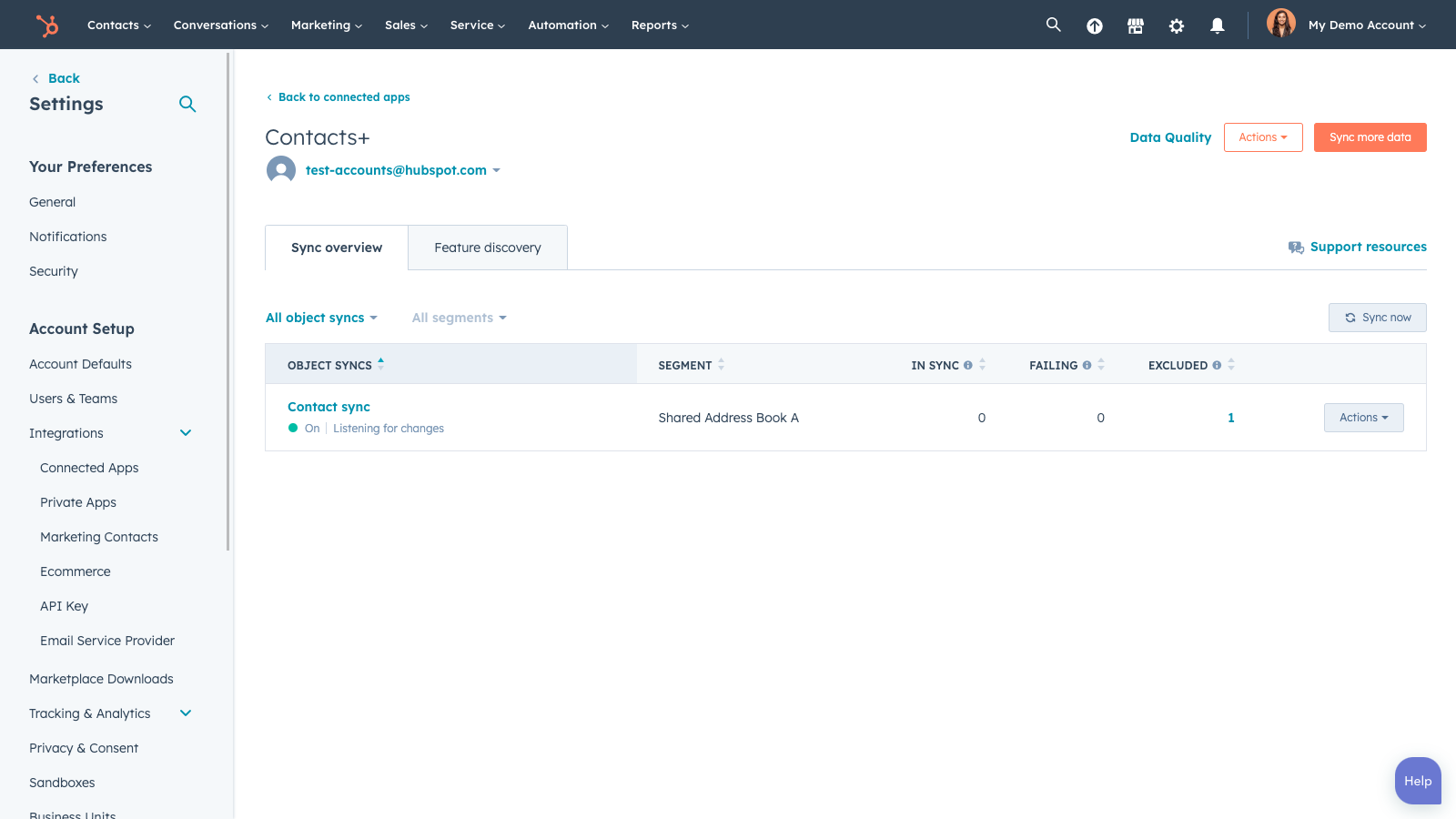
Sync Contacts+ and HubSpot data
Make manual data entry a thing of the past by syncing data (see below) between HubSpot and Contacts+. When records are created or updated in either app, that information will be automatically shared with the other one.
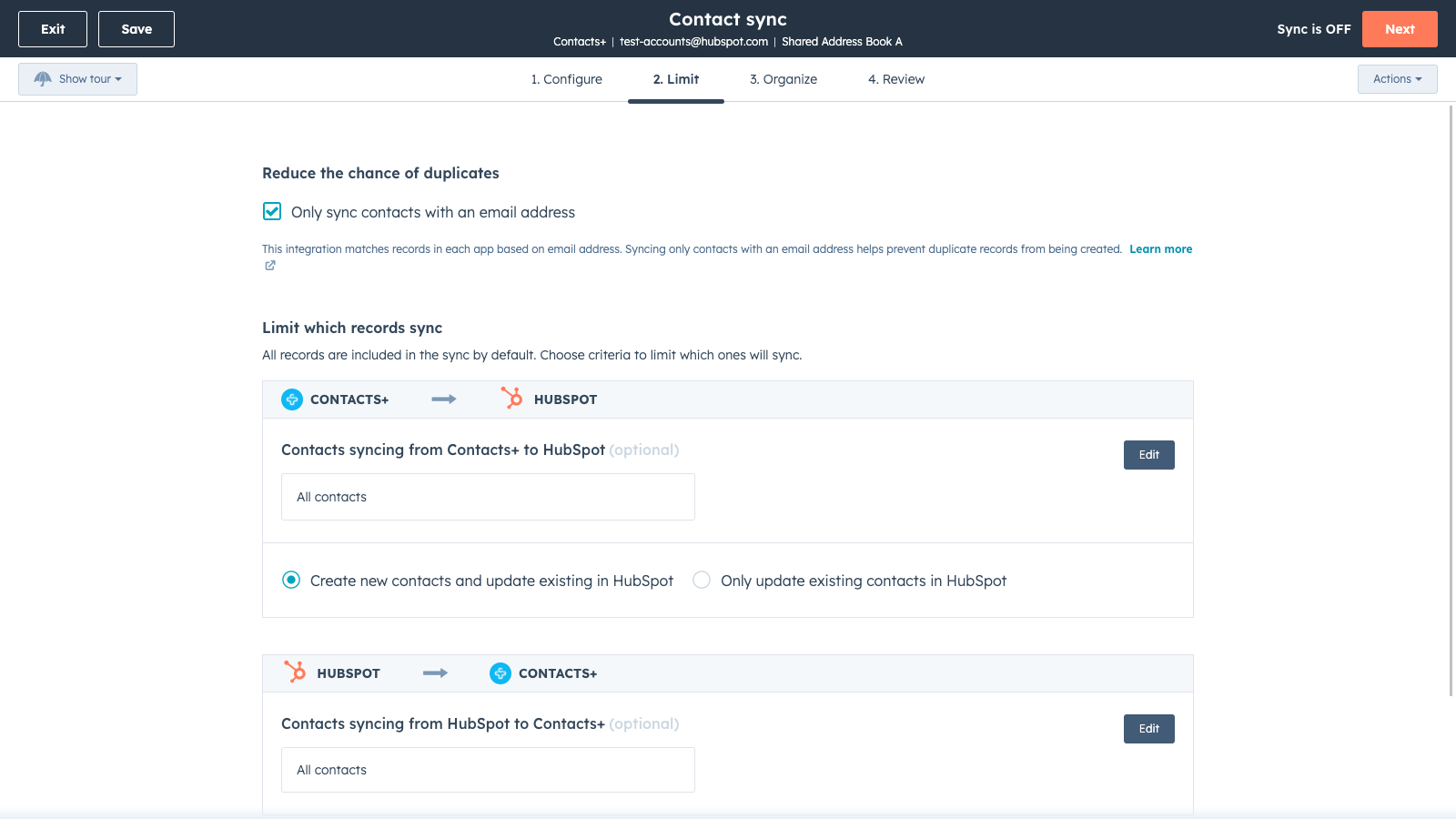
Sync only the data you want
You’re in control of your data. You can set up a one- or two-way sync, which means you can either sync data from only one app to the other or back-and-forth between both apps. You can also add a filter for any Contacts+ field (like Tag or Owner) or HubSpot list to sync exactly what you want—and nothing you don’t.
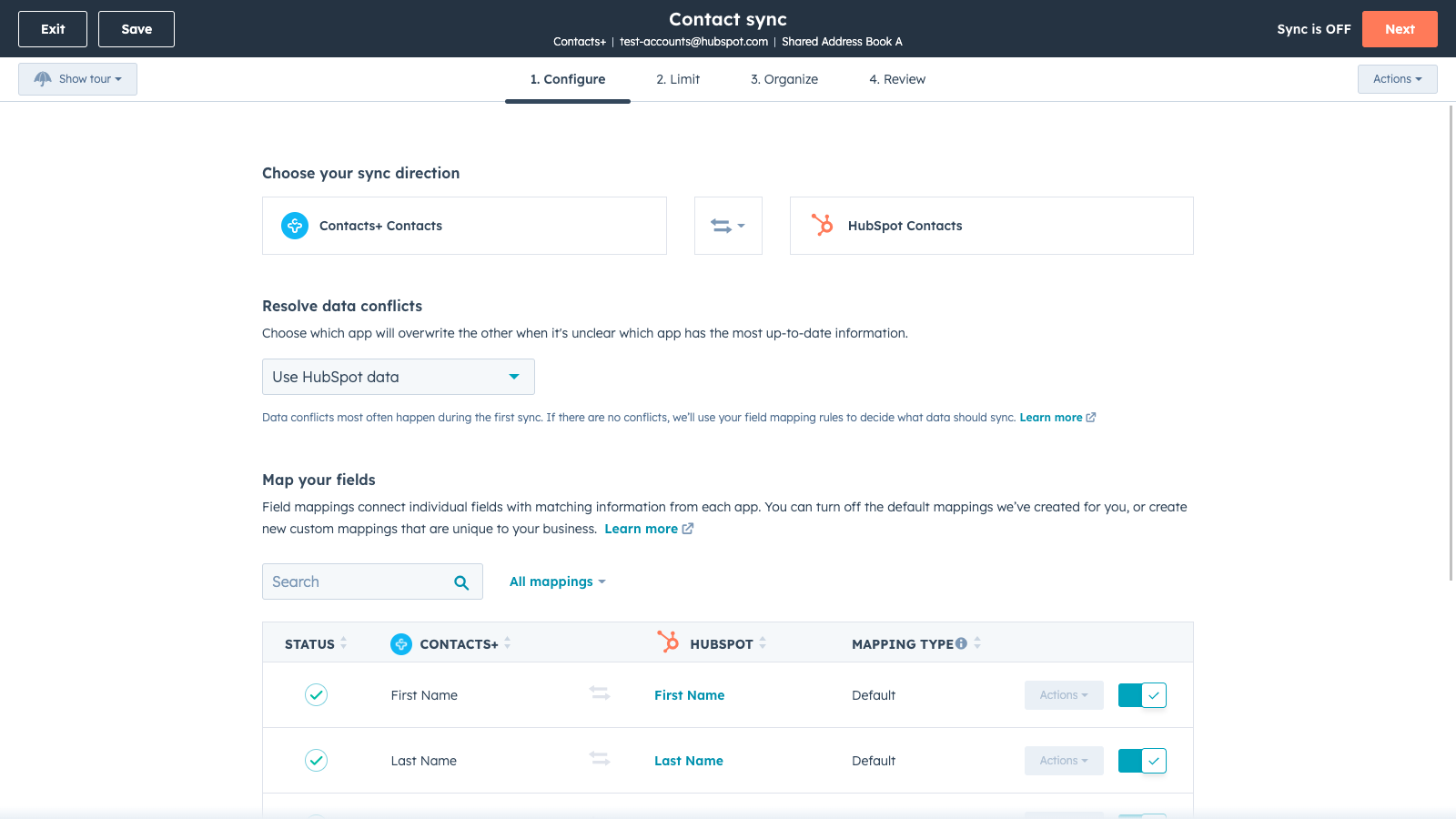
Default field mappings
Field mappings connect matching information in each app—and we’ve already created them for you. Our out-of-the-box default field mappings make set-up quick and keep your data clean and organized. Plus, there are no surprises: You can see exactly which fields come already mapped in the “Shared data” section below.
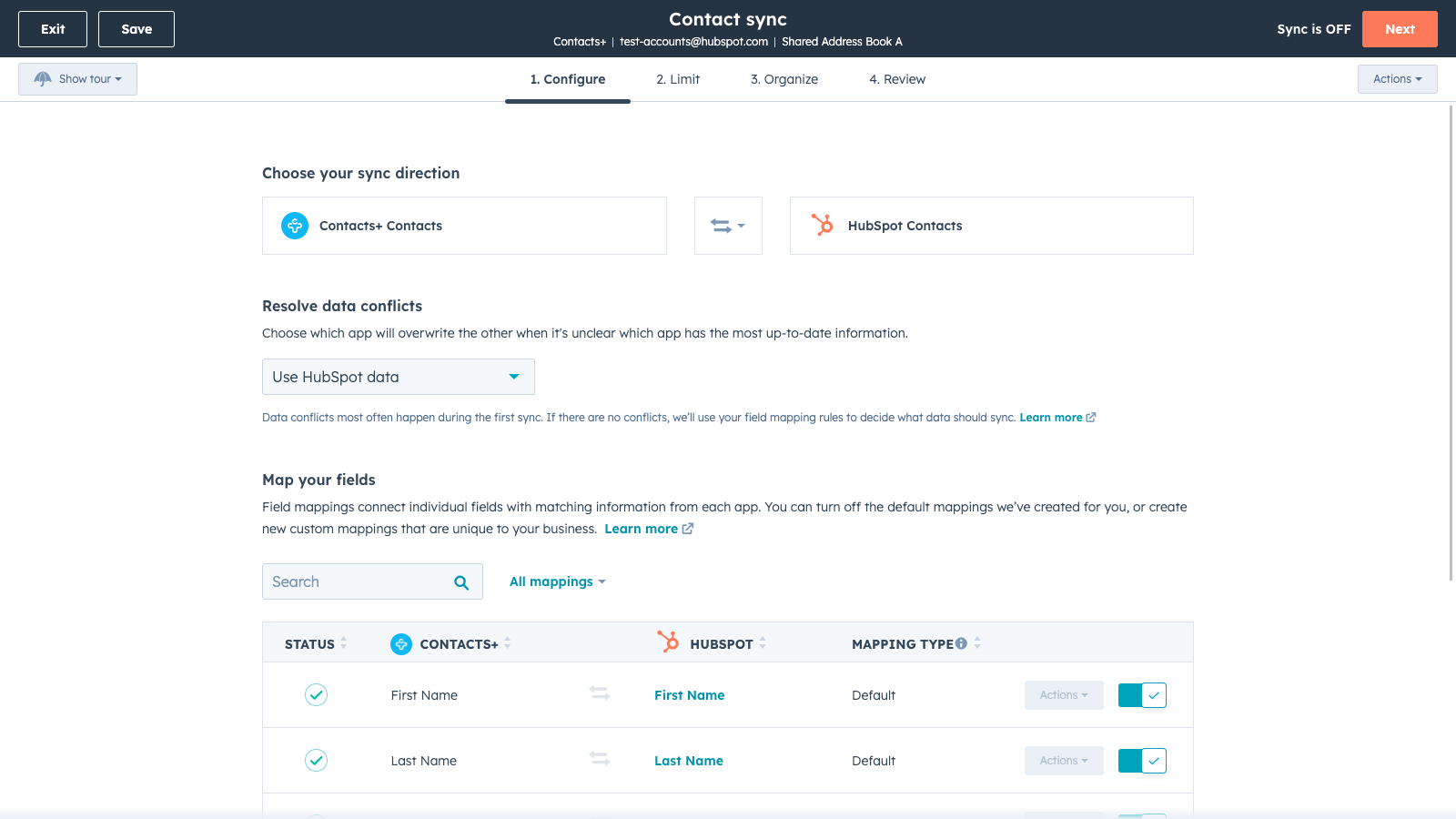
Custom field mappings
Custom field mappings are available with Operations Hub Starter or Professional plans. Custom mappings add the flexibility to create your own mappings or make changes to your default ones.
Funkcjonalność aplikacji
Udostępnione dane
Contacts |
Recenzje
Review the Contacts+ Pricing Page
0 USD
Use the 'See all pricing options' link on the righthand side
Make sure to confirm the HubSpot subscription and the Contacts+ subscription needed to install this integration
Note: "Free" is referring to the cost of the integration, not the app subscriptions
Review the Contacts+ Pricing Page
0 USD
Use the 'See all pricing options' link on the righthand side
Make sure to confirm the HubSpot subscription and the Contacts+ subscription needed to install this integration
Note: "Free" is referring to the cost of the integration, not the app subscriptions
* Powyższe ceny zostały podane wyłącznie w celach informacyjnych. Nie zawierają one podatków, premii, zniżek lub innych zmiennych cenowych. Skontaktuj się z partnerem w celu uzyskania najbardziej aktualnych i poprawnych informacji o cenach. HubSpot nie ponosi żadnej odpowiedzialności za informacje cenowe, które są dostarczane przez naszych partnerów. Ostatnia aktualizacja cen: 03.09.2025
Więcej informacji
Utworzone przez - HubSpot
Instaluje - Ponad 100 instalacji
Kategorie Języki, w których dostępna jest ta aplikacja Angielski
Nowości

Finale Composer
Treści internetowe wygenerowane przez sztuczną inteligencję, stworzone dla HubSpot.

Synder
Synchronizuj faktury z HubSpot z QuickBooks, NetSuite lub Xero — z uwzględnieniem rozliczeń memoriałowych i ujmowania przychodów
