

bexio
Data sync - Sync data between Bexio and HubSpot
Requisitos
Plan de HubSpot Funciona con todos los planes de HubSpot Más información Permisos de cuenta de HubSpot No se requieren permisos Suscripción: bexio - Suscripciones: Starter, Pro, Pro+ o Accountants
Vista general
1/2
Sync data between Bexio and HubSpot without manual data entry or messy, time-consuming imports.
Here’s what you get with Data Sync by HubSpot:
- Two-way sync: Data is shared between Bexio and HubSpot in real time
- Default field mappings: Set-up is quick with out-of-the-box field mappings already created for you
- Historical syncing: Your existing data will sync right away, and updates will sync as they happen
Note: please see below for which objects sync.
Características
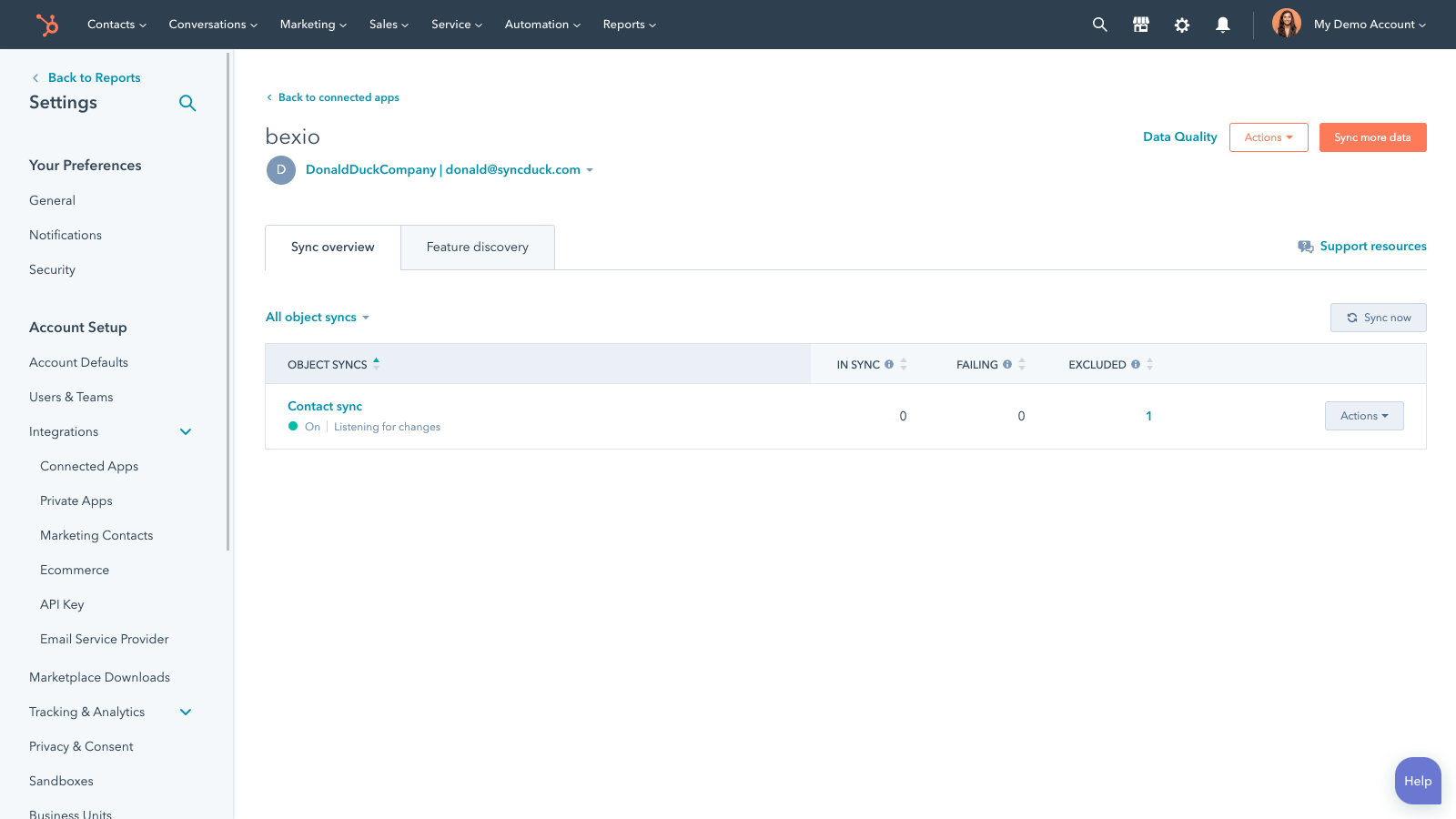
Sync Bexio and HubSpot data
Make manual data entry a thing of the past by syncing contacts, between HubSpot and Bexio. When records are created or updated in either app, that information will be automatically shared with the other one.
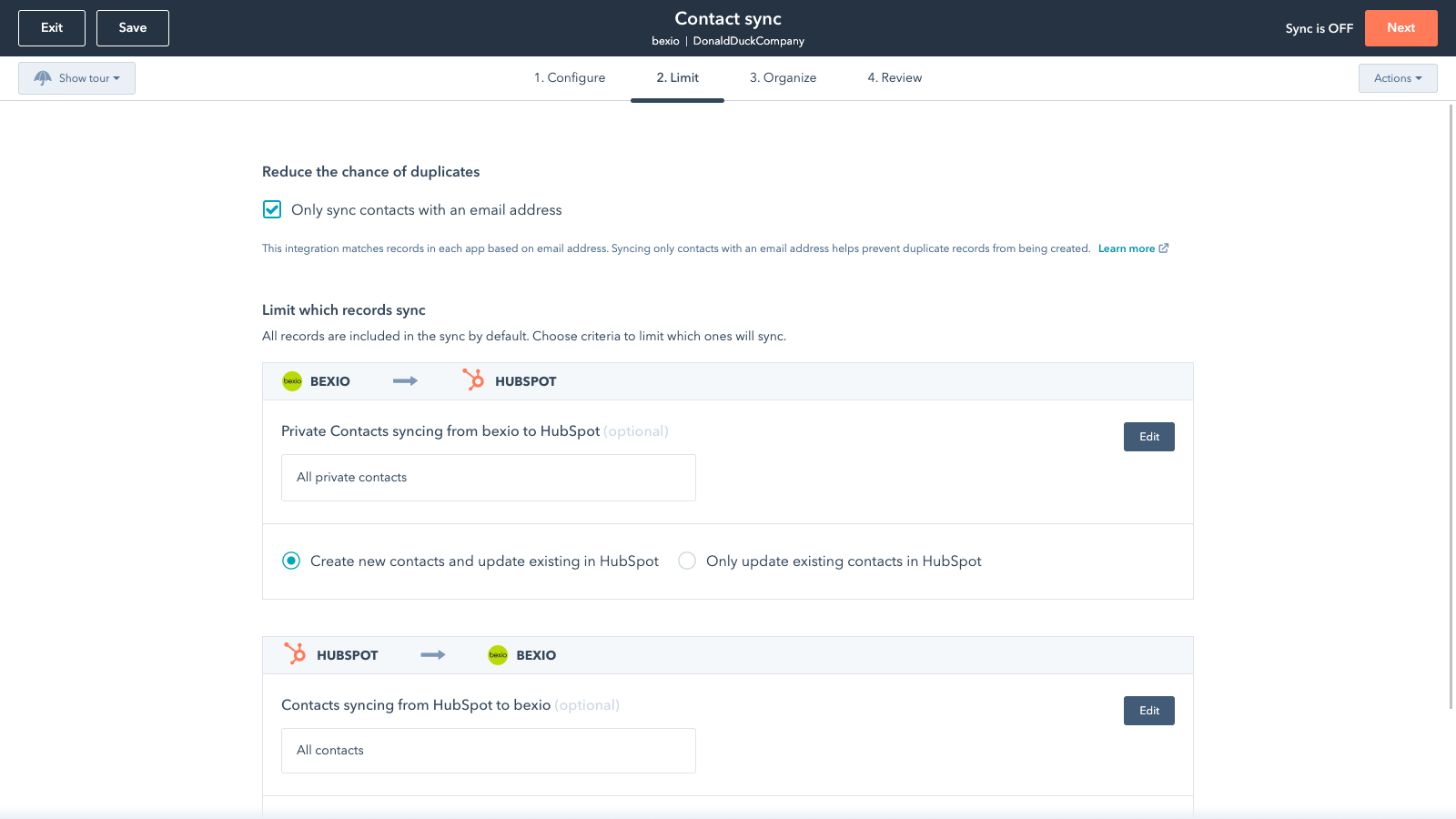
Sync only the data you want
You’re in control of your data. You can set up a one- or two-way sync, which means you can either sync data from only one app to the other or back-and-forth between both apps. You can also add a filter for any Bexio field (like owner or category) or HubSpot list to sync exactly what you want—and nothing you don’t.
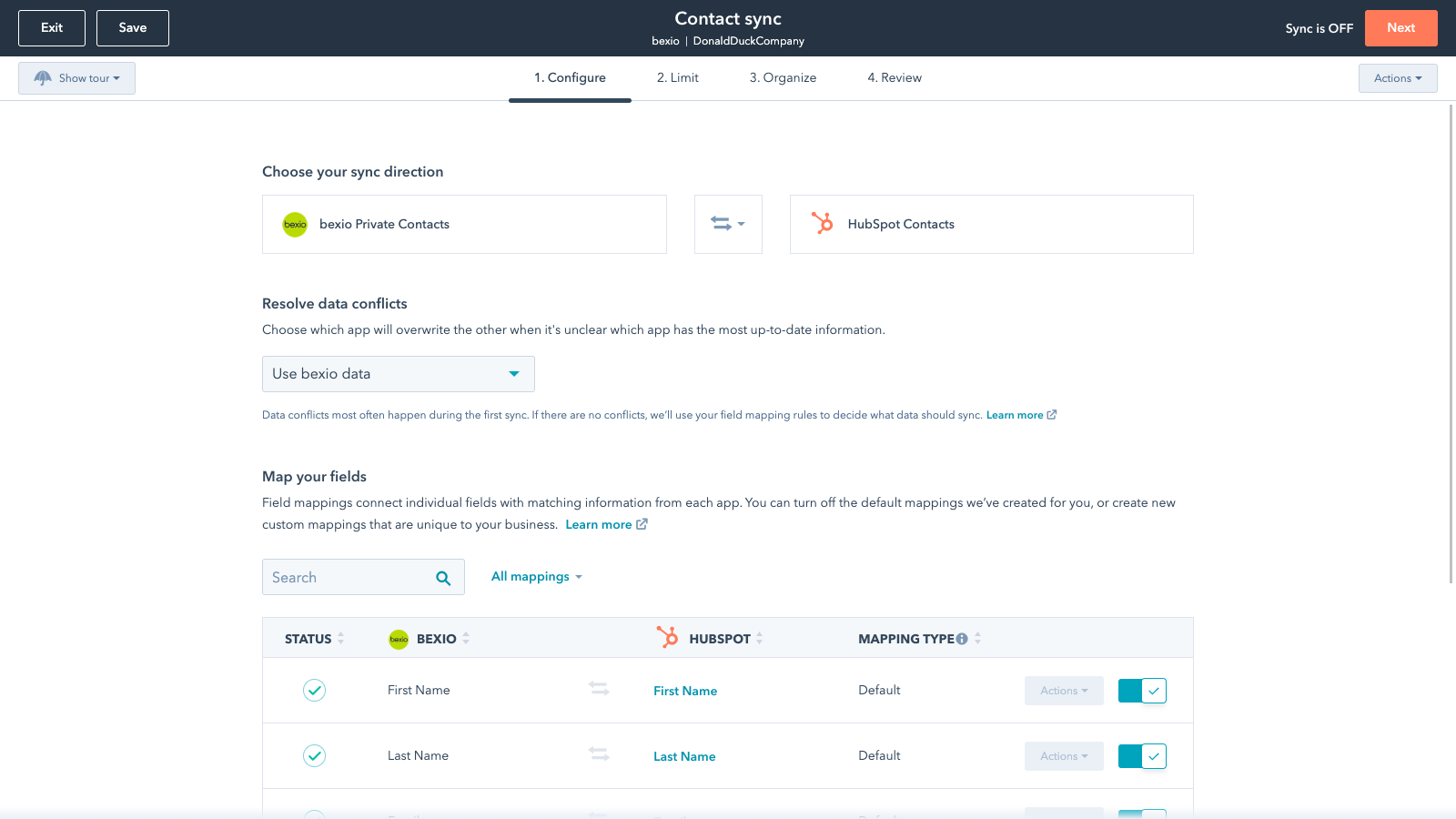
Default field mappings
Field mappings connect matching information in each app—and we’ve already created them for you. Our out-of-the-box default field mappings make set-up quick and keep your data clean and organized. Plus, there are no surprises: You can see exactly which fields come already mapped in the “Shared data” section below.
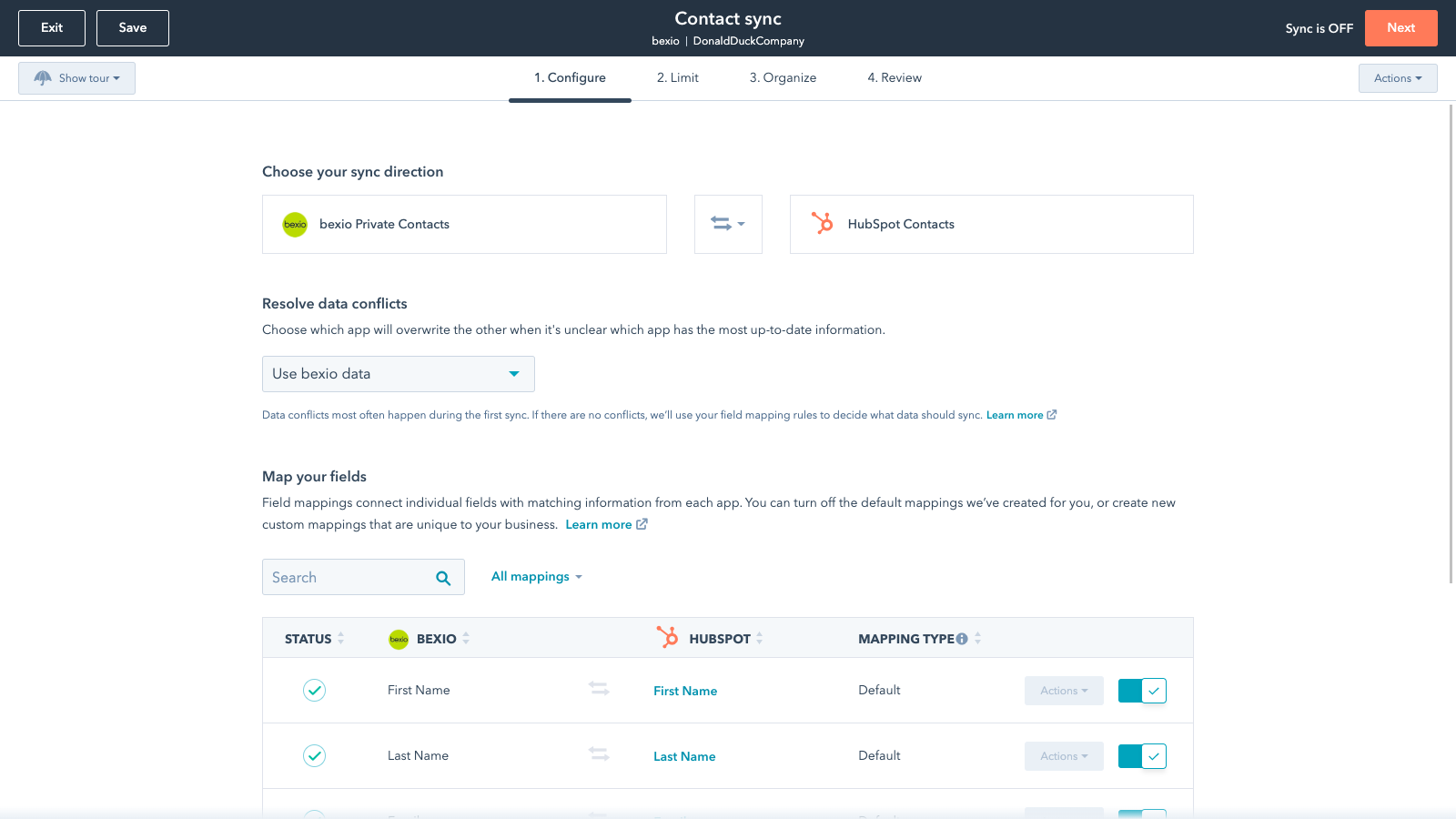
Custom field mappings
Custom field mappings are available with Data Hub Starter or Professional plans. Custom mappings add the flexibility to create your own mappings or make changes to your default ones.
Sync Bexio and HubSpot data
Make manual data entry a thing of the past by syncing contacts, between HubSpot and Bexio. When records are created or updated in either app, that information will be automatically shared with the other one.
Sync only the data you want
You’re in control of your data. You can set up a one- or two-way sync, which means you can either sync data from only one app to the other or back-and-forth between both apps. You can also add a filter for any Bexio field (like owner or category) or HubSpot list to sync exactly what you want—and nothing you don’t.
Default field mappings
Field mappings connect matching information in each app—and we’ve already created them for you. Our out-of-the-box default field mappings make set-up quick and keep your data clean and organized. Plus, there are no surprises: You can see exactly which fields come already mapped in the “Shared data” section below.
Custom field mappings
Custom field mappings are available with Operations Hub Starter or Professional plans. Custom mappings add the flexibility to create your own mappings or make changes to your default ones.
Funcionalidad de la aplicación
Datos compartidos
Each object has field mappings that connect matching information from each app. Default mappings are listed below. If you want to change these default mappings or create your own, custom field mappings are available with Data Hub Starter and up.
Business Contacts | ||
Invoices | ||
Private Contacts |
Valoraciones
1,9
11
1,9
11
- 18 de ago. de 2025
Antes funcionaba bien, pero desde la actualización las direcciones ya no se sincronizan ni sobrescriben correctamente
Los datos no se sincronizan correctamente. Desde la actualización con el número de casa separado en Bexio, el nombre de la calle ya no está sincronizado. Además, las direcciones existentes parecen sobrescribirse.
Funcionó bien durante un tiempo y sincronizó limpiamente las direcciones de nuestros clientes.
Sobrescribe las direcciones existentes
Schefer, N.
- 16 de jun. de 2025
Interacción entre Bexio y HubSpot
Excelente para la contabilidad. Deficiente en combinación con HubSpot.
Ninguno por el momento.
Los sistemas deben armonizarse mejor.
Trapl, J.
Starter
35 US$
/mesIntuitive entry tool for those new to business software
1 User
E-Banking
Starter
35 US$
/mesIntuitive entry tool for those new to business software
1 User
E-Banking
* El precio que aparece aquí es solo para fines de visualización. Los precios no incluyen impuestos, incentivos, descuentos u otras variables. Debes comunicarte con nuestro partner para obtener la información de precios más actualizada y correcta. HubSpot no se hace responsable de los precios que proporcionan nuestros partners. Precios actualizados por última vez: 26/11/2025
Más información
Desarrollado por - HubSpot
Instalaciones - Más de 600 instalaciones
Categorías Idiomas en los que está disponible esta aplicación Alemán ,Francés ,Inglés yItaliano
Lo más leído

Gmail
Incorpora HubSpot a tu bandeja de entrada con la integración de…

Google Calendar
Programa reuniones de forma rápida y sencilla con HubSpot y el…
