

bexio
ข้อกำหนด
แผน HubSpot สิทธิ์บัญชี HubSpot ไม่จำเป็นต้องมีสิทธิ์ ประเภทสิทธิ์การเข้าถึง แชร์แล้ว การสมัครใช้บริการ bexio - Starter, Pro, Pro+ หรือ Accountants แพ็กเกจ
ภาพรวม
1/2
Sync data between Bexio and HubSpot without manual data entry or messy, time-consuming imports.
Here’s what you get with Data Sync by HubSpot:
- Two-way sync: Data is shared between Bexio and HubSpot in real time
- Default field mappings: Set-up is quick with out-of-the-box field mappings already created for you
- Historical syncing: Your existing data will sync right away, and updates will sync as they happen
Note: please see below for which objects sync.
ฟีเจอร์
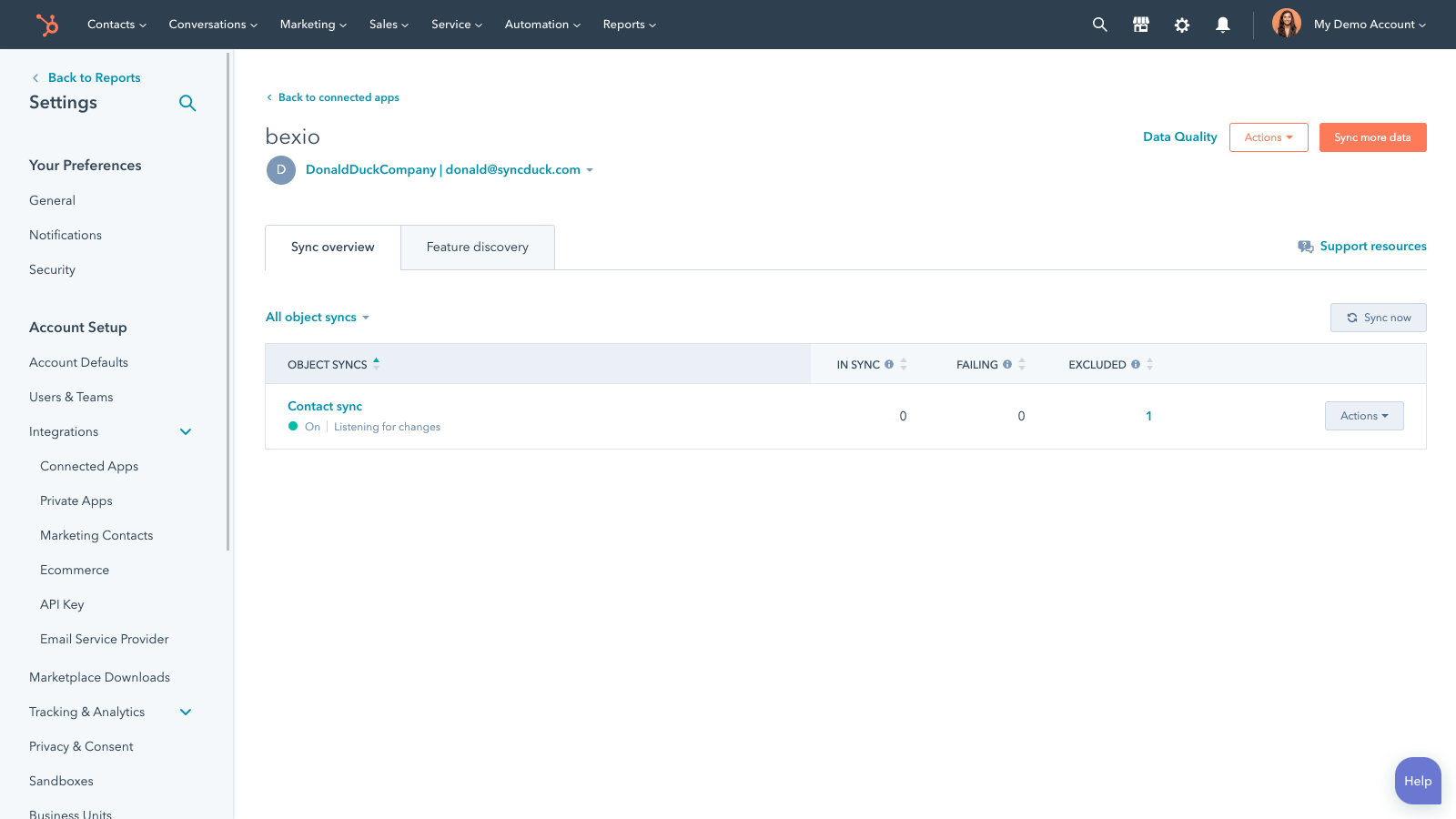
Sync Bexio and HubSpot data
Make manual data entry a thing of the past by syncing contacts, between HubSpot and Bexio. When records are created or updated in either app, that information will be automatically shared with the other one.
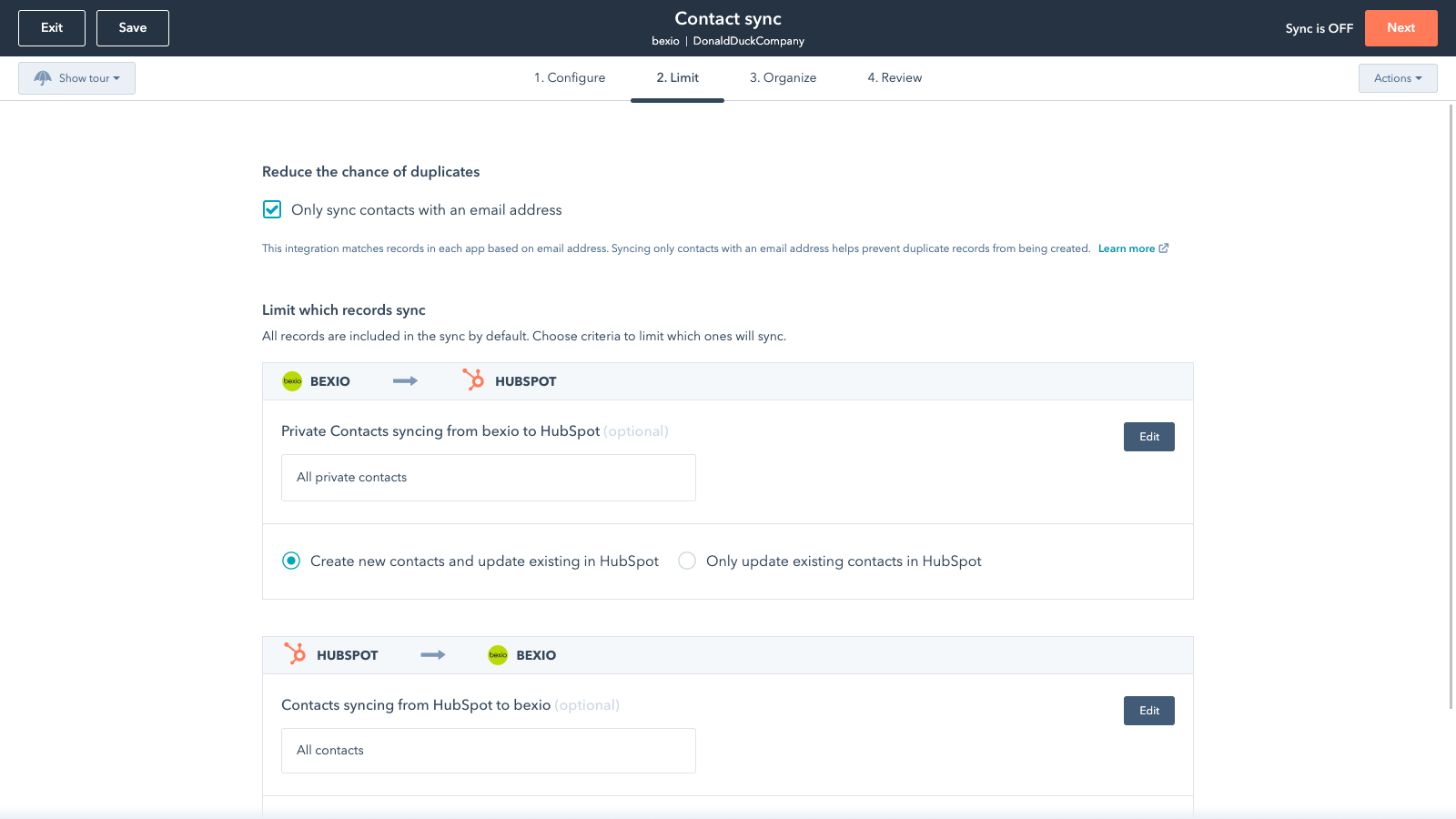
Sync only the data you want
You’re in control of your data. You can set up a one- or two-way sync, which means you can either sync data from only one app to the other or back-and-forth between both apps. You can also add a filter for any Bexio field (like owner or category) or HubSpot list to sync exactly what you want—and nothing you don’t.
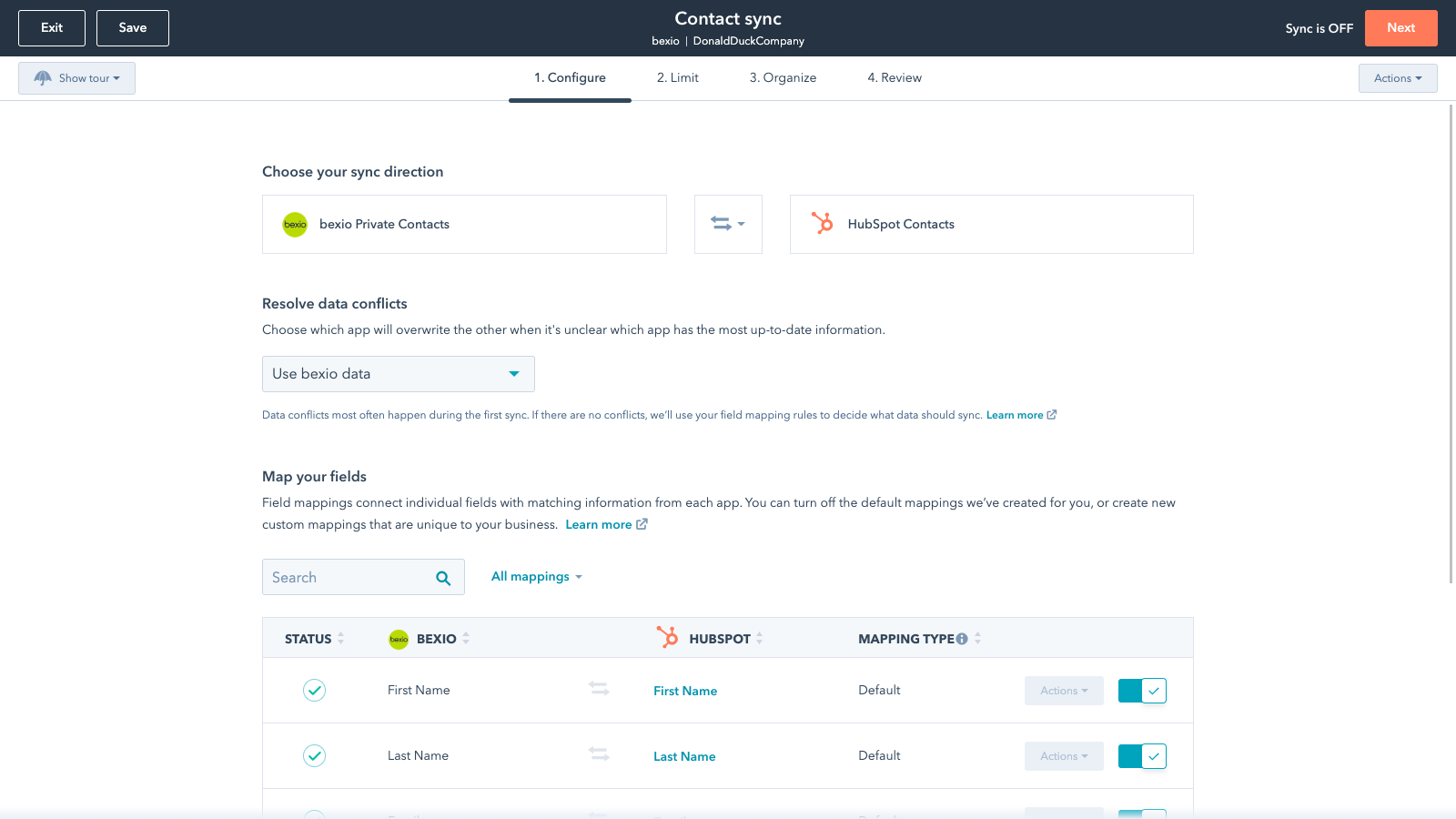
Default field mappings
Field mappings connect matching information in each app—and we’ve already created them for you. Our out-of-the-box default field mappings make set-up quick and keep your data clean and organized. Plus, there are no surprises: You can see exactly which fields come already mapped in the “Shared data” section below.
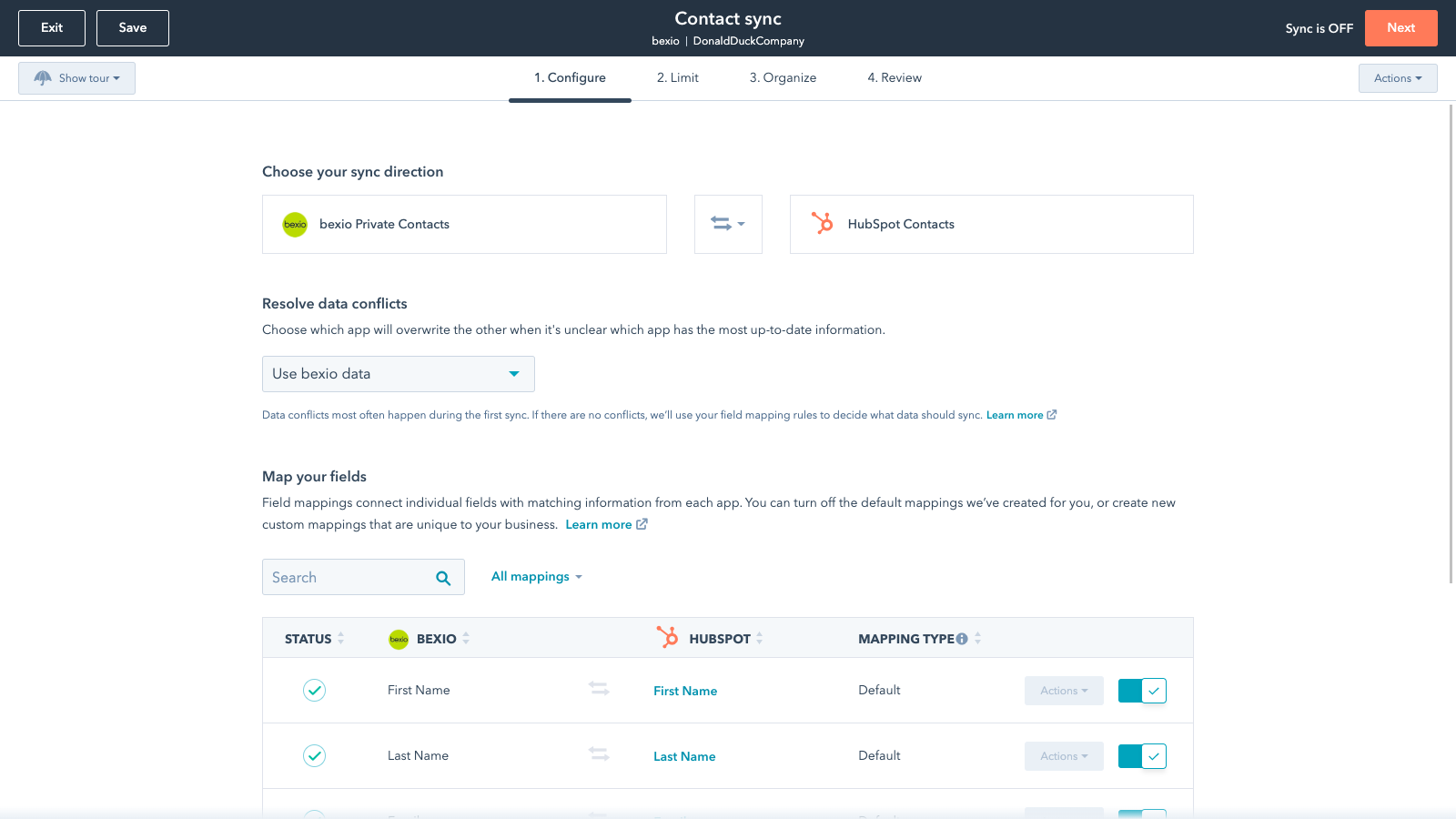
Custom field mappings
Custom field mappings are available with Data Hub Starter or Professional plans. Custom mappings add the flexibility to create your own mappings or make changes to your default ones.
Sync Bexio and HubSpot data
Make manual data entry a thing of the past by syncing contacts, between HubSpot and Bexio. When records are created or updated in either app, that information will be automatically shared with the other one.
Sync only the data you want
You’re in control of your data. You can set up a one- or two-way sync, which means you can either sync data from only one app to the other or back-and-forth between both apps. You can also add a filter for any Bexio field (like owner or category) or HubSpot list to sync exactly what you want—and nothing you don’t.
Default field mappings
Field mappings connect matching information in each app—and we’ve already created them for you. Our out-of-the-box default field mappings make set-up quick and keep your data clean and organized. Plus, there are no surprises: You can see exactly which fields come already mapped in the “Shared data” section below.
Custom field mappings
Custom field mappings are available with Operations Hub Starter or Professional plans. Custom mappings add the flexibility to create your own mappings or make changes to your default ones.
ฟังก์ชันการทำงานแอป
ข้อมูลที่แบ่งปัน
Each object has field mappings that connect matching information from each app. Default mappings are listed below. If you want to change these default mappings or create your own, custom field mappings are available with Data Hub Starter and up.
Business Contacts | ||
Private Contacts | ||
Invoices |
รีวิว
1.8
12
1.8
12
- 11 ก.พ. 2026
Kostenlose App mit gravierenden Synchronisationsproblemen - Adressen und Verknüpfungen funktionieren nicht
Adressen werden nicht mehr synchronisiert. Allgemein zu wenig Auwahlmöglichkeiten für Synchronisation Verknüpfungen werden im Bexio nicht übernommen von HubSpot von Unternehmen und zugehörigen Kontakten
Kostenlos
Wehrli, J.
- 29 ธ.ค. 2025
Völlig unbrauchbar wegen einseitiger Datensynchronisation - reine Zeitverschwendung
Die Synchronisierung der Daten ist nur einseitig, so ist die Integration unbrauchbar.
Grunder, J.
การกำหนดราคา
Starter
US$35
/เดือนIntuitive entry tool for those new to business software
1 User
E-Banking
Starter
US$35
/เดือนIntuitive entry tool for those new to business software
1 User
E-Banking
* ราคาที่แสดงนี้มีไว้เพื่อแสดงข้อมูลเท่านั้น ราคาทั้งหมดยังไม่รวมภาษี สิทธิพิเศษ ส่วนลด หรือตัวแปรราคาอื่นๆ คุณควรติดต่อพาร์ทเนอร์เพื่อรับข้อมูลราคาล่าสุดและถูกต้องที่สุด HubSpot จะไม่รับผิดชอบใดๆ ต่อข้อมูลราคานี้ซึ่งจัดทำโดยพาร์ทเนอร์ของเรา การกำหนดราคาอัปเดตล่าสุด: 03/09/2025
ข้อมูลเพิ่มเติม
สร้างโดย - HubSpot
ติดตั้ง - 500+ การติดตั้ง
หมวดหมู่ ภาษาที่แอปนี้สามารถใช้ได้ ฝรั่งเศส เยอรมัน อังกฤษ และอิตาลี