

bexio
Vereisten
HubSpot-abonnement HubSpot-accountmachtigingen Geen machtigingen vereist Toegangstype Gedeeld bexio-abonnement - Starter, Pro, Pro+ of Accountants plannen
Overzicht
1/2
Sync data between Bexio and HubSpot without manual data entry or messy, time-consuming imports.
Here’s what you get with Data Sync by HubSpot:
- Two-way sync: Data is shared between Bexio and HubSpot in real time
- Default field mappings: Set-up is quick with out-of-the-box field mappings already created for you
- Historical syncing: Your existing data will sync right away, and updates will sync as they happen
Note: please see below for which objects sync.
Functies
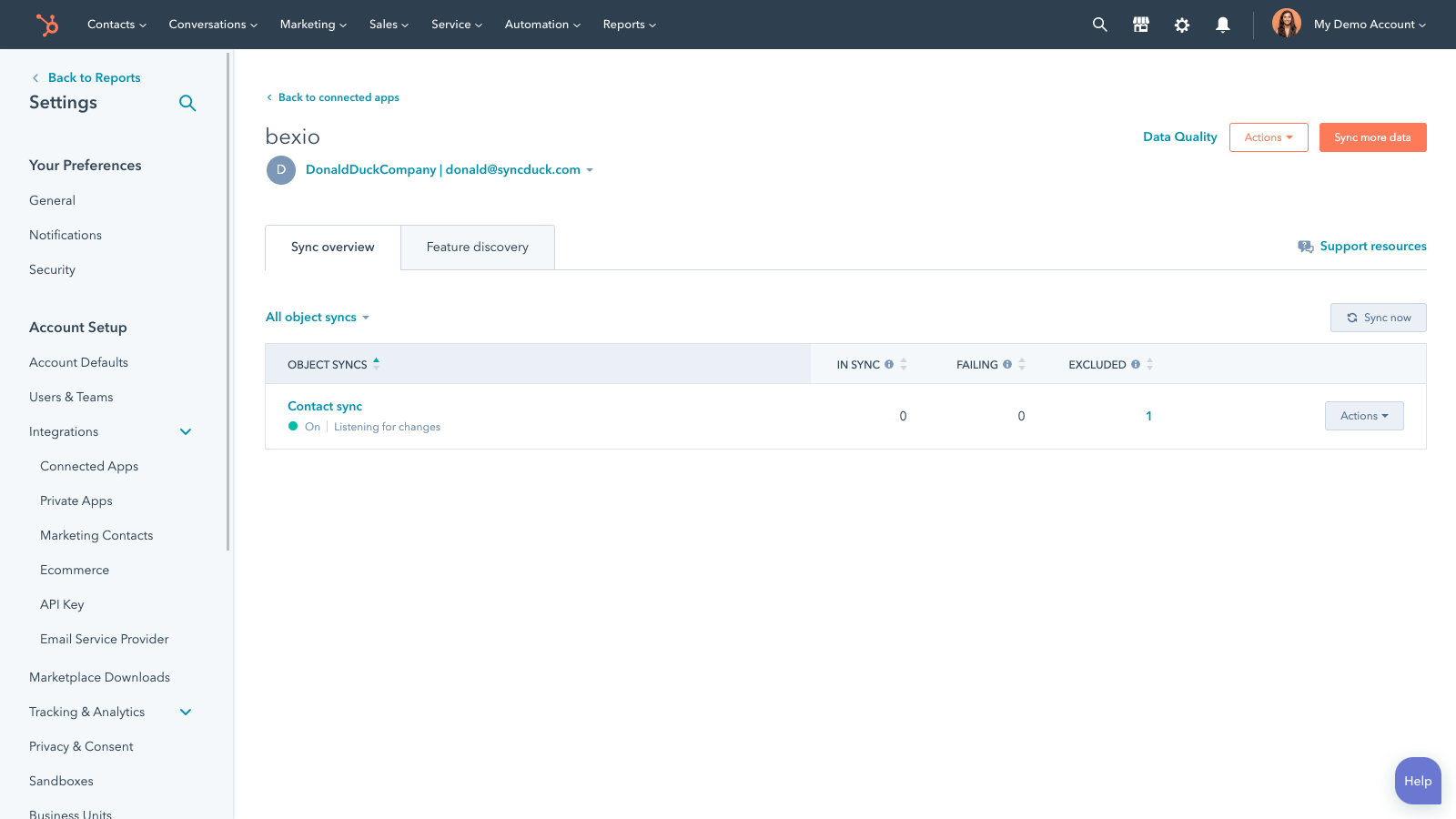
Sync Bexio and HubSpot data
Make manual data entry a thing of the past by syncing contacts, between HubSpot and Bexio. When records are created or updated in either app, that information will be automatically shared with the other one.
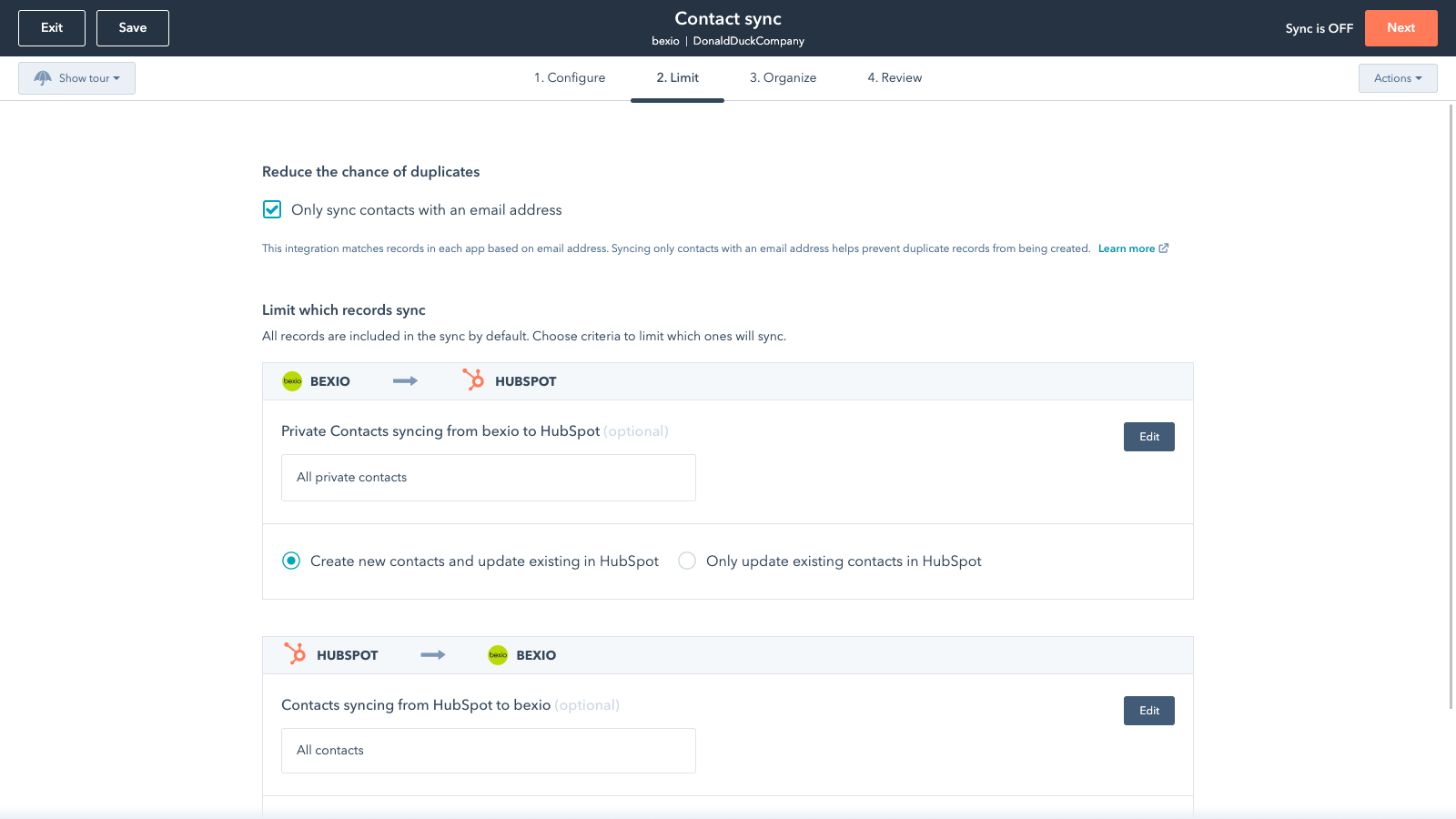
Sync only the data you want
You’re in control of your data. You can set up a one- or two-way sync, which means you can either sync data from only one app to the other or back-and-forth between both apps. You can also add a filter for any Bexio field (like owner or category) or HubSpot list to sync exactly what you want—and nothing you don’t.
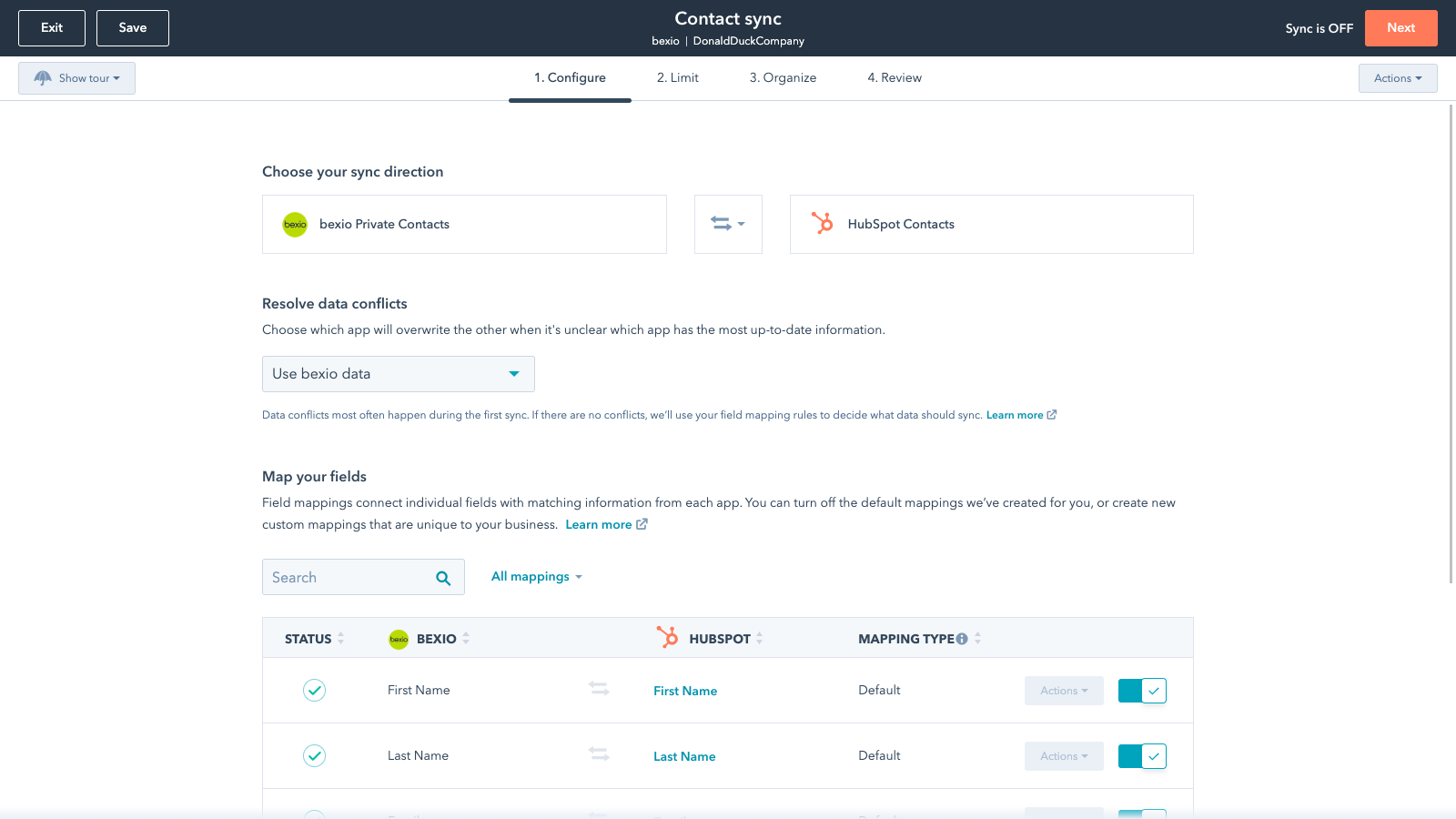
Default field mappings
Field mappings connect matching information in each app—and we’ve already created them for you. Our out-of-the-box default field mappings make set-up quick and keep your data clean and organized. Plus, there are no surprises: You can see exactly which fields come already mapped in the “Shared data” section below.
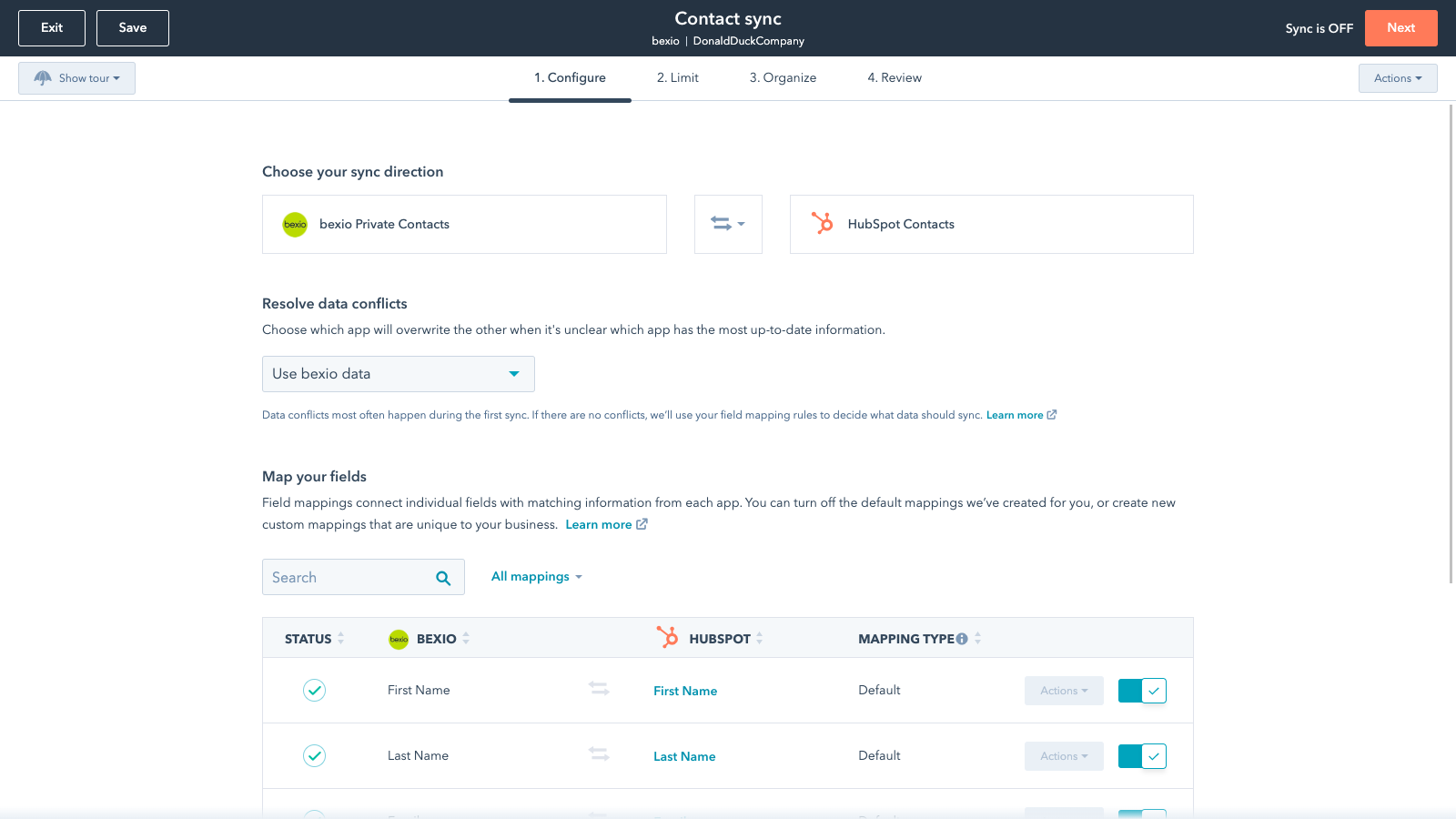
Custom field mappings
Custom field mappings are available with Data Hub Starter or Professional plans. Custom mappings add the flexibility to create your own mappings or make changes to your default ones.
Sync Bexio and HubSpot data
Make manual data entry a thing of the past by syncing contacts, between HubSpot and Bexio. When records are created or updated in either app, that information will be automatically shared with the other one.
Sync only the data you want
You’re in control of your data. You can set up a one- or two-way sync, which means you can either sync data from only one app to the other or back-and-forth between both apps. You can also add a filter for any Bexio field (like owner or category) or HubSpot list to sync exactly what you want—and nothing you don’t.
Default field mappings
Field mappings connect matching information in each app—and we’ve already created them for you. Our out-of-the-box default field mappings make set-up quick and keep your data clean and organized. Plus, there are no surprises: You can see exactly which fields come already mapped in the “Shared data” section below.
Custom field mappings
Custom field mappings are available with Operations Hub Starter or Professional plans. Custom mappings add the flexibility to create your own mappings or make changes to your default ones.
App-functionaliteit
Gedeelde gegevens
Each object has field mappings that connect matching information from each app. Default mappings are listed below. If you want to change these default mappings or create your own, custom field mappings are available with Data Hub Starter and up.
Business Contacts | ||
Private Contacts | ||
Invoices |
Reviews
1,8
12
1,8
12
- 11 feb. 2026
Gratis app met ernstige synchronisatieproblemen - adressen en snelkoppelingen werken niet
Adressen worden niet meer gesynchroniseerd Over het algemeen te weinig selectiemogelijkheden voor synchronisatie Links worden niet overgezet vanuit HubSpot van bedrijven en bijbehorende contactpersonen in Bexio
Gratis
Wehrli, J.
- 29 dec. 2025
Volledig onbruikbaar door eenzijdige gegevenssynchronisatie - tijdverspilling
De synchronisatie van de gegevens is slechts eenzijdig, dus de integratie is nutteloos.
Grunder, J.
Prijzen
Starter
US$ 35
/maandIntuitive entry tool for those new to business software
1 User
E-Banking
Starter
US$ 35
/maandIntuitive entry tool for those new to business software
1 User
E-Banking
* De hier vermelde prijzen dienen alleen ter illustratie. Alle prijzen zijn exclusief belasting, bonussen, kortingen of andere prijsvariabelen. Neem contact op met de partner voor de meest recente en correcte prijsinformatie. HubSpot erkent geen verantwoordelijkheid voor deze prijsinformatie, die wordt verstrekt door onze partners. Prijzen laatst bijgewerkt: 03-09-2025
Meer info
Gemaakt door - HubSpot
Installaties - 600+ installaties
Categorieën Talen waarin deze app beschikbaar is Duits ,Engels ,Frans enItaliaans
Vandaag de aandacht trekken
Zoom Phone for HubSpot
Enhance your HubSpot experience and streamline your workflows.

Zapier
The easiest way to automate and connect HubSpot to 8,000+ apps
