

Snap2CRM – Business Card Scanner
Vaatimukset
HubSpot-tilaus HubSpot-tilin käyttöoikeudet - Tarkastele vaadittuja tilin käyttöoikeuksia
Pääsytyyppi Jaettu Snap2CRM – Business Card Scanner-tilaus - Free, Starter, Pro, Business tai Enterprise paketit
Yhteenveto
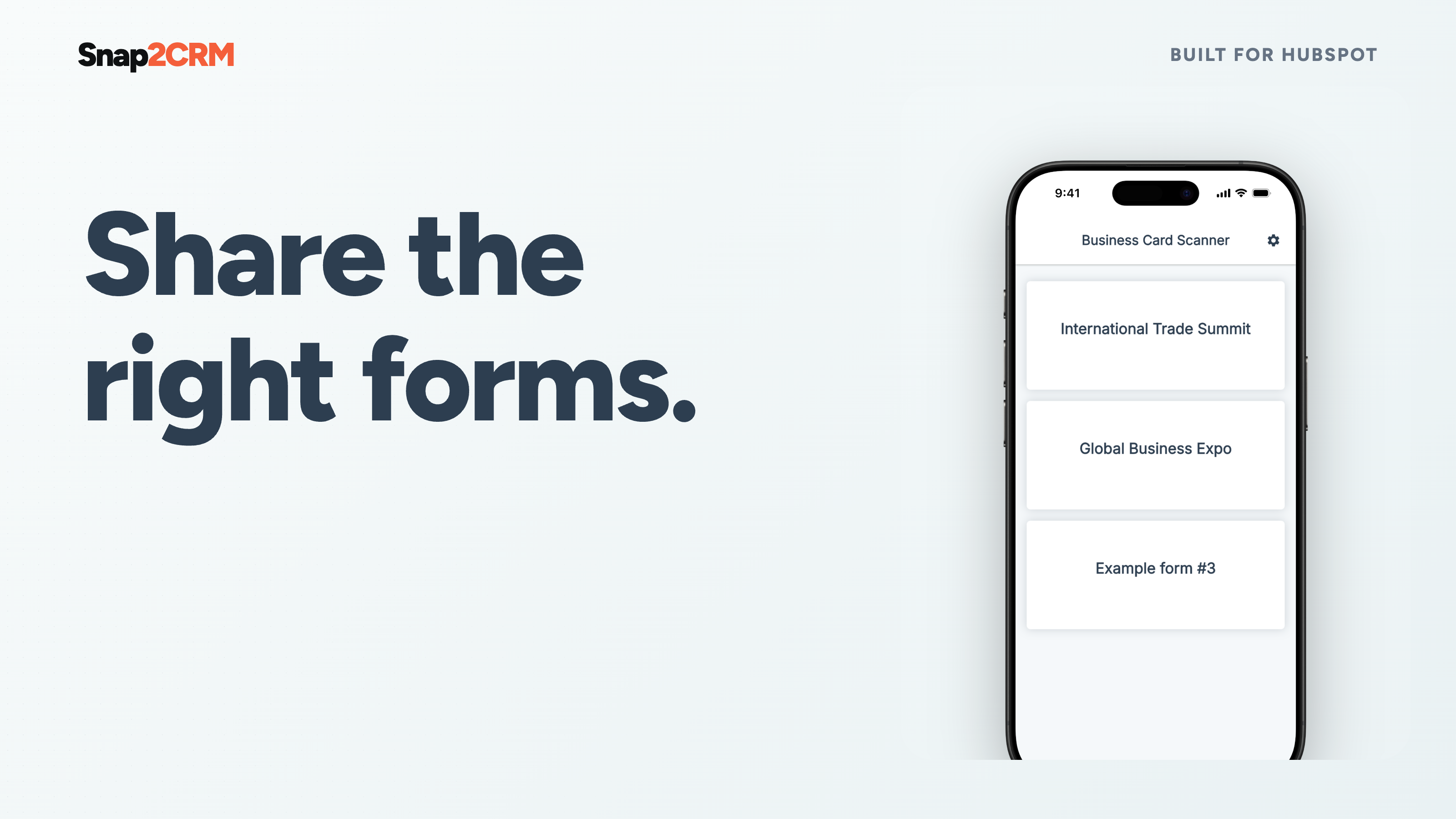
1/8 - Snap2CRM demo: choose a HubSpot form, scan a business card, review the contact details and submit.
Turn every business card into reviewed, actionable HubSpot data—without spreadsheets, imports, or a disconnected capture tool.
Snap2CRM gives sales teams a fast mobile capture flow while keeping your HubSpot setup in control. Choose the connected HubSpot form that fits the situation, scan a card, review and edit the extracted details, and submit. HubSpot then handles contact creation or updates, deduplication, and the workflows, routing, scoring, notifications, lists, and follow-up configured for that form.
Getting started is guided. After installation, the onboarding walks you through connecting HubSpot, preparing your forms, and completing your first test scan. Start free, then add team features such as notes, dynamic ownership, and selective form access as your process grows.
Fast for the person scanning
Capture a card during a meeting or event in seconds.
Review every detail before it reaches HubSpot.
Add useful context while the conversation is still fresh.
Built for events and field sales
Keep moving through high-volume capture without returning to spreadsheets later.
Use the right HubSpot form for each event, campaign, region, or team.
Turn captured contacts into timely follow-up through your existing automation.
Controlled by RevOps and Marketing Ops
Keep HubSpot forms, fields, hidden values, and downstream logic at the center of the process.
Standardize contact capture without relying on manual CRM entry.
Control ownership and which forms are available to which people.
Ominaisuudet
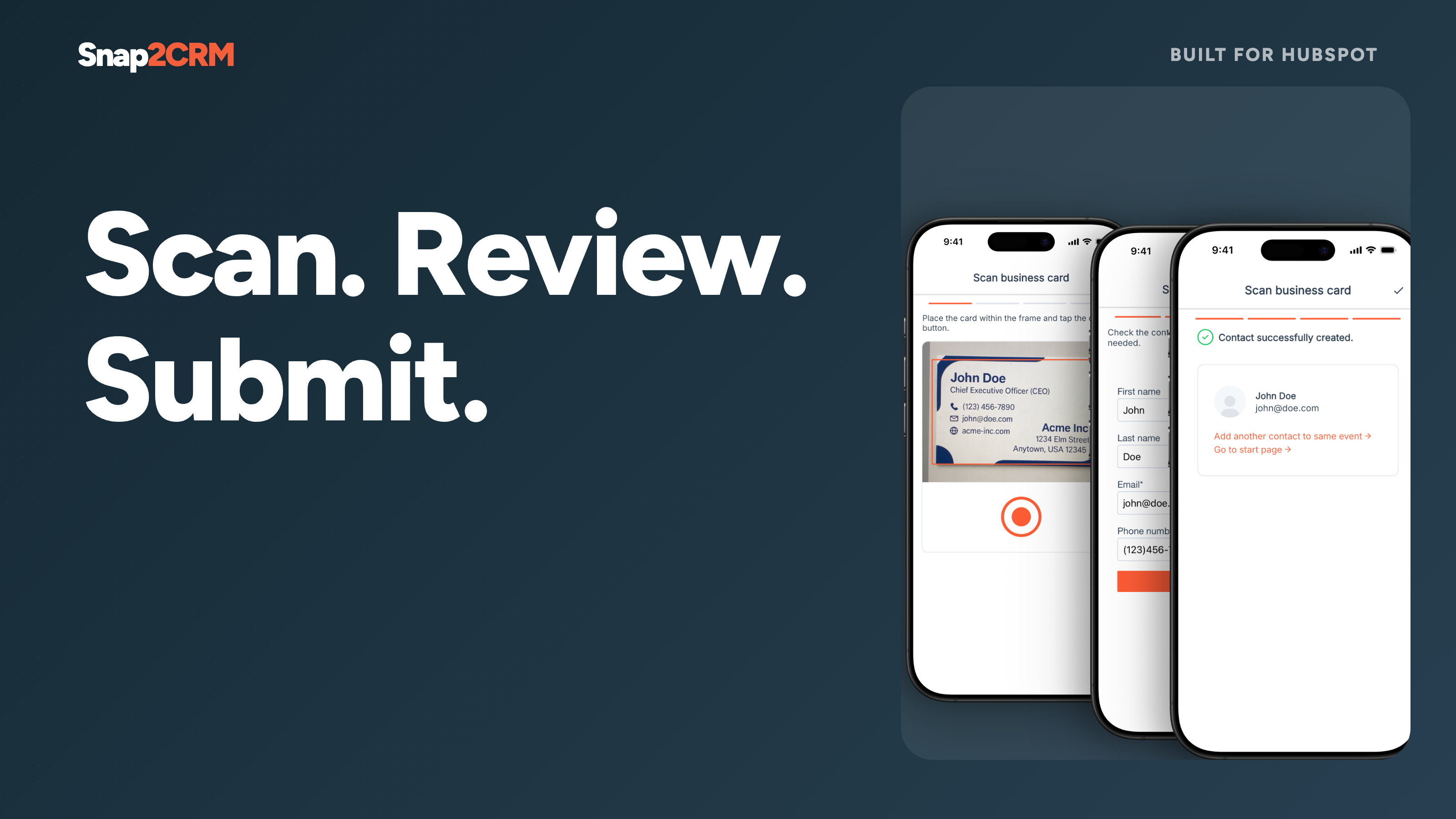
Reviewed scan-to-form flow
Choose the appropriate connected HubSpot form, scan a card, check or edit the extracted contact details, and submit. Snap2CRM turns physical cards into structured form submissions without CSV uploads or copy-paste.
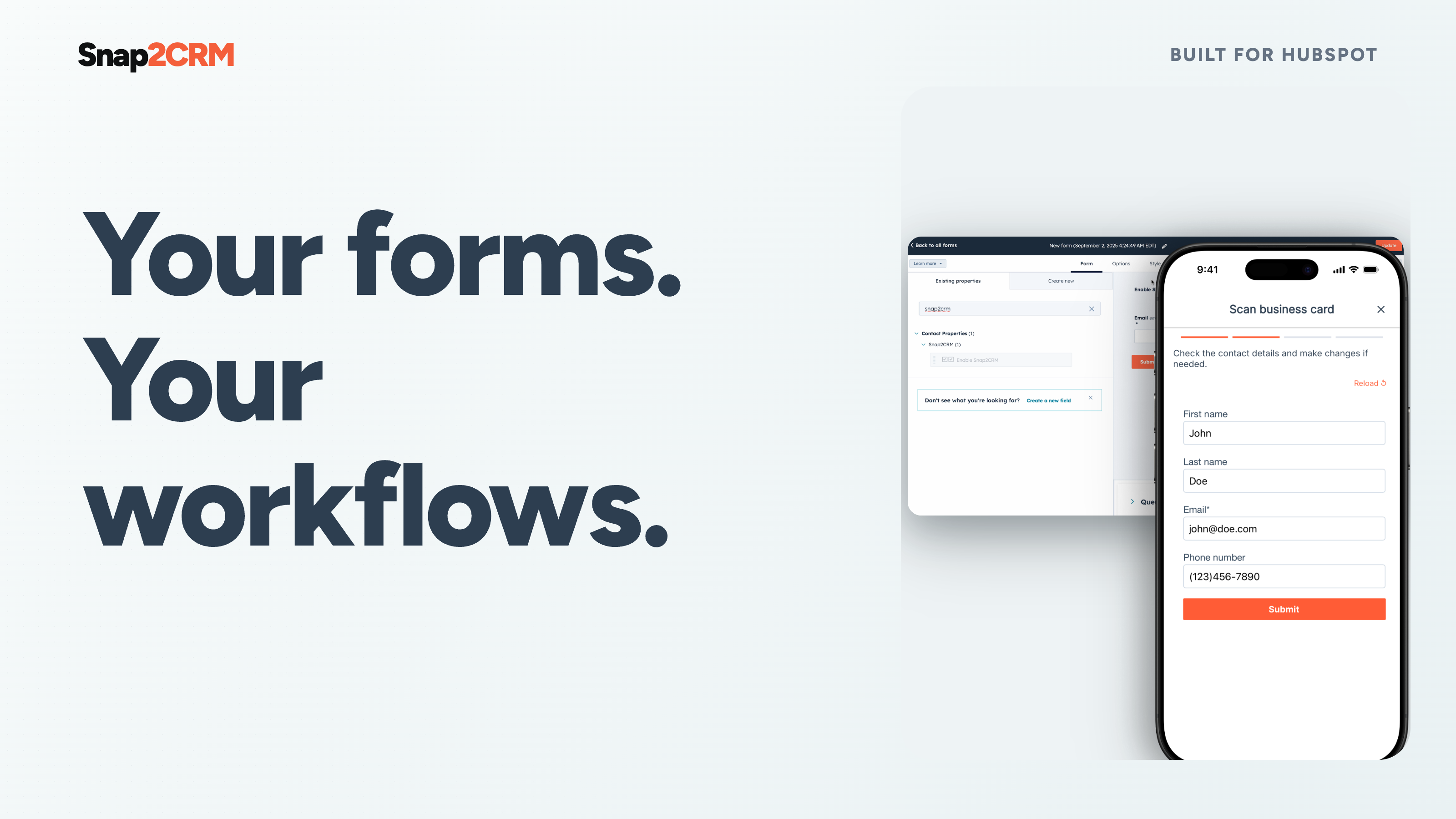
HubSpot-native follow-up
Each completed scan is submitted through the selected HubSpot form. HubSpot remains the system of record and handles contact creation or updates, deduplication, and any workflows, routing, scoring, notifications, lists, or follow-up configured for that form.
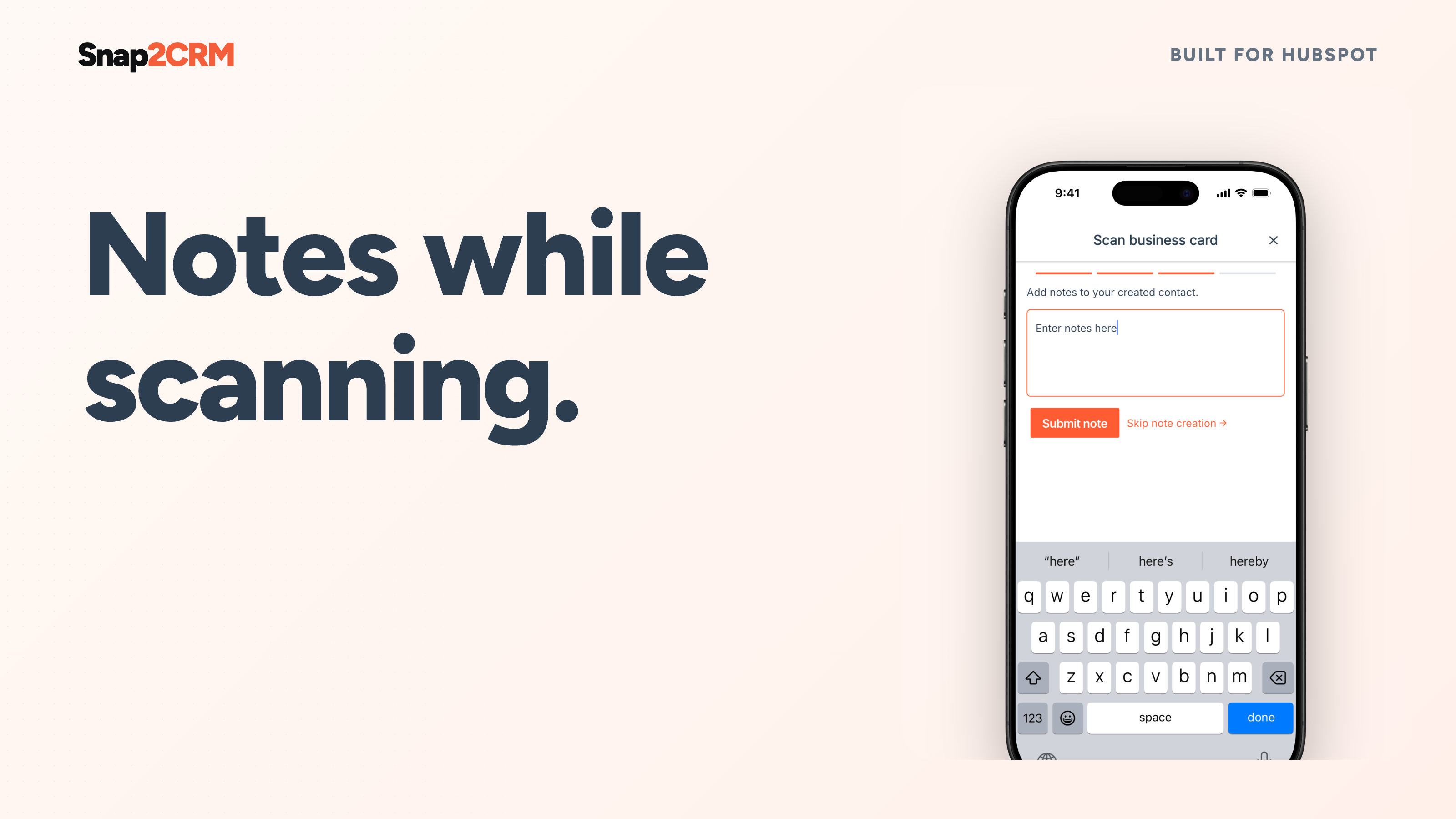
Notes at the moment of capture
Add meeting context while it is still fresh. Snap2CRM keeps the note connected to the contact in HubSpot, giving your team what it needs for a relevant follow-up. Available on Pro and higher plans.
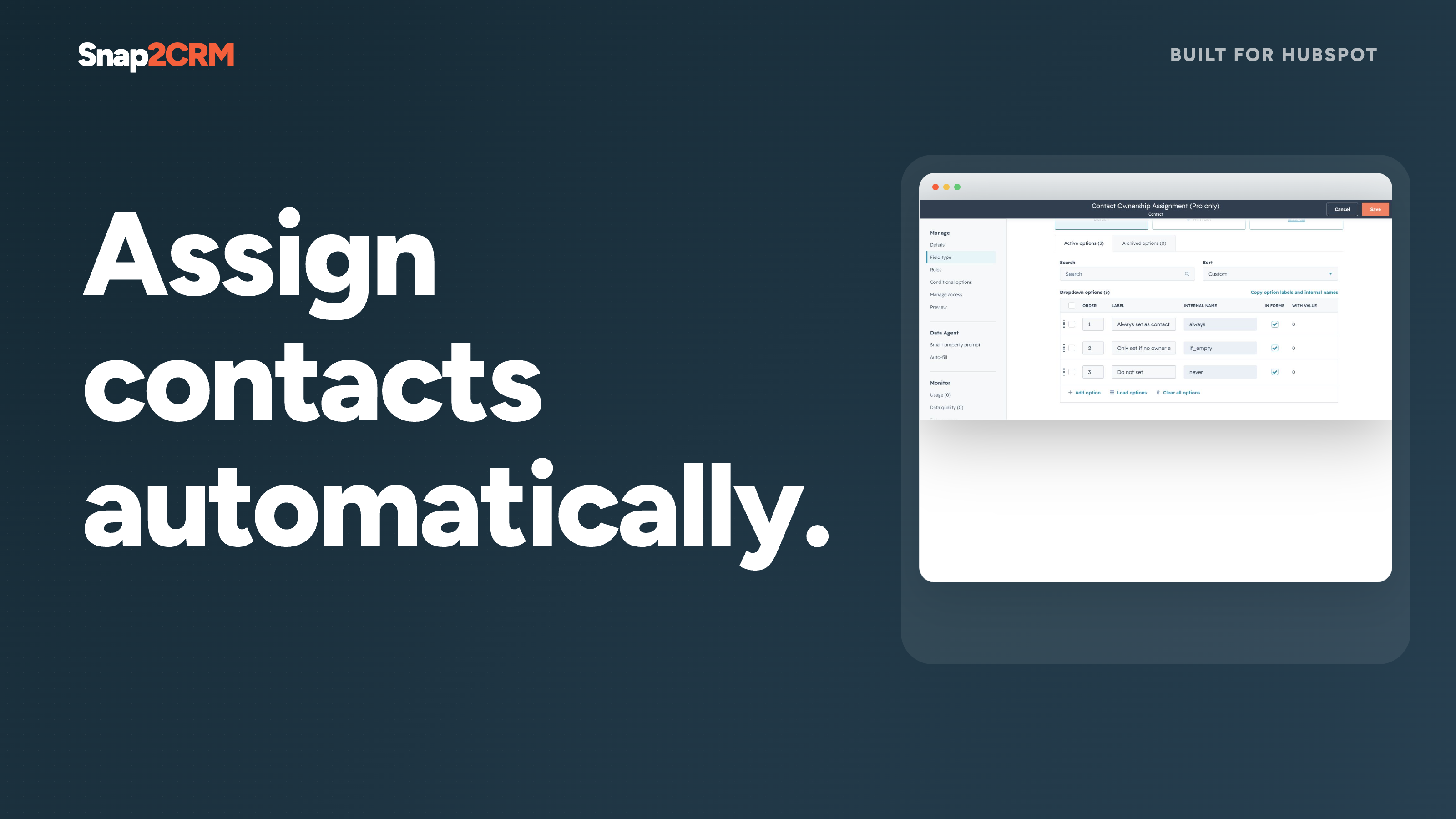
Dynamic contact ownership
Assign the scanning user as the contact owner automatically, with flexible options for the process your team has configured. Give every captured lead a clear next owner without a second admin step. Available on Pro and higher plans.
Selective form access
Show users only the HubSpot forms relevant to their team, region, event, or campaign. Reduce clutter and keep internal or specialized capture flows available only to the intended people. Available on Business and higher plans.
Sovelluksen toiminnallisuus
Jaetut tiedot
Snap2CRM users | ||
Snap2CRM properties | ||
Forms in Snap2CRM mobile app |
Contact data is submitted through the selected form to your connected HubSpot account. Snap2CRM retains only the metadata needed for operation, security, billing, diagnostics and usage analysis.
Arvostelut
- 23. kesä 2026
En ymmärrä, miten se asetetaan, se on liian monimutkaista.
Tarvitaan sujuvampi liitin ja käyttökokemus.
En ymmärrä, miten se asetetaan, se on liian monimutkaista.
Rao, B.
- 13. touko 2026
Toimii odotetusti
Se antaa meille enemmän joustavuutta kuin HubSpotin skannerin käyttö. Lomakkeiden avulla voimme käynnistää liidien luomisen automaattisesti, kun taas HubSpot-sovelluksessa on aika monta vaihetta, ennen kuin olet luonut uuden kontaktin ja uuden liidin.
Lomakkeiden täyttäminen käyntikorttia skannaamalla
Toinen sovellus, jota myyntiedustajien on käytettävä.
Houben, L.
Hinnoittelu
Free
0 $
Get started for free – no credit card required.
25 scans/month
Free
0 $
Get started for free – no credit card required.
25 scans/month
*Hinnoittelu tässä on vain esittelytarkoituksessa. Kaikki hinnat eivät sisällä veroja, kannustimia, alennuksia tai muita hinnoittelumuuttujia. Pyydä kumppanilta ajantasaiset ja oikeat hintatiedot. HubSpot ei ota vastuuta näistä kumppaneidemme tarjoamista hintatiedoista. Hinnoittelu päivitetty viimeksi: 28.09.2026
Lisätietoja
Rakentanut - Snap2CRM
Asennukset - Yli 100 asennusta
Kategoriat Kielet, joilla tämä sovellus on saatavilla Englanti jasaksa