

Snap2CRM – Business Card Scanner
ข้อกำหนด
แผน HubSpot สิทธิ์บัญชี HubSpot - ดูสิทธิ์บัญชี ที่จำเป็น
ประเภทสิทธิ์การเข้าถึง แชร์แล้ว การสมัครใช้บริการ Snap2CRM – Business Card Scanner - Free, Starter, Pro, Business หรือ Enterprise แพ็กเกจ
ภาพรวม
1/8 - Snap2CRM demo: choose a HubSpot form, scan a business card, review the contact details and submit.
Turn every business card into reviewed, actionable HubSpot data—without spreadsheets, imports, or a disconnected capture tool.
Snap2CRM gives sales teams a fast mobile capture flow while keeping your HubSpot setup in control. Choose the connected HubSpot form that fits the situation, scan a card, review and edit the extracted details, and submit. HubSpot then handles contact creation or updates, deduplication, and the workflows, routing, scoring, notifications, lists, and follow-up configured for that form.
Getting started is guided. After installation, the onboarding walks you through connecting HubSpot, preparing your forms, and completing your first test scan. Start free, then add team features such as notes, dynamic ownership, and selective form access as your process grows.
Fast for the person scanning
Capture a card during a meeting or event in seconds.
Review every detail before it reaches HubSpot.
Add useful context while the conversation is still fresh.
Built for events and field sales
Keep moving through high-volume capture without returning to spreadsheets later.
Use the right HubSpot form for each event, campaign, region, or team.
Turn captured contacts into timely follow-up through your existing automation.
Controlled by RevOps and Marketing Ops
Keep HubSpot forms, fields, hidden values, and downstream logic at the center of the process.
Standardize contact capture without relying on manual CRM entry.
Control ownership and which forms are available to which people.
ฟีเจอร์
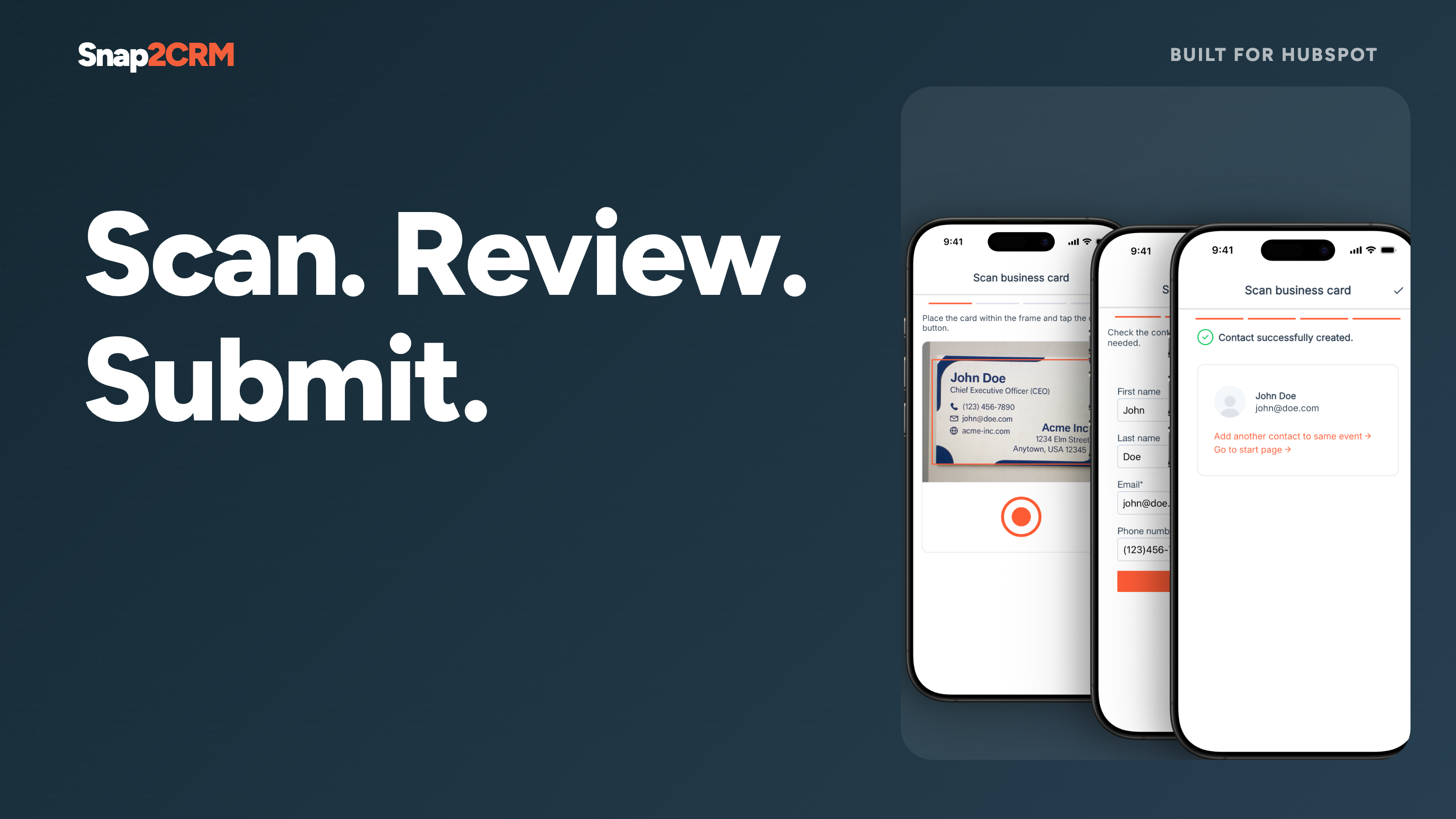
Reviewed scan-to-form flow
Choose the appropriate connected HubSpot form, scan a card, check or edit the extracted contact details, and submit. Snap2CRM turns physical cards into structured form submissions without CSV uploads or copy-paste.
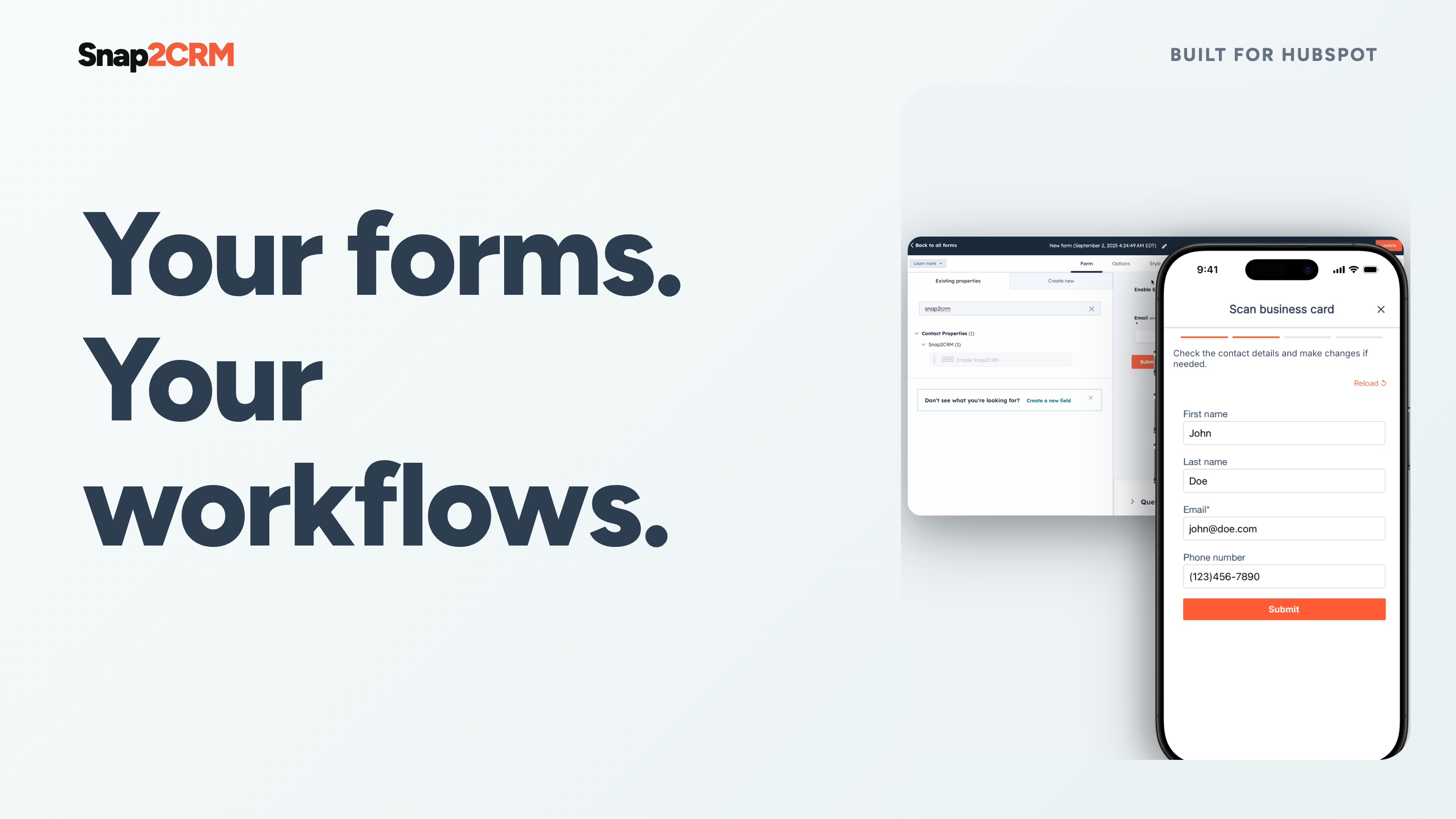
HubSpot-native follow-up
Each completed scan is submitted through the selected HubSpot form. HubSpot remains the system of record and handles contact creation or updates, deduplication, and any workflows, routing, scoring, notifications, lists, or follow-up configured for that form.
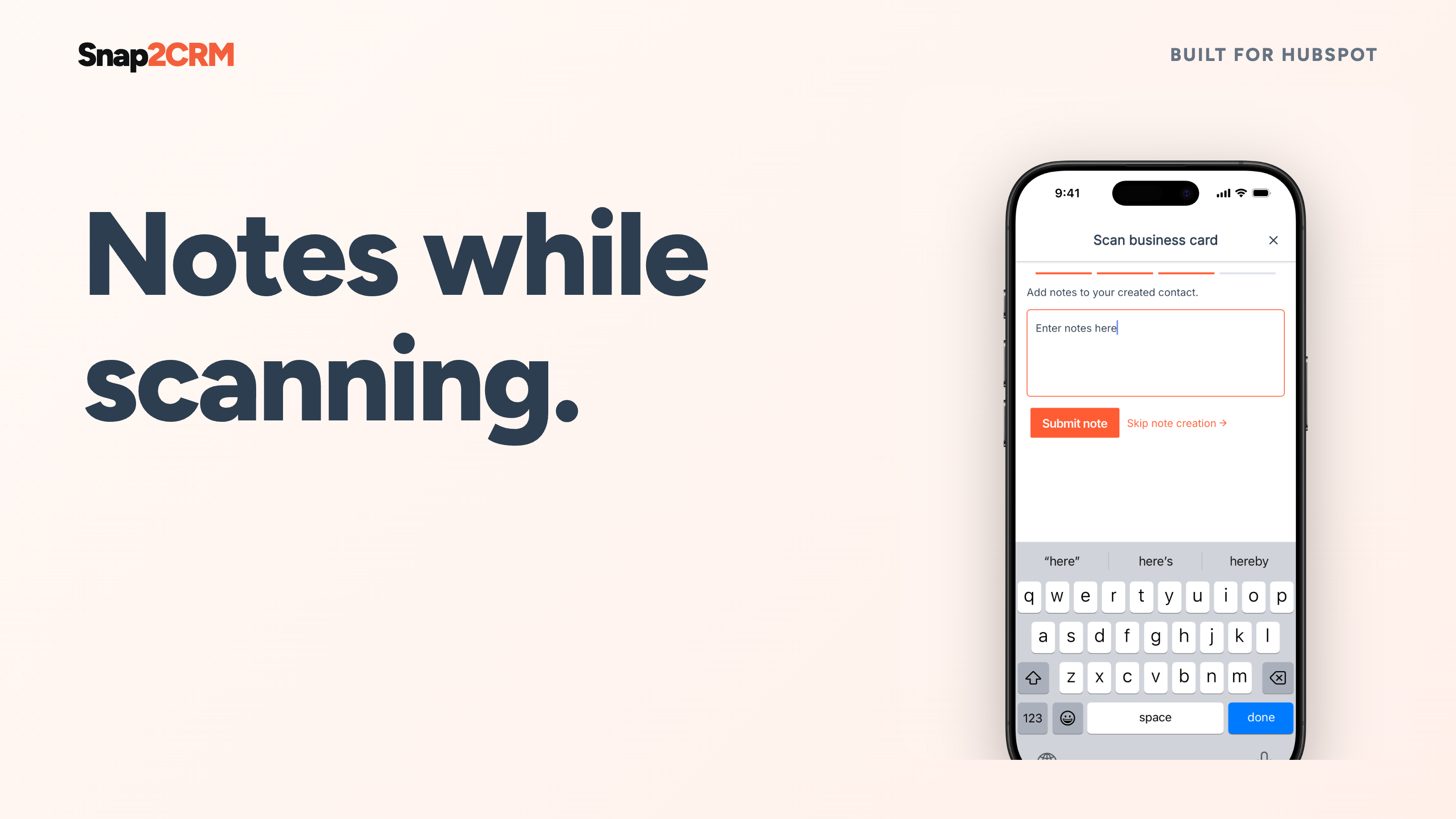
Notes at the moment of capture
Add meeting context while it is still fresh. Snap2CRM keeps the note connected to the contact in HubSpot, giving your team what it needs for a relevant follow-up. Available on Pro and higher plans.
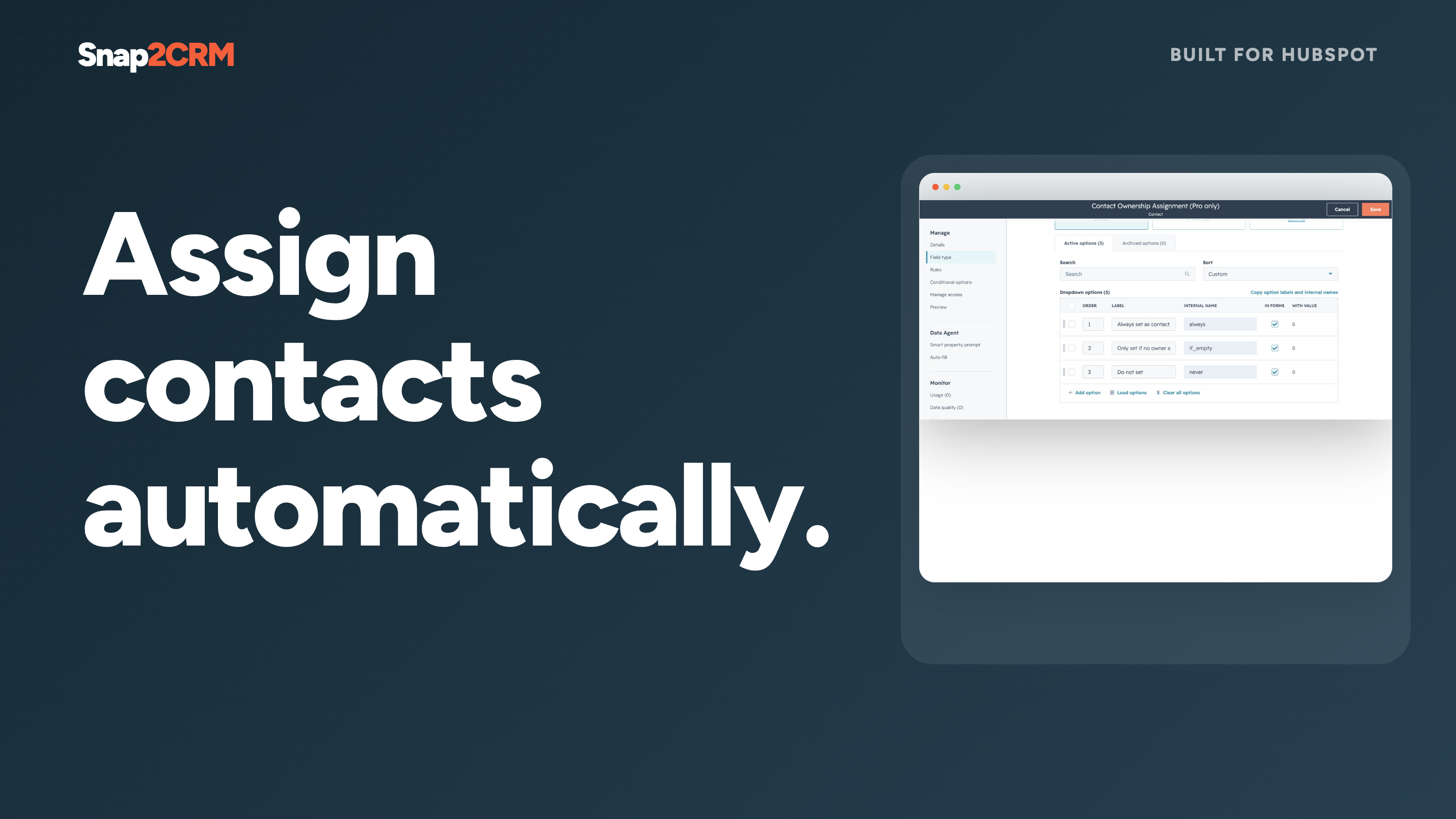
Dynamic contact ownership
Assign the scanning user as the contact owner automatically, with flexible options for the process your team has configured. Give every captured lead a clear next owner without a second admin step. Available on Pro and higher plans.
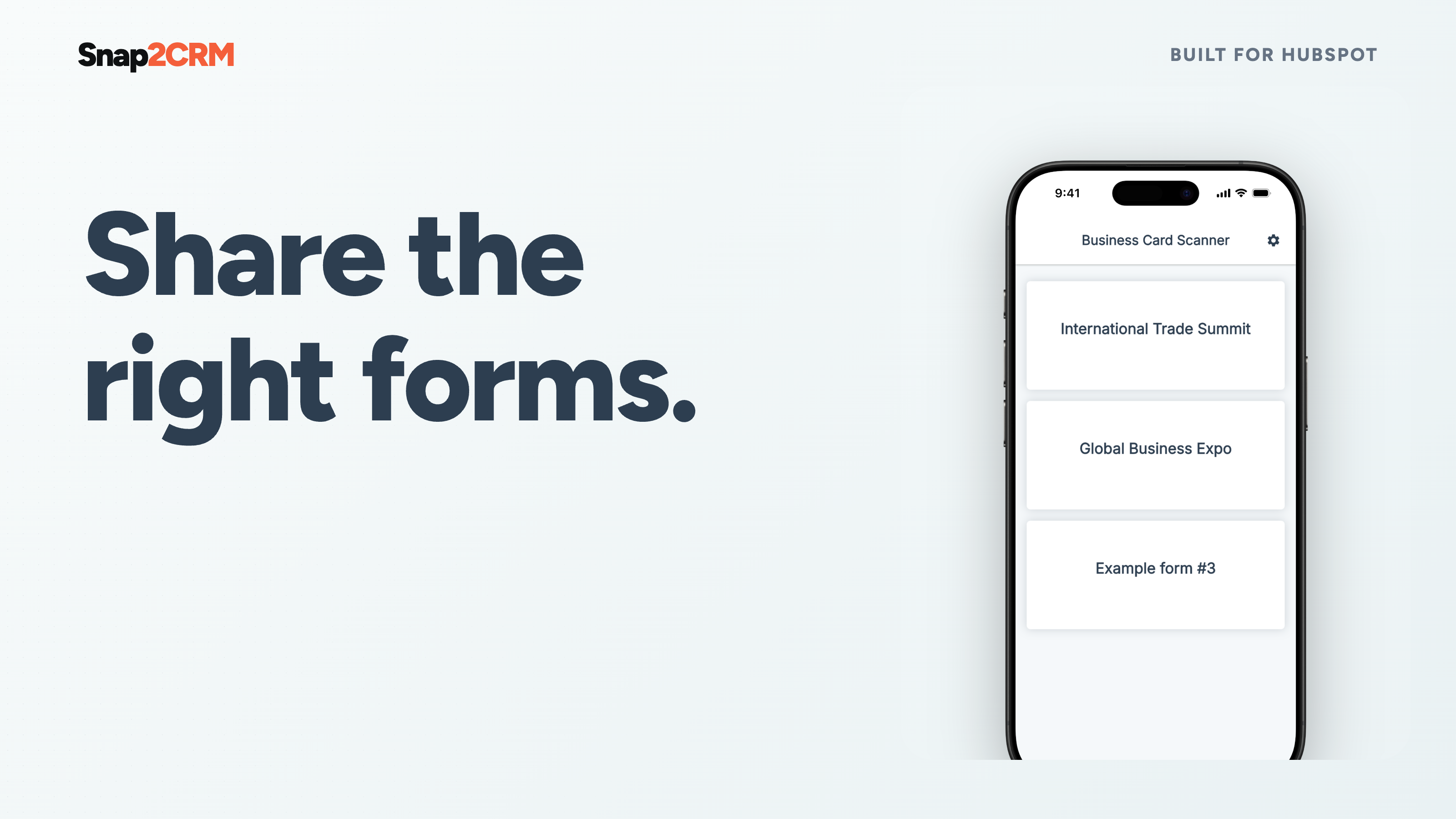
Selective form access
Show users only the HubSpot forms relevant to their team, region, event, or campaign. Reduce clutter and keep internal or specialized capture flows available only to the intended people. Available on Business and higher plans.
ฟังก์ชันการทำงานแอป
ข้อมูลที่แบ่งปัน
Snap2CRM users | ||
Snap2CRM properties | ||
Forms in Snap2CRM mobile app |
Contact data is submitted through the selected form to your connected HubSpot account. Snap2CRM retains only the metadata needed for operation, security, billing, diagnostics and usage analysis.
รีวิว
- 23 มิ.ย. 2026
Not clear how to set it up, too complicated.
Needs a smoother connector and UX.
Not clear how to set it up, too complicated.
Rao, B.
- 13 พ.ค. 2026
Works as expected
It gives us more flexibility than using the HubSpot scanner itself. With forms we can trigger creation of Leads automatically, in the HubSpot app you have quite a lot of steps to take before you have created a new contact and a new lead.
Filling out forms with scanning a businesscard
Another app sales reps need to use.
Houben, L.
การกำหนดราคา
Free
US$0
Get started for free – no credit card required.
25 scans/month
Free
US$0
Get started for free – no credit card required.
25 scans/month
* ราคาที่แสดงนี้มีไว้เพื่อแสดงข้อมูลเท่านั้น ราคาทั้งหมดยังไม่รวมภาษี สิทธิพิเศษ ส่วนลด หรือตัวแปรราคาอื่นๆ คุณควรติดต่อพาร์ทเนอร์เพื่อรับข้อมูลราคาล่าสุดและถูกต้องที่สุด HubSpot จะไม่รับผิดชอบใดๆ ต่อข้อมูลราคานี้ซึ่งจัดทำโดยพาร์ทเนอร์ของเรา การกำหนดราคาอัปเดตล่าสุด: 28/09/2026
ข้อมูลเพิ่มเติม
สร้างโดย - Snap2CRM
ติดตั้ง - 100+ การติดตั้ง
หมวดหมู่ ภาษาที่แอปนี้สามารถใช้ได้ เยอรมัน และอังกฤษ