

Forecast
Créé par - Forecast ApS
Installation - 100+ installations
Exigences
Abonnement HubSpot Autorisations de compte HubSpot - Afficher les autorisations de compte requises
Type d'accès Partagé Abonnement à Forecast - Abonnements : Pro ou Plus
Vue d'ensemble
1/4
Forecast est une plateforme de gestion de projet qui permet de gérer efficacement les projets et les ressources en un seul endroit. En connectant toutes les opérations du projet, du devis à la facture, Forecast apporte une visibilité de bout en bout sur l'ensemble du cycle de vie de votre projet.
Connectez HubSpot avec Forecast pour aligner votre département des ventes et vos équipes de livraison de projets. L'intégration vous permet de transformer les contrats HubSpot en projets Forecast, afin d'obtenir une meilleure visibilité de votre pipeline de projets et de planifier plus précisément vos ressources disponibles. Avec l'importation de clients depuis HubSpot, vous pouvez également avoir une seule source de vérité pour vos dossiers clients sans avoir à mettre à jour les informations sur les clients dans des systèmes distincts.
Fonctionnalités
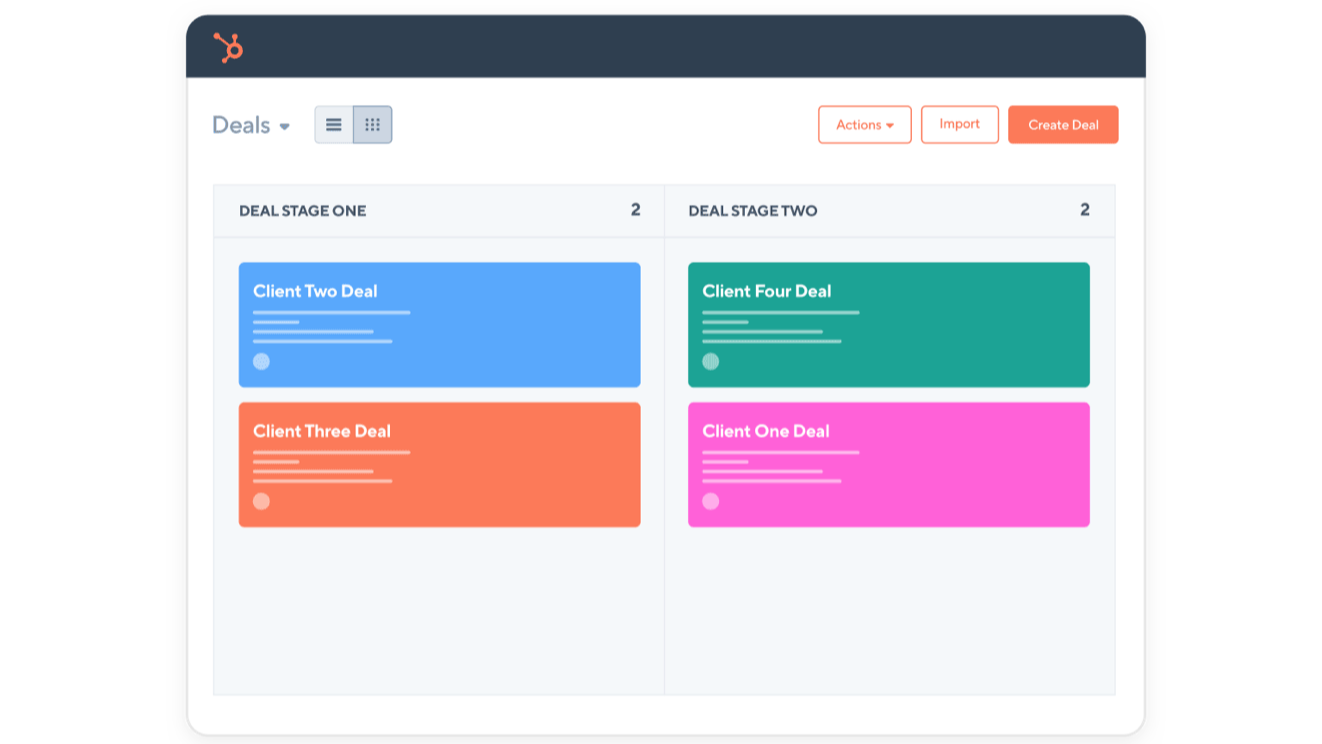
Transformer les contrats HubSpot en projets prévisionnels
Lorsque les affaires dans HubSpot atteignent un certain stade, elles sont créées en tant que projet dans Forecast. C'est vous qui choisissez l'étape à laquelle vous souhaitez qu'un projet soit créé dans Forecast, ainsi que le statut du projet et la probabilité de gain. Au fur et à mesure que les affaires franchissent les différentes étapes dans HubSpot, la probabilité de gain et le statut du projet sont mis à jour.
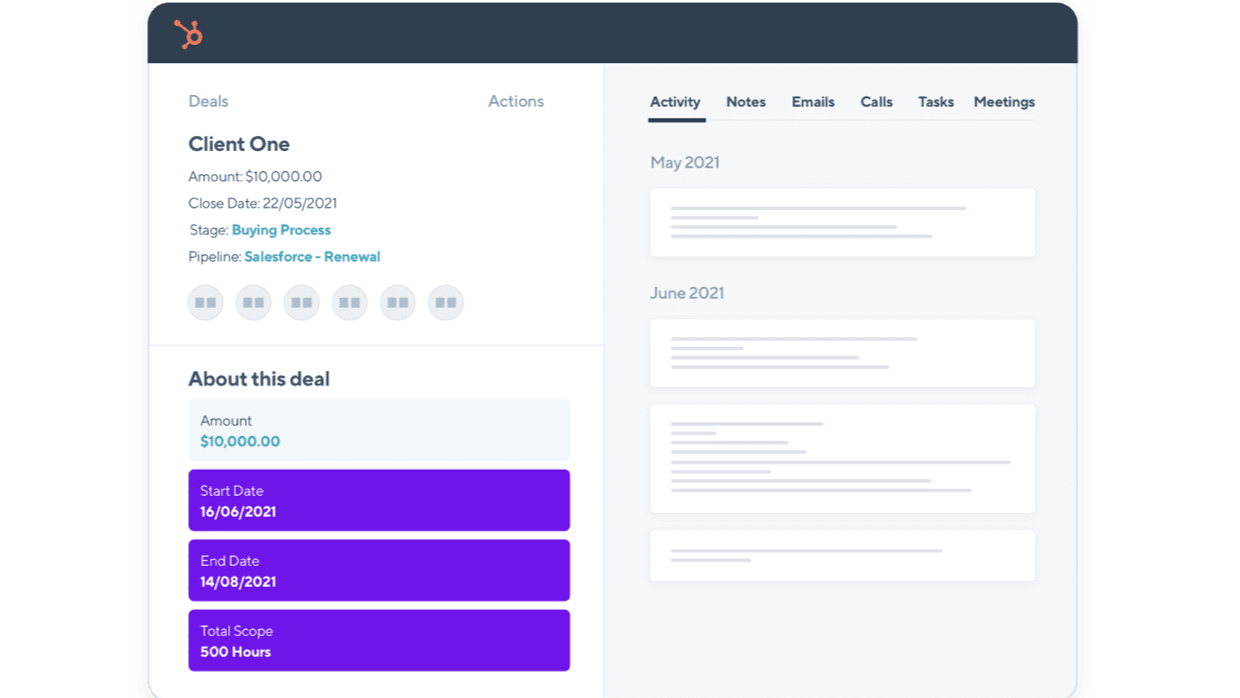
Les informations sur les projets prévisionnels sont automatiquement mises à jour dans HubSpot
Une fois que vous avez mis en place l'intégration HubSpot et Forecast, Forecast créera 22 propriétés d'information sur le projet dans HubSpot. Au fur et à mesure que vous planifiez votre projet Forecast plus en détail, les propriétés d'information du projet (par exemple, les dates de début et de fin) seront mises à jour dans HubSpot. Vous pouvez sélectionner les propriétés que vous voulez voir sur la vue de l'affaire dans HubSpot.
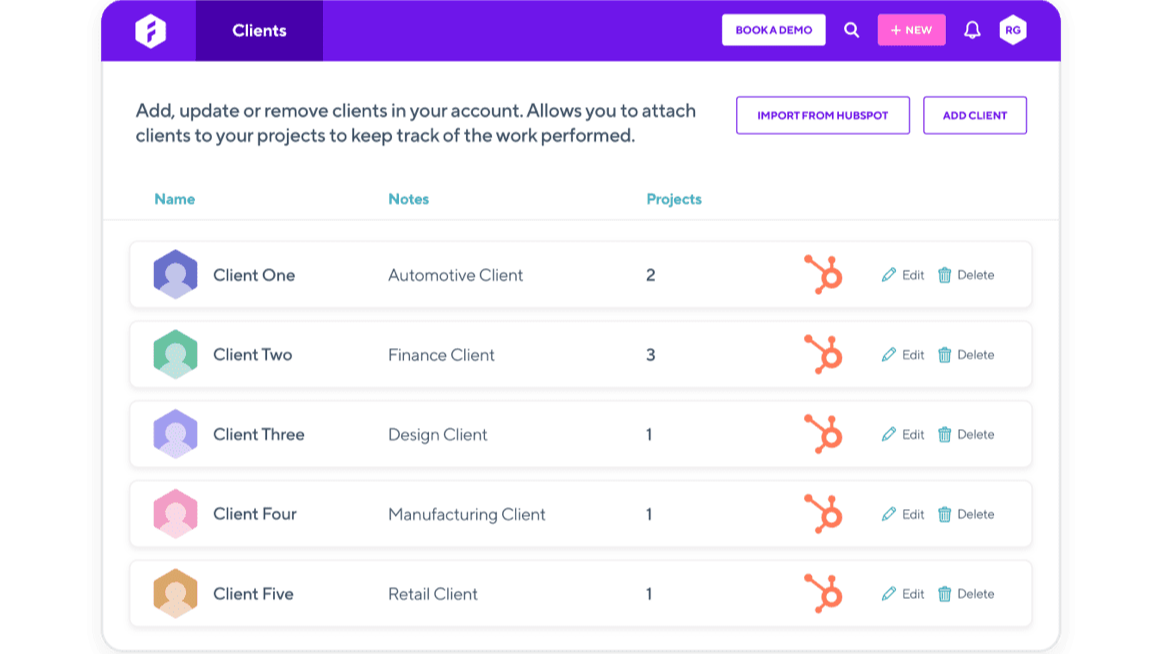
Importez vos clients de HubSpot dans Forecast
Importez vos clients de HubSpot vers Forecast, afin de ne pas avoir à les créer manuellement et à maintenir leurs informations à jour dans deux systèmes différents. Toute modification apportée aux informations sur les clients dans HubSpot sera automatiquement mise à jour dans Forecast.
Fonctionnalité de l'application
Données partagées
Projects | ||
Clients | ||
Project Information |
Avis
Tarification
Pro
49 $US
/moisPour les entreprises qui souhaitent affiner leurs opérations et leurs finances afin de travailler de manière durable.
Tout en Lite +
Rapport sur le portefeuille financier
Gestion de la maintenance
Budgets des projets
Gestion des dépenses
Intégrations professionnelles
Pro
49 $US
/moisPour les entreprises qui souhaitent affiner leurs opérations et leurs finances afin de travailler de manière durable.
Tout en Lite +
Rapport sur le portefeuille financier
Gestion de la maintenance
Budgets des projets
Gestion des dépenses
Intégrations professionnelles
* Les prix mentionnés ici sont uniquement présentés à titre indicatif. Tous les prix n'incluent pas les taxes, les offres spéciales, les réductions ni les autres facteurs pouvant affecter les tarifs. Vous devez contacter le partenaire pour obtenir les tarifs les plus récents. HubSpot n'assume aucune responsabilité pour les informations de tarification fournies par ses partenaires. Dernière mise à jour des prix : 15/05/2026
Informations supplémentaires
Créé par - Forecast ApS
Installation - 100+ installations
Catégories Langues dans lesquelles cette application est disponible Anglais
Nouveautés

VoiceValet
Des assistants vocaux basés sur l'IA qui gèrent les appels, prennent les rendez-vous et s'intègrent à HubSpot, le tout en parlant comme un humain.

Shopify Sidekick by MakeWebBetter
Accéder à HubSpot CRM dans Shopify Sidekick grâce au langage naturel
