

Dynamic Dropdowns
Built by - Daeda Technologies
Installs - 20+ installs
Requirements
HubSpot Plan HubSpot Account permissions - View the required account permissions
Access Type Shared Dynamic Dropdowns Subscription - Lifetime Access plan
Overview
1/4 - Demo Video
Dynamic Dropdowns converts free-text HubSpot properties into clean, controlled dropdown selects - built from the values your team is already using.
The app scans your existing records, discovers every unique value entered, and automatically filters out casing and punctuation variants, so all resolve to a single clean option.
You can manually include or exclude any value before creating the property. Optionally, enable auto-sync to keep your dropdown up to date as new values appear in your records.
Your original property and record values are never touched.
Works across Contacts, Companies, Deals, and Tickets - including cross-object creation, so you can scan values from one object type and create the dropdown property on another.
Once a dropdown is created, you can return to it at any time to add or remove values, refresh options from the source property to capture newly entered values, or adjust auto-sync settings per dropdown. Auto-sync runs every 6 hours and respects any values you have manually excluded - so your dropdown stays clean without any ongoing effort.
A common use case: replace free-text form fields (like "How did you hear about us?") with the clean dropdown Dynamic Dropdowns creates. Once the dropdown property exists, swap it into your HubSpot forms so leads select from a governed list instead of typing freeform - stopping bad data at the source.
Features
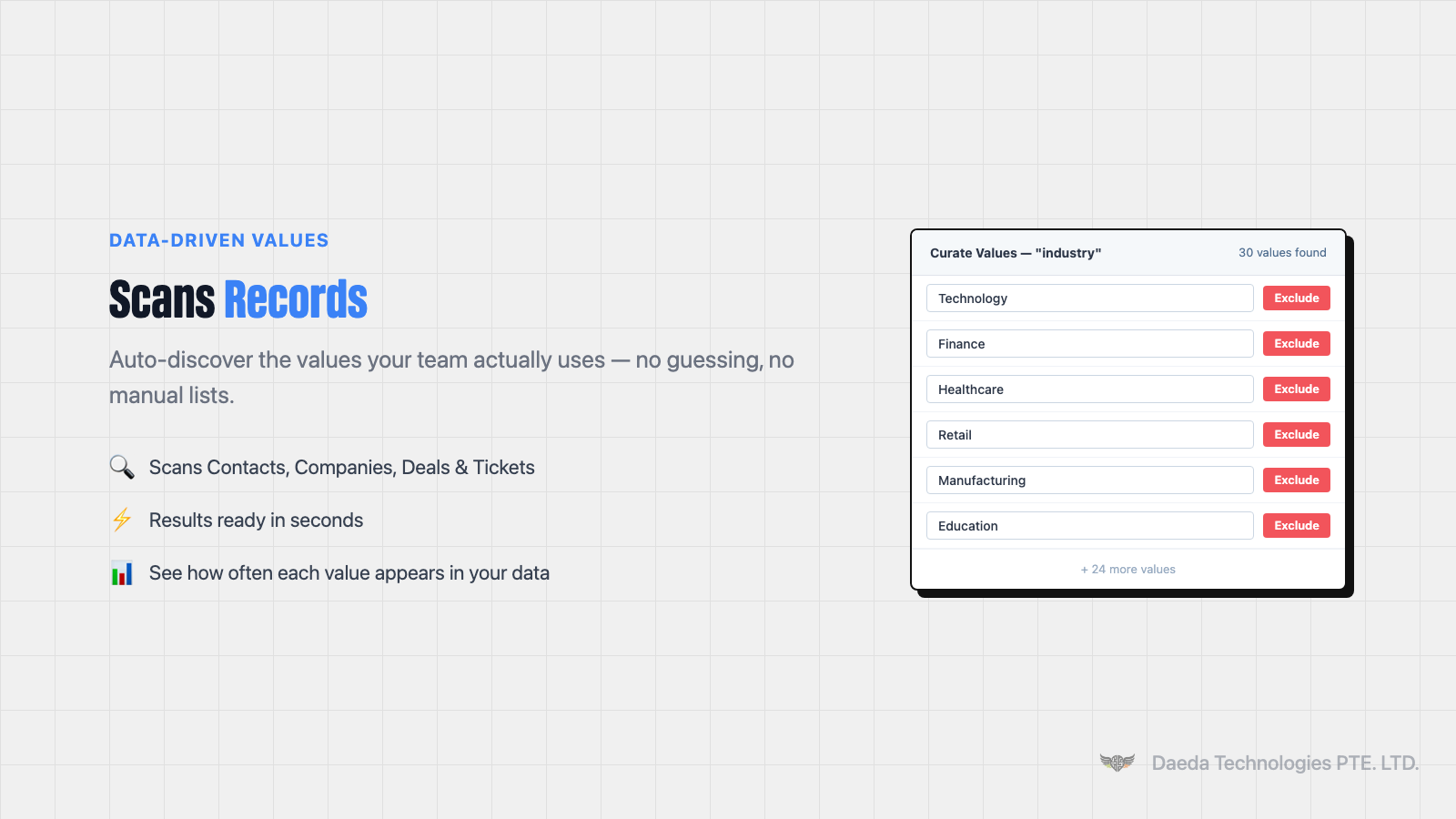
Data-Driven Values
Scan existing records to auto-discover the values your team actually uses. No manual list-building - the app finds your real data and builds the dropdown from it.
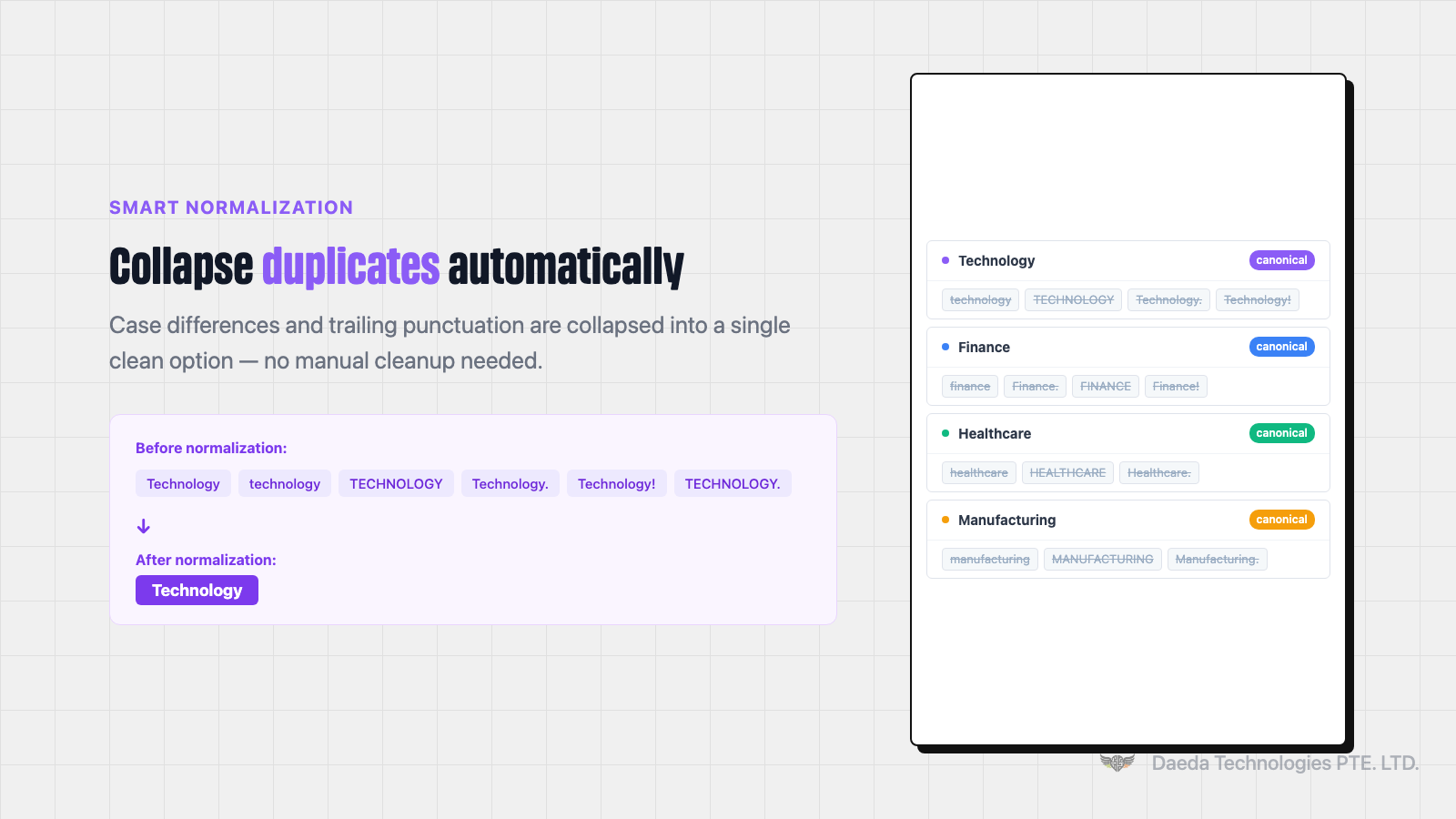
Smart Normalization
Case and punctuation variants automatically collapse to a single option. "Calif.", "CALIF", and "calif" become one clean choice - so you spend less time cleaning up and more time using your data.
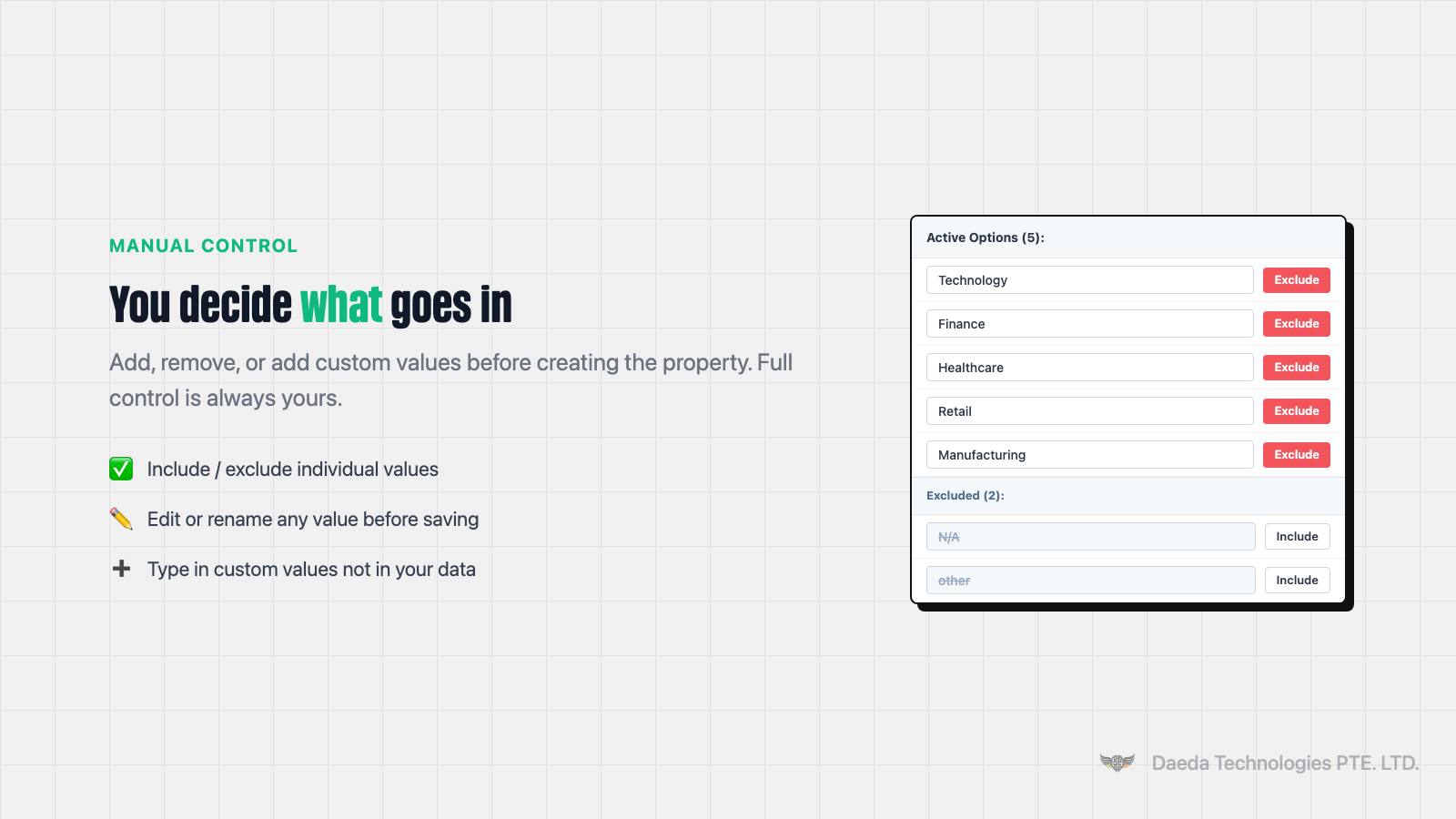
Manual Control
Add, remove, or reorder values before the dropdown is created. Remove legacy data and test entries, add values that don't exist yet, and set the order your team will see.
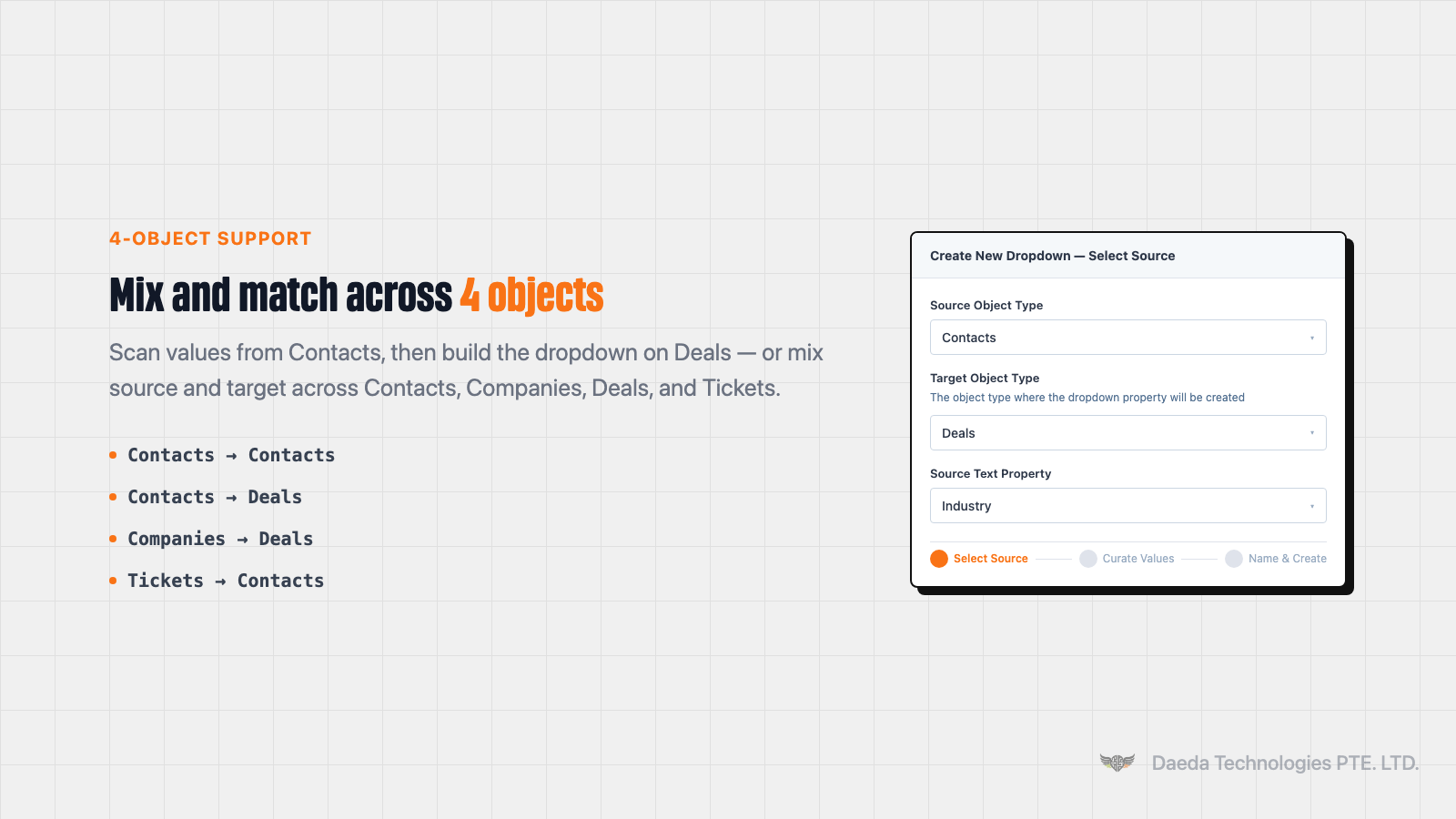
Cross-Object Support
Source data from Contacts and create the dropdown on Deals, or any combination of the four supported objects. Your dropdown doesn't have to live on the same object as the source property.
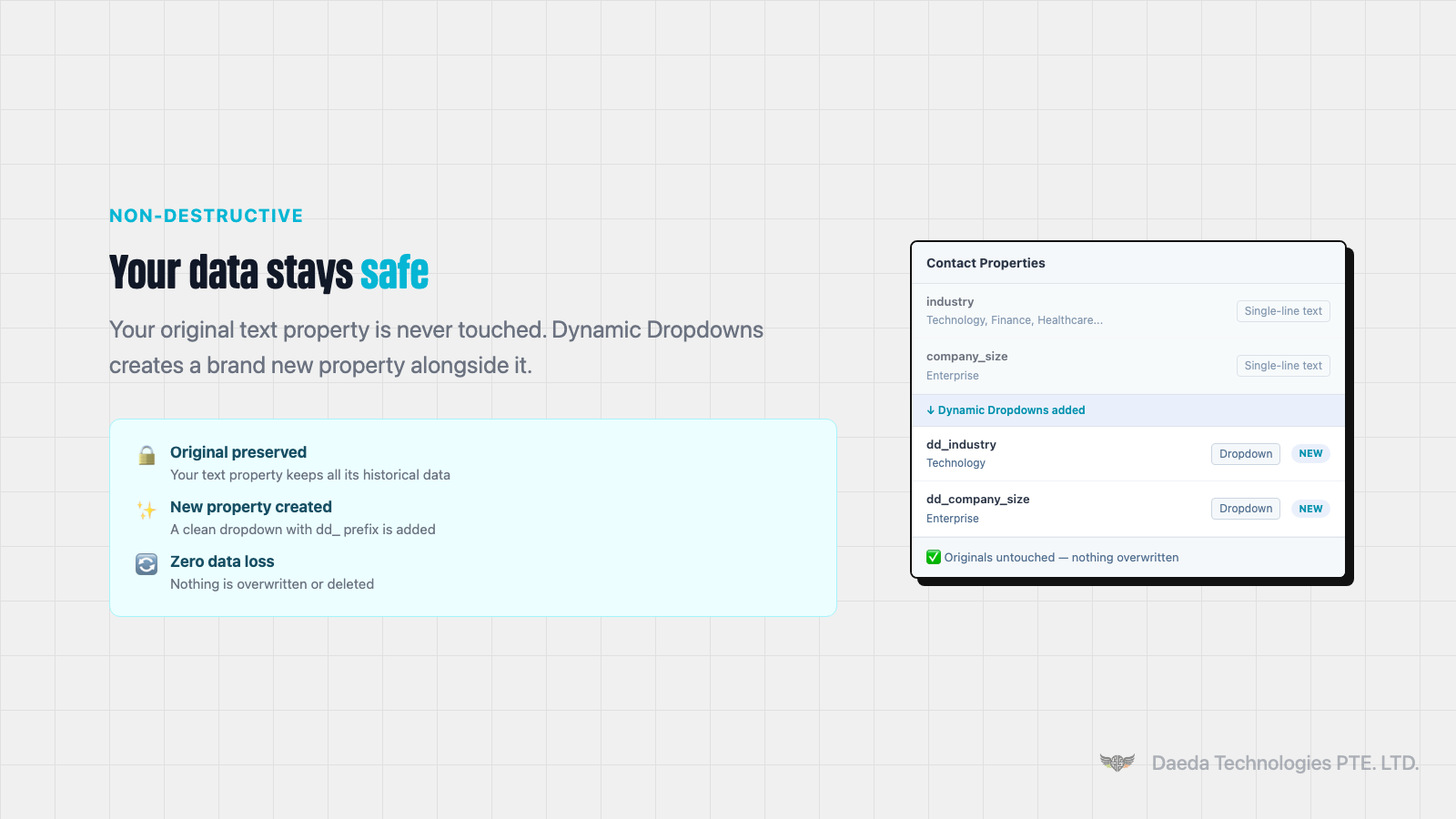
Non-Destructive
Your original text property is never modified. The dropdown is created as a brand new property. You decide what to do with the source property - keep it, hide it, or deprecate it.
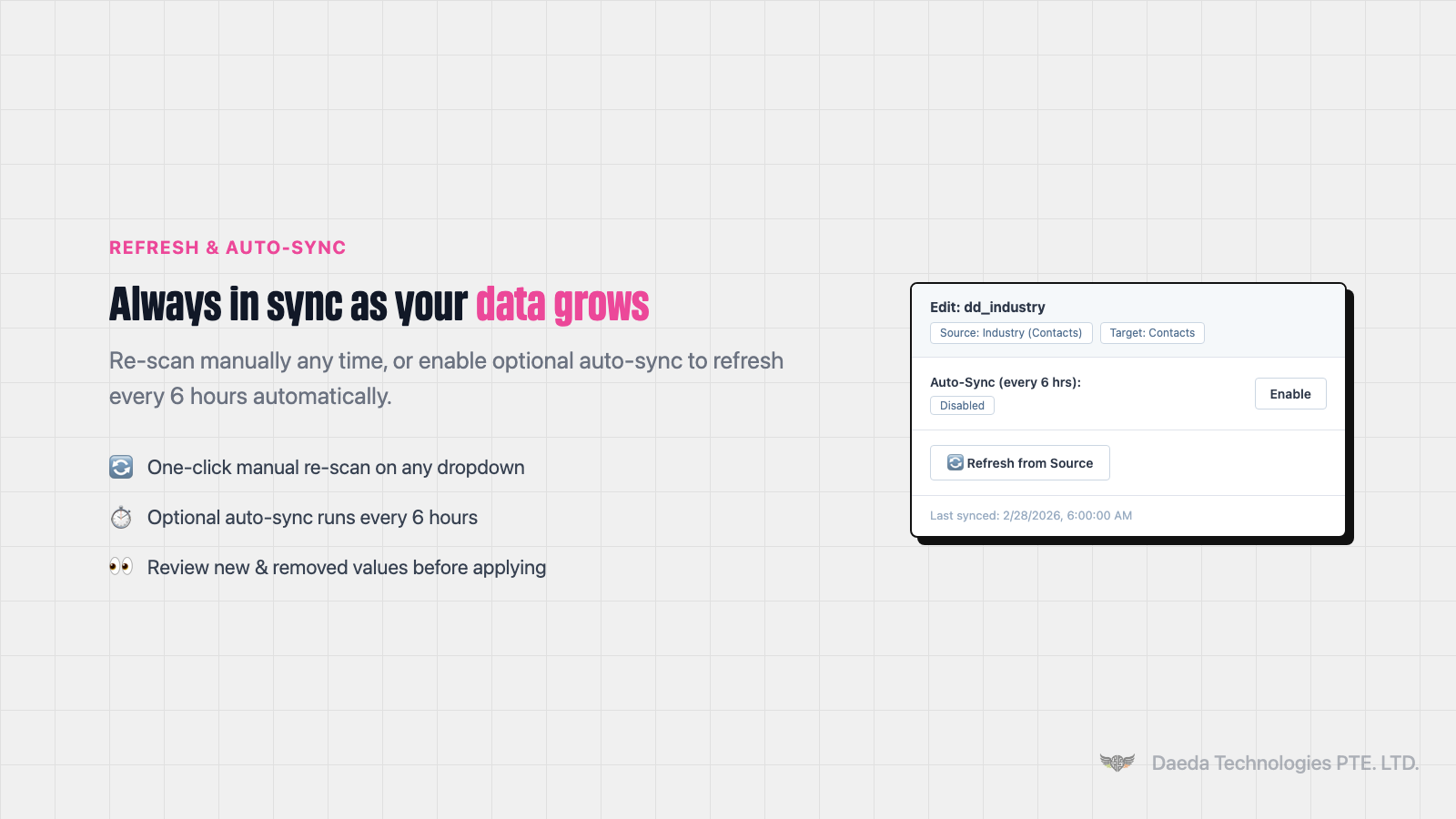
Refresh from Source
Re-scan the source property any time to discover new values without rebuilding the dropdown from scratch. New values are surfaced for review before you apply them.
App Functionality
Shared Data
CRM Properties | ||
CRM Properties | ||
CRM Properties | ||
CRM Properties | ||
Contact Properties | ||
Company Properties | ||
Deal Properties |
Dynamic Dropdowns reads existing CRM property values to discover dropdown options and writes new dropdown properties to your HubSpot portal. We store only the dropdown name and any values you have manually excluded, so the app can remember your curation choices. Your original properties and record values are never modified.
Reviews
Pricing
Lifetime Access
$20
one-time feeFull access, pay once
14-day free trial
Refresh from source
Cross-object support
Unlimited dropdown properties
Lifetime Access
$20
one-time feeFull access, pay once
14-day free trial
Refresh from source
Cross-object support
Unlimited dropdown properties
* The pricing here is for display purposes only. All prices do not include taxes, incentives, discounts, or other pricing variables. You should contact the partner for the most up to date and correct pricing information. HubSpot does not take any responsibility for this pricing information, which is provided by our partners. Pricing last updated: 04/13/2026
More info
Built by - Daeda Technologies
Installs - 20+ installs
Categories Languages this app is available in English
Getting attention today

Google Drive
Link drives, folders, and files to CRM records, automate file and folder management through workflows, and get AI-powered document overviews — all without leaving HubSpot.

Anthropic workflow action
Use your own LLM account when using AI-powered workflow actions
