


Rising
Requirements
HubSpot Plan HubSpot Account permissions - View the required account permissions
Access Type Shared Instagram Subscription - Instagram Business plan
Overview
-1.png)
1/2 - Reply to Instagram DMs directly from the HubSpot Inbox
Instagram DMs and story replies are usually handled by whoever runs the social account, and that person is rarely in sales or customer service.
So when a customer sends an Instagram DM about pricing or shipping, they get a quick social reply, and that's it. No contact record. No follow-up. No deal.
Story replies are worse. They arrive fast, they show real buying interest, and then they are gone. The problem is simple.
Instagram messages live in a phone app. No routing, no owner, no record. When volume grows, messages get missed, and you have no way to count how many.
The Instagram integration for HubSpot by Octopods routes DMs and story replies into the same Inbox your team already staffs, with the assignment rules you use everywhere else. Conversations attach to contact records, so social interest enters the pipeline instead of dying in a notification.
What changes once Instagram is connected to HubSpot through Octopods?
Your team stops switching apps. Instagram arrives in the HubSpot Conversations Inbox and Help Desk alongside email and live chat, with the same ownership and routing you already run.
Social conversations become CRM data. Every DM, story reply, and post share logs to the contact timeline, so sales sees what customer support discussed and the customer context is already there for your team.
Inbound interest becomes contacts. Instagram leads sync to HubSpot contacts automatically and associate to the right conversation, and if you'd rather control that, the sync can be toggled off in favour of manual contact creation.
Reporting finally includes Instagram. Because conversations live in HubSpot, Instagram shows up in the same reports as every other channel, so you can answer whether social is producing pipeline.
Built for teams already running multiple channels
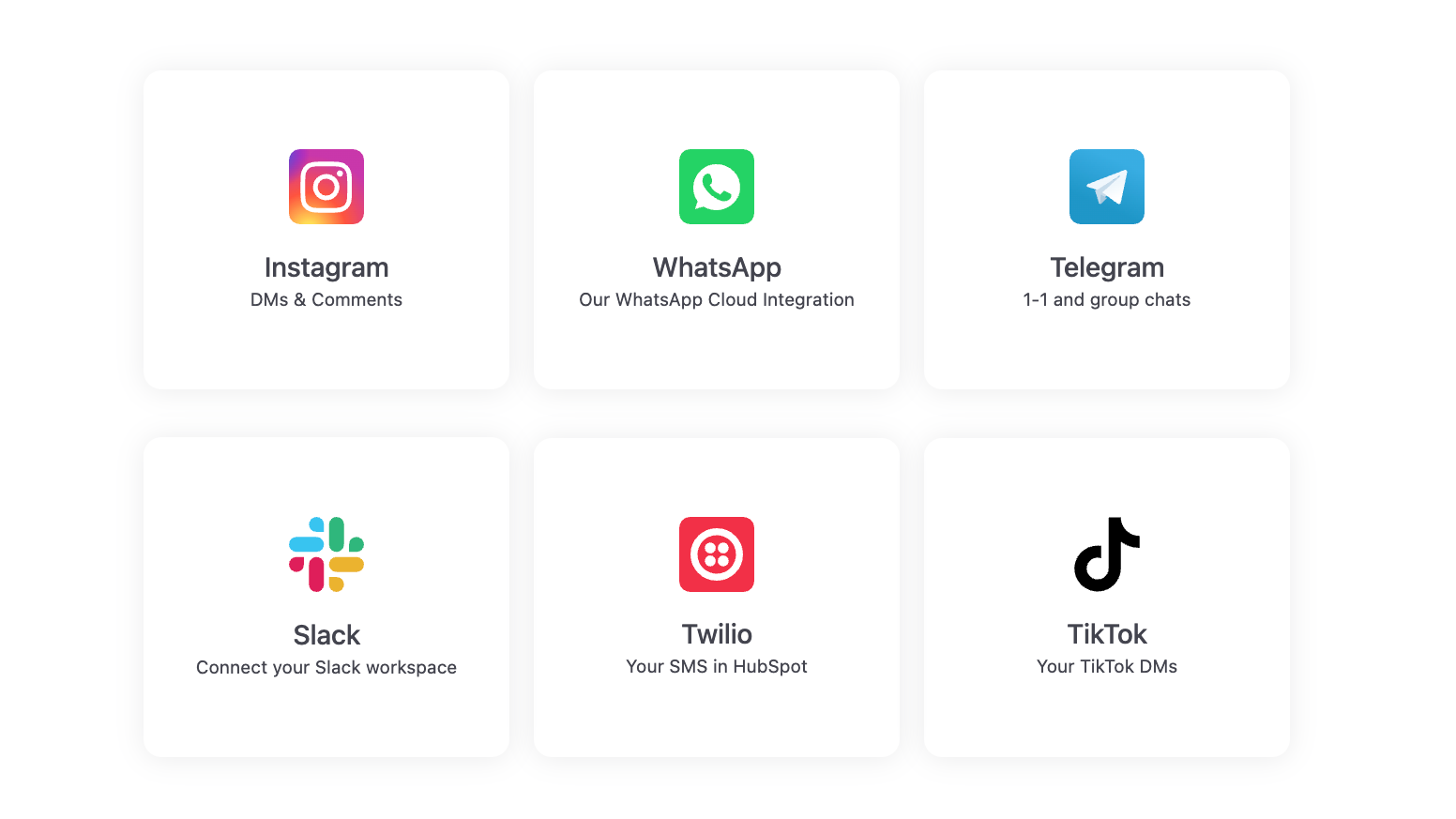
Octopods connects WhatsApp, Telegram, SMS, Slack, TikTok, and Viber to HubSpot on the same plan. Adding Instagram doesn't mean adding another vendor, and every channel behaves the same way once it's in the Inbox.
Setup takes minutes. Install from the HubSpot marketplace, sign in with your HubSpot email and connect your Instagram Business account, no developer required.
Features
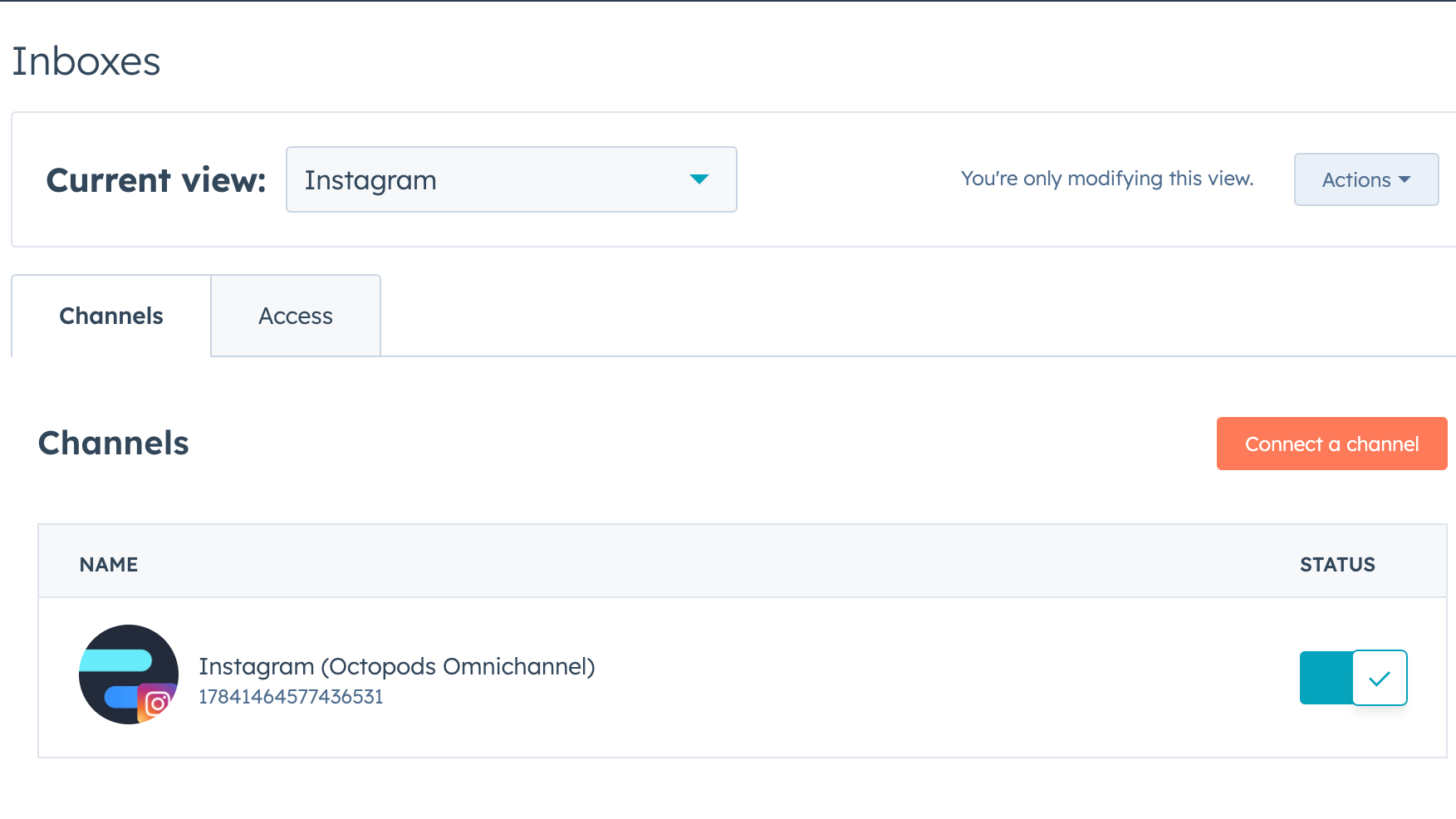
Instagram Channel for HubSpot Inbox
Connect your Instagram Business Accounts to your desired HubSpot Inbox using the Octopods integration.
-2-1.png)
Receive & Reply to your Instagram DMs from your HubSpot Inbox
Receive your Instagram DMs, including story replies & post shares. Reply back to those Instagram conversations with text, media, articles, and more - all from your HubSpot Inbox
No Sign In Required
Just as you install the integration into your HubSpot, Octopods will create an account for you with the same email you're signed in with HubSpot.
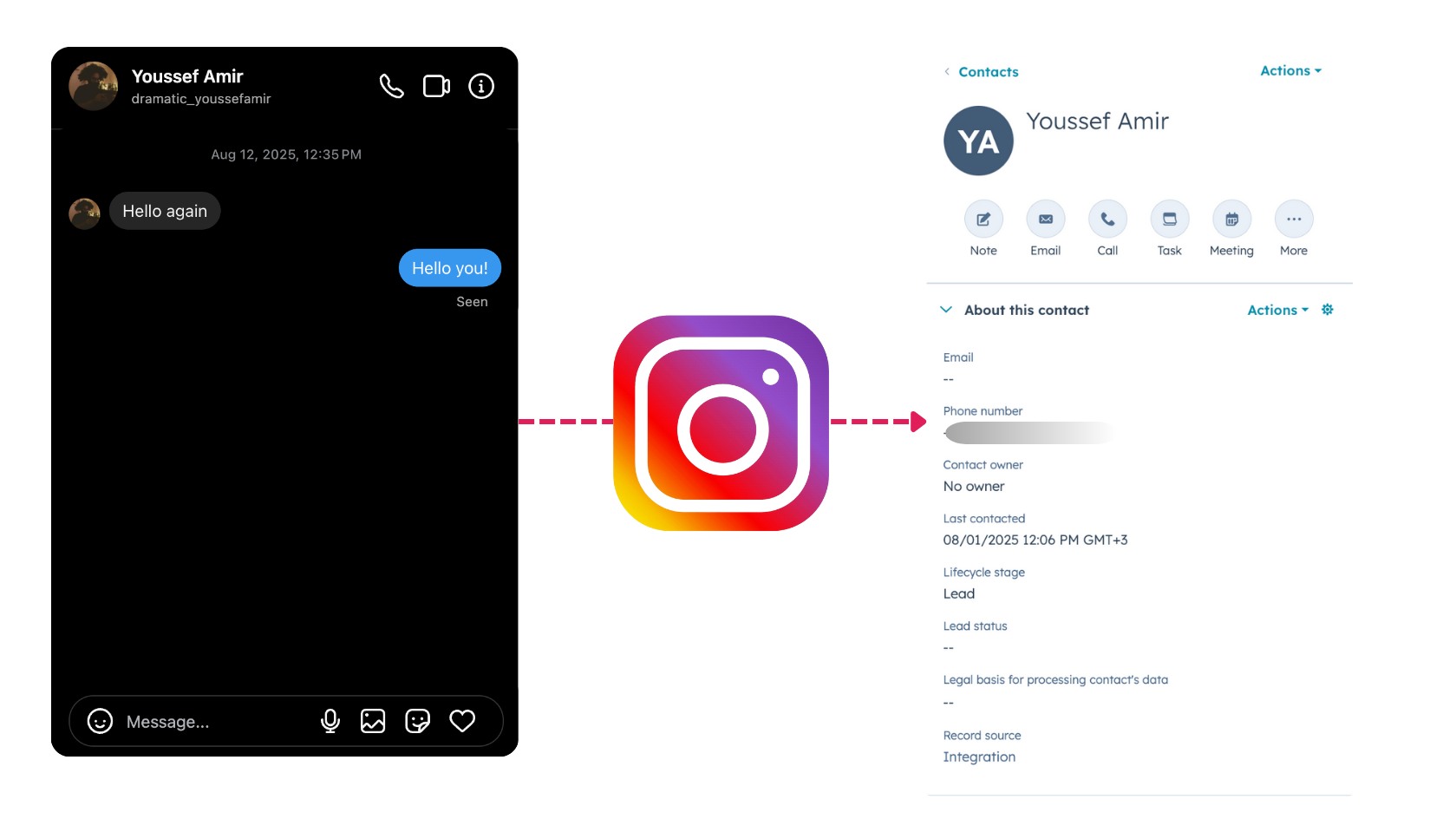
Automatic Contact Syncing
Octopods will sync your Instagram leads to HubSpot contacts and associate them to relevant conversation (you can toggle this feature off to default to HS Unknown Visitor and manual contact creation)
App Functionality
Shared Data
Conversations | ||
Messages | ||
Media | ||
Users | ||
Contact | ||
Conversation | ||
Conversation |
Reviews
4.6
9
4.6
9
- Jul 10, 2026
Octopods User Review
Octopods makes it easy to manage Instagram messages through the HubSpot Help Desk, allowing us to handle customer conversations more efficiently from one place.
The biggest advantage is the ability to communicate directly with the support team through Facebook Messenger. Whenever we have questions or run into issues, they're quick to respond and provide helpful support, making the overall experience smooth and frustration-free.
Overall, we're very satisfied with Octopods. Even when we encounter minor inconveniences, the responsive support team helps resolve them quickly, so they haven't had a significant impact on our experience.
김연택, [.
- May 14, 2026
Helps manage Instagram conversations in HubSpot
We can now reply to Instagram messages directly from the HubSpot inbox, making it easier to manage client conversations in one place and respond faster.
- Support has also been friendly and helpful. - My feature requests were listened to and implemented.
Golubeva, A.
Pricing
Instagram Business
$69
/month/per account - Supports Instagram Business accounts
Send and receive messages with Instagram
Unlimited HubSpot Accounts
Unlimited messages (Subject to fair use policy)
Instagram Business
$69
/month/per account - Supports Instagram Business accounts
Send and receive messages with Instagram
Unlimited HubSpot Accounts
Unlimited messages (Subject to fair use policy)
* The pricing here is for display purposes only. All prices do not include taxes, incentives, discounts, or other pricing variables. You should contact the partner for the most up to date and correct pricing information. HubSpot does not take any responsibility for this pricing information, which is provided by our partners. Pricing last updated: 08/12/2026
Most popular

Gmail
Bring HubSpot to your inbox with the HubSpot integration for Gmail.

Google Calendar
Book meetings quickly and easily with HubSpot and Google Calendar.
