

QuickBooks Online SYNC, Data Lake, AI, MCP by Commercient
Built by - Commercient
Installs - <10 installs
Requirements
HubSpot Plan HubSpot Account permissions - View the required account permissions
Access Type Shared QuickBooks Online SYNC, Data Lake, AI, MCP by Commercient Subscription - Saturn Pro or Saturn Enterprise plans
Overview
1/8
⭐⭐⭐⭐⭐ - "The sales team doesn't have to constantly email finance to get the answers they need. It's right there in the CRM" - Ascent
⭐⭐⭐⭐⭐ - “We can see what product categories are selling and where the opportunities are, thanks to SYNC” - Southern Wire
⭐⭐⭐⭐⭐ - "Commercient helps us save time, improve efficiency, avoid potential errors, and remove manual order entry" - Northern Feather Canada
Your ERP and your CRM each hold half of the same story. One knows what was sold. The other knows who bought it. Commercient connects them, so every team works from the same, up-to-date information.
It starts with the Data Lake, a single home for all your ERP, CRM, and eCommerce data. Instead of information scattered across separate systems, everything lands in one clean source of truth. SYNC keeps that source current, updating orders, invoices, inventory, and pricing automatically across every connected system. On top of that foundation, AI agents put the information to work. They prioritize the right leads, support customers, and help guide pricing decisions using the latest available data. MCP is what keeps those agents in check. It's Commercient's security layer for AI, making sure each agent only sees the data relevant to its task, so intelligence never comes at the cost of control.
One platform. Always current. Continuously smarter.
Supported Versions: QuickBooks Desktop, QuickBooks Pro, QuickBooks Premier, QuickBooks® Online , QuickBooks Advanced and QuickBooks Enterprise.
Features
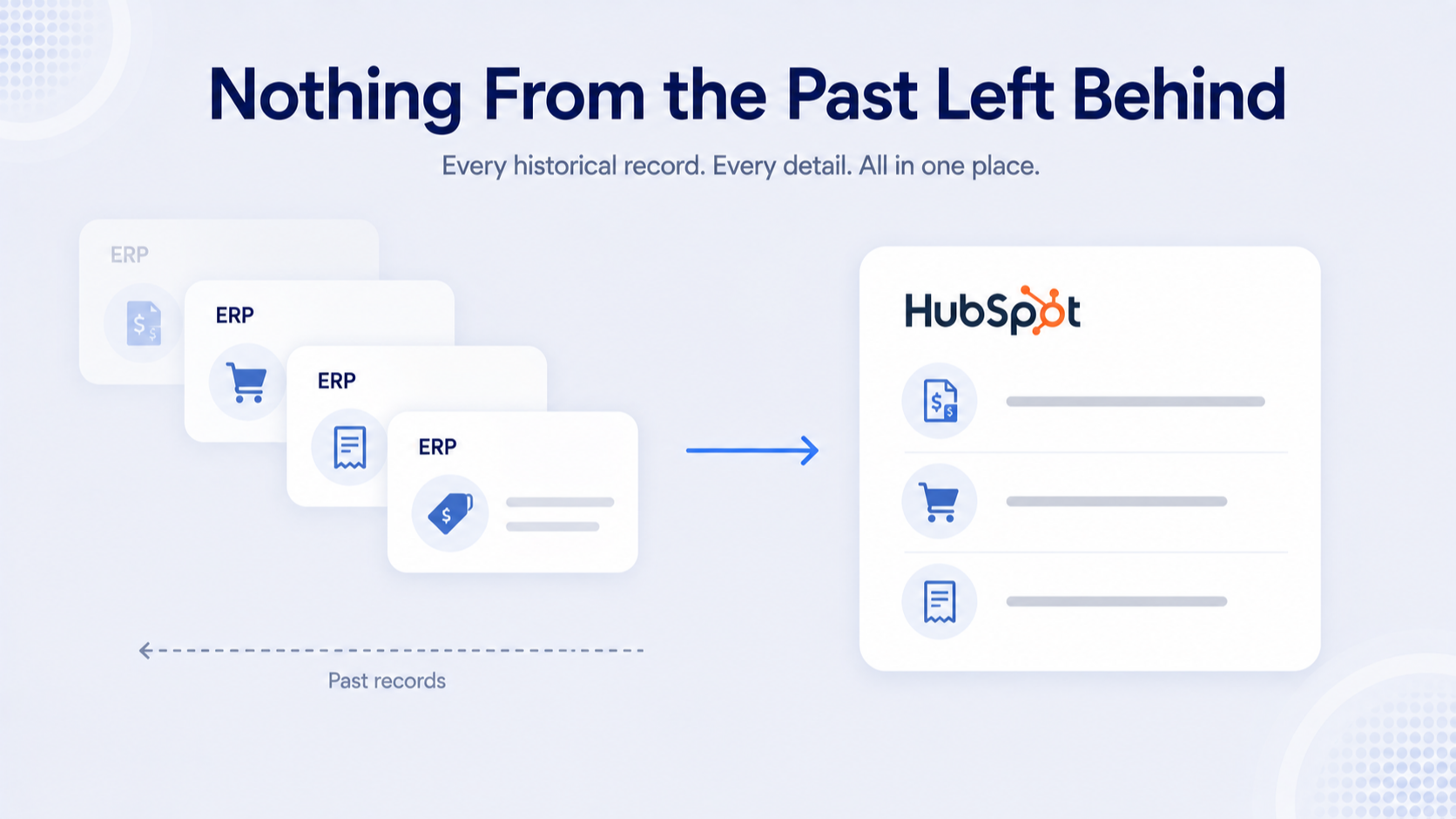
✔ Your Full History, Right in HubSpot
Every invoice, order, and purchase your ERP has on file syncs into HubSpot too, so your team sees the whole relationship in one place, not just what happens from today forward.
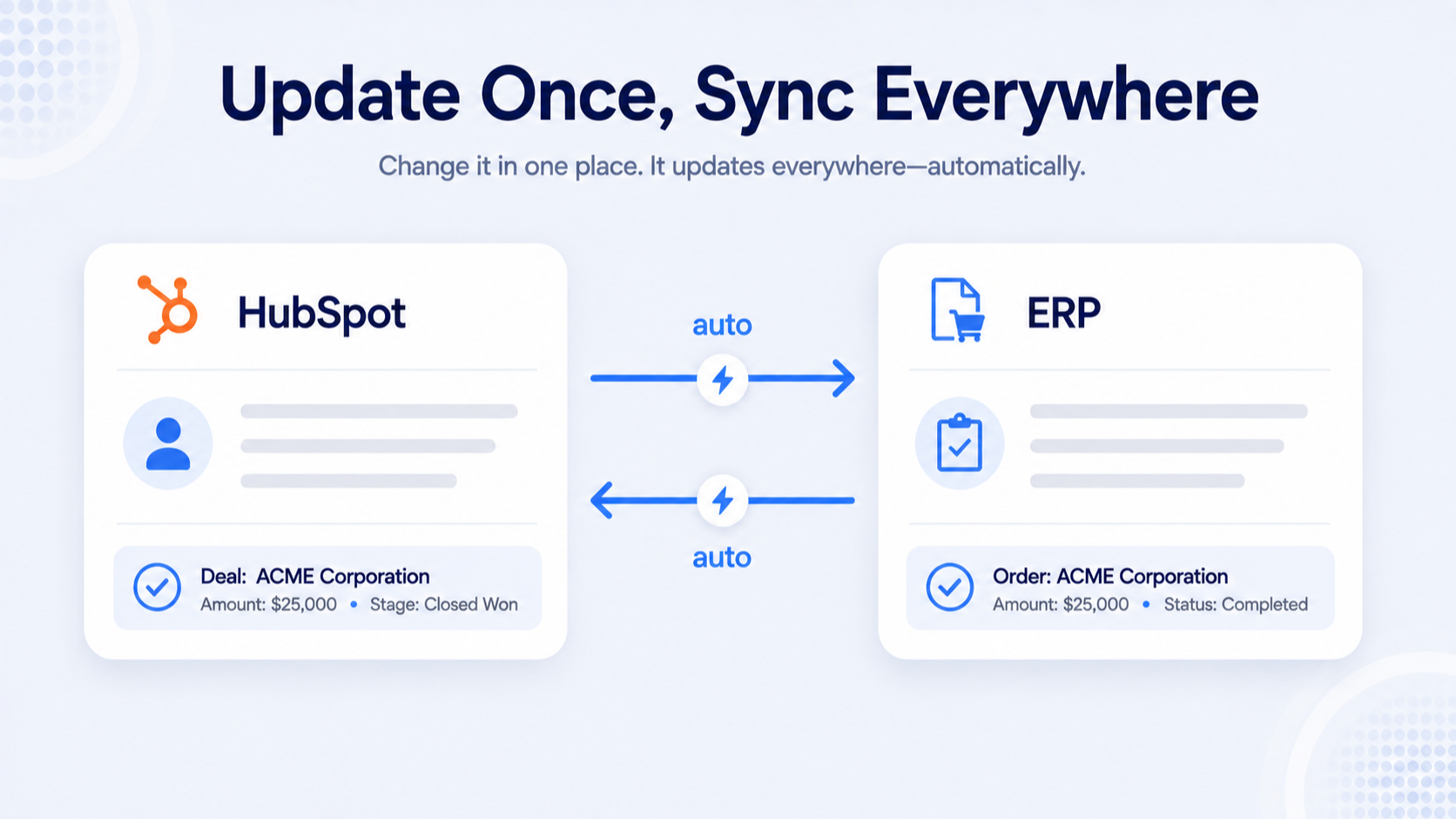
✔ No Double Data Entry, Ever
Information moves between HubSpot and your ERP, so whatever's created or updated in one system updates in the other on its own. Nothing has to be entered twice, and nothing depends on someone remembering to keep the two in sync.
✔ One Platform, Even With Multiple Systems
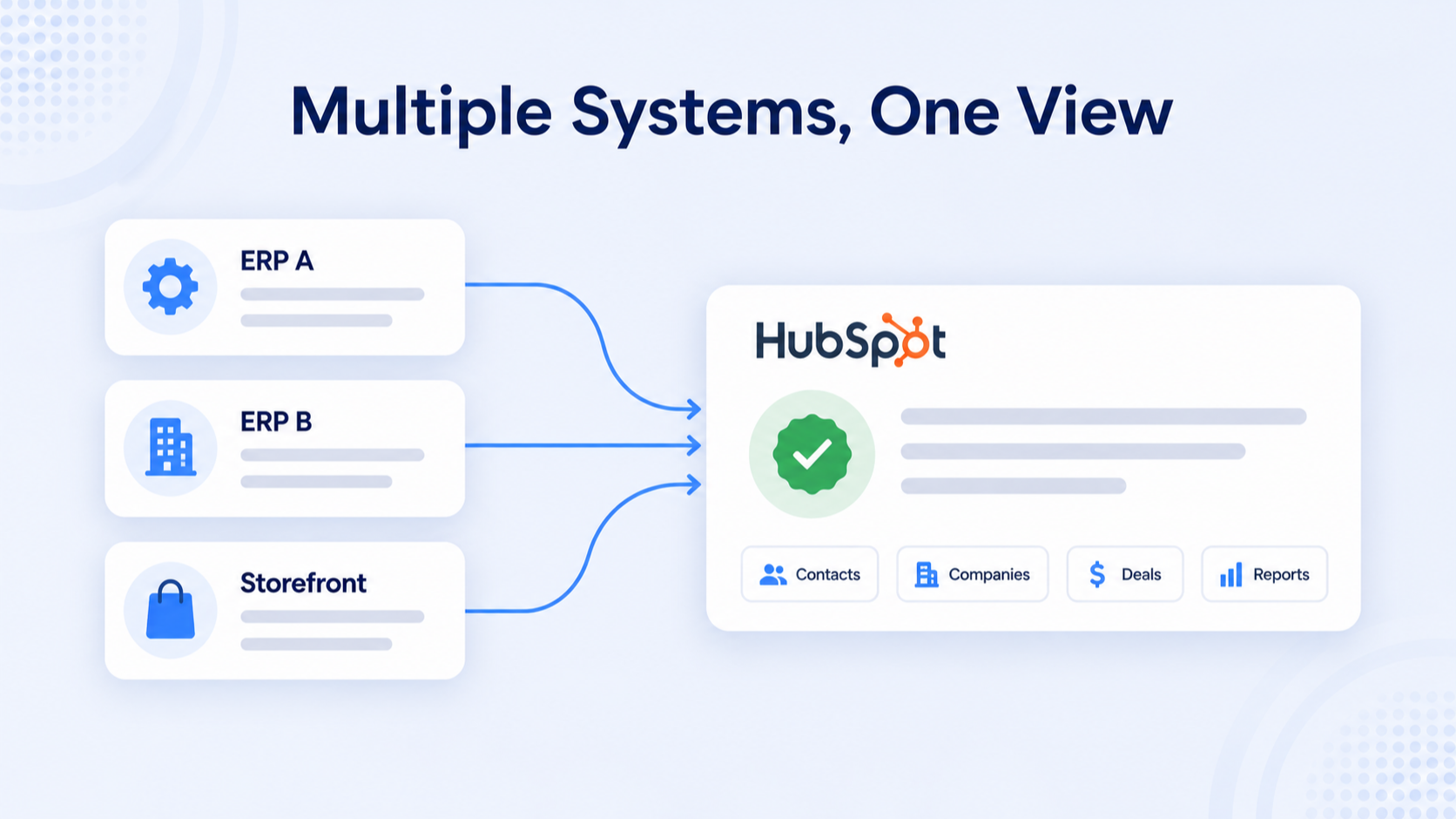
Running more than one ERP, storefront, or business entity? Commercient connects them all into a single HubSpot instance, so your team isn't juggling separate views for every system.
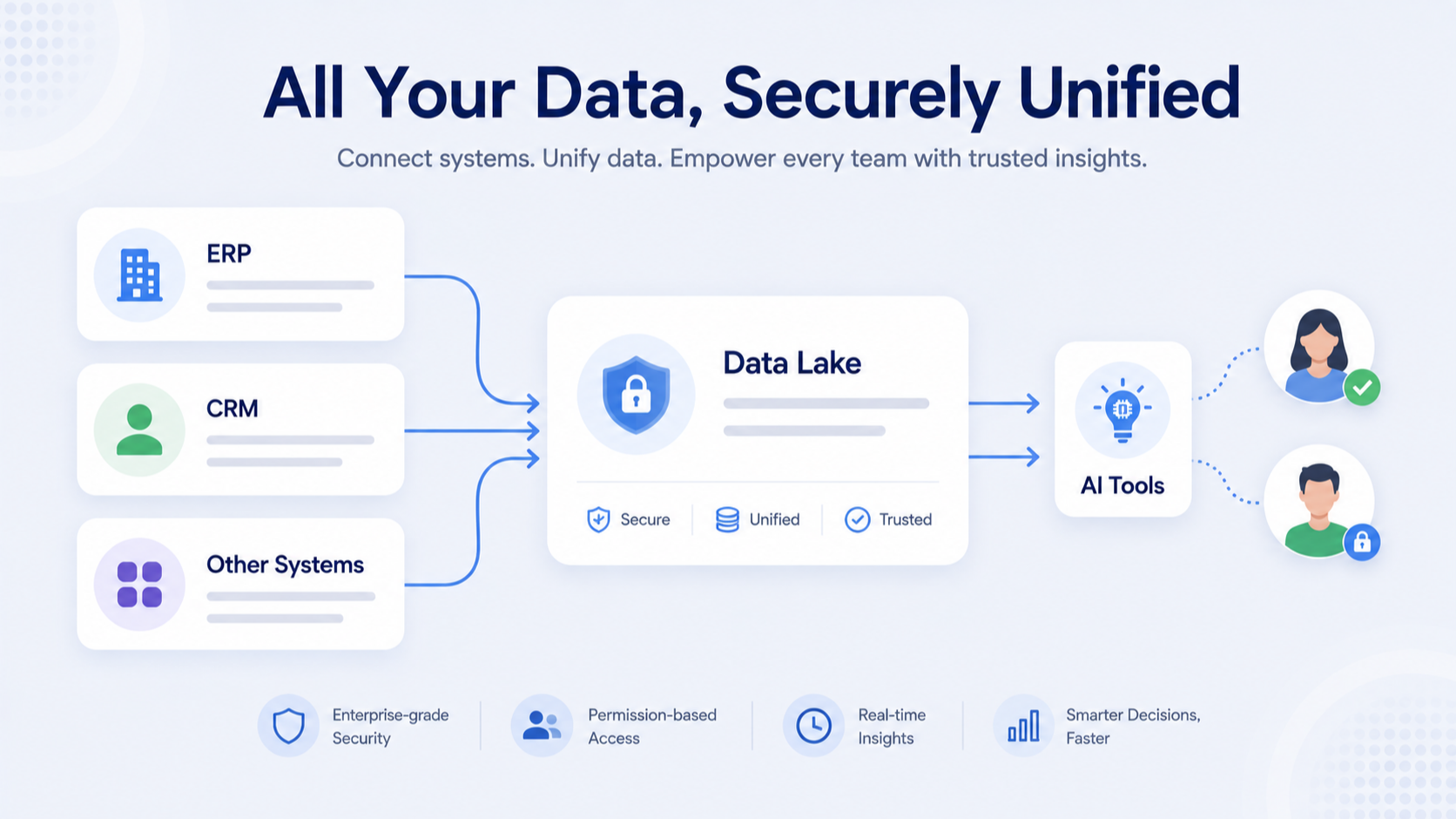
✔ One Home for All Your Data, Ready for AI
Our Data Lake add-on brings your ERP, CRM, and other systems into one clean, always up-to-date place, so your AI tools work from the full picture, not scattered pieces, with access locked down to exactly what each person should see.
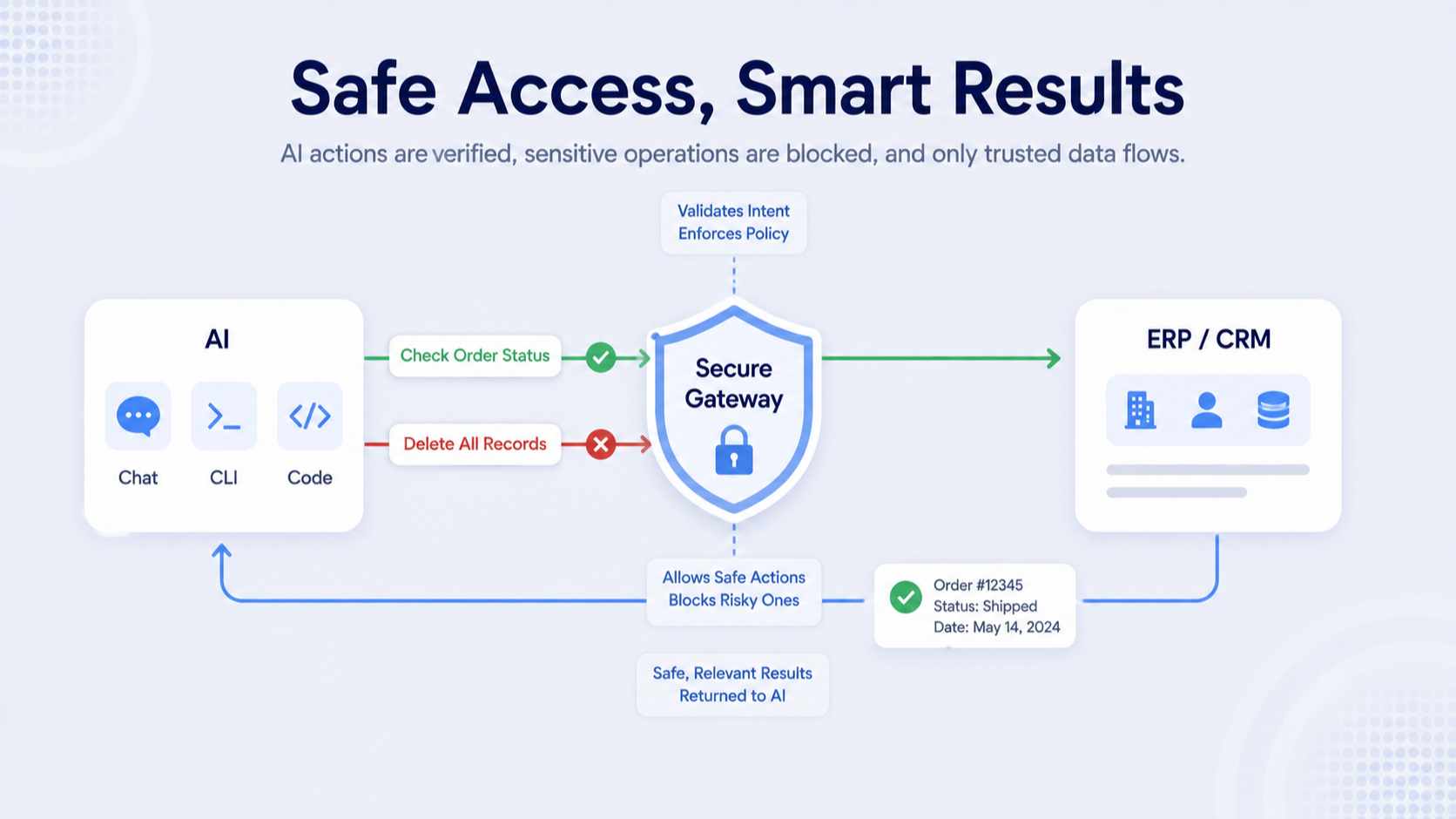
✔ AI You Can Actually Trust With Your Data
This add-on lets AI safely look up information or take approved actions in your ERP or CRM, without giving it free rein, and works with the AI tools your team already uses.
App Functionality
Shared Data
Customers | ||
Products | ||
Contacts | ||
Invoices | ||
Orders | ||
Inventory | ||
Ship To's | ||
Pricebooks | ||
Account Ownership | ||
Contact Fields | ||
Customer Fields | ||
Invoice Fields | ||
Sales Order Fields | ||
Invoice Details | ||
Sales Order Details | ||
Contact Fields | ||
Estimates | ||
Cases | ||
Related ERP Table |
Reviews
Saturn Pro
$900
/monthUnlimited to configure, metered to run.
Uni-directional
Hyper sync technology
Pre-built Integrations
Customizable
Unlimited configurations between your ERP and HubSpot
Elastic pricing (Pay for what you use)
Elastic scaling (Scale up or down with no commitment)
Saturn Pro
$900
/monthUnlimited to configure, metered to run.
Uni-directional
Hyper sync technology
Pre-built Integrations
Customizable
Unlimited configurations between your ERP and HubSpot
Elastic pricing (Pay for what you use)
Elastic scaling (Scale up or down with no commitment)
* The pricing here is for display purposes only. All prices do not include taxes, incentives, discounts, or other pricing variables. You should contact the partner for the most up to date and correct pricing information. HubSpot does not take any responsibility for this pricing information, which is provided by our partners. Pricing last updated: 08/21/2026
Getting attention today

WhatsApp Integration
Connect Personal WhatsApp or WhatsApp Business to HubSpot - No API needed. Sync chats, automate follow-ups and deploy WhatsApp AI Agents that work 24/7.

Zoom
Use Zoom with HubSpot meetings, workflows, contact records and more.
