SSIS Integration Toolkit
Integrate HubSpot data with virtually any system within SSIS.
Utworzone przez - KingswaySoft Inc.
Instaluje - Ponad 300 instalacji
Ocena - 4,5(2)
Wymagania
Plan HubSpot Działa ze wszystkimi planami HubSpot Dowiedz się więcej Uprawnienia konta HubSpot - Wyświetl wymagane uprawnienia konta
Subskrypcja SSIS Integration Toolkit - Free developer license, Perpetual License lub Subscription License planu
Przegląd
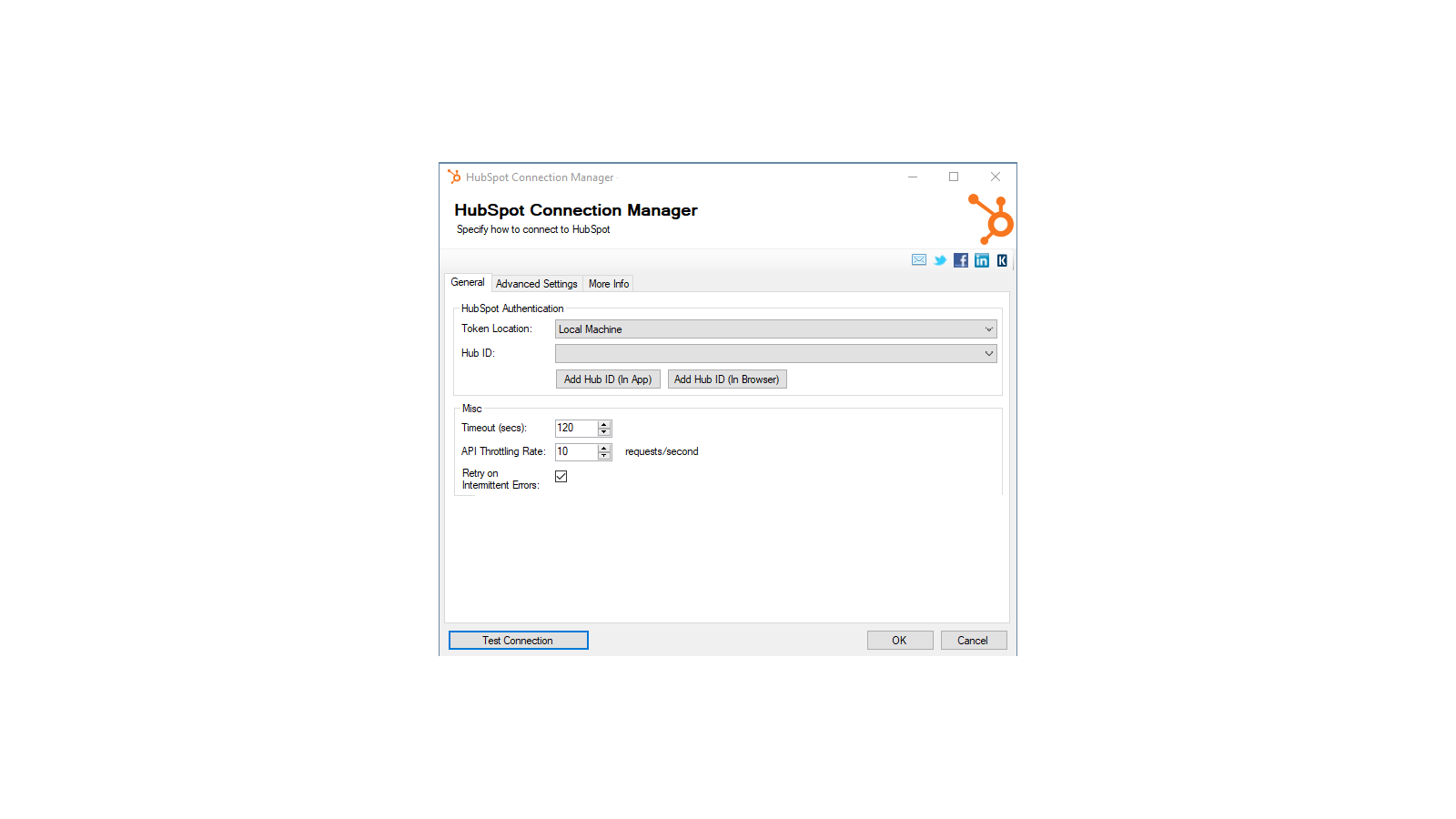
1/4 - Establish connections to HubSpot with HubSpot Connection Manager
SSIS Integration Toolkit for HubSpot enables zero code integration between HubSpot and virtually any other application or database system.
The solution is built utilizing Microsoft SQL Server Integration Services (SSIS), a high-performance and flexible ETL platform, allowing your team to take advantage of the technologies and skills they already have. The drag-and-drop user interface makes it easy to set up powerful integrations within a matter of minutes to automate your day-to-day tasks and thus, improve the productivity of your agents.
Cechy

High-performance data integration solution for HubSpot
Freedom, flexibility and power of the SSIS ETL engine. Quick integration development and scheduling that can be done in minutes.
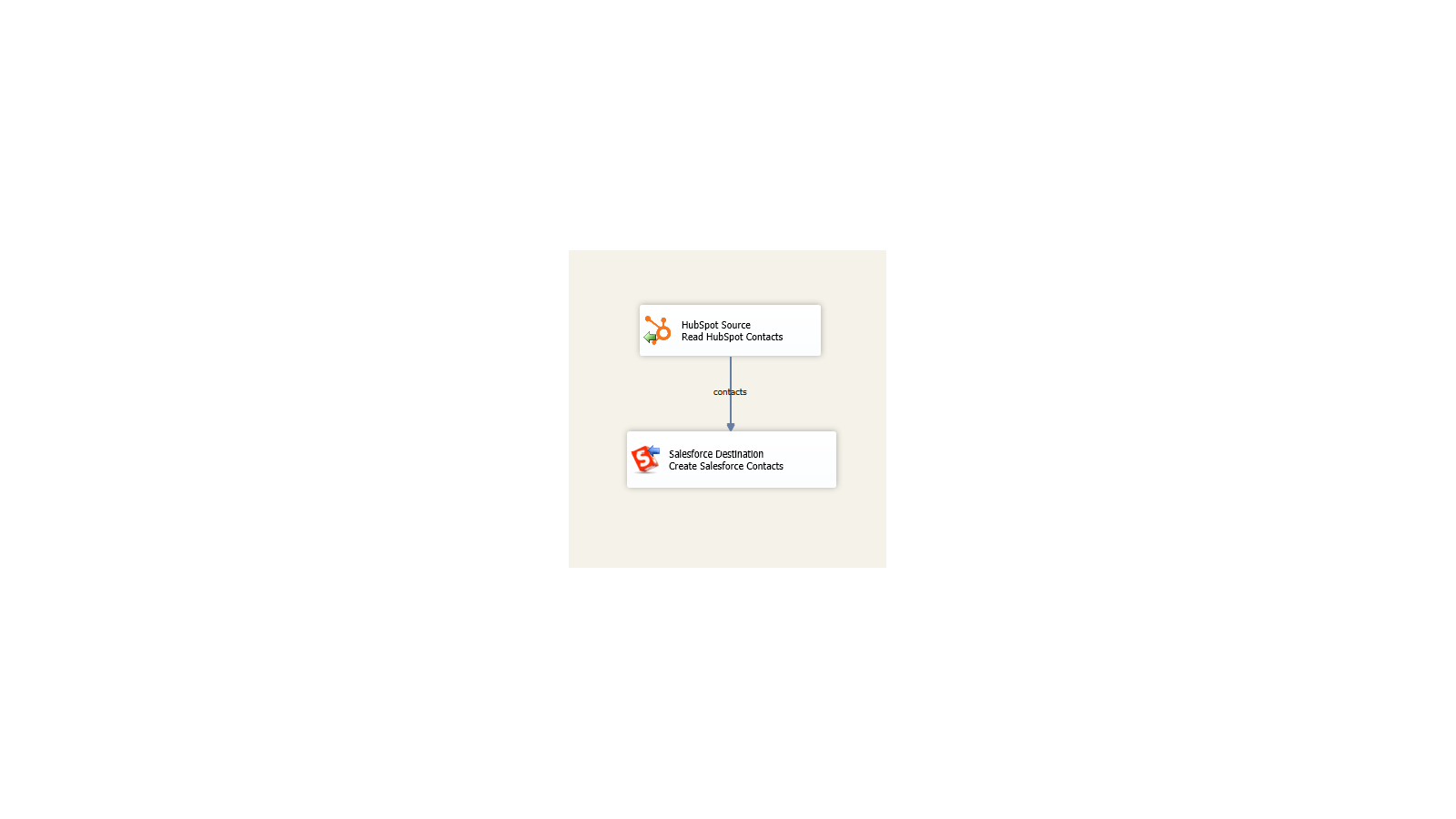
Integrate virtually any application or database system
Build unique integration scenarios with HubSpot and virtually any other application or database system.
Funkcjonalność aplikacji
Udostępnione dane
Company | ||
Contact | ||
Contact List | ||
Deal | ||
Engagement | ||
Ticket | ||
Workflow |
Recenzje
- 21 sie 2021
The toolkit is solid and so is their support
The SSIS Integration Toolkit performs well and worked seamlessly within Visual Studio. I initially thought there might be a performance issues, but working with both KingswaySoft and HubSpot tech support we determined that the toolkit was reacting as expected and was performant.
Two way integration from our Sql Server based legacy business systems with HubSpot Contact and Deal objects (so far).
The toolkit installs add-on into MS Visual Studio and works immediately without limitations. This enabled me to quickly test our initial use cases. KingswaySoft tech support and responsiveness was outstanding. They responded to my inquires quickly via phone or email.
None that I uncovered.
Slayton, M.
Przemysł turystyczny - Od 201 do 1 000 pracowników
- 16 cze 2020
Pulpit nawigacyjny między Google, HubSpot, Salesforce
Bardzo dużo, ponieważ teraz mamy widoczność i możemy tworzyć raporty z sesji, odwiedzających, potencjalnych klientów, szans i klientów.
Używam do tworzenia pulpitów nawigacyjnych między Google, HubSpot, Salesforce. Używamy raportu Power BI. Sprawdzamy również, czy dane są poprawne między systemami.
Pacheco, J.
Edukacja
Free developer license
0 USD
Works within development tools (SSDT, BIDS, or Visual Studio) without requiring a commercial license
The free developer edition comes with all features included, as long as it is running within the development tools (SSDT, or Visual Studio).
Free developer license
0 USD
Works within development tools (SSDT, BIDS, or Visual Studio) without requiring a commercial license
The free developer edition comes with all features included, as long as it is running within the development tools (SSDT, or Visual Studio).
* Powyższe ceny zostały podane wyłącznie w celach informacyjnych. Nie zawierają one podatków, premii, zniżek lub innych zmiennych cenowych. Skontaktuj się z partnerem w celu uzyskania najbardziej aktualnych i poprawnych informacji o cenach. HubSpot nie ponosi żadnej odpowiedzialności za informacje cenowe, które są dostarczane przez naszych partnerów. Ostatnia aktualizacja cen: 16.11.2025
Więcej informacji
Utworzone przez - KingswaySoft Inc.
Instaluje - Ponad 300 instalacji
Kategorie Języki, w których dostępna jest ta aplikacja Angielski
Nowości