

OpenAI workflow action
Wymagania
Plan HubSpot Uprawnienia konta HubSpot Nie wymaga uprawnień Typ dostępu Udostępniono Subskrypcja OpenAI workflow action - Pricing varies based on model selection plan
Przegląd
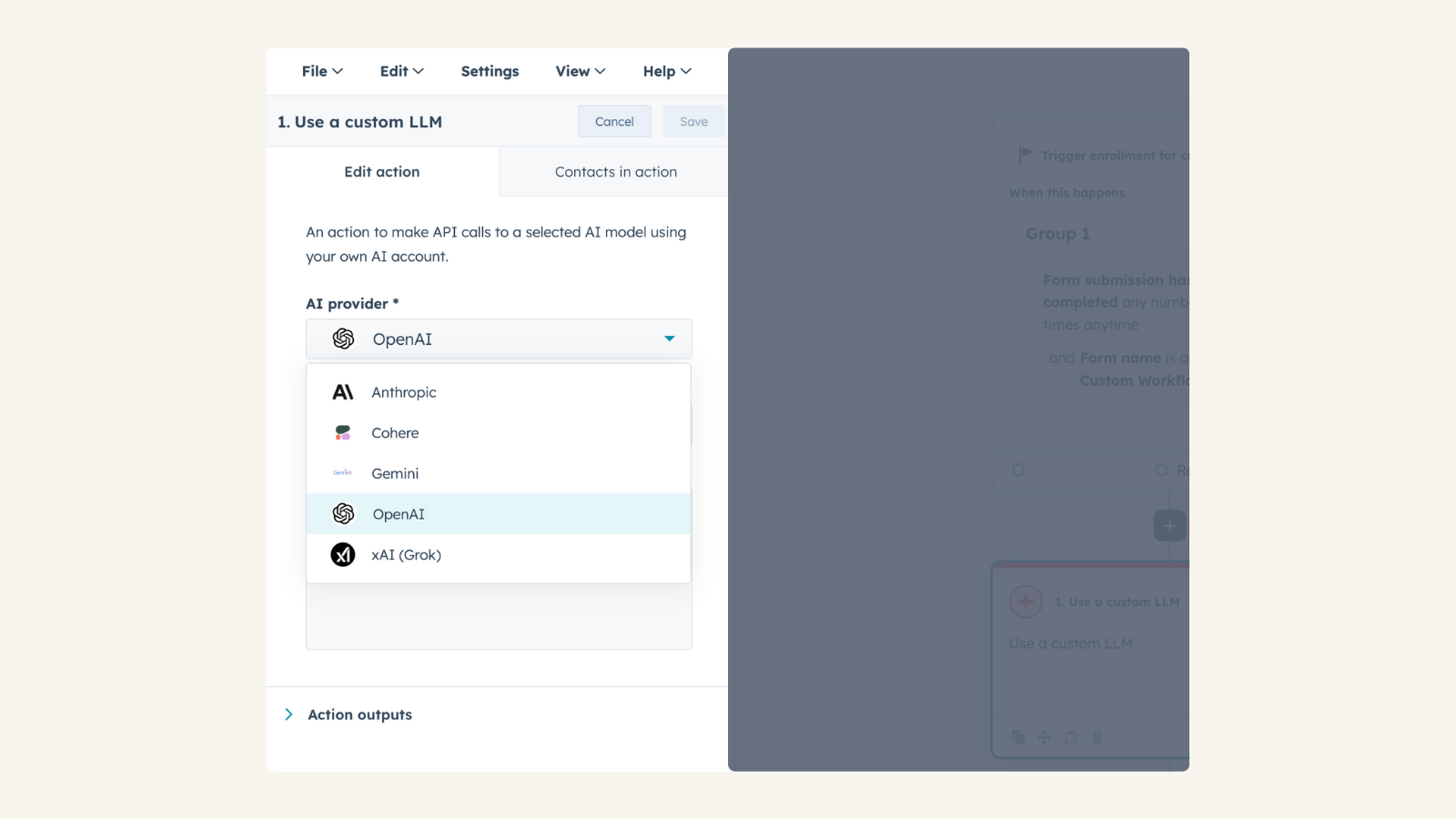
1/2 - Connect your OpenAI account to Use Custom LLM workflow action
Use your own OpenAI account to take actions in HubSpot workflows for automation, content generation, and intelligent decision-making, while maintaining control over model selection, configuration, usage, and costs.
Install this app to:
Use your pre-configured OpenAI account to apply tailored AI expertise to CRM-driven use cases such as summarization, enrichment, classification, and recommendations.
Select any OpenAI model available in your OpenAI project and fine-tune behavior by adjusting parameters such as temperature and reasoning effort.
Maintain full visibility and control over AI usage and costs through your OpenAI subscription, with no data stored by the app, requests are processed directly through OpenAI.
Cechy
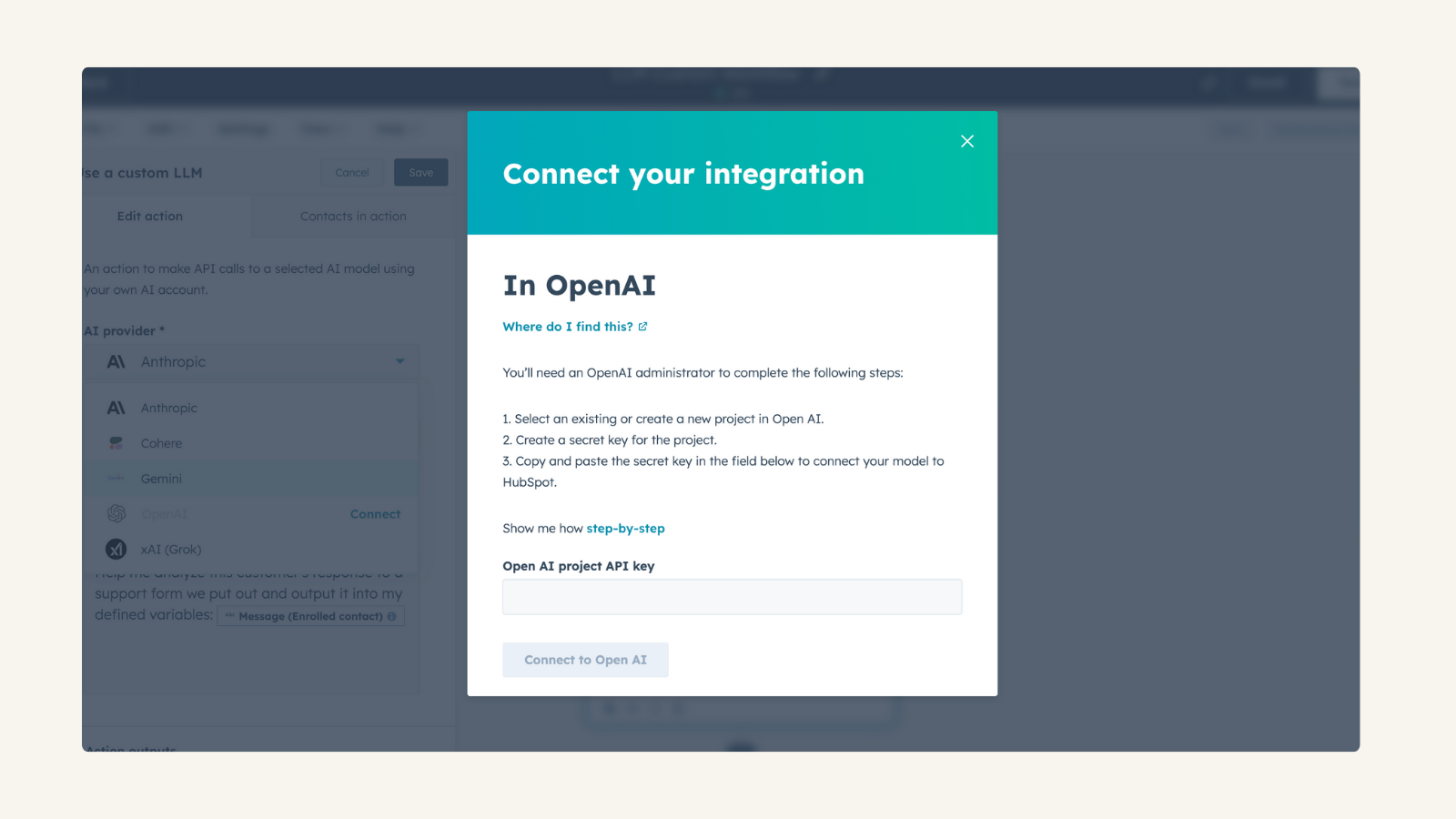
Use Your Own OpenAI Account
Connect your own OpenAI API key, allowing you to monitor and control usage and costs. No data storage—all processing happens directly through OpenAI. Manage AI expenses and usage based on your OpenAI subscription
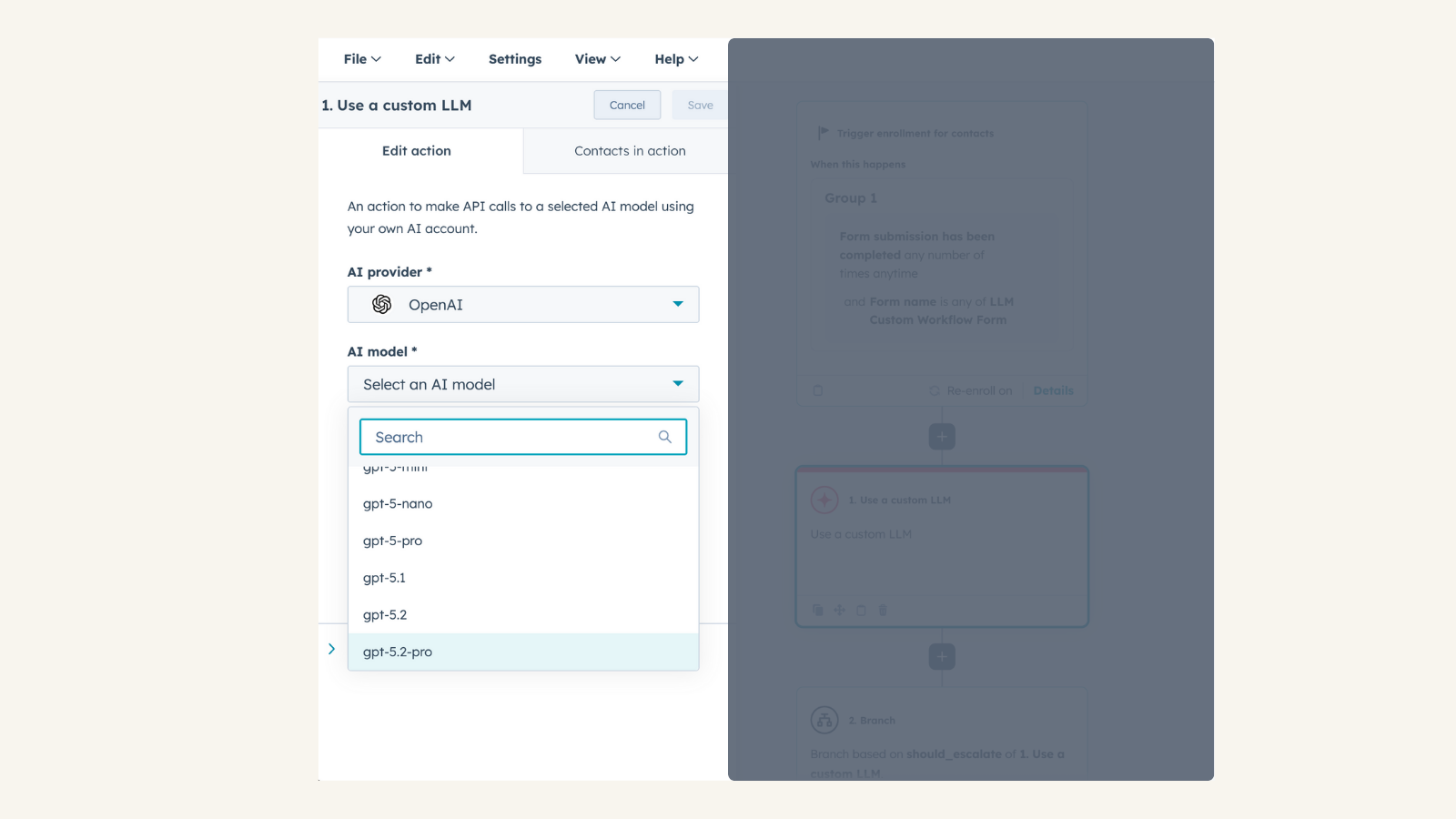
Use Custom LLM workflow action
Access the native Use Custom LLM Workflow (available for Enterprise tiers) within workflow automation. Combine OpenAI’s conversational capabilities with HubSpot CRM data. Provide OpenAI with custom data and instructions to personalize AI-driven actions.
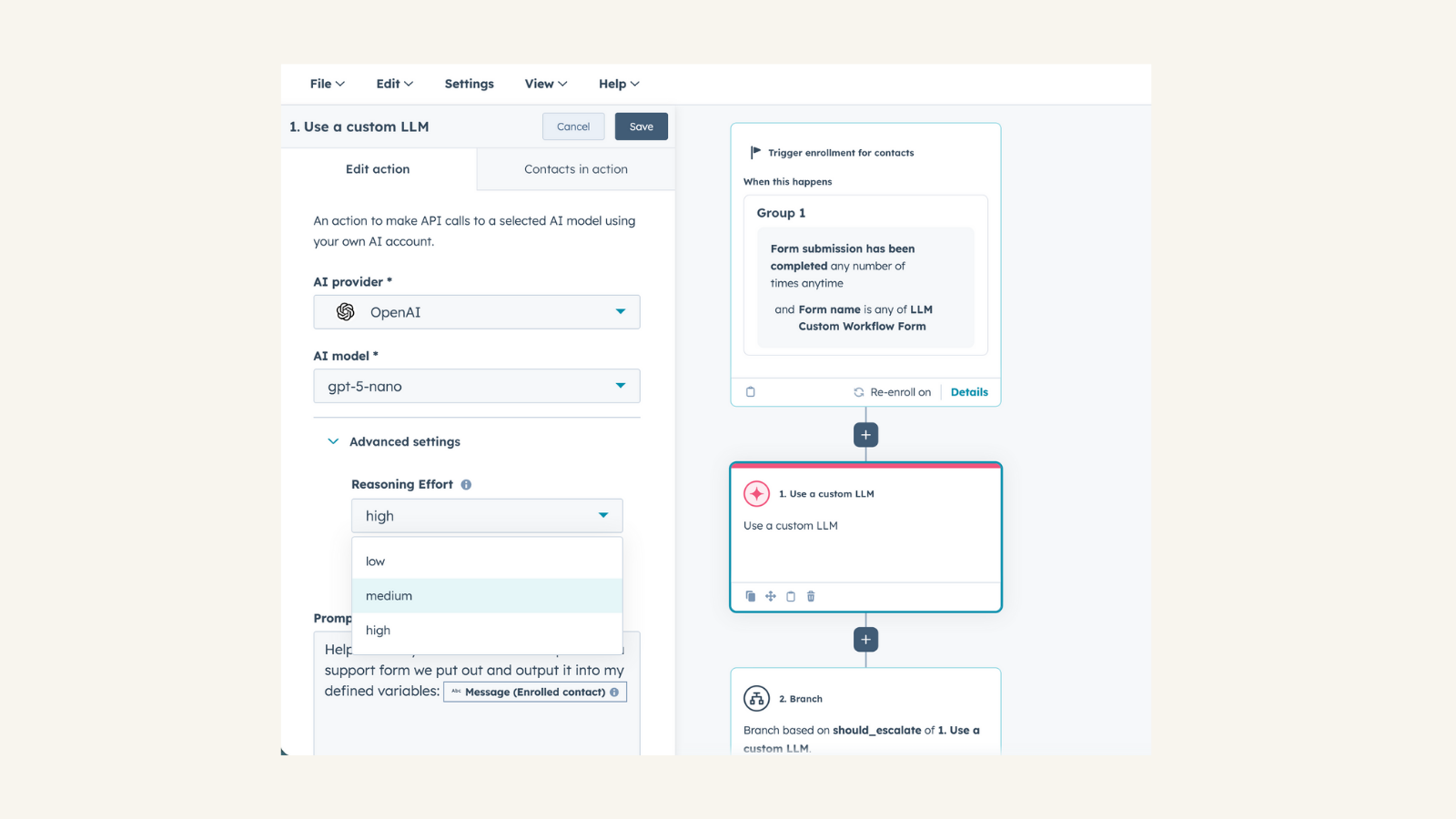
Full Control Over AI Configuration
Select any OpenAI model available in your OpenAI project. Adjust temperature to fine-tune response creativity. Customize reasoning effort for more precise or abstract AI-generated results
Funkcjonalność aplikacji
Chat |
Recenzje
4,5
12
4,5
12
- 27 kwi 2026
Definiowanie wyjścia
Kiedy używam bloku "użyj niestandardowego LLM" i klonuję go -> wyjścia nie są zapisywane / klonowane, co jest dość dziwne, ponieważ kiedy klonuję cały przepływ pracy, jest on zapisywany, więc tak, ktoś o czymś zapomniał... ahh, a numery telefonów sformatowane z wyjść danych nie mogą być używane do kopiowania ich do właściwości telefonu -> trochę bezcelowe jest definiowanie go jako typu wyjścia, jeśli nie mogę go użyć....
używanie openai
stan powyżej
Holzer, M.
- 8 kwi 2026
Cai, L.
Pricing varies based on model selection
Please visit OpenAI pricing page
Pricing varies based on model selection
Please visit OpenAI pricing page
* Powyższe ceny zostały podane wyłącznie w celach informacyjnych. Nie zawierają one podatków, premii, zniżek lub innych zmiennych cenowych. Skontaktuj się z partnerem w celu uzyskania najbardziej aktualnych i poprawnych informacji o cenach. HubSpot nie ponosi żadnej odpowiedzialności za informacje cenowe, które są dostarczane przez naszych partnerów. Ostatnia aktualizacja cen: 21.01.2026
Więcej informacji
Utworzone przez - HubSpot
Instaluje - Instalacje (2 tys.)
Kategorie Języki, w których dostępna jest ta aplikacja Angielski ,Francuski ,Hiszpański ,Niderlandzki ,Niemiecki iWłoski