

Katana Cloud Inventory
Erstellt von - Katana Cloud Inventory
Installationen - 200+ Installationen
Anforderungen
HubSpot-Produktversion HubSpot-Account-Berechtigungen - Erforderliche Account-Berechtigungen anzeigen
Zugriffstyp Geteilt Katana Cloud Inventory-Abonnement - Produktversionen: Free oder Core
Übersicht
1/4
Katana simplifies inventory management, empowering businesses to grow faster and meet sales demand with real-time insights, seamless integrations, and intuitive workflows for accurate forecasting and reporting.
Here's how Katana's HubSpot integration helps you:
Automate sales, inventory, and production data flows, allowing teams to see stock in real time.
Import HubSpot deals from selected pipelines and stages into Katana as Sales Orders, along with any related customer or product data.
Sync inventory levels directly to HubSpot by updating a new product property.
Unlock real-time data syncs and optimized resource management directly in HubSpot to handle increased order volumes and reduce stock issues.
Funktionen
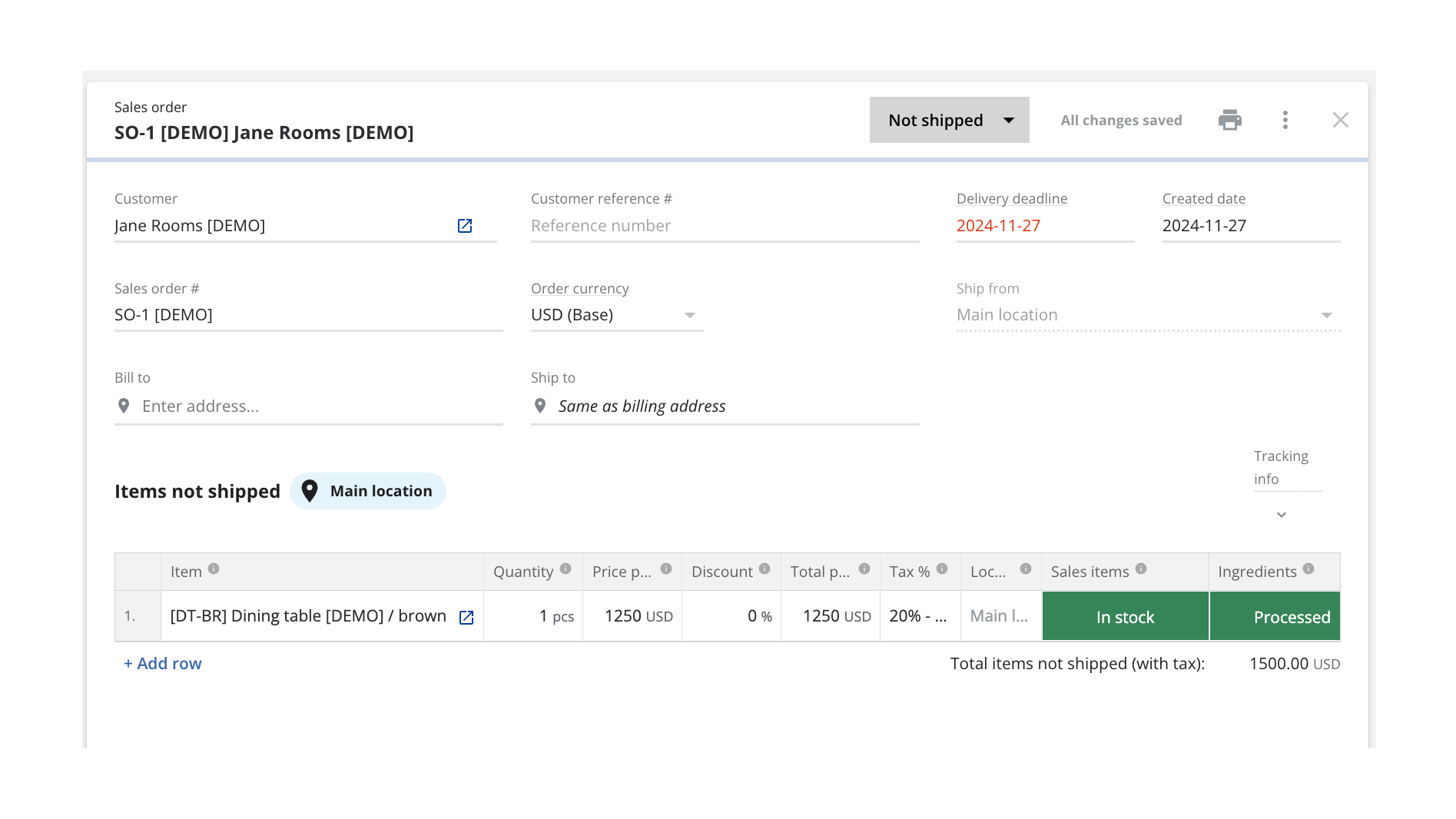
Turn HubSpot Deals into Katana Sales Orders
Once connected, Katana automatically pulls in deals currently in the configured pipeline stage from HubSpot and saves them as sales orders (SOs). You can configure which sales pipeline and deal stage will be used when sending deals over to be turned into SOs, and all future deals will be imported automatically when reaching that stage.
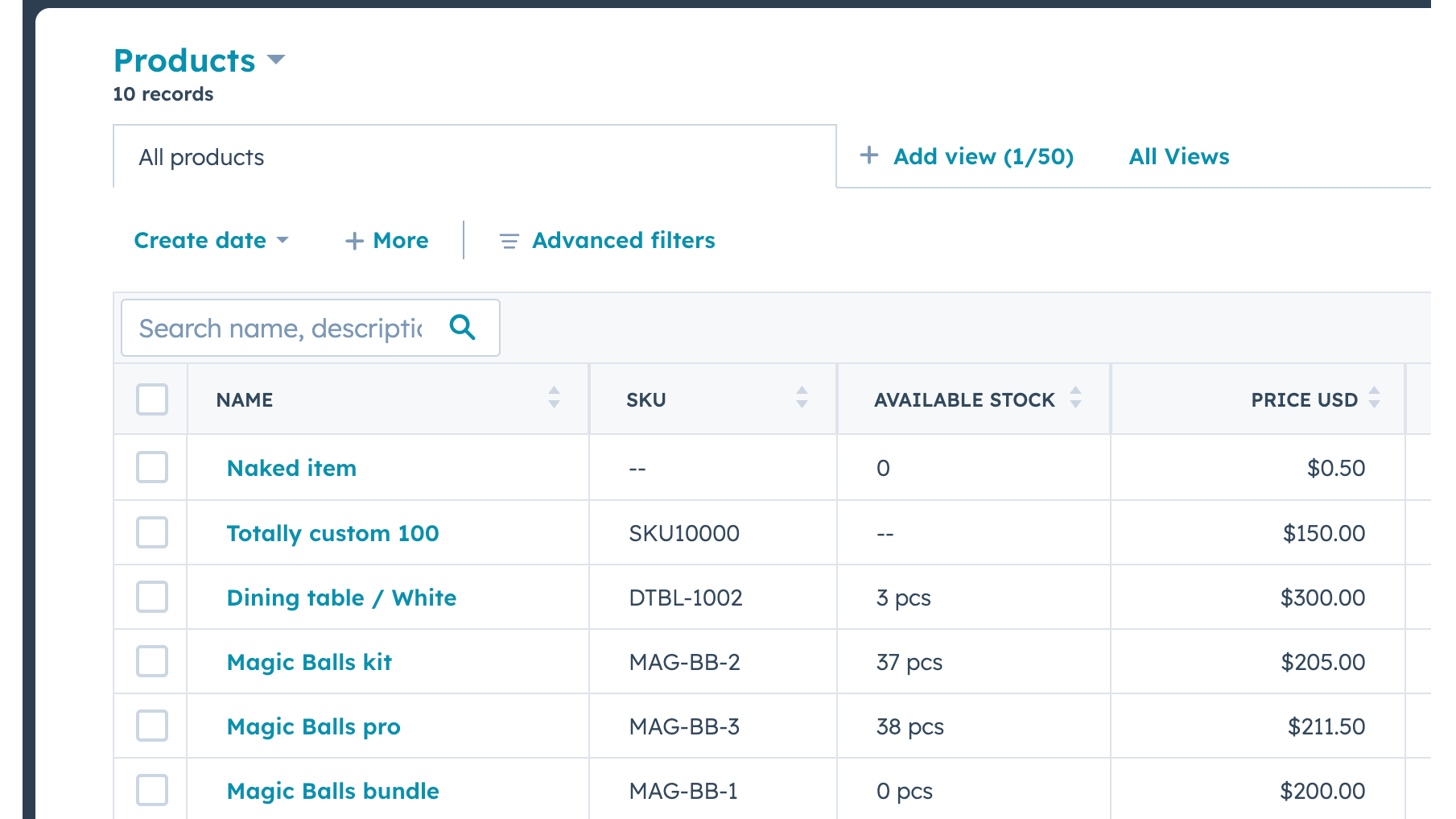
Send Real-time Inventory Levels from Katana to HubSpot
Data about product stock availability is pushed from Katana to HubSpot. Katana uses SKUs to match products on deal line items. A new item will be imported when there's no SKU and no other item with the same name.
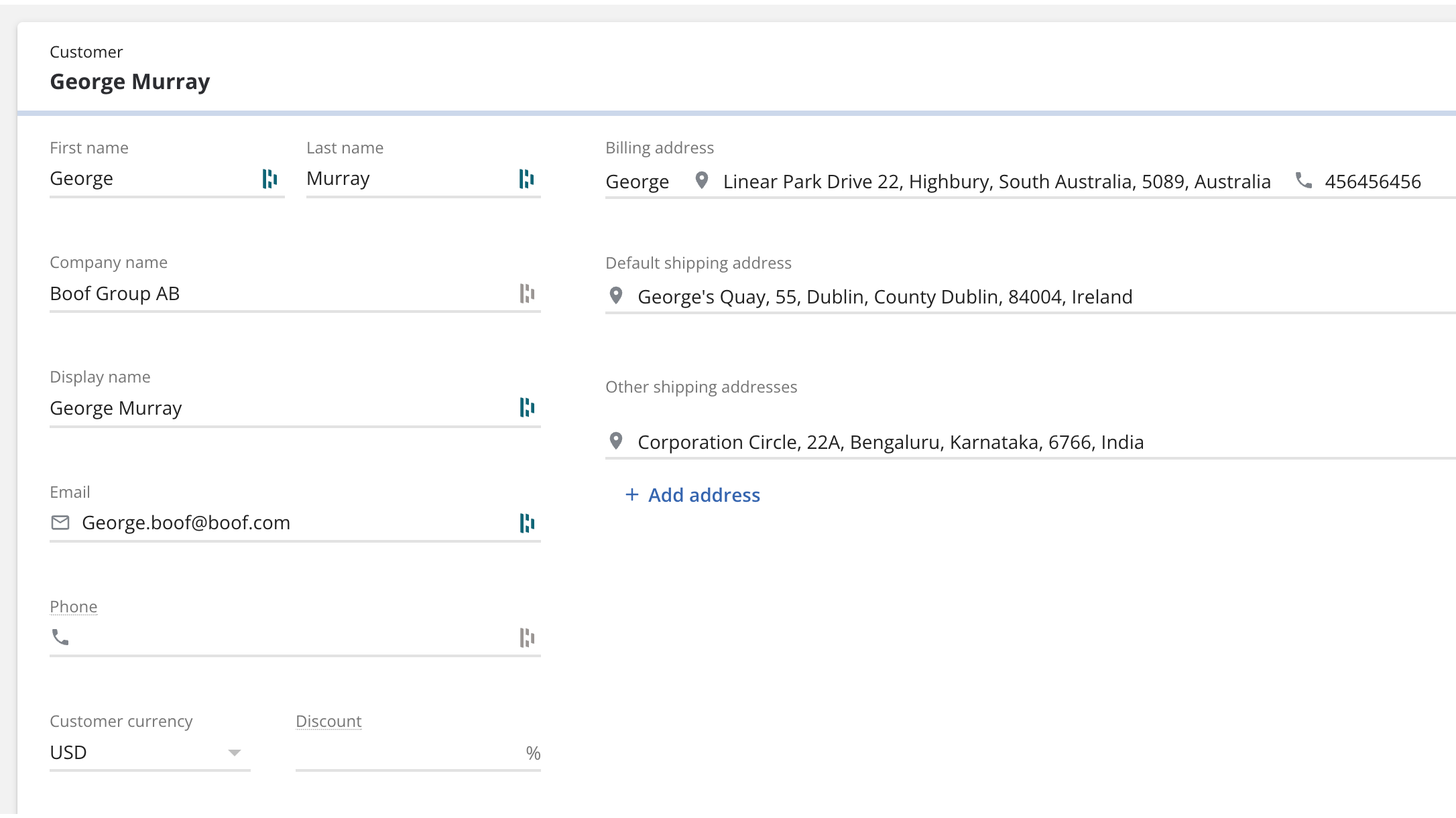
Bring contacts and companies from HubSpot to Katana
Information about your contacts and companies associated with deals will be automatically imported as customers in Katana to keep two systems in sync.
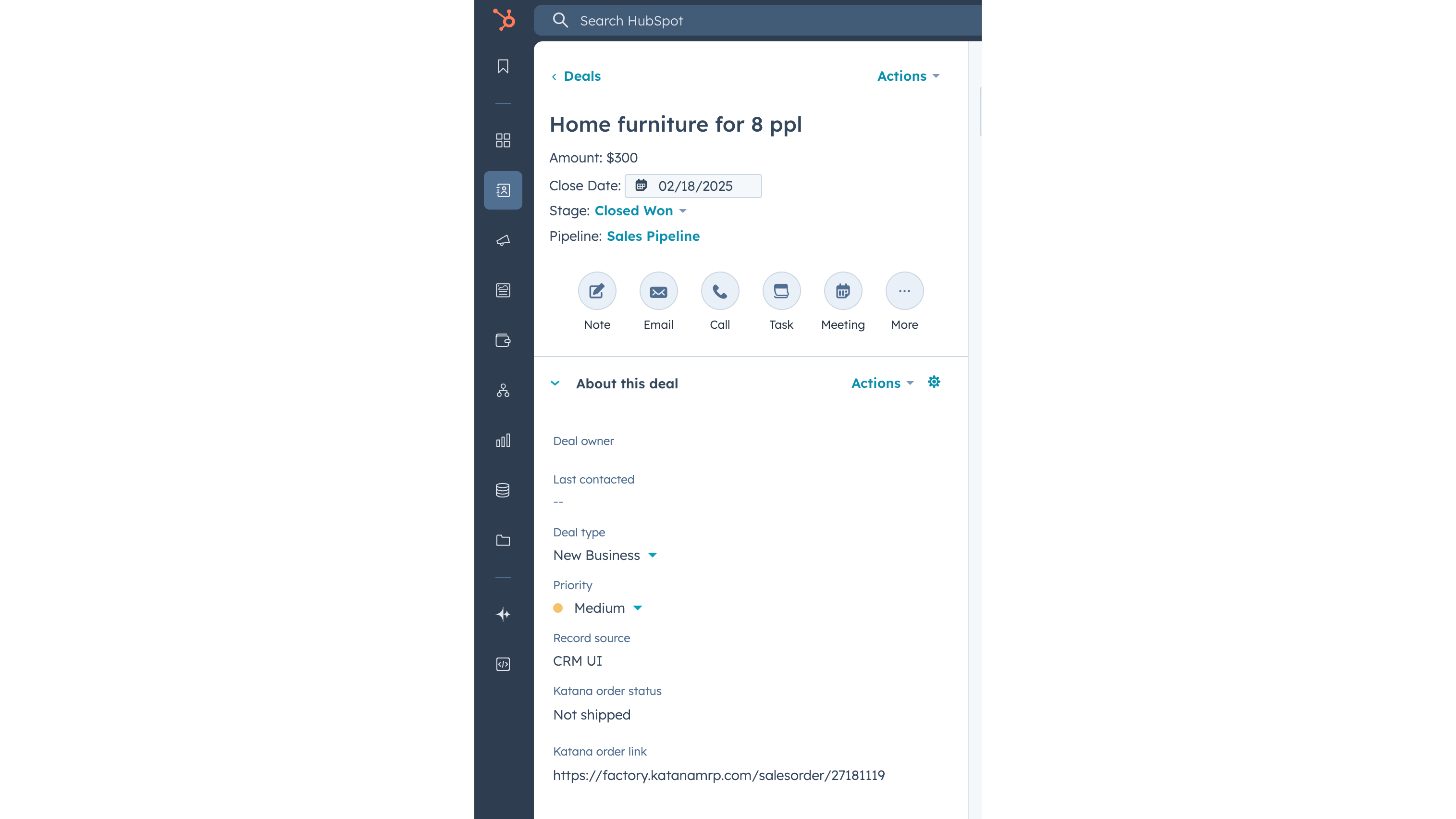
Update Katana sales order status info on a deal
When sales order has been created in Katana from the HubSpot deal, then Katana sends the order fulfillment status back to the deal, together with the link to the order Katana. When sales order status changes in Katana, for example to “Packed” or “Delivered”, then this information is automatically updated in HubSpot’s deal view.
App-Funktionalität
Datenaustausch
Customers | ||
Customers | ||
Sales orders | ||
Items | ||
Inventory level | ||
Sales order |
Rezensionen
Free
0 $
Explore all of Katana’s features with no upfront cost
Up to 30 SKUs
3 inventory locations
Free
0 $
Explore all of Katana’s features with no upfront cost
Up to 30 SKUs
3 inventory locations
* Die hier angegebenen Preise dienen nur zu Illustrationszwecken. Alle Preise enthalten keine Steuern, Sonderangebote, Rabatte oder sonstigen Preisvarianten. Bitte wenden Sie sich direkt an den Partner, um aktuelle und korrekte Preisinformationen zu erhalten. HubSpot übernimmt keine Verantwortung für Preisinformationen, die von unseren Partnern bereitgestellt werden. Letzte Aktualisierung der Preisinformationen: 03.02.2026
Weitere Infos
Erstellt von - Katana Cloud Inventory
Installationen - 200+ Installationen
Kategorien Sprachen, in denen diese App verfügbar ist Englisch
Neuzugänge

AdvancedRollups
Erstellen Sie die für Ihr Unternehmen erforderlichen Rollup-Kennzahlen – ganz ohne komplexe Arbeitsabläufe oder benutzerdefinierten Code.

Ingenious Pixies
Setzen Sie Ihre Daten in einen Kontext, indem Sie Ihre Leistung mit Branchenstandards vergleichen
