

Livestorm Webinars

Führend
Anforderungen
HubSpot-Produktversion HubSpot-Account-Berechtigungen - Erforderliche Account-Berechtigungen anzeigen
Zugriffstyp Geteilt Livestorm Webinars-Abonnement - Produktversionen: Kostenlos, Pro oder Unternehmen
Übersicht
1/6 - Lernen Sie Livestorm kennen, die Webinar-Plattform für Marketingteams
Die Integration von HubSpot und Livestorm verwandelt Ihre Webinare in strukturierte Marketing-Events innerhalb von HubSpot, wobei alle Aktivitäten der Teilnehmer als Zeitachsenereignisse im Kontaktdatensatz erfasst werden. Anmeldung, Teilnahme, Aufrufe von Aufzeichnungen, Ein- und Ausstiegszeiten sowie weitere wichtige Kennzahlen werden automatisch protokolliert und bieten Ihren Teams so einen einheitlichen und zuverlässigen Überblick über den Verlauf der Veranstaltungen.
Zu jedem Kontakt erhalten Sie einen übersichtlichen, chronologischen Überblick darüber, wie dieser mit Ihren Sessions interagiert hat. Dies hilft Ihnen dabei, Leads genauer zu qualifizieren, Ihre Nurturing-Workflows zu optimieren und zu verstehen, welche Veranstaltungen tatsächlich zur Pipeline beitragen.
Die Integration reichert HubSpot zudem mit detaillierten Livestorm-Eigenschaften an. Dazu gehören der Anmeldestatus, die Art der Teilnahme, die Betrachtungsdauer und andere relevante Kennzahlen, die eine präzisere Segmentierung und Bewertung ermöglichen.
Sie können HubSpot-Formulare nutzen, um Teilnehmer direkt in Livestorm anzumelden, Ihre Workflows zu verknüpfen, um Nachfassaktionen zu automatisieren, und dynamische Listen auf der Grundlage des tatsächlichen Verhaltens zu erstellen, z. B. von Registrierten, Live-Teilnehmern oder Zuschauern von Aufzeichnungen. Alles wird in Echtzeit aktualisiert, sodass HubSpot stets als zentrale Informationsquelle dient.
Ganz gleich, ob Sie Webinare zur Produktvorführung, zum Kundenmarketing oder zur Thought Leadership durchführen – die Integration bietet Ihnen einen vollständigen und umsetzbaren Funnel innerhalb von HubSpot. Sie erleichtert es, das Engagement nachzuverfolgen, Ergebnisse zuzuordnen und die Wirkung Ihrer Veranstaltungen vom ersten Kontakt bis zur Konversion zu messen.
Funktionen
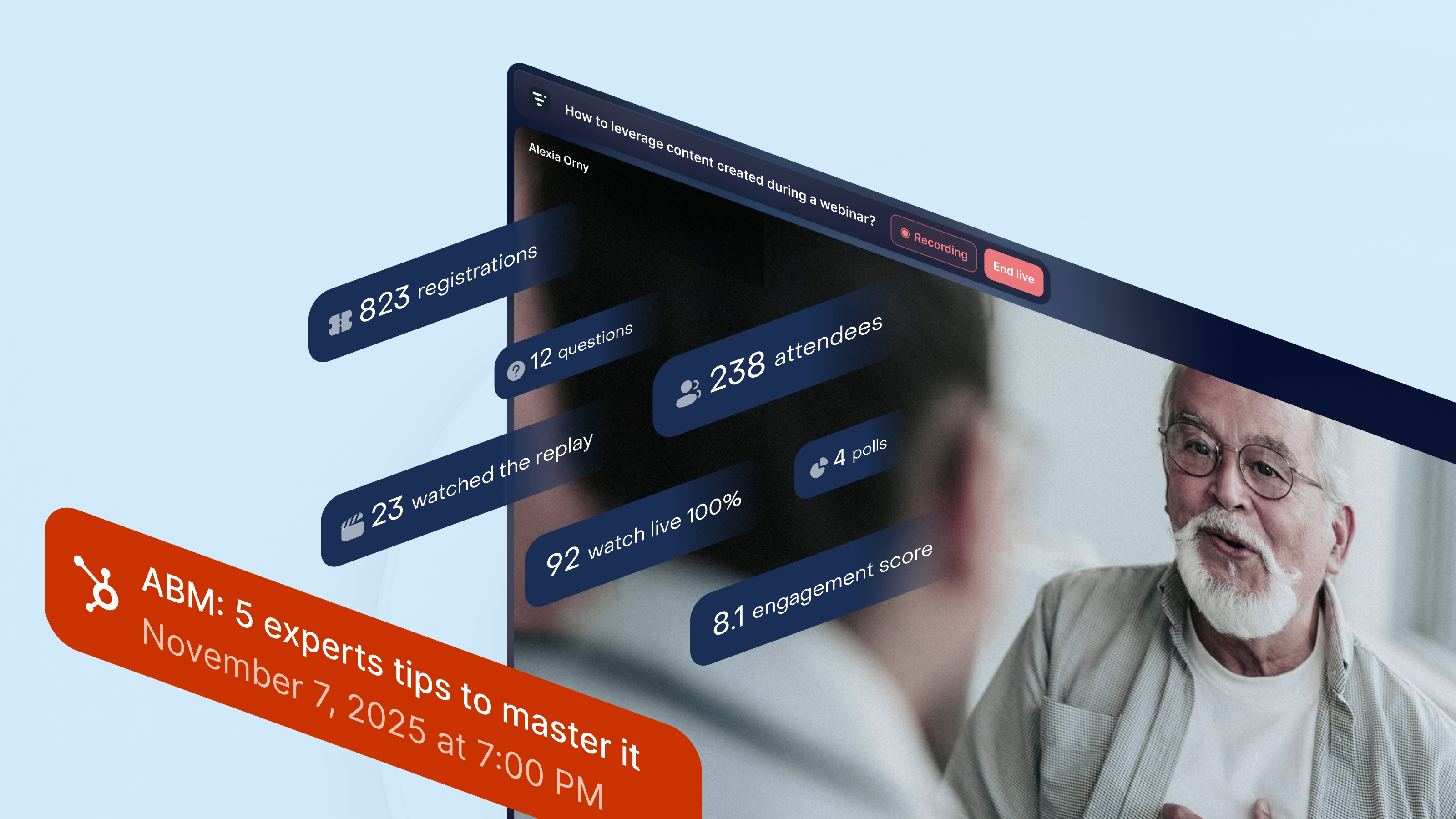
Erhalten Sie einen vollständigen Überblick über die Webinar-Aktivitäten in HubSpot
Alle Ihre Webinar-Daten fließen in die Marketing-Events von HubSpot ein. Livestorm erstellt und aktualisiert Teilnehmer- und Anmelderlisten in Echtzeit und fügt wichtige Webinar-Momente zur Zeitleiste jedes Kontakts hinzu. So erhalten Sie einen klaren Überblick darüber, wer sich angemeldet hat, live teilgenommen hat, die Aufzeichnung angesehen hat oder während der Sitzung interagiert hat – ideal für Nurture-Workflows oder die Vertriebsnachverfolgung.
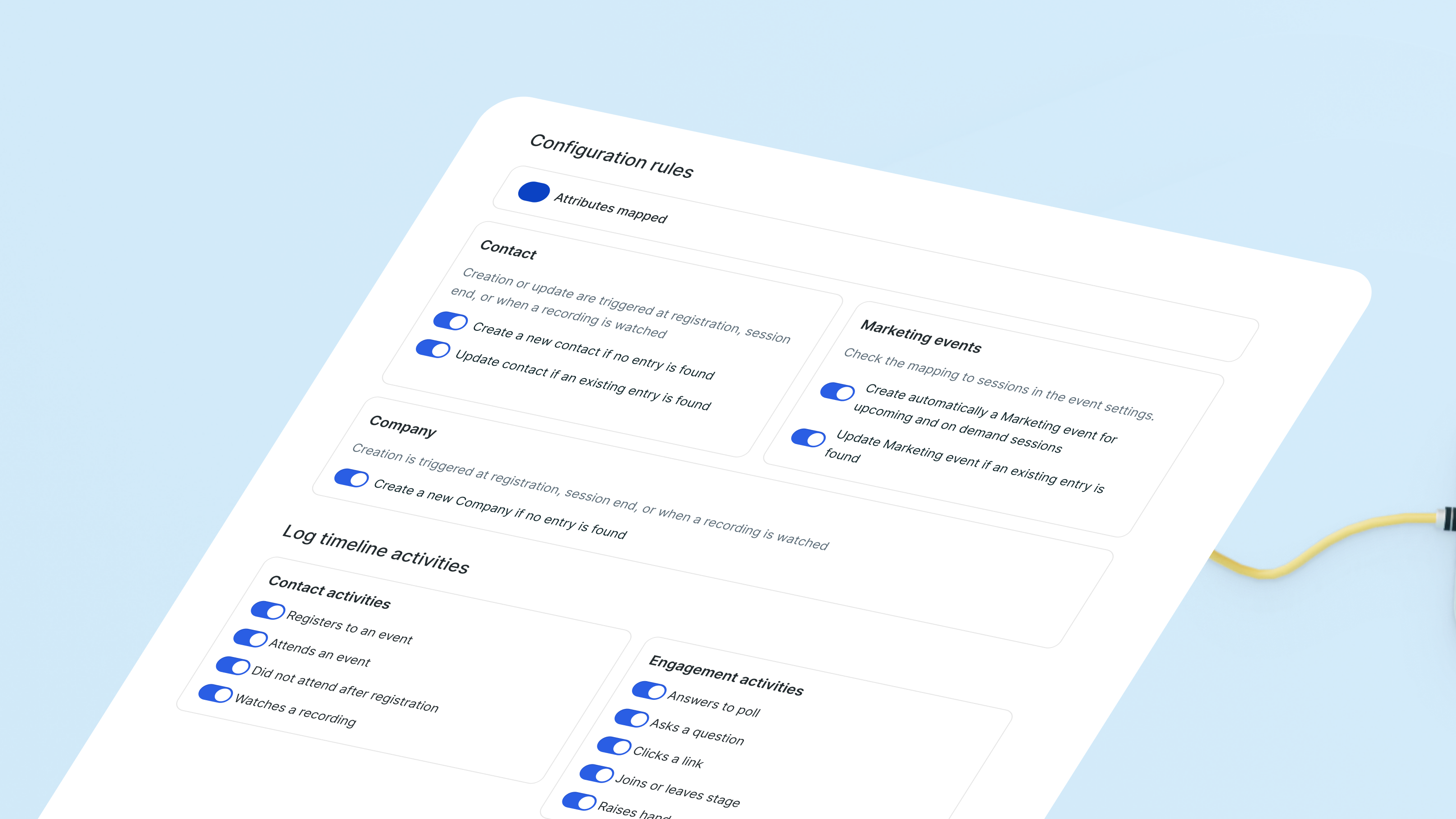
Erkenntnisse aus Webinaren mit einsatzbereiten Eigenschaften abgleichen
Livestorm erstellt und aktualisiert Kontaktattribute „von Livestorm“ auf der Grundlage des Verhaltens bei Webinaren. Die Teilnahmehistorie, Veranstaltungsanmeldungen und andere Interaktionssignale werden automatisch synchronisiert. In Kombination mit den Ereignissen in der Zeitleiste erhalten Sie einen klaren Überblick darüber, wie jeder potenzielle Kunde mit Ihren Webinaren interagiert, ohne dass Sie benutzerdefinierte Felder verwalten müssen.
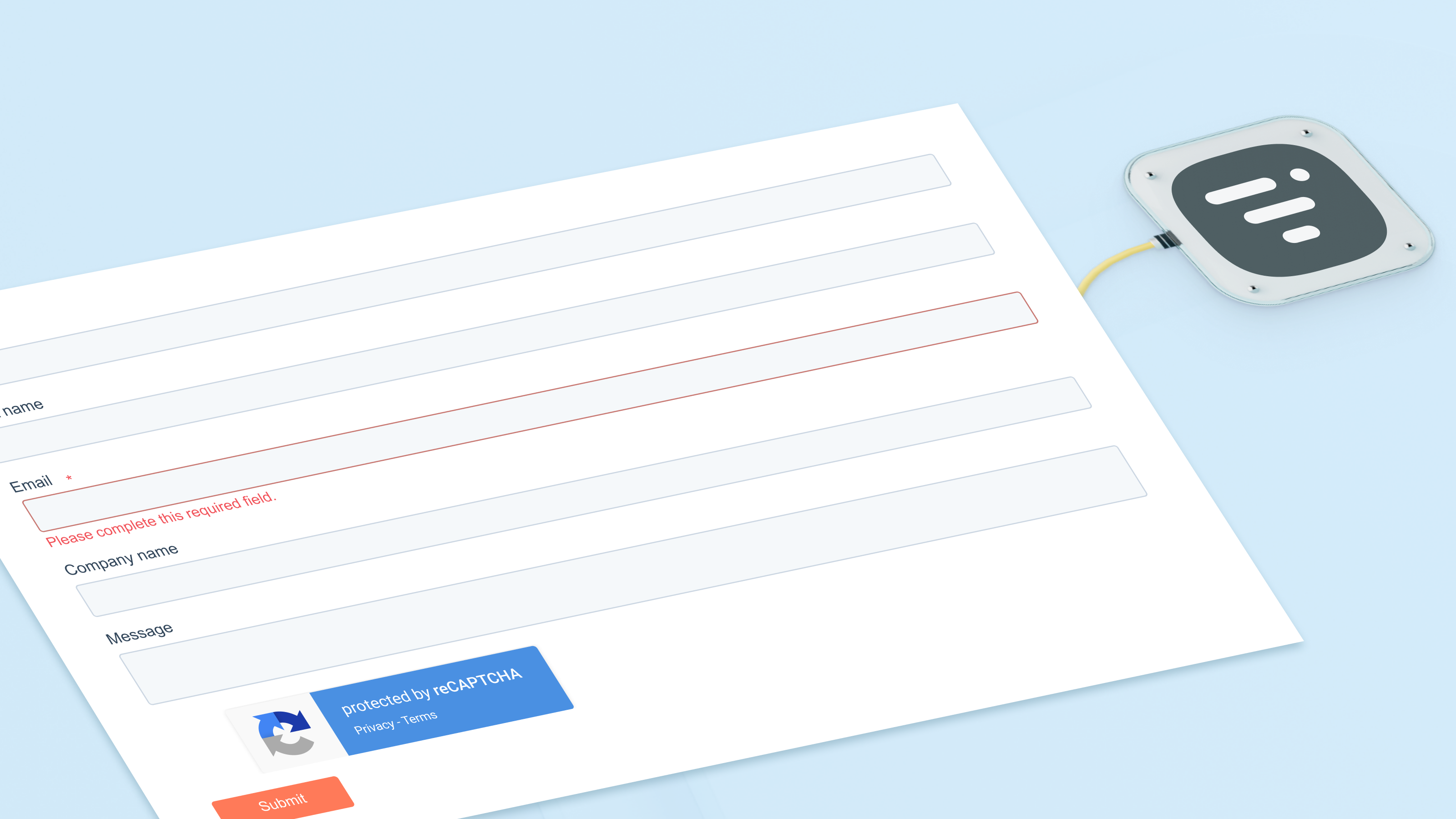
Kontakte mithilfe von HubSpot-Formularen für Webinare registrieren
Nutzen Sie HubSpot-Formulare, -Listen oder -Workflows, um Kontakte für beliebige Webinare anzumelden. Die integrierte Aktion leitet sie direkt an Livestorm weiter und aktualisiert Ihre Marketing-Event-Listen umgehend. Jede Anmeldung wird außerdem in der Zeitleiste des Kontakts angezeigt, sodass Ihr Team das Interesse im Laufe der Zeit leicht nachverfolgen kann.
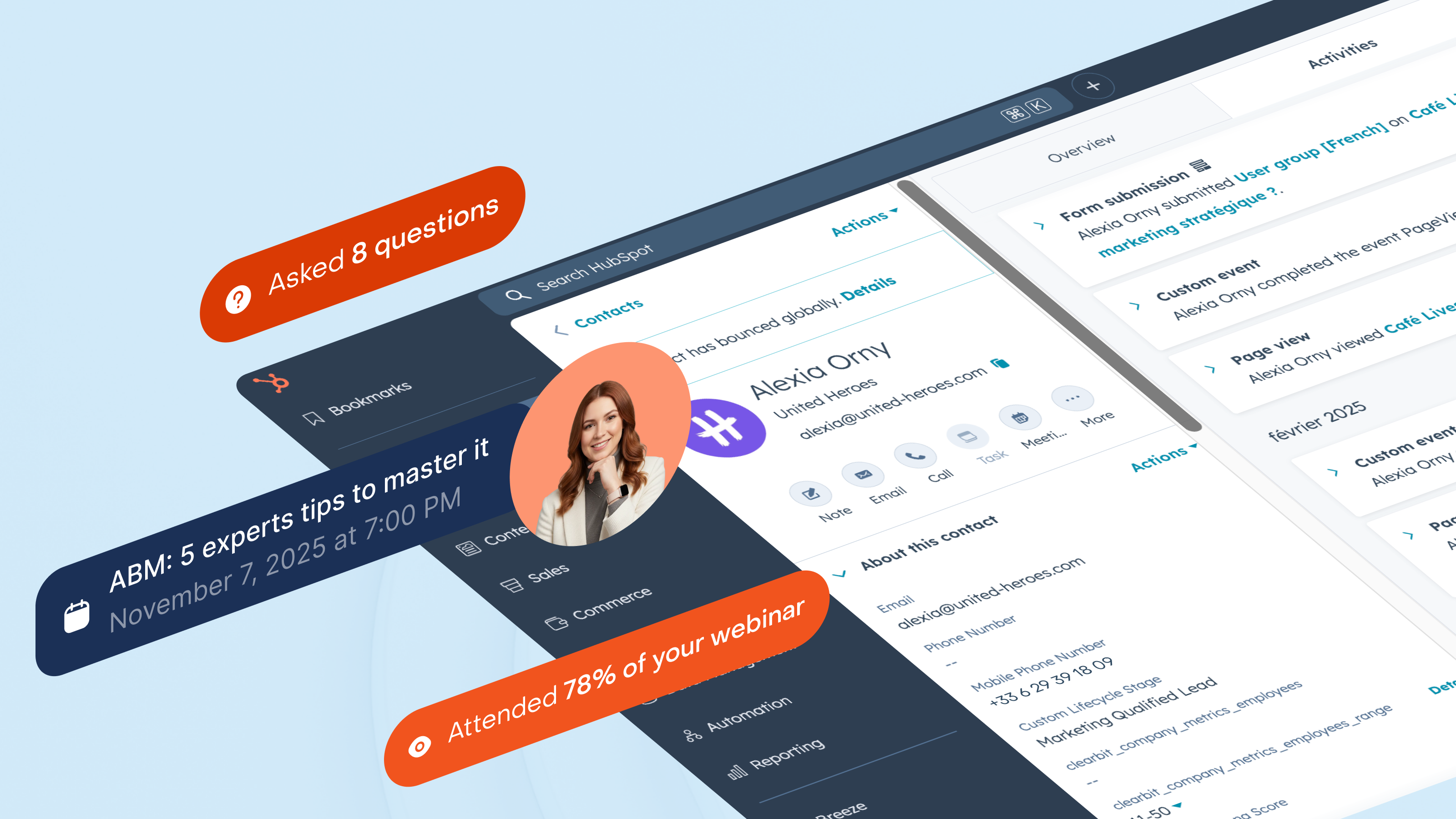
Segmentierung der Leads anhand der tatsächlichen Interaktion im Webinar
Segmentieren Sie Ihre Zielgruppe danach, wie sie mit Ihren Webinaren interagiert: Live-Teilnehmer, Nicht-Teilnehmer, Zuschauer der Aufzeichnung oder wiederkehrende Teilnehmer. HubSpot hält diese Listen auf dem neuesten Stand, während Timeline jede Interaktion protokolliert. Sie können Vertriebsmaßnahmen auslösen, wenn jemand an einer Produktsitzung teilnimmt, oder Leads erneut ansprechen, die sich zwar immer wieder anmelden, aber nie teilnehmen.
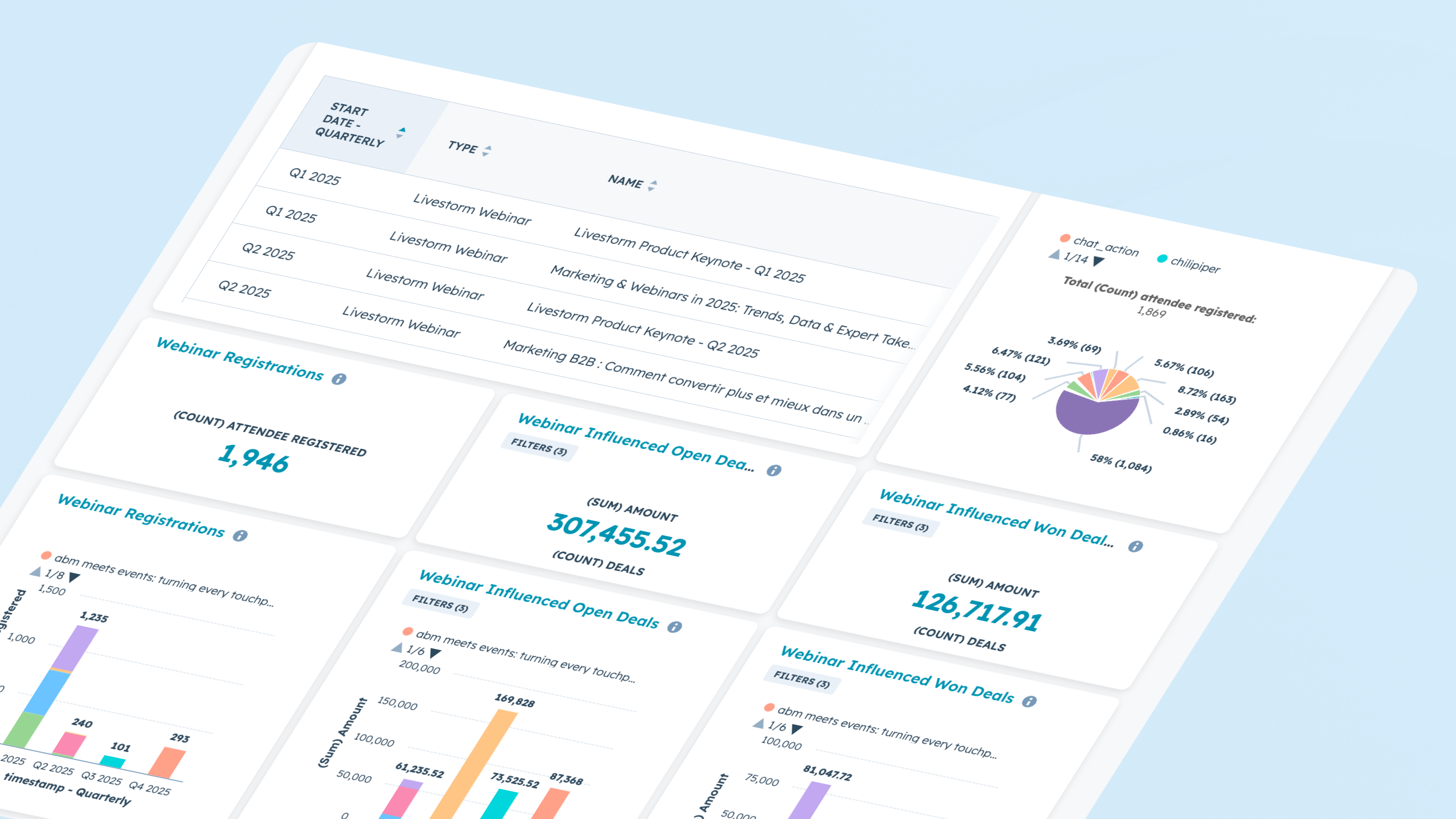
Bericht über die Durchführung und die Wirkung des Webinars
Nutzen Sie Webinar-Daten direkt in den Berichtstools von HubSpot. Analysieren Sie Trends bei Anmeldungen und Teilnehmerzahlen, das Engagement während der einzelnen Sitzungen sowie die Konversion zwischen den verschiedenen Phasen. Kombinieren Sie Daten zu Marketing-Events mit Aktivitäten in der Zeitleiste, um zu erkennen, welche Webinare Geschäfte beeinflussen, die Pipeline beschleunigen oder ruhende Leads reaktivieren.
App-Funktionalität
Registrant | ||
Attendee | ||
Company | ||
Registration | ||
Live attendance | ||
Watched replay | ||
Watched on-demand | ||
People attributes |
Rezensionen
4,1
61
4,1
61
- 18. Aug. 2026
Hervorragende Integration mit guter Dokumentation
Die Integration lässt sich leicht umsetzen, insbesondere dank der Dokumentation und des reaktionsschnellen Livestorm-Supports.
Einfachheit und Konsistenz der Eigenschaften. Die Synchronisierung mit dem HubSpot-Event-Bereich erfolgt reibungslos und zuverlässig.
Die Integration in die Arbeitsabläufe ist für Einsteiger noch etwas zu kompliziert.
Martin, N.
- 10. Juli 2026
Die neue Version der Livestorm-/HubSpot-App erforderte mehrere Schritte
Es wurde eine neue Version der Livestorm-App veröffentlicht, für die einige Schritte in Livestorm erforderlich waren. Anschließend musste ich die App in HubSpot deinstallieren und neu installieren. Dabei gingen alle historischen Daten verloren, da die HubSpot-Integration die Felder automatisch gelöscht hat. Der Support beider Unternehmen konnte nicht helfen, diese Daten wiederherzustellen. Es gibt auch keine Exportmöglichkeiten aus Livestorm, um die Daten in HubSpot zu übertragen.
Rea, B.
Kostenlos
0 $
Ein kostenloser Tarif, um Livestorm auszuprobieren.
Bis zu 30 Teilnehmergutschriften pro Jahr
Bis zu 30 Minuten pro Sitzung
Unbegrenzte Anzahl an Teammitgliedern
Kostenlos
0 $
Ein kostenloser Tarif, um Livestorm auszuprobieren.
Bis zu 30 Teilnehmergutschriften pro Jahr
Bis zu 30 Minuten pro Sitzung
Unbegrenzte Anzahl an Teammitgliedern
* Die hier angegebenen Preise dienen nur zu Illustrationszwecken. Alle Preise enthalten keine Steuern, Sonderangebote, Rabatte oder sonstigen Preisvarianten. Bitte wenden Sie sich direkt an den Partner, um aktuelle und korrekte Preisinformationen zu erhalten. HubSpot übernimmt keine Verantwortung für Preisinformationen, die von unseren Partnern bereitgestellt werden. Letzte Aktualisierung der Preisinformationen: 08.09.2026