

Livestorm Webinars

Leading
ข้อกำหนด
แผน HubSpot สิทธิ์บัญชี HubSpot - ดูสิทธิ์บัญชี ที่จำเป็น
ประเภทสิทธิ์การเข้าถึง แชร์แล้ว การสมัครใช้บริการ Livestorm Webinars - Free, Pro หรือ Entreprise แพ็กเกจ
ภาพรวม
1/6 - Meet Livestorm, the webinar platform for marketing teams
The HubSpot and Livestorm integration transforms your webinars into structured Marketing Events inside HubSpot, with all attendee activity captured as Timeline Events on the contact record. Registration, attendance, replay views, join and leave times, and other key signals are logged automatically, giving teams a consistent and reliable event history.
On each contact, you get a clear, chronological view of how they engaged with your sessions. This helps you qualify leads more accurately, refine your nurturing workflows, and understand which events actually contribute to pipeline.
The integration also enriches HubSpot with detailed Livestorm properties. These include registration status, attendance type, view duration, and other relevant metrics that make segmentation and scoring more precise.
You can use HubSpot Forms to register participants directly into Livestorm, connect your workflows to automate follow ups, and build dynamic lists based on real behaviour such as registrants, live attendees, or replay viewers. Everything updates in real time and keeps HubSpot as the source of truth.
Whether you run webinars for product demonstration, customer marketing, or thought leadership, the integration gives you a complete and actionable funnel inside HubSpot. It makes it easier to track engagement, attribute results, and measure the impact of your events from first touch to conversion.
ฟีเจอร์
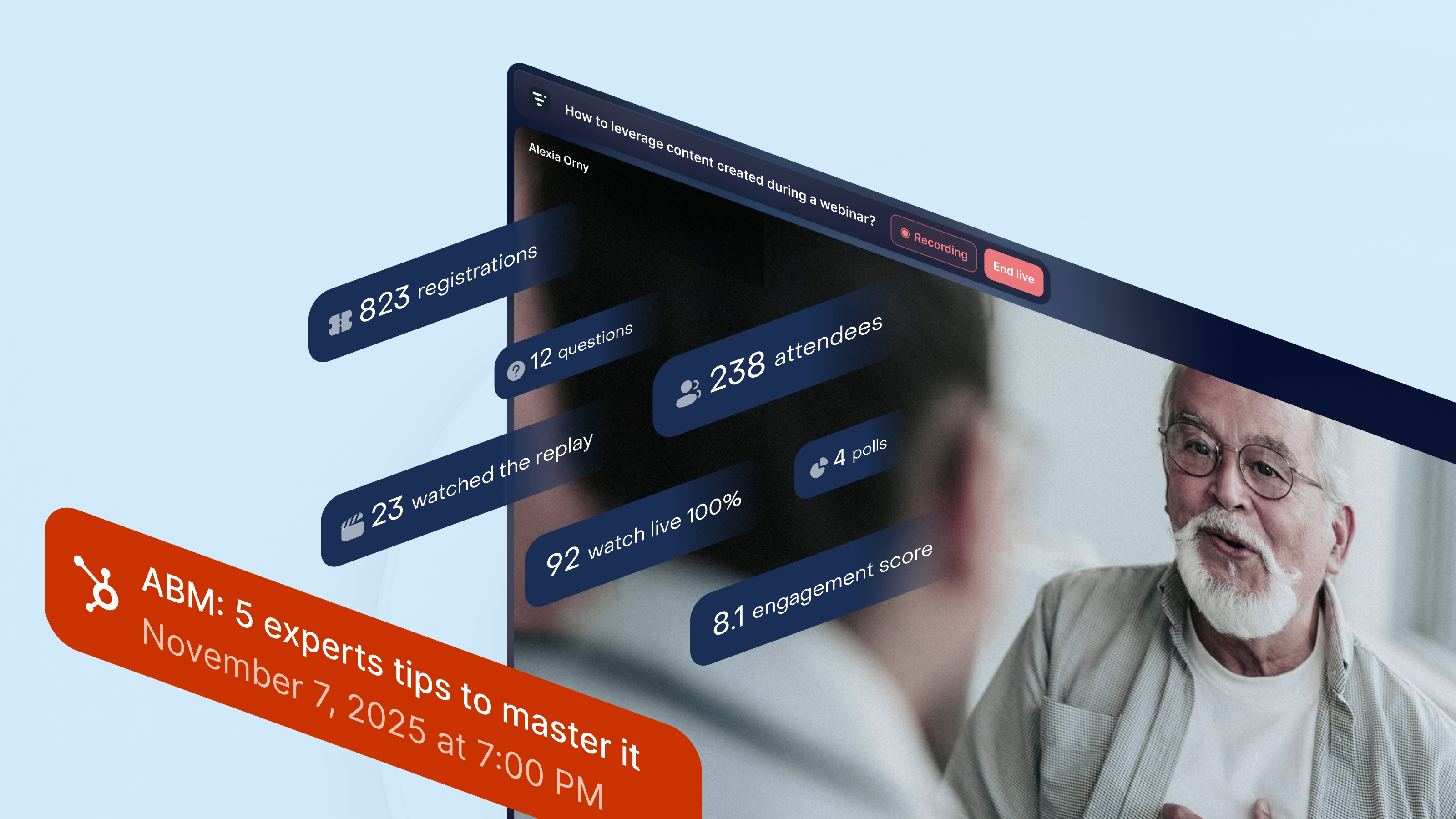
Get complete webinar activity inside HubSpot
All your webinar data flows into HubSpot’s Marketing Events. Livestorm creates and updates registrant and attendee lists in real time, and adds key webinar moments to each contact’s Timeline. You get a clear view of who registered, attended live, watched the replay, or engaged during the session for nurture flows or sales follow-up.
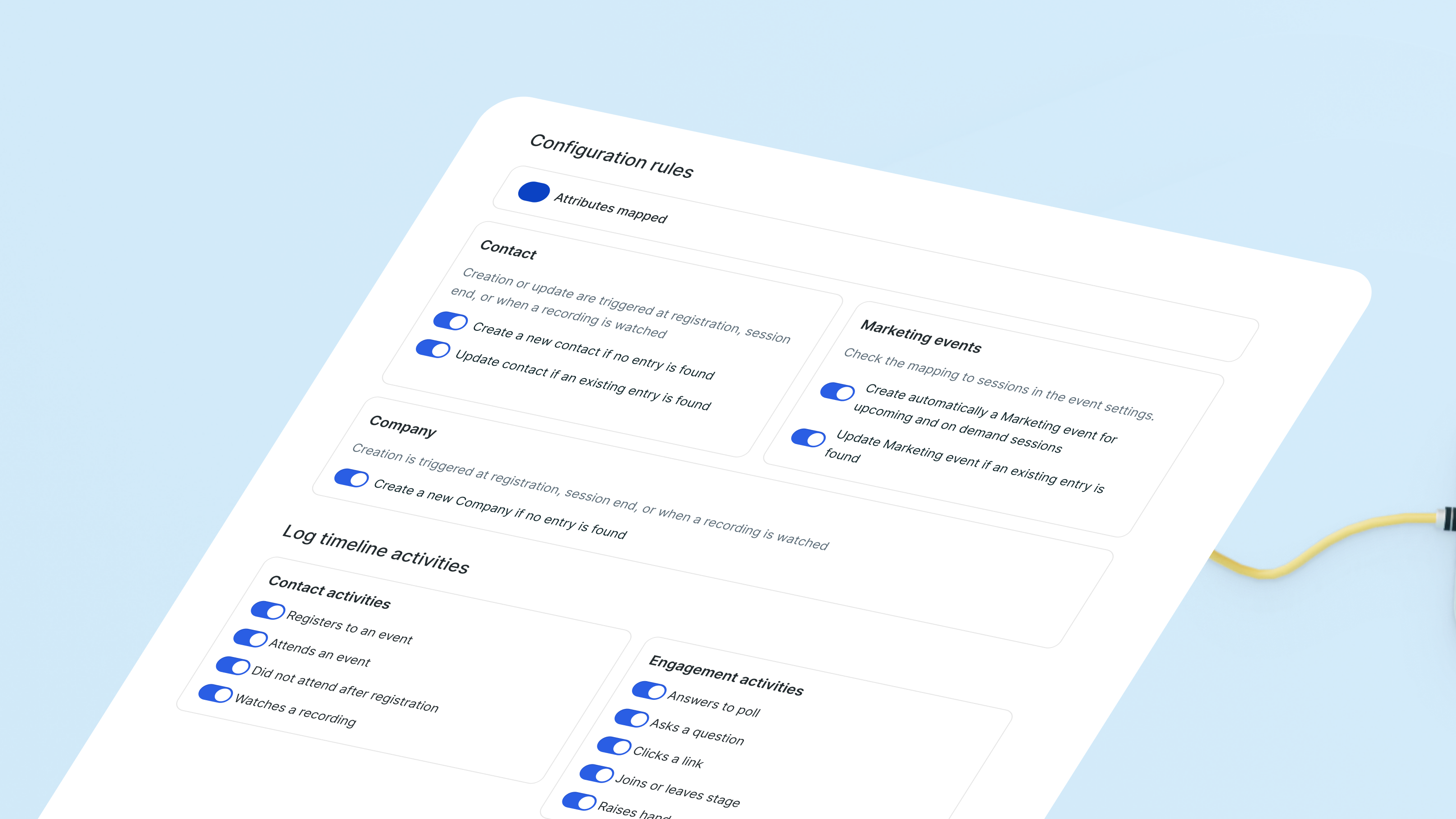
Sync webinar insights with ready-to-use properties
Livestorm creates and updates “by Livestorm” contact properties based on webinar behavior. Attendance history, event registrations, and other engagement signals sync automatically. Combined with Timeline events, you get a clear record of how each lead interacts with your webinars without managing custom fields.
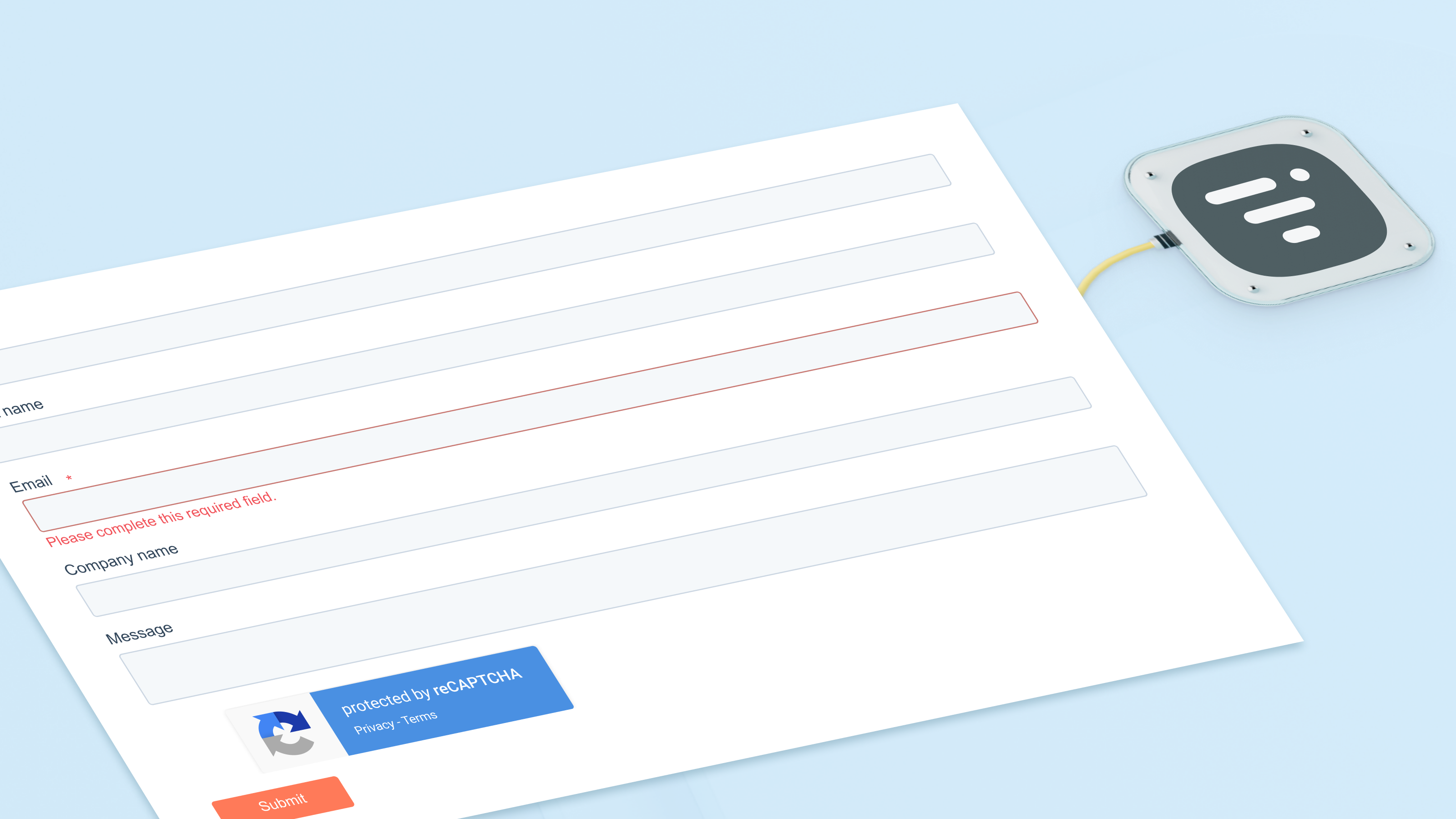
Register contacts for webinars using HubSpot forms
Use HubSpot forms, lists, or workflows to register contacts for any webinar. The built-in action sends them directly to Livestorm and updates your Marketing Event lists immediately. Every registration also appears on the contact’s Timeline, making it easy for your team to track interest over time.
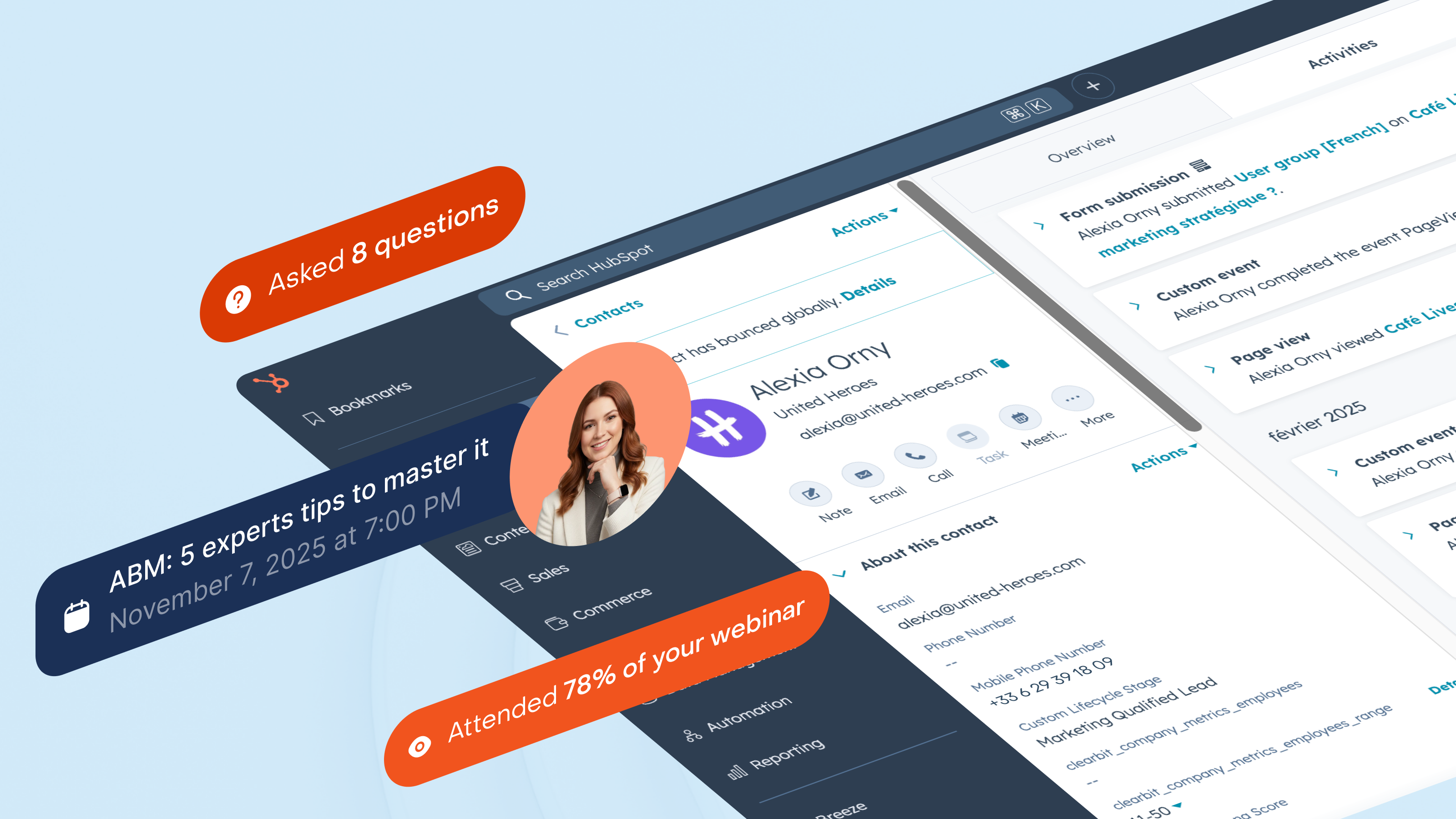
Segment leads based on real webinar engagement
Segment your audience based on how they interact with your webinars: live attendees, no-shows, replay viewers, or repeat participants. HubSpot keeps these lists current while Timeline logs each interaction. You can trigger sales outreach when someone attends a product session, or re-engage leads who keep registering but never join.
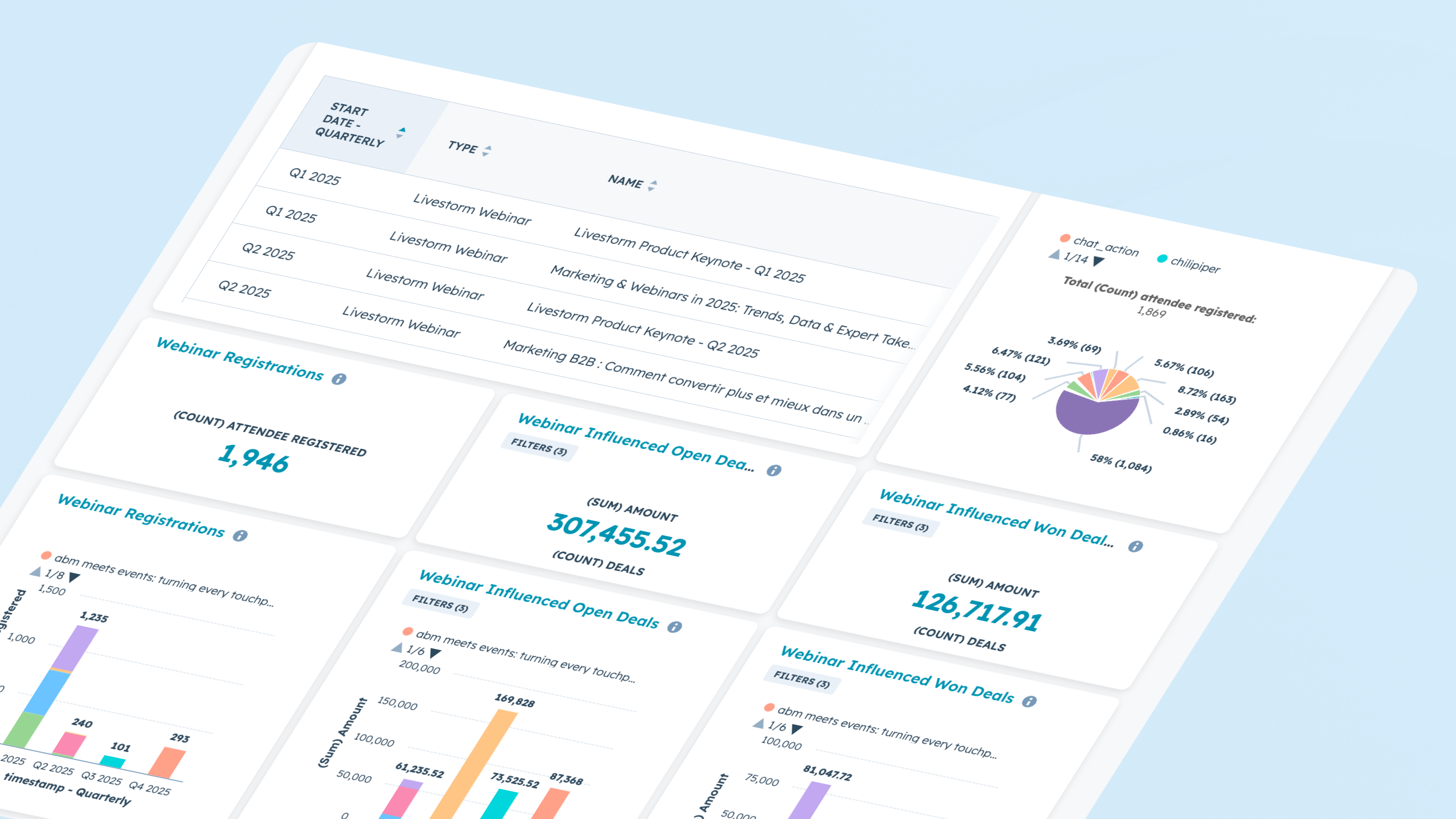
Report on webinar performance and impact
Use webinar data directly in HubSpot’s reporting tools. Analyze registration and attendance trends, engagement across sessions, and conversion between stages. Combine Marketing Event data with Timeline activity to see which webinars influence deals, accelerate pipeline, or re-activate dormant leads.
ฟังก์ชันการทำงานแอป
Registrant | ||
Attendee | ||
Company | ||
Registration | ||
Live attendance | ||
Watched replay | ||
Watched on-demand | ||
People attributes |
รีวิว
4.1
61
4.1
61
- 18 ส.ค. 2026
Excellente intégration avec une bonne documentation
L'intégration se prend facilement en main grâce notamment à la documentation et au support Livestorm réactif.
Simplicité et cohérence des propriétés. La synchronisation avec l'espace Event d'HubSpot est fluide et fiable.
Intégration dans les workflows encore un peu trop brute pour les personnes débutantes.
Martin, N.
- 10 ก.ค. 2026
New version of Livestorm / HubSpot app required several steps
A new version of the Livestorm app was released which required a few steps in Livestorm. Then I had to uninstall and reinstall the app in HubSpot. When I did that, all historical data was lost because the HubSpot integration deleted the fields automatically. Support from both organizations couldn't help to restore it. There aren't any exports you can pull from Livestorm to map the data to HubSpot, either.
Rea, B.
การกำหนดราคา
Free
US$0
A free plan to try Livestorm.
Up to 30 attendee credits per year
Up to 30 minutes/session
Unlimited team members
Free
US$0
A free plan to try Livestorm.
Up to 30 attendee credits per year
Up to 30 minutes/session
Unlimited team members
* ราคาที่แสดงนี้มีไว้เพื่อแสดงข้อมูลเท่านั้น ราคาทั้งหมดยังไม่รวมภาษี สิทธิพิเศษ ส่วนลด หรือตัวแปรราคาอื่นๆ คุณควรติดต่อพาร์ทเนอร์เพื่อรับข้อมูลราคาล่าสุดและถูกต้องที่สุด HubSpot จะไม่รับผิดชอบใดๆ ต่อข้อมูลราคานี้ซึ่งจัดทำโดยพาร์ทเนอร์ของเรา การกำหนดราคาอัปเดตล่าสุด: 08/09/2026