

Livestorm Webinars

Diriger
Exigences
Abonnement HubSpot Autorisations de compte HubSpot - Afficher les autorisations de compte requises
Type d'accès Partagé Abonnement à Livestorm Webinars - Abonnements : Gratuit, Pro ou Entreprise
Vue d'ensemble
1/6 - Découvrez Livestorm, la plateforme de webinaires destinée aux équipes marketing
L'intégration entre HubSpot et Livestorm transforme vos webinaires en événements marketing structurés au sein de HubSpot, toutes les activités des participants étant enregistrées sous forme d'événements chronologiques dans la fiche de contact. Les inscriptions, la participation, les visionnages des rediffusions, les heures d'arrivée et de départ, ainsi que d'autres indicateurs clés sont automatiquement consignés, offrant ainsi aux équipes un historique cohérent et fiable des événements.
Pour chaque contact, vous bénéficiez d’une vue claire et chronologique de son interaction avec vos sessions. Cela vous aide à qualifier les prospects avec plus de précision, à affiner vos workflows de nurturing et à identifier les événements qui contribuent réellement au pipeline.
L’intégration enrichit également HubSpot avec des propriétés Livestorm détaillées. Celles-ci incluent le statut d’inscription, le type de participation, la durée de visionnage et d’autres indicateurs pertinents qui rendent la segmentation et la notation plus précises.
Vous pouvez utiliser HubSpot Forms pour inscrire directement les participants dans Livestorm, connecter vos workflows afin d’automatiser les relances et créer des listes dynamiques basées sur des comportements réels, tels que les inscrits, les participants en direct ou les personnes ayant visionné la rediffusion. Tout est mis à jour en temps réel, ce qui fait de HubSpot la source de référence.
Que vous organisiez des webinaires pour des démonstrations de produits, du marketing client ou pour affirmer votre leadership d’opinion, cette intégration vous offre un entonnoir de conversion complet et exploitable au sein de HubSpot. Elle facilite le suivi de l’engagement, l’attribution des résultats et la mesure de l’impact de vos événements, du premier contact à la conversion.
Fonctionnalités
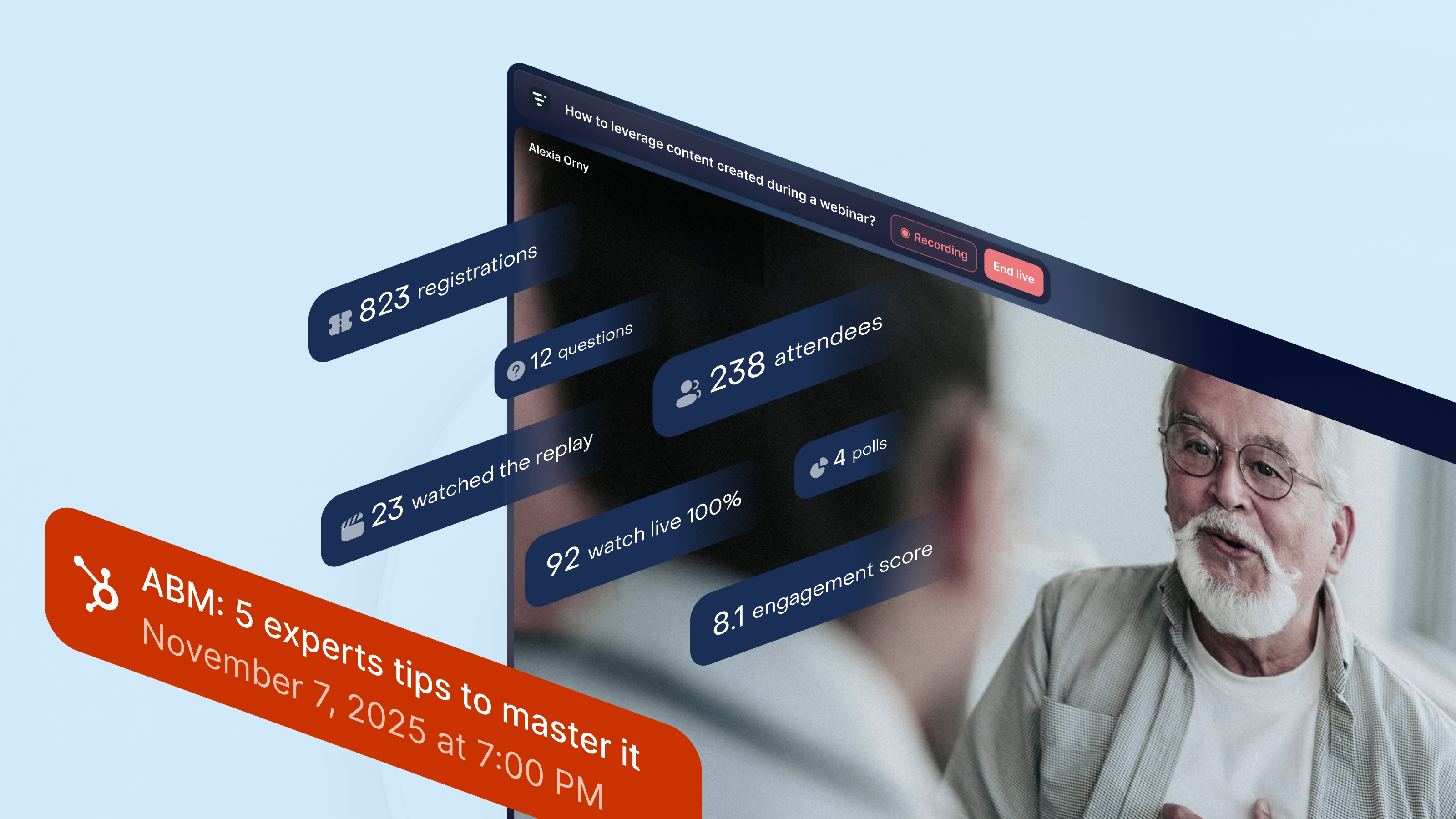
Accédez à toutes les informations relatives aux webinaires depuis HubSpot
Toutes les données relatives à vos webinaires sont intégrées aux « Événements marketing » de HubSpot. Livestorm crée et met à jour en temps réel les listes d’inscrits et de participants, et ajoute les moments clés du webinaire à la chronologie de chaque contact. Vous disposez ainsi d’une vue d’ensemble claire des personnes qui se sont inscrites, ont assisté en direct, ont visionné la rediffusion ou ont interagi pendant la session, ce qui vous permet de mettre en place des flux de maturation ou d’assurer le suivi commercial.
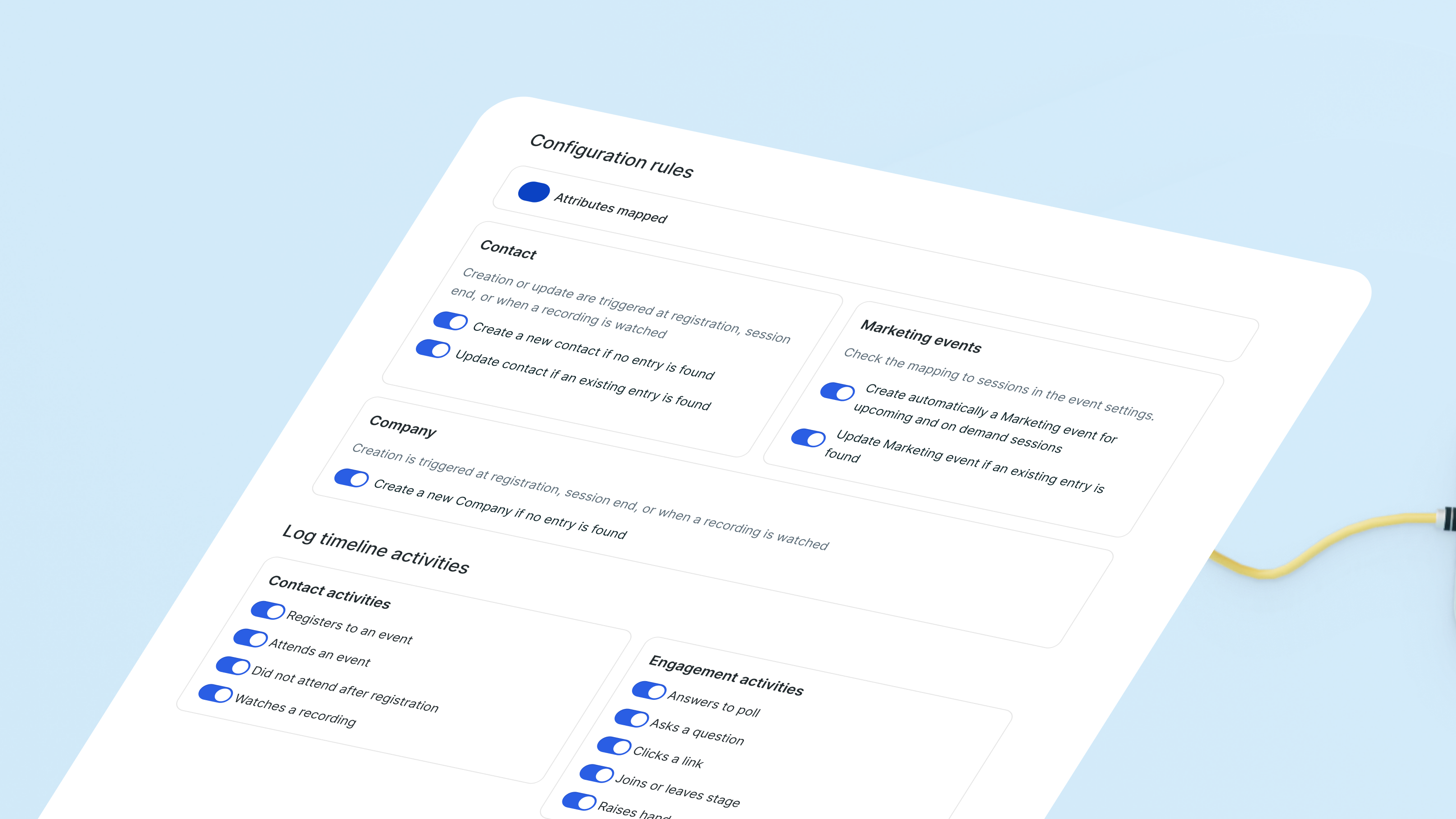
Synchronisez les informations issues des webinaires avec des propriétés prêtes à l'emploi
Livestorm crée et met à jour les propriétés de contact « par Livestorm » en fonction du comportement observé lors des webinaires. L'historique des participations, les inscriptions aux événements et d'autres indicateurs d'engagement se synchronisent automatiquement. Associé aux événements de la chronologie, cet outil vous offre un aperçu clair de la manière dont chaque prospect interagit avec vos webinaires, sans que vous ayez à gérer de champs personnalisés.
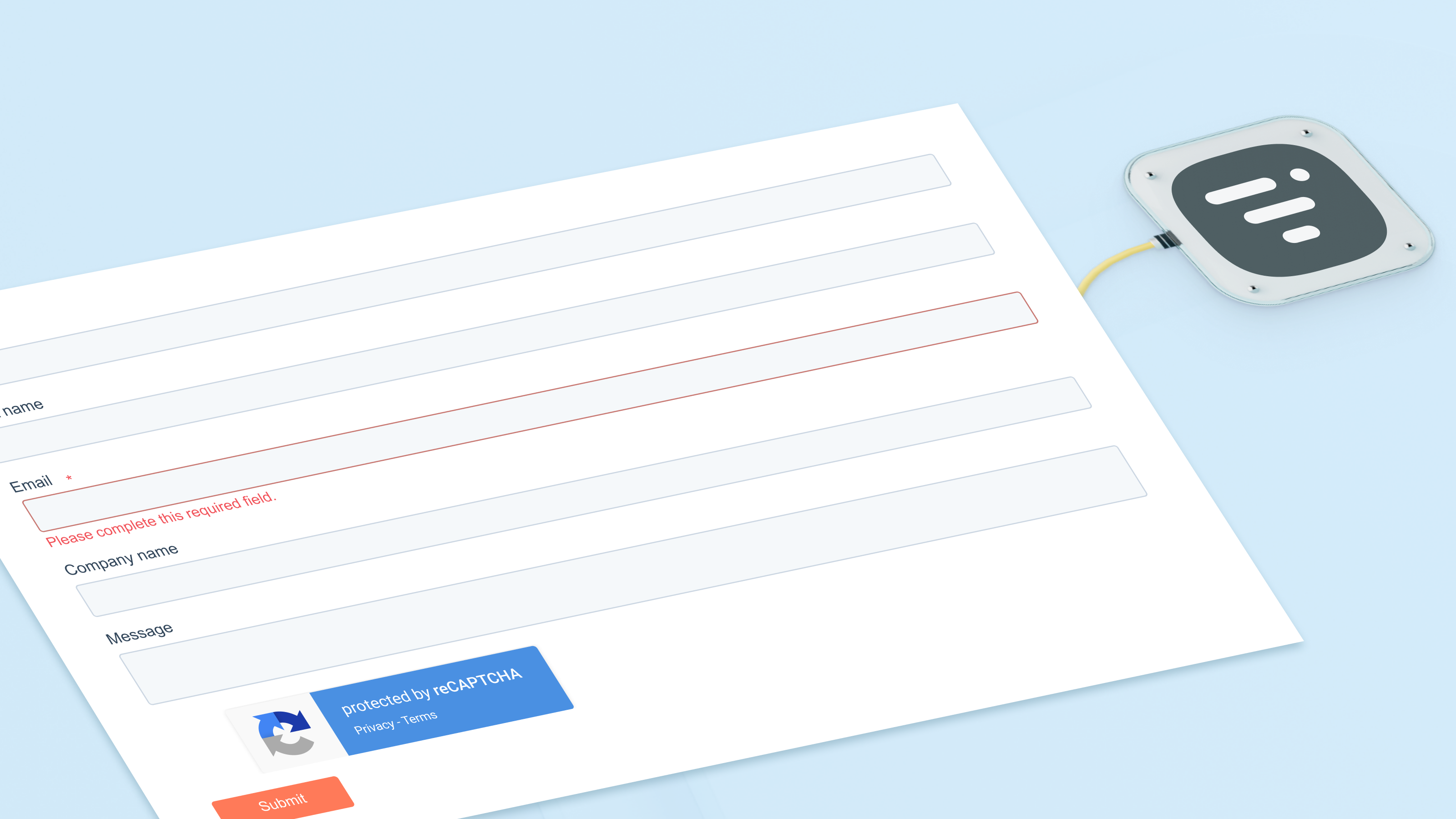
Inscrire des contacts à des webinaires à l'aide des formulaires HubSpot
Utilisez les formulaires, les listes ou les workflows HubSpot pour inscrire des contacts à n'importe quel webinaire. L'action intégrée les redirige directement vers Livestorm et met immédiatement à jour vos listes d'événements marketing. Chaque inscription apparaît également sur la chronologie du contact, ce qui permet à votre équipe de suivre facilement l'évolution de l'intérêt au fil du temps.
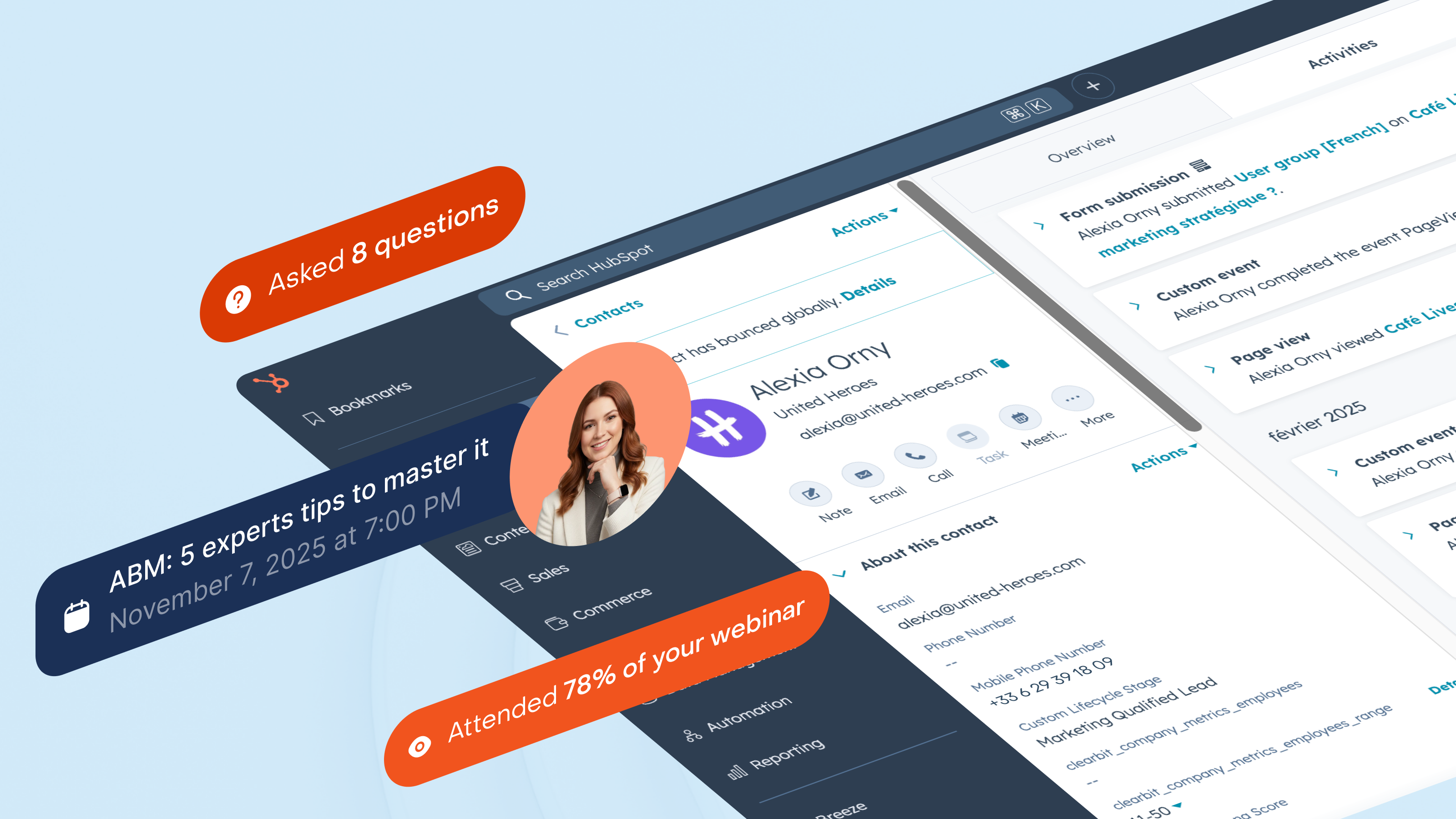
Segmenter les prospects en fonction de leur engagement réel lors des webinaires
Segmentez votre audience en fonction de la manière dont elle interagit avec vos webinaires : participants en direct, absents, spectateurs des rediffusions ou participants réguliers. HubSpot maintient ces listes à jour tandis que Timeline enregistre chaque interaction. Vous pouvez déclencher des actions commerciales lorsqu'une personne assiste à une session sur un produit, ou relancer les prospects qui s'inscrivent régulièrement mais ne se connectent jamais.
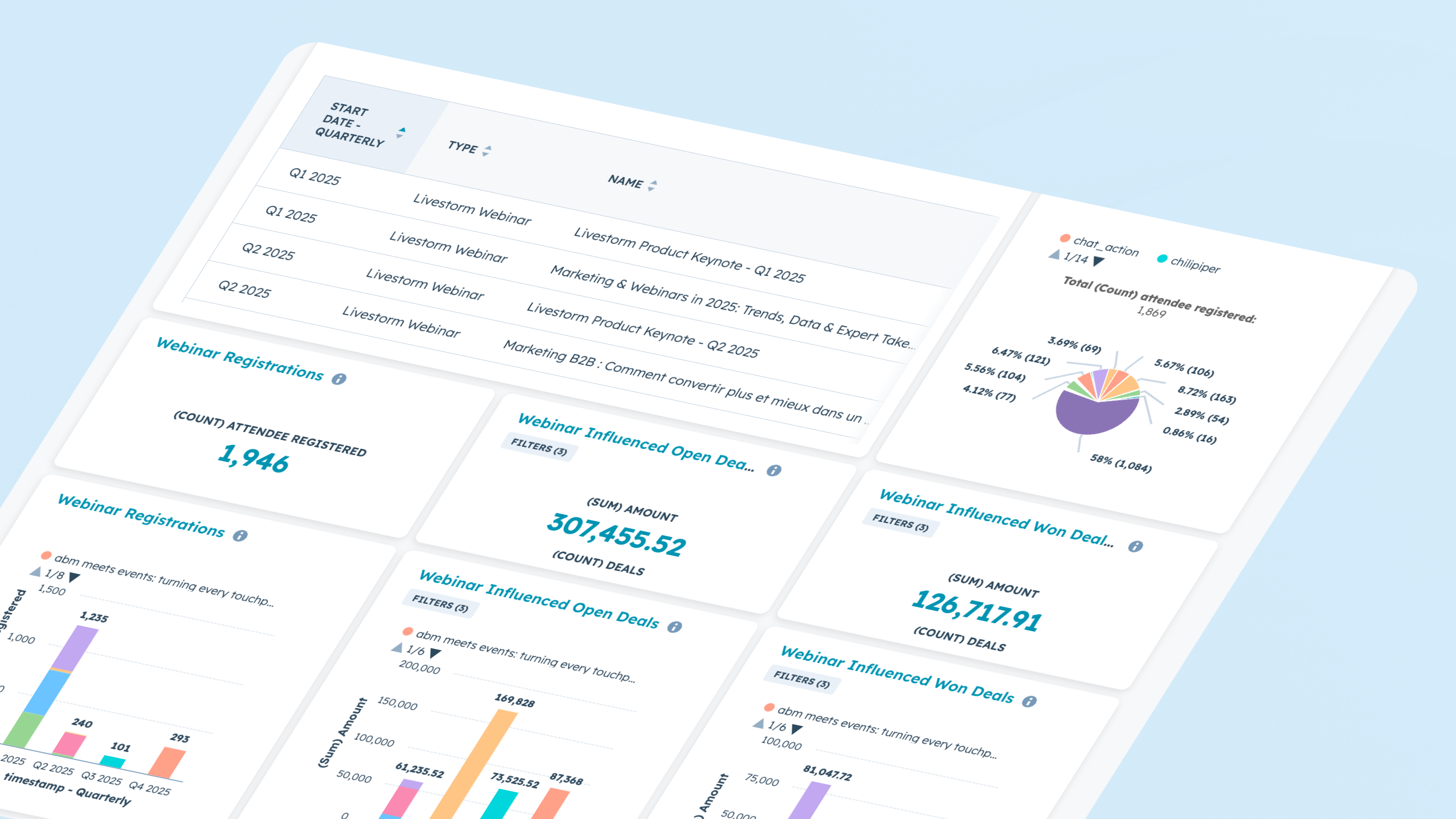
Rapport sur les résultats et l'impact du webinaire
Utilisez les données des webinaires directement dans les outils de reporting de HubSpot. Analysez les tendances en matière d’inscriptions et de participation, le niveau d’engagement au cours des sessions et les conversions entre les différentes étapes. Associez les données des événements marketing à l’activité de la chronologie pour identifier les webinaires qui influencent les opportunités commerciales, accélèrent le pipeline ou réactivent les prospects inactifs.
Fonctionnalité de l'application
Registrant | ||
Attendee | ||
Company | ||
Registration | ||
Live attendance | ||
Watched replay | ||
Watched on-demand | ||
People attributes |
4,1
61
4,1
61
- 18 août 2026
Excellente intégration avec une bonne documentation
L'intégration se prend facilement en main grâce notamment à la documentation et au support Livestorm réactif.
Simplicité et cohérence des propriétés. La synchronisation avec l'espace Event d'HubSpot est fluide et fiable.
Intégration dans les workflows encore un peu trop brute pour les personnes débutantes.
Martin, N.
- 10 juil. 2026
La nouvelle version de l'application Livestorm / HubSpot nécessite plusieurs étapes
Une nouvelle version de l'application Livestorm a été publiée, ce qui a nécessité quelques manipulations dans Livestorm. J'ai ensuite dû désinstaller puis réinstaller l'application dans HubSpot. Ce faisant, toutes les données historiques ont été perdues, car l'intégration HubSpot a supprimé automatiquement les champs. Les services d'assistance des deux entreprises n'ont pas pu m'aider à les récupérer. Il n'existe d'ailleurs aucun fichier d'exportation disponible depuis Livestorm permettant de mapper ces données vers HubSpot.
Rea, B.
Tarification
Gratuit
0 $US
Une formule gratuite pour tester Livestorm.
Jusqu'à 30 crédits de participation par an
Jusqu'à 30 minutes par séance
Nombre illimité de membres dans l'équipe
Gratuit
0 $US
Une formule gratuite pour tester Livestorm.
Jusqu'à 30 crédits de participation par an
Jusqu'à 30 minutes par séance
Nombre illimité de membres dans l'équipe
* Les prix mentionnés ici sont uniquement présentés à titre indicatif. Tous les prix n'incluent pas les taxes, les offres spéciales, les réductions ni les autres facteurs pouvant affecter les tarifs. Vous devez contacter le partenaire pour obtenir les tarifs les plus récents. HubSpot n'assume aucune responsabilité pour les informations de tarification fournies par ses partenaires. Dernière mise à jour des prix : 08/09/2026
Informations supplémentaires
Créé par - Livestorm
Installation - 3 k installations
Catégories Langues dans lesquelles cette application est disponible Allemand ,Anglais ,Espagnol etFrançais