

Livestorm Webinars

Ledende
Krav
HubSpot-abonnement HubSpot-kontotillatelser - Vis nødvendige kontotillatelser
Tilgangstype Delt Livestorm Webinars-abonnement - Gratis, Pro eller Bedrift-abonnementer
Oversikt
1/6 - Bli kjent med Livestorm, webinarplattformen for markedsføringsteam
Integrasjonen mellom HubSpot og Livestorm forvandler webinarene dine til strukturerte markedsføringshendelser i HubSpot, der all aktivitet fra deltakerne registreres som tidslinjehendelser i kontaktoppføringen. Påmelding, deltakelse, visninger av opptak, tidspunkt for når deltakerne kom inn og gikk ut, samt andre viktige indikatorer loggføres automatisk, noe som gir teamene en konsistent og pålitelig hendelseshistorikk.
For hver kontakt får du en oversiktlig, kronologisk oversikt over hvordan de har deltatt i sesjonene dine. Dette hjelper deg med å kvalifisere potensielle kunder mer nøyaktig, finjustere oppfølgingsarbeidsflytene dine og forstå hvilke arrangementer som faktisk bidrar til salgspipeline.
Integrasjonen beriker også HubSpot med detaljerte Livestorm-egenskaper. Disse inkluderer registreringsstatus, type deltakelse, visningstid og andre relevante måleparametere som gjør segmentering og poengsetting mer presis.
Du kan bruke HubSpot Forms til å registrere deltakere direkte i Livestorm, koble arbeidsflytene dine for å automatisere oppfølgingen og lage dynamiske lister basert på faktisk atferd, for eksempel påmeldte, deltakere i direktesendingen eller seere av opptaket. Alt oppdateres i sanntid, og HubSpot forblir den pålitelige kilden.
Uansett om du arrangerer webinarer for produktdemonstrasjon, kundemarkedsføring eller kunnskapsledelse, gir integrasjonen deg en komplett og handlingsrettet tragt inne i HubSpot. Det gjør det enklere å spore engasjement, tilskrive resultater og måle effekten av arrangementene dine fra første kontakt til konvertering.
Funksjoner
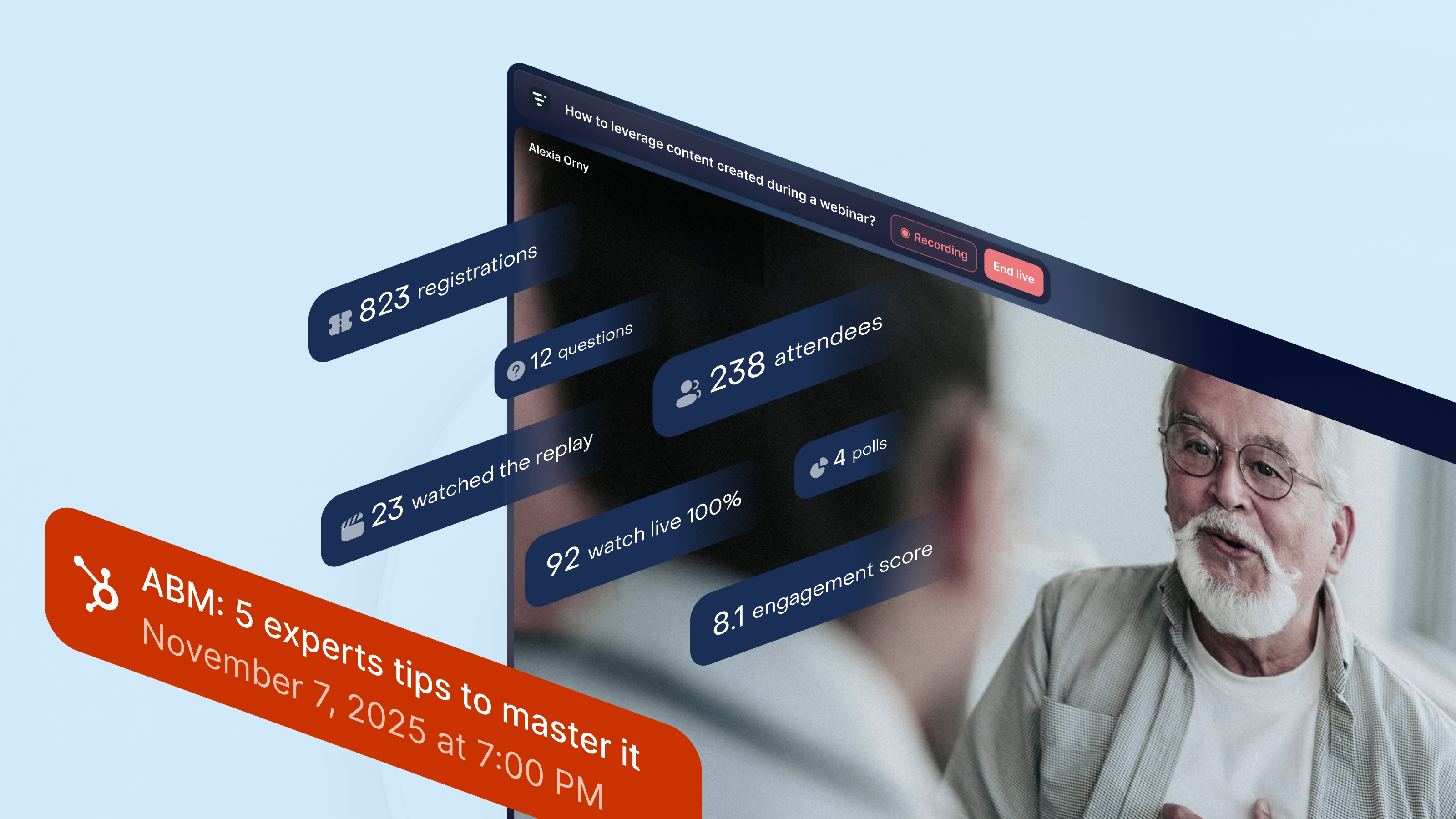
Få full oversikt over webinaraktiviteten i HubSpot
Alle dataene fra webinarene dine samles i HubSpots «Marketing Events». Livestorm oppretter og oppdaterer lister over påmeldte og deltakere i sanntid, og legger til viktige øyeblikk fra webinaret i hver kontakts tidslinje. Du får et klart overblikk over hvem som har meldt seg på, deltatt live, sett opptaket eller vist engasjement under sesjonen – noe som er nyttig for oppfølgingskampanjer eller salgsoppfølging.
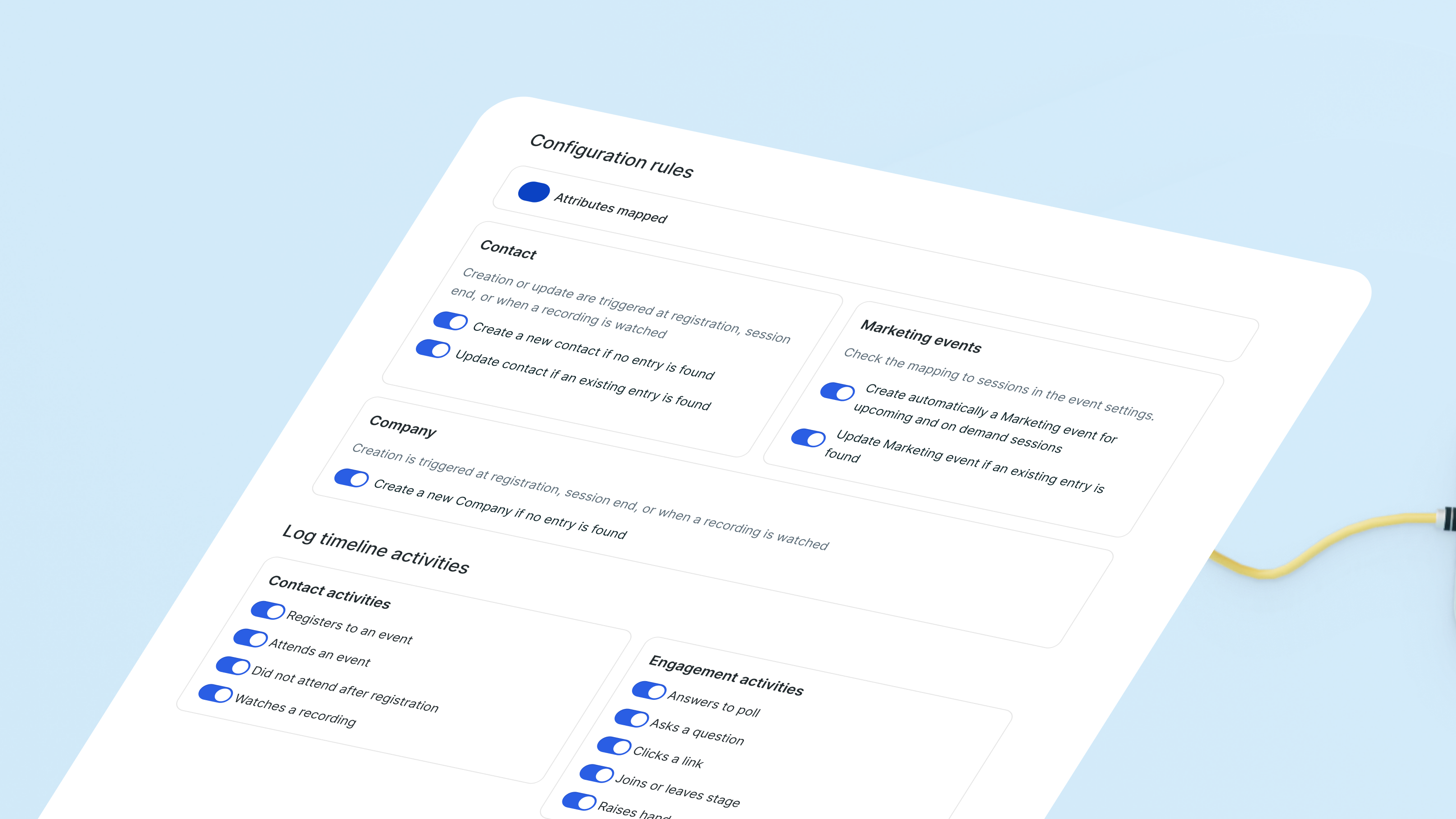
Synkroniser innsikt fra webinarer med ferdige egenskaper
Livestorm oppretter og oppdaterer «by Livestorm»-kontaktegenskaper basert på atferden under webinarene. Deltakelseshistorikk, påmeldinger til arrangementer og andre engasjementsindikatorer synkroniseres automatisk. Kombinert med hendelser i tidslinjen får du en tydelig oversikt over hvordan hver enkelt potensiell kunde samhandler med webinarene dine, uten at du trenger å administrere egendefinerte felt.
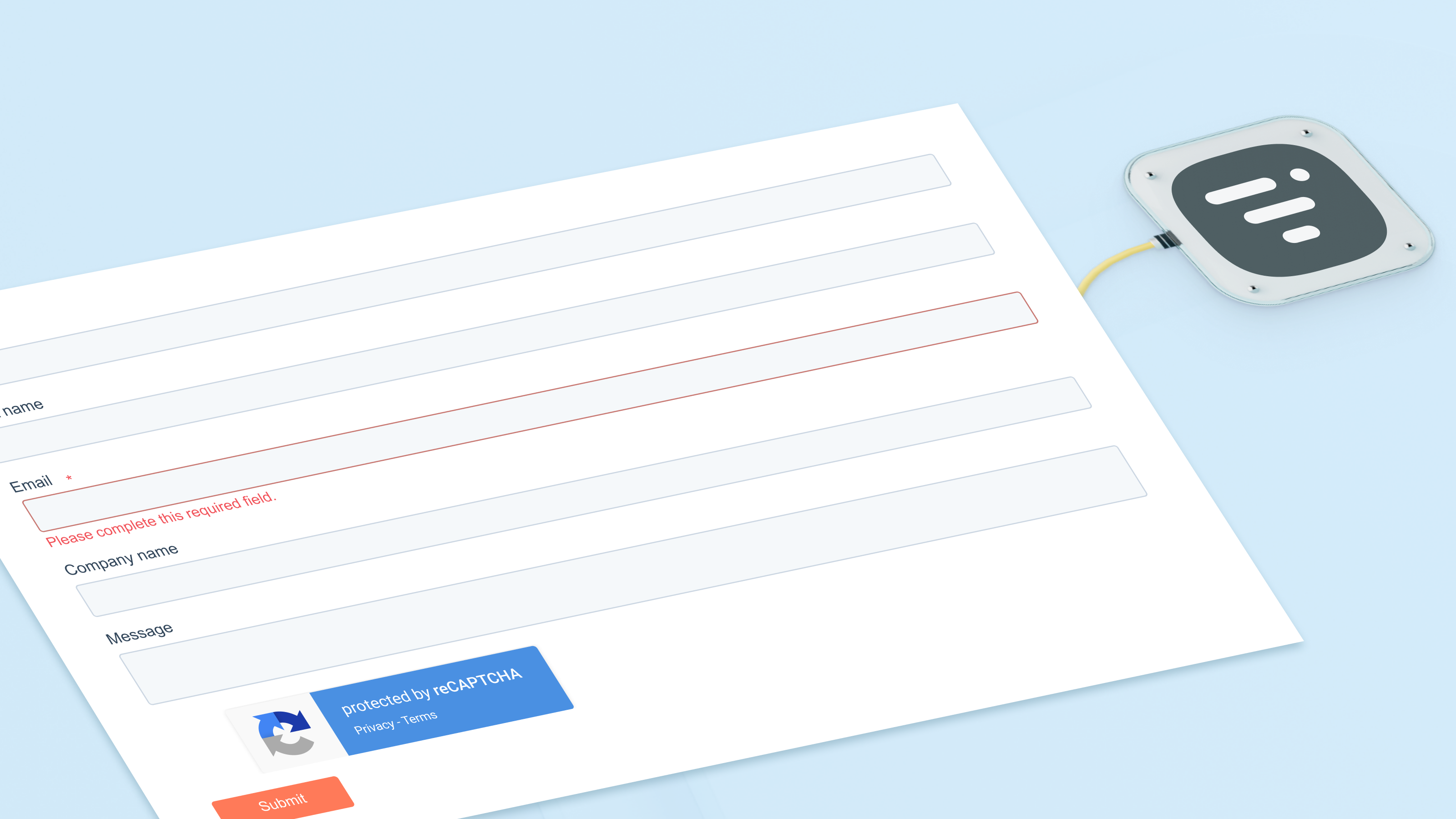
Registrer kontakter til webinarer ved hjelp av HubSpot-skjemaer
Bruk HubSpot-skjemaer, lister eller arbeidsflyter til å registrere kontakter til et hvilket som helst webinar. Den innebygde handlingen sender dem direkte til Livestorm og oppdaterer listene dine for markedsføringsarrangementer umiddelbart. Hver registrering vises også på kontaktens tidslinje, noe som gjør det enkelt for teamet ditt å følge med på interessen over tid.
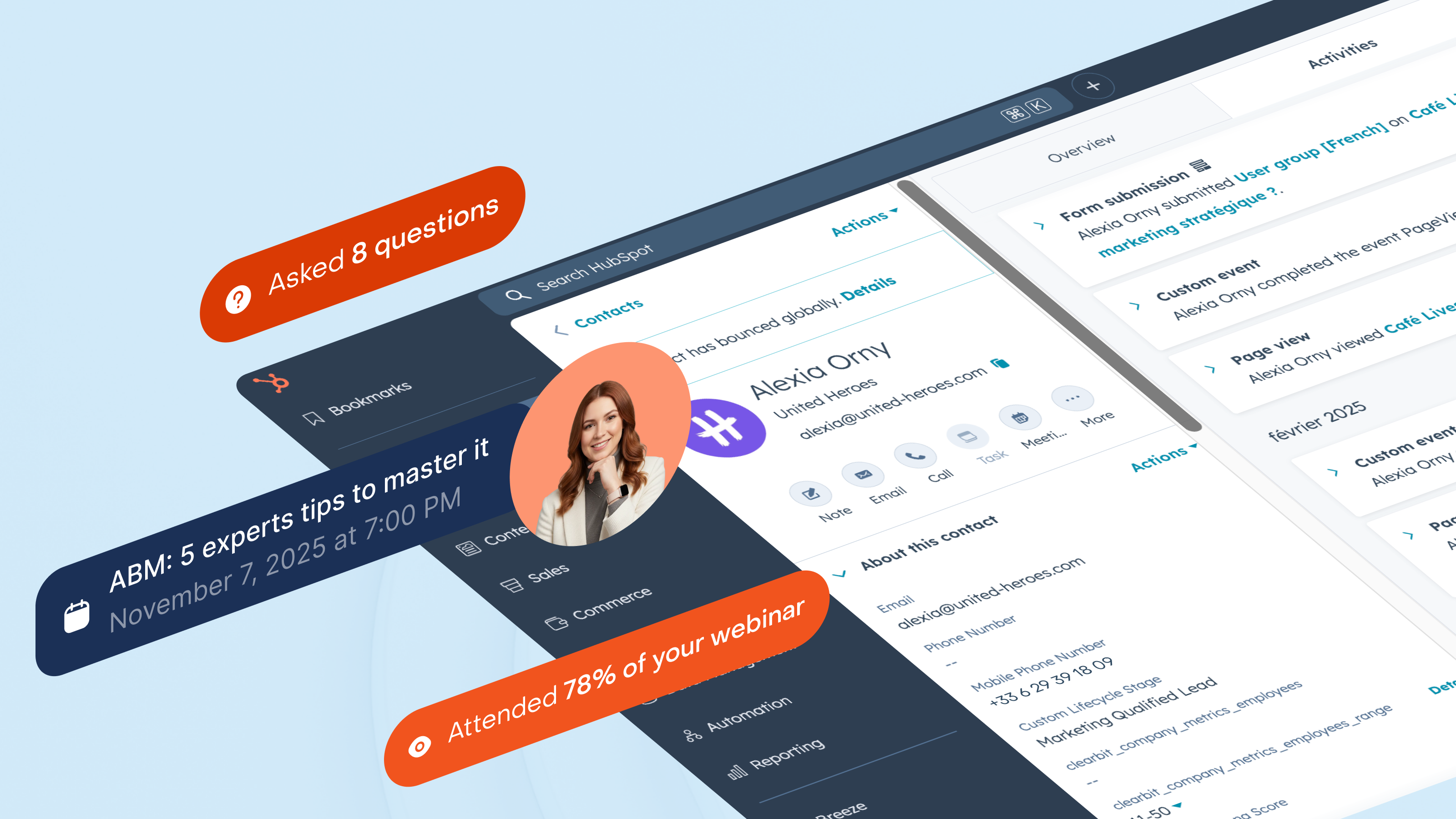
Segmenter potensielle kunder basert på faktisk deltakelse i webinarer
Del målgruppen din inn i segmenter ut fra hvordan de samhandler med webinarene dine: deltakere på direktesending, de som ikke møter opp, de som ser opptaket eller gjentatte deltakere. HubSpot holder disse listene oppdatert, mens Timeline registrerer hver enkelt interaksjon. Du kan sette i gang salgsaktiviteter når noen deltar på et produktseminar, eller gjenoppta kontakten med potensielle kunder som stadig registrerer seg, men aldri deltar.
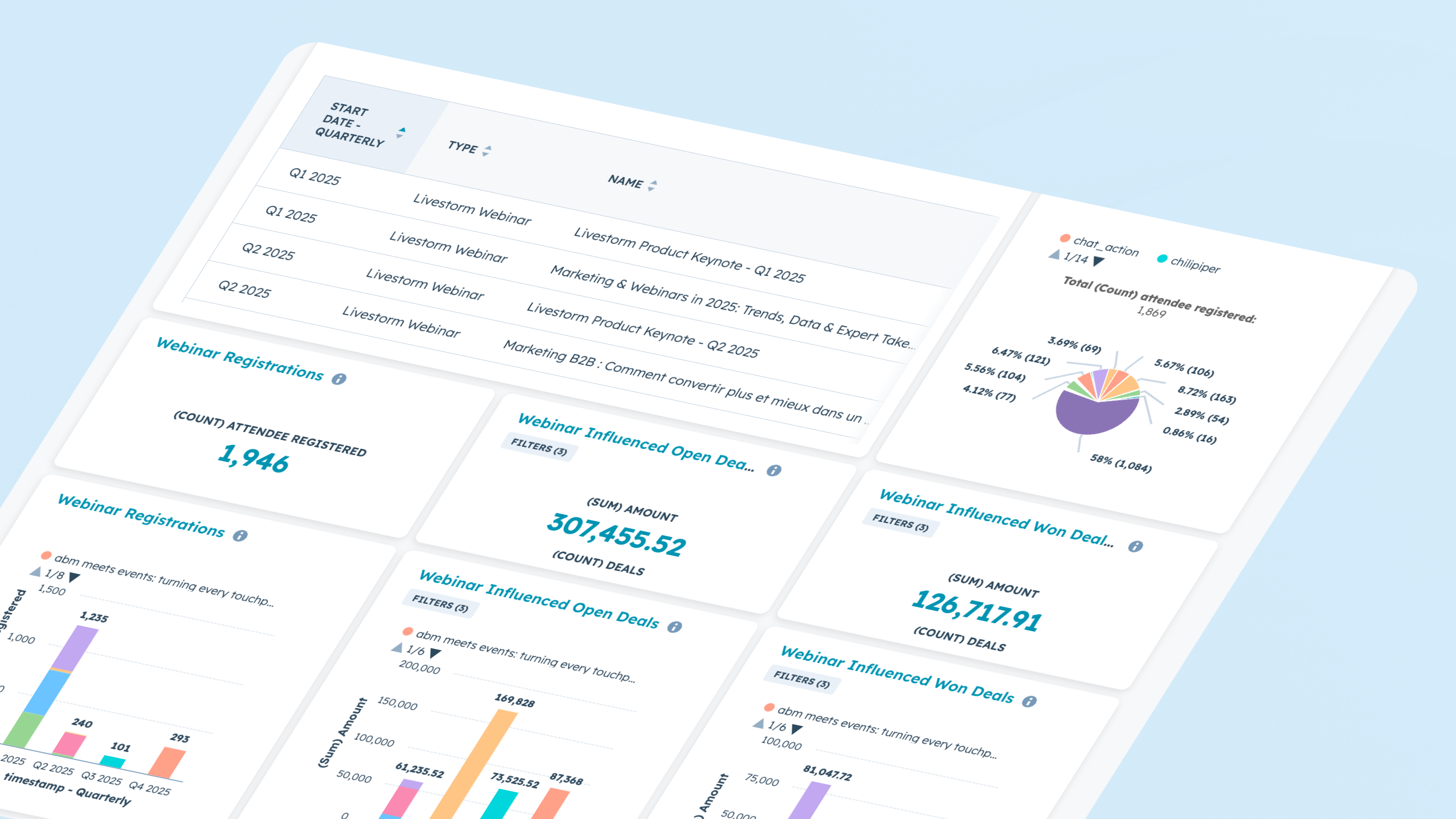
Rapport om gjennomføring og effekt av webinaret
Bruk webinar-data direkte i HubSpots rapporteringsverktøy. Analyser trender for påmelding og deltakelse, engasjement gjennom de ulike øktene og konvertering mellom ulike stadier. Kombiner data fra markedsføringsarrangementer med aktivitet i tidslinjen for å se hvilke webinarer som påvirker avtaler, fremskynder salgspipeline eller reaktiverer inaktive potensielle kunder.
Appfunksjonalitet
Registrant | ||
Attendee | ||
Company | ||
Registration | ||
Live attendance | ||
Watched replay | ||
Watched on-demand | ||
People attributes |
Gjennomganger
4,1
61
4,1
61
- 18. aug. 2026
Excellente intégration avec une bonne documentation
L'intégration se prend facilement en main grâce notamment à la documentation et au support Livestorm réactif.
Simplicité et cohérence des propriétés. La synchronisation avec l'espace Event d'HubSpot est fluide et fiable.
Intégration dans les workflows encore un peu trop brute pour les personnes débutantes.
Martin, N.
- 10. juli 2026
New version of Livestorm / HubSpot app required several steps
A new version of the Livestorm app was released which required a few steps in Livestorm. Then I had to uninstall and reinstall the app in HubSpot. When I did that, all historical data was lost because the HubSpot integration deleted the fields automatically. Support from both organizations couldn't help to restore it. There aren't any exports you can pull from Livestorm to map the data to HubSpot, either.
Rea, B.
Gratis
USD 0
Et gratis abonnement for å prøve Livestorm.
Opptil 30 deltakerkreditter per år
Opptil 30 minutter per økt
Ubegrenset antall teammedlemmer
Gratis
USD 0
Et gratis abonnement for å prøve Livestorm.
Opptil 30 deltakerkreditter per år
Opptil 30 minutter per økt
Ubegrenset antall teammedlemmer
* Prissettingen her er kun for illustrasjonsformål. Prisene inkluderer ikke avgifter, insentiver, rabatter eller andre prissettingsvariabler. Kontakt partneren for å få oppdatert og riktig prissettingsinformasjon. HubSpot tar ikke ansvar for denne prissettingsinformasjonen, som gis av våre partnere. Prissetting sist oppdatert: 08.09.2026