

Livestorm Webinars

Johtava
Vaatimukset
HubSpot-tilaus HubSpot-tilin käyttöoikeudet - Tarkastele vaadittuja tilin käyttöoikeuksia
Pääsytyyppi Jaettu Livestorm Webinars-tilaus - Ilmainen, Pro tai Yritys paketit
Yhteenveto
1/6 - Tutustu Livestormiin, markkinointitiimien webinaarialustaan
HubSpotin ja Livestormin integrointi muuntaa webinaarisi jäsennellyiksi markkinointitapahtumiksi HubSpotissa, jolloin kaikki osallistujien toiminta tallennetaan aikajanan tapahtumina yhteystietueeseen. Ilmoittautumiset, osallistuminen, tallenteiden katselukerrat, liittymis- ja poistumisajat sekä muut keskeiset tiedot kirjataan automaattisesti, mikä tarjoaa tiimeille johdonmukaisen ja luotettavan tapahtumahistorian.
Jokaisesta kontaktista saat selkeän, kronologisen näkymän siitä, miten hän on ollut mukana sessioissasi. Tämä auttaa sinua luokittelemaan liidejä tarkemmin, hienosäätämään liidien hoitoprosesseja ja ymmärtämään, mitkä tapahtumat todella edistävät myyntiputkea.
Integraatio rikastuttaa HubSpotia myös yksityiskohtaisilla Livestorm-ominaisuuksilla. Näitä ovat muun muassa ilmoittautumisstatus, osallistumistyyppi, katselukesto ja muut merkitykselliset mittarit, jotka tekevät segmentointista ja pisteytyksestä tarkempaa.
Voit käyttää HubSpot-lomakkeita rekisteröidäksesi osallistujat suoraan Livestormiin, yhdistää työnkulkusi seurannan automatisointia varten ja luoda dynaamisia luetteloita todellisen käyttäytymisen perusteella, kuten rekisteröityneiden, live-osallistujien tai tallenteen katsojien perusteella. Kaikki päivittyy reaaliajassa, ja HubSpot pysyy luotettavana tietolähteenä.
Järjestitpä sitten webinaareja tuote-esittelyä, asiakasmarkkinointia tai ajatusjohtajuutta varten, integraatio tarjoaa sinulle kattavan ja käytännöllisen myyntiputken HubSpotin sisällä. Se helpottaa sitoutumisen seurantaa, tulosten kohdentamista ja tapahtumiesi vaikutuksen mittaamista ensimmäisestä kontaktista konversioon asti.
Ominaisuudet
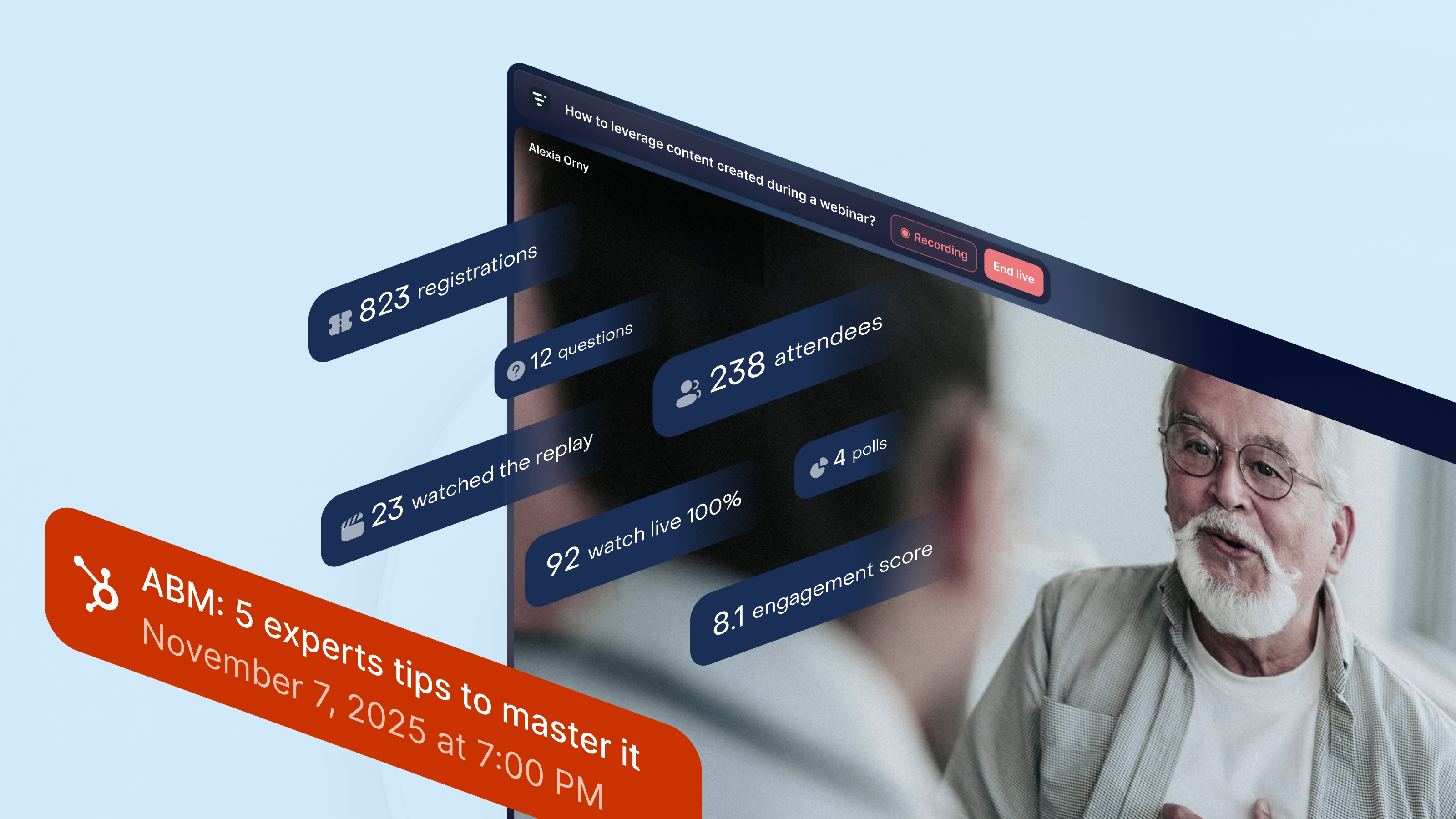
Katso kaikki webinaariaktiviteetit HubSpotissa
Kaikki webinaaritietosi kerätään HubSpotin Marketing Events -toimintoon. Livestorm luo ja päivittää ilmoittautuneiden ja osallistujien luettelot reaaliajassa sekä lisää webinaarin tärkeimmät hetket kunkin kontaktin aikajanalle. Saat selkeän kuvan siitä, ketkä ilmoittautuivat, osallistuivat suorana, katsoivat tallenteen tai olivat vuorovaikutuksessa istunnon aikana, mikä helpottaa asiakassuhteiden vaalimista ja myynnin seurantaa.
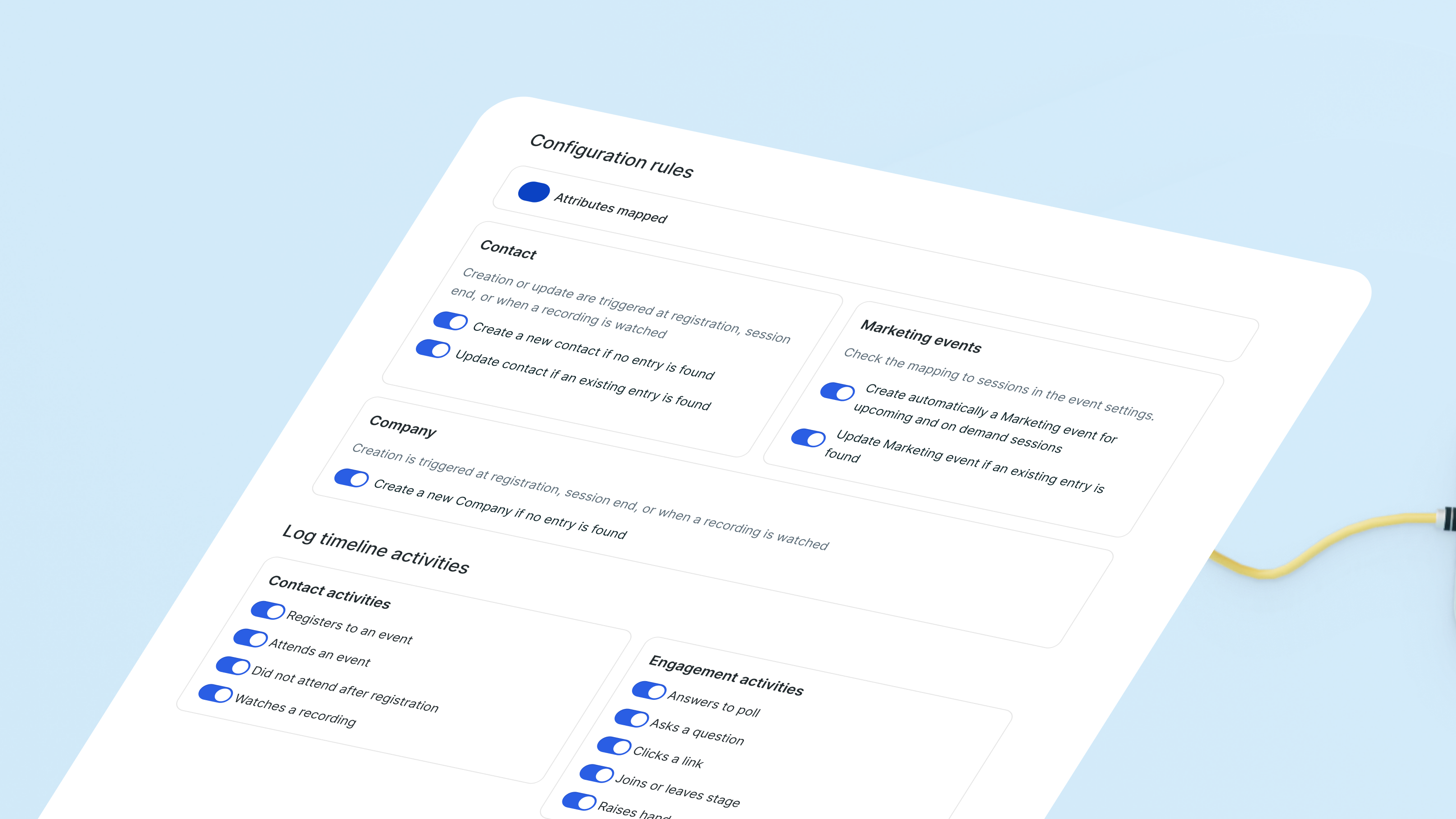
Synkronoi webinaarin tulokset käyttövalmiiden ominaisuuksien kanssa
Livestorm luo ja päivittää ”by Livestorm” -yhteystietojen ominaisuuksia webinaarikäyttäytymisen perusteella. Osallistumishistoria, tapahtumailmoittautumiset ja muut osallistumista kuvaavat tiedot synkronoidaan automaattisesti. Yhdistettynä Timeline-tapahtumiin saat selkeän kuvan siitä, miten kukin liidi on vuorovaikutuksessa webinaareidesi kanssa, ilman että sinun tarvitsee hallinnoida mukautettuja kenttiä.
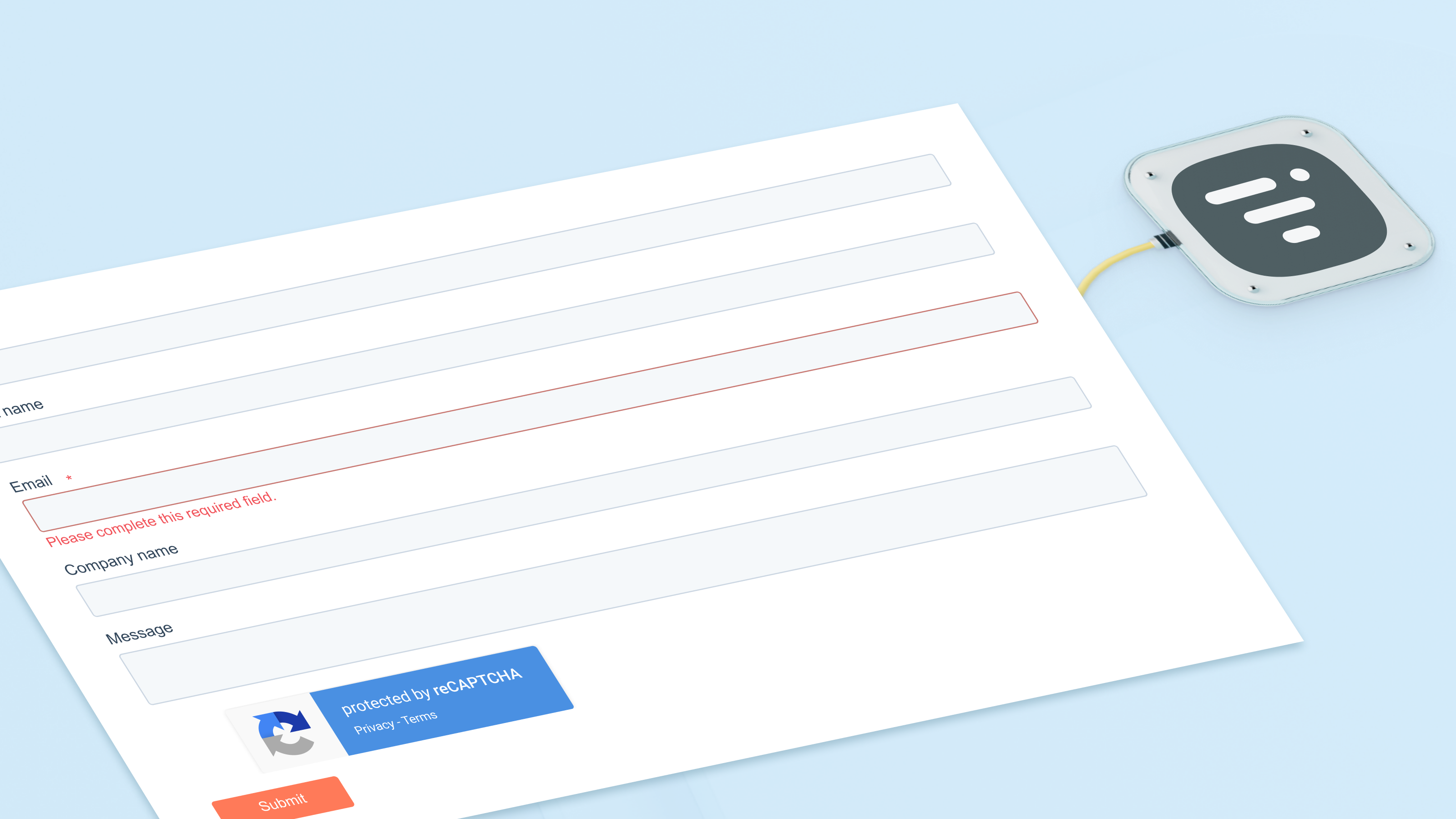
Rekisteröi webinaarien osallistujat HubSpot-lomakkeiden avulla
Käytä HubSpotin lomakkeita, luetteloita tai työnkulkuja rekisteröidäksesi yhteyshenkilöitä mihin tahansa verkkoseminaariin. Sisäänrakennettu toiminto ohjaa heidät suoraan Livestormiin ja päivittää markkinointitapahtumaluettelosi välittömästi. Jokainen rekisteröityminen näkyy myös yhteyshenkilön aikajanalla, minkä ansiosta tiimisi voi helposti seurata kiinnostuksen kehittymistä ajan mittaan.
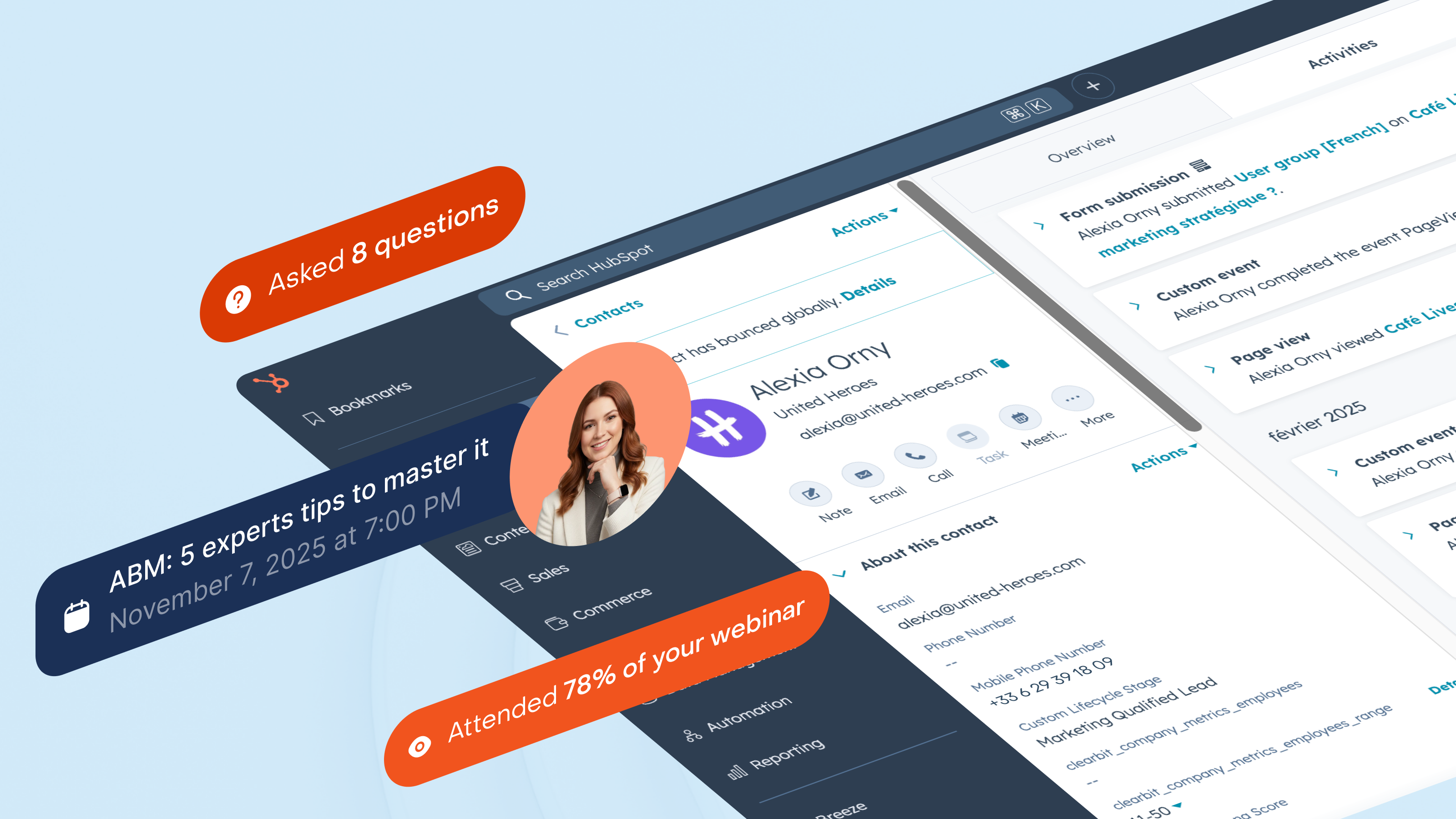
Segmentoi liidit webinaarien todellisen osallistumisen perusteella
Jaa kohdeyleisösi sen mukaan, miten he ovat vuorovaikutuksessa webinaareidesi kanssa: live-osallistujat, poissaolijat, tallenteen katsojat tai toistuvat osallistujat. HubSpot pitää nämä luettelot ajan tasalla, kun taas Timeline kirjaa jokaisen vuorovaikutuksen. Voit käynnistää myyntitoimenpiteitä, kun joku osallistuu tuotesessioon, tai aktivoida uudelleen liidejä, jotka rekisteröityvät toistuvasti mutta eivät koskaan osallistu.
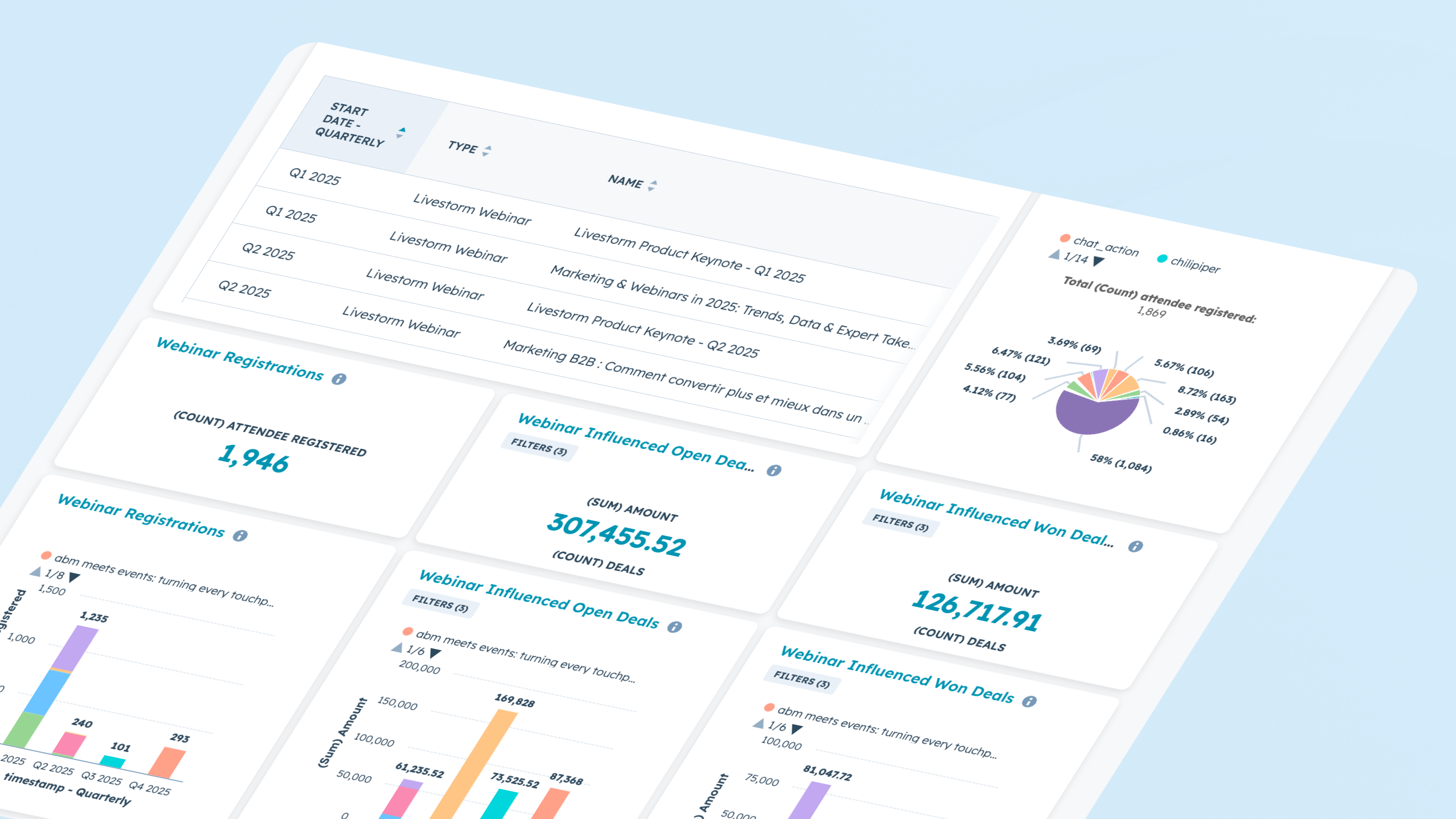
Raportti verkkoseminaarin tuloksista ja vaikutuksista
Käytä webinaaritietoja suoraan HubSpotin raportointityökaluissa. Analysoi ilmoittautumis- ja osallistumistrendejä, osallistujien aktiivisuutta eri sessioissa sekä siirtymiä eri vaiheiden välillä. Yhdistä markkinointitapahtumien tiedot aikajanan toimintaan, jotta voit selvittää, mitkä webinaarit vaikuttavat kauppoihin, vauhdittavat myyntiputkea tai aktivoivat uudelleen passiivisia liidejä.
Sovelluksen toiminnallisuus
Registrant | ||
Attendee | ||
Company | ||
Registration | ||
Live attendance | ||
Watched replay | ||
Watched on-demand | ||
People attributes |
Arvostelut
4,1
61
4,1
61
- 18. elo 2026
Erinomainen integrointi ja kattava dokumentaatio
Integrointi on helppoa erityisesti Livestormin kattavan ohjeistuksen ja nopean tuen ansiosta.
Ominaisuuksien yksinkertaisuus ja johdonmukaisuus. Synkronointi HubSpotin Event-tilan kanssa sujuu saumattomasti ja luotettavasti.
Työnkulkuihin integrointi on vielä hieman liian karkea aloittelijoille.
Martin, N.
- 10. heinä 2026
Livestormin / HubSpot-sovelluksen uusi versio vaati useita vaiheita
Livestorm-sovelluksesta julkaistiin uusi versio, joka vaati muutaman toimenpiteen suorittamista Livestormissa. Sen jälkeen minun piti poistaa sovellus HubSpotista ja asentaa se uudelleen. Kun tein niin, kaikki aiemmat tiedot katosivat, koska HubSpot-integraatio poisti kentät automaattisesti. Kummankaan organisaation tuki ei pystynyt auttamaan tietojen palauttamisessa. Livestormista ei myöskään ole saatavilla vientiä, jonka avulla tiedot voitaisiin siirtää HubSpotiin.
Rea, B.
Hinnoittelu
Ilmainen
0 $
Ilmainen kokeilupaketti Livestormin testaamiseen.
Enintään 30 osallistujapistettä vuodessa
Enintään 30 minuuttia/istunto
Rajoittamaton määrä tiimin jäseniä
Ilmainen
0 $
Ilmainen kokeilupaketti Livestormin testaamiseen.
Enintään 30 osallistujapistettä vuodessa
Enintään 30 minuuttia/istunto
Rajoittamaton määrä tiimin jäseniä
*Hinnoittelu tässä on vain esittelytarkoituksessa. Kaikki hinnat eivät sisällä veroja, kannustimia, alennuksia tai muita hinnoittelumuuttujia. Pyydä kumppanilta ajantasaiset ja oikeat hintatiedot. HubSpot ei ota vastuuta näistä kumppaneidemme tarjoamista hintatiedoista. Hinnoittelu päivitetty viimeksi: 08.09.2026
Lisätietoja
Rakentanut - Livestorm
Asennukset - 3 t. asennusta
Kategoriat Kielet, joilla tämä sovellus on saatavilla Englanti ,espanja ,ranska jasaksa