
Sync HS & Sage Business Cloud
DS Sage Sync - Sync HubSpot with Sage Business Cloud Accounting
Créé par - Dotsquaares Ltd.
Installation - 20+ installations
Exigences
Abonnement HubSpot Autorisations de compte HubSpot - Afficher les autorisations de compte requises
Type d'accès Shared Abonnement à Sync HS & Sage Business Cloud - Abonnements : Standard Plan ou Professional Plan
Vue d'ensemble
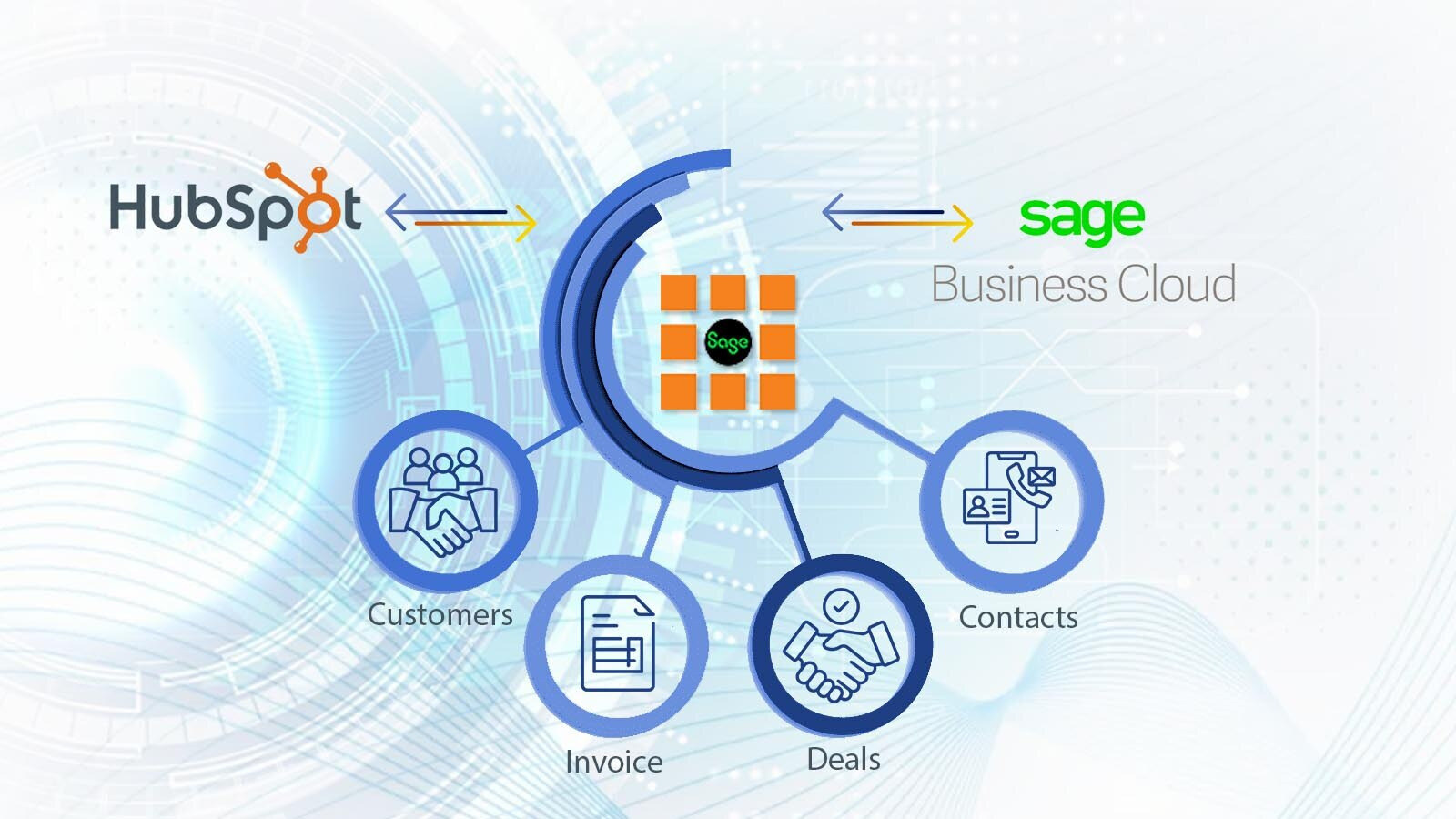
1/3 - Two-way Data sync between Sage Business Cloud Accounting and HS
Sync HS With Sage Business Cloud Integration Overview
Here’s what you get with Data Sync by HubSpot:
Two-way sync: Data is shared between Sage Business Cloud Accounting and HubSpot in real time.
Default field mappings: Setup is quick with out-of-the-box field mappings already created for you.
This integration syncs HubSpot with Sage Business Cloud Accounting, formerly known as Sage One (UK).
Note: This integration is not compatible with any other Sage versions (e.g., Intacct, 50, 100, 200, etc.). For other Sage versions, please explore other integrations available on the HubSpot app marketplace or consult with solution partners.
Fonctionnalités
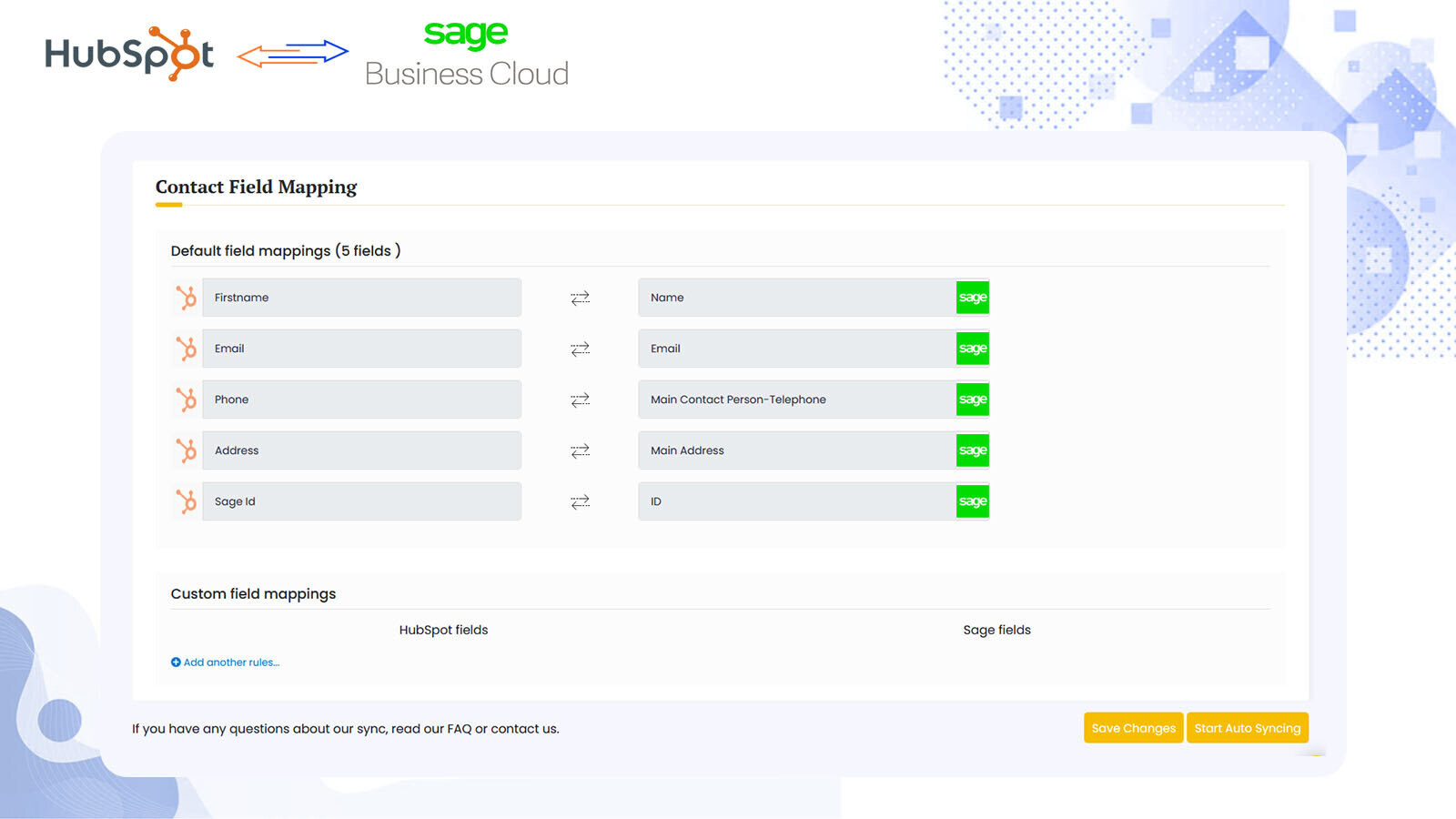
Sync Sage Business Cloud Accounting and HubSpot in the background
Make manual data entry a thing of the past by syncing data (see below) between HubSpot and Sage Business Cloud Accounting. When records are created or updated in either app, that information will be automatically shared with the other one. You can also add a filter for any to sync exactly what you want—and nothing you don’t.
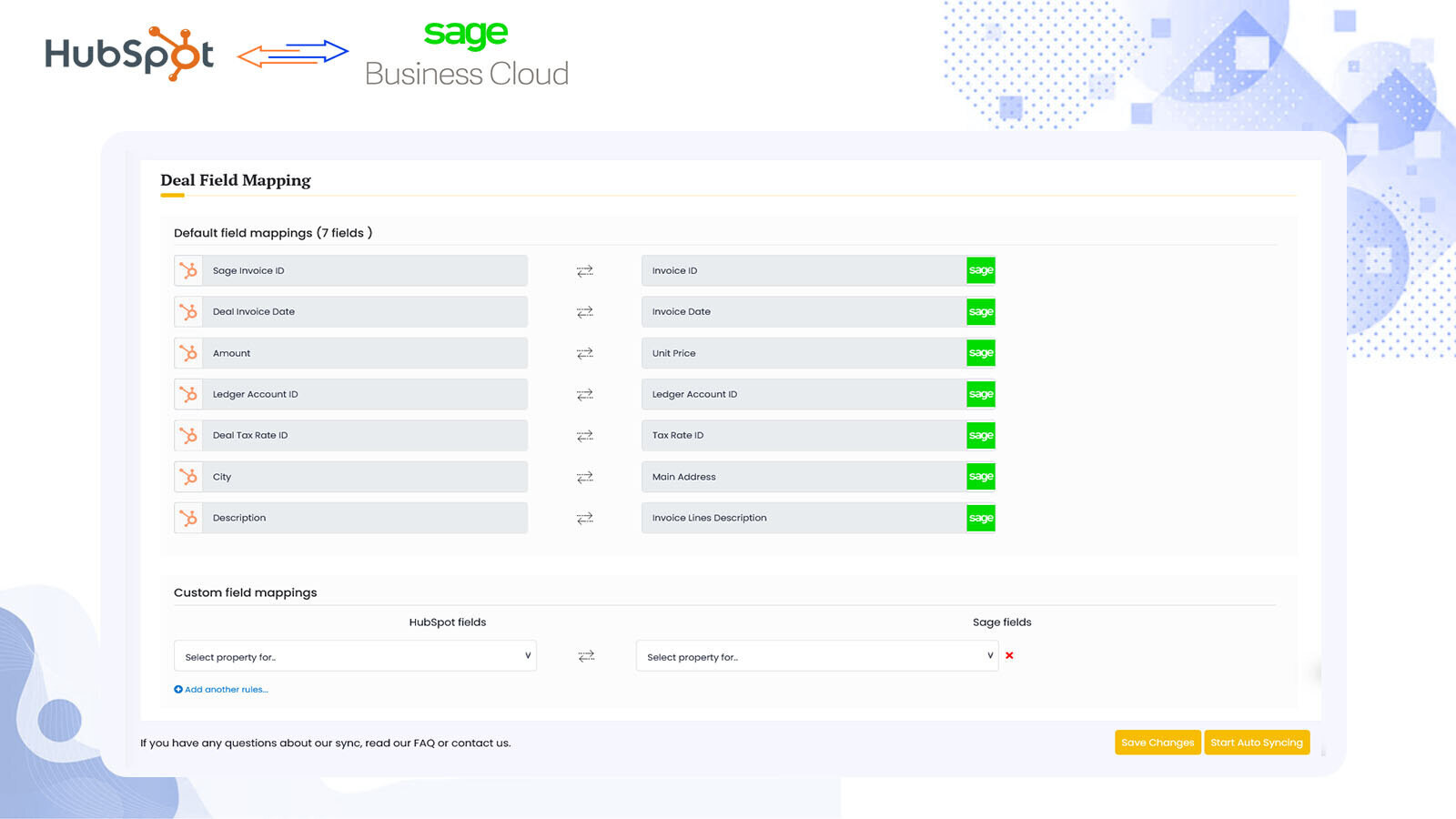
Custom Field Mappings
You can set up a one- or two-way sync, which means you can either sync data from Sage Business Cloud Accounting to HubSpot, from HubSpot to Sage, or back-and-forth! Out-of-the-box default field mappings make set-up quick and keep your data clean and organized. Custom field mappings are available with Operations Hub Starter or above.
.jpeg)
Sync Logs
Check real-time logs to sync with HubSpot to Sage.
Fonctionnalité de l'application
Données partagées
Contact Properties | ||
Deals | ||
Sage Contact | ||
Sage Sales Invoice | ||
Sage Sales invoice owners |
Avis
Écrivez le tout premier avis
Tarification
Standard Plan
166,67 $US
/moisAll of the standard features are available with 10-day free trials.
Everything you need to sync with your Sage accounting both ways.
Fully Automated Sync.
Unlimited Sync.
Free setup assistance.
Standard Plan
166,67 $US
/moisAll of the standard features are available with 10-day free trials.
Everything you need to sync with your Sage accounting both ways.
Fully Automated Sync.
Unlimited Sync.
Free setup assistance.
* Les prix mentionnés ici sont uniquement présentés à titre indicatif. Tous les prix n'incluent pas les taxes, les offres spéciales, les réductions ni les autres facteurs pouvant affecter les tarifs. Vous devez contacter le partenaire pour obtenir les tarifs les plus récents. HubSpot n'assume aucune responsabilité pour les informations de tarification fournies par ses partenaires. Dernière mise à jour des prix : 11/08/2025
Informations supplémentaires
Créé par - Dotsquaares Ltd.
Installation - 20+ installations
Catégories Langues dans lesquelles cette application est disponible Anglais
Nouveautés

-1-2.jpeg)
