

Lucky Orange
Built by - Lucky Orange
Installs - 1K installs
Rating 4
(22)

Rising
Requirements
HubSpot Plan HubSpot Account permissions - View the required account permissions
Access Type Shared Lucky Orange Subscription - Free, Build, Grow, Expand, or Scale plans
Overview
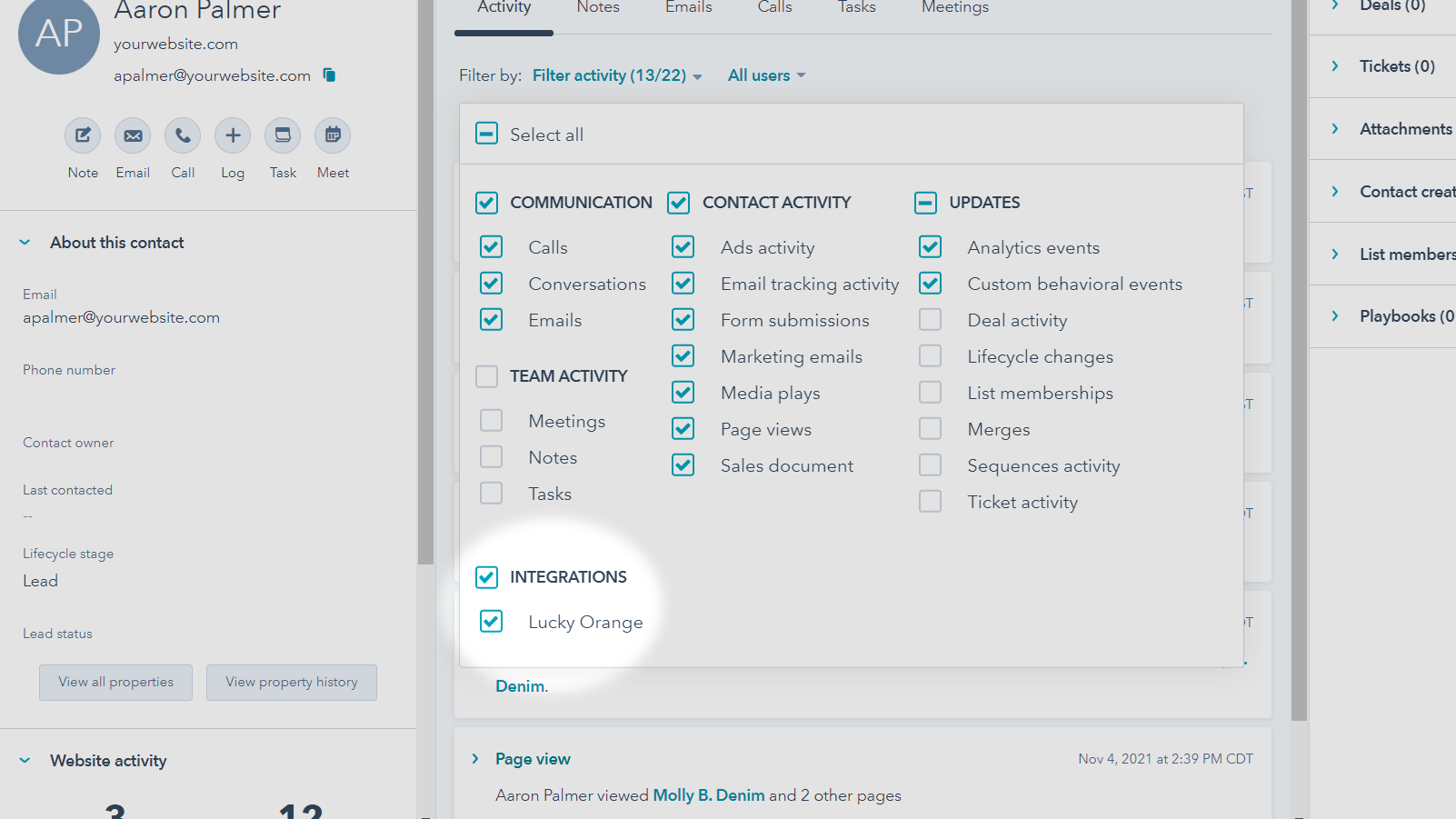
1/7 - During the first set up, you’ll need to activate the integration
Most CRMs tell you who your contacts are. Lucky Orange shows you why they convert—or don’t.
Marketers and sales teams often struggle to connect digital behavior with CRM data. A lead might visit your site multiple times before filling out a form, or a prospect may abandon a pricing page without explanation. Without that context, outreach feels generic, campaign performance is unclear, and product improvements miss the mark.
That’s where Lucky Orange comes in. By pairing Lucky Orange with HubSpot, you’ll bring the story of each visitor’s journey directly into your CRM.
With website insights like heatmaps, session recordings, and page-level engagement connected to HubSpot contacts, you can:
Personalize outreach with context on how a lead interacted with your site.
Improve campaign performance by spotting which traffic sources and messages resonate.
Prioritize product and UX fixes based on real user friction, not guesswork.
Discover new optimization opportunities tied to specific points in the customer journey.
Together, HubSpot and Lucky Orange give your team the full picture: not just the data you capture in forms, but the behavioral insights that explain every click, scroll, and hesitation leading up to it.
Features
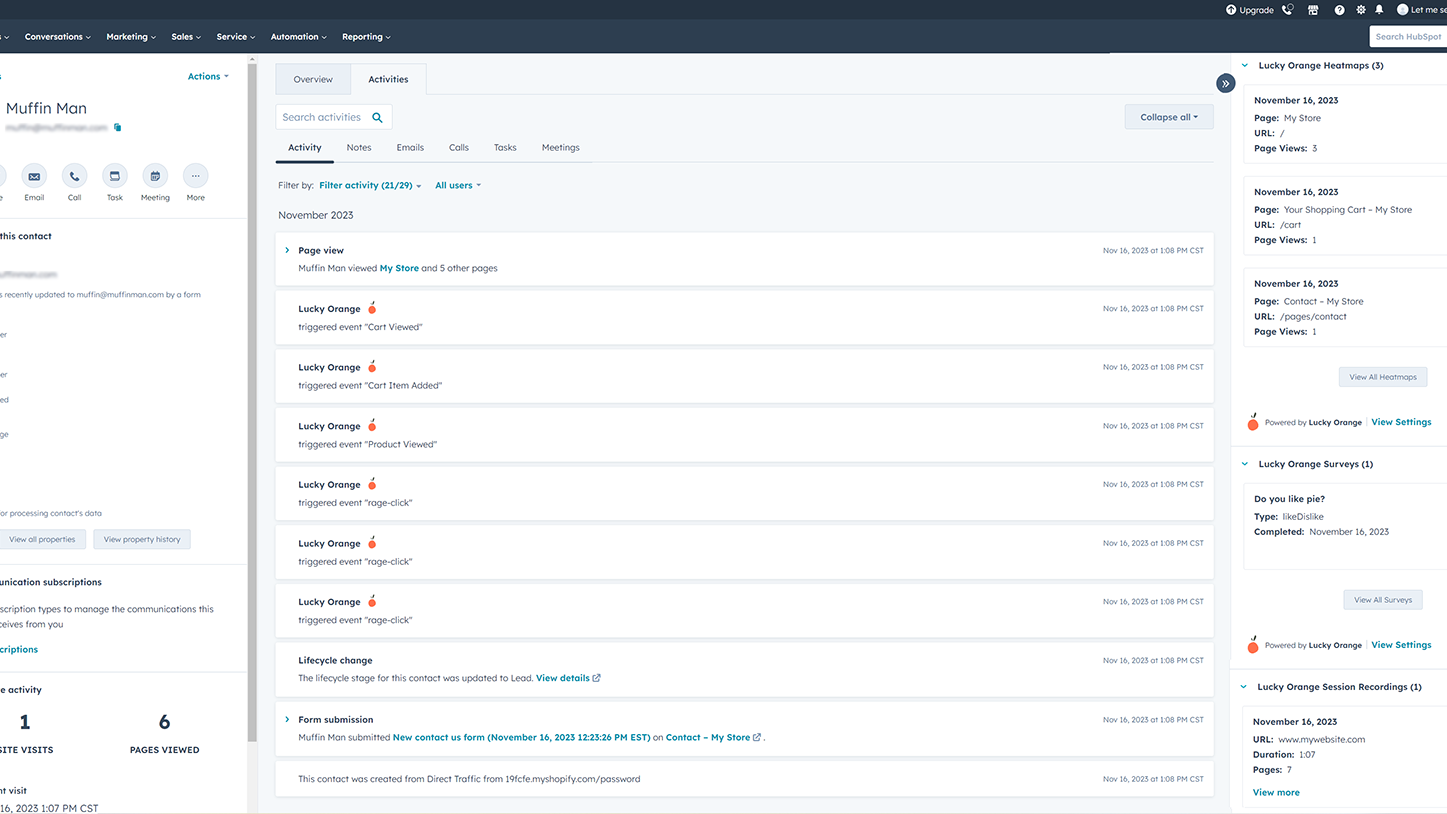
Access visitor events and data from your HubSpot CRM
Select your favorite Lucky Orange events to pass through automatically to your HubSpot CRM and show directly on the contact's timeline. Use this information to identify areas on your website that can maximize engagement and conversions and prepare for your conversations with clients and leads.
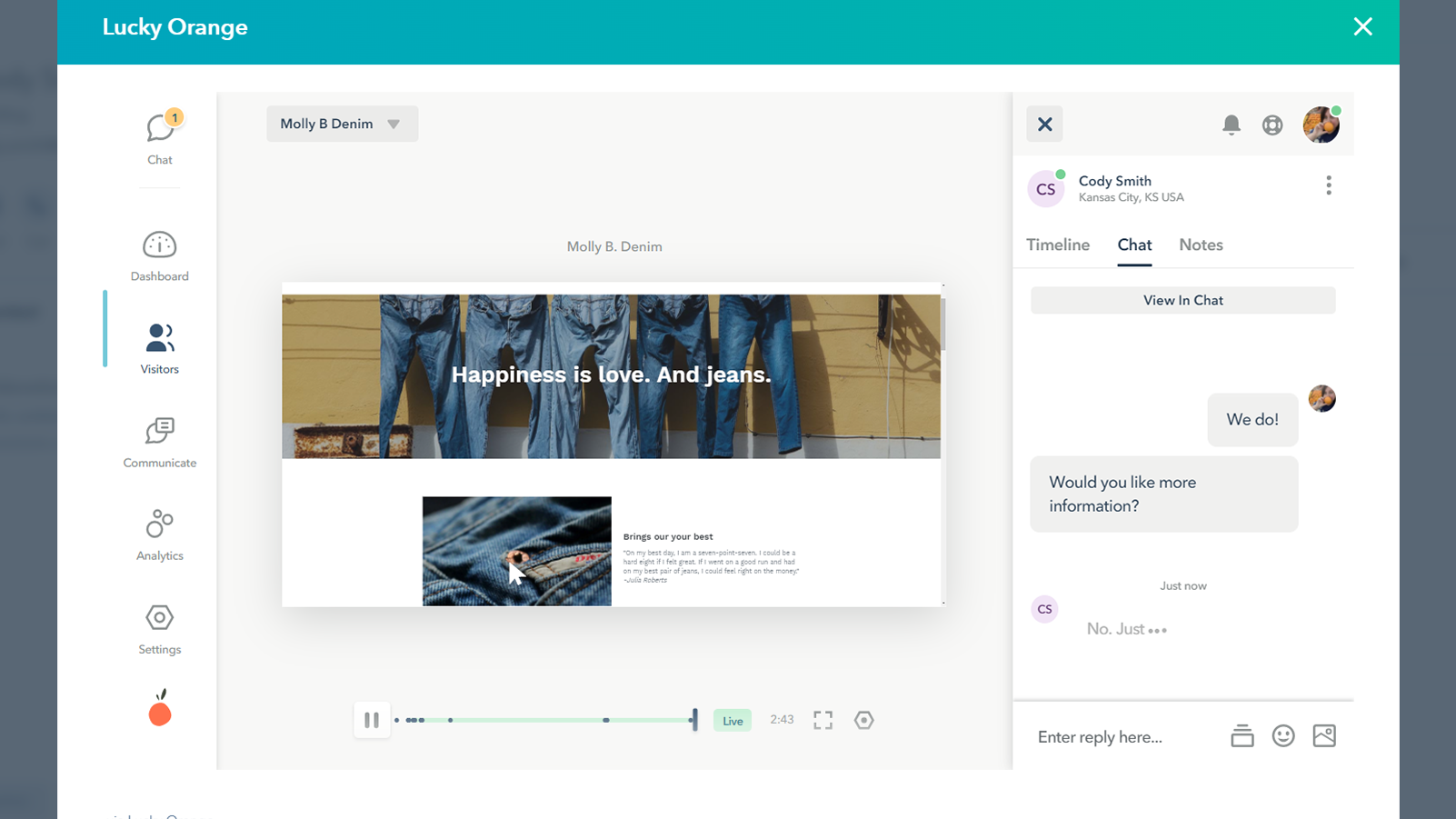
Engage with your visitors
Every exchange, whether with customer support, through email marketing, or direct sales outreach, is listed in one place, so every time a customer hears from your brand, it’s a unified experience. View the most recent chat logs contacts including the contact's message and operator's response within the custom CRM cards.
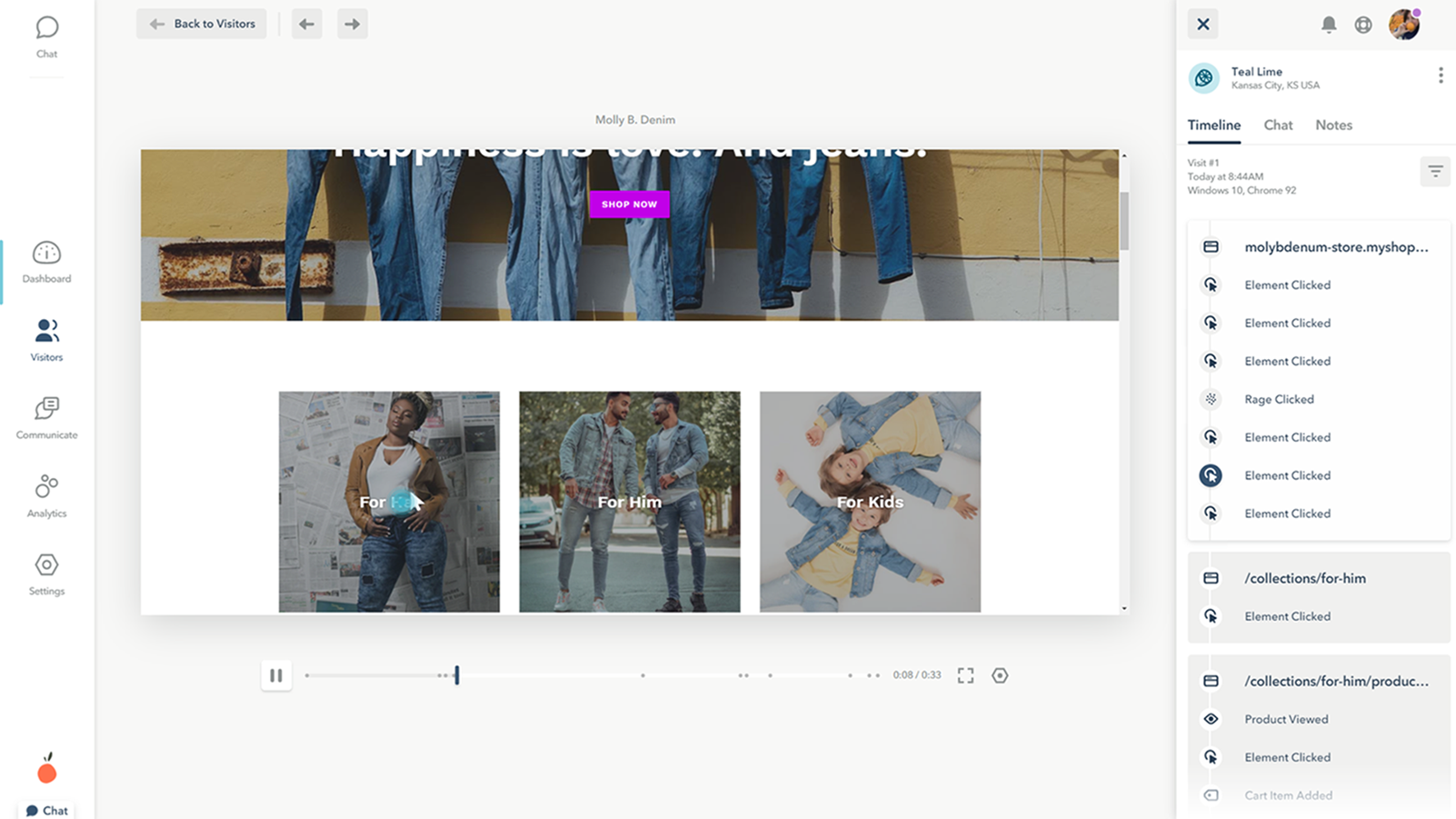
Learn about your visitor’s experience
With a Lucky Orange and HubSpot integration, you can track and record every HubSpot contact's interaction on your website. These session recordings are automatically assigned to the HubSpot contact's CRM card so you can easily identify and act upon conversion opportunities.
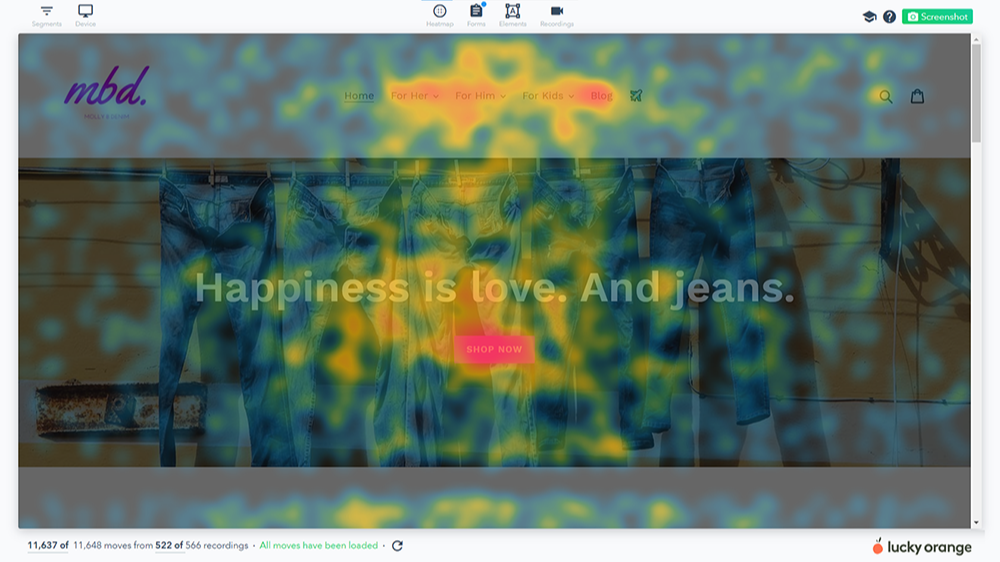
See where your visitors' interact
With Heatmaps, users can determine where their visitors are clicking and what changes they should make to optimize their calls-to-action. Use the heatmap data to optimize your HubSpot landing pages, forms, and website pages to improve conversions. View the heatmaps of a contact's most recent website interaction with the dedicated CRM cards.
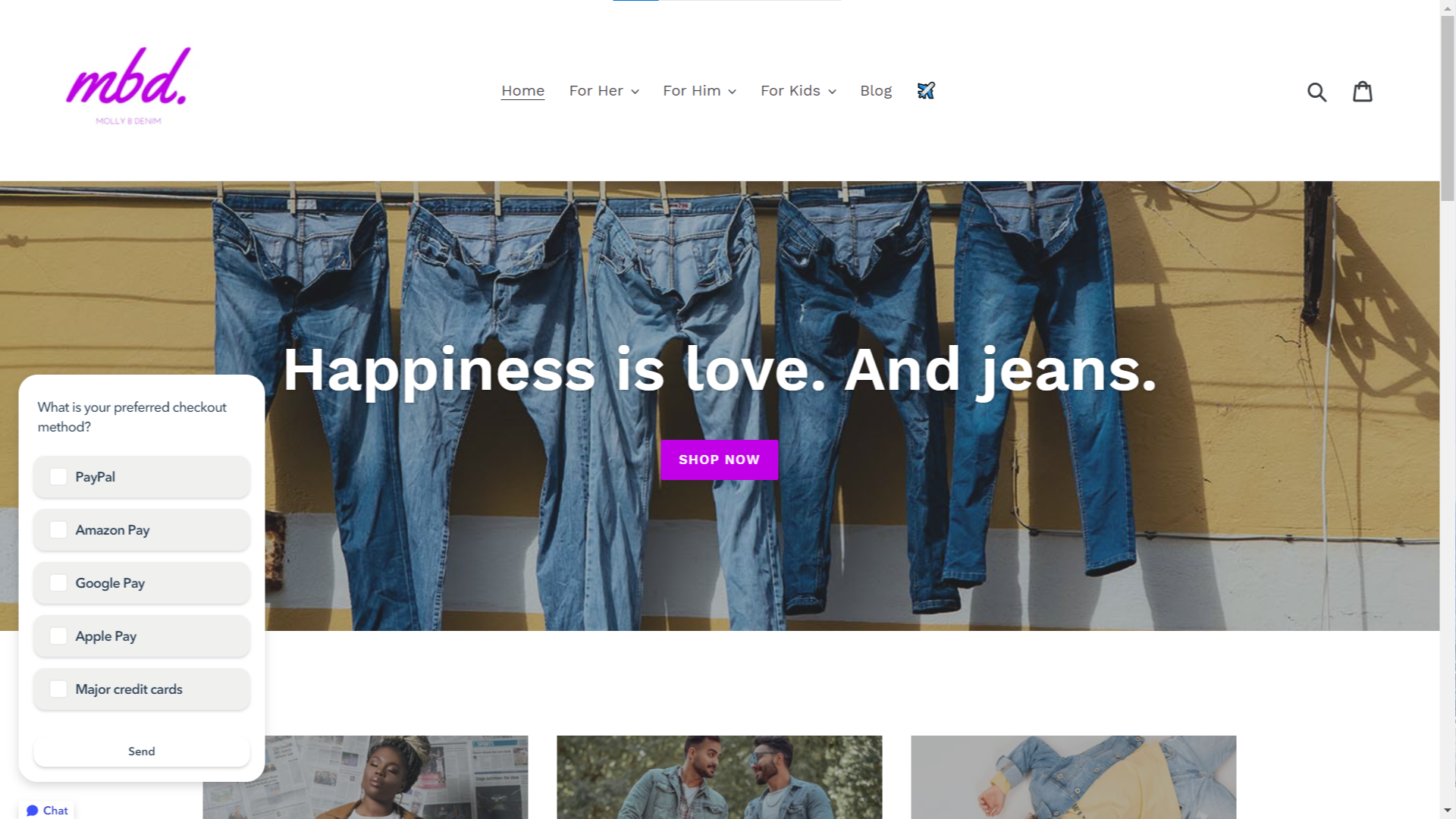
Capture feedback from visitors'
Interview your website visitors to get real, honest feedback about your website, products or ideas. See the most recent surveys your contacts complete while on your site to inform your future conversations and opportunities for personalization based on the survey responses. These surveys can be found conveniently within the contact's CRM cards.
App Functionality
Shared Data
Recordings | ||
Chats | ||
Heatmaps | ||
Surveys | ||
Events |
Reviews
4.0
22
4.0
22
- Nov 7, 2024
Jenkins, E.
Technology - Software - 11 to 25 employees
- May 14, 2024
not working at all
the tech documents are not helping at all. tried to reinstall nothing helps, re configured and still showing connected and no information available at all.
Bogard, J.
Technology - Software - 51 to 200 employees
Pricing
Free
$0
See the power of dynamic heatmaps, session recordings and so much more.
100 sessions/month
30 day data storage
Free
$0
See the power of dynamic heatmaps, session recordings and so much more.
100 sessions/month
30 day data storage
* The pricing here is for display purposes only. All prices do not include taxes, incentives, discounts, or other pricing variables. You should contact the partner for the most up to date and correct pricing information. HubSpot does not take any responsibility for this pricing information, which is provided by our partners. Pricing last updated: 04/08/2026
More info
Built by - Lucky Orange
Installs - 1K installs
Categories Languages this app is available in English ,French ,German ,Italian , andSpanish
Most popular

Gmail
Bring HubSpot to your inbox with the HubSpot integration for Gmail.

Google Calendar
Book meetings quickly and easily with HubSpot and Google Calendar.
