

Noloco
Built by - Noloco
Installs - 60+ installs
Requirements
HubSpot Plan HubSpot Account permissions - View the required account permissions
Access Type Shared Noloco Subscription - Starter, Pro, Business, or Enterprise plans
Overview
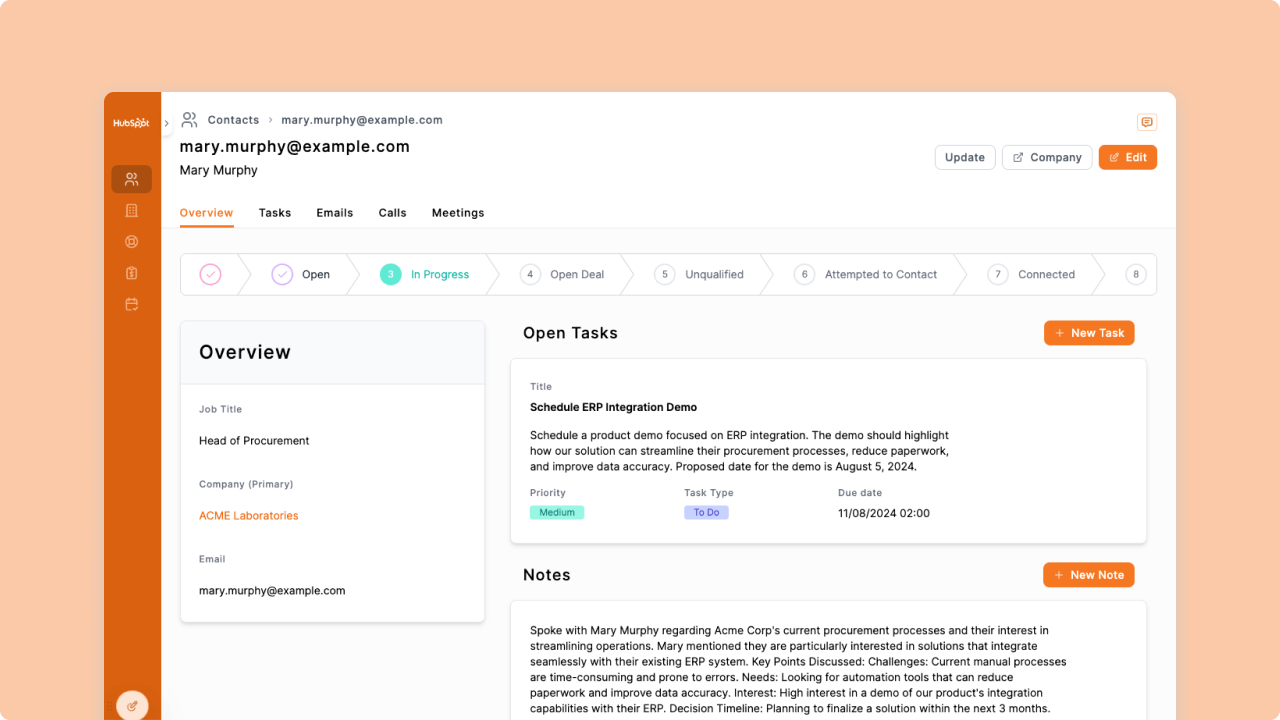
1/4 - Example of an Interface you can build powered by HubSpot data
Noloco’s integration with HubSpot empowers businesses to seamlessly connect their HubSpot CRM data to custom business applications built in Noloco. The solutions built on Noloco typically solve key challenges like operational inefficiency, disconnected systems, and lackluster customer engagement.
With Noloco, you can create tailored customer portals, internal tools, and partner apps, fully synced with HubSpot data in real-time, ensuring that your CRM becomes a central hub for actionable insights and workflows.
Imagine transforming your HubSpot CRM into a self-service customer portal where clients can log support tickets, track their progress, and view personalized updates—all without involving your team in repetitive tasks. Or building a partner management app where external partners can monitor deals, access performance dashboards, and collaborate in real time. Noloco enables these and more, saving time, reducing errors, and increasing engagement across your ecosystem.
This integration supports all key HubSpot objects—like Contacts, Companies, Deals, and Tickets—alongside custom objects and properties, giving you complete flexibility to match your unique workflows.
Noloco automates data syncing, creates customizable views, and applies granular permissions, ensuring your team and stakeholders have access to the right information at the right time.
By reducing manual data management and enabling tailored solutions, businesses using Noloco and HubSpot can reduce onboarding time by up to 50%, improve customer satisfaction through streamlined interactions, and boost partner engagement with real-time collaboration tools.
Whether you're scaling operations, enhancing customer experiences, or streamlining internal processes, Noloco turns your HubSpot CRM into a launchpad for innovation.
Features
Connect your HubSpot data and more to Noloco
Connect your HubSpot CRM data to Noloco. With over 8+ two-way sync database integrations available alongside HubSpot, you can create powerful business apps for your team, clients and partners. Once your data is connected, create powerful interfaces, automated workflows and granular user permissions on top of your data - no coding skills required.
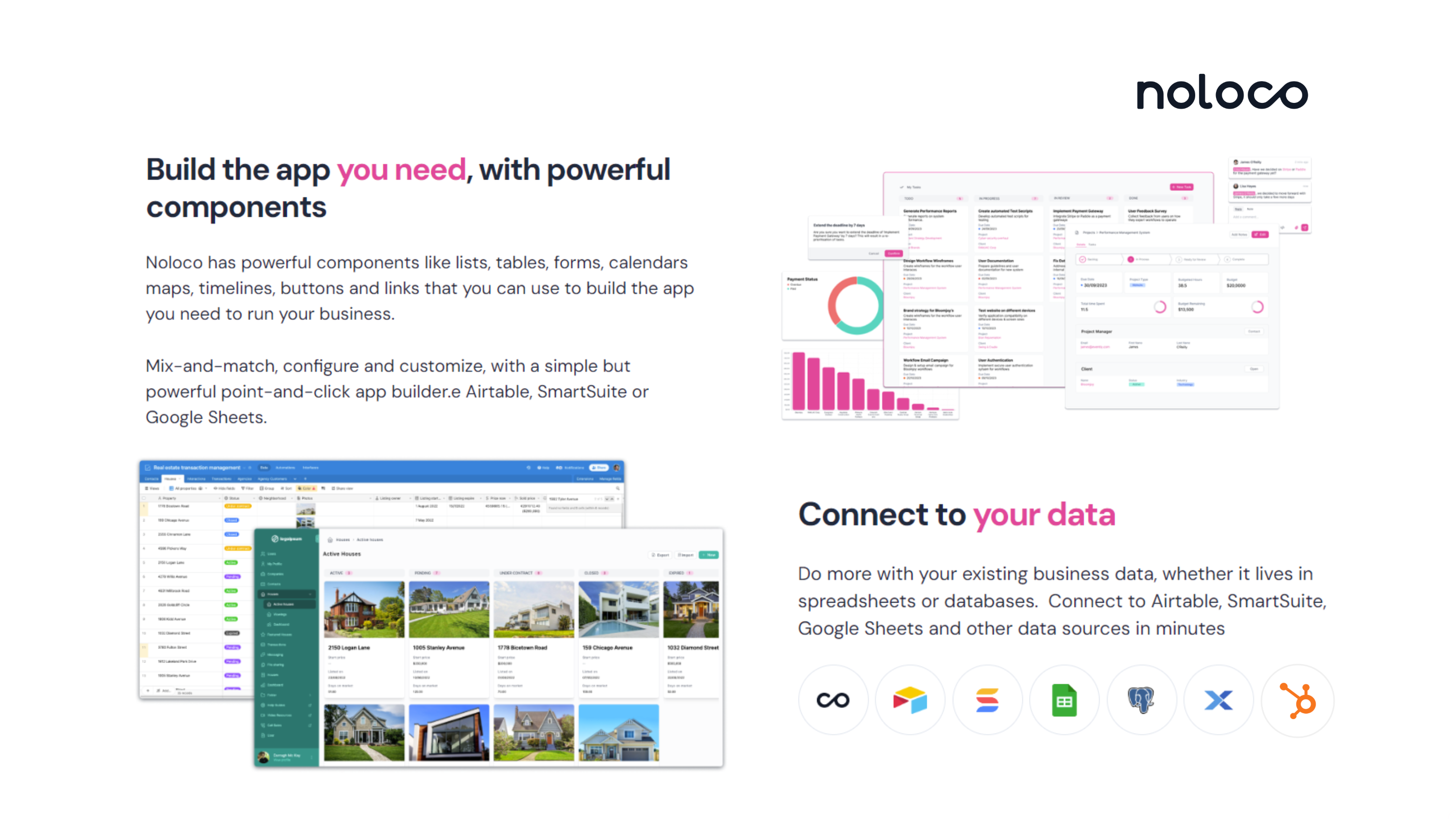
Build the app interface you need, with powerful components
Noloco has powerful drag-and-drop components like lists, tables, forms, calendars, maps, timelines and buttons that you can use to build the app you need to run any business process. Each component is connected to your source data, creating a simple but powerful building experience. Toggle on fields, filters with a simple switch for each component.
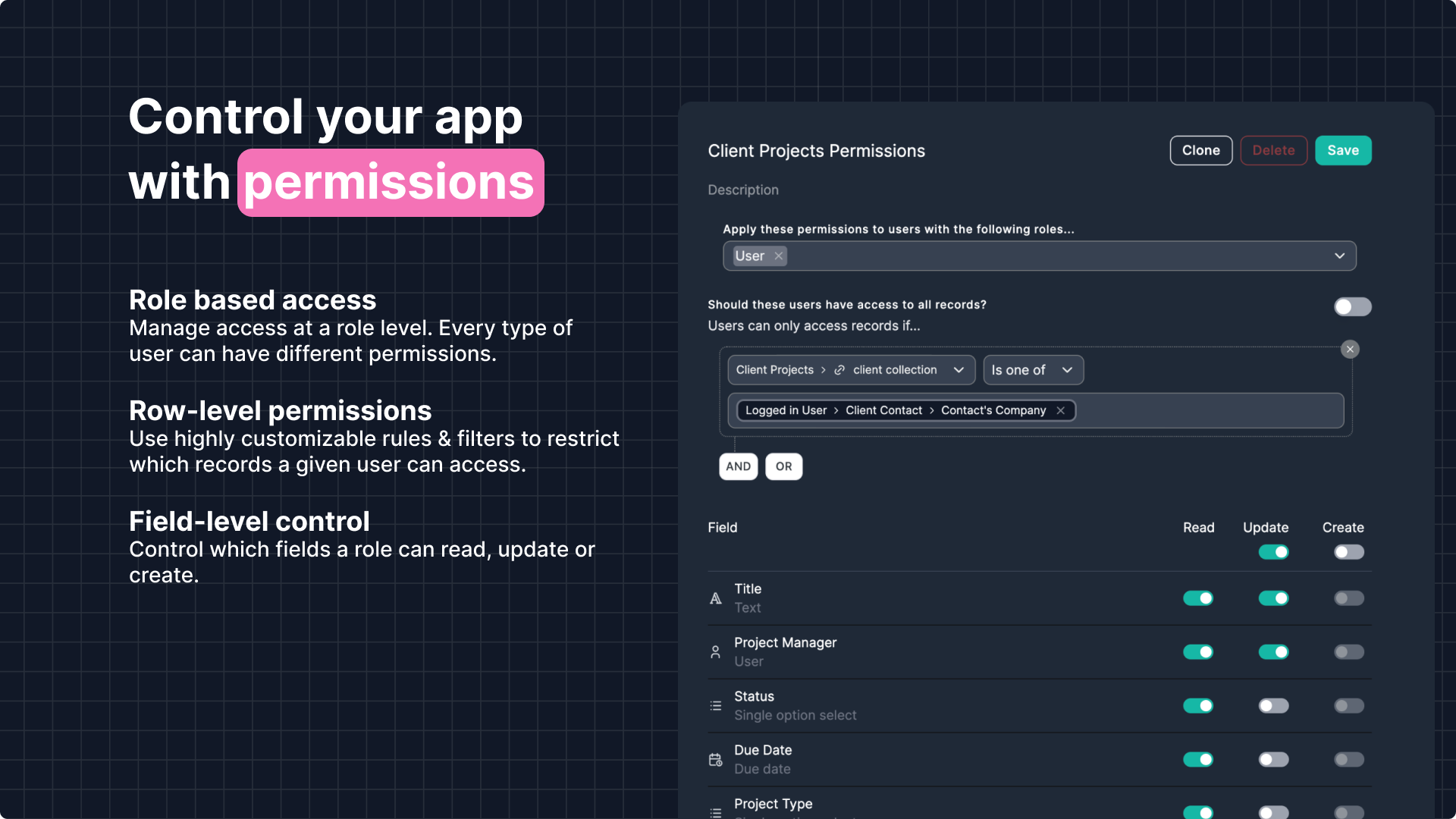
Easily control access to your HubSpot data with powerful Permissions
Role based access Manage access at a role level. Every type of user can have different permissions. Row-level permissions Use highly customizable rules & filters to restrict which records a given user can access. Field-level control Control which fields a role can read, update or create.
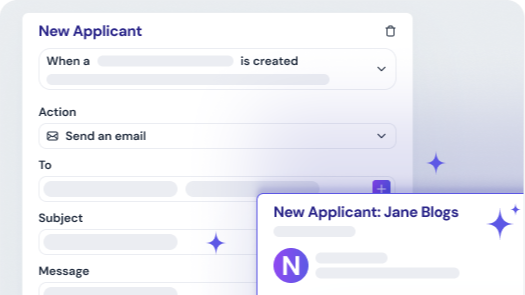
Save your team hours with Workflows and Actions
Create automated workflows and custom action buttons on Noloco, where users can streamline repetitive tasks, trigger actions based on specific events, and send automated notifications. Build workflows to update records, assign tasks, or integrate with other tools via Make and Zapier—saving you time and ensuring seamless operations.
App Functionality
Shared Data
Any Noloco Table | ||
Any Noloco Table |
Reviews
Starter
$39
/monthFor small teams building internal apps and simple client portals for work
Starter Includes
4 team seats + $4 per extra seat
10 client seats + $0.5 per extra seat
5,000 rows
2,500 synced rows
1,000 Workflow runs
Starter
$39
/monthFor small teams building internal apps and simple client portals for work
Starter Includes
4 team seats + $4 per extra seat
10 client seats + $0.5 per extra seat
5,000 rows
2,500 synced rows
1,000 Workflow runs
* The pricing here is for display purposes only. All prices do not include taxes, incentives, discounts, or other pricing variables. You should contact the partner for the most up to date and correct pricing information. HubSpot does not take any responsibility for this pricing information, which is provided by our partners. Pricing last updated: 01/20/2026
More info
Built by - Noloco
Installs - 60+ installs
Categories Languages this app is available in English
Getting attention today

Eventbrite
Use Eventbrite data for email lists, workflows, and more in HubSpot.

Windsor.ai
Move HubSpot data into dashboards, spreadsheets, or a data warehouse
