QuickBooks Online
Sync QuickBooks Online and HubSpot; Works with data studio in Data Hub
Requirements
HubSpot Plan HubSpot Account permissions No permissions required QuickBooks Online Subscription - Simple Start, Essentials, Plus, or Advanced plans
Overview

1/6 - Connect tools to sync data bidirectionally
HubSpot’s QuickBooks Online integration enables you to connect data between tools to get a complete view of the customer, streamline your billing & payments process, and keep accurate financial records.
Sync data between HubSpot and QuickBooks Online in a few clicks
Sync Invoices, Contacts/Customers, and Products bi-directionally between HubSpot and QuickBooks Online. Whether invoices, customers, products, or payments are created in HubSpot or QuickBooks Online, the integration provides a complete view of your customer in HubSpot. Synced data can be used to generate reports, trigger automation, or simply be viewed by users with the appropriate permissions, without ever having to leave HubSpot.
You decide which data should sync and the direction that data syncs. The integration's health reports and alerts identify records that have failed to sync and provide helpful recommendations on how to resolve sync errors.
Streamline your billing process and keep QuickBooks Online up-to-date
Commerce Hub offers features like Quotes, Invoices, Subscriptions, and Payment Links to bill and collect payments. You can create invoices from scratch, or convert Quotes or Deals into Invoices or Subscriptions, all within HubSpot. Two-way invoice sync will create HubSpot invoices in QuickBooks Online within minutes, and payments will sync automatically whether they are collected via HubSpot or QuickBooks Online.
Empower your front-office to send bills and chase payments so Accounting can stay focused on what they love: managing the financial health of the business.
Features
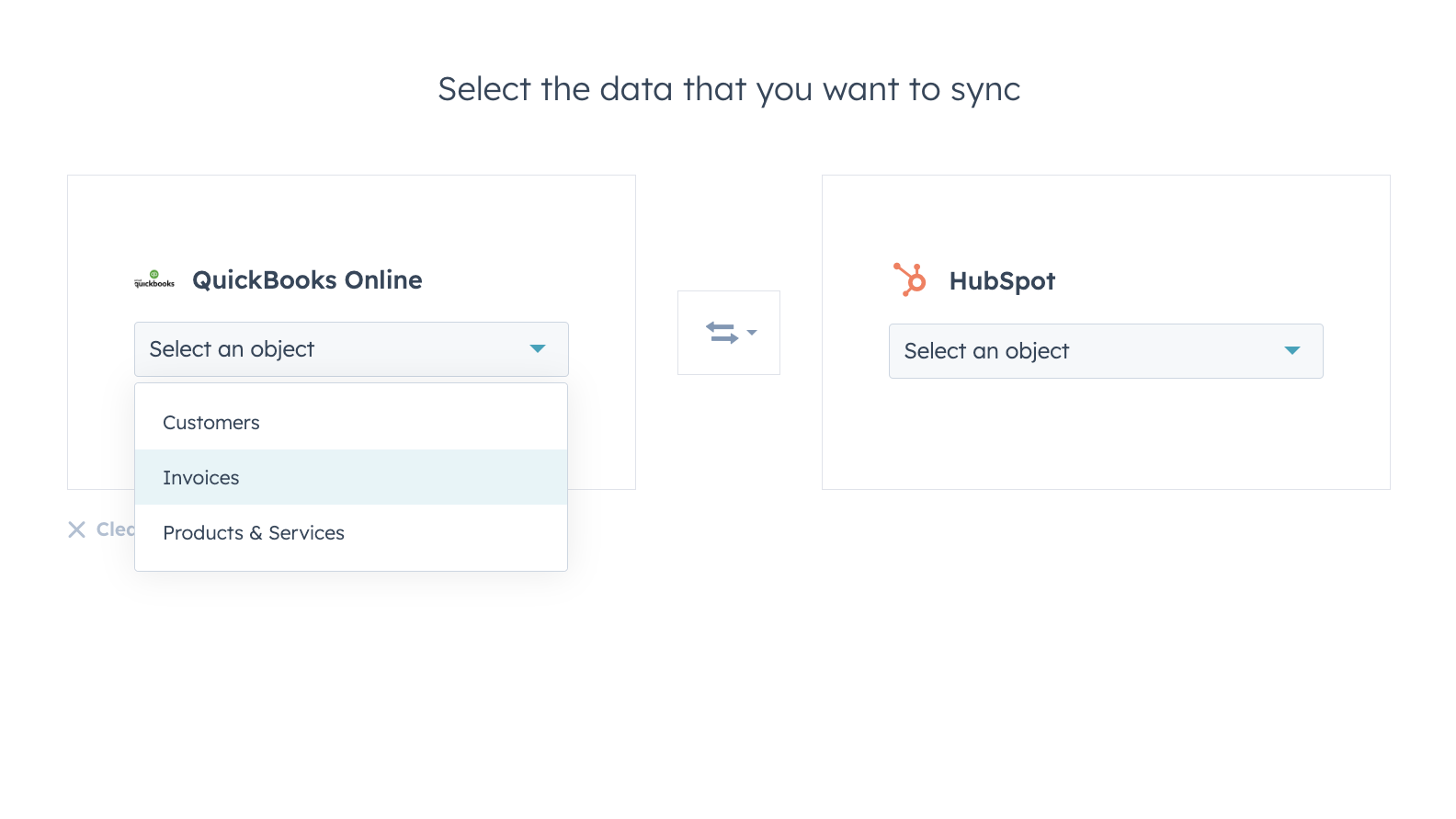
Sync data between HubSpot and QuickBooks Online confidently
Contacts, Invoices, and Products can be synced to HubSpot, from HubSpot, or both ways. The integration’s sync filters give you full control over what, when and how your data is synced between HubSpot and QuickBooks Online.
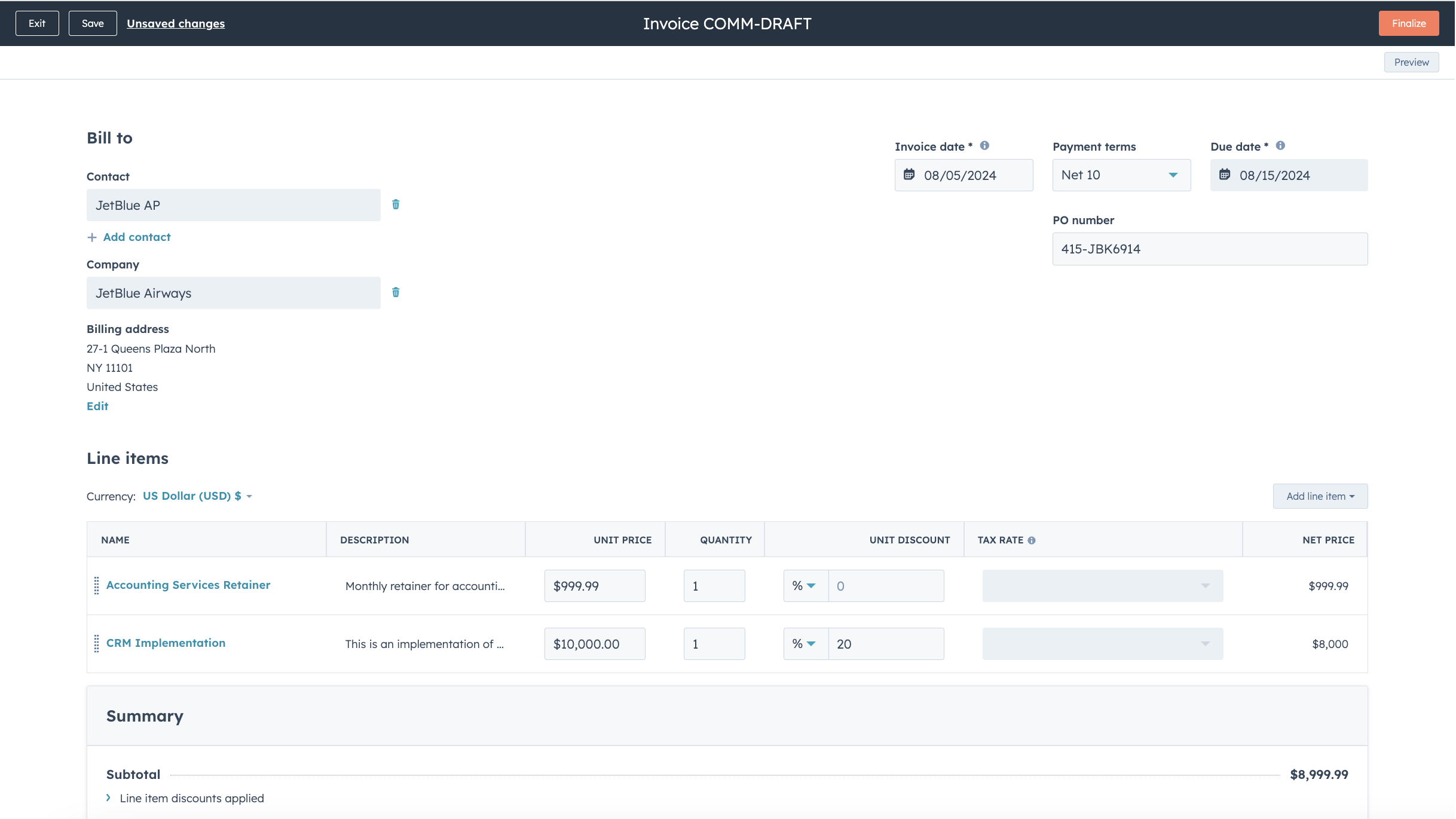
Streamline your billing process and keep QuickBooks Online up to date
Convert Quotes and Deals into invoices and subscriptions in just a few clicks, or create invoices from scratch, speeding up your billing process. Published Invoices are synced to QuickBooks Online and updated with payments when they are paid via HubSpot, or when payments are recorded in QuickBooks Online.
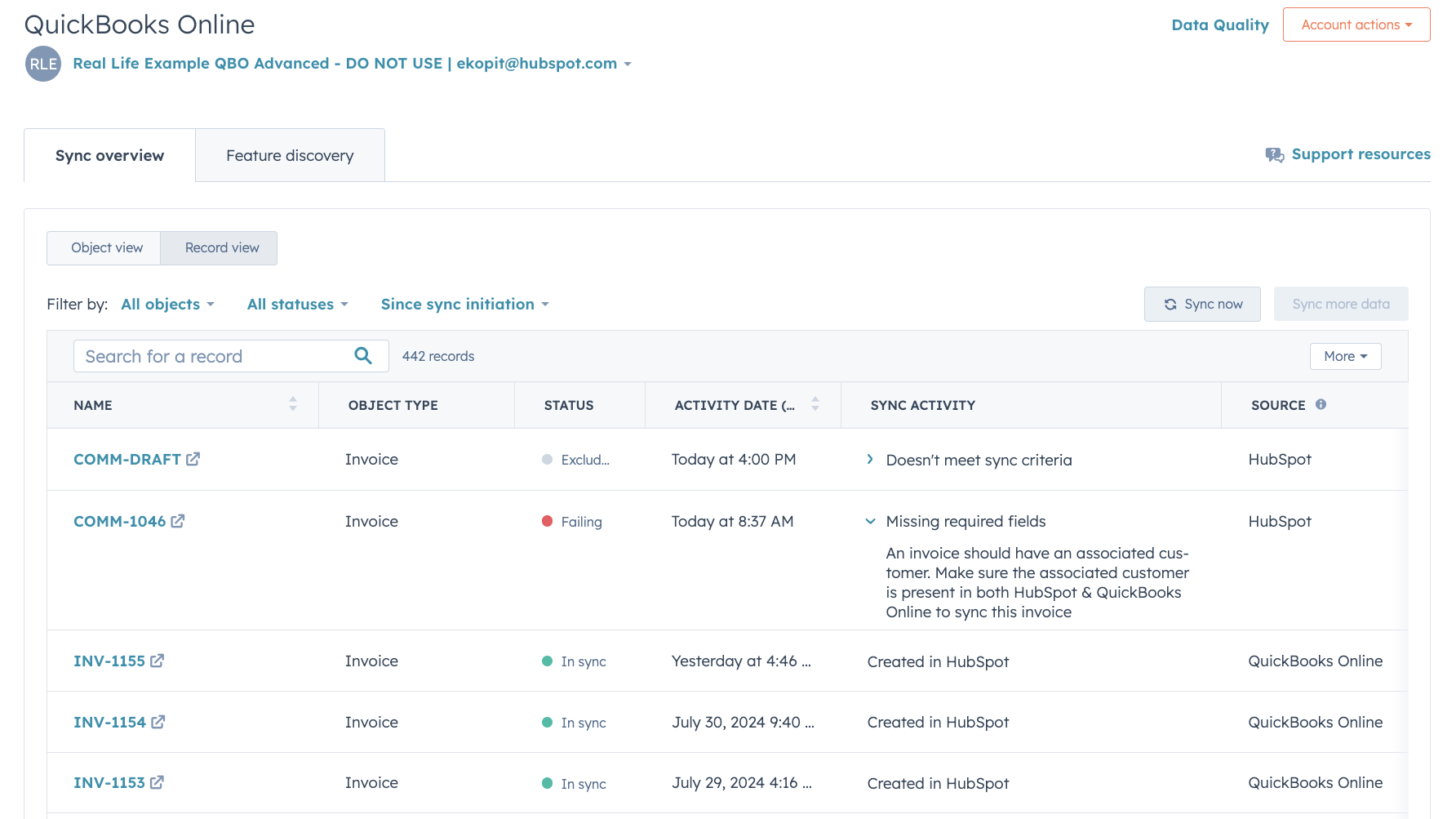
In-depth sync health reporting and error resolution
In-depth sync health reporting helps you identify in real time which records are syncing, and how to resolve sync errors quickly.
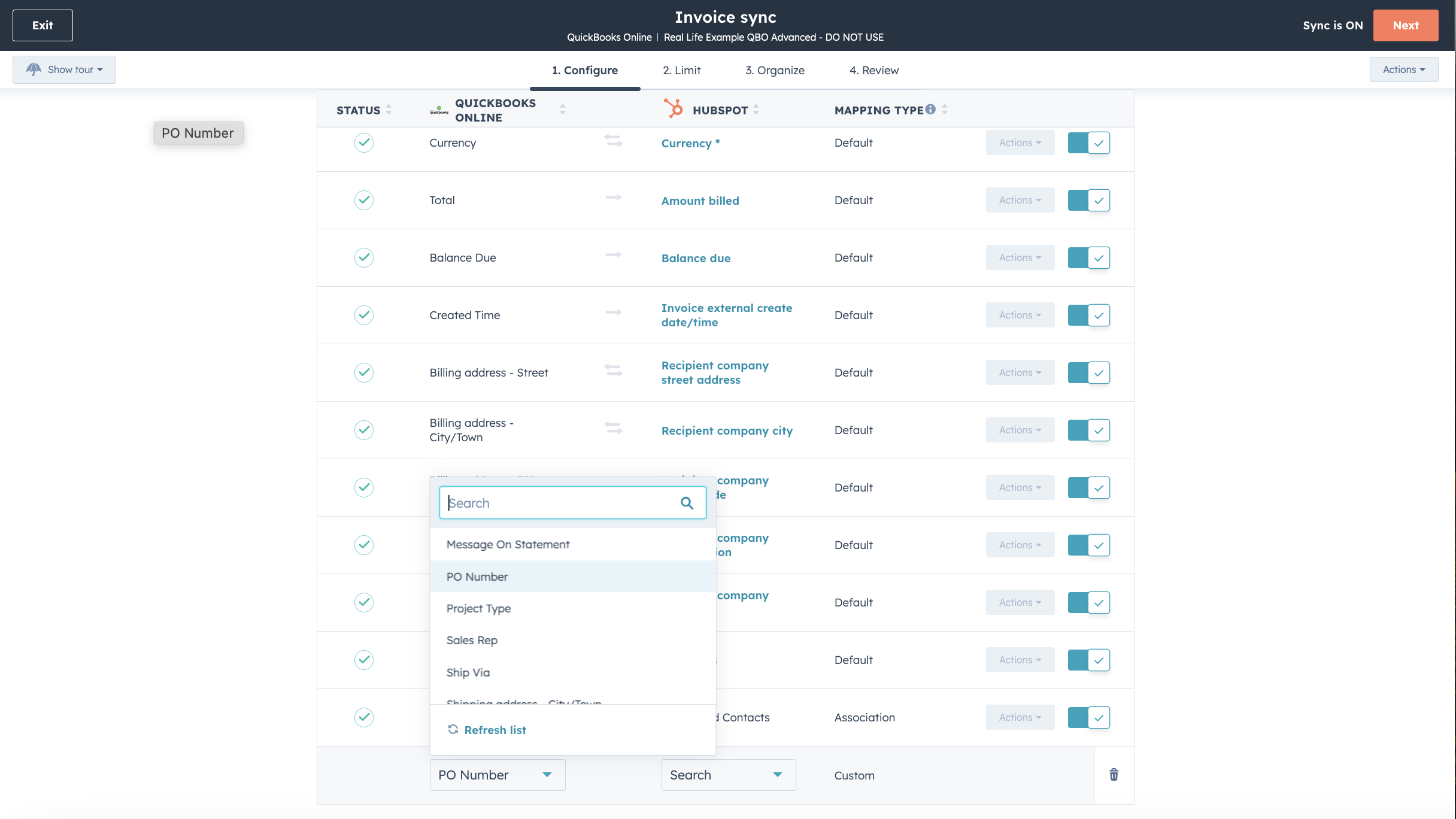
Customize your field mappings
With Operations Hub Starter or above, you can customize your invoice, contact, or product sync field mappings to better match your data model.

Works with data studio in Data Hub
Built for marketers, data studio in Data Hub lets anyone blend data in a familiar, spreadsheet-like interface with the help of AI. Create custom datasets that power advanced segmentation, automation, and reporting. You can also easily manage the flow of data between multiple external data sources, including Stripe, and the HubSpot CRM
App Functionality
Shared Data
Each object has field mappings that match information across HubSpot and QuickBooks Online. Default mappings are listed below. Changing the default mappings requires Operations Hub Starter or up. QuickBooks Online offers limited custom fields support in their API (maximum 3 on invoices only).
Customers | ||
Invoices | ||
Products & Services | ||
Quickbooks Online data |
Reviews
2.2
84
2.2
84
- Aug 8, 2025
Basic functionality works but frustrating limitations with customer names and invoice sending
Basic invoice sync works. To be clear we are using one-way sync of invoices from HS to QB. But it has many short comings. See cons.
Sync is reliable once set up.
- Cannot send invoice to customer (HS contact) out of QB. - Cannot use a different name for Customer in QB. The company name format in HS is not necessarily the one we want on QB invoices.
Famili, H.
- Aug 5, 2025
Did not work to sync company data
It does not work for B2B sales.
Mihajlovic, M.
Pricing
Simple Start
$35
/monthTrack income & expenses
Capture & organize receipts
Maximize tax deductions
Invoice & accept payments
Track miles
Send estimates
Track sales & sales tax
Manage 1099 contractors
Run general reports
Simple Start
$35
/monthTrack income & expenses
Capture & organize receipts
Maximize tax deductions
Invoice & accept payments
Track miles
Send estimates
Track sales & sales tax
Manage 1099 contractors
Run general reports
* The pricing here is for display purposes only. All prices do not include taxes, incentives, discounts, or other pricing variables. You should contact the partner for the most up to date and correct pricing information. HubSpot does not take any responsibility for this pricing information, which is provided by our partners. Pricing last updated: 10/23/2025
New arrivals