

Xero
Sync Xero and HubSpot data; Works with data studio in Data Hub
Requirements
HubSpot Plan HubSpot Account permissions No permissions required Xero Subscription - Review Xero's Pricing Page plan
Overview
1/3
Connect Xero contacts without manual data entry or messy, time-consuming imports.
Please turn on 2FA in HubSpot before installing this integration (show me how).
Here’s what you get:
Works with data studio in Data Hub: Blend data in a familiar, spreadsheet-like interface with the help of AI.
Two-way sync: Data is shared between Xero and HubSpot in real time
Default field mappings: Set-up is quick with out-of-the-box field mappings already created for you
Historical syncing: Your existing data will sync right away, and updates will sync as they happen
Note: Please see below which objects sync under "Shared Data". You can also check out the integration built by Xero.
Features
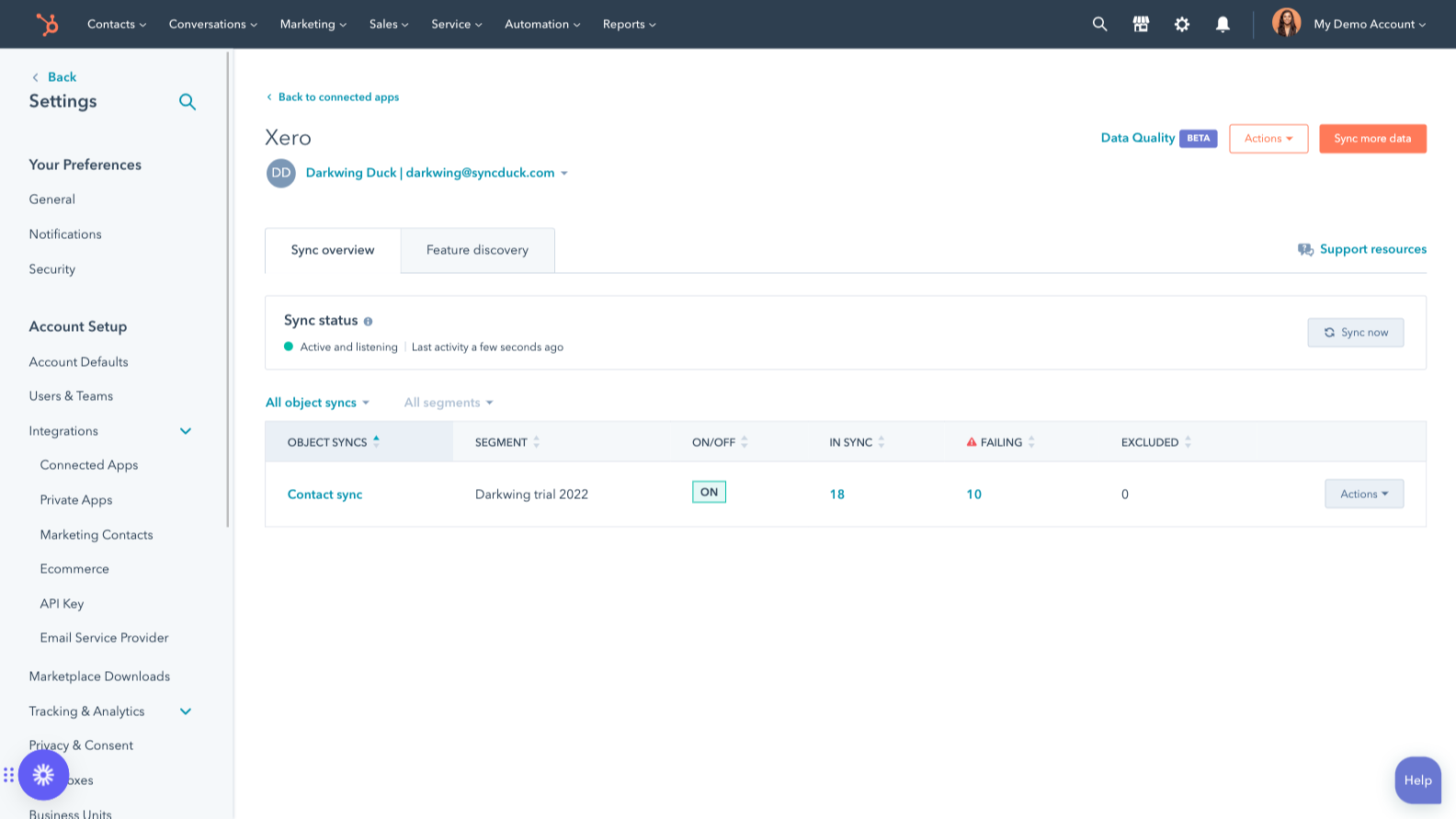
Sync Xero and HubSpot data
Make manual data entry a thing of the past by syncing contacts between HubSpot and Xero. When records are created or updated in either app, that information will be automatically shared with the other one.
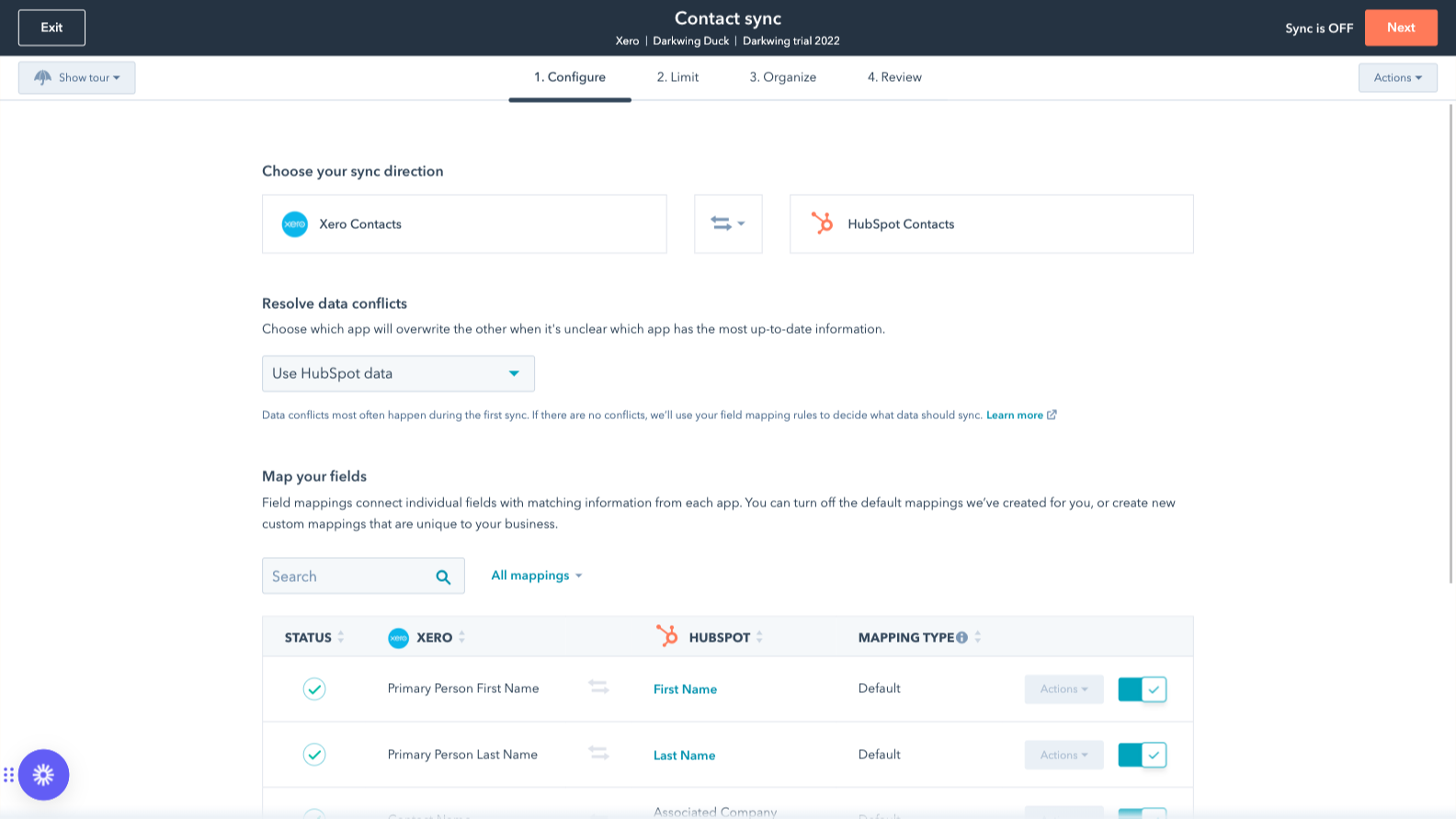
Custom field mappings
Custom field mappings are available with Operations Hub Starter or Professional plans. Custom mappings add the flexibility to create your own mappings or make changes to your default ones.
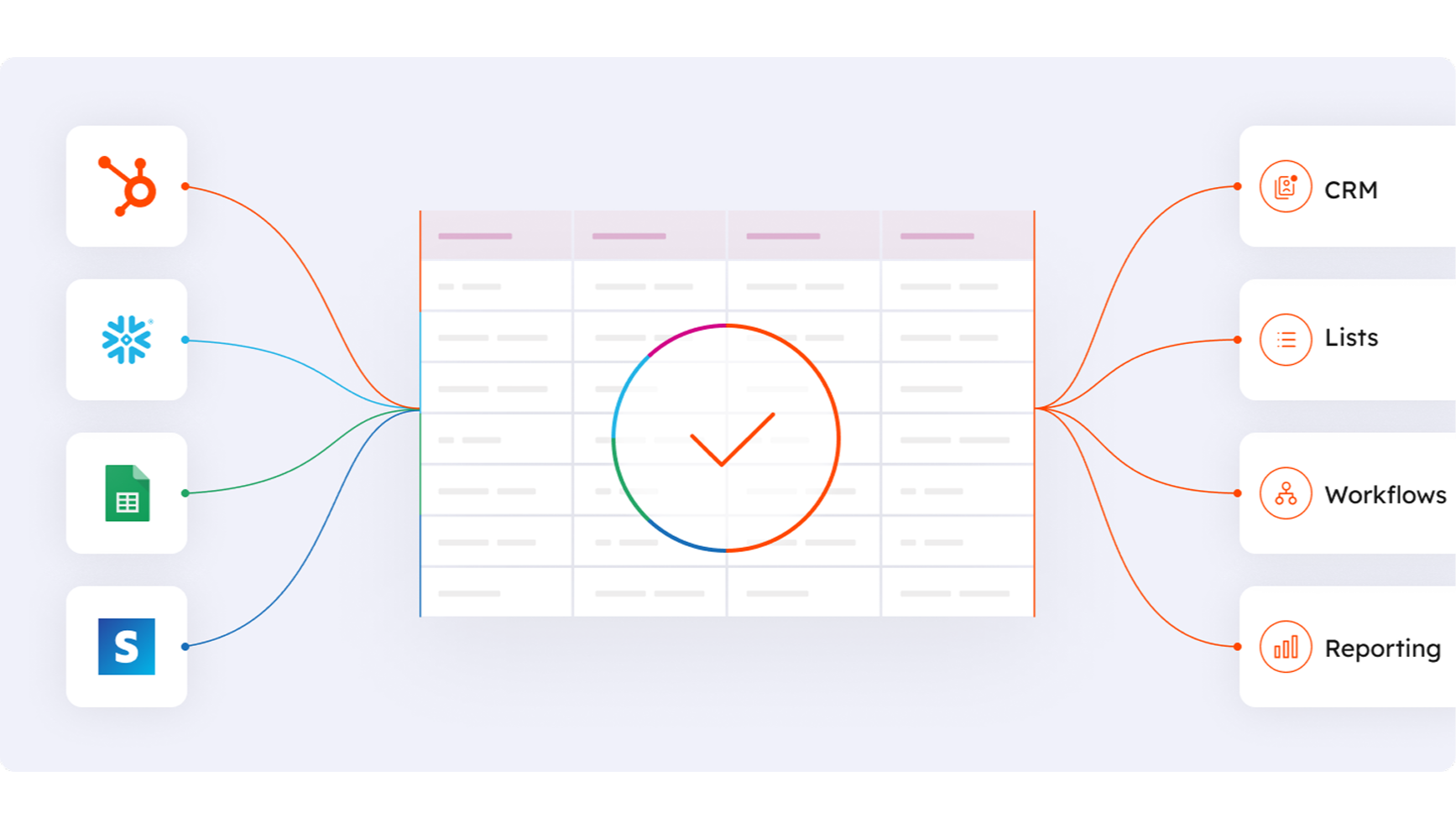
Works with data studio in Data Hub
Built for marketers, data studio in Data Hub lets anyone blend data in a familiar, spreadsheet-like interface with the help of AI. Create custom datasets that power advanced segmentation, automation, and reporting. You can also easily manage the flow of data between multiple external data sources, including Stripe, and the HubSpot CRM.
App Functionality
Shared Data
Each object has field mappings that connect matching information from each app. Default mappings are listed below. If you want to change these default mappings or create your own, custom field mappings are available with Operations Hub Starter and up.
The following will not sync: Quotes. As mentioned above, check out the integration built by Xero for additional integration capabilities
Contacts | ||
Invoices | ||
Items | ||
Xero data |
Reviews
2.3
35
2.3
35
- Feb 27, 2026
Extremely disappointing integration that defeats the purpose of an all-in-one solution - manual workarounds required for basic invoice and payment syncing
Contact syncing from HubSpot to Xero is helpful but the inability to push invoices from HubSpot to Xero or for payments marked against those invoices in Xero and pushed back to HubSpot makes this integration quite useless for us. We are now manually checking payments in Xero and marking them as paid in HubSpot and manually exporting invoices from HubSpot and uploading to Xero for reconciliation. (The alternative being creating invoices in Xero - functionality which is also very limited - and which defeats the purpose of being able to use HubSpot as an all-in-one solution and use it as the source of truth.) Extremely disappointing given the costs of HubSpot and the amount of functionality across other areas of the platform. Not a way to scale a business and it would be great to see some real improvement here which there doesn't seem to have been for many years.
G, L.
- Nov 6, 2025
Completely broken and unusable
Does not work
Hall, T.
Pricing
Review Xero's Pricing Page
$0
Use the 'See all pricing options' link on the righthand side
Make sure to confirm the HubSpot subscription and the Xero subscription needed to install this integration
Note: "Free" is referring to the cost of the integration, not the app subscriptions
Review Xero's Pricing Page
$0
Use the 'See all pricing options' link on the righthand side
Make sure to confirm the HubSpot subscription and the Xero subscription needed to install this integration
Note: "Free" is referring to the cost of the integration, not the app subscriptions
* The pricing here is for display purposes only. All prices do not include taxes, incentives, discounts, or other pricing variables. You should contact the partner for the most up to date and correct pricing information. HubSpot does not take any responsibility for this pricing information, which is provided by our partners. Pricing last updated: 09/03/2025
Getting attention today


