

Outlook Contacts
Data Sync - Sync Outlook contacts to phone. Also for Exchange.
要求
HubSpot 计划 HubSpot 帐户权限 无需权限 访问类型 个人 Outlook Contacts 订阅 - Review Outlook Contacts's Pricing Page 计划
概览
1/2
Sync your Outlook (personal) contacts without manual data entry or messy, time-consuming imports. Works for Exchange Server and up too!
Here’s what you get with Data Sync by HubSpot:
- Two-way sync: Data is shared between Outlook and HubSpot in real time
- Default field mappings: Set-up is quick with out-of-the-box field mappings already created for you
- Historical syncing: Your existing data will sync right away, and updates will sync as they happen
Personal contacts
This app needs to be installed by the individual HubSpot users and will sync with their personal Outlook contact folder. This is the contacts folder that would also sync with a smartphone.
This app does not sync shared contacts, or the Active Directory.
Permissions required
Your HubSpot user needs read/write permissions to all contacts, as well as have the ability to edit properties.
Using Exchange Server?
In case you like to use this sync with on-premise Exchange Servers, they need to meet all hybrid deployment requirements. Your on-premise Active Directory must be in sync with the Azure Active Directory and all Exchange 2016 servers must be upgraded to CU3 or later (earlier versions are not supported).
功能
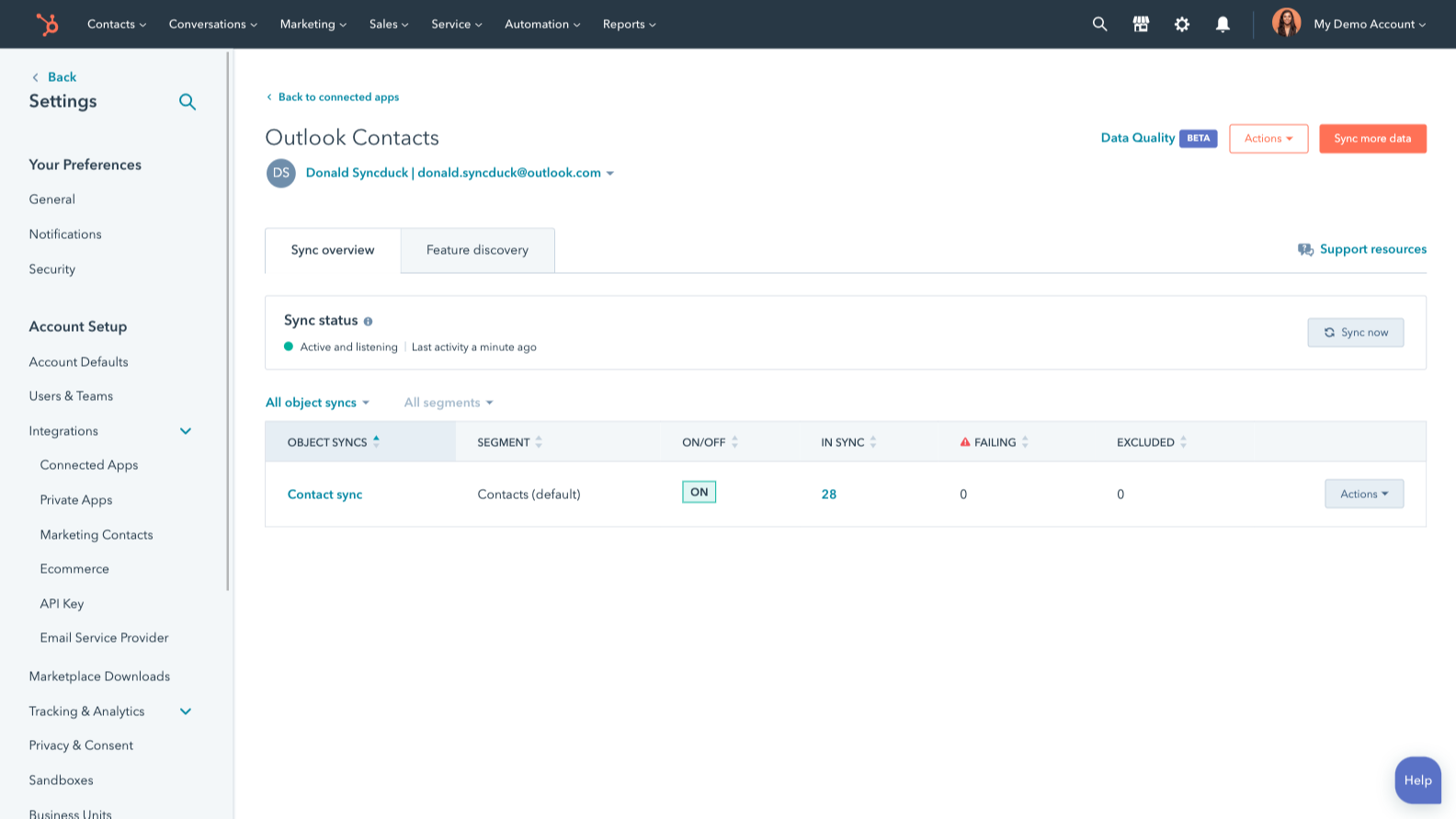
Sync Outlook/Exchange and HubSpot data
Make manual data entry a thing of the past by syncing contacts between HubSpot and Outlook/Exchange. When records are created or updated in either app, that information will be automatically shared with the other one.
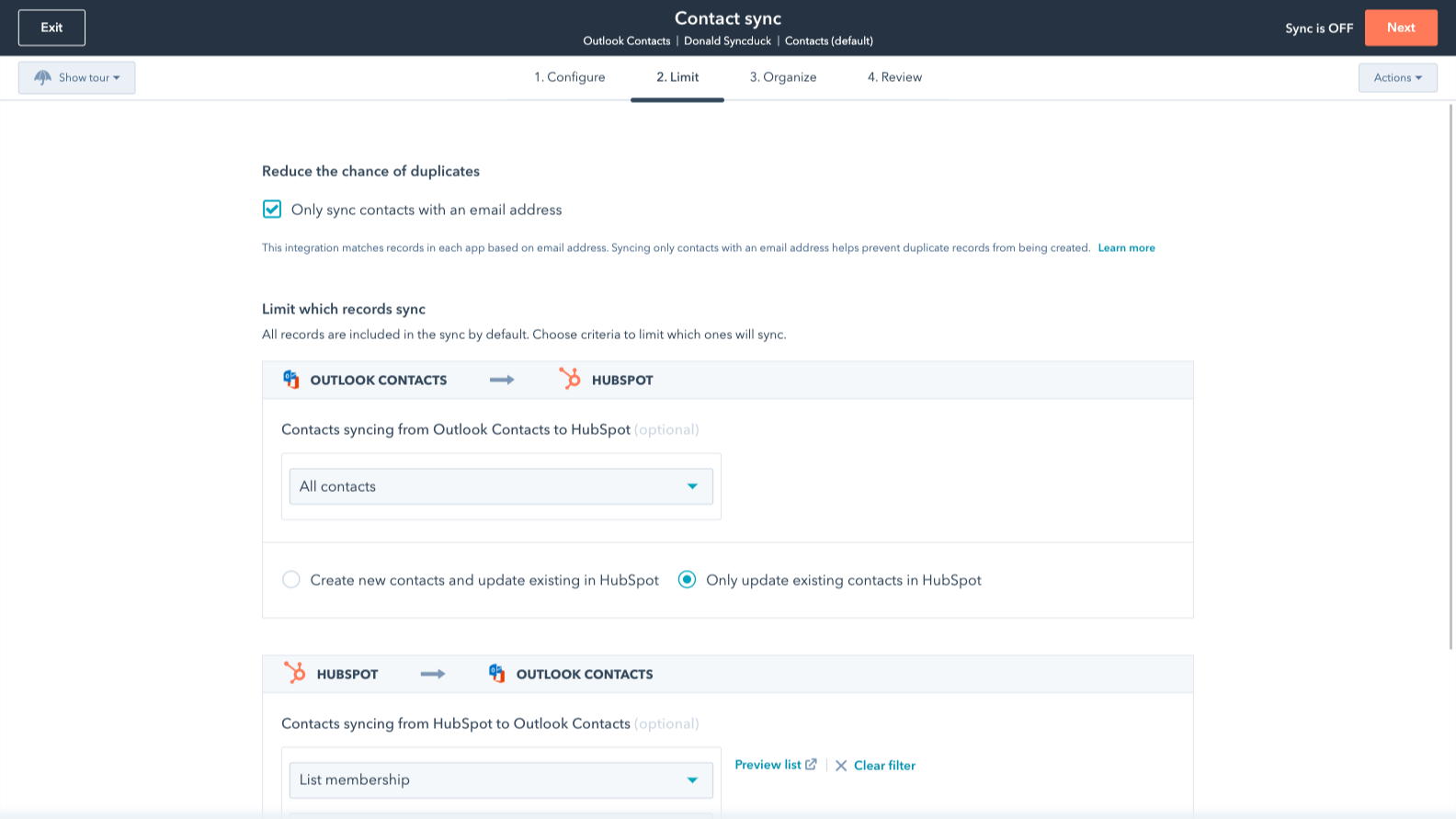
Sync only the data you want
You’re in control of your data. You can set up a one- or two-way sync, which means you can either sync data from only one app to the other or back-and-forth between both apps. You can also add a filter for any Outlook/Exchange field (like categories or company name) or HubSpot list to sync exactly what you want—and nothing you don’t.
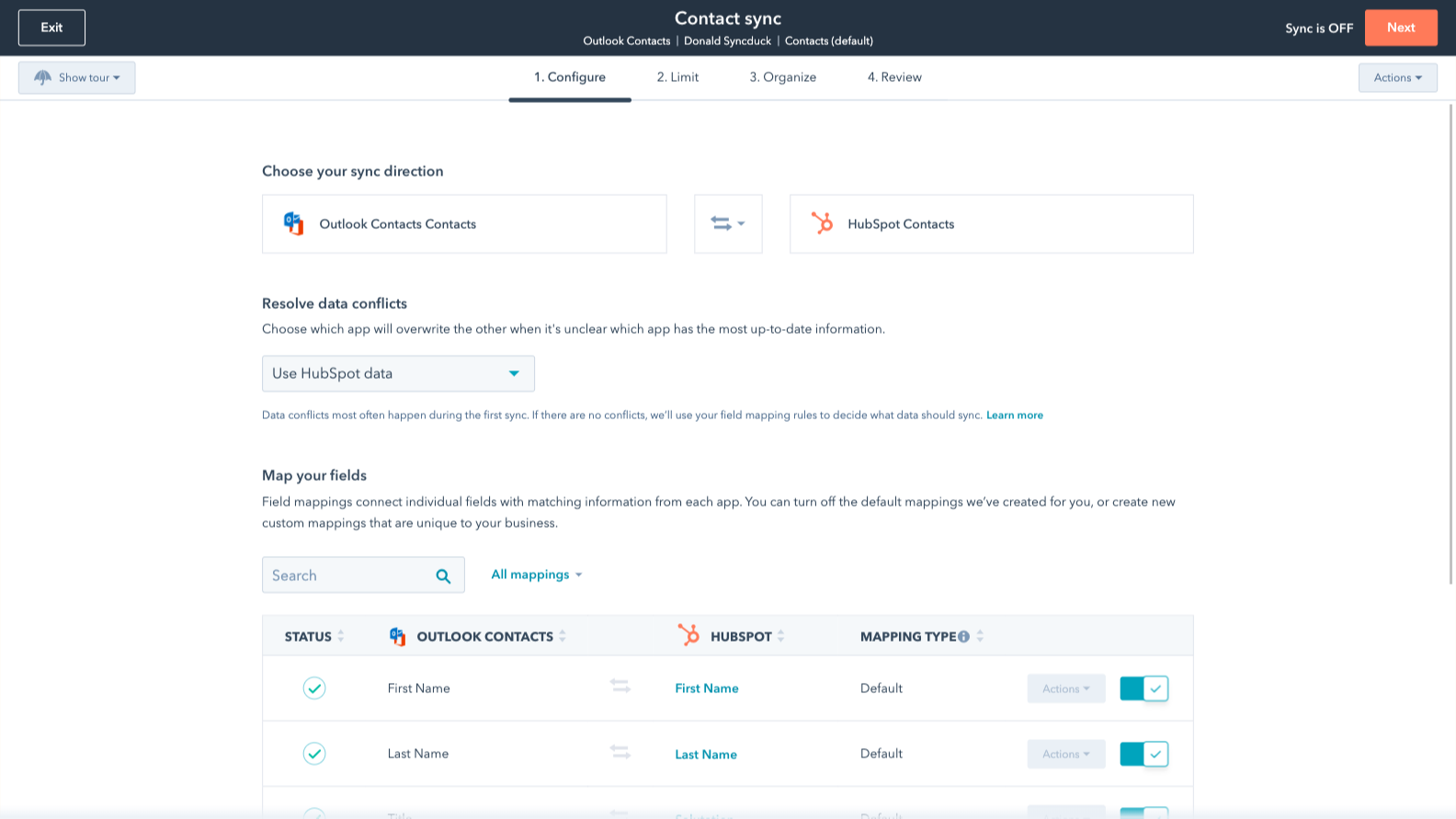
Default field mappings
Field mappings connect matching information in each app—and we’ve already created them for you. Our out-of-the-box default field mappings make set-up quick and keep your data clean and organized. Plus, there are no surprises: You can see exactly which fields come already mapped in the “Shared data” section below.
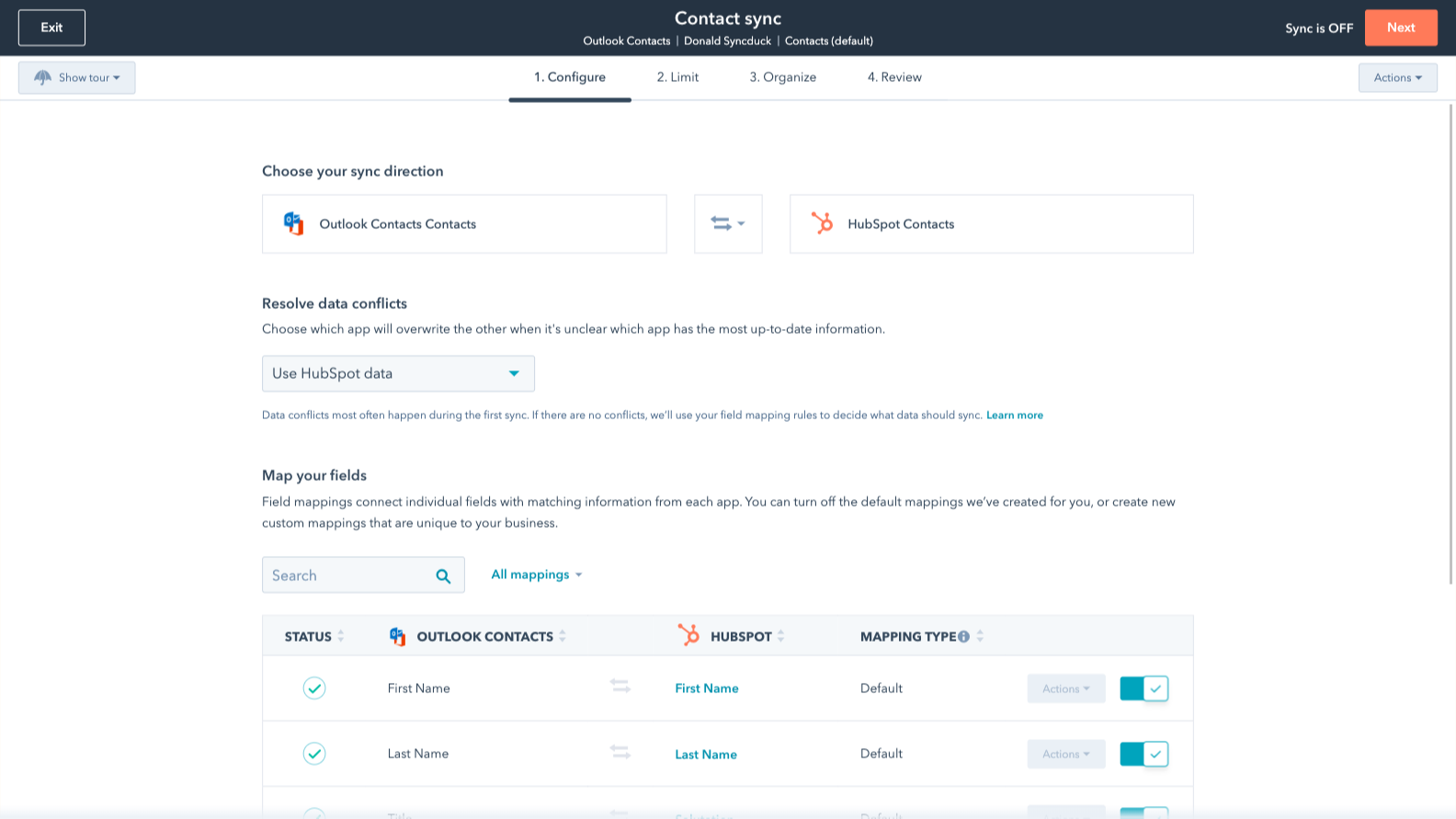
Custom field mappings
Custom field mappings are available with Data Hub Starter or Professional plans. Custom mappings add the flexibility to create your own mappings or make changes to your default ones.
应用程序功能
共享数据
Each object has field mappings that connect matching information from each app. Default mappings are listed below. If you want to change these default mappings or create your own, custom field mappings are available with Data Hub Starter and up.
The following will not sync: Public folders, Global Address List
Contacts |
评论
3.1
226
3.1
226
- 2025年9月2日
一款允许短信来电显示的工具!
该工具可将联系人同步到 Outlook。
可将联系人同步到 Outlook,以允许短信来电显示
它一次只允许进行一次初始同步。 现在有了添加 Outlook 类别作为联系人同步的默认方式。
Knight, G.
- 2025年8月21日
同步功能完全被破坏,支持团队拒绝提供帮助 - 完全没用!"!
我无法实现通讯录同步,而技术支持人员也不想知道!"!
同步不起作用
同步不起作用
Woodman, T.
定价
Review Outlook Contacts's Pricing Page
US$0
Use the 'See all pricing options' link on the righthand side
Make sure to confirm the HubSpot subscription and the Outlook Contacts subscription needed to install this integration
Note: "Free" is referring to the cost of the integration, not the app subscriptions.
Review Outlook Contacts's Pricing Page
US$0
Use the 'See all pricing options' link on the righthand side
Make sure to confirm the HubSpot subscription and the Outlook Contacts subscription needed to install this integration
Note: "Free" is referring to the cost of the integration, not the app subscriptions.
* 此处的定价仅供展示。所有价格均不包含税、奖励、折扣或其他定价变量。你应联系合作伙伴以获取最新的正确定价信息。HubSpot 对合作伙伴所提供的定价信息不承担任何责任。上次更新定价时间:2025/09/03
新品上市

-1-2.jpeg)
