
Focus Contact Center Connector
Boost sales, improve customers services, more efficient processes
Erstellt von - Focus Telecom Polska
Installationen - 30+ Installationen
Anforderungen
HubSpot-Produktversion HubSpot-Account-Berechtigungen - Erforderliche Account-Berechtigungen anzeigen
Zugriffstyp Shared Focus Contact Center Connector-Abonnement - Produktversion: Standard
Übersicht
1/4
Boost Customer Service Efficiency with Focus Contact Center and HubSpot Integration
Thanks to integration the user will have access to all information from a given contact. Each call will be reported on the contact, in Focus Contact Cente reports and in mini CRM, thanks to which it will be easy to find details of the call, i.e. date, time, duration, call recording, name and surname, e-mail address or call status and more.
· Streamline the work of agents by using the features of WebPhone and CRM system.
· Increase the efficiency of agents' work and reduce the time it takes to serve customers with access to all the necessary information about the contact.
· Simplify communication with customers with the ability to make calls from an integrated system.
· Improve the quality of customer service with an integration that enables calls and provides access to the information you need.
Get started today and revolutionize your customer service!
Funktionen
-1.png)
Click to call
The user can call the chosen contact by clicking on the "call" button. WebPhone will automatically dial the indicated number.
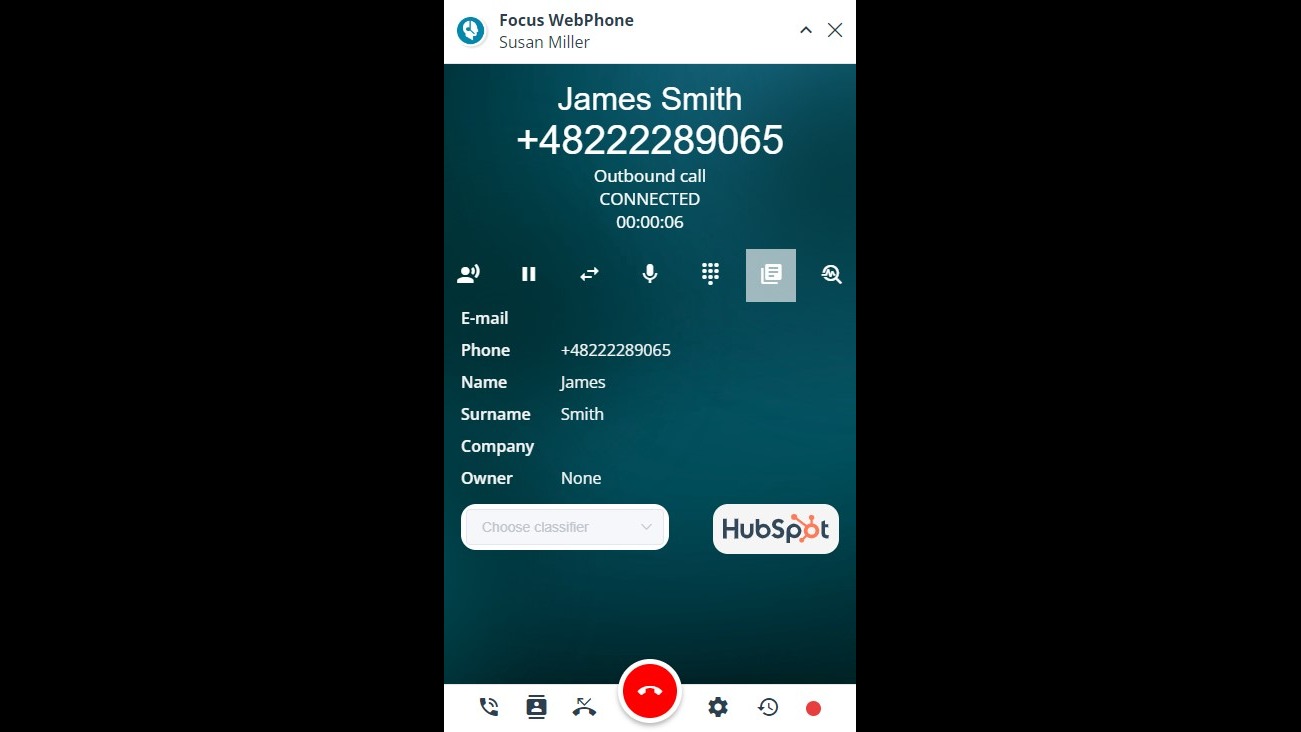
Displaying the contact card in HubSpot
After clicking on the HubSpot logo previewed in WebPhone, the magic link will redirect the user to the contact card in HubSpot, where all the contact data and contact history is displayed.
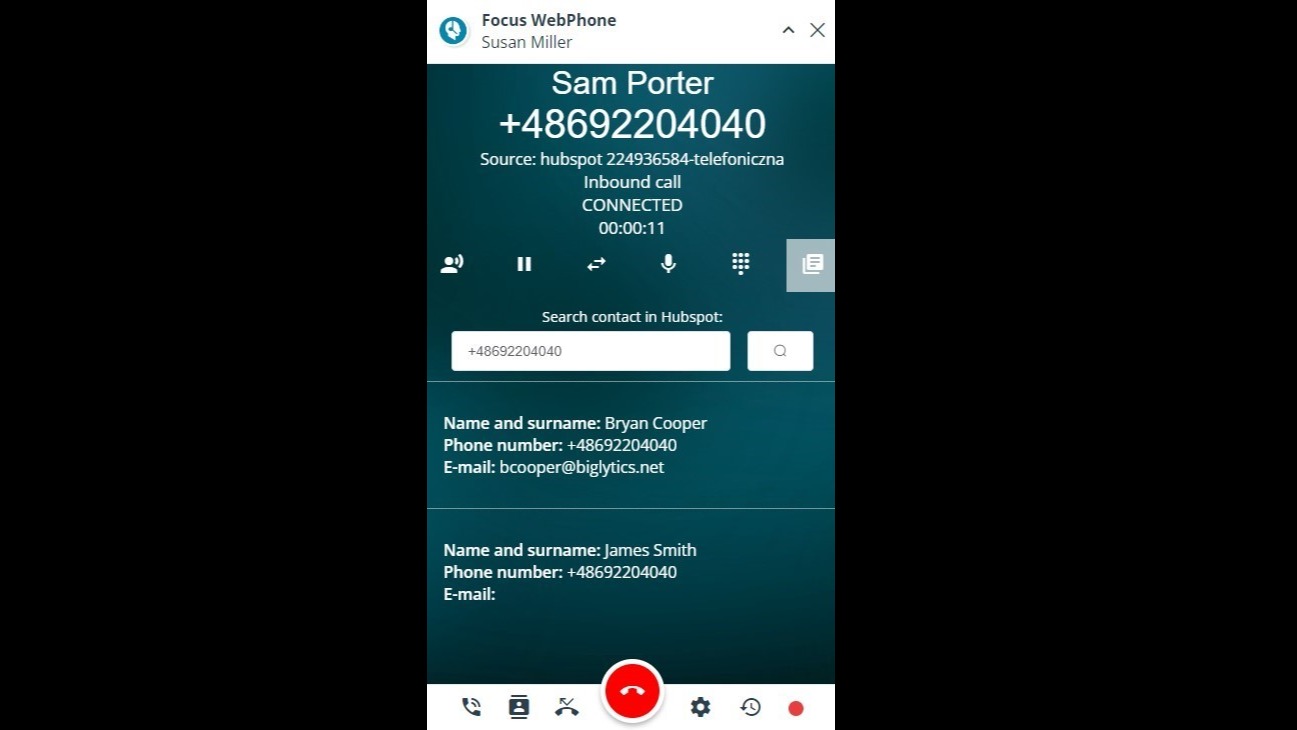
Contact identification
WebPhone is identifing the incoming calls based on phone number. If the phone number is identified in HubSpot, its details will be displayed in WebPhone. If there are more contacts connected with a given phone number, the user can choose the proper one.
-1.png)
Inbound and outbound calls registration
Both inbound and outbound calls made via WebPhone are saved in HubSpot and displayed in "Activities" tab.
App-Funktionalität
Datenaustausch
Calls | ||
Records |
Rezensionen
Verfassen Sie jetzt die erste Kundenrezension
Standard
Standard plan
All of our standard features
Standard
Standard plan
All of our standard features
* Die hier angegebenen Preise dienen nur zu Illustrationszwecken. Alle Preise enthalten keine Steuern, Sonderangebote, Rabatte oder sonstigen Preisvarianten. Bitte wenden Sie sich direkt an den Partner, um aktuelle und korrekte Preisinformationen zu erhalten. HubSpot übernimmt keine Verantwortung für Preisinformationen, die von unseren Partnern bereitgestellt werden. Letzte Aktualisierung der Preisinformationen: 11.08.2025
Weitere Infos
Erstellt von - Focus Telecom Polska
Installationen - 30+ Installationen
Kategorien Sprachen, in denen diese App verfügbar ist Deutsch ,Englisch undPolnisch
Neuzugänge

-1-2.jpeg)
