LinkedIn Sales Navigator
Requirements
HubSpot Plan HubSpot Account permissions No permissions required Access Type Personal LinkedIn Sales Navigator Subscription - Advanced Plus plan
Overview
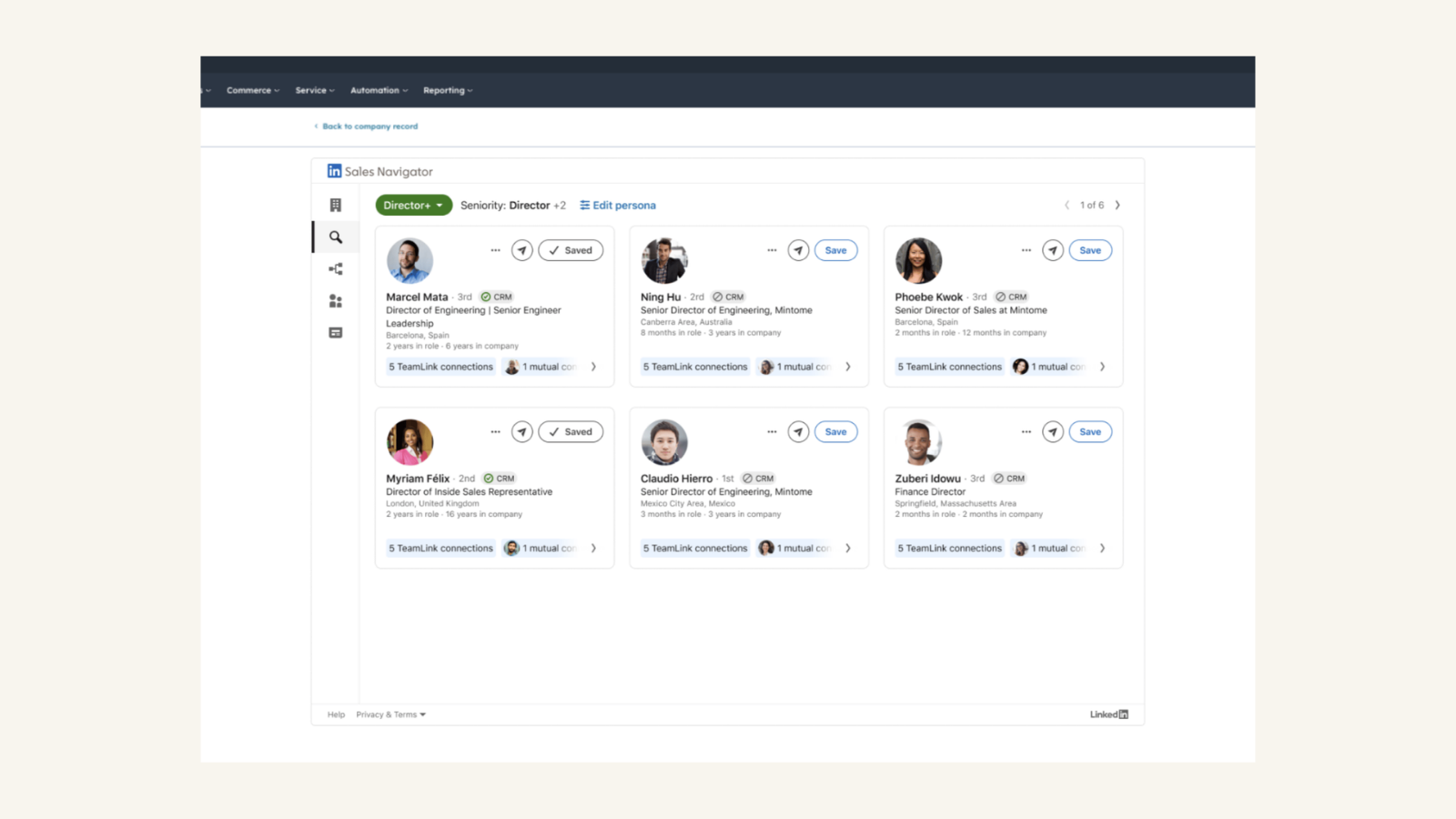
1/2 - Find key leads (Advanced Plus required)
Unify social selling and CRM insights to target key accounts, understand strategic priorities, and engage contacts with personalized outreach.
LinkedIn Sales Navigator Advanced Plus is required for several features.
Install this app to:
View LinkedIn profile data, engagement history, and relationship insights in HubSpot contact and company records to reduce context switching and work faster
Engage prospects with personalized InMail, icebreakers, and mutual connections directly from HubSpot
Identify high-value stakeholders and hidden allies using relationship maps and recommended leads to bridge account gaps
Leverage Account IQ to access strategic priorities, pain points, and financials for more informed buyer-seller conversations
Discover and add related leads to your Sales Navigator lists without leaving the CRM to improve operational efficiency
Collaborate with team members by storing and sharing account information with colleagues who also have a Sales Navigator license.
Features
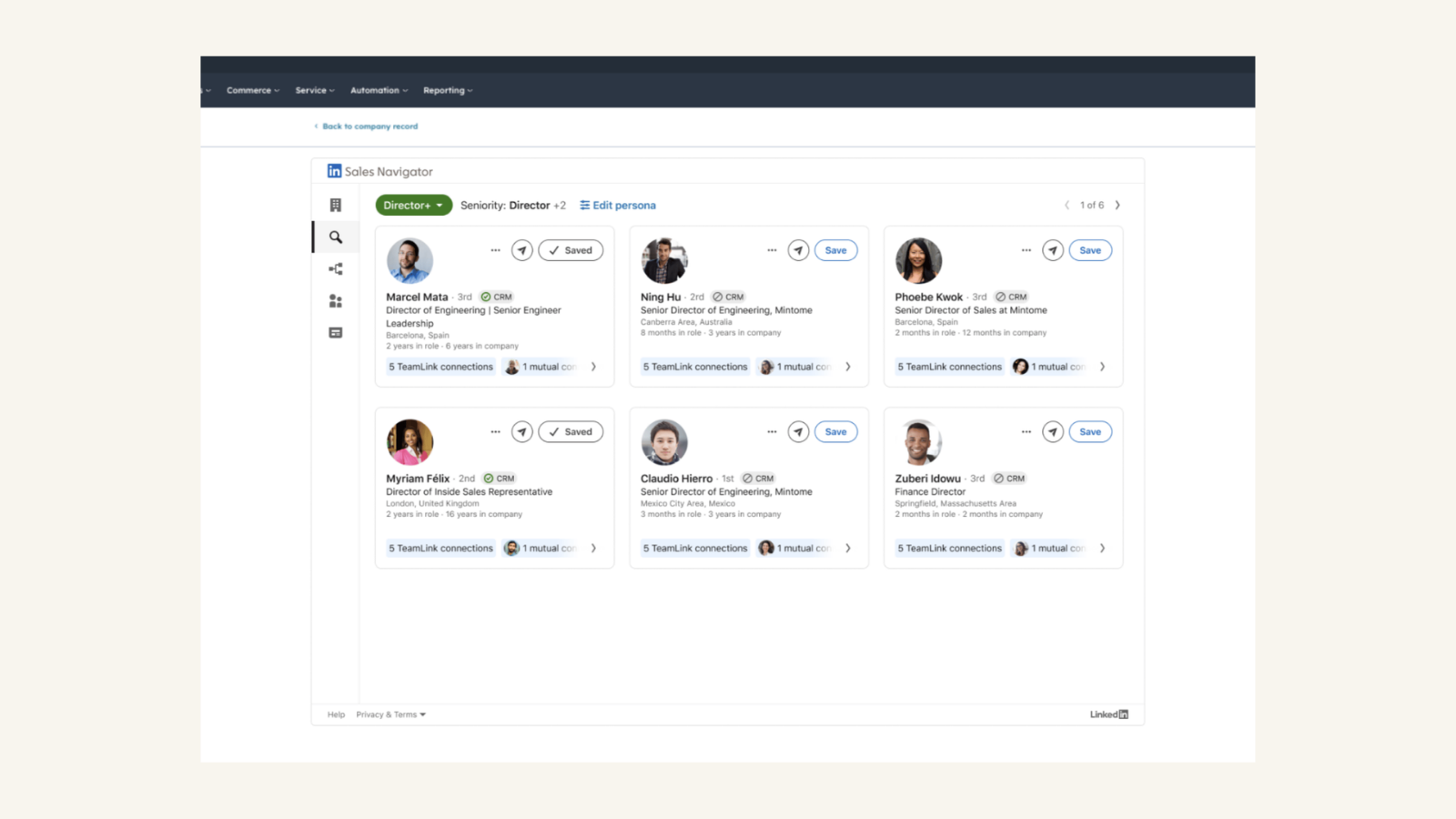
Engage your contacts with personalized outreach
Send InMail directly from the HubSpot contact record and quickly find other leads at the same company and add them to your Sales Navigator leads list.
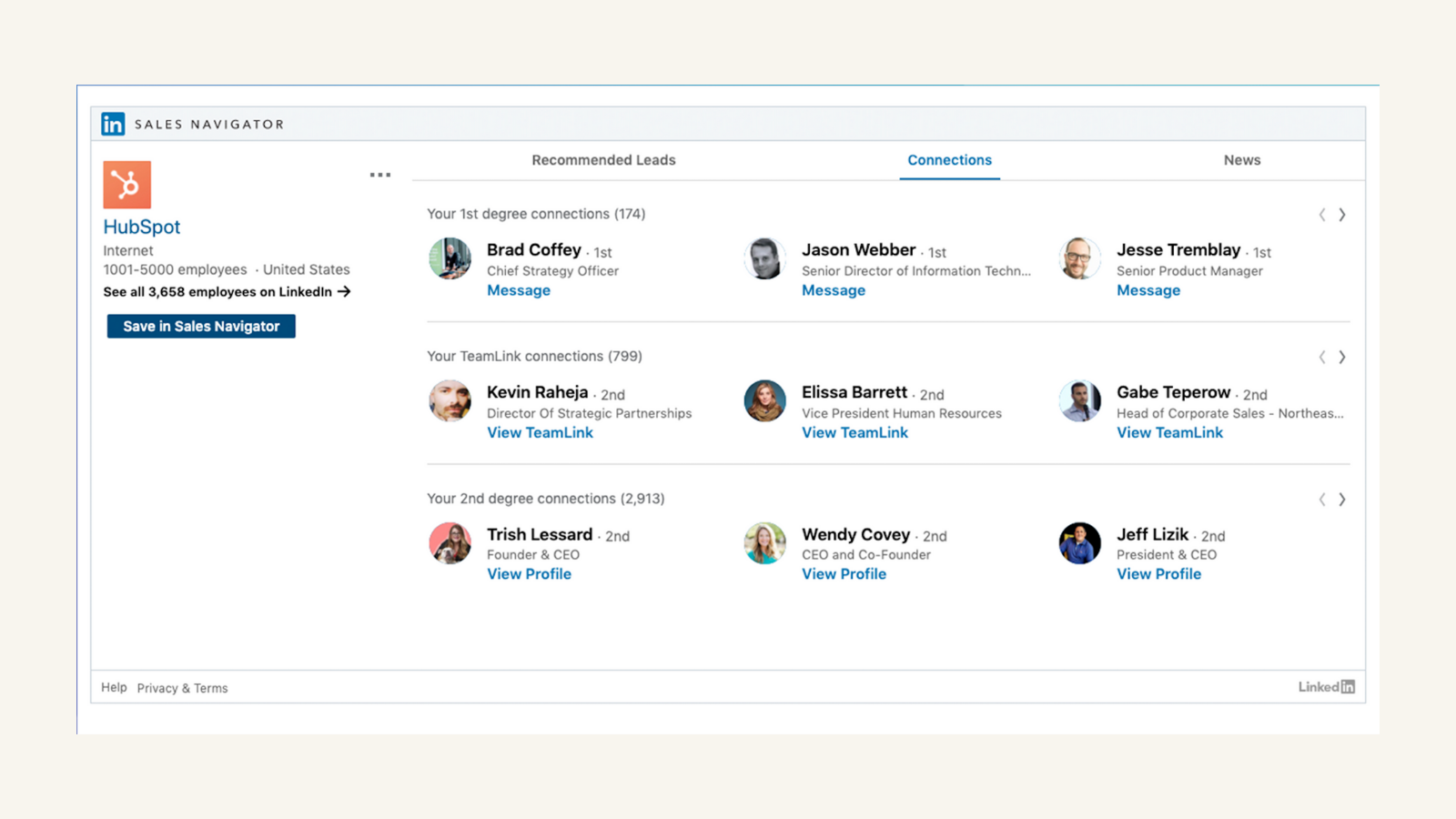
Truly understand your key accounts
Get LinkedIn Sales Navigator information like recommended leads and connections on your HubSpot company records.
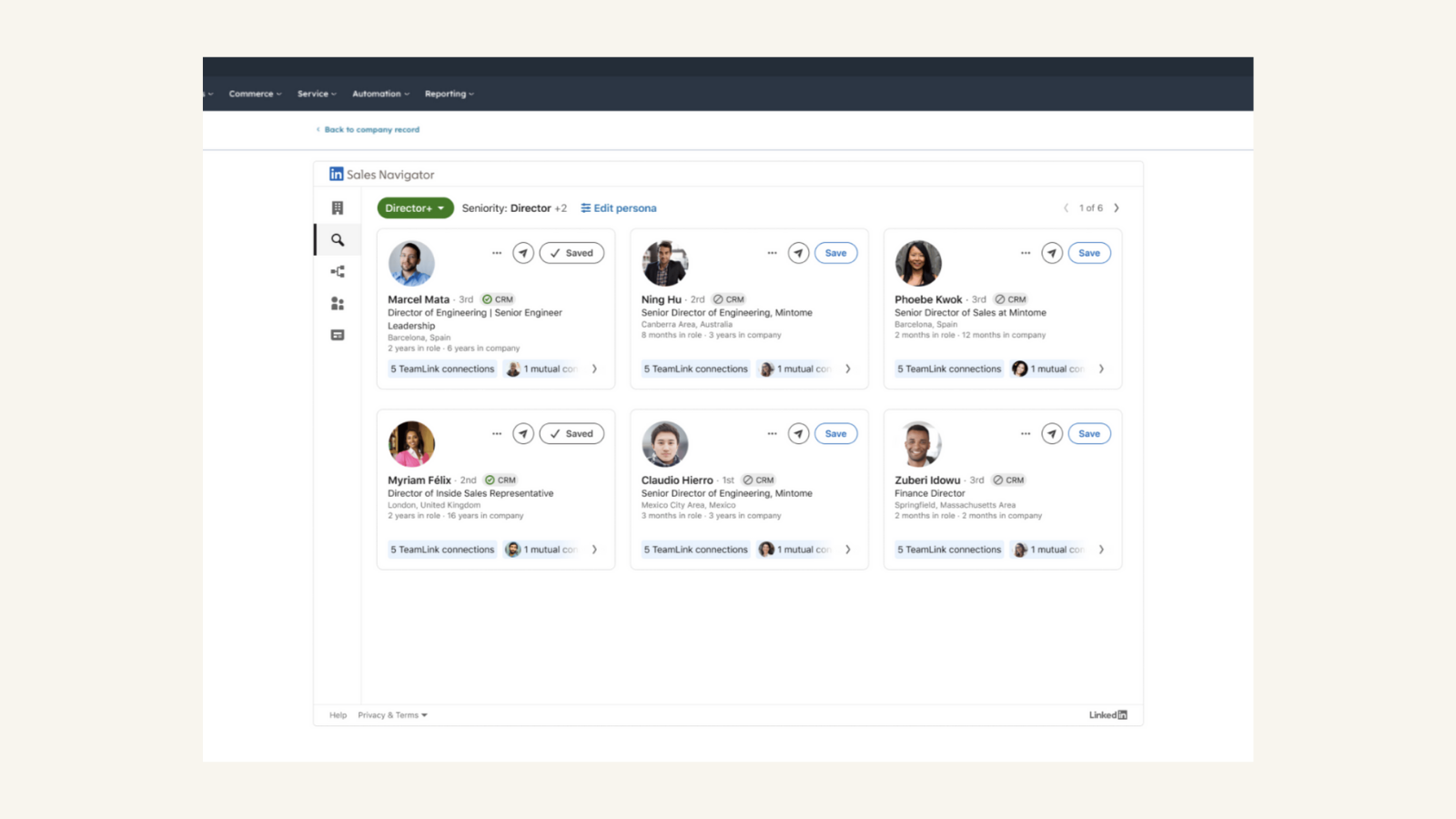
Find Key People
Uncover the right path in using your target buyer's profile and discover hidden allies directly within your CRM. This feature is available to Sales Navigator Advanced Plus users only. Some features also require CRM Sync to be set-up. For Sales Navigator Advanced users, this shows lead recommendations without the ability to tune your buyer persona.
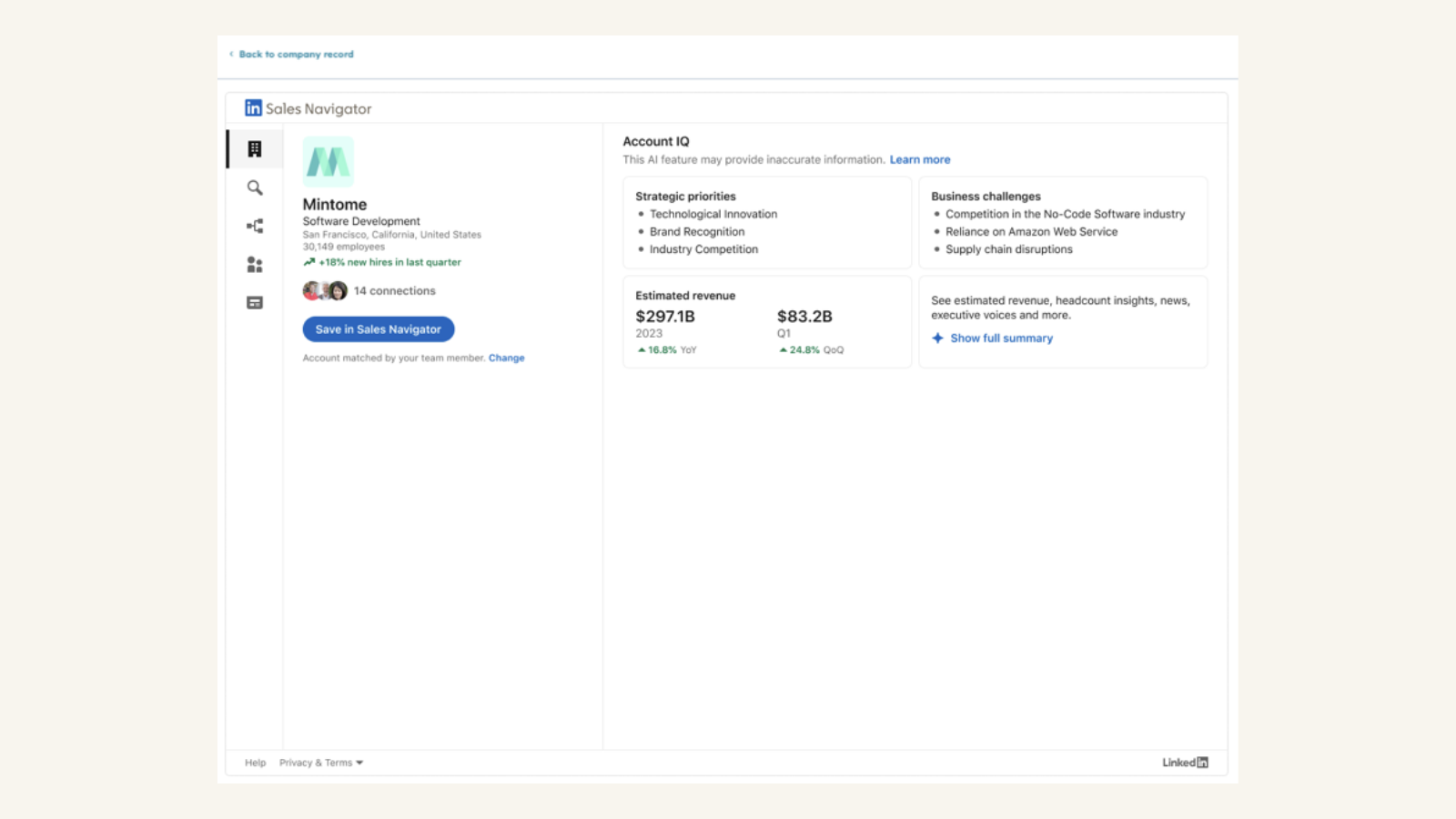
Account IQ
Account IQ sets you up to have informed, personalized conversations every time you connect with buyers, instead of manually searching across many different sources. The feature can be leveraged to help with account qualification, prioritization, and preparing for lead engagement.
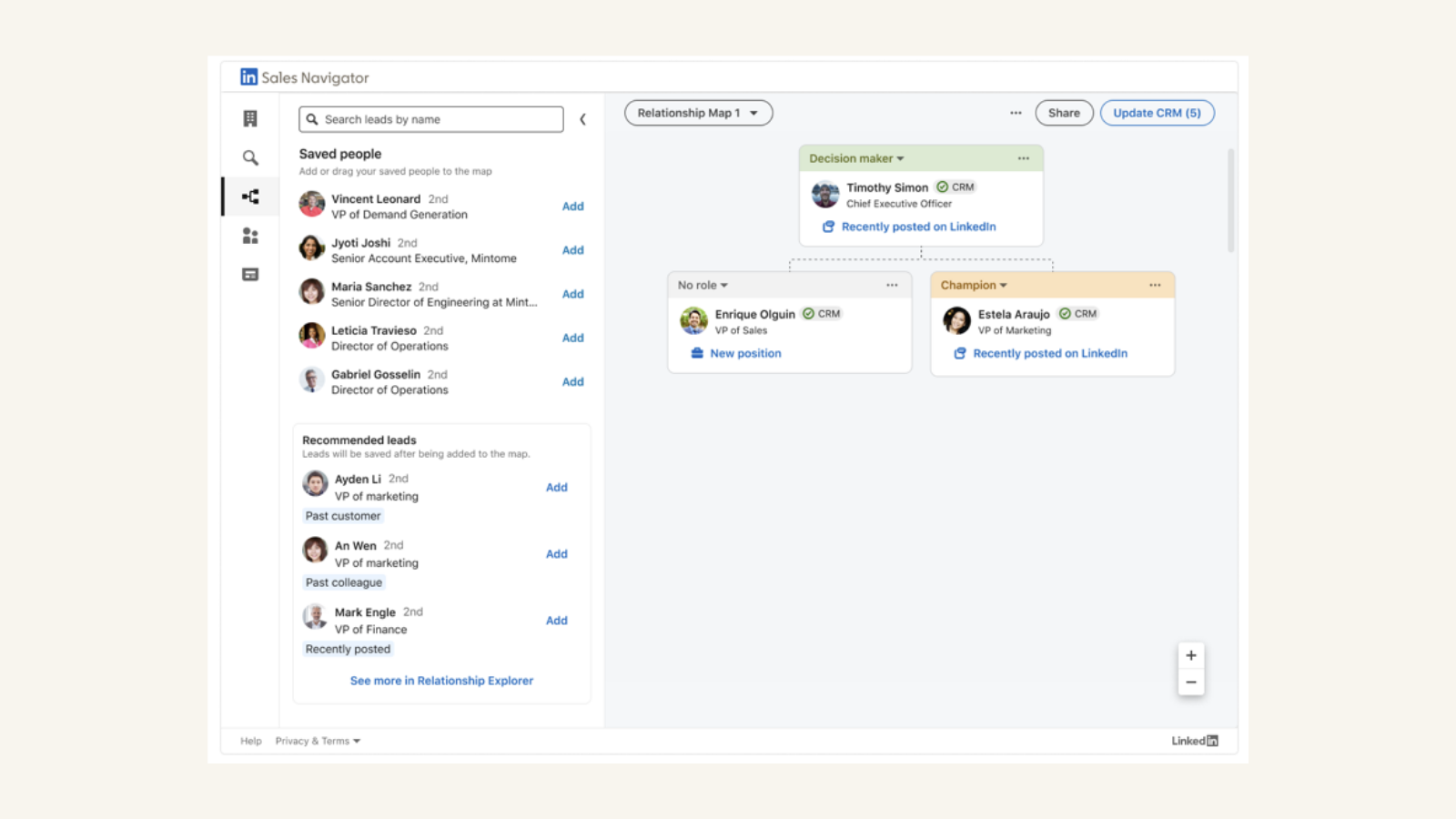
Relationship Map
Relationship Map offers you a centralized and consolidated place to store, update, and share account information with your colleagues who have a Sales Navigator license from within your CRM.
App Functionality
Shared Data
Connections | ||
InMail |
Reviews
2.0
372
2.0
372
Reviews over the past year report that pricing tier changes now require an enterprise subscription to access the integration, though a few users still find the connection effective for prospecting. The tool simplifies lead generation by providing quick access to profile details directly within the CRM, although manual data entry is sometimes necessary because messages and profile updates do not automatically sync.
- Oct 3, 2025
Extremely frustrating, misleading marketing
HubSpot needs to stop saying "LinkedIn Sales Navigator". It is really LinkedIn Sales Navigator Advanced Plus - that is the highest, most expensive plan on LinkedIn, only available for larger teams. We have a regular LinkedIn Navigator subscription. My company and sales team are not big enough to warrant the Advanced Plus. So, to find out that I cannot use what we have once we purchased HubSpot is downright infuriating. We moved from SalesForce, where our subscription was perfectly enough to display contact details within the Contact and Account.
Laurenzo, H.
- Sep 25, 2025
Completely broken and useless - needs major fixes to actually function
bad
doesn't work
couldn't work
Mazzaferro, A.
Pricing
Advanced Plus
For enterprise sales teams looking for full access plus CRM integration
Advanced lead & company search
Alerts on your saved leads and accounts
Create Custom ListsShare content and track engagement
Warm introductions from teammates
CRM updates with Data Validation
Integrate CRM contacts
Advanced enterprise integrations
Advanced Plus
For enterprise sales teams looking for full access plus CRM integration
Advanced lead & company search
Alerts on your saved leads and accounts
Create Custom ListsShare content and track engagement
Warm introductions from teammates
CRM updates with Data Validation
Integrate CRM contacts
Advanced enterprise integrations
* The pricing here is for display purposes only. All prices do not include taxes, incentives, discounts, or other pricing variables. You should contact the partner for the most up to date and correct pricing information. HubSpot does not take any responsibility for this pricing information, which is provided by our partners. Pricing last updated: 01/29/2026