
ProBackup
Built by - Pro Backup BV
Installs - 600+ installs
Rating 4.9
(15)

Rising
Requirements
HubSpot Plan HubSpot Account permissions - View the required account permissions
Access Type Shared ProBackup Subscription - Plus, Pro, or Premium plans
Overview
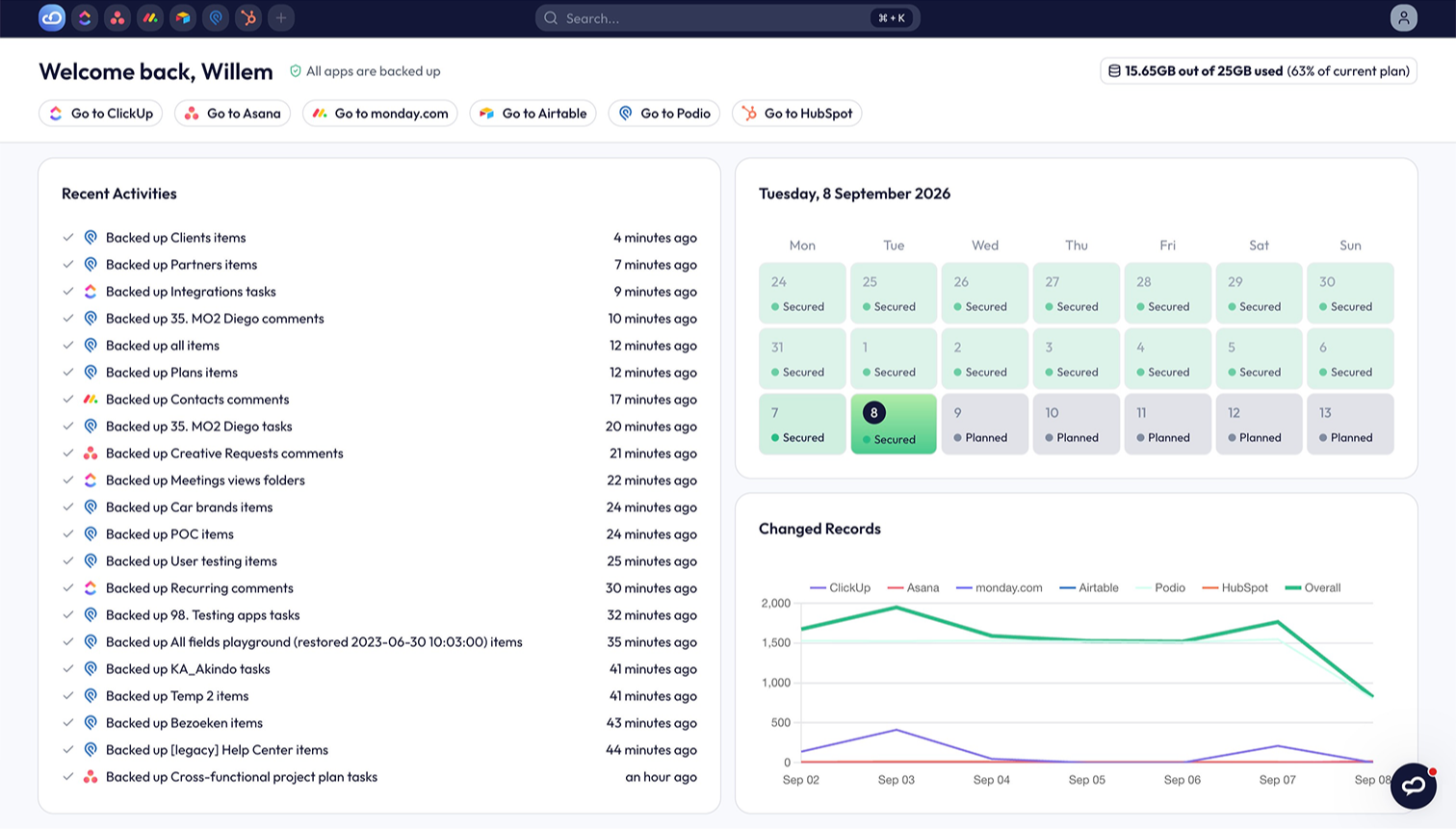
1/4 - Daily, automated backups of your data.
Your HubSpot CRM is one bad import away from chaos. ProBackup makes that a non-event.
Every contact, company and deal in your HubSpot account represents hours of work: pipelines built over months, notes from hundreds of calls, attachments you'd struggle to find again. HubSpot keeps its platform running, but it doesn't protect your account from your own team. Delete the wrong records, run a bad import, or let a misfired workflow overwrite a property across thousands of contacts, and recovering that data is your problem, not HubSpot's.
ProBackup solves this with one quiet habit: every 24 hours, it automatically backs up your HubSpot data to independent, encrypted storage. No scheduling, no maintenance, no IT project. Connect via OAuth in about 3 minutes and it simply runs... your team won't even notice it's there. Until the day they're very glad it was.
What a backup actually gets you
Most people picture backups as insurance they'll never use. ProBackup is more like a time machine you can open any day:
See your CRM as it existed on any past date. Browse your backups in a clean, visual interface. Pick a date, and there's your data exactly as it was: every contact, company, deal, note and attachment. Compare versions side by side to spot exactly what changed and when.
Restore precisely what you lost - nothing else. One deleted contact or an entire segment: recover it in a few clicks, with related records like notes restored together. Restores never overwrite your live data. Records are recreated alongside your team's current work, so fixing yesterday's mistake never undoes today's progress.
Get warned before small problems become big ones. Smart Alerts flag unusual activity, like a sudden drop in backed-up contacts, so a mass deletion gets caught in hours, not discovered in weeks. Weekly status emails keep backup health on your radar without you thinking about it. (Pro and Premium plans)
Keep a copy you control completely. Sync backups to your own Google Drive: records land in Google Sheets, attachments in Drive folders. A second, independent copy in a format your team already knows, accessible even without ProBackup. (Pro and Premium plans)
Built for the risks of 2026
The old threats haven't gone anywhere: accidental deletions, bad imports, the occasional disgruntled leaver. But there's a new one: AI agents and automations now create, edit and delete CRM records autonomously. One badly-worded instruction can corrupt data at machine speed, before anyone notices. An independent daily snapshot is the difference between "roll it back" and "start over."
Security you can put in front of procurement
ProBackup is SOC 2 Type II certified and GDPR compliant. Your data is encrypted with AES-256 at rest and TLS in transit, and stored on AWS infrastructure - fully separate from HubSpot's. Version history is retained for 6 months on Plus, 2 years on Pro, and without limit on Premium.
One subscription. Your whole stack.
Pricing scales with data volume, not team size or per-seat costs, so protecting a 200-person HubSpot account costs the same as a 20-person one. And the same subscription covers 20+ cloud apps including Asana, Jira, monday.com, Notion, ClickUp and Trello. Trusted by 4,000+ teams. Non-profits receive a 50% discount.
Try it before you need it
The worst time to think about backups is after something's gone. Start a free trial, connect HubSpot in minutes, and run a test restore. So the next "who deleted this?" moment in your team ends with a shrug, not a crisis.
Features
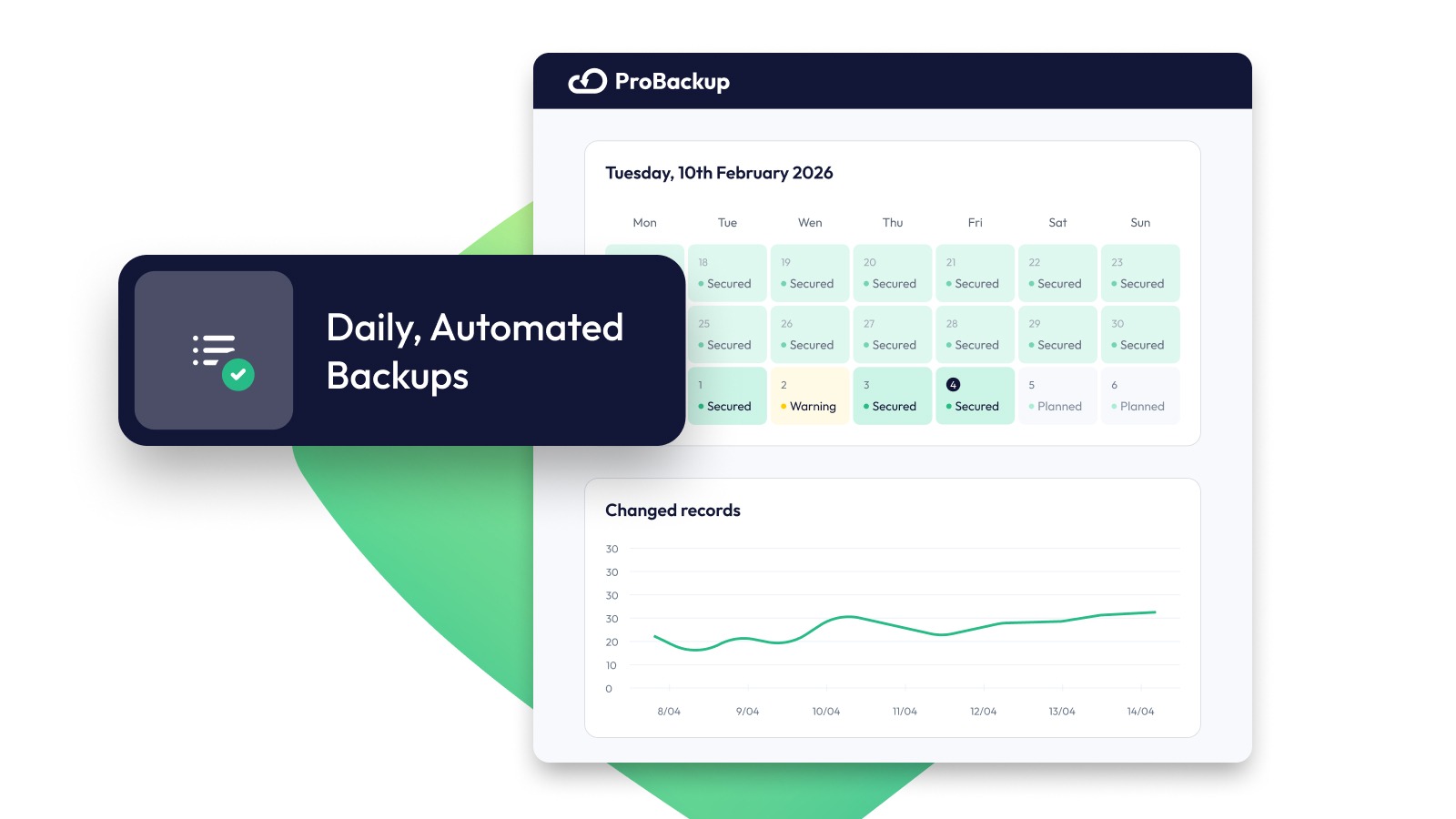
Daily, Automated Backups
Set and forget it. ProBackup captures your CRM data every 24 hours: incremental, secure, and always up to date.
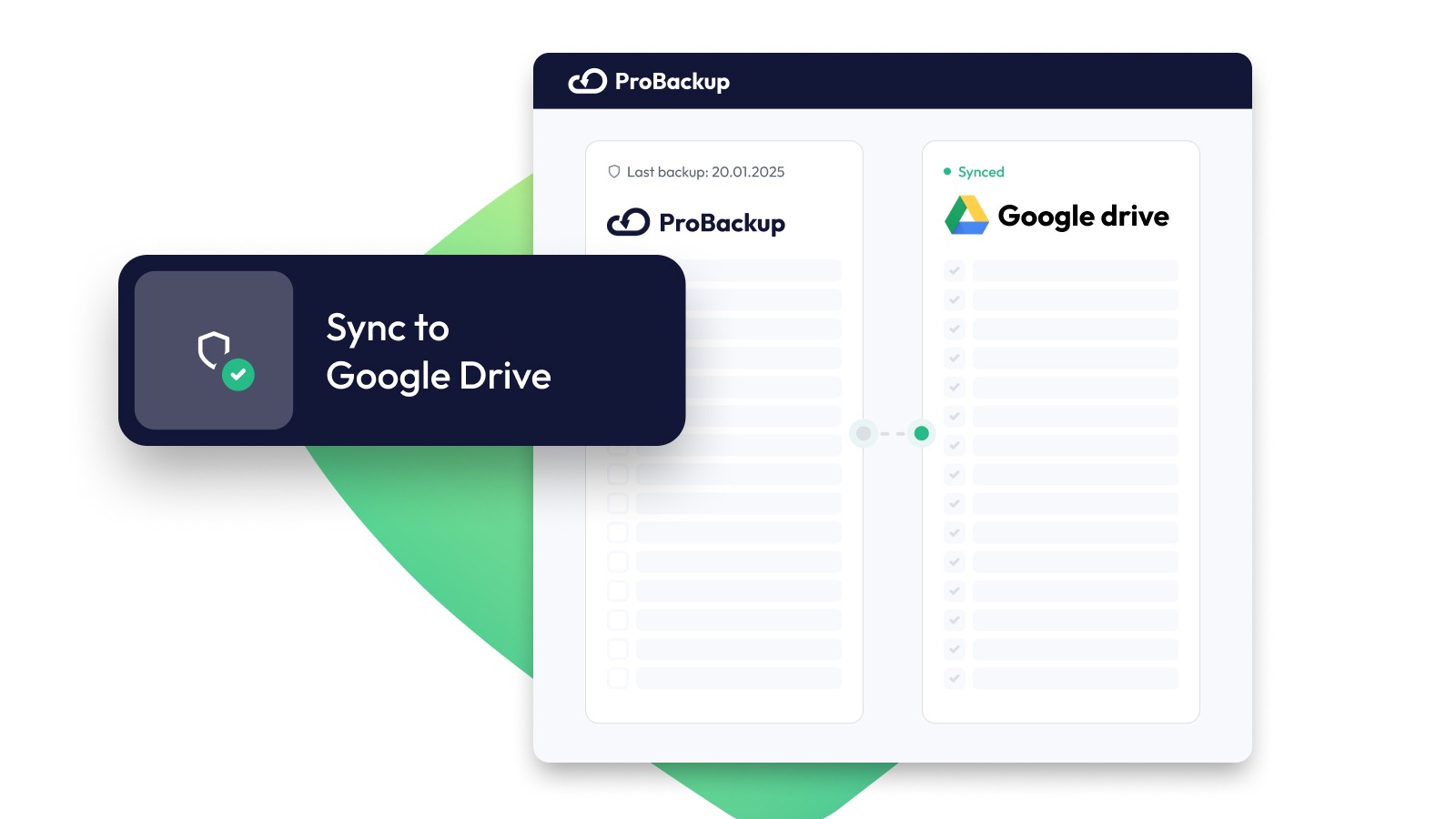
Sync to Google Drive
Keep a second copy of your data backups. Automatically sync your data to Google Sheets and store all attachments in Drive for extra peace of mind.
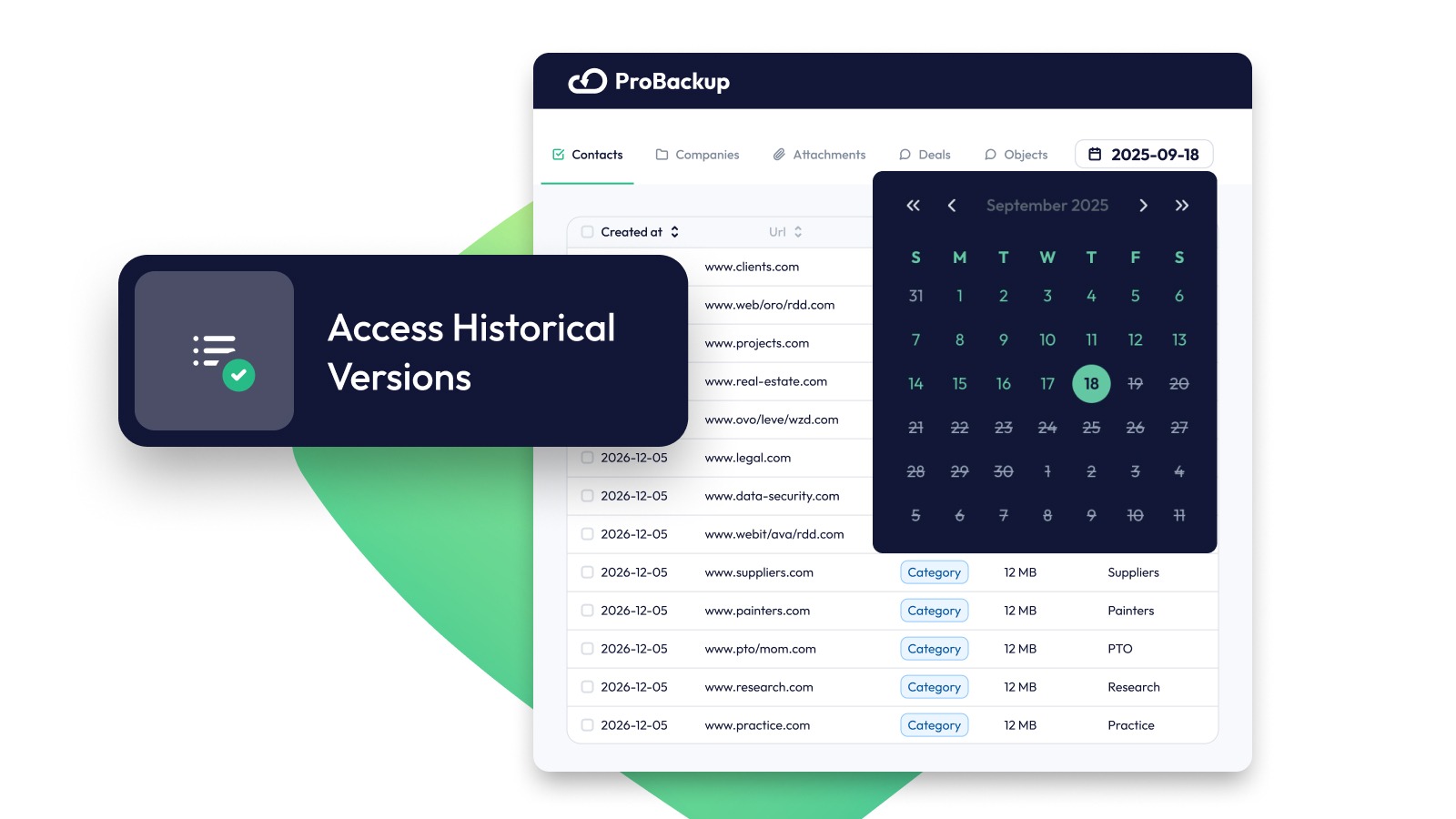
Access Historical Versions
Travel back in time. Browse & export past versions of your data, metadata, and files with ease. Use Global Search to instantly find the data you need.
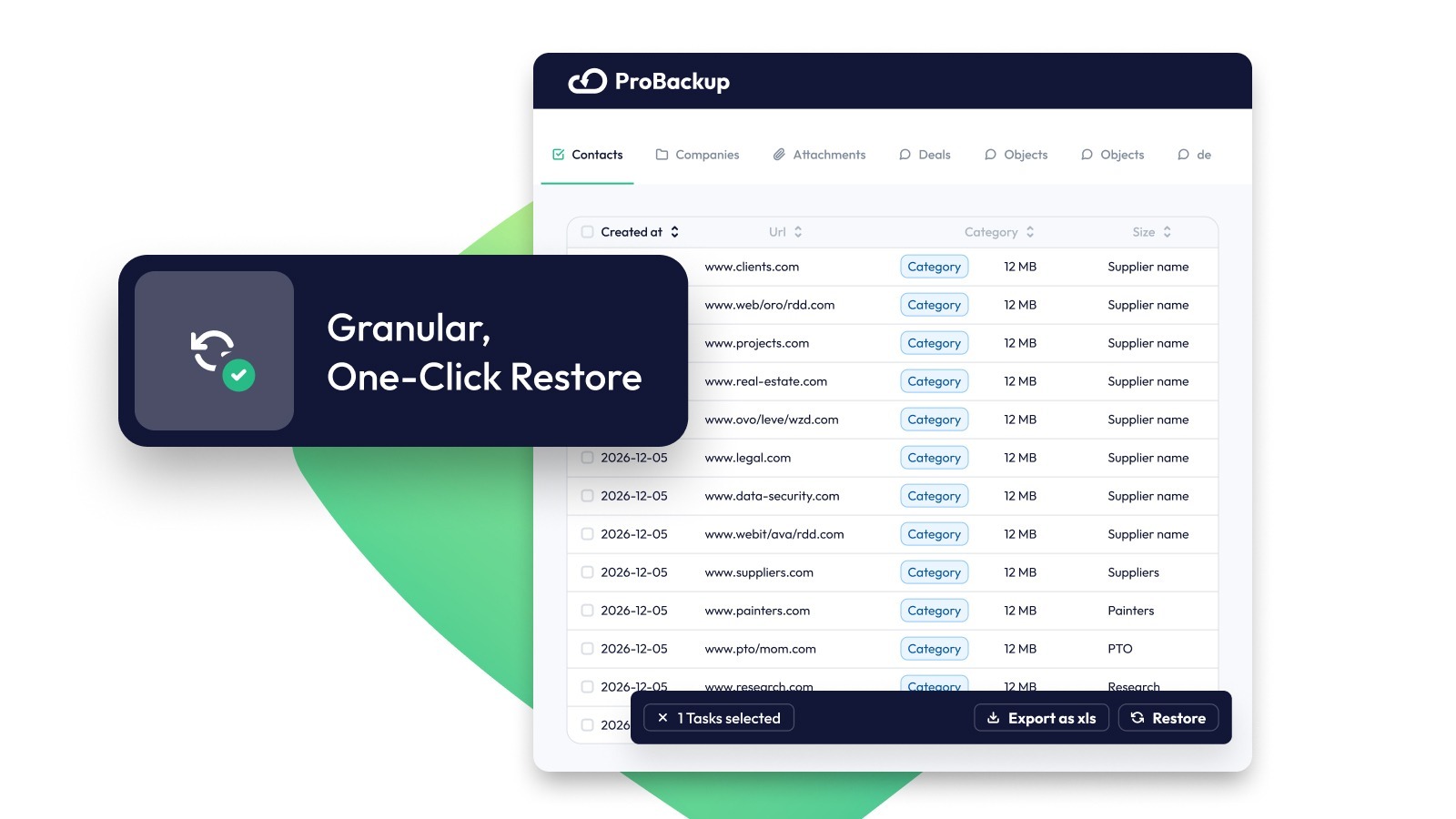
Granular, One-Click Restore
Undo mistakes in seconds. Restore individual contacts, companies, deals or tickets or even specific notes, takes, files & meeting minutes.
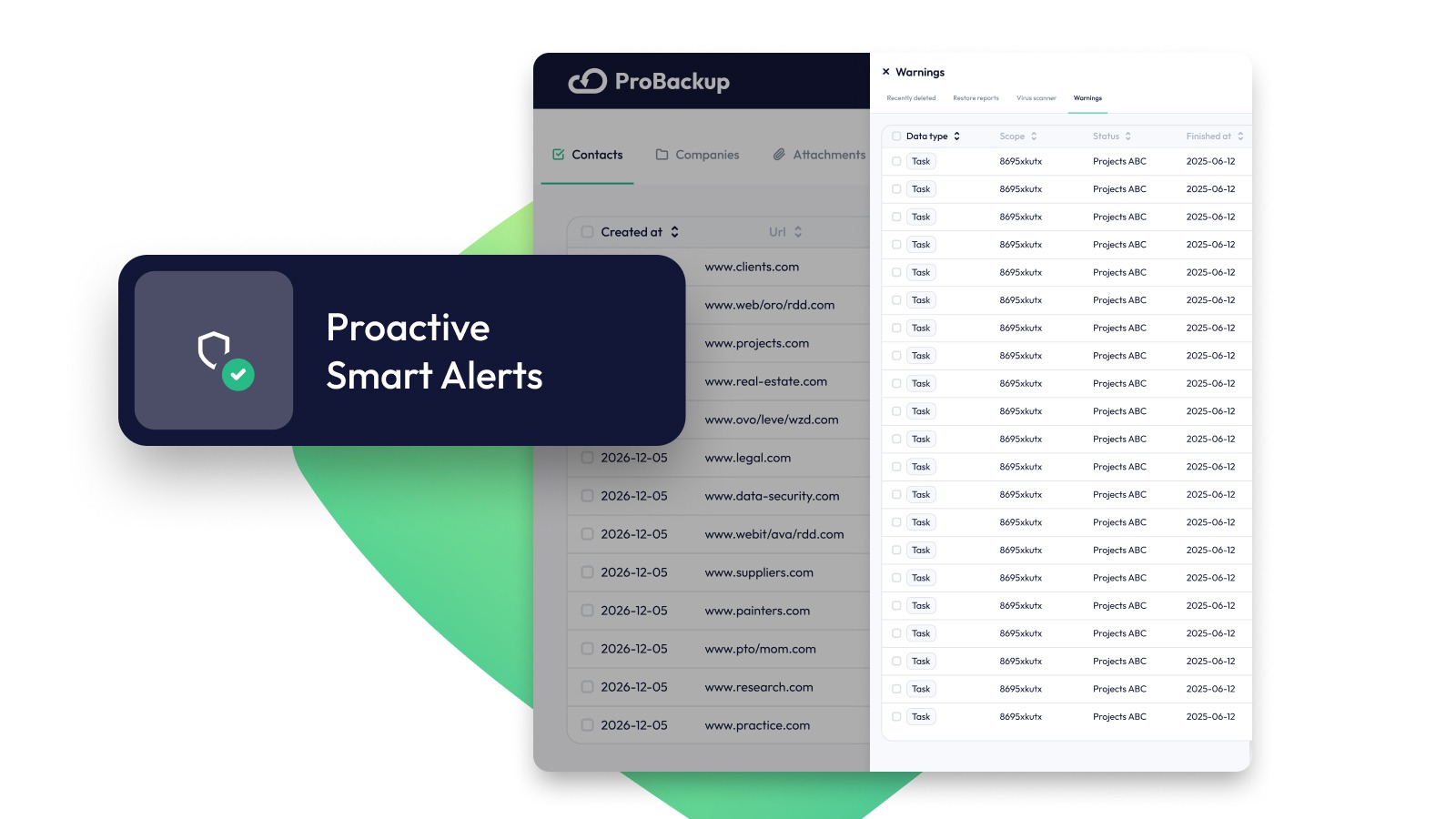
Proactive Alerts & Reports
No surprises. Get weekly status updates and real-time alerts when something looks unusual, like missing tables or sudden data drops.
App Functionality
Shared Data
Companies | ||
Contacts | ||
Contact Lists | ||
Deals | ||
Engagements | ||
Meetings | ||
Notes | ||
Tickets | ||
Products | ||
Tasks |
How data flows between HubSpot and ProBackup
ProBackup connects to your HubSpot account via OAuth (no passwords are stored), and you can revoke access at any time from your HubSpot settings.
From HubSpot to ProBackup (daily, read-only): Once every 24 hours, ProBackup reads your API-available CRM data: contacts, companies, deals, notes and attachments — and stores an encrypted snapshot on AWS infrastructure, fully independent of HubSpot. Data is encrypted with AES-256 at rest and TLS in transit. Each daily snapshot is retained as a separate version (6 months on Plus, 2 years on Pro, without limit on Premium).
From ProBackup to HubSpot (only when you restore): ProBackup writes to your HubSpot account only when you initiate a restore. Restored records are recreated via the HubSpot API; existing data is never overwritten or modified.
Optional onward sync (Pro and Premium plans): If you enable Google Drive Sync, backup copies are also written to your own Google Drive: records to Google Sheets, attachments to Drive folders. This is a separate connection you authorise; nothing is shared with any other third party.
ProBackup is SOC 2 Type II certified and GDPR compliant.
Reviews
4.9
15
4.9
15
- Oct 14, 2026
Great tool
ProBackup is working really well for us. It automatically syncs the HubSpot updates to a Backup, so that we have it available at anytime.
Automatically update, no manual changes
Perfect it would be if there would be a backup for HubSpot CMS as well
Hartmann, M.
- May 5, 2026
Extra piece of mind!
ProBackup has been great to connect to the various platforms we use, including HubSpot!
Let's you back up specific items, easily see what is being backed up, and restore as needed
It would be great to be able to bring your own storage, but they do allow you to sync backups to your G Drive.
Johnson, R.
Pricing
Plus
$25
/monthBackup & restore
✓ 6 month backup history
✓ Invite 1 guest
✓ Daily backup of all apps
✓ Backup of all records, files & comments
✓ Smart retries
✓ Granular restore
✓ Recently deleted items report
Plus
$25
/monthBackup & restore
✓ 6 month backup history
✓ Invite 1 guest
✓ Daily backup of all apps
✓ Backup of all records, files & comments
✓ Smart retries
✓ Granular restore
✓ Recently deleted items report
* The pricing here is for display purposes only. All prices do not include taxes, incentives, discounts, or other pricing variables. You should contact the partner for the most up to date and correct pricing information. HubSpot does not take any responsibility for this pricing information, which is provided by our partners. Pricing last updated: 09/08/2026
More info
Built by - Pro Backup BV
Installs - 600+ installs
Categories Languages this app is available in English ,French ,German ,Portuguese , andSpanish