

Help Desk Migration
Requisiti
Piano HubSpot Autorizzazioni dell'account HubSpot - Visualizza le autorizzazioni dell'account richieste
Tipo di accesso Condiviso Abbonamento Help Desk Migration - Piano Full data migration
Panoramica
1/8 - Help Desk Migration | Import Data to HubSpot Service Hub
Use Help Desk Migration to streamline your HubSpot data migration and move all your customer records quickly, securely, and without disruption.
Preserve your complete ticket history to deliver consistent, high-quality support and maintain context for returning customers.
Migrate data seamlessly from Zendesk, Freshdesk, ServiceNow, Intercom, or any other help desk platform to HubSpot Service Hub.
Simplify the data migration process while maintaining top-tier data quality, accuracy, and workflow integrity.
Customize your help desk data migration with automation options, mapping flexibility, and personalized support packages.
Select specific data objects - tickets, contacts, companies, or knowledge base articles — to migrate only what matters most.
Use CSV imports when needed for additional flexibility in handling custom or legacy data.
Assign default agents and ensure accurate agent mapping in HubSpot Service Hub to keep your support operations running smoothly.
With Help Desk Migration, you get a secure, automated, and customizable data migration solution built to fit your business needs.
Funzionalità
Import Data to HubSpot Service Hub from CSV, Gmail, & Other Platforms
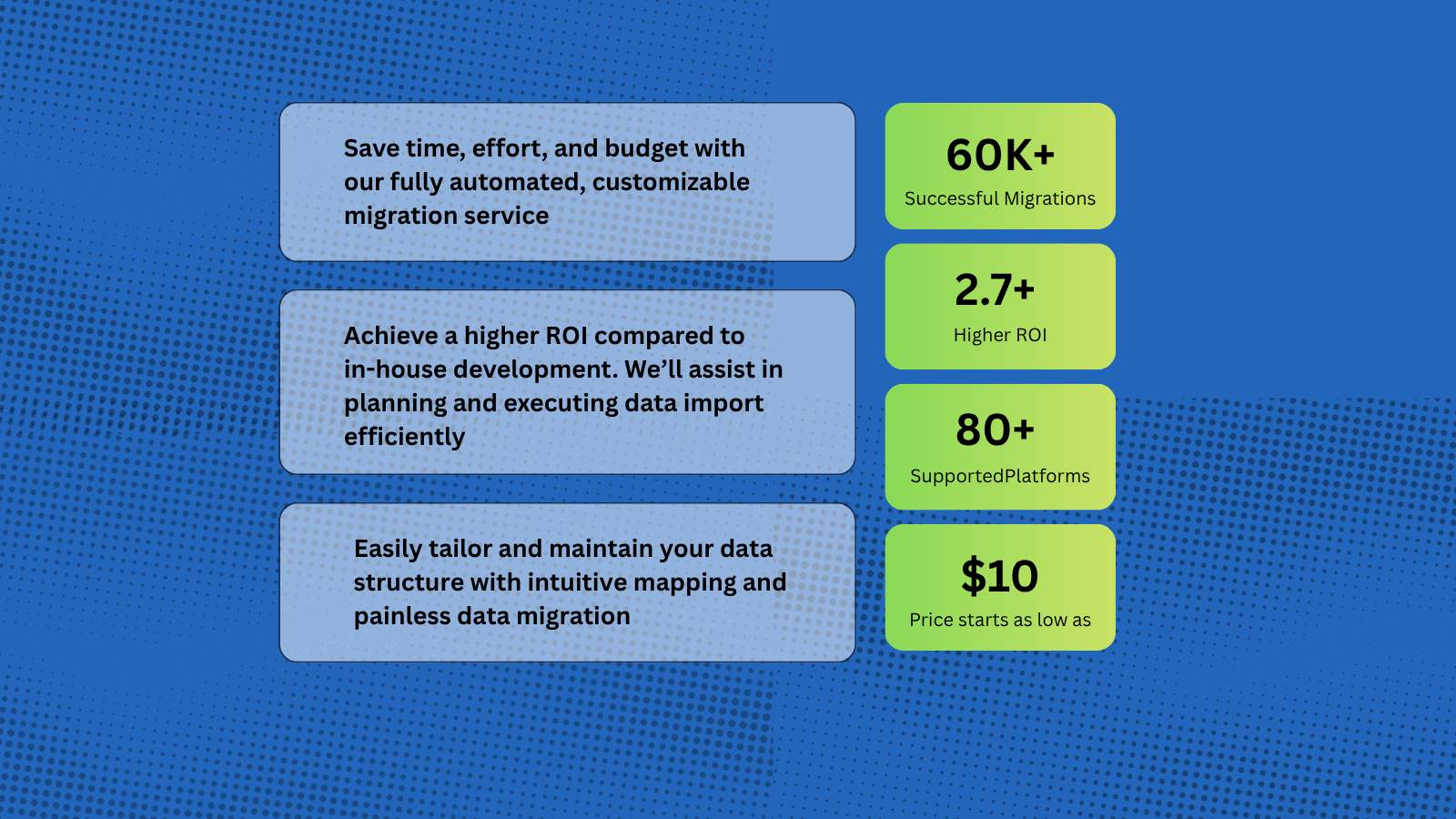
Help Desk Migration supports more than 80 help desk platforms, with the most popular migration paths being Zendesk to HubSpot, Intercom to HubSpot, Zoho to HubSpot. You can also import data from Gmail and CSV files into HubSpot, allowing you to seamlessly transfer tickets, contacts, and other customer records directly into the HubSpot workspace.
HubSpot Data Migration Tool for Tickets, Contacts, and Conversations
Help Desk Migration automates and simplifies the entire process — no coding or downtime required. You can import a wide range of entities directly to HubSpot Service Hub, including: Companies/Accounts, Contacts/Users, Tickets/Conversations, Custom Fields/Custom Objects, Attachments, Notes, Groups, Teams, Agent Assignments.
-1.png)
Map Fields and Match Agents Seamlessly When Migrating to HubSpot
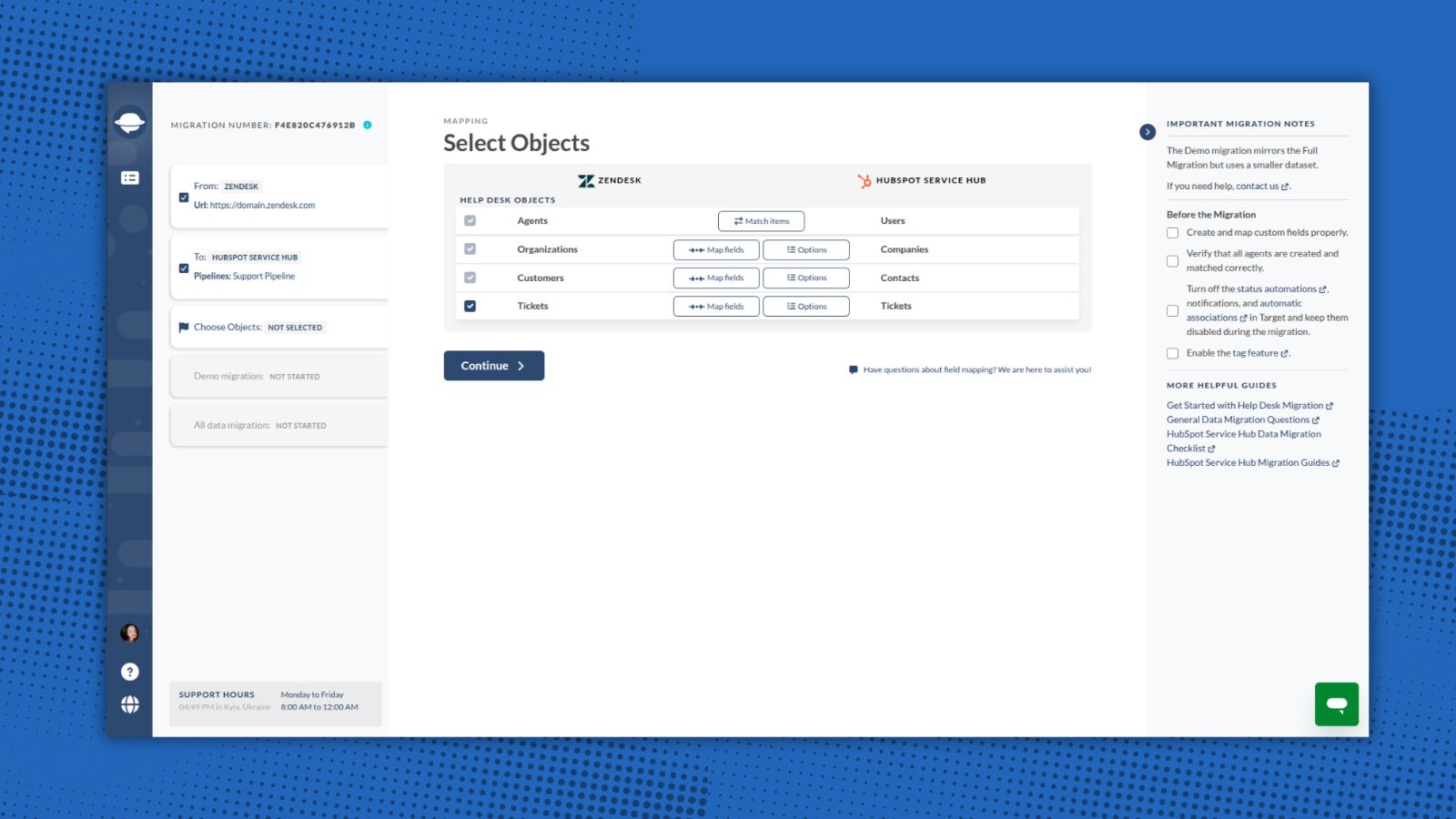
With Help Desk Migration, you stay in full control of how your data moves to HubSpot. Within the Migration Wizard you can map all fields to their corresponding HubSpot entities. Additionally, you can match agents between your source platform and HubSpot.
1-Click Options for Advanced Data Transfer
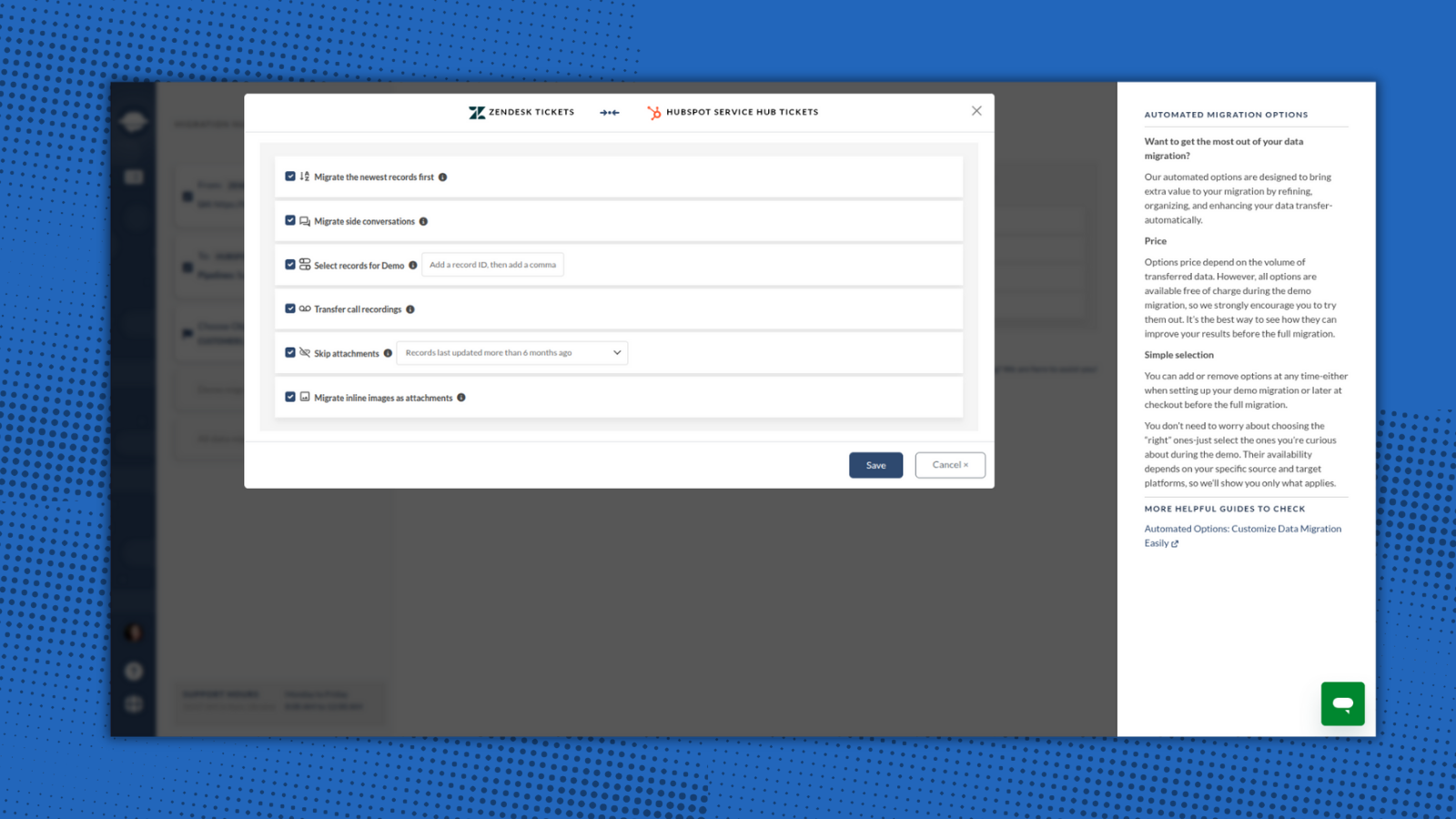
Help Desk Migration provides built-in options for a smooth and flawless data switch. Just select options that are valuable for you: skip attachments, migrate inline images, add tag to imported data, and move the newest records.
-2-1.png)
Try the Migration Wizard with a Free Demo
You can test the HubSpot migration process by running a free Demo Migration. Use the demo to review how the migration works, adjust your settings, and re-run it as needed to ensure accurate and secure data transfer. This step is essential for setting up your migration correctly and making sure it meets your expectations and requirements.
Ensure a Secure and Compliant Data Migration to HubSpot
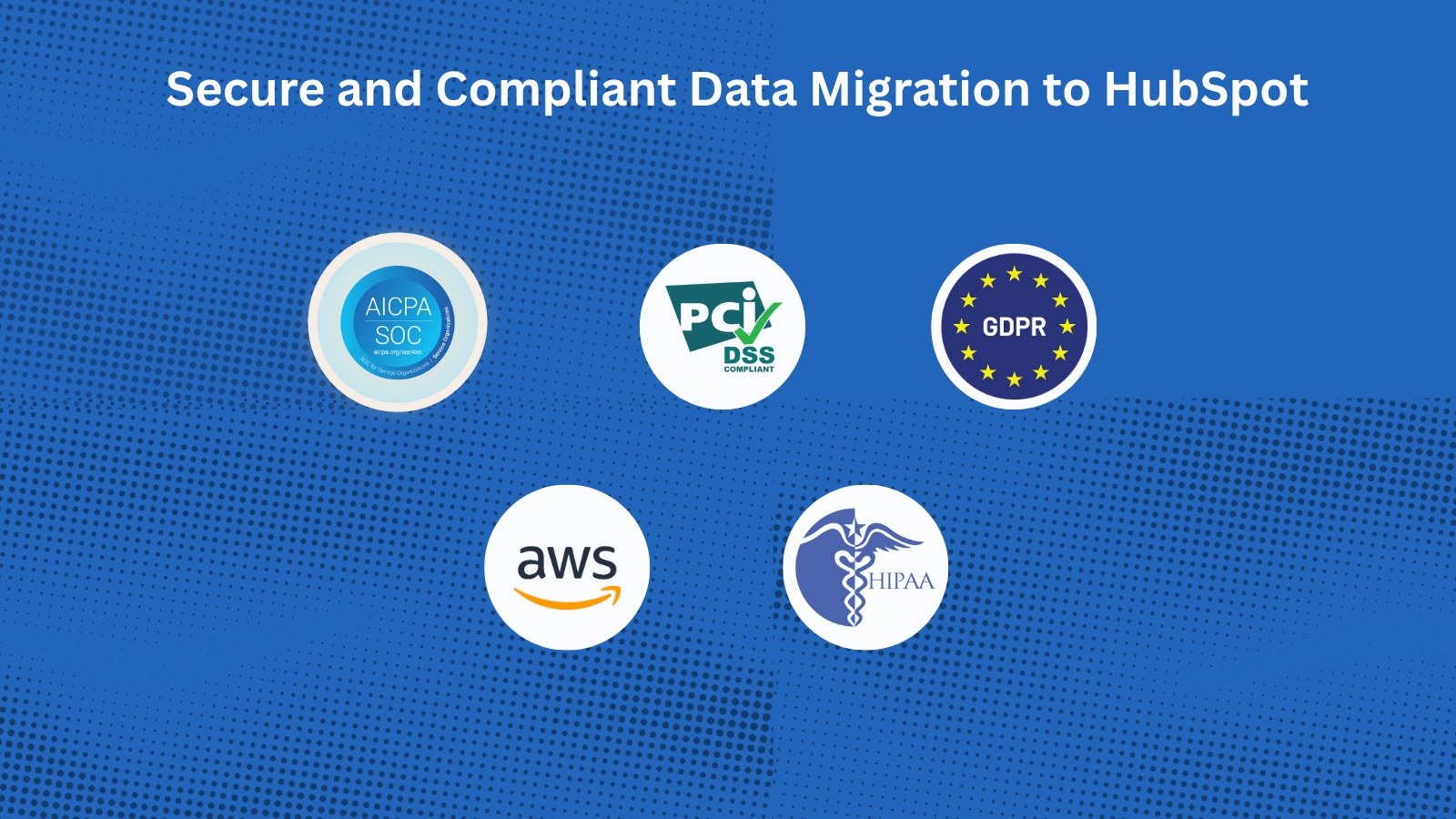
With Help Desk Migration’s HubSpot certified migration service, you can securely transfer all data to HubSpot Service Hub. Every step is protected with enterprise-grade security measures: GDPR-Compliant, SOC 2 Type II & III Certified, End-to-End Encryption.
Funzionalità dell'app
Dati condivisi
Companies | ||
Contacts | ||
Tickets |
The Migration Wizard automatically creates Companies, Contacts, and Tickets when migrating your HubSpot Service Hub data. You just need to create agent profiles before starting the migration. You can also request customization to import a specific dataset.
Recensioni
4,9
39
4,9
39
- 19 ago 2026
Migrazione senza interruzioni
Abbiamo trasferito diverse migliaia di ticket da Zendesk a HubSpot, personalizzazioni incluse, senza alcun intoppo. L'assistenza è stata fantastica, rapida nel rispondere e sempre disponibile quando necessario.
Facile da configurare e utilizzare, migrazioni di prova, opzioni di personalizzazione e un’assistenza eccellente.
Department, I.
- 18 feb 2026
Prezzo eccessivo quando è possibile realizzare facilmente le stesse funzionalità con strumenti di intelligenza artificiale
È incredibilmente costoso per una soluzione che si può configurare ed eseguire nel proprio terminale sfruttando l'intelligenza artificiale.
Guzmán, A.
Full data migration
100 USD
/1000 recordsMigrate all support tickets to HubSpot Service Hub
The price depends on the number of records and additional options.Full data migration
100 USD
/1000 recordsMigrate all support tickets to HubSpot Service Hub
The price depends on the number of records and additional options.* I prezzi riportati sono a scopo informativo. I prezzi non includono tasse, incentivi, sconti o altre variabili. Contatta il partner per ricevere il tariffario aggiornato. HubSpot declina qualsiasi responsabilità circa le informazioni di prezzo fornite dai propri partner. Ultimo aggiornamento tariffario: 08/12/2025
Maggiori informazioni
Creazione di - Relokia
Installazioni - 1.000 installazioni
Categorie Lingue in cui è disponibile questa app Francese - Canada ,Francese - Francia ,Francese - Lussemburgo ,Francese - Monaco ,Francese - Svizzera ,Francese - Tunisia ,Giapponese - Giappone ,Inglese ,Portoghese ,Portoghese - Brasile ,Spagnolo ,Tedesco - Belgio ,Tedesco - Germania ,Tedesco - Grecia ,Tedesco - Lussemburgo eTedesco - Svizzera