

要求
HubSpot 版本 HubSpot 帳戶權限 - 檢視所需的帳戶權限
存取權類型 已分享 Help Desk Migration 訂閱 - Full data migration 版本
總覽
1/8 - Help Desk Migration | Import Data to HubSpot Service Hub
Use Help Desk Migration to streamline your HubSpot data migration and move all your customer records quickly, securely, and without disruption.
Preserve your complete ticket history to deliver consistent, high-quality support and maintain context for returning customers.
Migrate data seamlessly from Zendesk, Freshdesk, ServiceNow, Intercom, or any other help desk platform to HubSpot Service Hub.
Simplify the data migration process while maintaining top-tier data quality, accuracy, and workflow integrity.
Customize your help desk data migration with automation options, mapping flexibility, and personalized support packages.
Select specific data objects - tickets, contacts, companies, or knowledge base articles — to migrate only what matters most.
Use CSV imports when needed for additional flexibility in handling custom or legacy data.
Assign default agents and ensure accurate agent mapping in HubSpot Service Hub to keep your support operations running smoothly.
With Help Desk Migration, you get a secure, automated, and customizable data migration solution built to fit your business needs.
功能
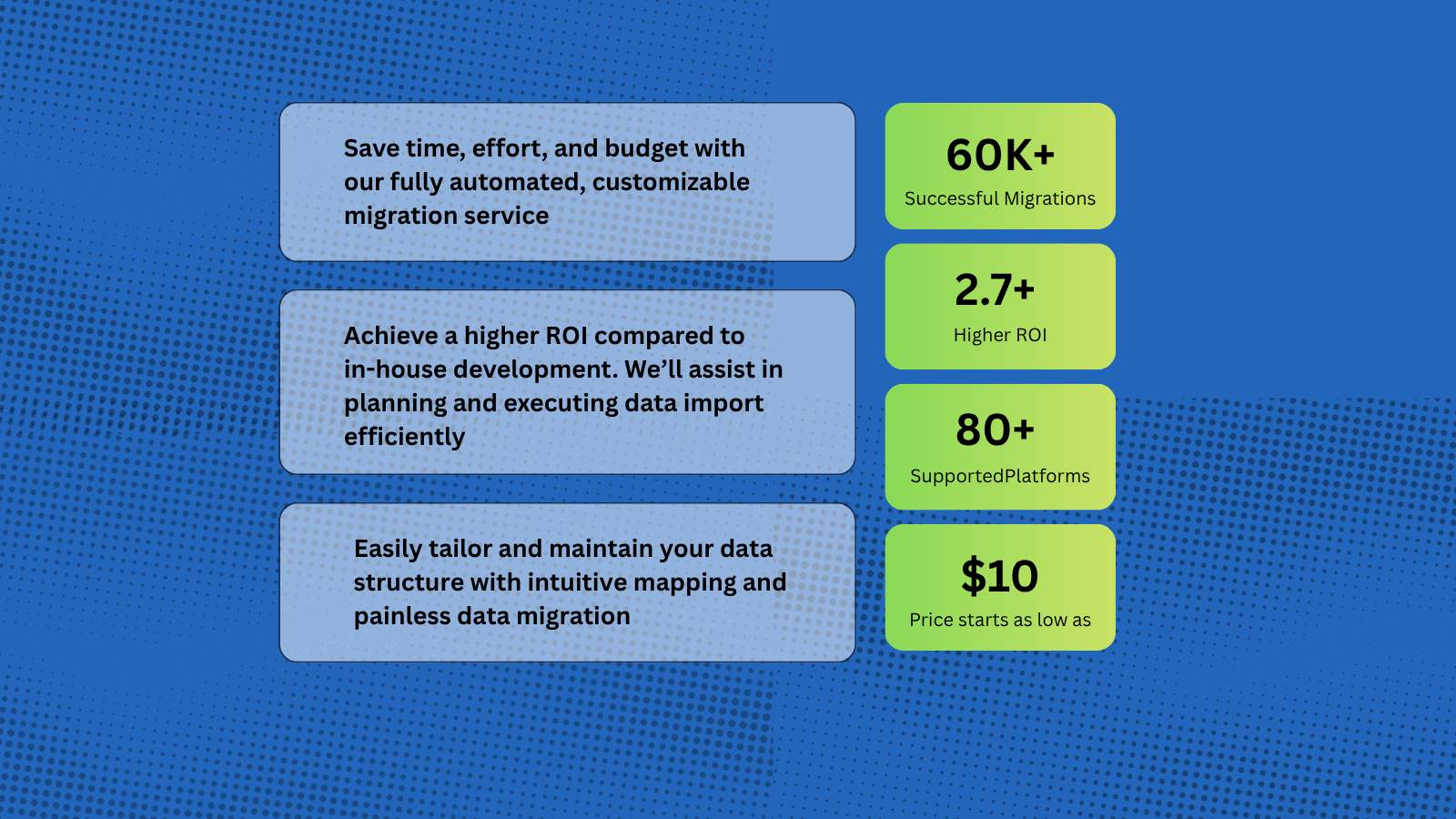
Import Data to HubSpot Service Hub from CSV, Gmail, & Other Platforms
Help Desk Migration supports more than 80 help desk platforms, with the most popular migration paths being Zendesk to HubSpot, Intercom to HubSpot, Zoho to HubSpot. You can also import data from Gmail and CSV files into HubSpot, allowing you to seamlessly transfer tickets, contacts, and other customer records directly into the HubSpot workspace.
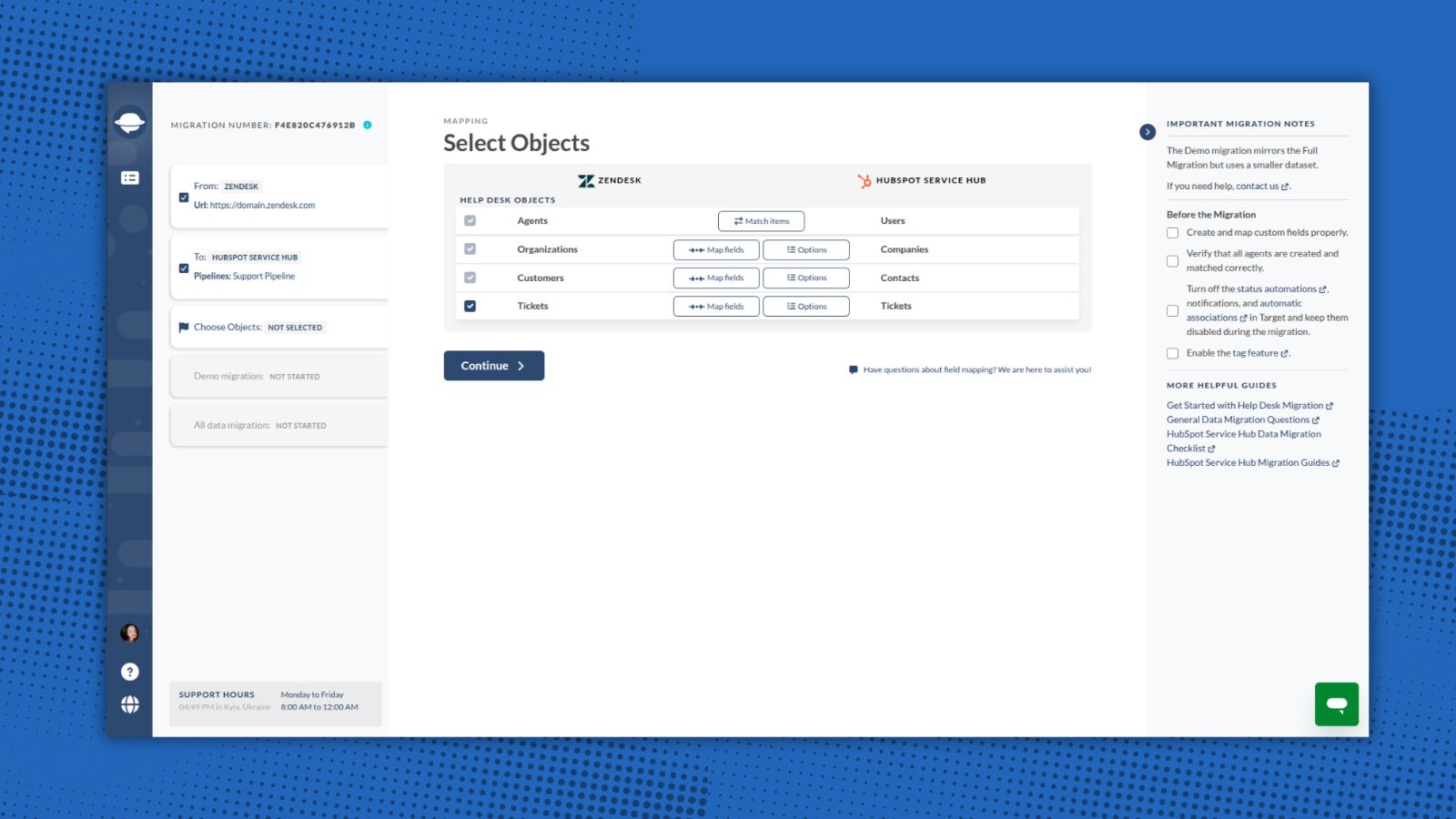
HubSpot Data Migration Tool for Tickets, Contacts, and Conversations
Help Desk Migration automates and simplifies the entire process — no coding or downtime required. You can import a wide range of entities directly to HubSpot Service Hub, including: Companies/Accounts, Contacts/Users, Tickets/Conversations, Custom Fields/Custom Objects, Attachments, Notes, Groups, Teams, Agent Assignments.
-1.png)
Map Fields and Match Agents Seamlessly When Migrating to HubSpot
With Help Desk Migration, you stay in full control of how your data moves to HubSpot. Within the Migration Wizard you can map all fields to their corresponding HubSpot entities. Additionally, you can match agents between your source platform and HubSpot.
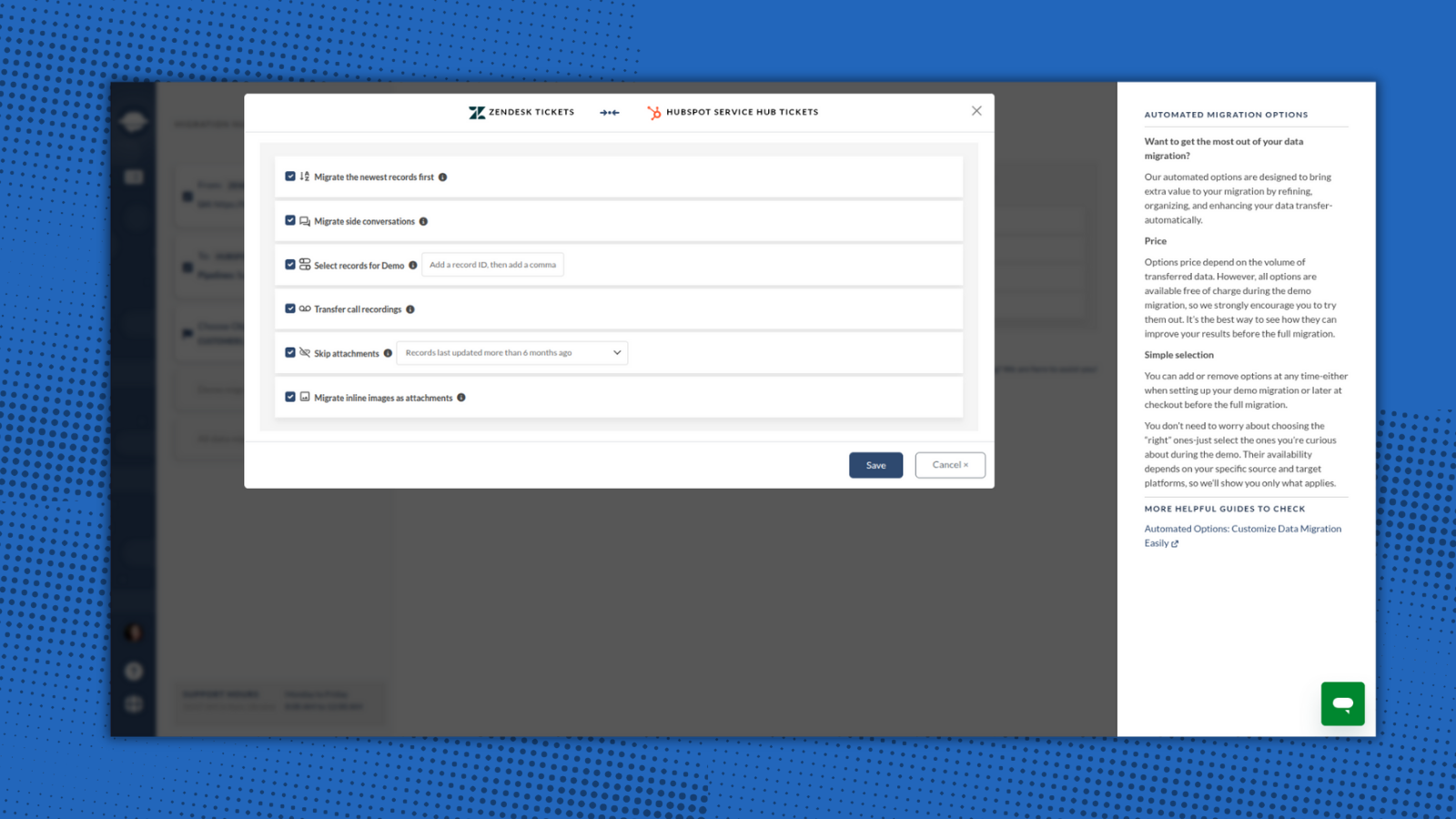
1-Click Options for Advanced Data Transfer
Help Desk Migration provides built-in options for a smooth and flawless data switch. Just select options that are valuable for you: skip attachments, migrate inline images, add tag to imported data, and move the newest records.
-2-1.png)
Try the Migration Wizard with a Free Demo
You can test the HubSpot migration process by running a free Demo Migration. Use the demo to review how the migration works, adjust your settings, and re-run it as needed to ensure accurate and secure data transfer. This step is essential for setting up your migration correctly and making sure it meets your expectations and requirements.
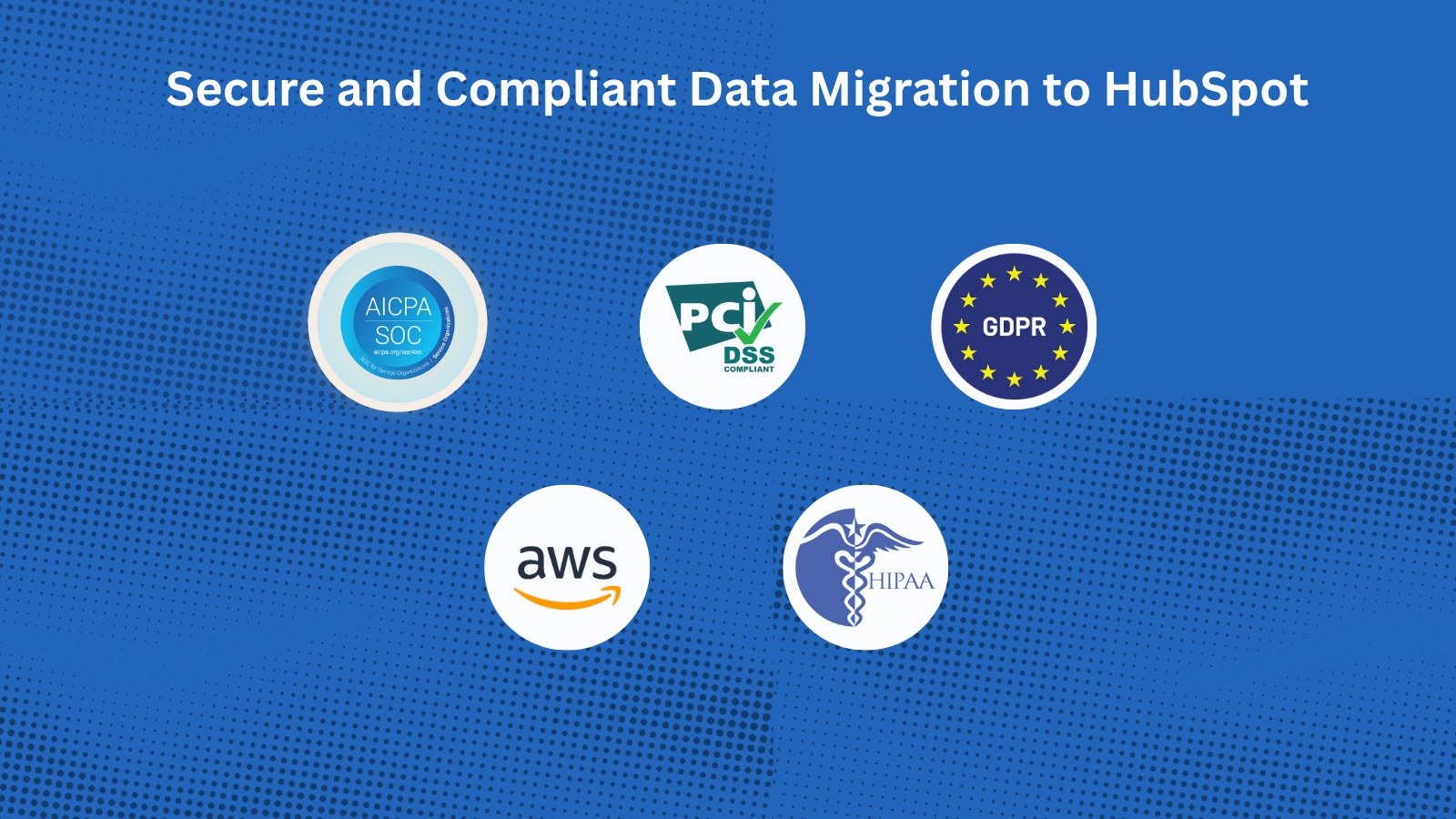
Ensure a Secure and Compliant Data Migration to HubSpot
With Help Desk Migration’s HubSpot certified migration service, you can securely transfer all data to HubSpot Service Hub. Every step is protected with enterprise-grade security measures: GDPR-Compliant, SOC 2 Type II & III Certified, End-to-End Encryption.
應用程式功能
共用資料
Companies | ||
Contacts | ||
Tickets |
The Migration Wizard automatically creates Companies, Contacts, and Tickets when migrating your HubSpot Service Hub data. You just need to create agent profiles before starting the migration. You can also request customization to import a specific dataset.
評論
4.9
39
4.9
39
- 2026年8月19日
无缝迁移
将数千张工单(包括自定义设置)从 Zendesk 无缝迁移到了 HubSpot。技术支持非常出色,响应迅速,而且在需要时总能及时提供帮助。
配置和使用简便,提供示例迁移、自定义选项以及出色的技术支持。
Department, I.
- 2026年2月18日
用人工智能工具就能轻松实现同样的功能,但价格却过于昂贵
对于一个可以利用人工智能在自己的终端上设置和运行的解决方案来说,它的价格高得令人难以置信。
Guzmán, A.
價格
Full data migration
US$100
/ 1000 recordsMigrate all support tickets to HubSpot Service Hub
The price depends on the number of records and additional options.Full data migration
US$100
/ 1000 recordsMigrate all support tickets to HubSpot Service Hub
The price depends on the number of records and additional options.* 此處顯示的價格僅供參考。所有價格均不包含稅金、獎勵、折扣或其他價格變數。如需最新的正確價格資訊,請連絡合作夥伴。HubSpot 對合作夥伴所提供的價格資訊不承擔任何責任。上次更新價格時間:2025/12/08