

요구 사항
HubSpot 요금제 HubSpot 계정 권한 - 필수 계정 권한 보기
액세스 유형 공유됨 Help Desk Migration 구독 - Full data migration 플랜
개요
1/8 - Help Desk Migration | Import Data to HubSpot Service Hub
Use Help Desk Migration to streamline your HubSpot data migration and move all your customer records quickly, securely, and without disruption.
Preserve your complete ticket history to deliver consistent, high-quality support and maintain context for returning customers.
Migrate data seamlessly from Zendesk, Freshdesk, ServiceNow, Intercom, or any other help desk platform to HubSpot Service Hub.
Simplify the data migration process while maintaining top-tier data quality, accuracy, and workflow integrity.
Customize your help desk data migration with automation options, mapping flexibility, and personalized support packages.
Select specific data objects - tickets, contacts, companies, or knowledge base articles — to migrate only what matters most.
Use CSV imports when needed for additional flexibility in handling custom or legacy data.
Assign default agents and ensure accurate agent mapping in HubSpot Service Hub to keep your support operations running smoothly.
With Help Desk Migration, you get a secure, automated, and customizable data migration solution built to fit your business needs.
기능
Import Data to HubSpot Service Hub from CSV, Gmail, & Other Platforms
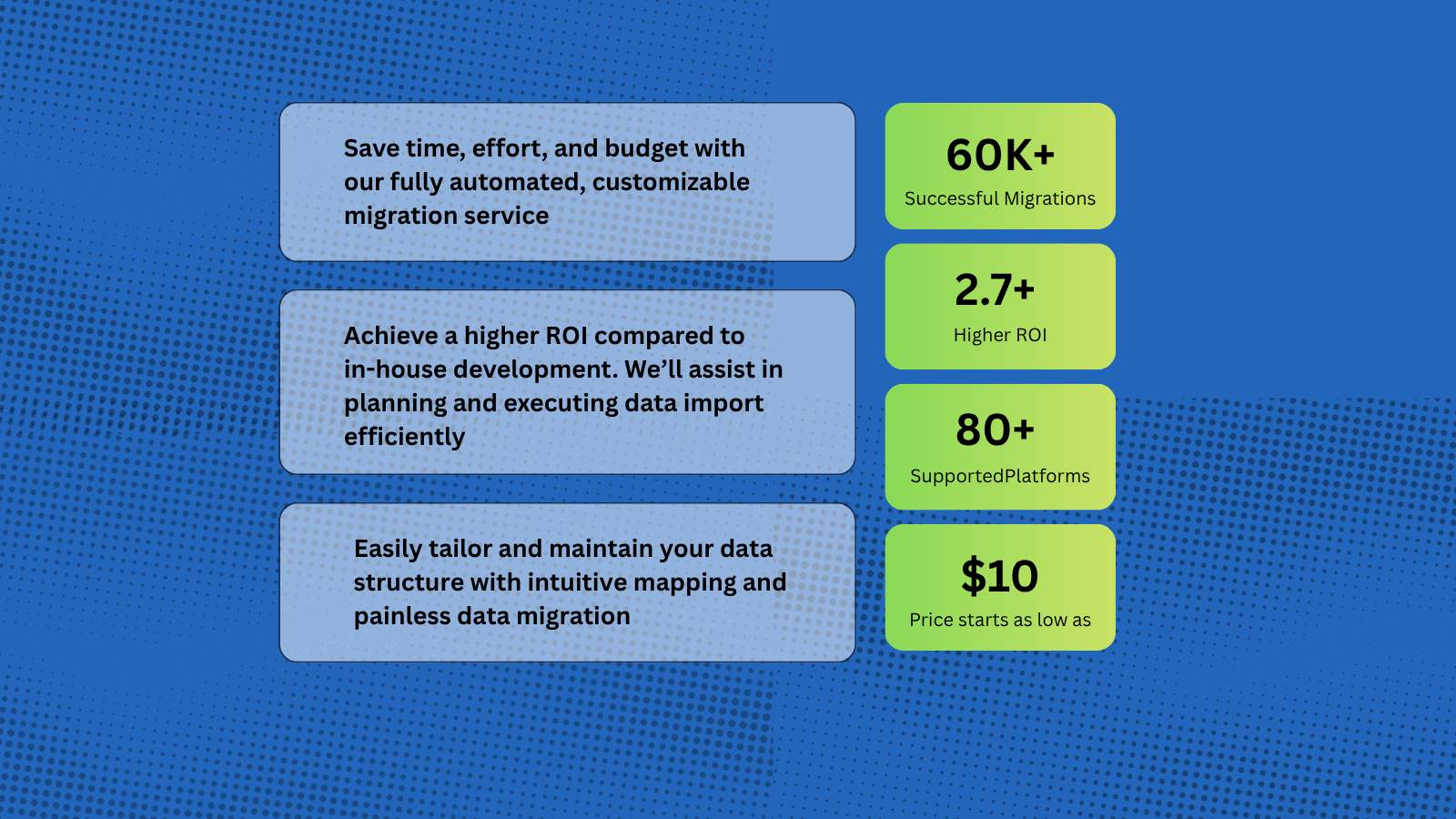
Help Desk Migration supports more than 80 help desk platforms, with the most popular migration paths being Zendesk to HubSpot, Intercom to HubSpot, Zoho to HubSpot. You can also import data from Gmail and CSV files into HubSpot, allowing you to seamlessly transfer tickets, contacts, and other customer records directly into the HubSpot workspace.
HubSpot Data Migration Tool for Tickets, Contacts, and Conversations
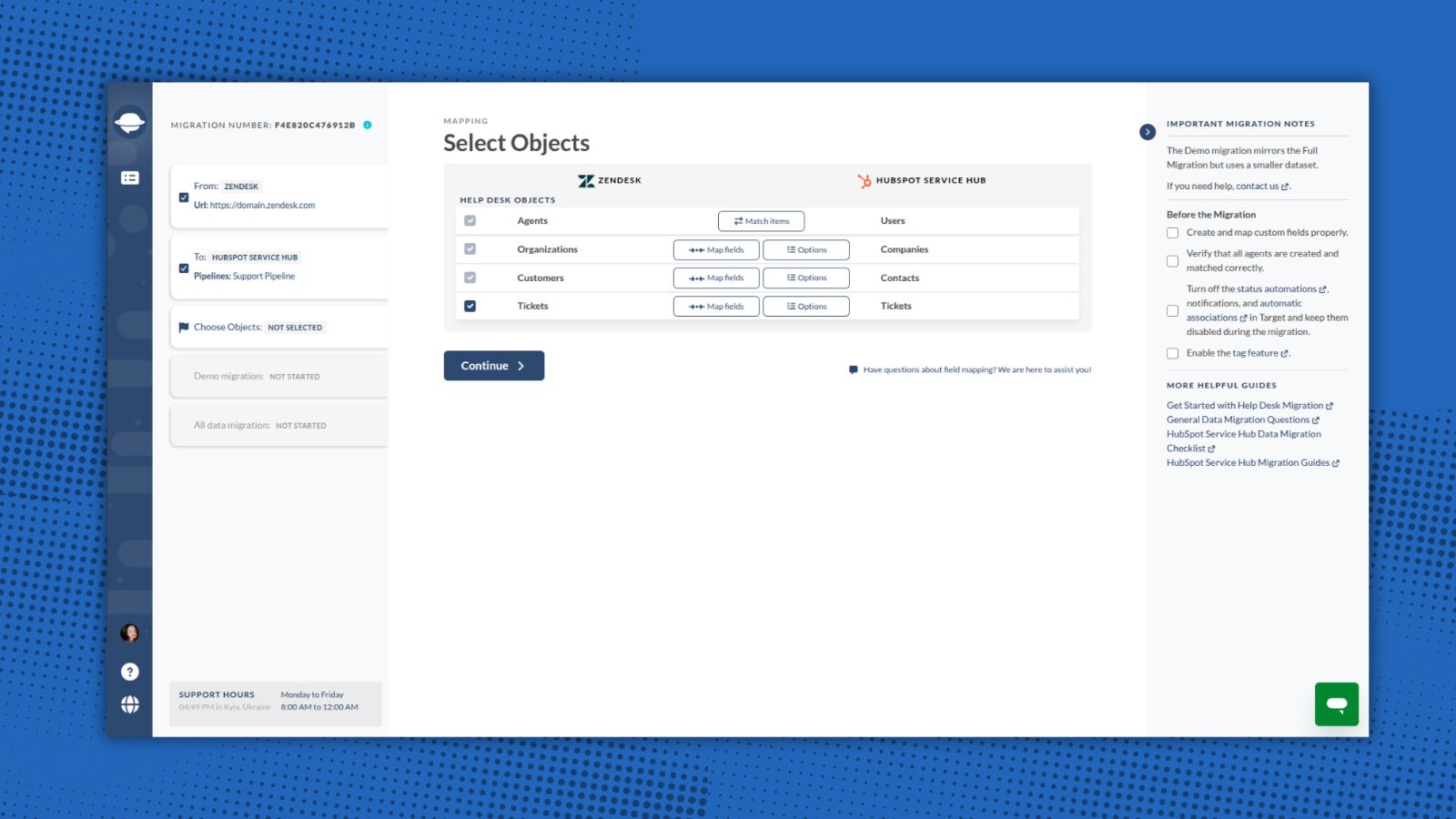
Help Desk Migration automates and simplifies the entire process — no coding or downtime required. You can import a wide range of entities directly to HubSpot Service Hub, including: Companies/Accounts, Contacts/Users, Tickets/Conversations, Custom Fields/Custom Objects, Attachments, Notes, Groups, Teams, Agent Assignments.
-1.png)
Map Fields and Match Agents Seamlessly When Migrating to HubSpot
With Help Desk Migration, you stay in full control of how your data moves to HubSpot. Within the Migration Wizard you can map all fields to their corresponding HubSpot entities. Additionally, you can match agents between your source platform and HubSpot.
1-Click Options for Advanced Data Transfer
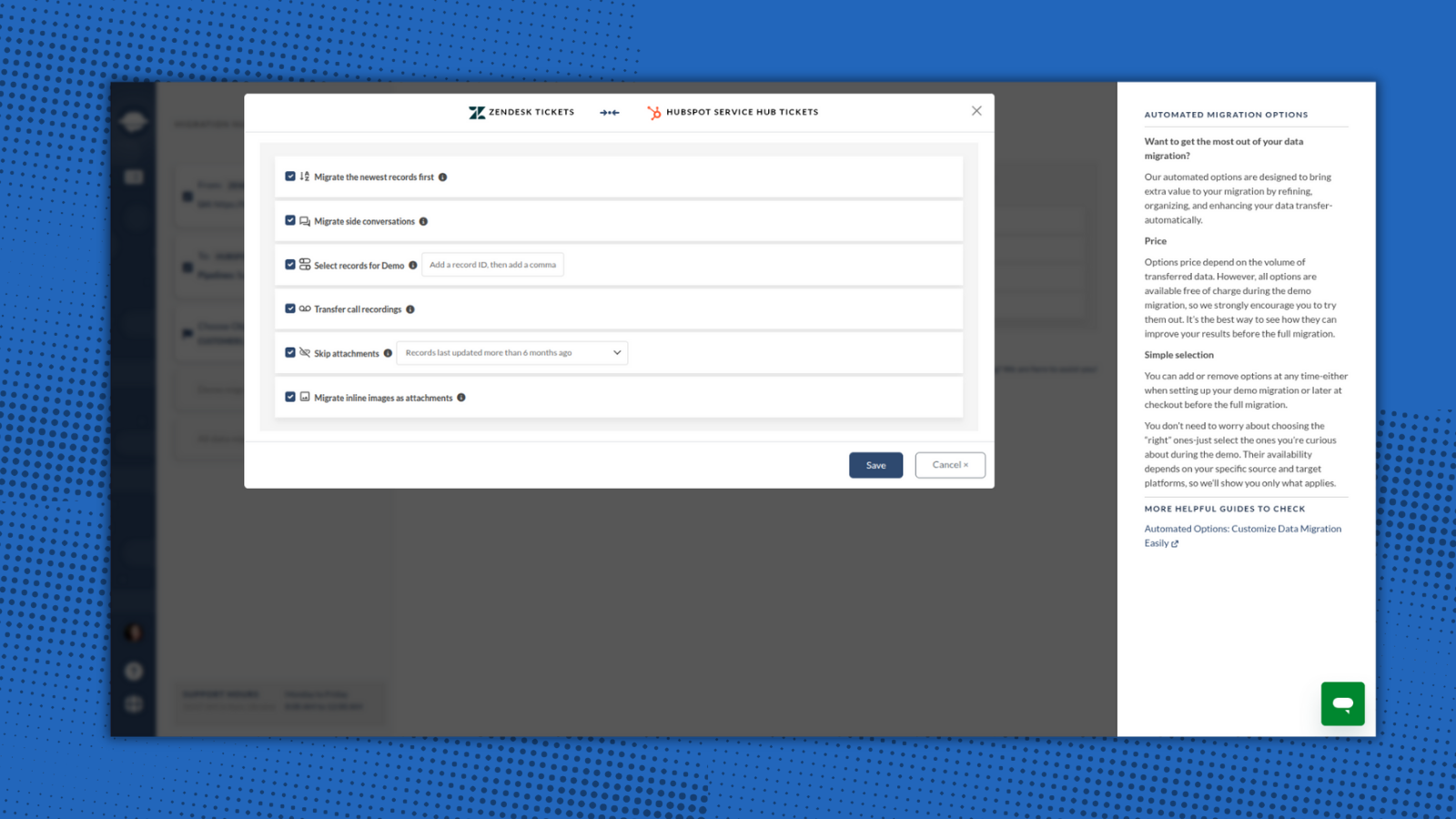
Help Desk Migration provides built-in options for a smooth and flawless data switch. Just select options that are valuable for you: skip attachments, migrate inline images, add tag to imported data, and move the newest records.
-2-1.png)
Try the Migration Wizard with a Free Demo
You can test the HubSpot migration process by running a free Demo Migration. Use the demo to review how the migration works, adjust your settings, and re-run it as needed to ensure accurate and secure data transfer. This step is essential for setting up your migration correctly and making sure it meets your expectations and requirements.
Ensure a Secure and Compliant Data Migration to HubSpot
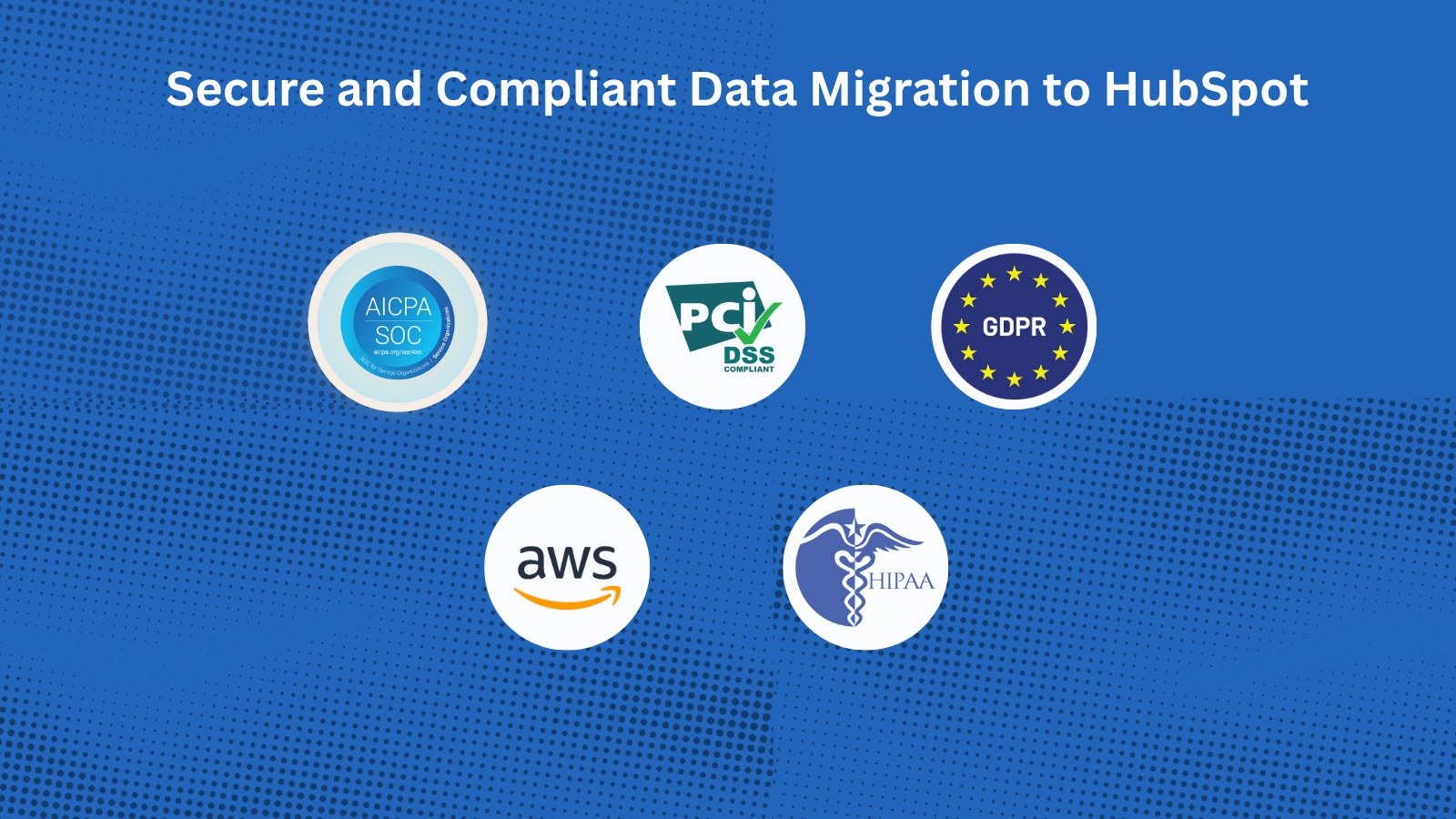
With Help Desk Migration’s HubSpot certified migration service, you can securely transfer all data to HubSpot Service Hub. Every step is protected with enterprise-grade security measures: GDPR-Compliant, SOC 2 Type II & III Certified, End-to-End Encryption.
앱 기능
공유 데이터
Companies | ||
Contacts | ||
Tickets |
The Migration Wizard automatically creates Companies, Contacts, and Tickets when migrating your HubSpot Service Hub data. You just need to create agent profiles before starting the migration. You can also request customization to import a specific dataset.
리뷰
4.9
39
4.9
39
- 2026년 8월 19일
원활한 마이그레이션
Zendesk에서 HubSpot으로 수천 건의 티켓을 사용자 지정 설정까지 포함해 완벽하게 이전했습니다. 지원 서비스도 훌륭했고, 응답이 빠르며, 필요할 때마다 항상 도움을 주었습니다.
설정과 사용이 간편하며, 데모 마이그레이션, 사용자 지정 옵션, 그리고 훌륭한 지원 서비스를 제공합니다.
Department, I.
- 2026년 2월 18일
AI 도구로 동일한 기능을 직접 쉽게 구축할 수 있는데도 가격이 비쌉니다.
AI를 활용하여 자체 터미널에서 설정하고 실행할 수 있는 솔루션치고는 엄청나게 비싼 가격입니다.
Guzmán, A.
가격 책정
Full data migration
US$100
/1000 recordsMigrate all support tickets to HubSpot Service Hub
The price depends on the number of records and additional options.Full data migration
US$100
/1000 recordsMigrate all support tickets to HubSpot Service Hub
The price depends on the number of records and additional options.* 여기에 표시된 가격은 표시 목적으로만 사용됩니다. 모든 가격에는 세금, 인센티브, 할인 또는 기타 가격 변수가 포함되어 있지 않습니다. 가장 최신의 정확한 가격 정보를 알고 싶다면 파트너에게 연락해야 합니다. HubSpot은 파트너가 제공하는 이 가격 정보에 대해 어떠한 책임도 지지 않습니다. 마지막 가격 업데이트 날짜: 2025.12.08.