
.jpeg)
Canva
Bring Canva's design power into your HubSpot marketing workflow.
Requirements
HubSpot Plan HubSpot Account permissions No permissions required Canva Subscription - Canva, Canva Pro, or Canva Teams plans
Overview
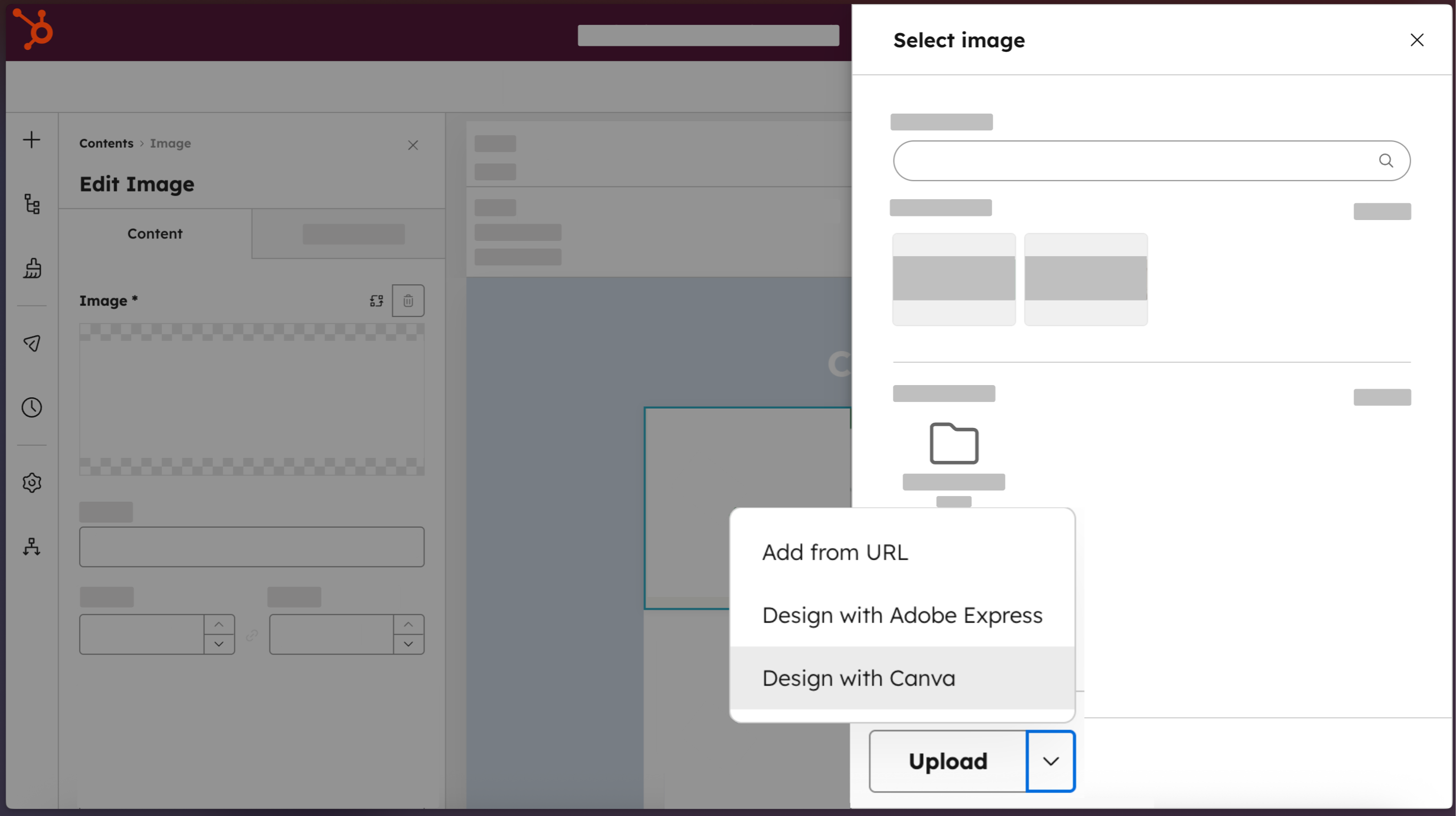
1/4 - Access Canva directly from HubSpot.
Marketing teams shouldn't have to choose between moving fast and staying on-brand. The Canva app for HubSpot connects both platforms so anyone on your team can jump from HubSpot directly into Canva's full editor. Use Canva's AI-powered tools, brand-approved templates, and real-time collaboration features to create professional-quality assets without design expertise. Finished designs move back into HubSpot's file manager in one click, ready to deploy across emails, web pages, social posts, and ads. The result: visual content that moves at the speed Loop Marketing demands.
Features
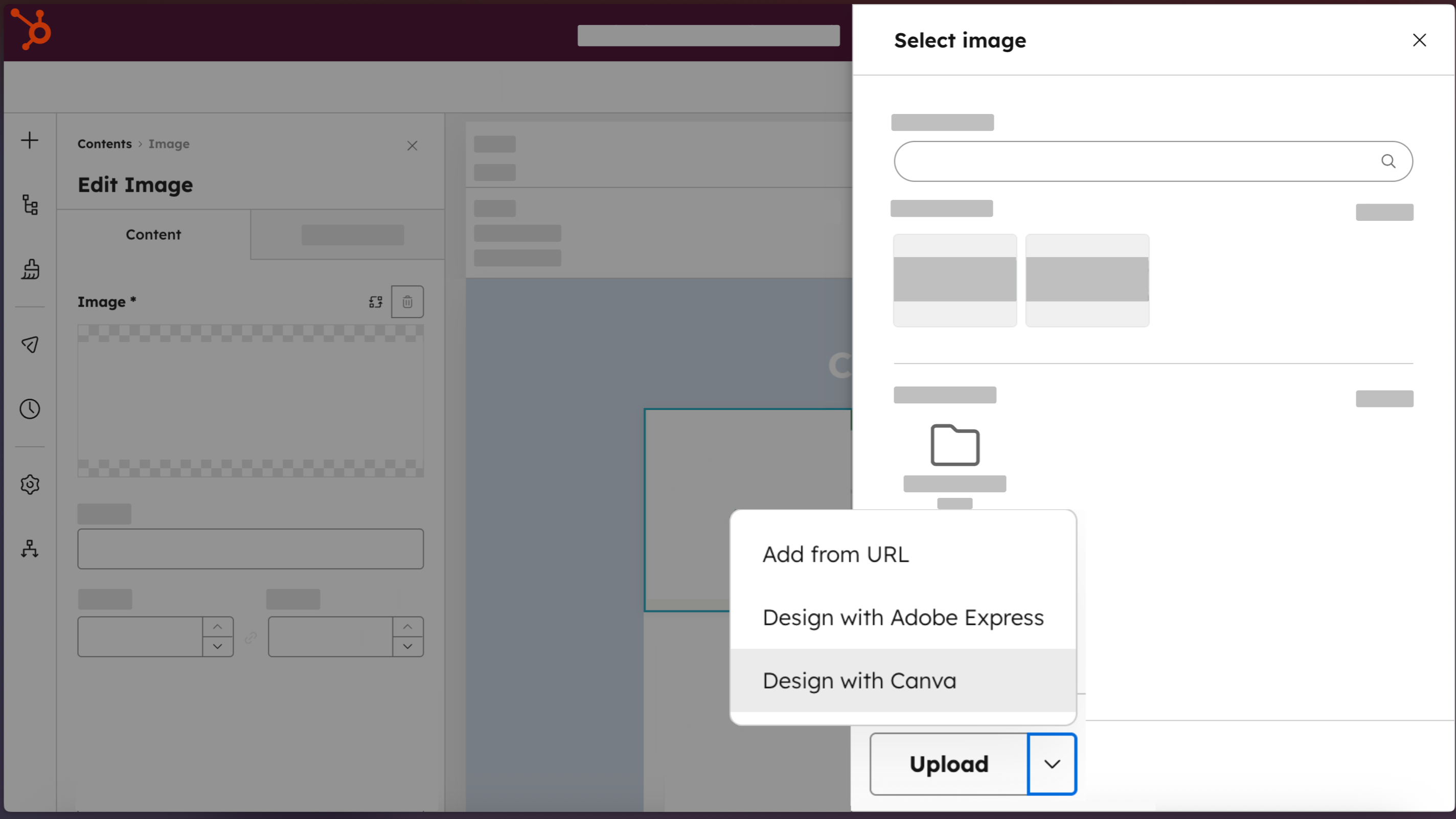
Access Canva directly from HubSpot
Create professional designs with the “Design with Canva” button, available across HubSpot editors for email, social, ads, landing pages, website pages, and blog posts.
-2-1.png)
Create professional-quality assets, no design expertise required
Build on-brand marketing assets that look designer-made, using Brand Kits, Canva AI, Ask Canva, the drag and drop editor, and a library of templates.
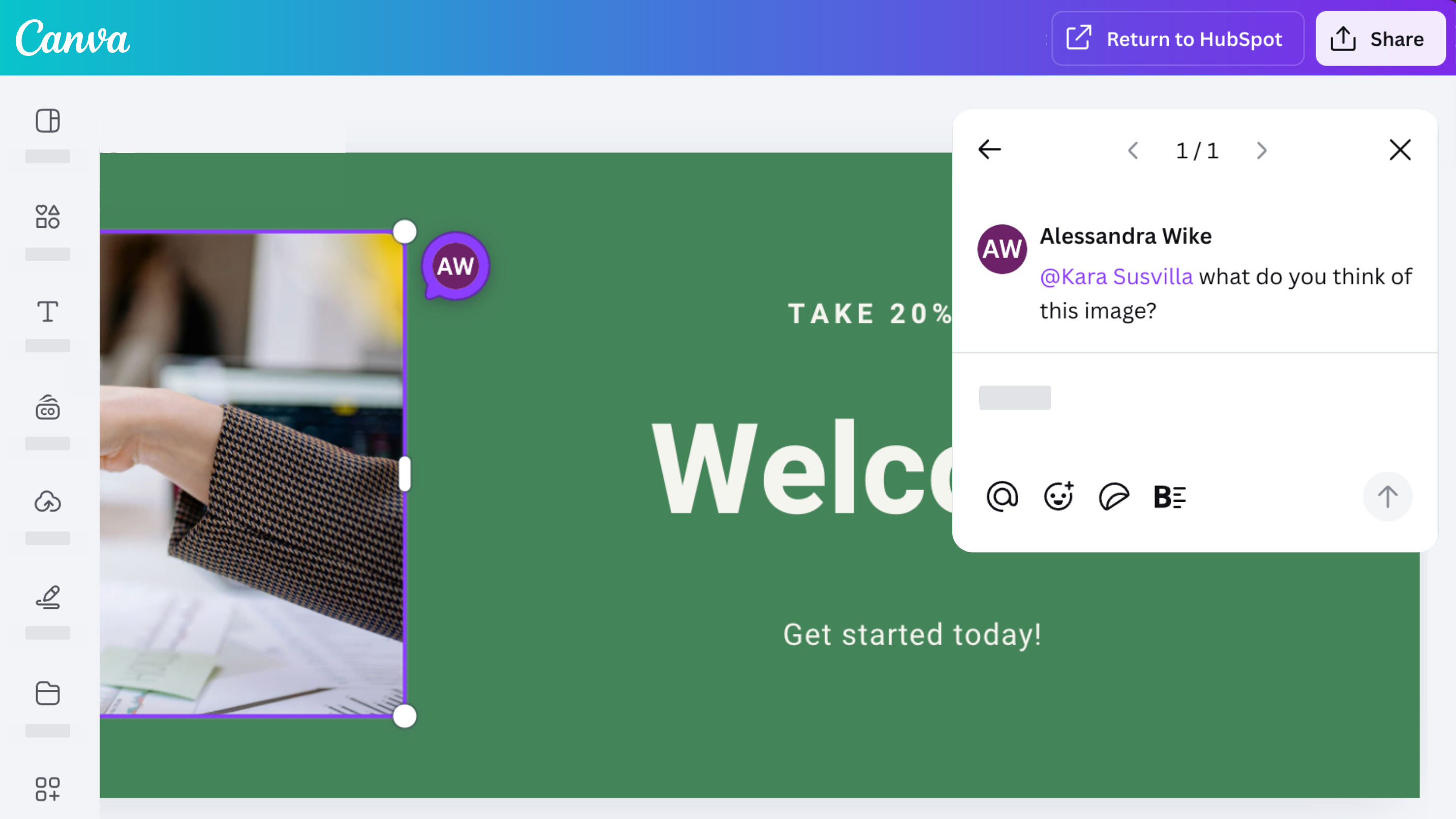
Collaborate, comment, and share with your team
Access Canva’s robust collaboration features with the Canva app for HubSpot. Design, comment, share, and iterate on designs with your team.
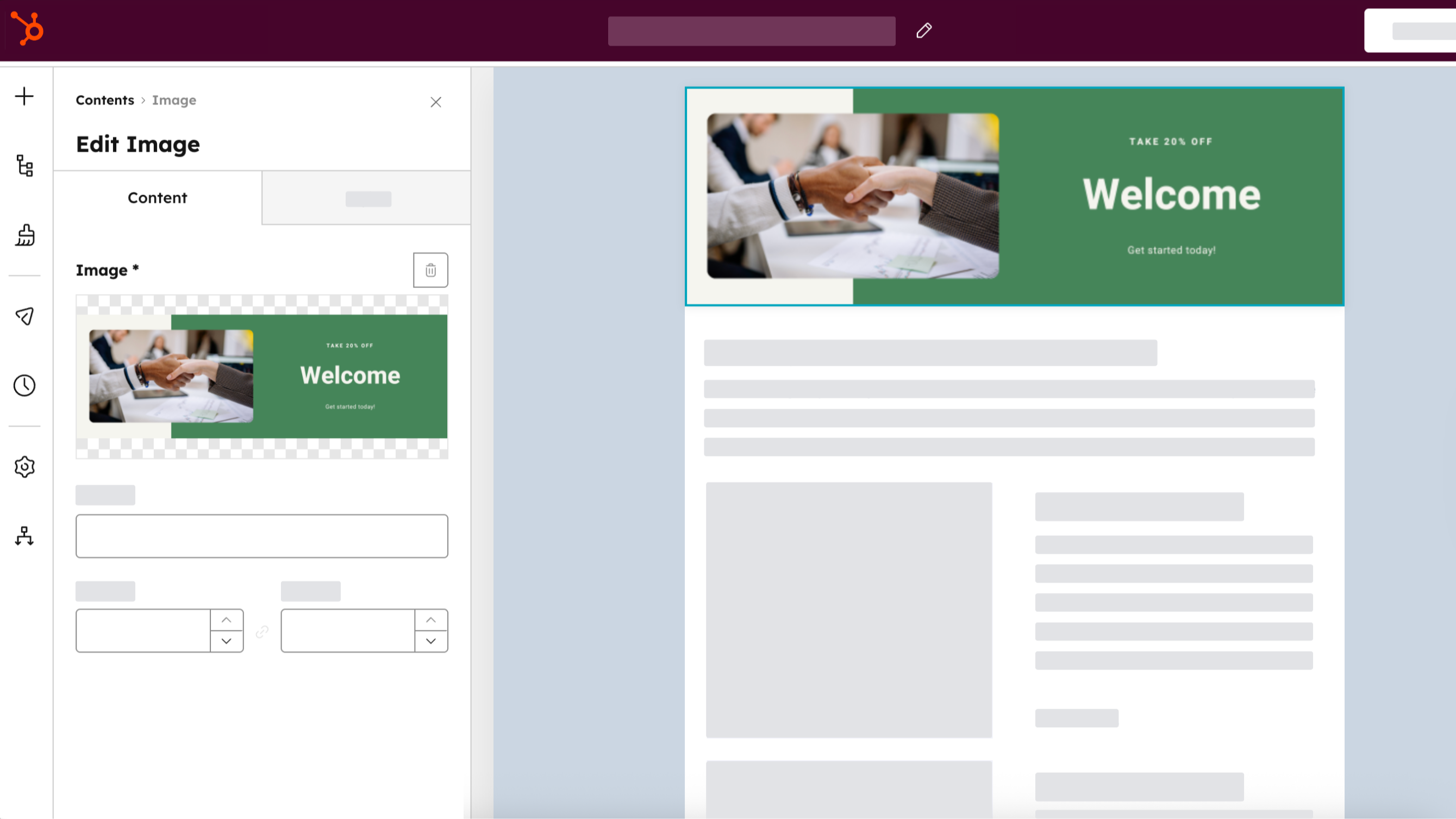
Distribute across every HubSpot channel
Create an asset once, save it to your HubSpot file manager by selecting “Return to HubSpot,” then use it across your ads, emails, social posts, and website content. Clone Canva assets directly from HubSpot by selecting “Clone and edit” from HubSpot’s file manager.
App Functionality
Shared Data
Canva Designs |
Reviews
3.3
204
3.3
204
- Feb 24, 2026
猪口
- Feb 15, 2026
Easy to use with a wide range of business content, but has some limitations
Super important
It is easy to use and has a diversity of content for different needs and business areas.
Through HubSpot sorry
Rivera Aguilar, V.
Pricing
Canva
$0
Design anything and bring your ideas to life. No cost, just creativity.
Easy drag-and-drop editor
1M+ professionally-designed templates
1000+ design types (social posts and more)
3M+ stock photos and graphics
AI-generated writing and designs
Design printing and delivery
5GB of cloud storage
Canva
$0
Design anything and bring your ideas to life. No cost, just creativity.
Easy drag-and-drop editor
1M+ professionally-designed templates
1000+ design types (social posts and more)
3M+ stock photos and graphics
AI-generated writing and designs
Design printing and delivery
5GB of cloud storage
* The pricing here is for display purposes only. All prices do not include taxes, incentives, discounts, or other pricing variables. You should contact the partner for the most up to date and correct pricing information. HubSpot does not take any responsibility for this pricing information, which is provided by our partners. Pricing last updated: 02/24/2026
Getting attention today


