
Botvee
Built by - Botvee PVT LTD
Installs - <10 installs
Requirements
HubSpot Plan HubSpot Account permissions - View the required account permissions
Access Type Shared Botvee Subscription - Free, Starter / Starter Plus, Growth / Growth Plus, Pro / Pro Plus, or Custom plans
Overview
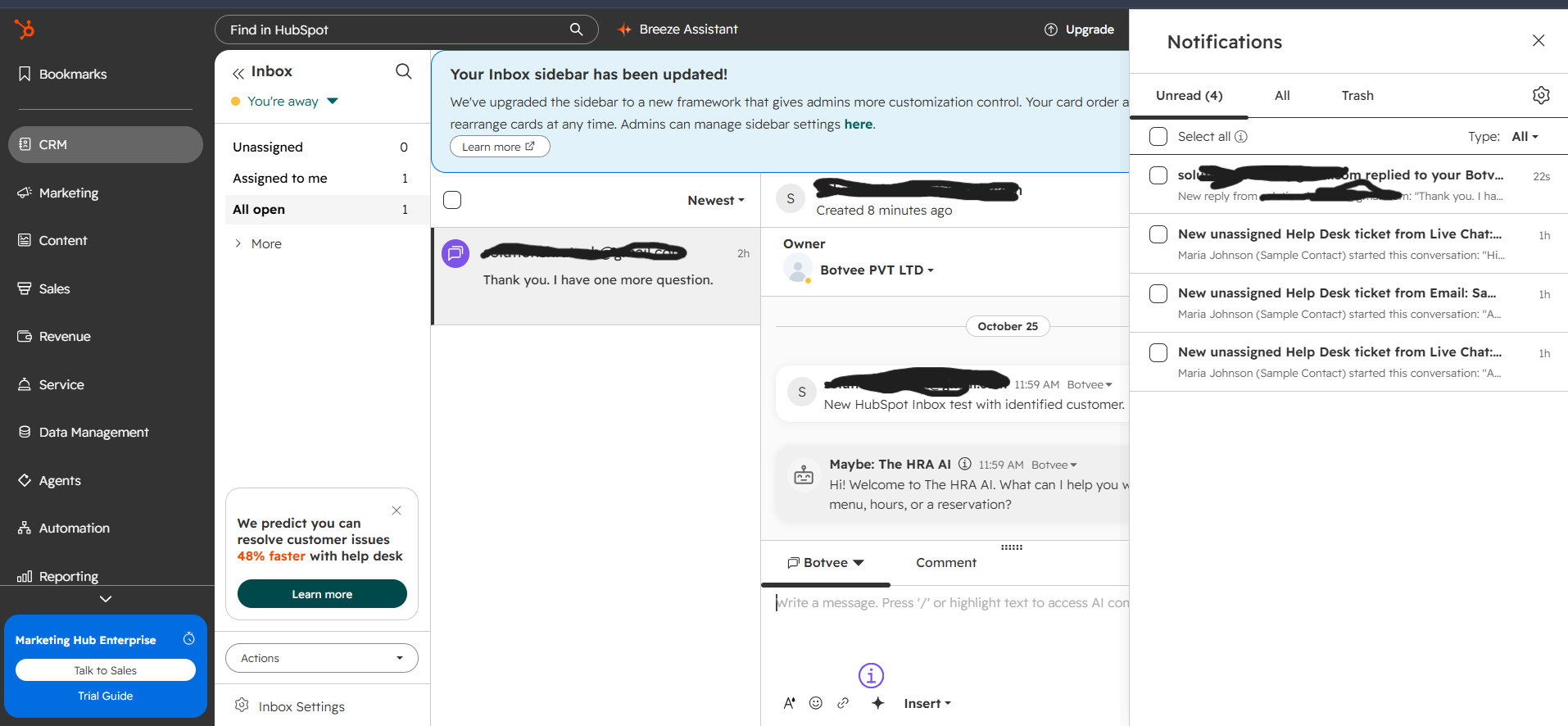
1/2 - Botvee customer conversation in HubSpot Help Desk with a human agent reply.
Botvee connects AI-powered customer conversations with HubSpot so sales and support teams can work from one place. Leads collected by Botvee can be created or updated as HubSpot contacts. Completed conversations can be added to the related contact as notes, giving teams useful context without switching tools.
For eligible Sales Hub or Service Hub Professional accounts, Botvee can also show website and WhatsApp conversations in HubSpot Help Desk. Team members can reply from HubSpot, the message is delivered through Botvee to the customer’s original channel, and the AI pauses while a human handles the conversation.
Sync settings can be managed for the whole Botvee workspace or separately for individual AI agents.
Features
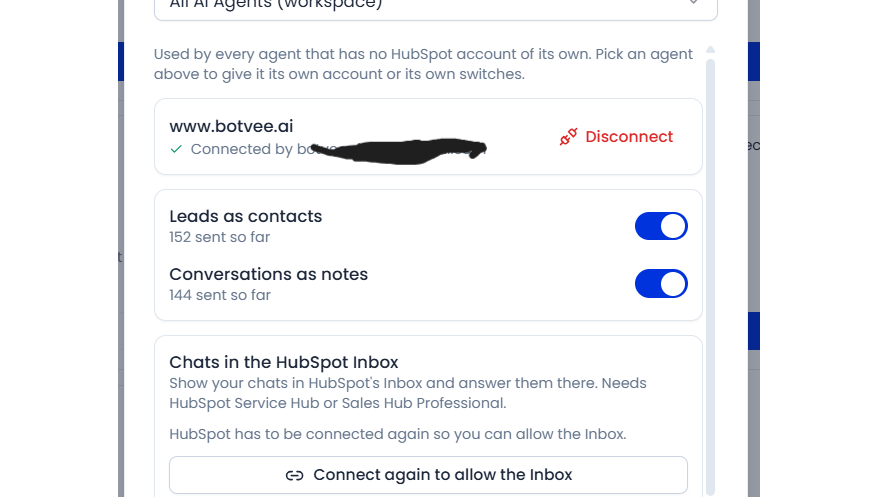
Sync leads to HubSpot contacts
Send leads captured by Botvee to HubSpot as contacts. Botvee matches customers by email to prevent duplicates and only fills empty contact fields. Completed conversations can also be added as notes, giving teams useful context on the contact record.
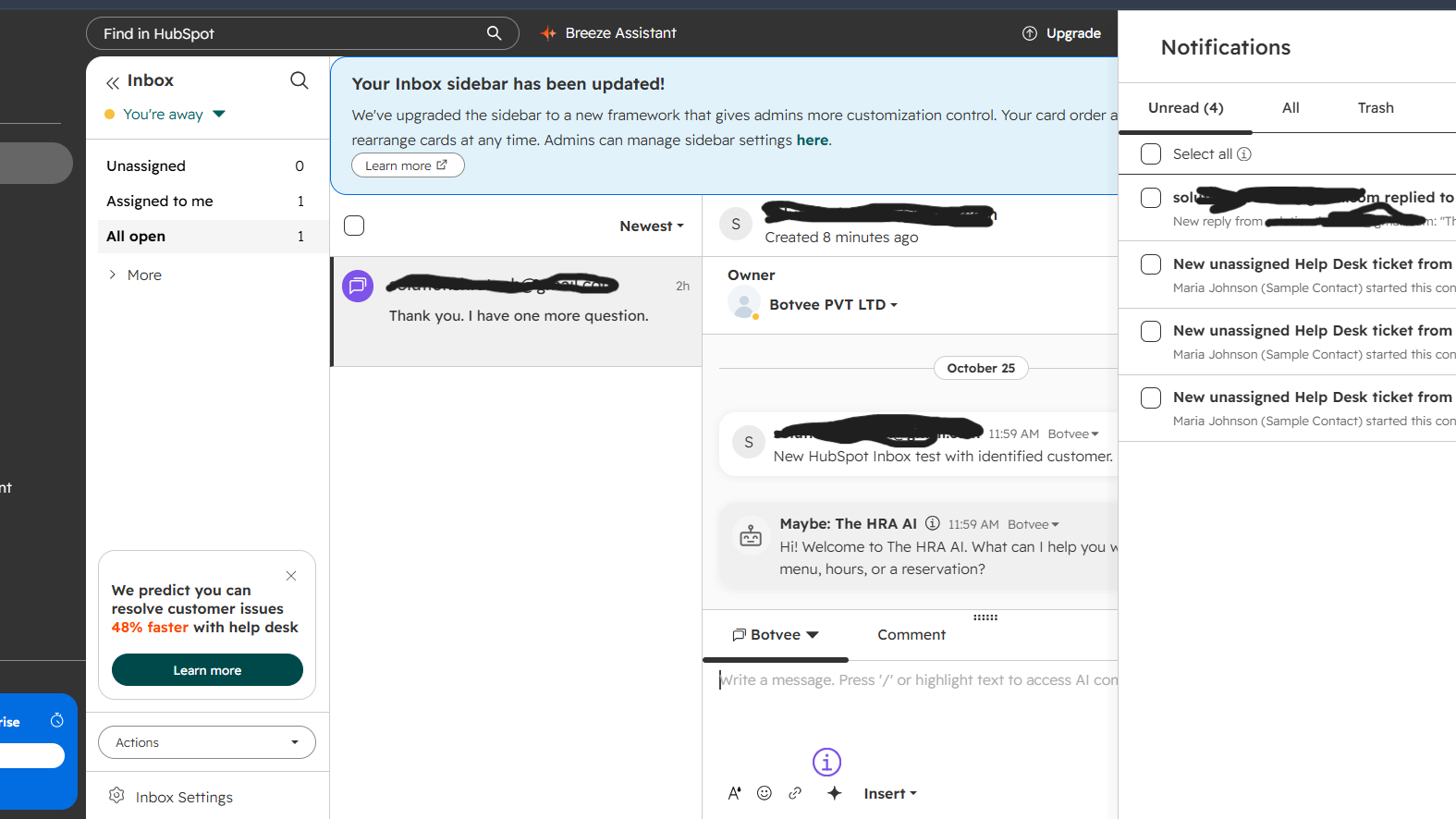
Reply to Botvee chats from HubSpot
Show eligible Botvee website and WhatsApp conversations in HubSpot Conversations Inbox or Help Desk. Teams can reply from HubSpot, Botvee delivers the message to the customer’s original channel, and the AI pauses while a human handles the conversati
App Functionality
Shared Data
Leads | ||
Conversations | ||
Conversation summaries |
Botvee sends only the data required for features enabled by the user. Lead details such as name, email, phone number and country can be sent to HubSpot contacts. Botvee reads existing HubSpot contacts to match customers by email and avoid creating duplicates or overwriting populated fields.
Completed conversation details can be added to the matching HubSpot contact as a note. When Inbox sync is enabled, eligible recent conversations and messages are shown in HubSpot Help Desk. Replies written in HubSpot are delivered through Botvee to the customer’s original channel.
Users can disable individual sync options or disconnect HubSpot at any time. Existing records already created in HubSpot or Botvee remain after disconnection.
Reviews
Pricing
Free
$0
Try Botvee with one AI agent for as long as you like
HubSpot integration
20 MB secure storage
Basic analytics dashboard
1 AI agent on 1 website
500 credits per month
Free
$0
Try Botvee with one AI agent for as long as you like
HubSpot integration
20 MB secure storage
Basic analytics dashboard
1 AI agent on 1 website
500 credits per month
* The pricing here is for display purposes only. All prices do not include taxes, incentives, discounts, or other pricing variables. You should contact the partner for the most up to date and correct pricing information. HubSpot does not take any responsibility for this pricing information, which is provided by our partners. Pricing last updated: 11/03/2026
Getting attention today

Slack
Manage CRM records, get AI-powered assistance from Breeze, send real-time notifications, and collaborate with your team — without leaving Slack.

Zoom
Use Zoom with HubSpot meetings, workflows, contact records and more.
