

HSDSYNC
Built by - distriko GmbH & Co. KG
Installs - <10 installs
Requirements
HubSpot Plan HubSpot Account permissions - View the required account permissions
Access Type Shared HSDSYNC Subscription - Basic Plan, Plus Plan, or Pro-Plan plans
Overview
1/9 - Oliver, working from home, shows the dashboard and the invoice layout via screen sharing and explains the core features
HSDSYNC connects HubSpot, Stripe, and DATEV to reduce manual financial and accounting processes and create a seamless data flow between sales, invoicing, payment processing, and accounting.
Many companies use HubSpot Revenue Hub for invoices and subscriptions, as well as Stripe for payment processing. However, the subsequent processing of invoices, payments, refunds, and disbursements is often done manually. Data must be tracked down, reconciled, and documented across multiple systems. This results in significant time expenditure, potential for errors, and a lack of transparency.
HSDSYNC automates these processes by synchronizing relevant data from HubSpot and Stripe. Companies gain a centralized overview of invoices, payments, refunds, transactions, and disbursements. The relationships between invoices and incoming payments become traceable, and financial data can be reviewed and analyzed more efficiently.
In addition, HSDSYNC supports the preparation of accounting and compliance processes. Financial data can be structured and made available for downstream systems such as DATEV. This reduces the effort required for monthly closings, documentation, and collaboration with tax advisors and the finance department.
There is a particular focus on modern invoicing standards. HSDSYNC supports the creation of e-invoices in accordance with ZUGFeRD as well as accessible PDF-UA documents. To the best of our knowledge, HSDSYNC is one of the first solutions worldwide to combine e-invoices and PDF-UA-compliant invoice documents on a single integrated platform.
The solution is designed for companies that actively use HubSpot and Stripe and want to scale their financial processes without creating additional manual work in accounting, administration, and reporting.
Features
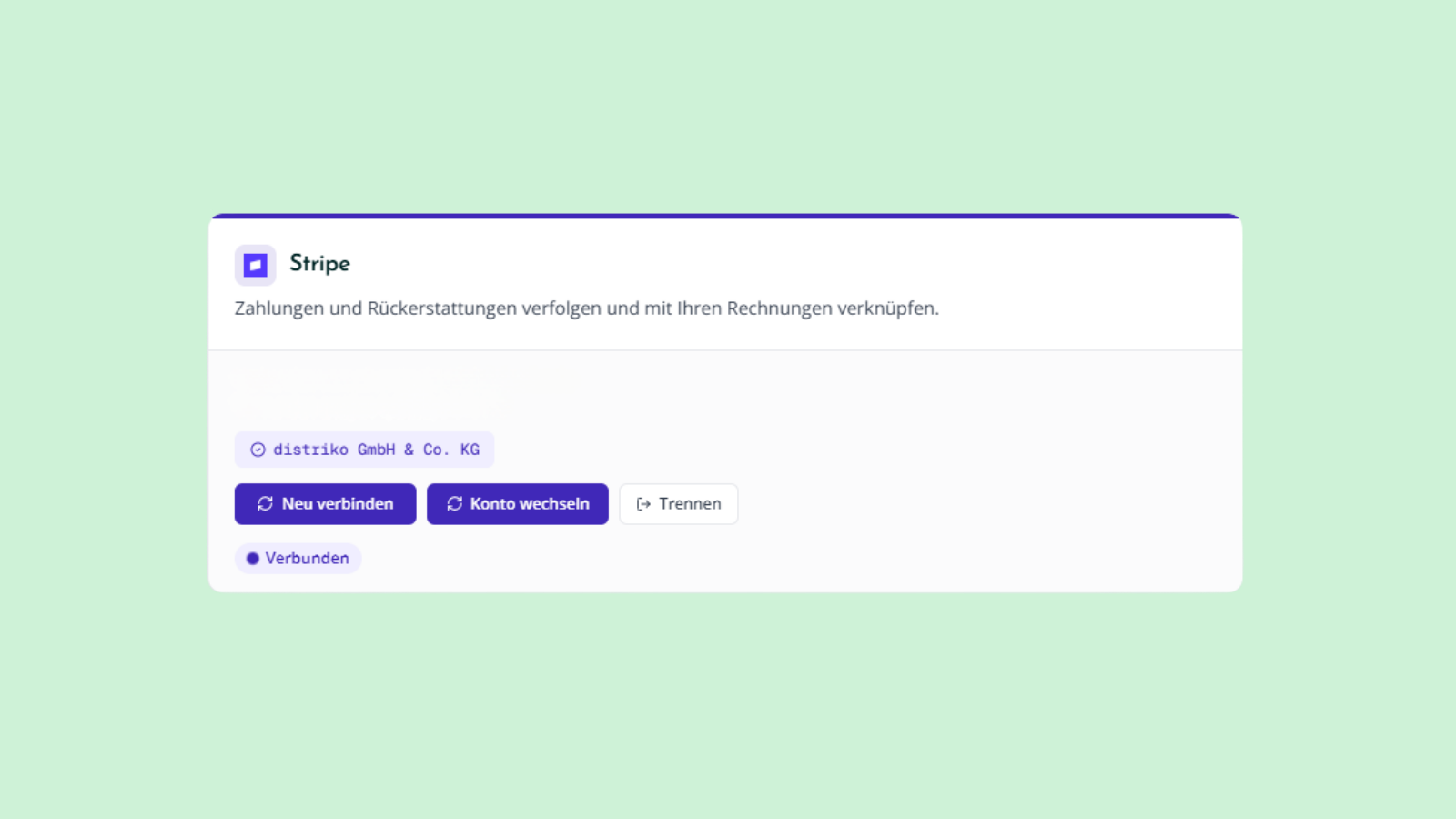
Stripe Integration
Connect your Stripe account to HSDSYNC and keep track of payments, refunds, and invoices all in one place. Automatically sync key billing data, reduce manual effort, and create a reliable foundation for reporting, accounting, and e-invoicing processes.
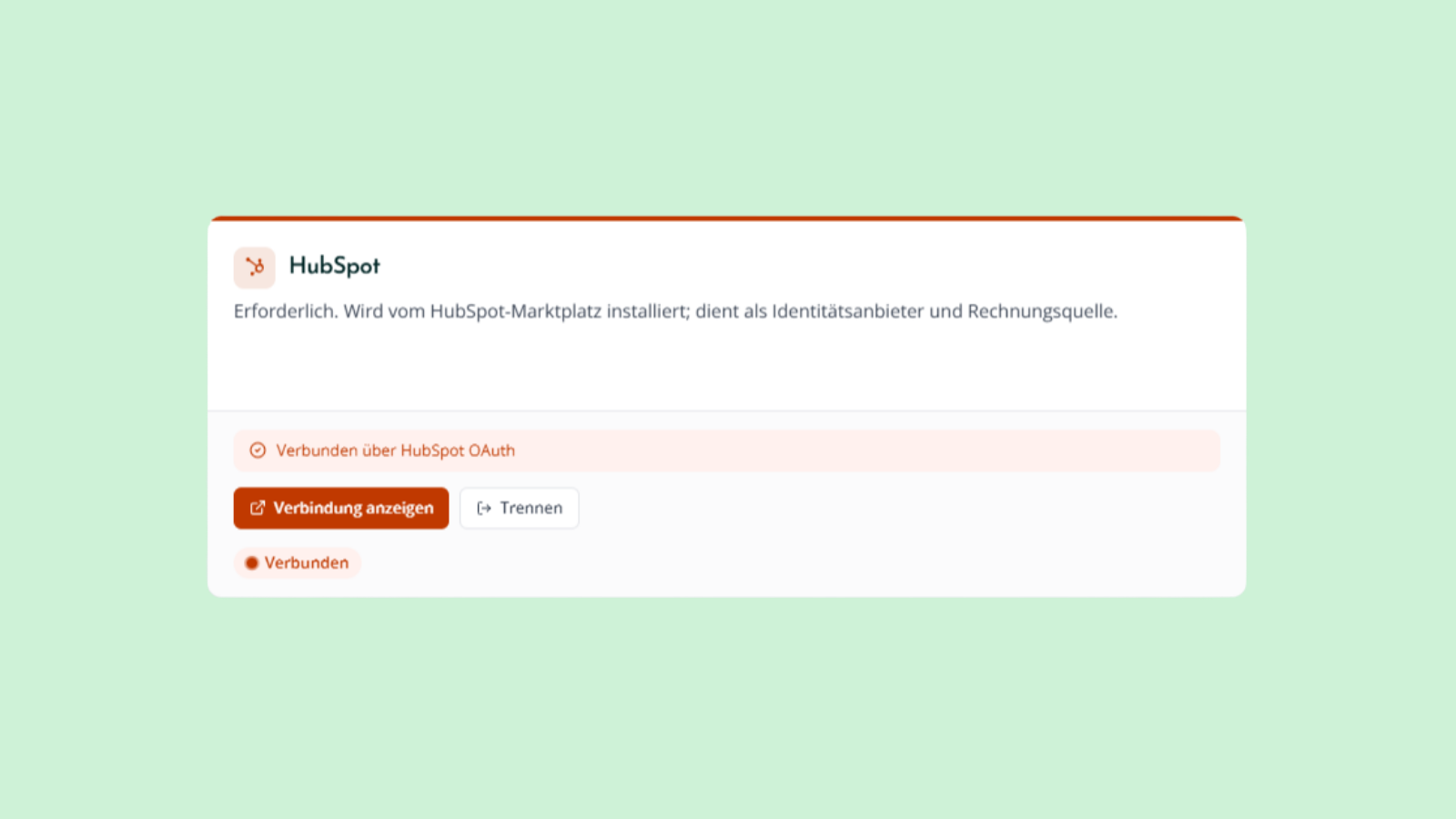
HubSpot Integration
Connect HSDSYNC to HubSpot and leverage your existing billing and subscription data without any additional maintenance effort. Automate billing processes, create a centralized database, and ensure consistent information across sales, finance, and accounting.
App Functionality
Shared Data
Stripe Transaktionen | ||
Rechnungen | ||
Line Items | ||
Unternehmen | ||
Kontakte |
Reviews
Pricing
Basic Plan
€39
/monthUp to 50 transactions per month
Try it free for 14 days (25-transaction limit)
Report Export (not yet PDF-UA compliant)
Create invoices in compliance with DIN EN 16931 and transfer them to DATEV
Current and Historical Data
Full data transparency, stripped down to the essentials
Basic Plan
€39
/monthUp to 50 transactions per month
Try it free for 14 days (25-transaction limit)
Report Export (not yet PDF-UA compliant)
Create invoices in compliance with DIN EN 16931 and transfer them to DATEV
Current and Historical Data
Full data transparency, stripped down to the essentials
* The pricing here is for display purposes only. All prices do not include taxes, incentives, discounts, or other pricing variables. You should contact the partner for the most up to date and correct pricing information. HubSpot does not take any responsibility for this pricing information, which is provided by our partners. Pricing last updated: 08/10/2026
More info
Built by - distriko GmbH & Co. KG
Installs - <10 installs
Categories Languages this app is available in English andGerman
Most popular

Gmail
Bring HubSpot to your inbox with the HubSpot integration for Gmail.

Google Calendar
Book meetings quickly and easily with HubSpot and Google Calendar.
