

Help Desk Migration
Automated HubSpot Service Hub Import and Export
Vereisten
HubSpot-abonnement HubSpot-accountmachtigingen - Bekijk de vereiste accountmachtigingen
Help Desk Migration-abonnement - Full data migration plan
Overzicht
1/8 - Help Desk Migration | Import Data to HubSpot Service Hub
Use Help Desk Migration to streamline your HubSpot data migration and move all your customer records quickly, securely, and without disruption.
Preserve your complete ticket history to deliver consistent, high-quality support and maintain context for returning customers.
Migrate data seamlessly from Zendesk, Freshdesk, ServiceNow, Intercom, or any other help desk platform to HubSpot Service Hub.
Simplify the data migration process while maintaining top-tier data quality, accuracy, and workflow integrity.
Customize your help desk data migration with automation options, mapping flexibility, and personalized support packages.
Select specific data objects - tickets, contacts, companies, or knowledge base articles — to migrate only what matters most.
Use CSV imports when needed for additional flexibility in handling custom or legacy data.
Assign default agents and ensure accurate agent mapping in HubSpot Service Hub to keep your support operations running smoothly.
With Help Desk Migration, you get a secure, automated, and customizable data migration solution built to fit your business needs.
Functies
Import Data to HubSpot Service Hub from CSV, Gmail, & Other Platforms
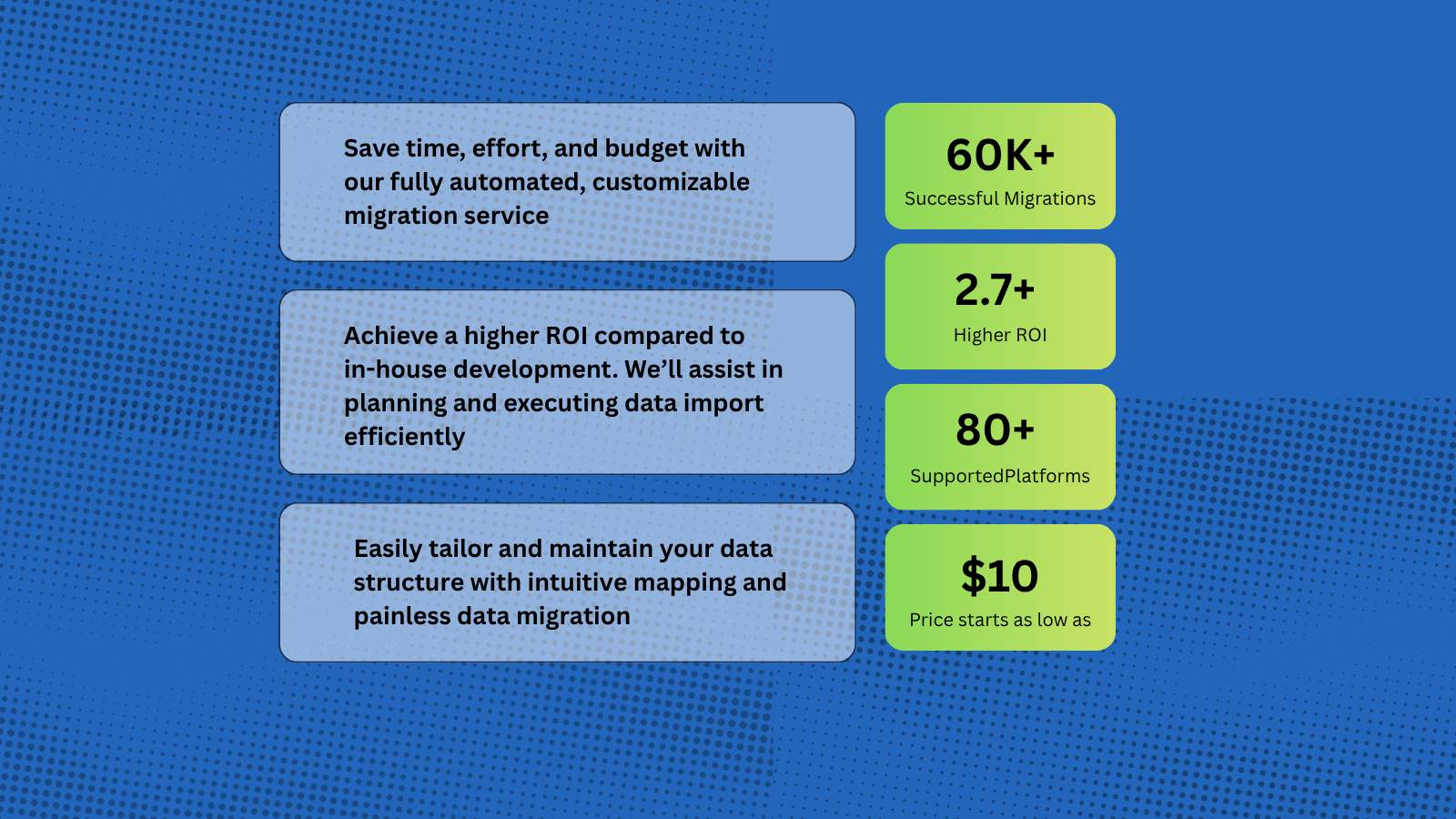
Help Desk Migration supports more than 80 help desk platforms, with the most popular migration paths being Zendesk to HubSpot, Intercom to HubSpot, Zoho to HubSpot. You can also import data from Gmail and CSV files into HubSpot, allowing you to seamlessly transfer tickets, contacts, and other customer records directly into the HubSpot workspace.
HubSpot Data Migration Tool for Tickets, Contacts, and Conversations
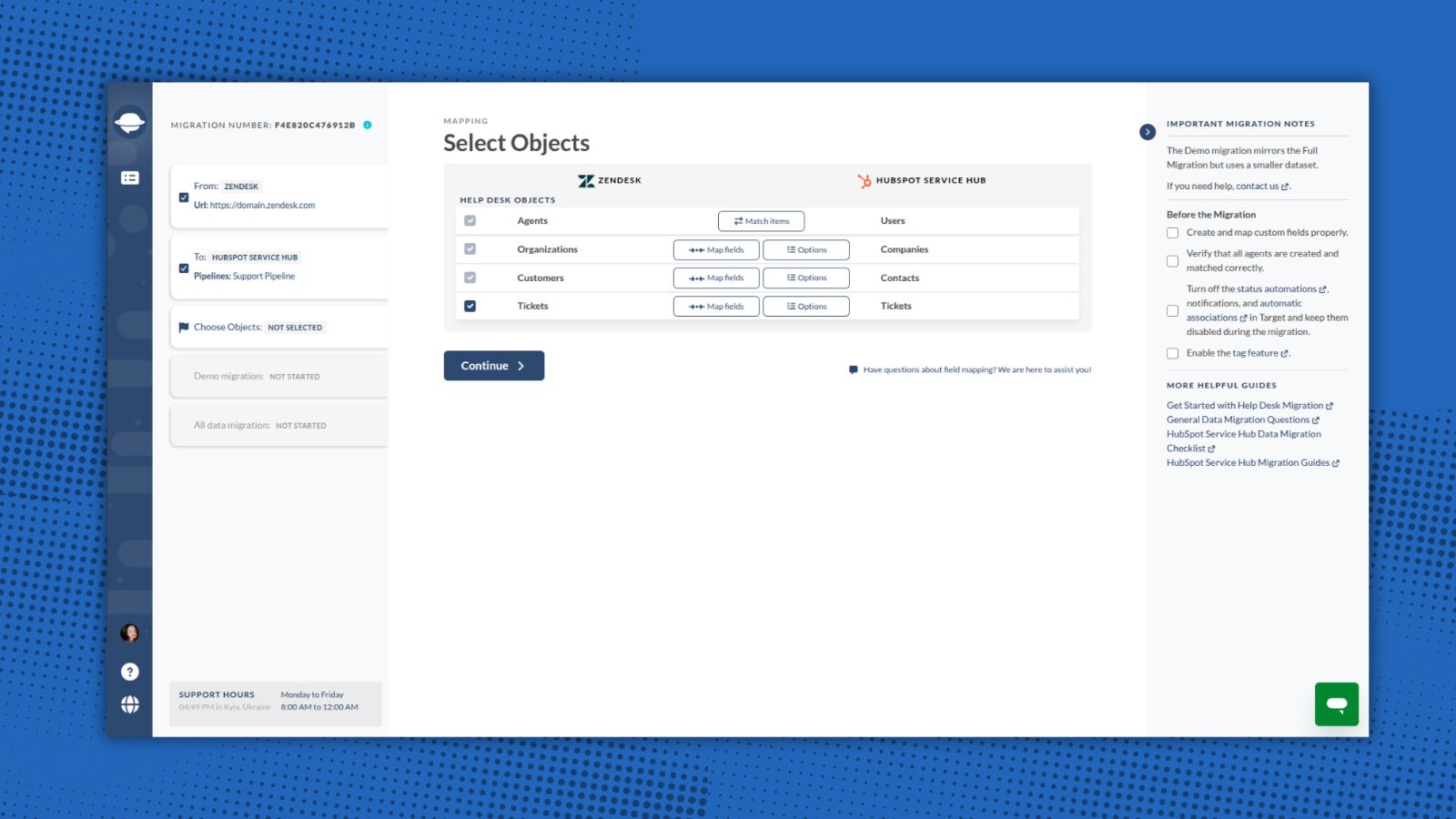
Help Desk Migration automates and simplifies the entire process — no coding or downtime required. You can import a wide range of entities directly to HubSpot Service Hub, including: Companies/Accounts, Contacts/Users, Tickets/Conversations, Custom Fields/Custom Objects, Attachments, Notes, Groups, Teams, Agent Assignments.
-1.png)
Map Fields and Match Agents Seamlessly When Migrating to HubSpot
With Help Desk Migration, you stay in full control of how your data moves to HubSpot. Within the Migration Wizard you can map all fields to their corresponding HubSpot entities. Additionally, you can match agents between your source platform and HubSpot.
1-Click Options for Advanced Data Transfer
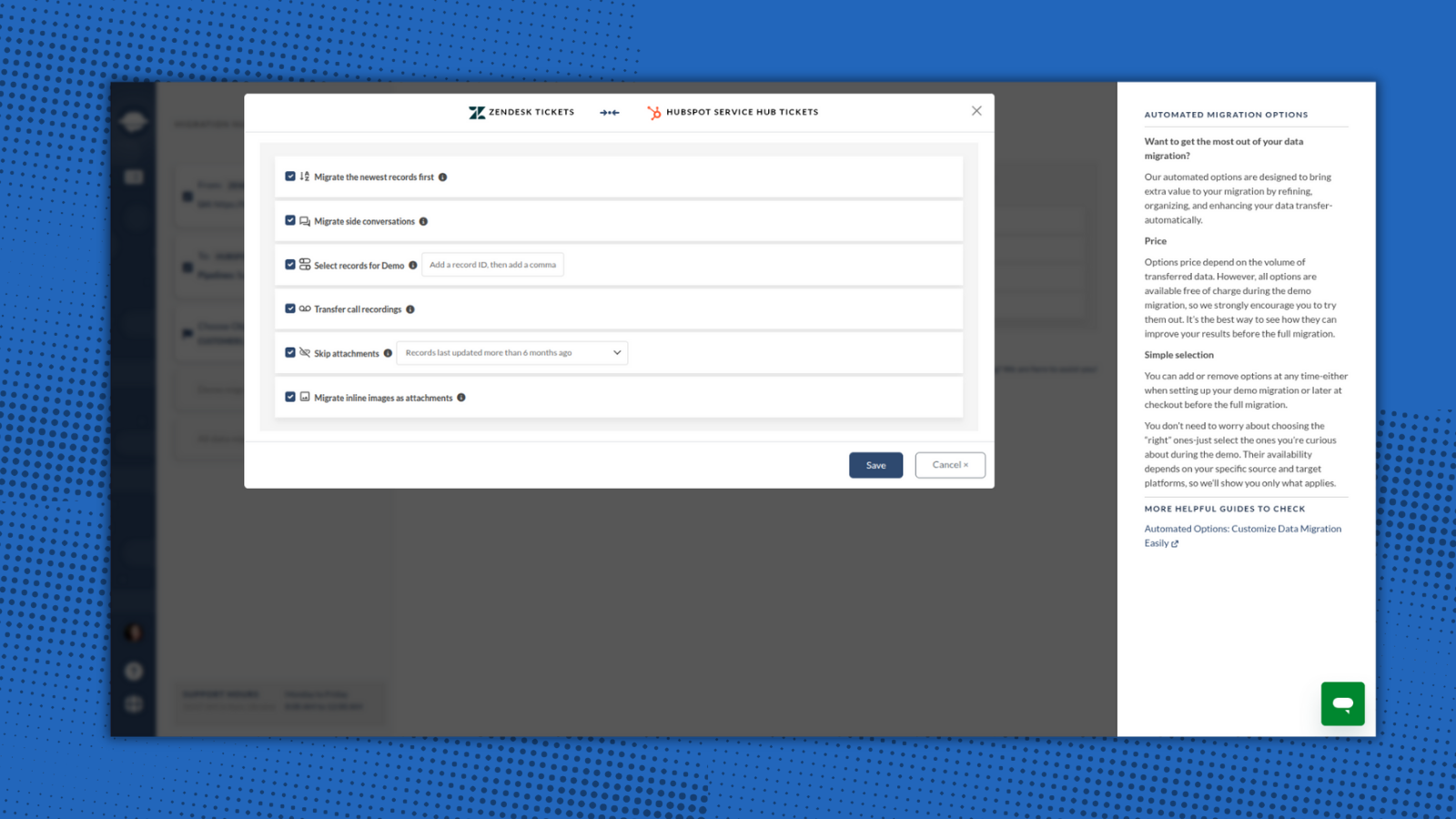
Help Desk Migration provides built-in options for a smooth and flawless data switch. Just select options that are valuable for you: skip attachments, migrate inline images, add tag to imported data, and move the newest records.
-2-1.png)
Try the Migration Wizard with a Free Demo
You can test the HubSpot migration process by running a free Demo Migration. Use the demo to review how the migration works, adjust your settings, and re-run it as needed to ensure accurate and secure data transfer. This step is essential for setting up your migration correctly and making sure it meets your expectations and requirements.
Ensure a Secure and Compliant Data Migration to HubSpot
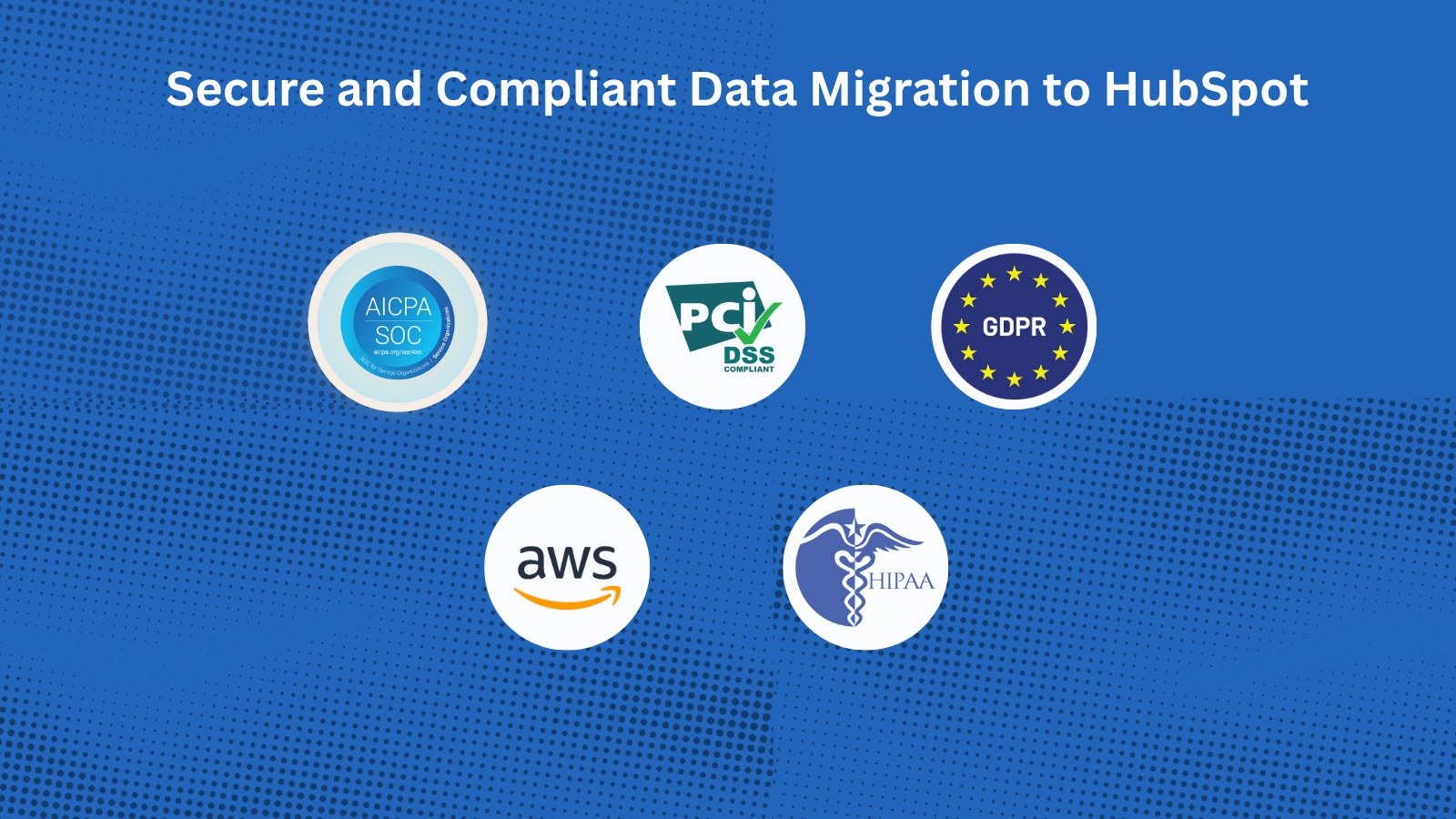
With Help Desk Migration’s HubSpot certified migration service, you can securely transfer all data to HubSpot Service Hub. Every step is protected with enterprise-grade security measures: GDPR-Compliant, SOC 2 Type II & III Certified, End-to-End Encryption.
App-functionaliteit
Gedeelde gegevens
Companies | ||
Contacts | ||
Tickets |
The Migration Wizard automatically creates Companies, Contacts, and Tickets when migrating your HubSpot Service Hub data. You just need to create agent profiles before starting the migration. You can also request customization to import a specific dataset.
Reviews
5,0
37
5,0
37
- 20 jan. 2026
Naadloze overdracht van 7700 cases - instellen en 10 uur lang vergeten terwijl het perfect werkte
We moesten 7700 supportgevallen overzetten van MS Dynamics naar HubSpot Tickets. Het hele proces verliep vlekkeloos.
Gemak
Het duurde 10 uur, maar ik hoefde niets te doen
Martin, S.
- 7 okt. 2025
Werkte geweldig voor onze migratie van Teamwork Desk naar HubSpot met eenvoudige installatie, hoewel de gespreksgeschiedenis niet kon worden overgezet vanwege de HubSpot API-beperkingen
Werkte geweldig voor onze migratie van Teamwork Desk naar HubSpot
Eenvoudige installatie
Ticket 'conversatie' kan niet worden gemigreerd naar HubSpot - dit is een nadeel van de HubSpot API
Lippens, P.
Prijzen
Full data migration
US$ 100
/1000 recordsMigrate all support tickets to HubSpot Service Hub
The price depends on the number of records and additional options.Full data migration
US$ 100
/1000 recordsMigrate all support tickets to HubSpot Service Hub
The price depends on the number of records and additional options.* De hier vermelde prijzen dienen alleen ter illustratie. Alle prijzen zijn exclusief belasting, bonussen, kortingen of andere prijsvariabelen. Neem contact op met de partner voor de meest recente en correcte prijsinformatie. HubSpot erkent geen verantwoordelijkheid voor deze prijsinformatie, die wordt verstrekt door onze partners. Prijzen laatst bijgewerkt: 20-02-2025
Meer info
Gemaakt door - Relokia
Installaties - 1K installaties
Categorieën Talen waarin deze app beschikbaar is Duits - België ,Duits - Duitsland ,Duits - Griekenland ,Duits - Luxemburg ,Duits - Zwitserland ,Engels ,Frans - Canada ,Frans - Frankrijk ,Frans - Luxemburg ,Frans - Monaco ,Frans - Tunesië ,Frans - Zwitserland ,Japans - Japan ,Portugees ,Portugees - Brazilië enSpaans
Populairst


