

Help Desk Migration
Importation et exportation automatisées de HubSpot Service Hub
Exigences
Abonnement HubSpot Autorisations de compte HubSpot - Afficher les autorisations de compte requises
Abonnement à Help Desk Migration - Abonnement : Full data migration
Vue d'ensemble
1/8
Utilisez Help Desk Migration pour rationaliser votre migration de données HubSpot et déplacer tous vos dossiers clients rapidement, en toute sécurité et sans interruption.
Préservez l'historique complet de vos tickets afin de fournir une assistance cohérente et de haute qualité et de maintenir le contexte pour les clients qui reviennent.
Migrez les données de Zendesk, Freshdesk, ServiceNow, Intercom ou toute autre plateforme de help desk vers HubSpot Service Hub.
Simplifiez le processus de migration des données tout en préservant la qualité, la précision et l'intégrité du flux de travail des données.
Personnalisez la migration des données de votre service d'assistance grâce à des options d'automatisation, à la flexibilité du mappage et à des offres d'assistance personnalisées.
Sélectionnez des objets de données spécifiques - tickets, contacts, entreprises ou articles de la base de connaissances - pour ne migrer que ce qui est le plus important.
Utilisez les importations CSV si nécessaire pour plus de flexibilité dans la gestion des données personnalisées ou héritées.
Attribuez des agents par défaut et assurez un mappage précis des agents dans HubSpot Service Hub pour que vos opérations de support fonctionnent sans problème.
Avec Help Desk Migration, vous bénéficiez d'une solution de migration de données sécurisée, automatisée et personnalisable, conçue pour répondre aux besoins de votre entreprise.
Fonctionnalités
Importer des données dans HubSpot Service Hub à partir de CSV, Gmail et d'autres plateformes
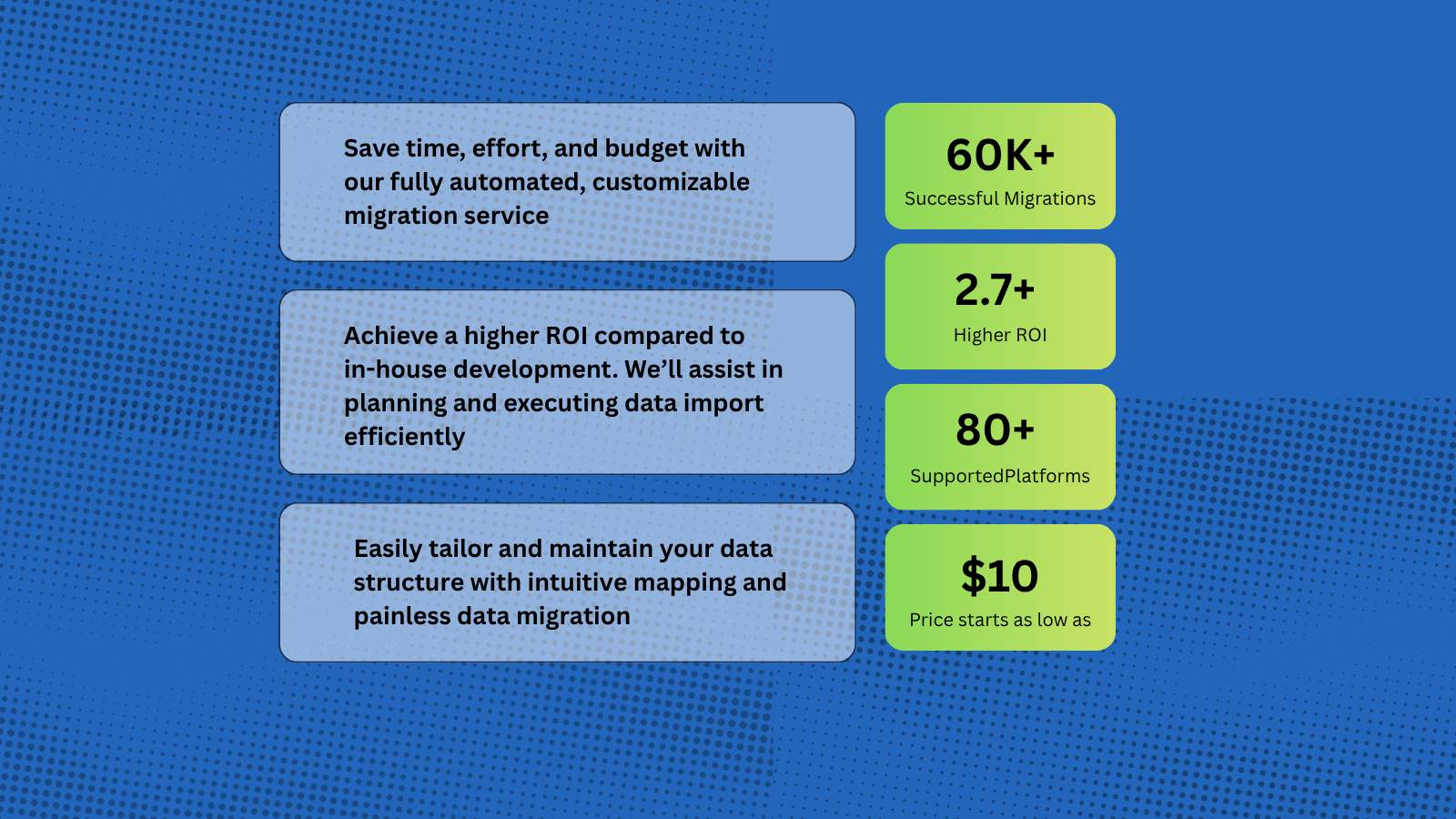
Help Desk Migration supporte plus de 80 plateformes de help desk, les chemins de migration les plus populaires étant Zendesk vers HubSpot, Intercom vers HubSpot, Zoho vers HubSpot. Vous pouvez également importer des données de Gmail et des fichiers CSV dans HubSpot, ce qui vous permet de transférer de manière transparente des tickets, des contacts et d'autres enregistrements de clients directement dans l'espace de travail HubSpot.
Outil de migration des données HubSpot pour les tickets, les contacts et les conversations
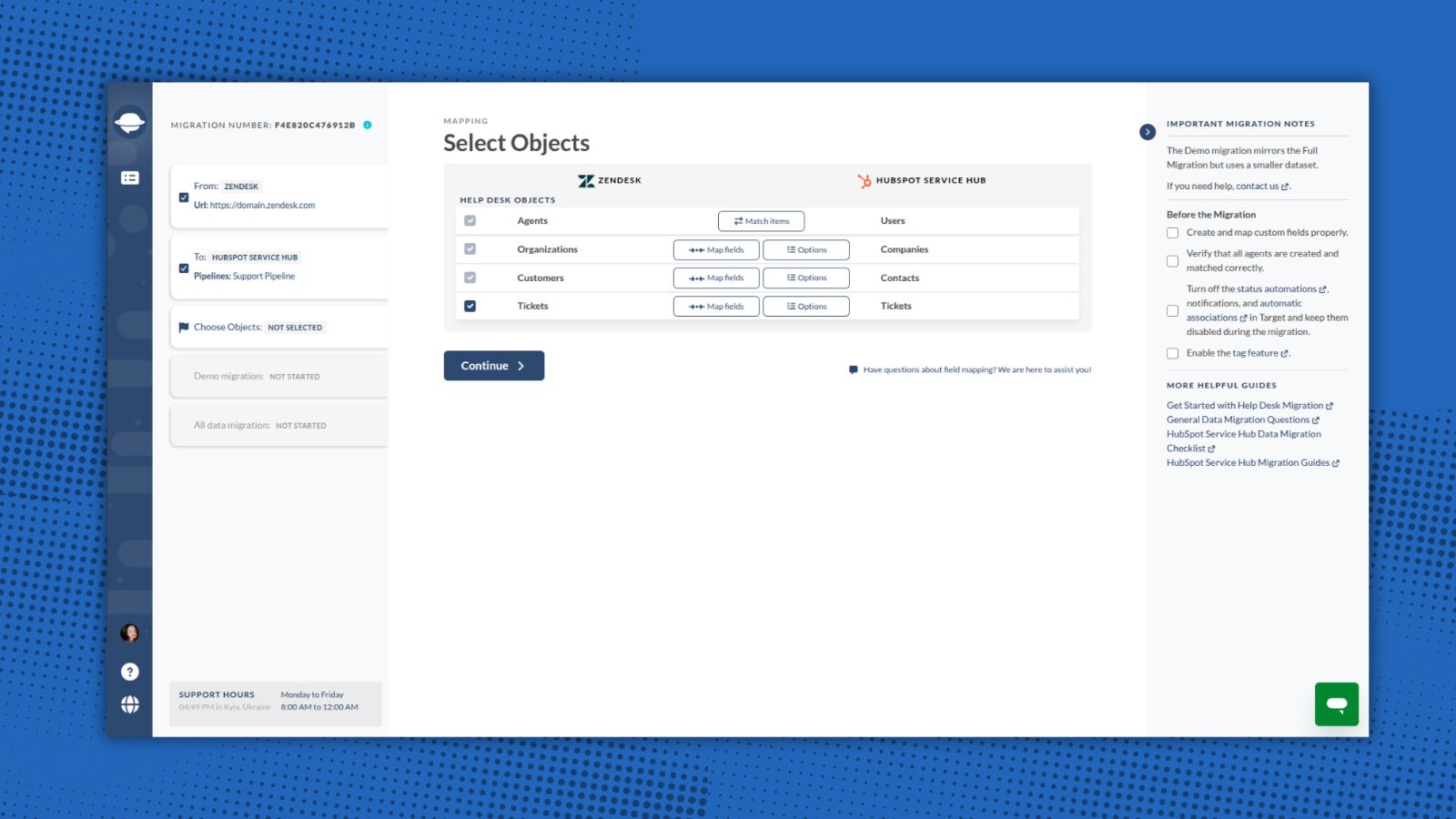
Vous pouvez importer un large éventail d'entités directement vers HubSpot Service Hub, y compris : Sociétés/Comptes, Contacts/Utilisateurs, Tickets/Conversations, Champs personnalisés/Objets personnalisés, Pièces jointes, Notes, Groupes, Équipes, Affectations d'agents.
-1.png)
Mapper les champs et faire correspondre les agents de manière transparente lors de la migration vers HubSpot
Avec Help Desk Migration, vous gardez un contrôle total sur la façon dont vos données sont transférées vers HubSpot. Dans l'assistant de migration, vous pouvez faire correspondre tous les champs aux entités HubSpot correspondantes. De plus, vous pouvez faire correspondre les agents entre votre plateforme source et HubSpot.
Options en 1 clic pour un transfert de données avancé
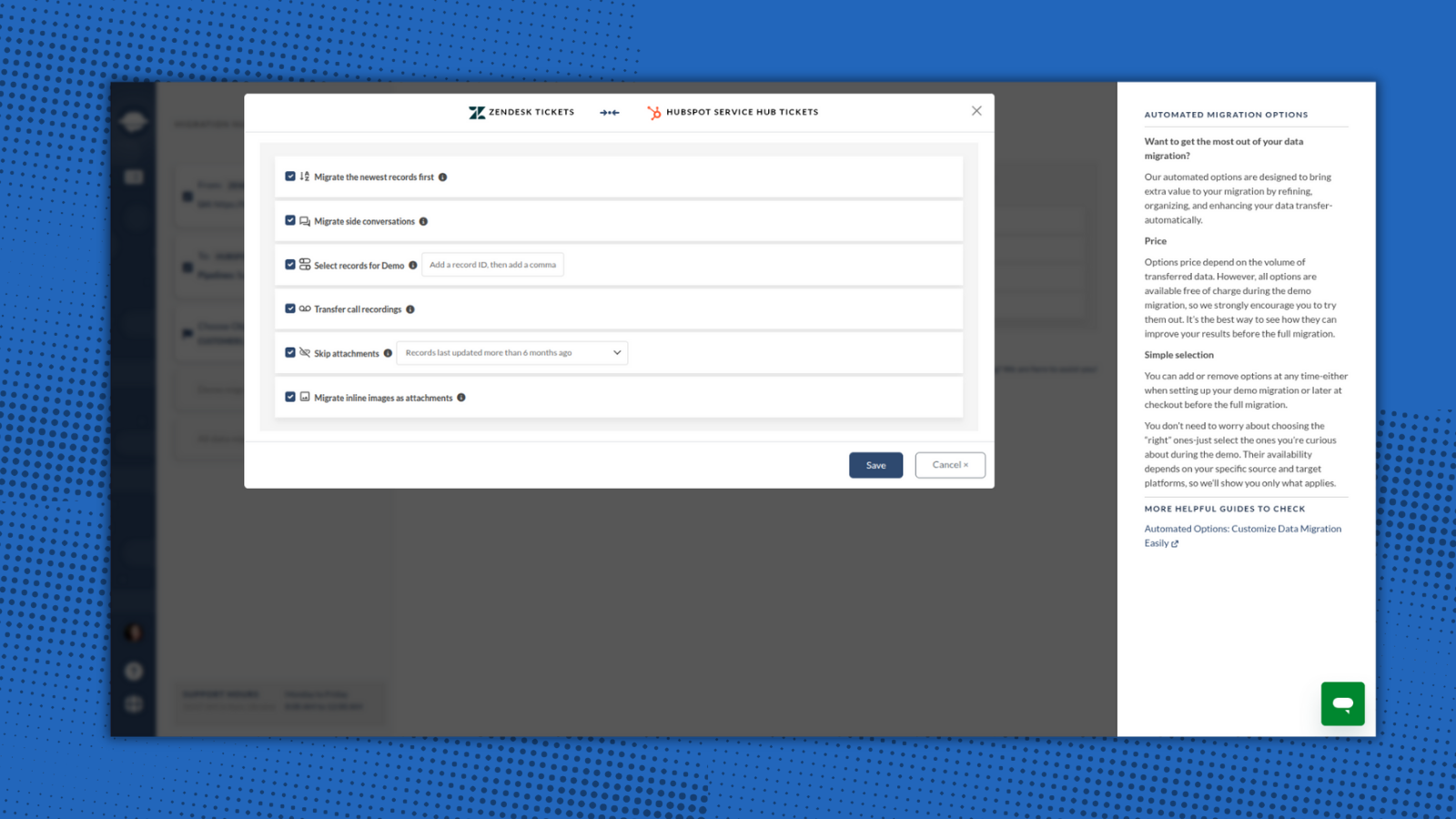
Help Desk Migration propose des options intégrées pour un transfert de données en douceur et sans faille. Il vous suffit de sélectionner les options qui vous intéressent : ignorer les pièces jointes, migrer les images en ligne, ajouter une balise aux données importées et déplacer les enregistrements les plus récents.
-2-1.png)
Essayer l'assistant de migration avec une démo gratuite
Vous pouvez tester le processus de migration HubSpot en exécutant une migration de démonstration gratuite. Utilisez la démo pour examiner le fonctionnement de la migration, ajuster vos paramètres et la réexécuter si nécessaire pour garantir un transfert de données précis et sécurisé. Cette étape est essentielle pour configurer correctement votre migration et s'assurer qu'elle répond à vos attentes et à vos besoins.
Assurer une migration sécurisée et conforme des données vers HubSpot
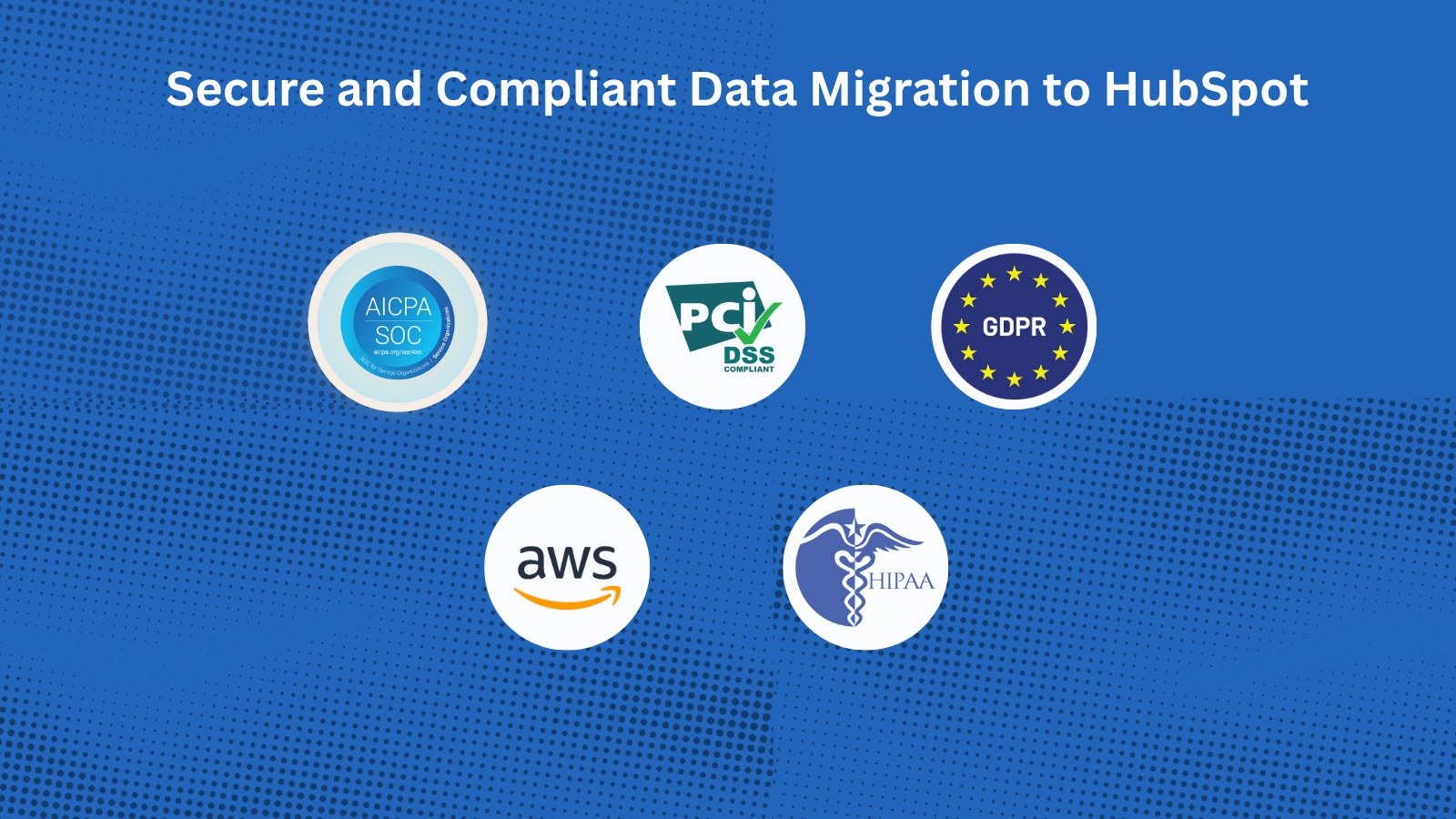
Avec le service de migration certifié HubSpot de Help Desk Migration, vous pouvez transférer en toute sécurité toutes les données vers HubSpot Service Hub. Chaque étape est protégée par des mesures de sécurité de niveau entreprise : Conformité GDPR, certification SOC 2 Type II & III, chiffrement de bout en bout.
Fonctionnalité de l'application
Données partagées
Companies | ||
Contacts | ||
Tickets |
L'assistant de migration crée automatiquement des sociétés, des contacts et des tickets lors de la migration de vos données HubSpot Service Hub. Il vous suffit de créer des profils d'agents avant de commencer la migration. Vous pouvez également demander une personnalisation pour importer un ensemble de données spécifique.
Avis
5,0
37
5,0
37
- 20 janv. 2026
Transfert sans faille de 7700 cas - le système a fonctionné parfaitement pendant 10 heures.
Nous avons dû transférer 7700 cas de support de MS Dynamics vers HubSpot Tickets. L'ensemble du processus s'est déroulé sans problème.
Facilité
Cela a pris 10 heures, mais je n'ai rien eu à faire
Martin, S.
- 7 oct. 2025
La migration de Teamwork Desk vers HubSpot s'est très bien déroulée grâce à une installation facile, mais l'historique des conversations n'a pas pu être transféré en raison des limitations de l'API HubSpot.
La migration de Teamwork Desk vers HubSpot s'est très bien déroulée.
Installation facile
Le ticket 'conversation' ne peut pas être migré vers HubSpot - c'est un inconvénient de l'API HubSpot.
Lippens, P.
Tarification
Full data migration
100 $US
/1000 recordsMigrer tous les tickets de support vers HubSpot Service Hub
The price depends on the number of records and additional options.Full data migration
100 $US
/1000 recordsMigrer tous les tickets de support vers HubSpot Service Hub
The price depends on the number of records and additional options.* Les prix mentionnés ici sont uniquement présentés à titre indicatif. Tous les prix n'incluent pas les taxes, les offres spéciales, les réductions ni les autres facteurs pouvant affecter les tarifs. Vous devez contacter le partenaire pour obtenir les tarifs les plus récents. HubSpot n'assume aucune responsabilité pour les informations de tarification fournies par ses partenaires. Dernière mise à jour des prix : 08/12/2025
Informations supplémentaires
Créé par - Relokia
Installation - 1 k installations
Catégories Langues dans lesquelles cette application est disponible Allemand - Allemagne ,Allemand - Belgique ,Allemand - Grèce ,Allemand - Luxembourg ,Allemand - Suisse ,Anglais ,Espagnol ,Français - Canada ,Français - France ,Français - Luxembourg ,Français - Monaco ,Français - Suisse ,Français - Tunisie ,Japonais - Japon ,Portugais etPortugais - Brésil
Nouveautés

NoteLinker
Stop losing context in siloed docs. NoteLinker automatically syncs…

Dialer Sync (dialer.io)
Easily sync Dialer.io calls to HubSpot!
