

Docusign
Requirements
HubSpot Plan HubSpot Account permissions No permissions required Access Type Shared Docusign Subscription - Personal, Standard, or Business Pro plans
Overview
1/4
Unify document management and CRM insights across DocuSign and HubSpot to streamline agreement workflows, reduce friction, and accelerate the sales cycle.
Install this app to:
Assign custom mappings between HubSpot and Docusign fields to reduce manual data entry
Create and send DocuSign envelopes from HubSpot contact, company, or deal records
View envelope status and recipient activity in HubSpot to track agreement progress
Trigger HubSpot workflows based on envelope status changes to automate follow-up and update records
Access document history in HubSpot records to review past customer agreements, like recipient status, senders and dates.
Features
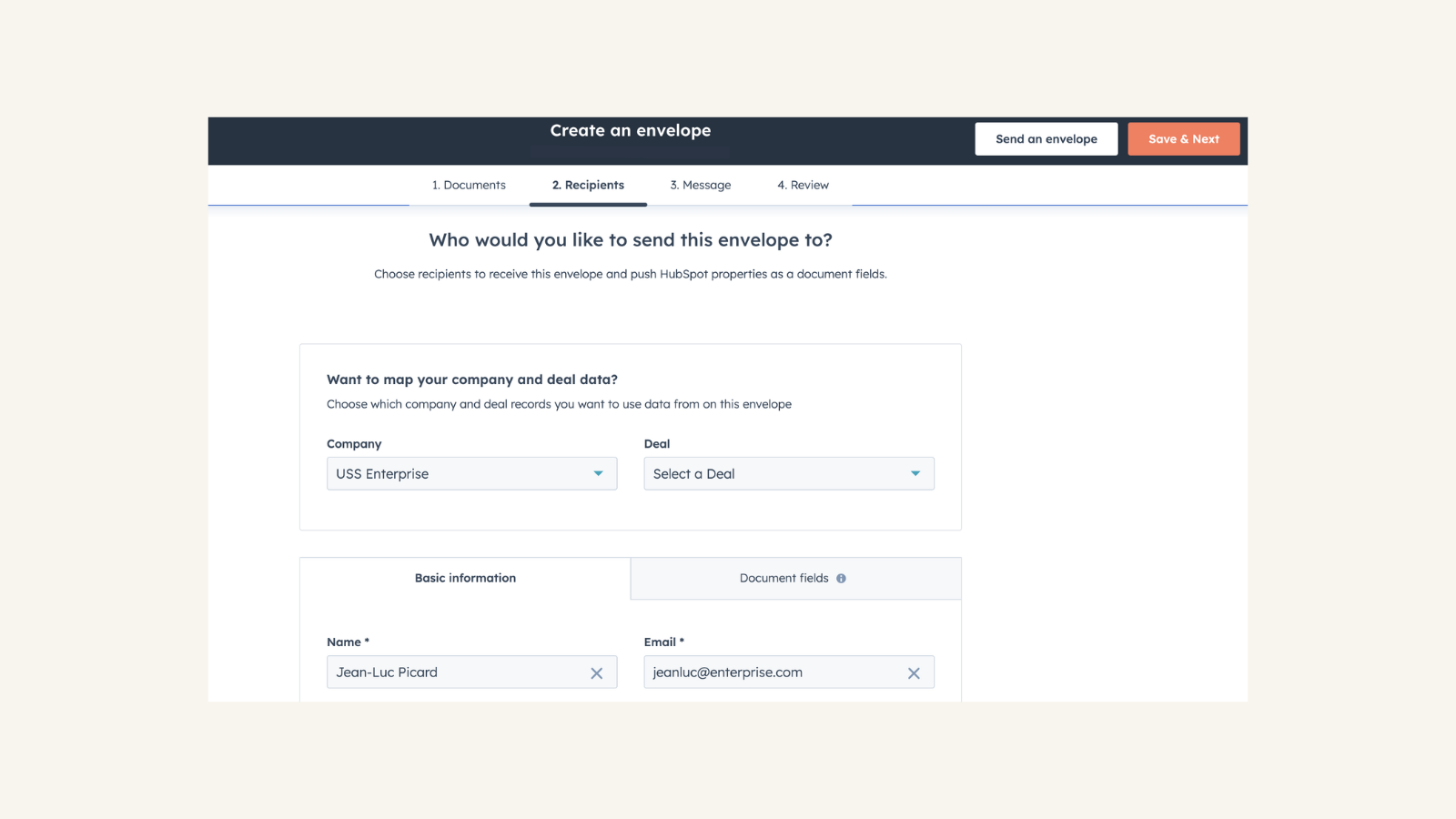
Send and track Docusign envelopes directly from HubSpot
Customize, send and track your Docusign envelopes directly from the deal, contact or company record without leaving HubSpot.
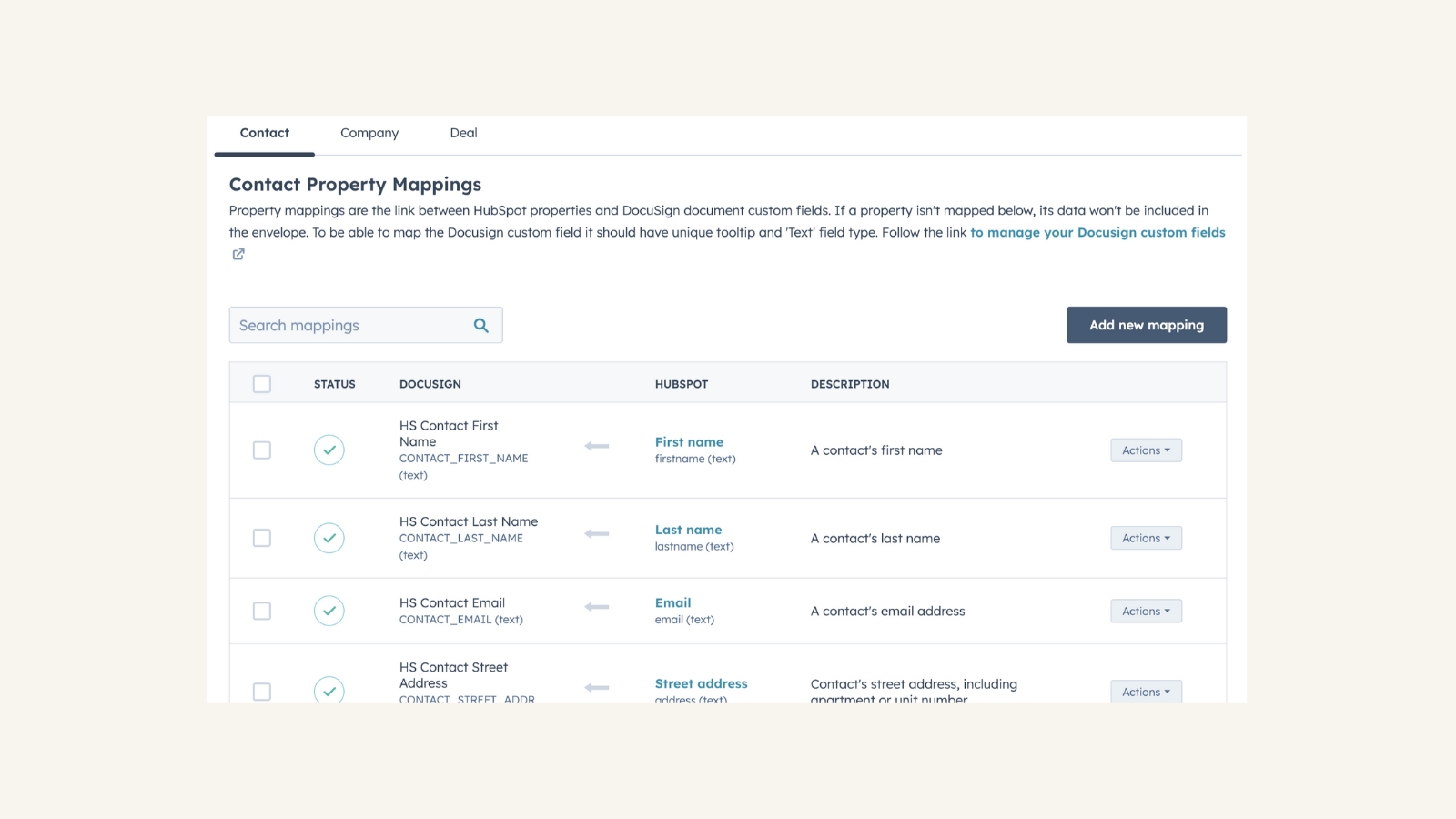
Custom field mapping between HubSpot and Docusign
Assign the right property values from HubSpot to use in the Docusign envelopes to match any given use case.
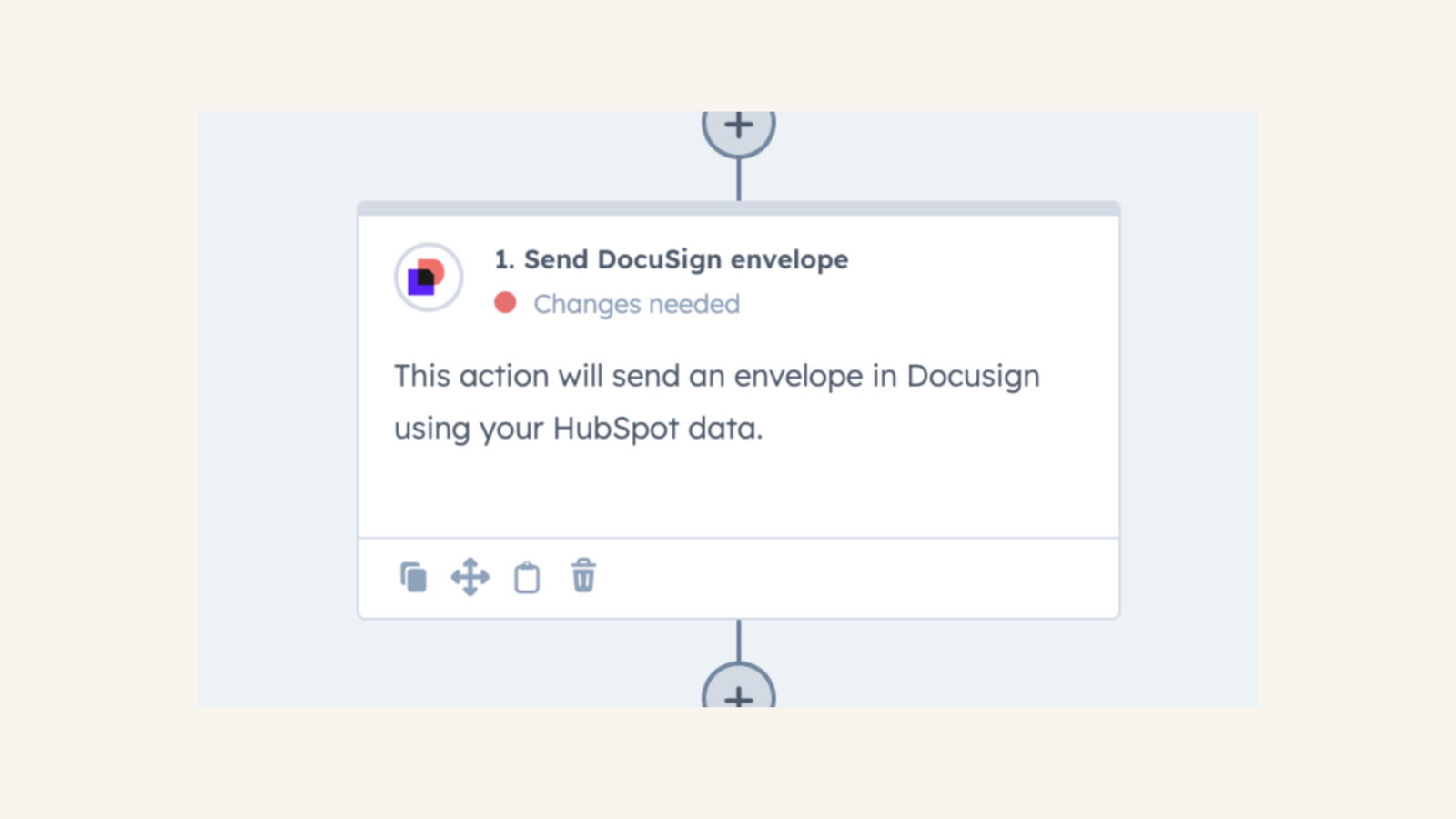
Trigger contact automation with information from Docusign
Use Docusign envelope information and status changes in contact-based workflows to save your team time and keep everything up to date.
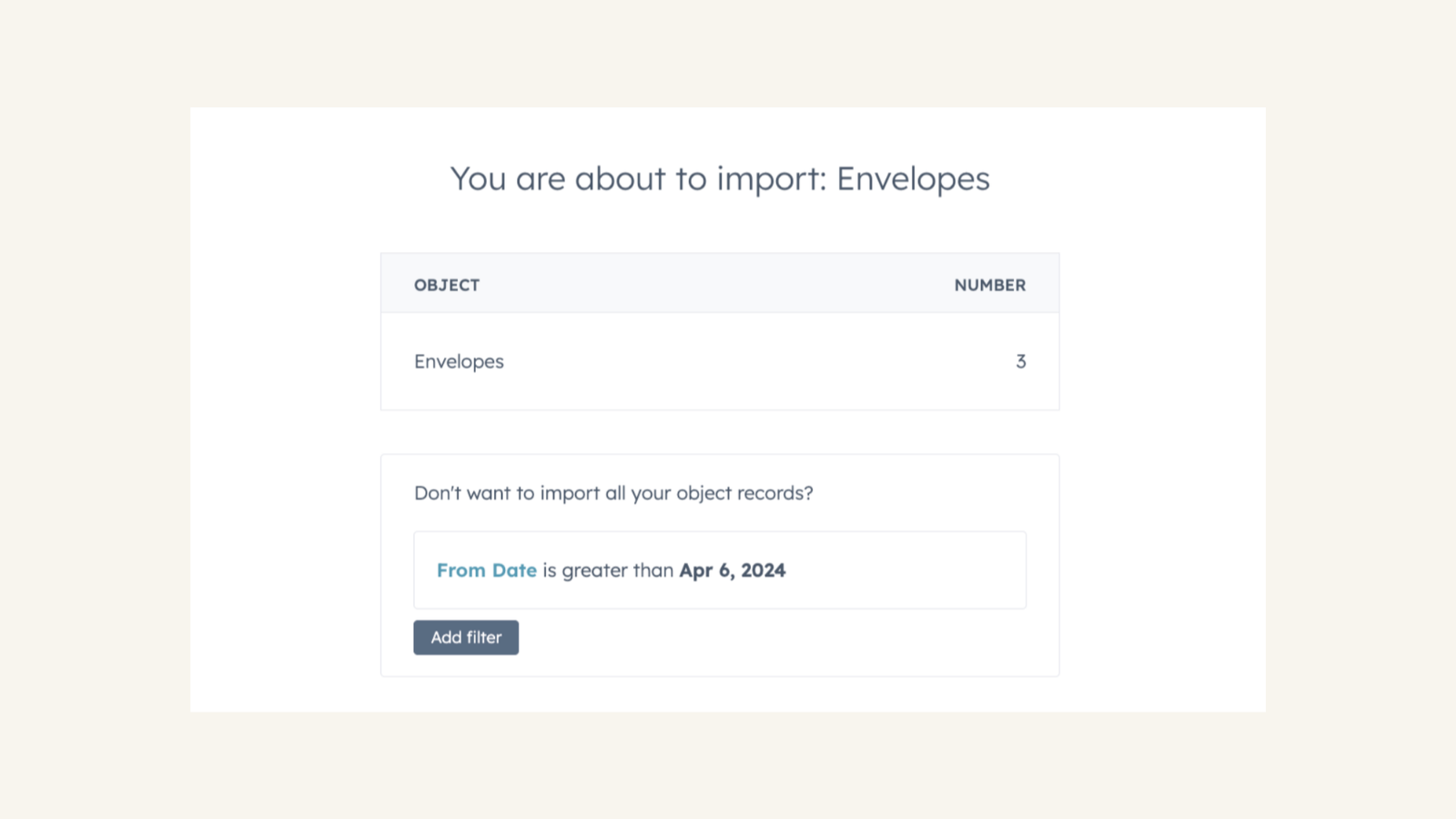
Import Docusign envelope data
Import customers' Docusign envelopes into their HubSpot record, giving a more comprehensive view of their contact history.
App Functionality
Docusign Templates | ||
Envelope Status |
Reviews
2.3
141
2.3
141
While users report connection drops and issues mapping custom properties, a few find the integration useful for sending standard templates once configured. Although complex workflows require manual data entry, some appreciate tracking signature status directly within their CRM.
- Oct 2, 2026
No auto movement or data pulling
If I’m gonna connect an engagement letter tool to my CRM, I would expect the CRM to be able to pull simple data and auto populated to the Contact in the deal like a Property address for Realestate deals, the date it was sent the date of assigned, and DocuSign in real time automatically trigger lifecycle stage movement to engagement letter center engagement letter signed. I shouldn’t have to connect an AI externally to read my DocuSign in my inbox to trigger movement in my CRM
Haven’t found any
The simplest workflow and data migration would be the 101 of why I want them integrated
Switzer, J.
- Sep 25, 2026
keeps getting disconnected
works well but it keeps getting disconnected. see below Can’t access DocuSign company account You don’t have access to the connected DocuSign company account. Request access to this connected account through your admin.
Belciña, J.
Pricing
Personal
$10
/monthSingle user only
Send documents for eSignature: 5/month
Personal
$10
/monthSingle user only
Send documents for eSignature: 5/month
* The pricing here is for display purposes only. All prices do not include taxes, incentives, discounts, or other pricing variables. You should contact the partner for the most up to date and correct pricing information. HubSpot does not take any responsibility for this pricing information, which is provided by our partners. Pricing last updated: 04/13/2026