

PandaDoc | eSign, CPQ, Payments

Premier
Requirements
HubSpot Plan HubSpot Account permissions - View the required account permissions
Access Type Shared PandaDoc | eSign, CPQ, Payments Subscription - Business / per user or Enterprise / per user plans
Overview
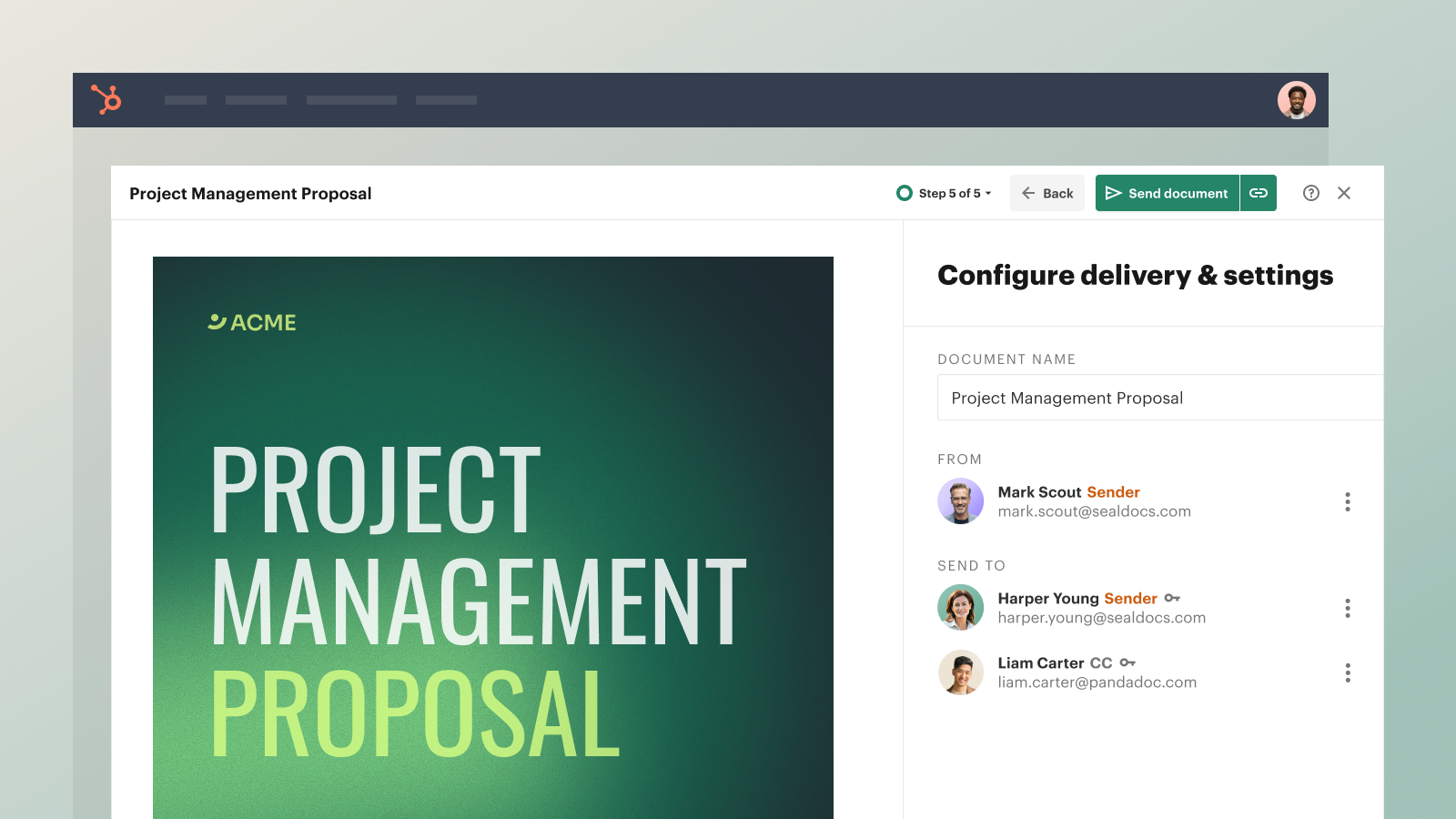
1/5 - Create documents right in HubSpot
Accelerate sales cycles with automation
Save time and shorten time to close by automating the document creation process, tracking statuses in HubSpot, setting the order of approvals, and accessing real-time analytics. Two-way sync means eliminating the need to manually copy data.
Achieve ROI fast with PandaDoc
PandaDoc provides end-to-end document management, from creation, CPQ, eSign, payments, and beyond. Integrating HubSpot and PandaDoc is fast and easy, requiring zero technical expertise or coding. Once up and running, our embedded editor and vast content library make it easy to create polished proposals in mere minutes.
Quote with confidence
PandaDoc now offers CPQ for HubSpot! Generate quick, error-free quotes with a guided, natively integrated HubSpot experience that makes custom pricing and product configurations a snap. From proposal to payment to analytics, manage your entire deal cycle without ever leaving HubSpot.
Watch this video with our top use cases
Note: New app card functionality is rolling out gradually for this integration. We appreciate your patience as it becomes available in the coming weeks.
Features
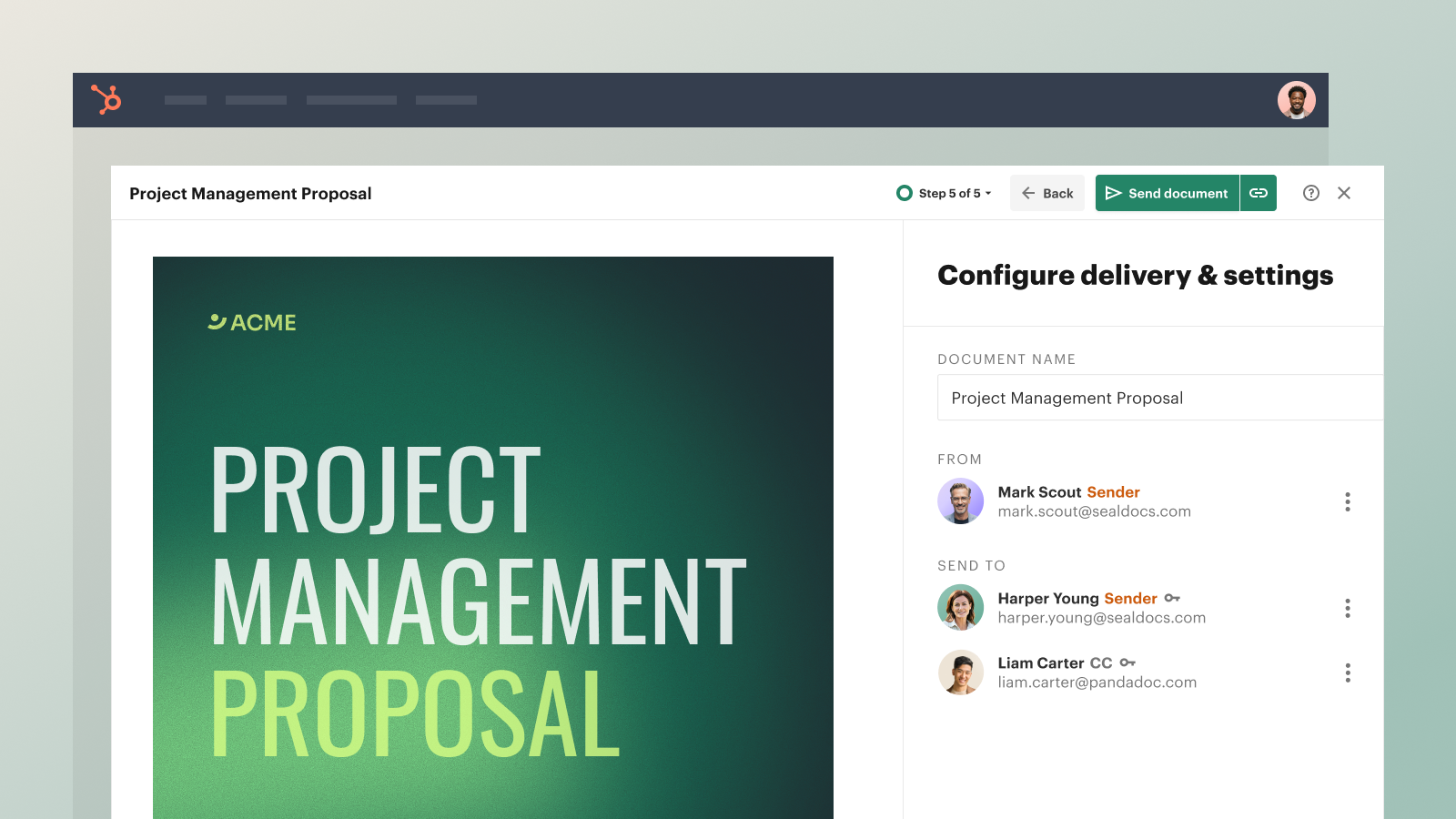
Create documents right in HubSpot
Build professional-looking proposals, quotes, and contracts in your HubSpot instance. Quickly draft, approve, and sign agreements using our collaborative features, approval workflows, and legally-binding e-signatures — all without leaving HubSpot.
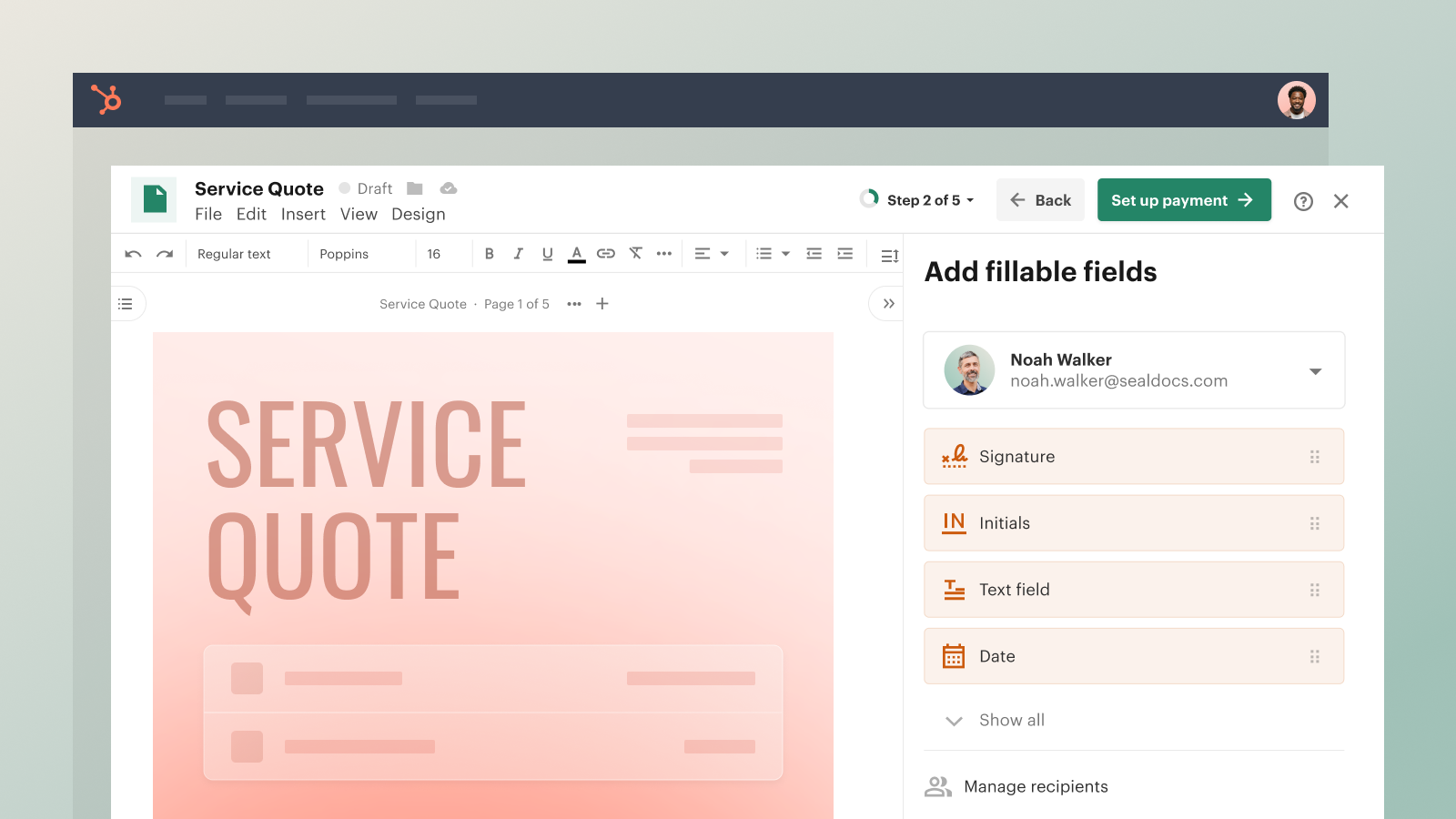
Manage entire deals with PandaDoc CPQ
Set rules to provide your team with end-to-end guided selling that generates accurate quotes in just a few clicks. Use two-way data sync to populate customer information and capture transaction details. After you send, receive notifications on buyer activity and measure engagement with real-time reporting.

Request a notarization inside HubSpot
Connect to a commissioned notary ready to complete nationwide online notarization in minutes. Request an online notarization without leaving HubSpot through PandaDoc Notary API.
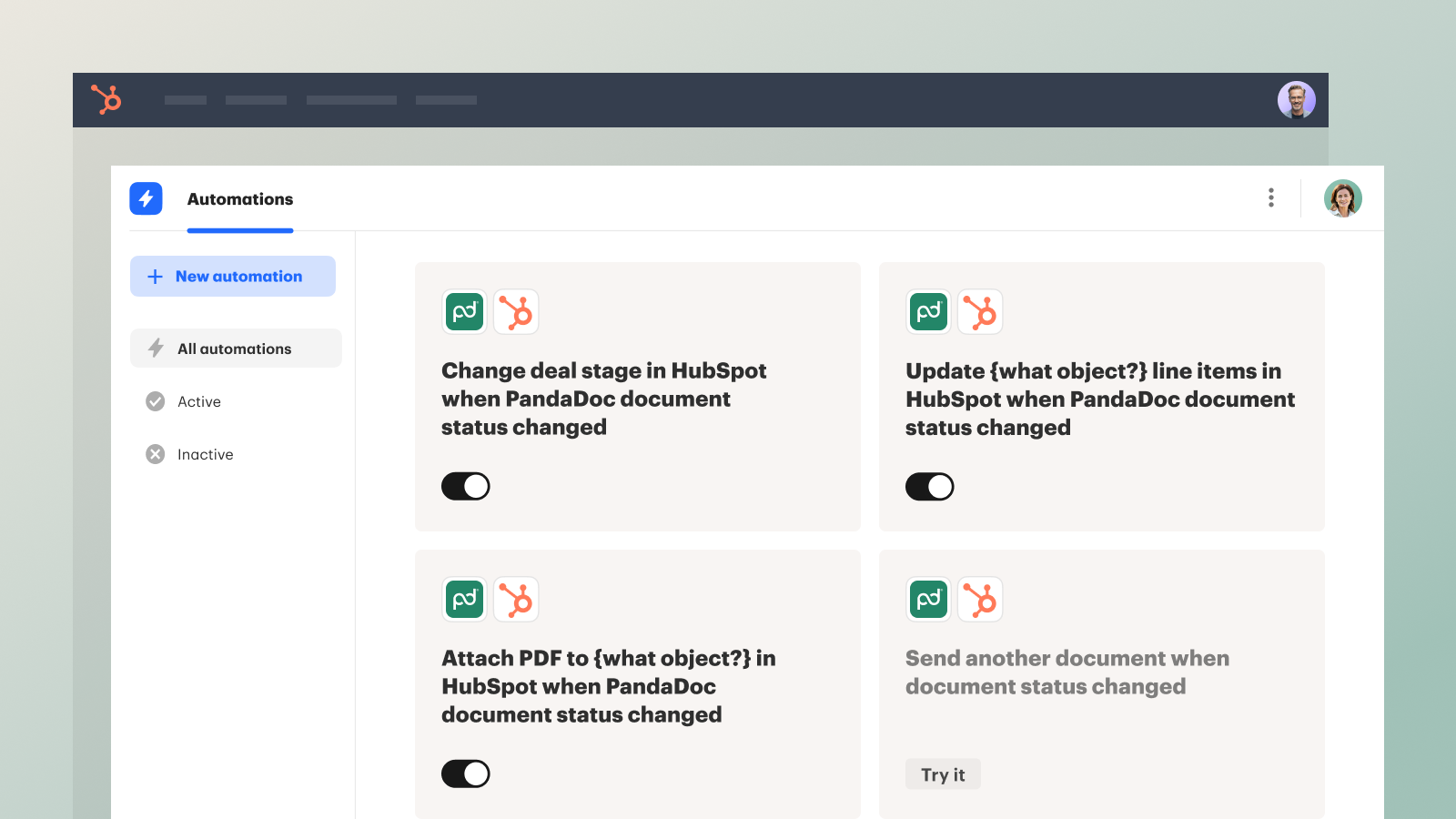
Get two-way data sync and reporting
Any updates you make in HubSpot will appear in corresponding PandaDoc fillable fields — and vice versa, ensuring flawless record keeping. And once you send your document, you'll receive notifications on recipient activity and gain insights into key performance metrics without ever leaving HubSpot.
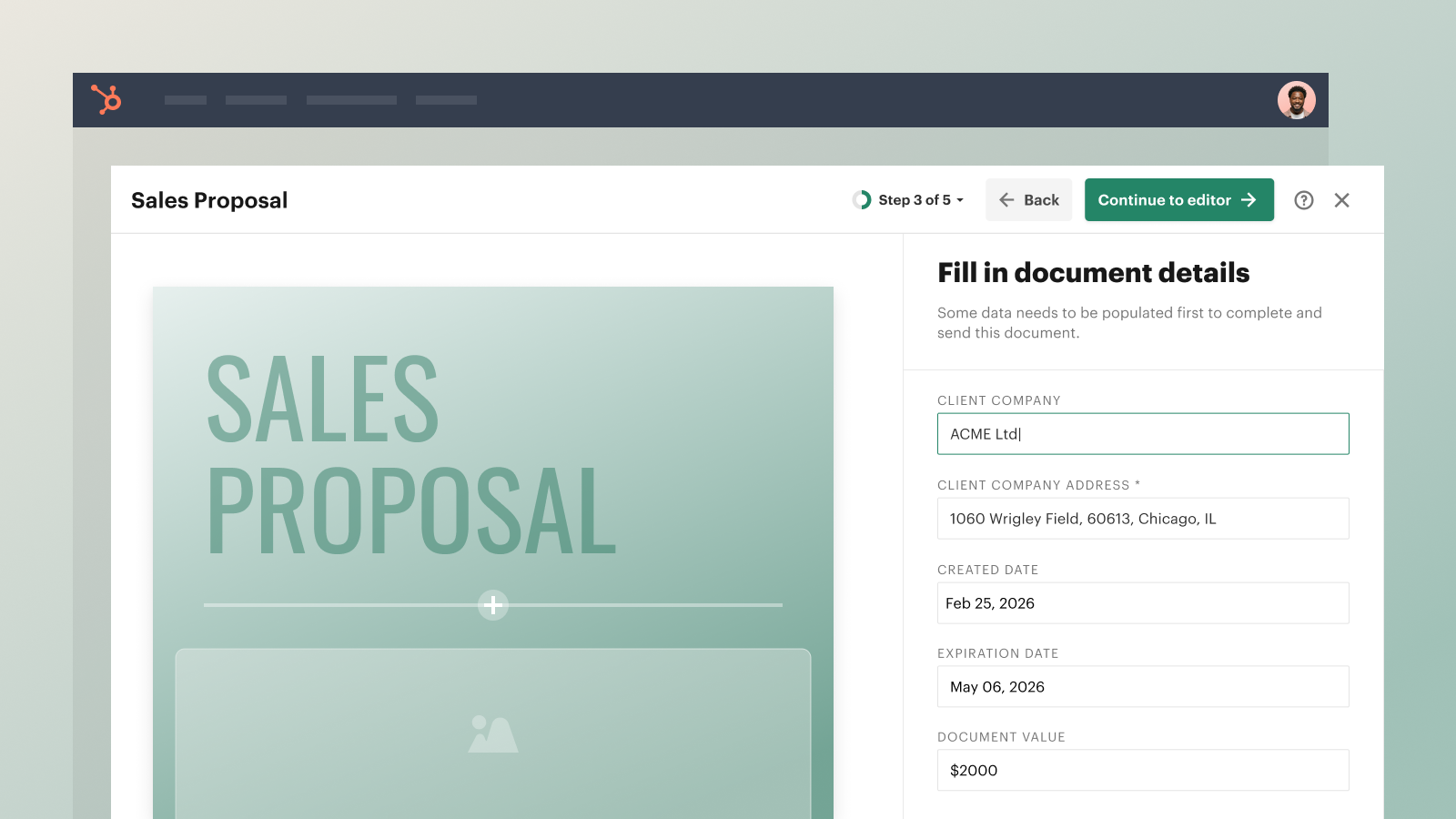
Get started fast, no coding required
It is fast and easy to connect the HubSpot and PandaDoc integration because it’s pre-built right within our cloud application. Once the integration is enabled, all you have to do is add or create templates, adjust your data merge settings, and you’re good to go. Create and manage your documents from the familiar HubSpot interface.
App Functionality
Shared Data
Fields | ||
Document status | ||
Variables | ||
Recipients |
Reviews
4.3
304
4.3
304
- Jul 30, 2026
keeps on loading, does not work
terrible
Obers, M.
- Jul 23, 2026
Works, but the HubSpot data mapping is the weak point
We use PandaDoc with HubSpot for client agreements and payments, and the core signing experience is fine. The problem is everything around it. Pulling HubSpot data into a document is far more limited than it should be. Standard billing address fields do not come across cleanly, so we had to build four custom deal properties just to get a client address to populate in a token. That is not something a customer should have to engineer. Token setup in general is fragile, and when a field does not map you get a silent blank rather than a clear error. Support pointed us back to documentation instead of fixing the underlying gap. For a native HubSpot integration at this price point, I expected the CRM sync to be the strongest part of the product, not the part we spend the most time working around.
Signing experience is clean and clients complete documents without confusion. Templates are easy to build once they are set up. Payment collection inside the document is genuinely useful. Deal level document tracking in HubSpot is helpful for knowing when something has been opened.
HubSpot field mapping is shallow and required custom properties to do basic things like populate a billing address. Tokens fail silently instead of flagging the error. Documentation does not match the current interface in several places. Support responses were generic and did not resolve the mapping issue. Pricing is high relative to how much manual setup is still required.
Phagura, D.
Pricing
Business / per user
$49
/monthUnlimited eSignatures
Unlimited documents
Content library with custom branding
Approval workflows
Deal Rooms
Pricing tables and product catalog
Payments
24/7 chat support
Business / per user
$49
/monthUnlimited eSignatures
Unlimited documents
Content library with custom branding
Approval workflows
Deal Rooms
Pricing tables and product catalog
Payments
24/7 chat support
* The pricing here is for display purposes only. All prices do not include taxes, incentives, discounts, or other pricing variables. You should contact the partner for the most up to date and correct pricing information. HubSpot does not take any responsibility for this pricing information, which is provided by our partners. Pricing last updated: 05/28/2026
Getting attention today

Docusign
Create, send, and track Docusign agreements directly from HubSpot

Microsoft Teams
Use Microsoft Teams and HubSpot for meetings, conversations, and more!
