

Salesbud
Built by - Salesbud
Installs - 20+ installs
Requirements
HubSpot Plan HubSpot Account permissions - View the required account permissions
Access Type Shared Salesbud Subscription - Business Plan plan
Overview
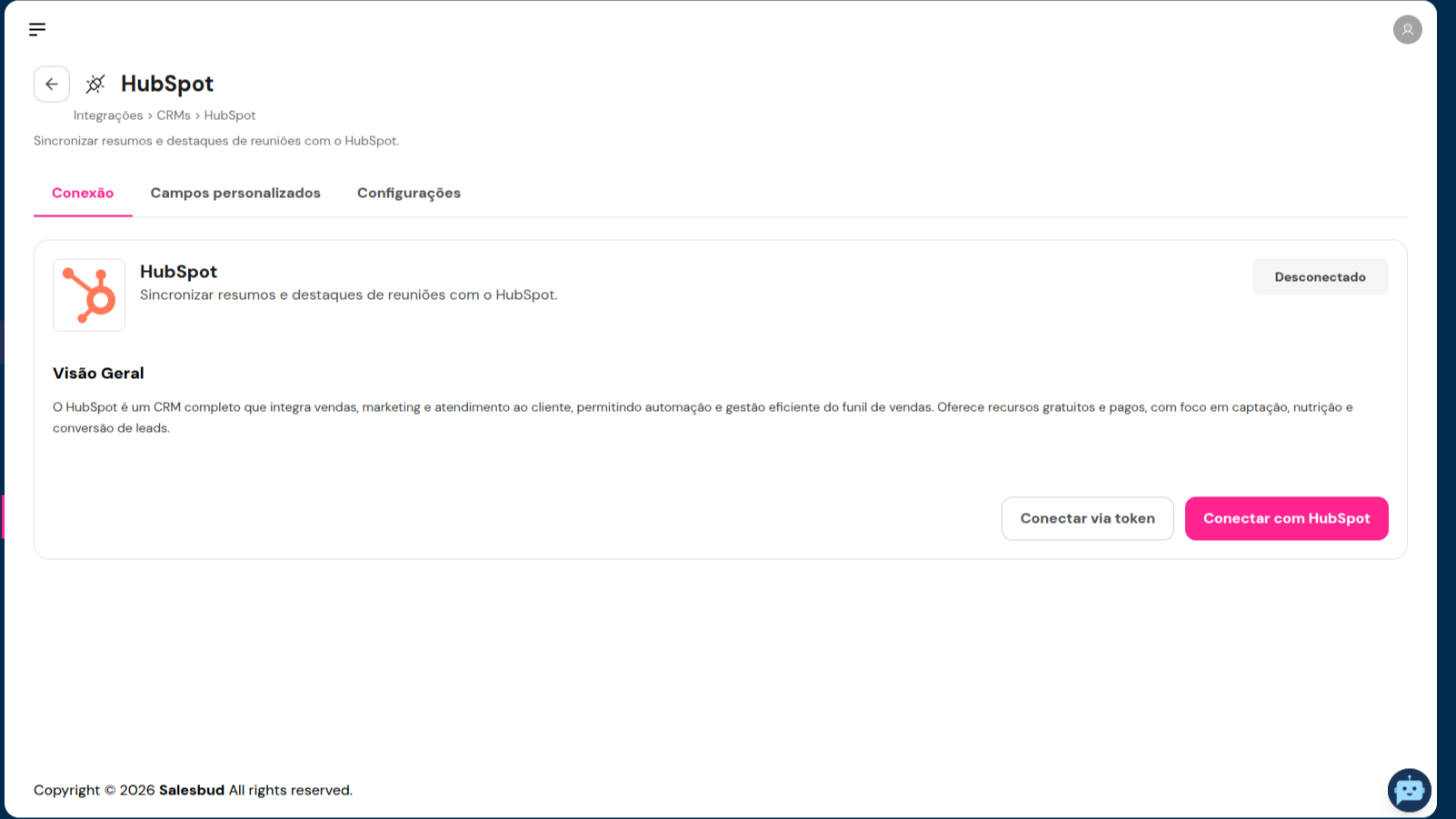
1/3 - how-to-connect-in-hubspot
A CRM is only useful when it reflects what actually happens in sales conversations. In practice, after every meeting, phone call, or WhatsApp conversation, the salesperson needs to recall what was said, write a summary, update fields, and log the next steps. This is rarely done thoroughly. The CRM becomes outdated, the manager loses visibility, and the forecast is based on assumptions.
Salesbud eliminates this manual work. It captures sales conversations, understands what was discussed, and automatically logs everything in HubSpot.
How it works
1. Capture: Salesbud records sales interactions right where they happen: video conference calls, VoIP calls, in-person meetings, and WhatsApp conversations.
2. Analysis: Each conversation is transcribed and analyzed by AI, which extracts what matters to the business: customer pain points, objections, competitors mentioned, budget, decision-makers, and next steps.
3. HubSpot Entry: The Deal, Contact, and Company fields are filled in automatically. The conversation is logged as an activity on the timeline, associated with the correct contact, company, and deal, and next steps can be turned into tasks for the assigned sales rep.
Why connect to HubSpot
- A CRM that reflects reality: what goes into HubSpot is what the customer actually said, not what the salesperson remembered to write down.
- More time selling: The sales rep no longer needs to manually log every interaction.
- Visibility for management: Consistent data to track the pipeline, provide coaching, and forecast revenue with greater accuracy.
- Standardization across the team: All salespeople enter information in the same format, making it easier to compare and make decisions.
The integration adapts to your HubSpot. You choose which properties Salesbud should populate, including custom fields. For teams that use Tickets, Salesbud also updates those records, subject to optional authorization during setup.
Salesbud is ideal for sales teams that rely on meetings, phone calls, and WhatsApp and want a HubSpot that’s always up to date without depending on consistent data entry.
Features
Creating Notes
Salesbud uses app integration to create notes summarizing meetings and WhatsApp conversations.
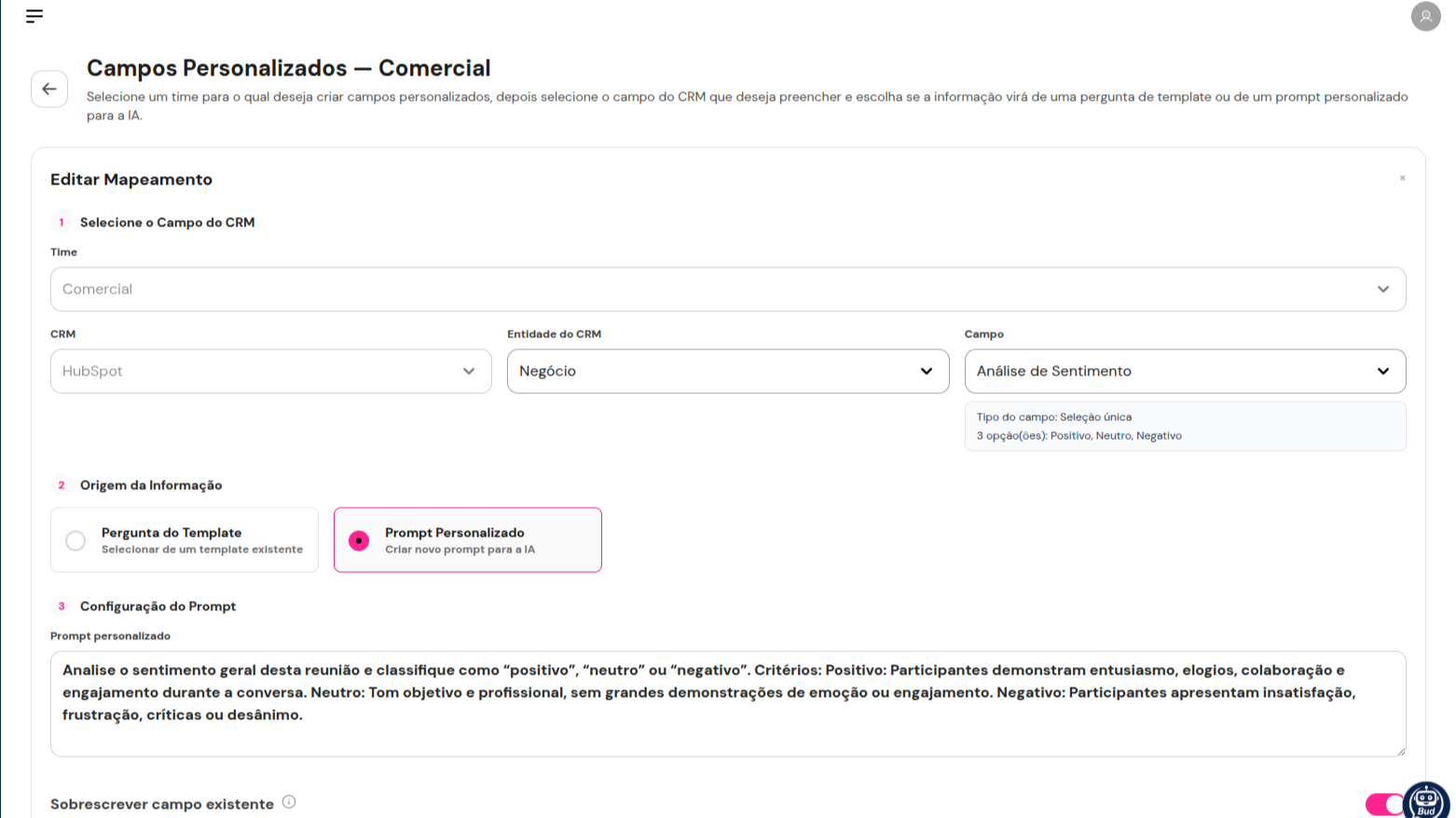
Filling in Custom Fields
Salesbud uses the app to populate custom fields (information) in contacts, deals, companies, and other records based on meetings and WhatsApp conversations.
App Functionality
Shared Data
Deals | ||
Contacts | ||
Companies | ||
Deal Properties | ||
Contact Properties | ||
Company Properties | ||
Vendedor | ||
Chamado (opcional) | ||
Produto do negócio (opcional) |
Salesbud integrates information extracted from sales interactions (video conference calls, phone calls, in-person meetings, and WhatsApp conversations) into HubSpot after transcribing and analyzing these conversations. Data flow direction: two-way. What Salesbud retrieves from HubSpot:
-Contacts, companies, and deals, to identify who each conversation belongs to (by the participant’s phone number or email) and what the most recent open deal is.
-Owners, to link each activity to the correct sales rep.
-The list of Deal, Contact, and Company properties, so the customer can choose, in Salesbud’s settings, which fields should be filled out.
What Salesbud writes to HubSpot:
-Deal: fields with a summary of the interaction, next steps, objections, competitors, and other data extracted from the conversation.
-Contact and Company: fields identified during the interaction.
-Activities associated with contacts, companies, and deals: meetings, notes, calls, WhatsApp messages, and next-steps tasks.
Optional objects: For customers who use Tickets, Salesbud also reads and updates these records. Access to each of these is authorized separately by the user during installation and can be denied without affecting the main integration.
Salesbud creates and updates information but does not delete records or remove existing data from HubSpot. When the customer configures the “only if empty” option, fields that already have a value are not overwritten. Data processing complies with the LGPD, with consent for recording obtained in all usage scenarios (virtual meetings, in-person meetings, phone calls, and WhatsApp).
Reviews
Pricing
Business Plan
Allows integrations with HubSpot CRM
Business Plan
Allows integrations with HubSpot CRM
* The pricing here is for display purposes only. All prices do not include taxes, incentives, discounts, or other pricing variables. You should contact the partner for the most up to date and correct pricing information. HubSpot does not take any responsibility for this pricing information, which is provided by our partners. Pricing last updated: 10/22/2026
Getting attention today

Microsoft Teams
Use Microsoft Teams and HubSpot for meetings, conversations, and more!

RingEX by RingCentral
Streamline workflows with RingCentral's integration for HubSpot.
