

AspirePro
Built by - AspirePro LLC
Installs - <10 installs
Requirements
HubSpot Plan HubSpot Account permissions - View the required account permissions
Access Type Shared AspirePro Subscription - Starter or Professional plans
Overview
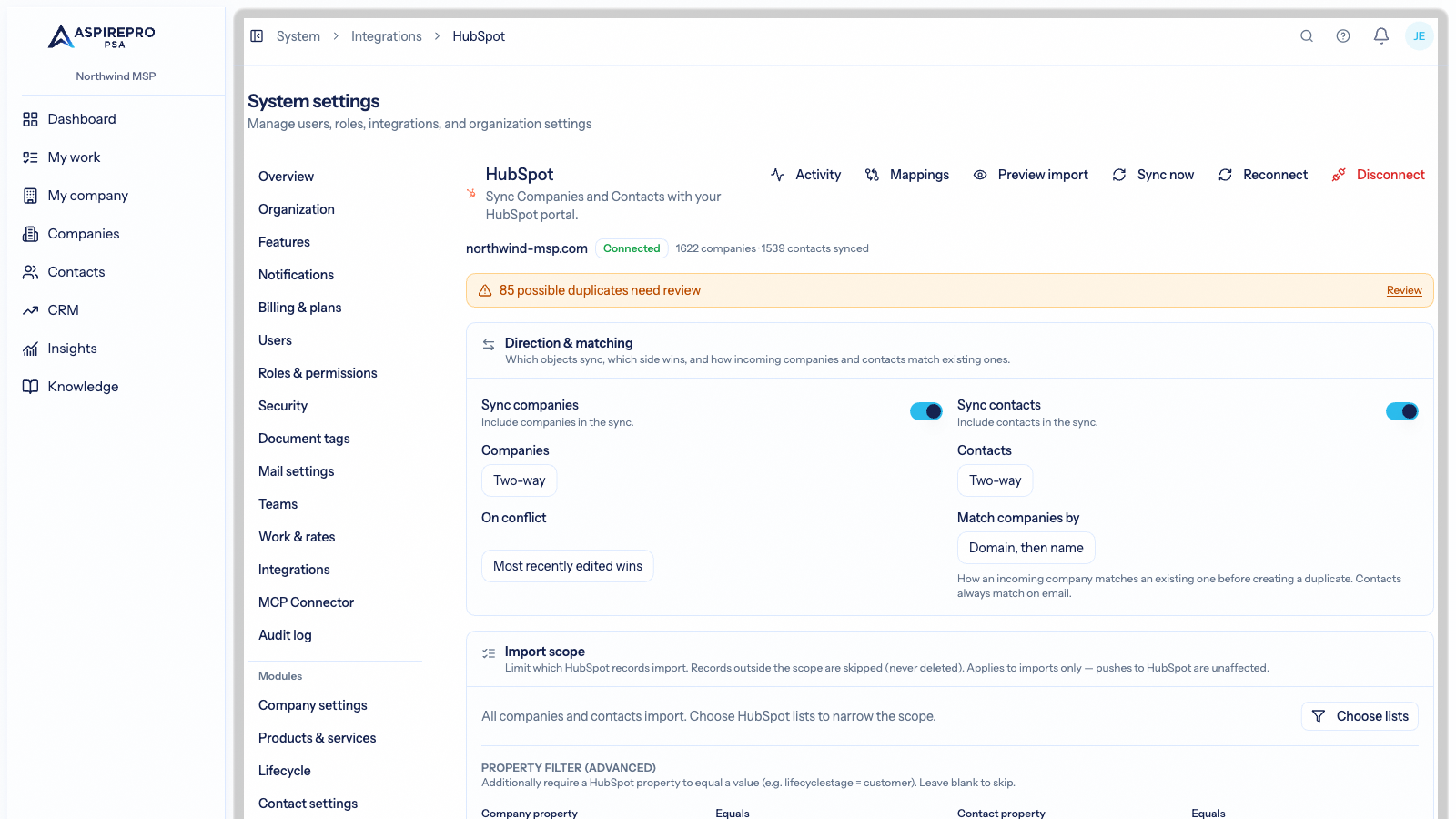
1/7 - HubSpot integration settings in AspirePro: connected portal, sync direction per object, conflict rule, and company matching
AspirePro is the workspace where your team actually does the work: projects, tickets, calls, quotes, agreements, invoices. HubSpot is where your pipeline and marketing live. Without a connection, the same companies and contacts get entered twice, deals close in HubSpot while delivery starts somewhere else, and nobody has one honest record of who touched a customer last.
This app keeps the two in step, in both directions, without anyone re-keying anything.
One record for every company and contact. Companies and contacts sync two-way with field-level mapping and safeguards: blank values never overwrite real ones, conflicts resolve by a rule you choose, and you can pause, run create-only, or scope the sync to specific HubSpot lists. Lead Status is a first-class field on both sides.
Pipelines and deals that mean the same thing everywhere. HubSpot pipelines and stages map onto AspirePro pipelines. A deal moving in HubSpot moves here, and a deal won here is won in HubSpot. Deal history imports so the timeline is complete from day one.
Tasks and activity, wherever they happened. HubSpot tasks appear as scheduled work for the right person and are completed from either side. Calls, emails, meetings, and notes logged in HubSpot show on the contact's history in AspirePro, including sequence sends and email opens, and work logged in AspirePro is written back to HubSpot. Your team sees the full picture without switching tabs.
Outbound teams working from HubSpot data. SDRs and fractional BDRs work call blocks built from HubSpot contacts, with every dial, outcome, and follow-up flowing back to the portal. Agencies run a client's HubSpot from their own AspirePro workspace while the client keeps a complete record in their portal.
Setup takes a few minutes: authorise once, choose what syncs and in which direction, and the initial import runs in the background. Everything is auditable, and disconnecting removes access cleanly.
Features
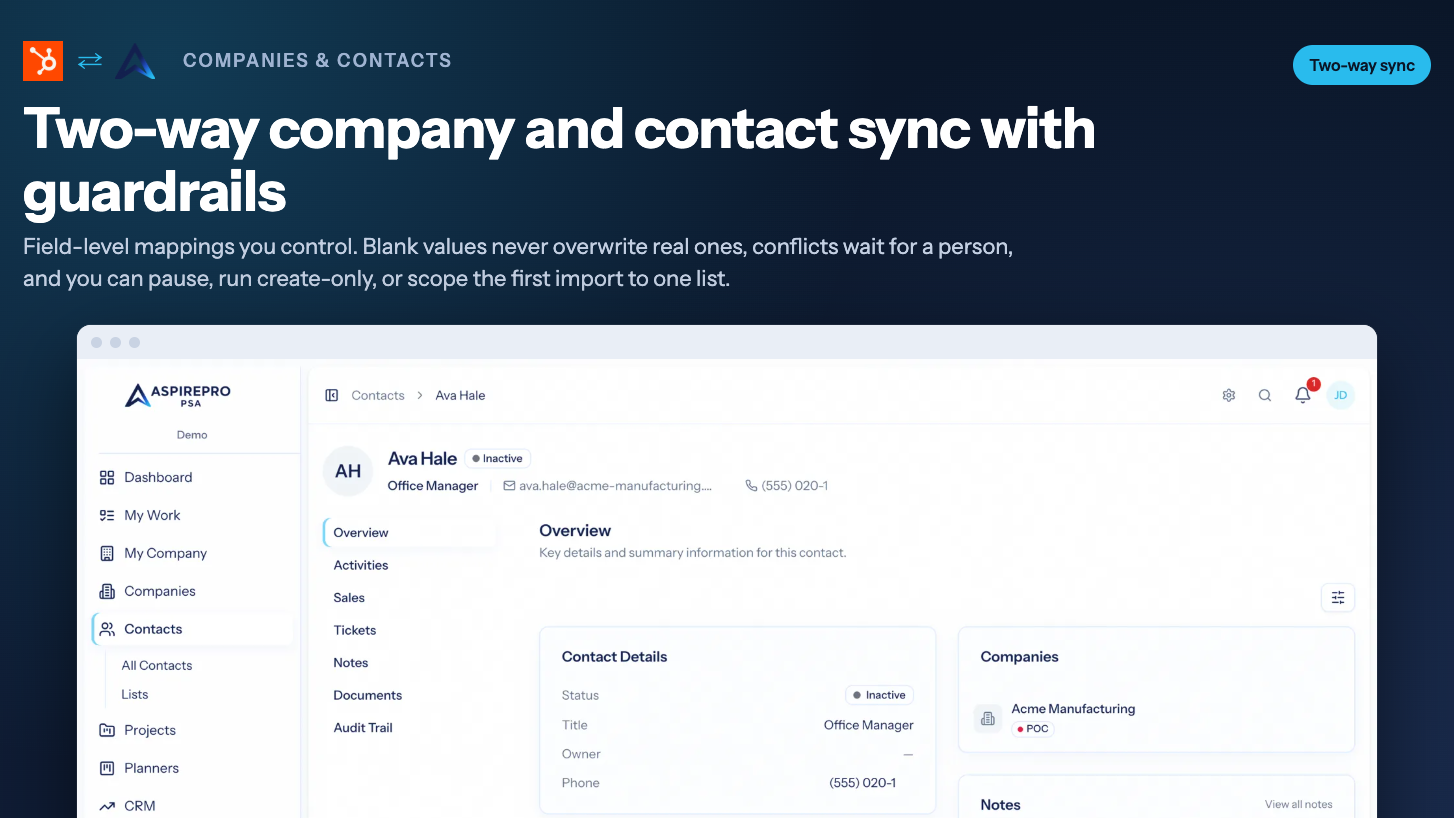
Two-way company and contact sync with guardrails
Companies and contacts stay in step in both directions with field-level mappings you control. Blank values never overwrite real ones, conflicts queue for a human decision, and you can pause, run create-only, or scope the first import to one HubSpot list while you build trust.
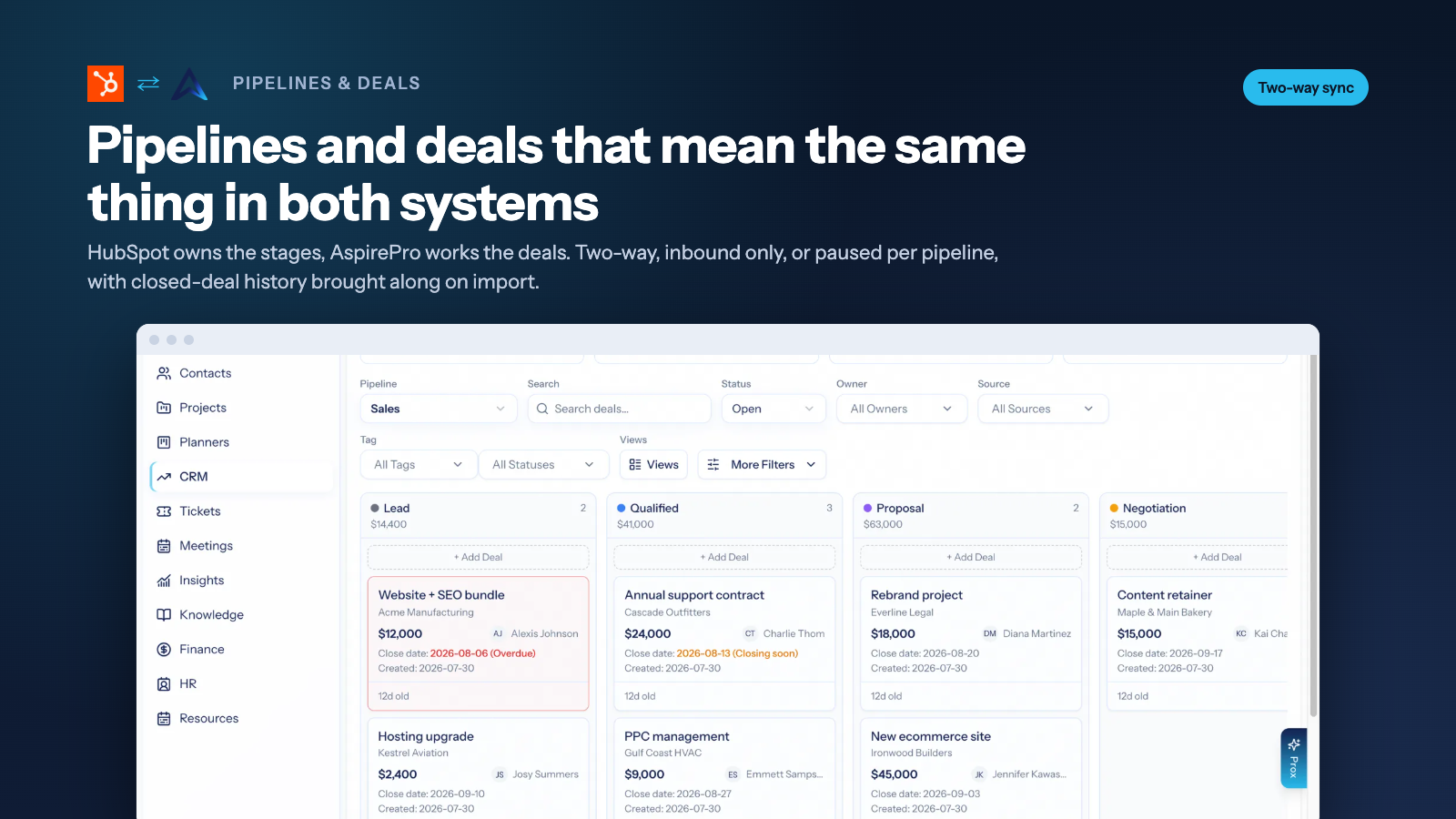
Pipelines and deals that mean the same thing in both systems
Import HubSpot pipelines with their stages and closed-deal history. A deal moving in HubSpot moves in AspirePro, and a deal won in AspirePro is won in HubSpot. Set two-way, inbound only, or paused per pipeline. Owners match by email. Convert to native at any time for a clean migration off HubSpot.
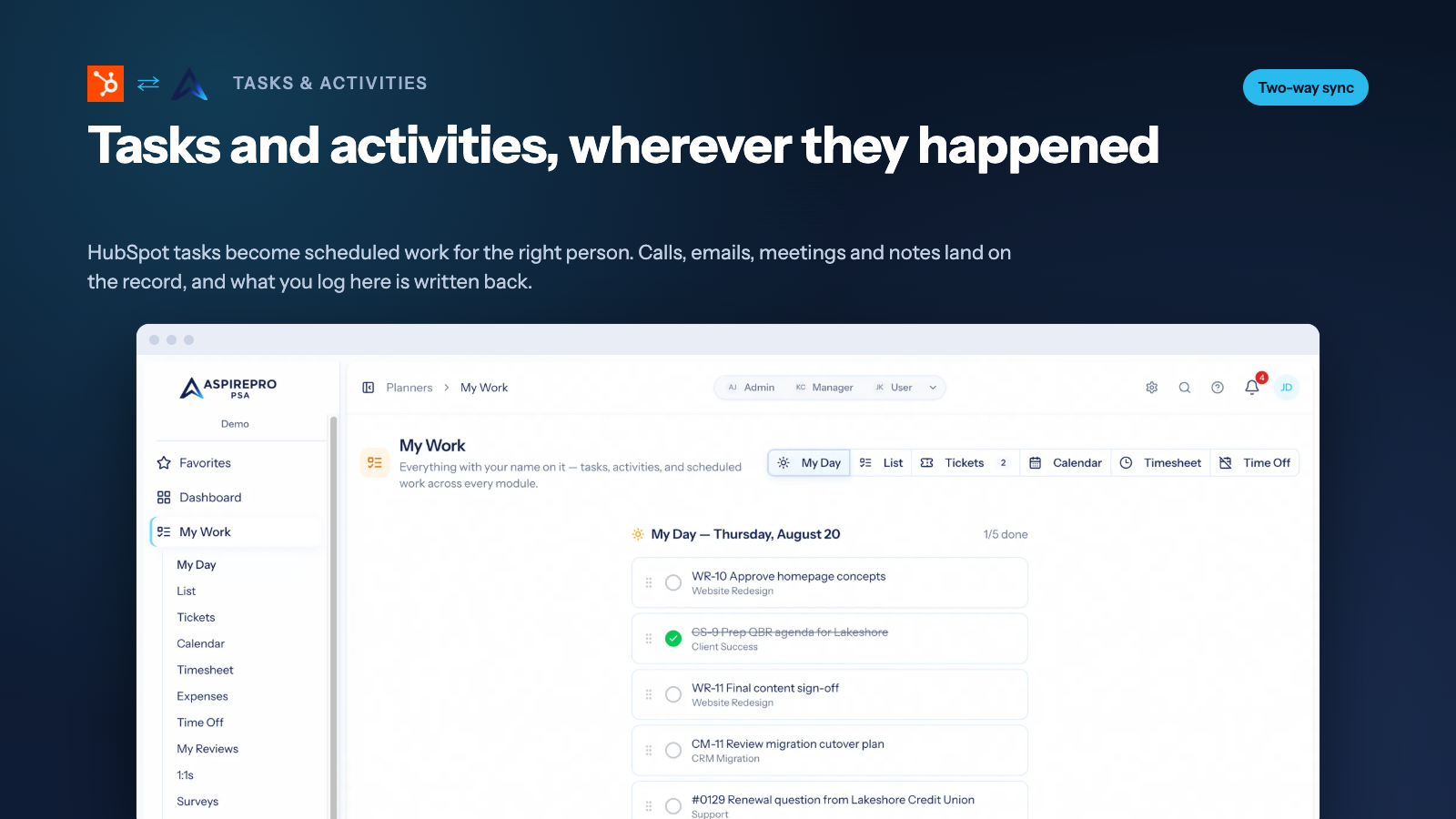
Tasks and activities, wherever they happened
HubSpot tasks become scheduled work for the right person and complete from either side. Calls, emails, meetings, and notes logged in HubSpot show on the contact's history in AspirePro, and work logged in AspirePro is written back. Lead Status is a field of its own, synced the moment it changes.
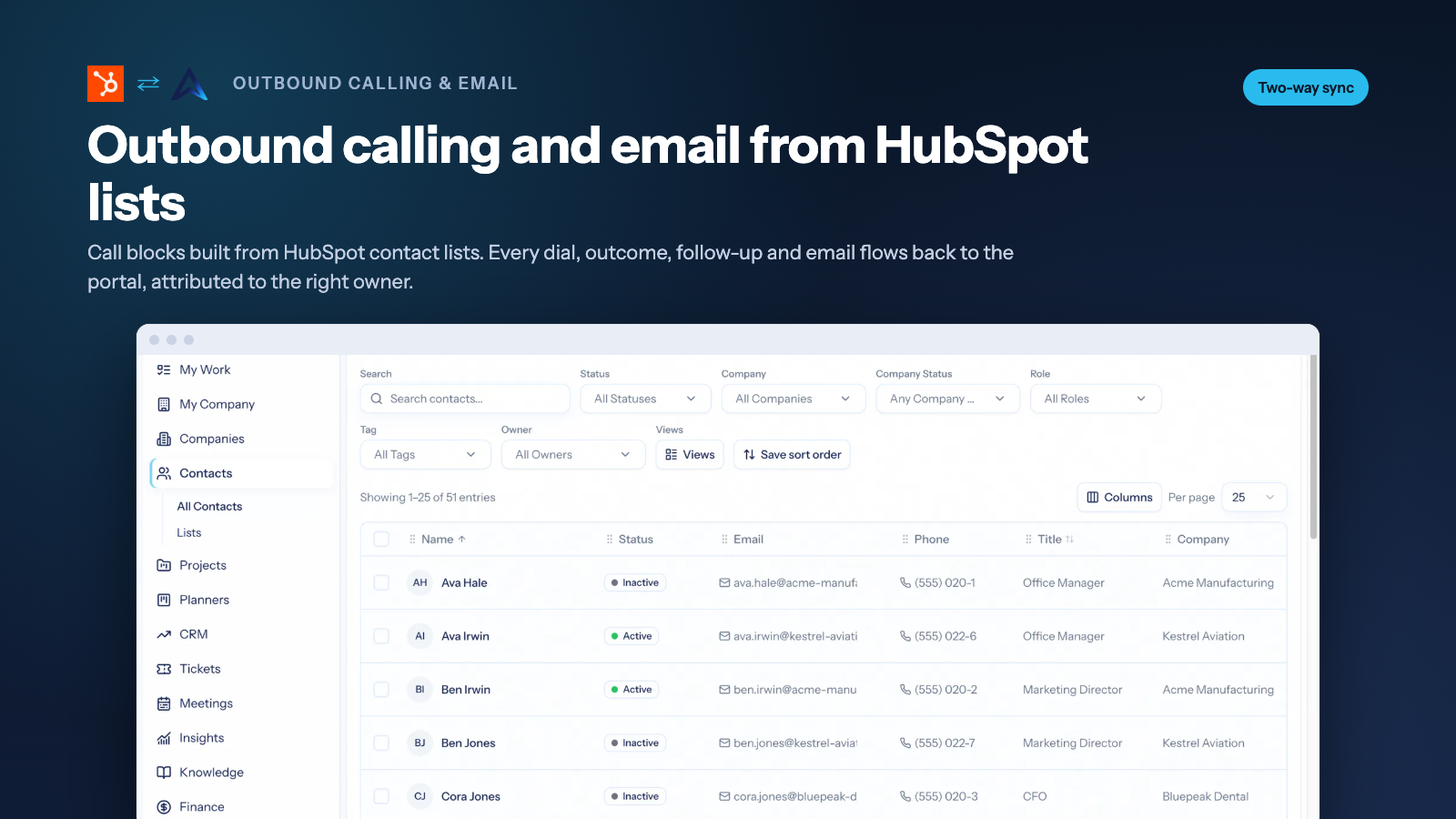
Outbound calling and email from HubSpot lists
SDRs and fractional BDRs work call blocks built from HubSpot contact lists. Every dial, outcome, follow-up, and email flows back to the portal, attributed to the right HubSpot owner. Agencies run a client's HubSpot from their own AspirePro workspace while the client keeps a complete record.
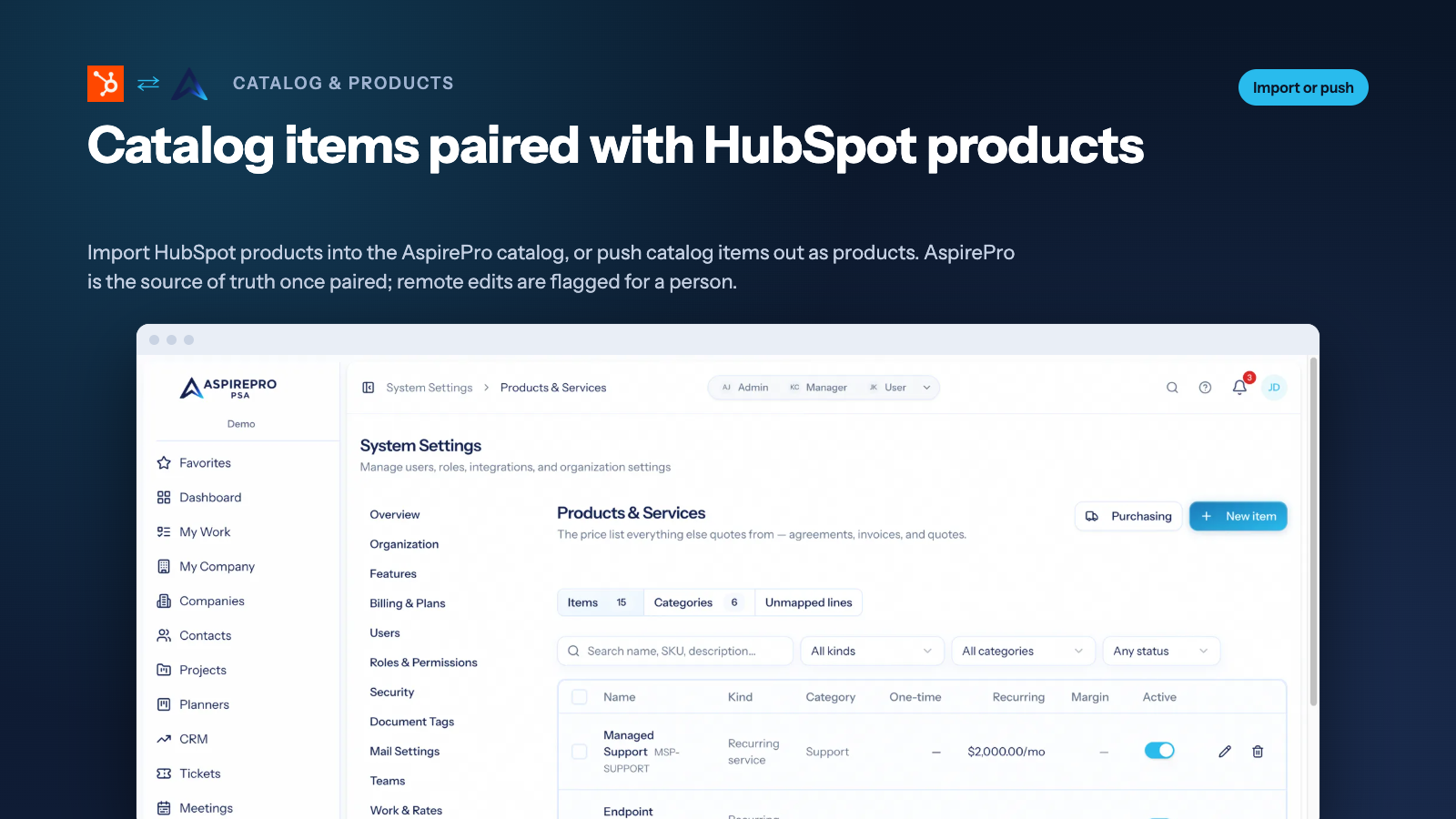
Catalog items paired with HubSpot products
Import HubSpot products into the AspirePro catalog, or push catalog items out as HubSpot products, so the price list your quotes, agreements, and invoices use is the one your sales team sees in HubSpot. AspirePro is the source of truth once paired; edits made on the HubSpot side are flagged for a person to review.
App Functionality
Shared Data
Companies | ||
Contacts | ||
Lists | ||
Tasks | ||
Pipelines | ||
Deals | ||
Catalog items | ||
Users (record owners) | ||
Activities (calls, emails, meetings, notes) | ||
Deal fields | ||
Contact fields | ||
Company fields |
Reviews
Pricing
Starter
$6.66
/monthProjects, planners and ticketing for small teams.
Starter
$6.66
/monthProjects, planners and ticketing for small teams.
* The pricing here is for display purposes only. All prices do not include taxes, incentives, discounts, or other pricing variables. You should contact the partner for the most up to date and correct pricing information. HubSpot does not take any responsibility for this pricing information, which is provided by our partners. Pricing last updated: 09/28/2026
More info
Built by - AspirePro LLC
Installs - <10 installs
Categories Languages this app is available in English
Getting attention today

Microsoft Teams
Use Microsoft Teams and HubSpot for meetings, conversations, and more!
-1.png)
HubSpot connector for Claude
Get AI-powered insights from your HubSpot data, right in Claude.
