

MasterInbox
Built by - Master Inbox
Installs - <10 installs
Requirements
HubSpot Plan HubSpot Account permissions - View the required account permissions
Access Type Shared MasterInbox Subscription - Growth — $349 / month, Agency — $579 / month, or Unlimited 30k — $1497 / month plans
Overview
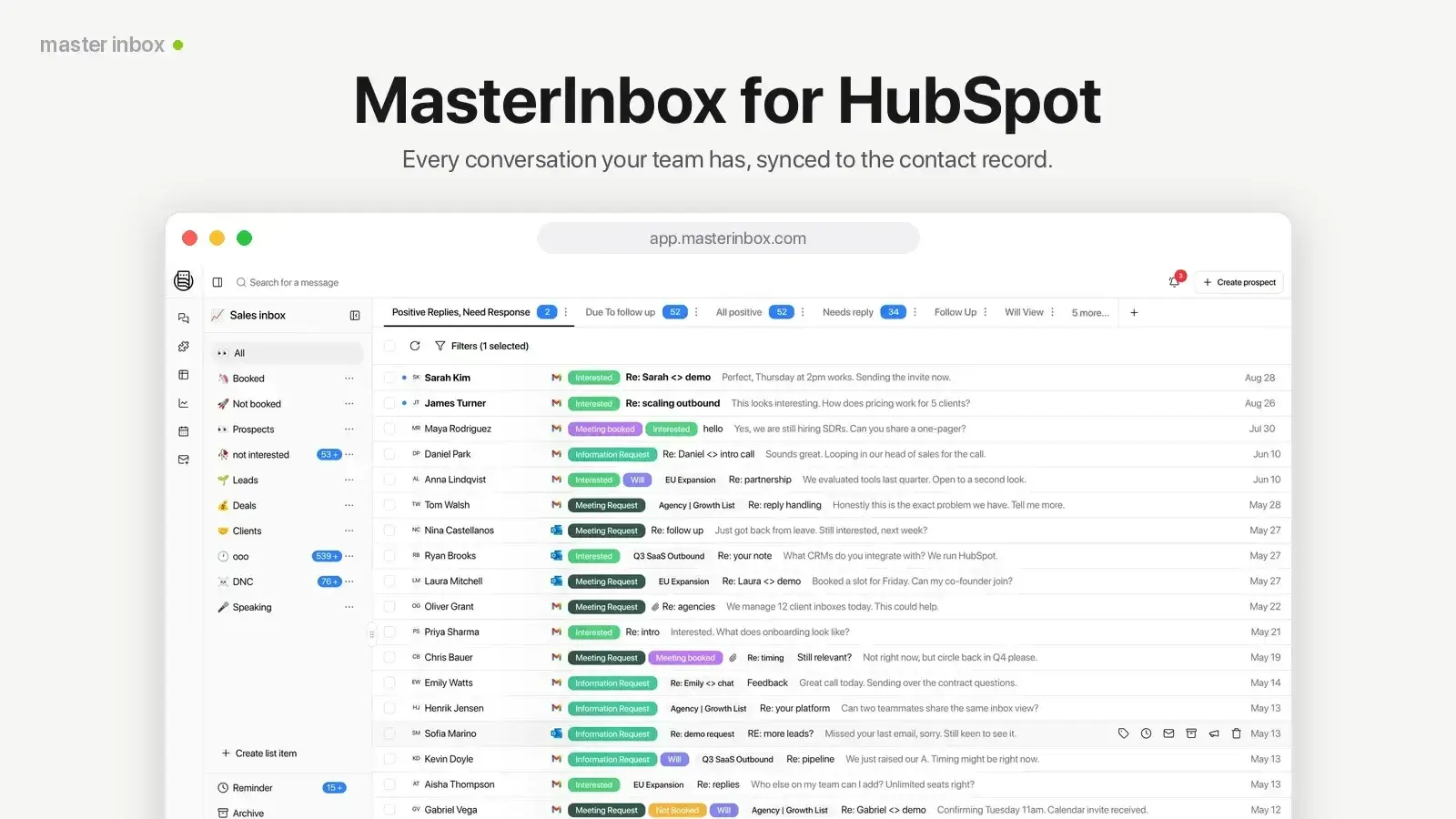
1/5 - MasterInbox for HubSpot
Your team's outbound conversations don't live in HubSpot. They're scattered across sequencer inboxes, LinkedIn, and whichever mailbox a reply happened to land in. So the contact record the thing your forecasting, reporting, and handoffs all depend on is always a little bit wrong.
The usual fixes make it worse. CCing the CRM gives you half a thread. Forwarding loses the formatting and attributes the message to the wrong person. Copy-paste doesn't scale past a few replies a day. And none of it touches LinkedIn at all, which is where a growing share of outbound replies now come from.
MasterInbox closes that gap in both directions.
💬 Reply from the contact record
A MasterInbox card on every contact shows the full email and LinkedIn history as one properly formatted thread. Reps read and reply right there — no CCing, no forwarding, no second tab. Replies send from the original mailbox and thread onto the existing conversation, so your prospect just sees a normal reply.
🔄 Keep HubSpot current automatically
Contacts are created or matched by email address or LinkedIn, so you don't get duplicates. Emails log to the timeline as sent and received. LinkedIn messages log as native LinkedIn activities, not generic notes. Meetings, reschedules and cancellations flow through too.
🛑 Stop sequences talking over live conversations
When a rep replies from HubSpot, that person is removed from any active sequence — so automated follow-ups never chase someone who is already in a conversation with you.
MasterInbox works with the tools outbound teams actually run on: Google, Outlook, Zoho, custom IMAP/SMTP, Instantly, Smartlead and Reply.io for email; LinkedIn, HeyReach, LeadBird, Aimfox, Expandi, SalesFlow, SalesRobot, Lemlist and GetSales for LinkedIn.
Field mapping stays under your control: any MasterInbox field to any HubSpot property, in both directions, with a match-only mode if you would rather link to existing contacts without writing to them.
Setup is one connection from MasterInbox → Settings → Integrations → HubSpot. Approve the permissions and the sync and the contact card switch on together. No keys to copy between systems, no CSVs, no guessing at field mappings.
Built for sales teams and lead-gen agencies who prospect at volume and need HubSpot to stay the source of truth while they do it.
Features
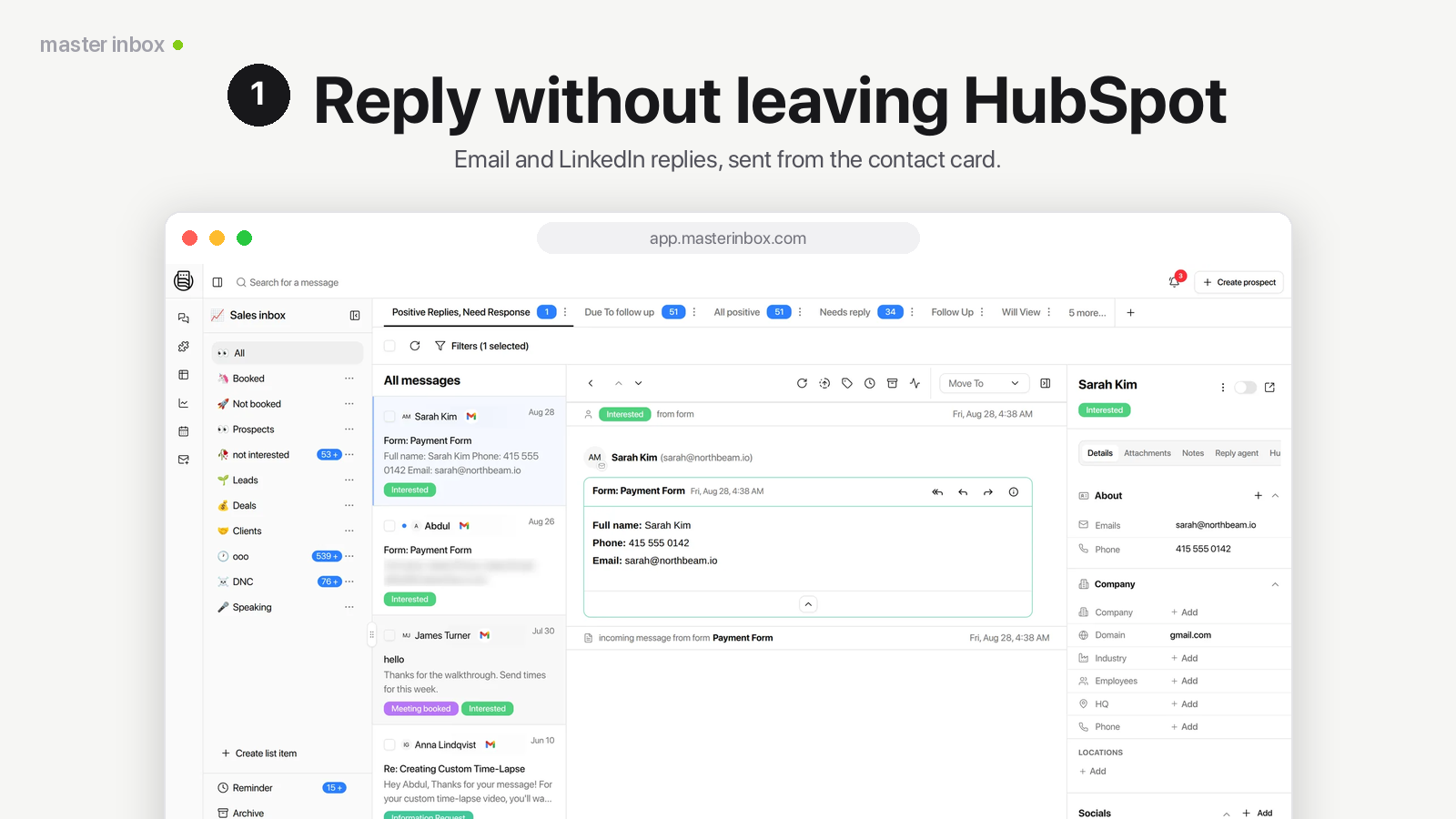
Outbound replies within HubSpot
Reps live in HubSpot, but outbound replies land in Smartlead, Instantly, or LinkedIn. The MasterInbox card puts the whole conversation on the contact record: read the full email and LinkedIn thread and reply in place. Replies send from the original mailbox, thread correctly, and pull the prospect out of any active sequence.
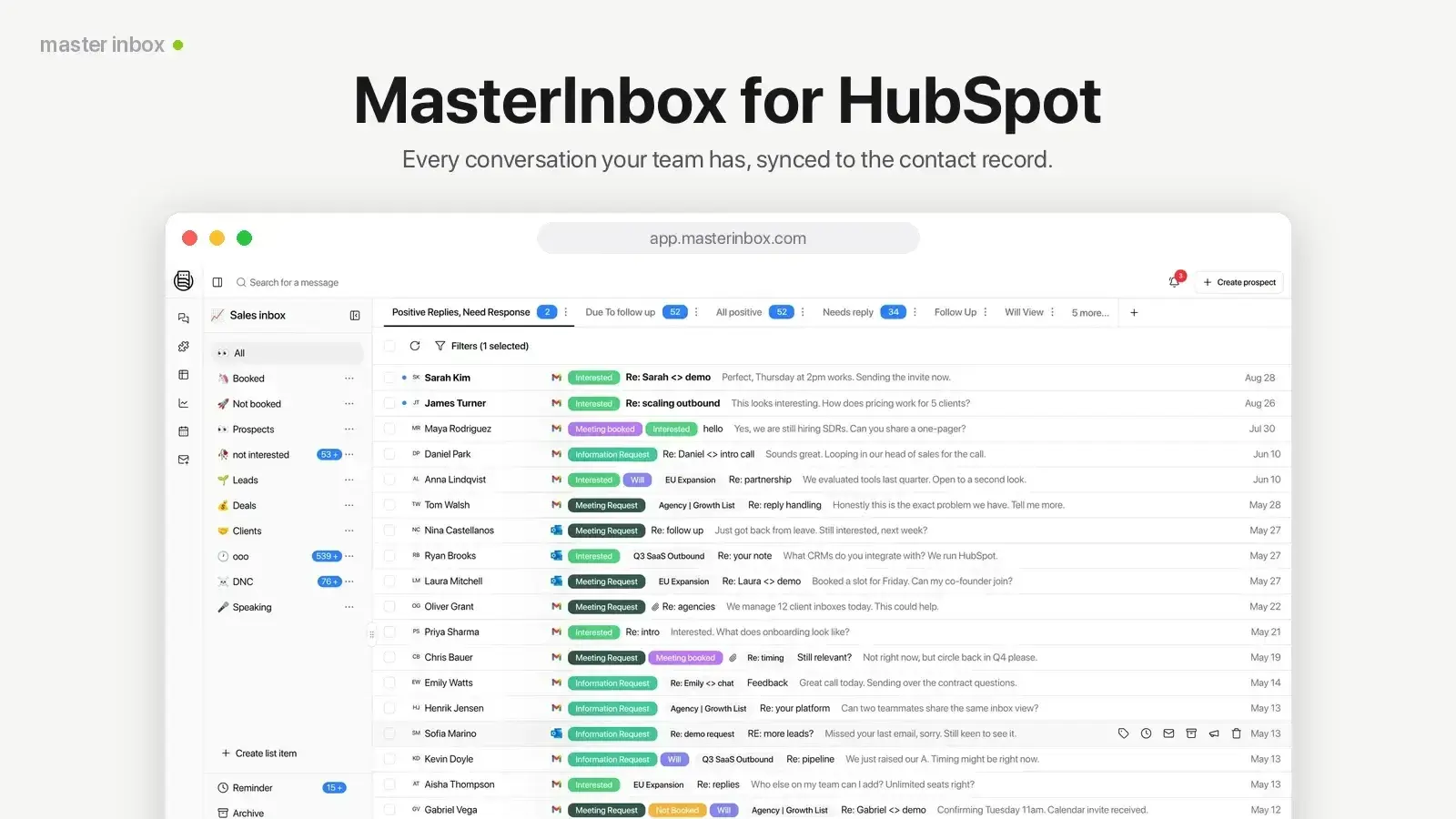
Email and LinkedIn on the timeline
Emails are logged on the contact as sent or received, so the timeline reads like the real conversation. LinkedIn messages are logged as native LinkedIn activities, not generic notes, including messages sent through tools like HeyReach. Nobody copy-pastes conversations into the CRM again.
App Functionality
Shared Data
Contacts | ||
Owners | ||
Contact Properties | ||
Meetings |
alendar and CRM context.
Into HubSpot: when a prospect replies to an outbound email or LinkedIn message, MasterInbox creates or updates the matching contact — matched on email address or LinkedIn profile URL, so you don't get duplicates — and writes a masterinbox_prospect_id property so every record traces back to the conversation it came from. Messages log to the contact timeline as email activities marked sent or received; LinkedIn messages log as native LinkedIn activities. Labels applied in MasterInbox update the contact's lead status, and campaign source is written to a property so you can report on which sending tool a reply actually came from.
Out of HubSpot: meetings booked through HubSpot appear on the MasterInbox calendar, including reschedules and cancellations. Field mapping runs both ways, so HubSpot property values can fill gaps on the MasterInbox side.
Under your control: you choose which mailboxes and channels sync at all, map any MasterInbox field to any HubSpot property, and can run in match-only mode — MasterInbox finds and links existing HubSpot contacts without ever writing data to them.
Reviews
Pricing
Growth — $349 / month
$349
/monthJust getting started
$349 / month — 1,500 mailboxes, 10 workspacesGrowth — $349 / month
$349
/monthJust getting started
$349 / month — 1,500 mailboxes, 10 workspaces* The pricing here is for display purposes only. All prices do not include taxes, incentives, discounts, or other pricing variables. You should contact the partner for the most up to date and correct pricing information. HubSpot does not take any responsibility for this pricing information, which is provided by our partners. Pricing last updated: 09/08/2026
More info
Built by - Master Inbox
Installs - <10 installs
Categories Languages this app is available in English andEnglish - United States
New arrivals

ProjectOps
Turn HubSpot Projects into a complete project management workspace. ProjectOps extends HubSpot Projects with reusable project templates, automated project setup, resource capacity, time tracking, budget visibility, project health, and delivery management. Keep project execution connected to the companies, contacts, deals, users, tasks, and customer context already managed inside HubSpot.

APIANT.ai
Connect HubSpot to any API, at any depth. Describe what you need to Claude Code in plain language, and it builds the integration, tests every branch before it ships, and keeps it running.
