
WhatsApp Connect
Built by - MakeWebBetter
Installs - 20+ installs

Leading
Requirements
HubSpot Plan HubSpot Account permissions - View the required account permissions
Access Type Shared WhatsApp Connect Subscription - Free Plan, Starter, Growth, or Enterprise plans
Overview
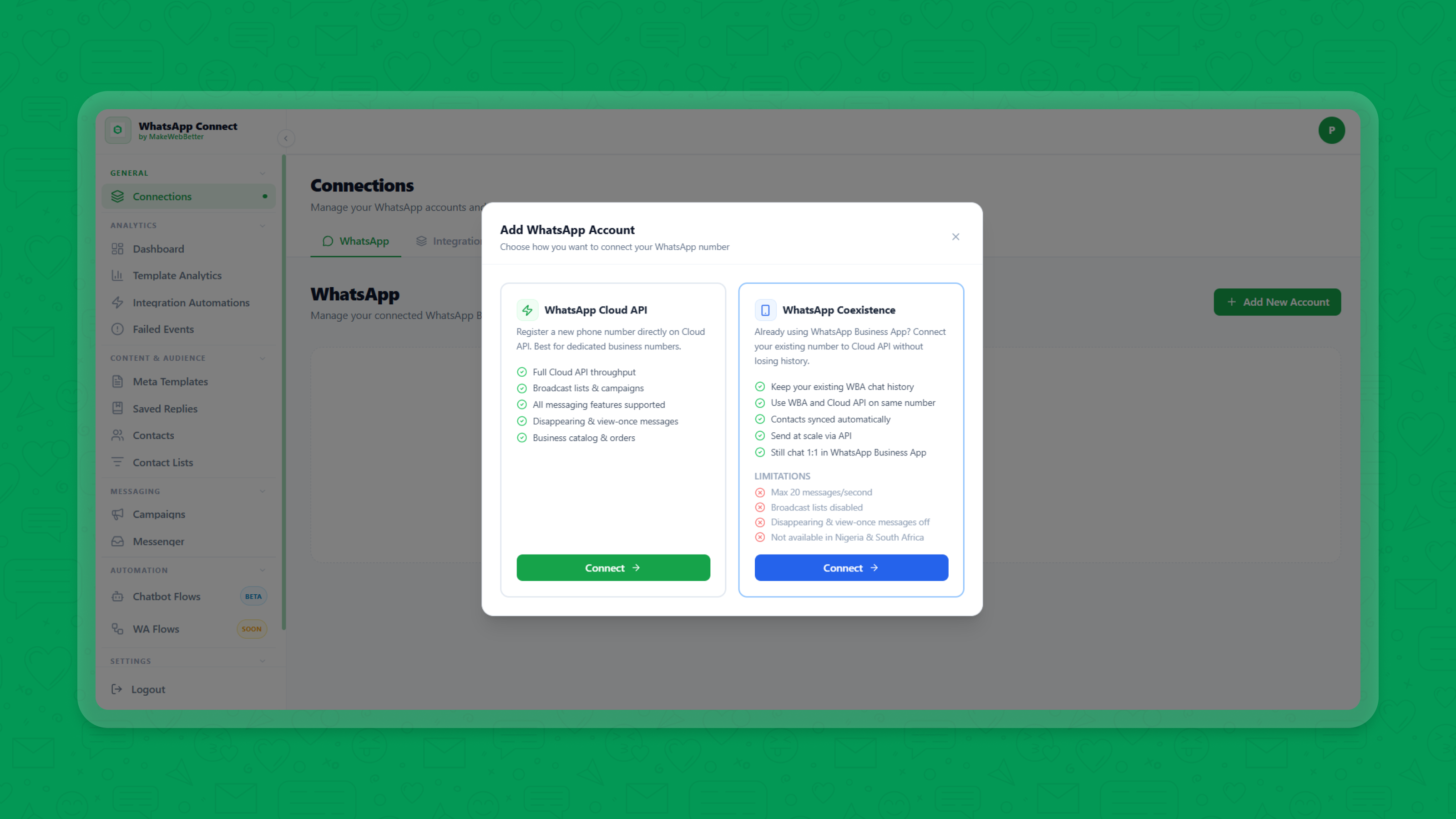
1/8 - whatsapp api integration - configure whatsapp business account integration
Overview
One workspace for WhatsApp conversations, campaigns, automation, analytics, and AI-powered chatbots.
Built for growing teams, WhatsApp Connect removes the complexity of business messaging and binds the CRM experience with WhatsApp Business.
Bringing structured messaging with Meta-approved templates, campaign builder, 1-to-1 conversation management, chat flow builder, and messaging analytics, it brings your WhatsApp-CRM together and keeps you in command.
Why choose WhatsApp Connect?
Unified workspace for conversations, campaigns, and customer engagement.
Smarter engagement with AI-powered chatbots, intent analysis, and agent handoffs.
Actionable insights through messaging, campaigns, and delivery analytics.
Meta-approved messaging with built-in template creation and approval management.
Personalized outreach with CRM data and in-app contact and segment management.
Reliable delivery with automatic retries and failure monitoring across APIs and the Meta level.
Real-Life Scenarios
Lifecycle management: Onboarding, nurturing, re-engagement, reminders
Customer Feedback: Surveys, purchase reviews, service ratings
AI-powered messaging: Support, sentiment analysis, lead qualification & routing
Transactional notifications: Order updates, invoices, delivery alerts
Personalized campaigns: Targeted promotions, announcements, tailored outreach
Features
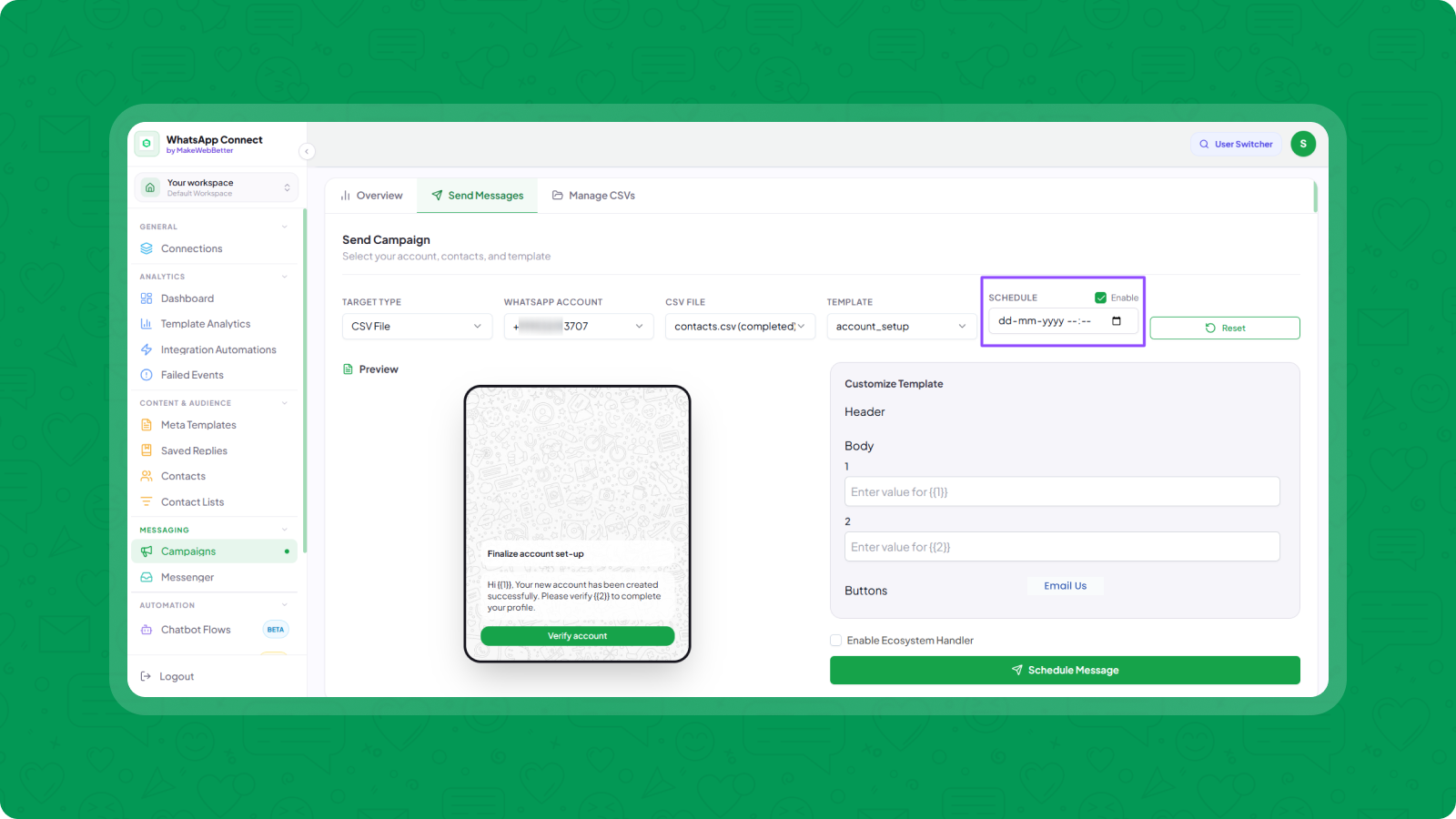
WhatsApp Campaigns
Expand your reach with targeted WhatsApp campaigns using contact segments or CSV imports. Schedule sends, personalize messages, and manage outreach with Meta-approved templates.
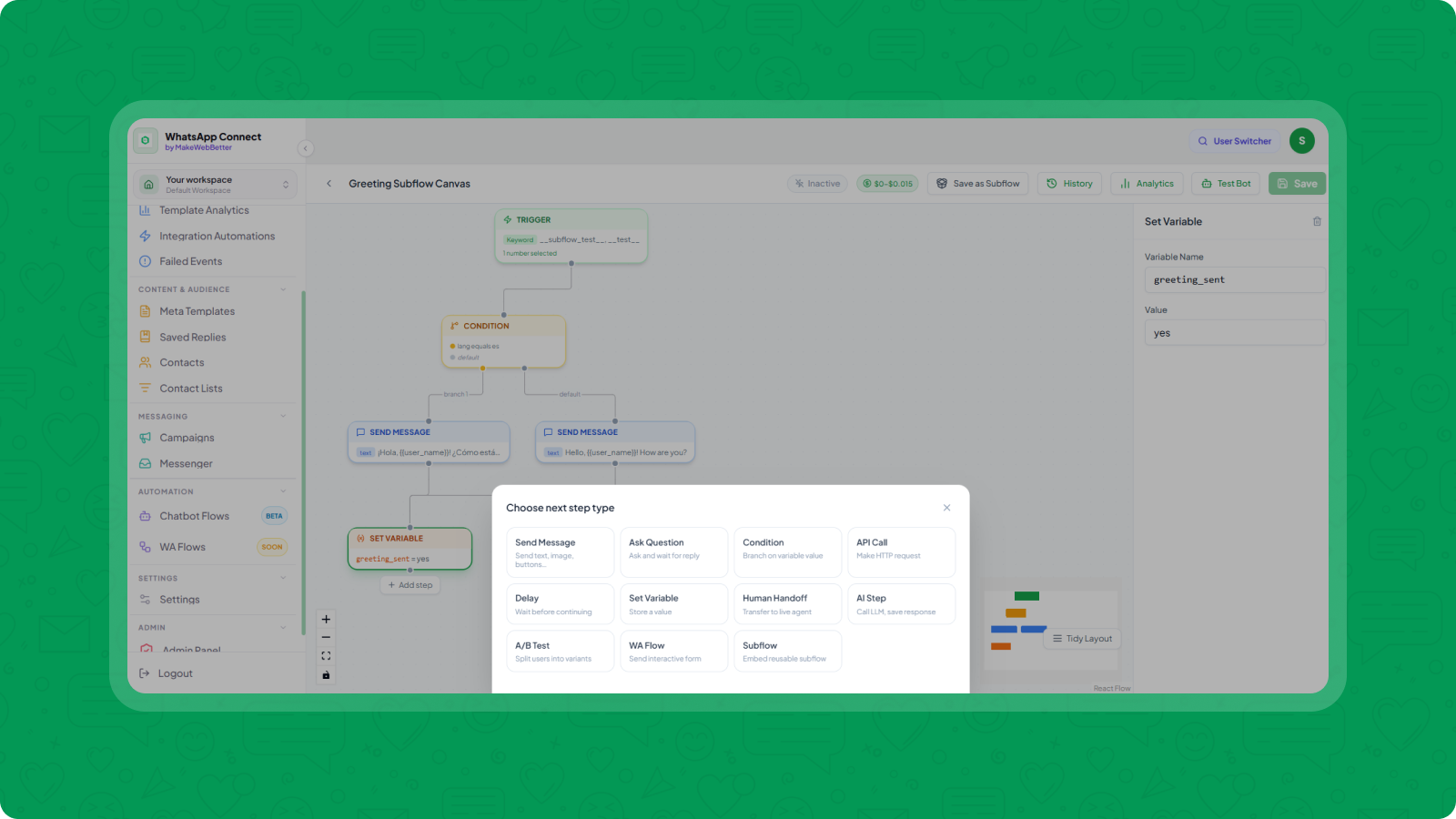
WhatsApp Chatbot Builder & Workflows
Trigger WhatsApp automation using HubSpot workflows. Build your WhatsApp Chatbot with chat flows from scratch to automate conversations & queries intelligently with sentiment and intent analysis, and route chats to support teams.
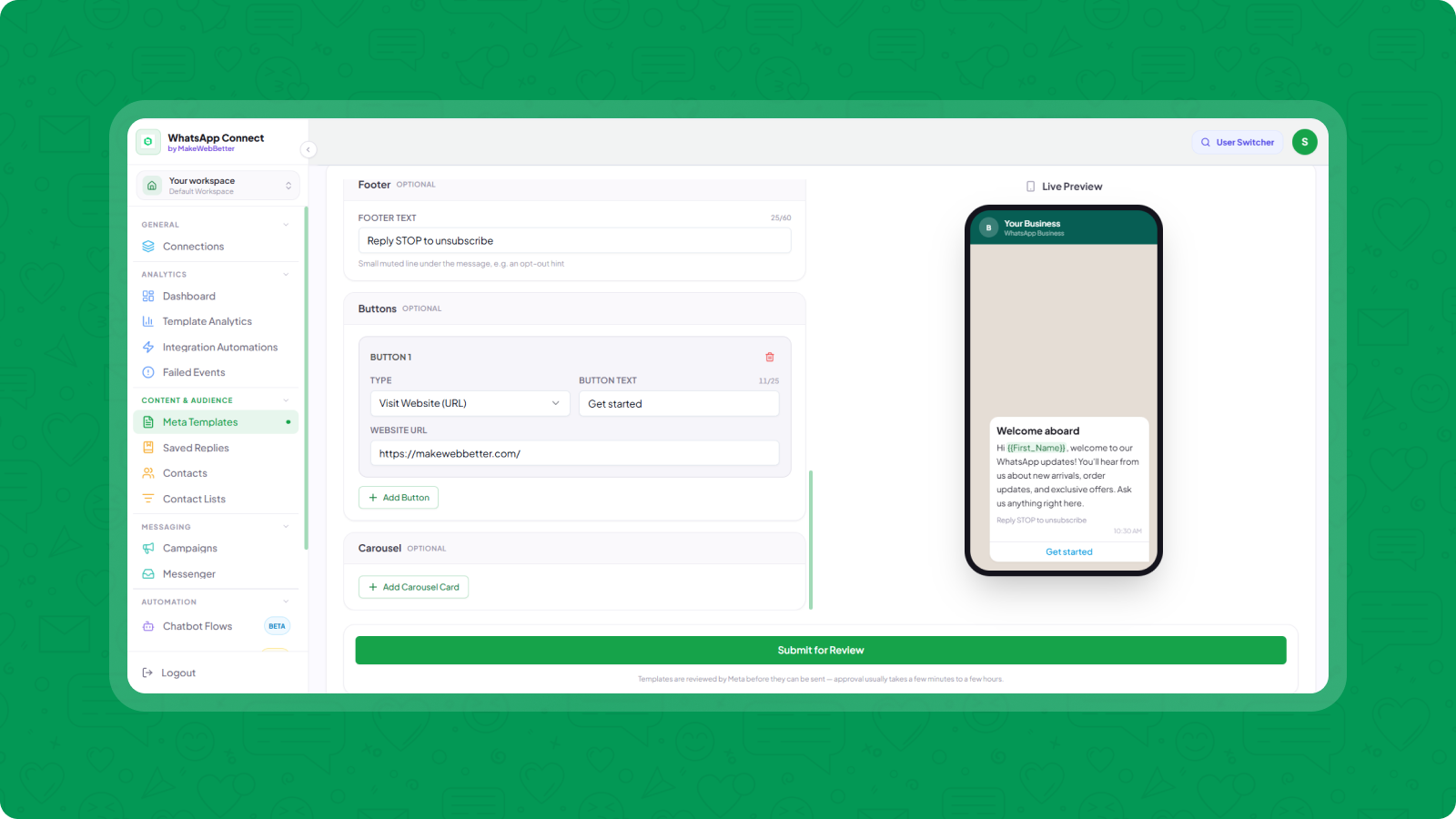
Template Builder & Meta Approval
Create rich WhatsApp templates with text, images, buttons, and variables. Submit them for Meta approval. Once ready and approved, you can utilize them in 1-to-1 messaging, campaigns, and automations.
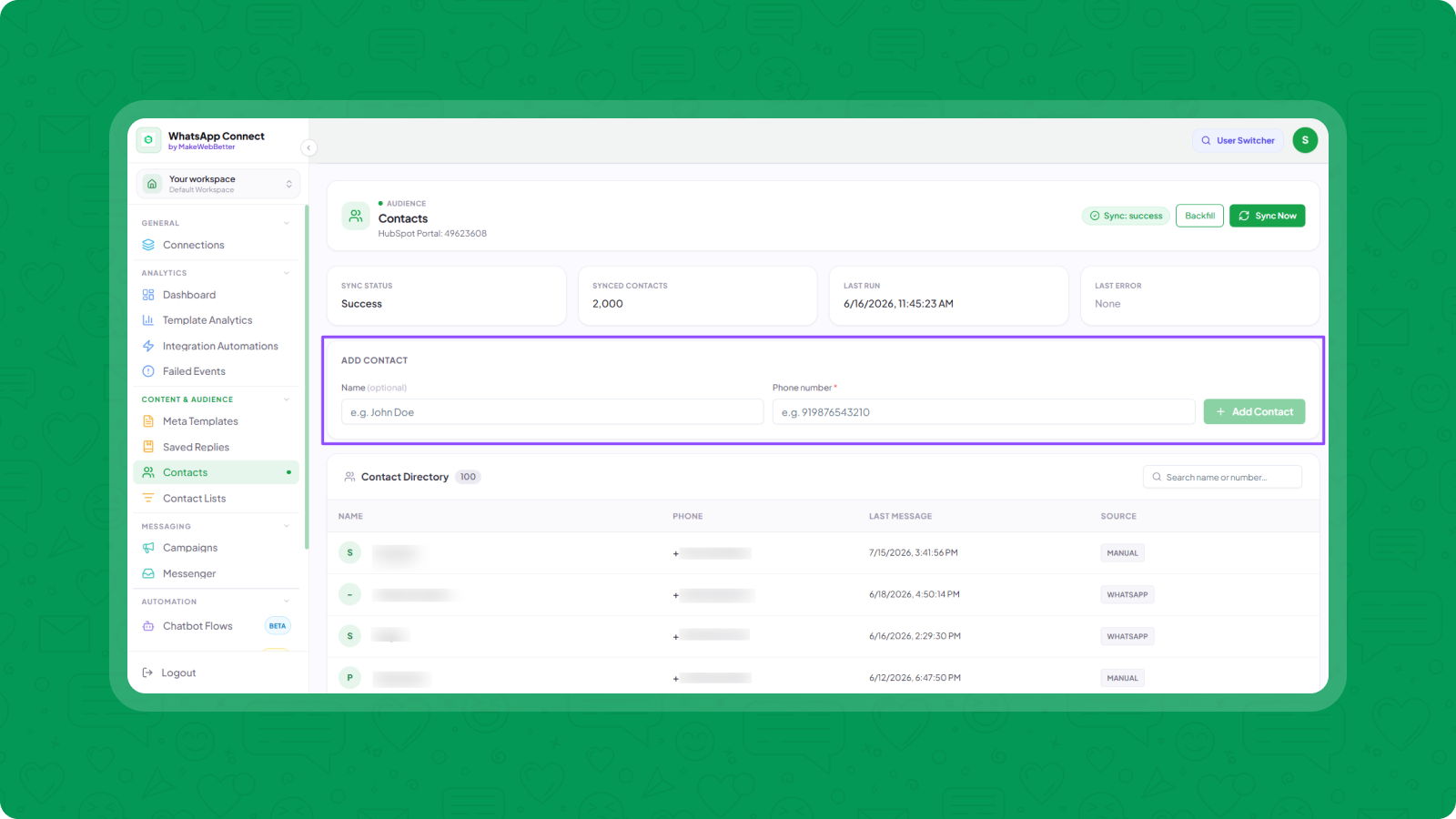
CRM & Contact Management
Build and manage your WhatsApp contact database, organize recipients into lists, and utilize them to power personalized campaigns and scheduled messaging, all inside the app itself.
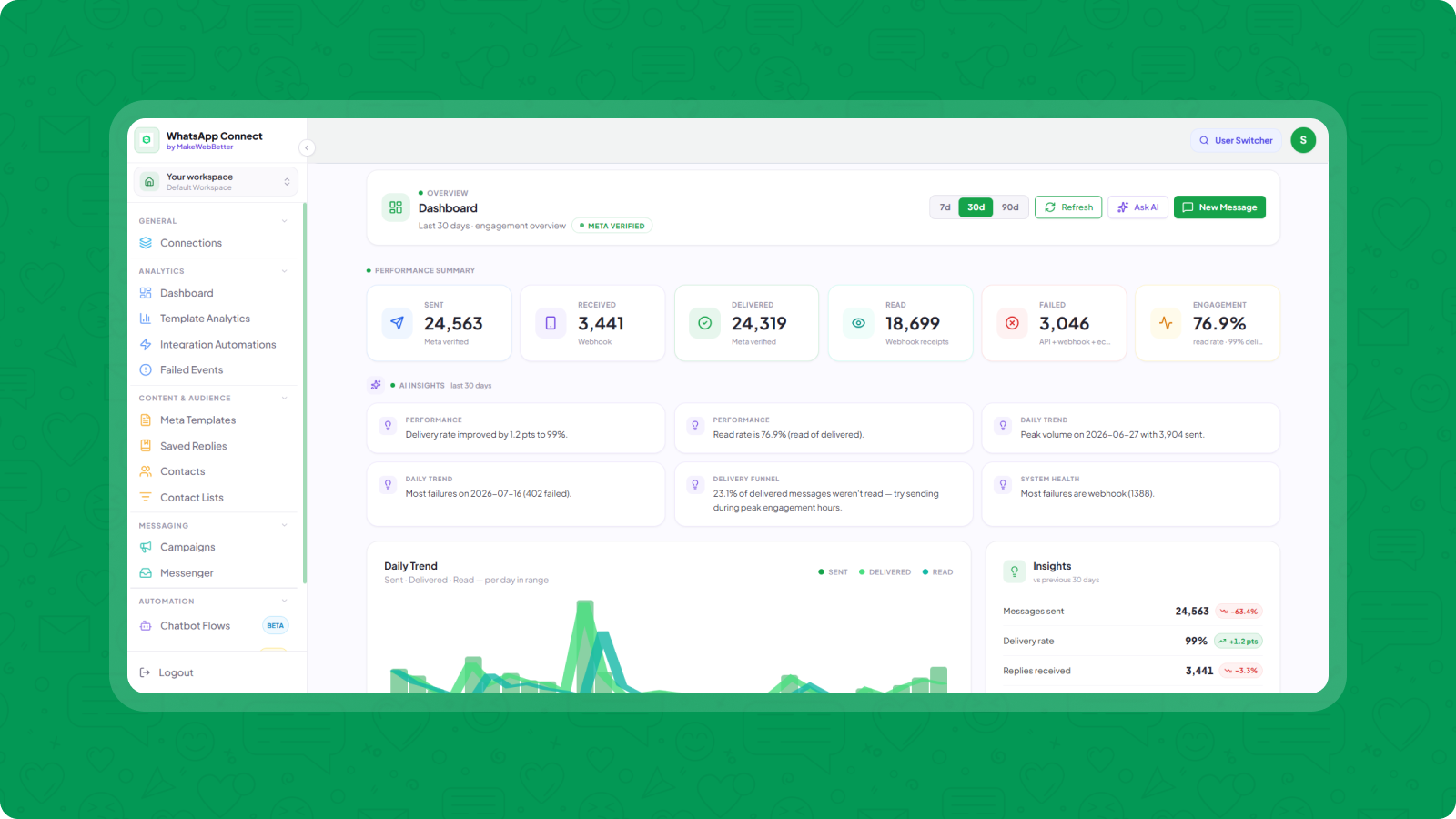
Advanced Messaging Analytics
Monitor your WhatsApp messaging performance from a unified dashboard. Analyze campaigns, automations, & template performance. Track delivery metrics, identify and retry any failures across API, webhook, and ecosystem levels.
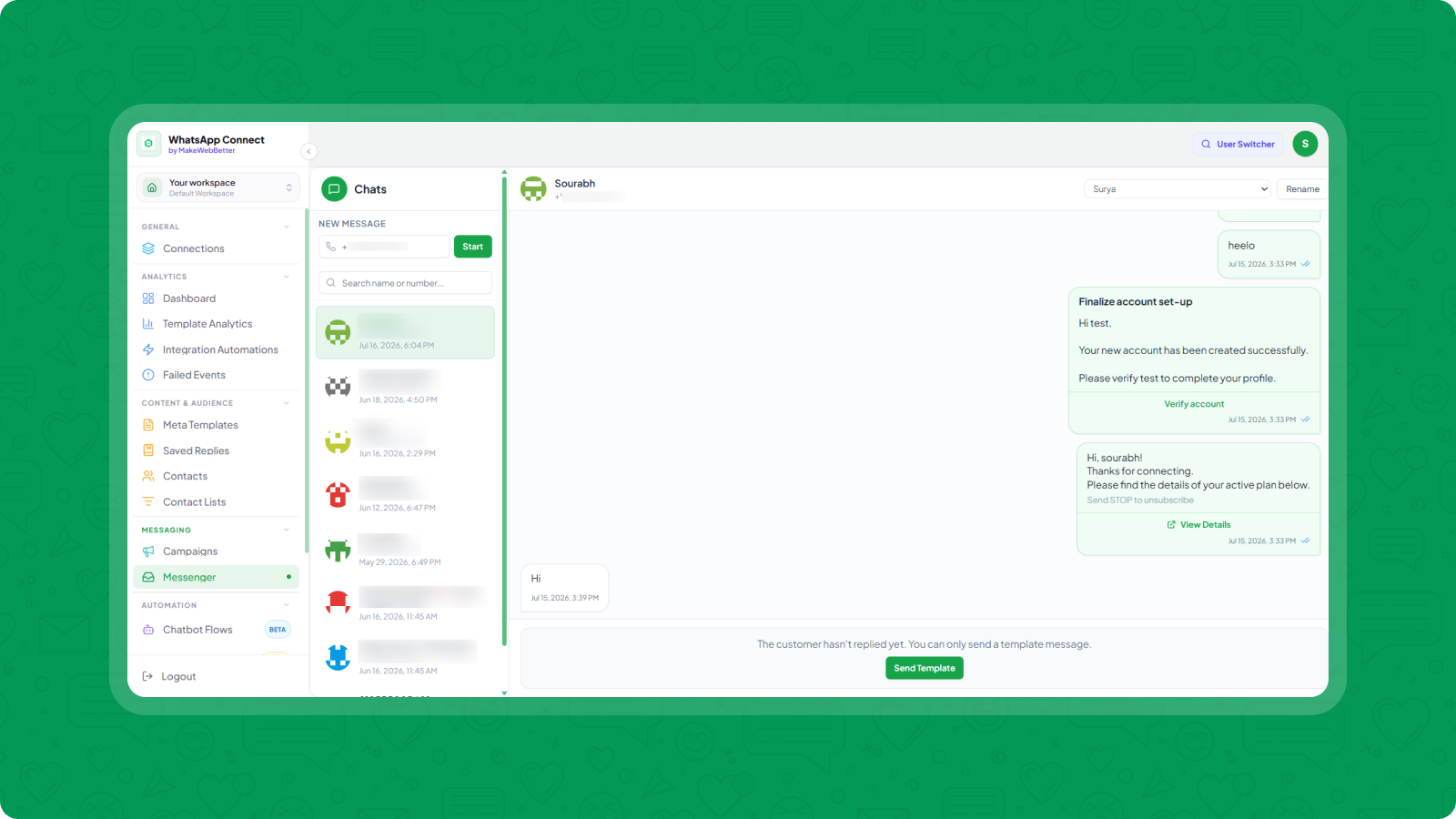
1-on-1 Messaging
Utilize prebuilt message templates to create new chats and interact with existing ones in individual conversations, all manageable from a dedicated space within the app or the HubSpot contact app card.
App Functionality
Shared Data
Leads | ||
WhatsApp Conversations | ||
Messaging Engagement Data | ||
Files |
Reviews
Pricing
Free Plan
$0
Test Reliability
500 Messages /mo
1 WhatsApp Number
1 Team Seat
500 Contacts
Campaign Builder (2 Campaigns /mo)
WhatsApp Template Builder (Meta Approval)
Reply Template Builder
HubSpot Contact App Card
HubSpot Workflow Action
Free Plan
$0
Test Reliability
500 Messages /mo
1 WhatsApp Number
1 Team Seat
500 Contacts
Campaign Builder (2 Campaigns /mo)
WhatsApp Template Builder (Meta Approval)
Reply Template Builder
HubSpot Contact App Card
HubSpot Workflow Action
* The pricing here is for display purposes only. All prices do not include taxes, incentives, discounts, or other pricing variables. You should contact the partner for the most up to date and correct pricing information. HubSpot does not take any responsibility for this pricing information, which is provided by our partners. Pricing last updated: 07/28/2026
More info
Built by - MakeWebBetter
Installs - 20+ installs
Categories Languages this app is available in English
Most popular

Gmail
Bring HubSpot to your inbox with the HubSpot integration for Gmail.

Google Calendar
Book meetings quickly and easily with HubSpot and Google Calendar.
