Create Google Docs/PDF + eSign
Automate Quote, Contract & Proposal PDFs inc. eSignatures | ⭐️⭐️⭐️⭐️⭐️

요구 사항
HubSpot 요금제 HubSpot 계정 권한 - 필수 계정 권한 보기
액세스 유형 Shared Create Google Docs/PDF + eSign 구독 - Pro, Teams 또는 Free 플랜
개요
1/6
⭐️⭐️⭐️⭐️⭐️ 4.8/5 Stars
🏵️ HubSpot Certified App
🏆 HubSpot's Essential Apps 2025
🚀 Automate Your Documents, in One Click from HubSpot
Portant seamlessly connects HubSpot with Google Docs, Google Slides, Google Sheets, Microsoft Word & Microsoft Powerpoint enabling effortless document creation, sharing, and signing—without switching between apps. Generate stunning, personalized documents in seconds using your HubSpot data and streamline your workflows like never before.
🎨 Design & Customize your templates with Google Tools
Craft, format, and control your templates directly in:
✅ Google Docs
✅ Google Slides
✅ Google Sheets
✅ Microsoft Word
✅ Microsoft Powerpoint
✅ PDF templates
🥸 Personalize with HubSpot Data
Automatically pull in data from:
✔️ Deals
✔️ Contacts
✔️ Companies
✔️ Tickets
✔️ Custom Objects
✔️ Object Library (appointments, courses, listings and services)
+ All Custom Properties
🧰 Add Dynamic Document Components
🚀 Line Item Tables – Auto-generate and sort lists of objects from HubSpot
🤖 AI-Powered text – Insert dynamic text using AI prompts
🧮 Formulas & Calculations – Perform real-time property-based math
🔀 Conditional Content – Show/hide sections based on HubSpot rules
⚙️ Automate Key Actions
✍️ Request Signatures – Secure e-signatures with ease
✅ Approval & Review Workflows – Get internal buy-in before sending
📤 Send via Gmail/Outlook – Auto-generate personalized emails
📄 Save & Export Documents as:
📝 Google Docs, Slides, Sheets
📎 PDFs
📄 Microsoft Word, PowerPoint, Excel
🔗 Deep HubSpot Integration
🧡 Document Data Stored in HubSpot
Every document’s details are saved as Custom Properties and App Objects, making them easy to track, report on, and trigger Workflows.
Document link (Single line text property)
Document Status (Dropdown select property)
PDF Files (File Property)
PDF Link (Single line text property)
Signable document link (Single line text property)
Workflow (Single line text property)
📌 Plus: Portant automatically updates the object's Activity Feed and attaches document outputs to the HubSpot record.
⚡ Automate with HubSpot Workflows and Breeze Tools
Portant runs as an action inside HubSpot Workflows, allowing you to:
✔️ Auto-generate documents from triggers (e.g., deal stage changes)
✔️ Seamlessly integrate document generation into sales & ops processes
✨ NEW: Portant workflows can also be run as a Breeze Tool
Native HubSpot App Cards
Portant now integrates with HubSpot App Cards, giving you a fully embedded experience inside HubSpot.
✅ View all generated documents directly within HubSpot
✅ Track real-time statuses (Signed, Approved, Completed, etc.)
🚀 Why Portant?
📈 Scale Faster – Automate tedious tasks, reduce errors, and free up time.
🧘 Seamless & Intuitive – Works inside Google tools you already use daily.
🖼️ Customizable & Beautiful – Full formatting control with Google Docs & Slides or Microsoft Word & Powerpoint
And we’re just getting started…
🎯 Have a feature request? We’re always evolving! Let us know at contact@portant.co
🔄 Ideal Use Cases
💰 Quotes
📈 Pitch Decks & Proposals
✉️ Sales Letters
🧾 Invoices
✍️ Contracts
🎟️ Tickets
🏆 Certificates
… and much more!
Portant is perfect for:
✔️ Replacing manual copy-pasting from HubSpot into documents
✔️ Simplifying automation workflows (a no-code alternative to Zapier, Workato, Integromat)
✔️ A simpler, more flexible alternative to PandaDoc, DocuSign, Proposify, and Formstack
💡 Ready to streamline your document workflows? Get started with Portant today!
Trusted and recommended by HubSpot
🏵️ HubSpot Certified App
🏆 HubSpot Essential App 2025
기능
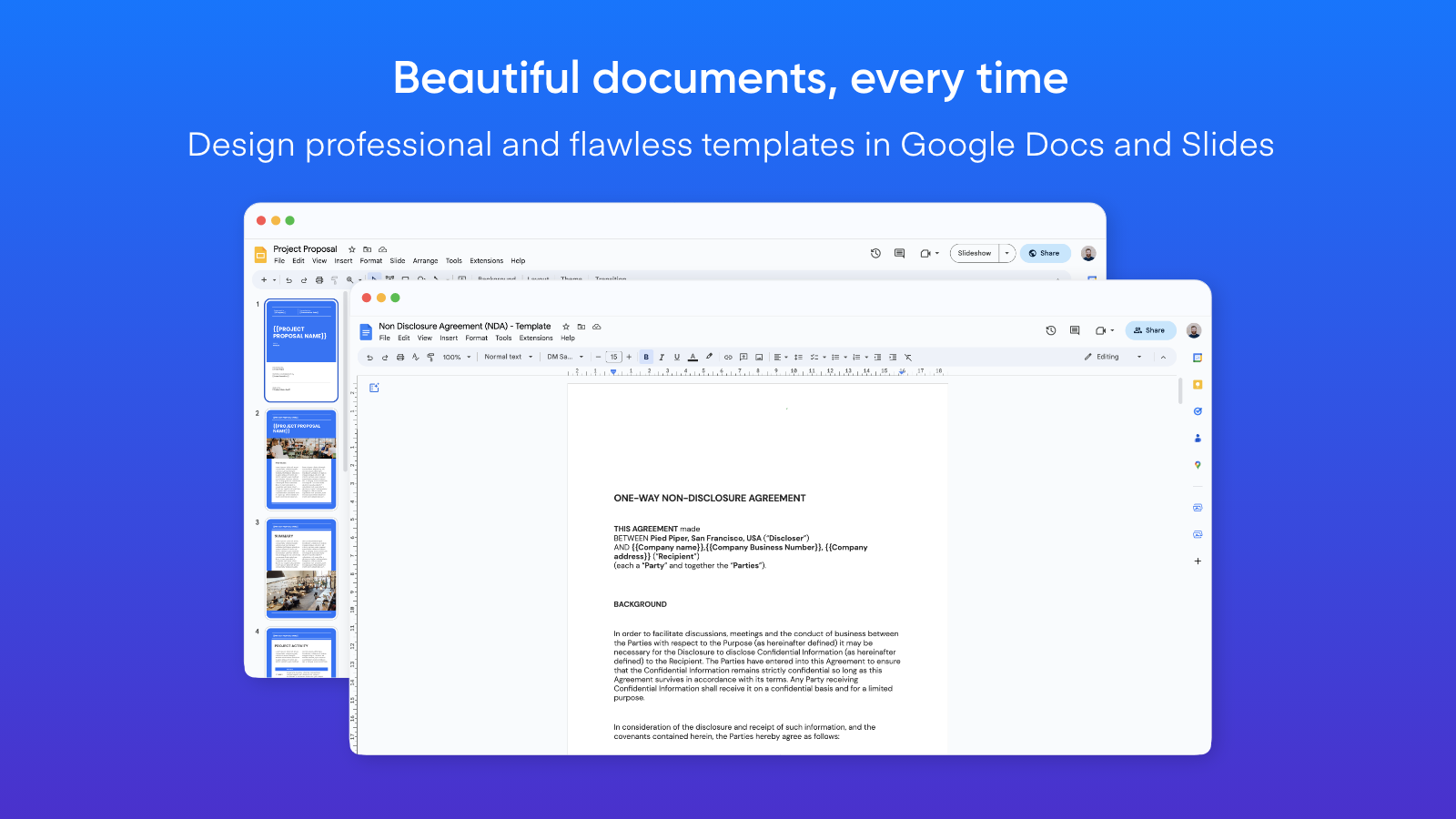
Create documents from Google Docs or Slides templates
Automate documents exactly the way you want them to look. Portant uses Google Docs and Slides to create your document templates, which means you have all the formatting functionality and features available in these tools unlike other solutions which have limited options. Select a template, insert your {{HubSpot Tags}} and automate your paperwork.
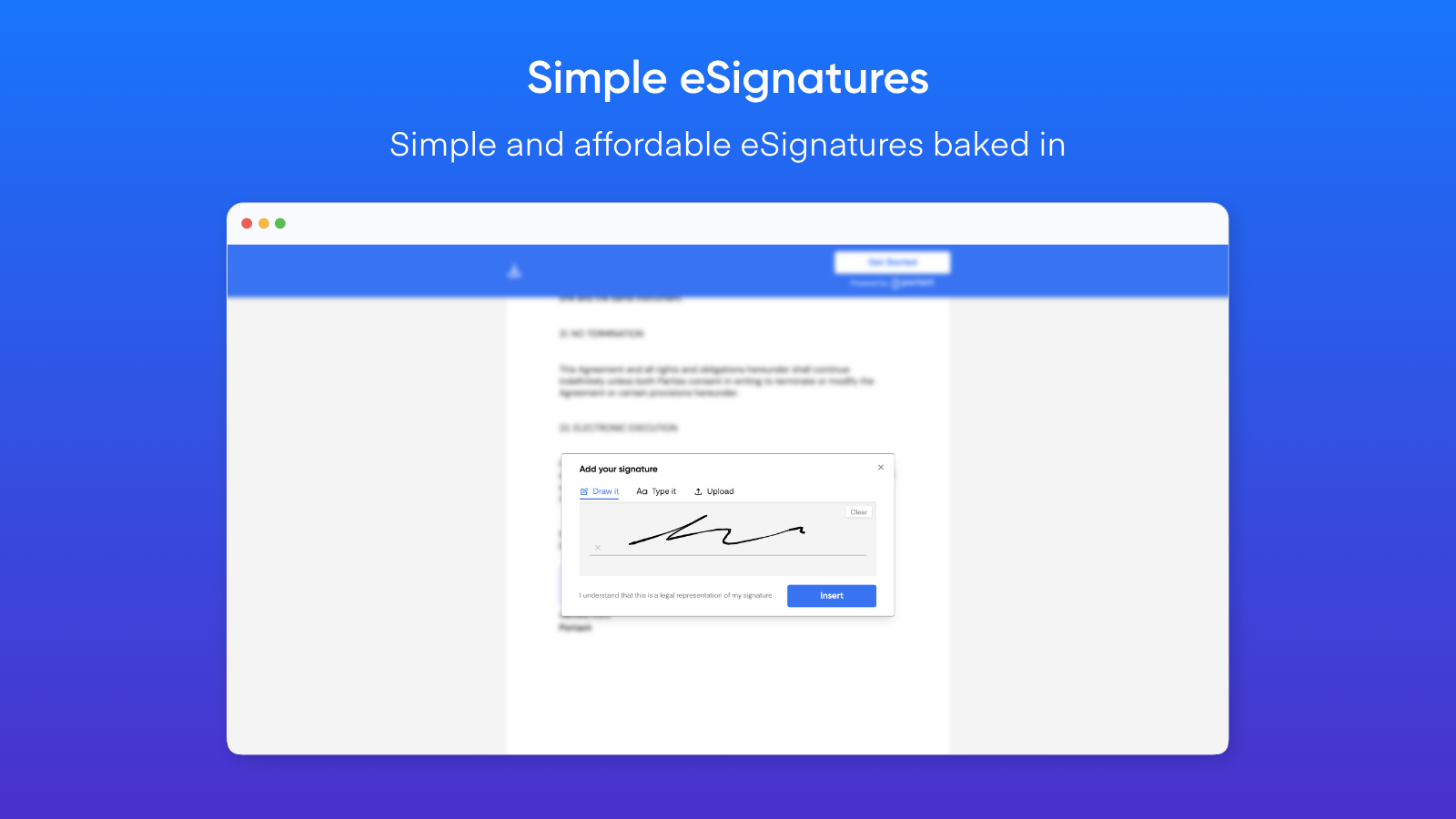
Request signatures (eSign)
Generate customised documents and request eSignatures. Perfect for contracts and agreements. A simpler alternative to PandaDoc, Dropbox Sign, Docusign, Proposify or Formstack
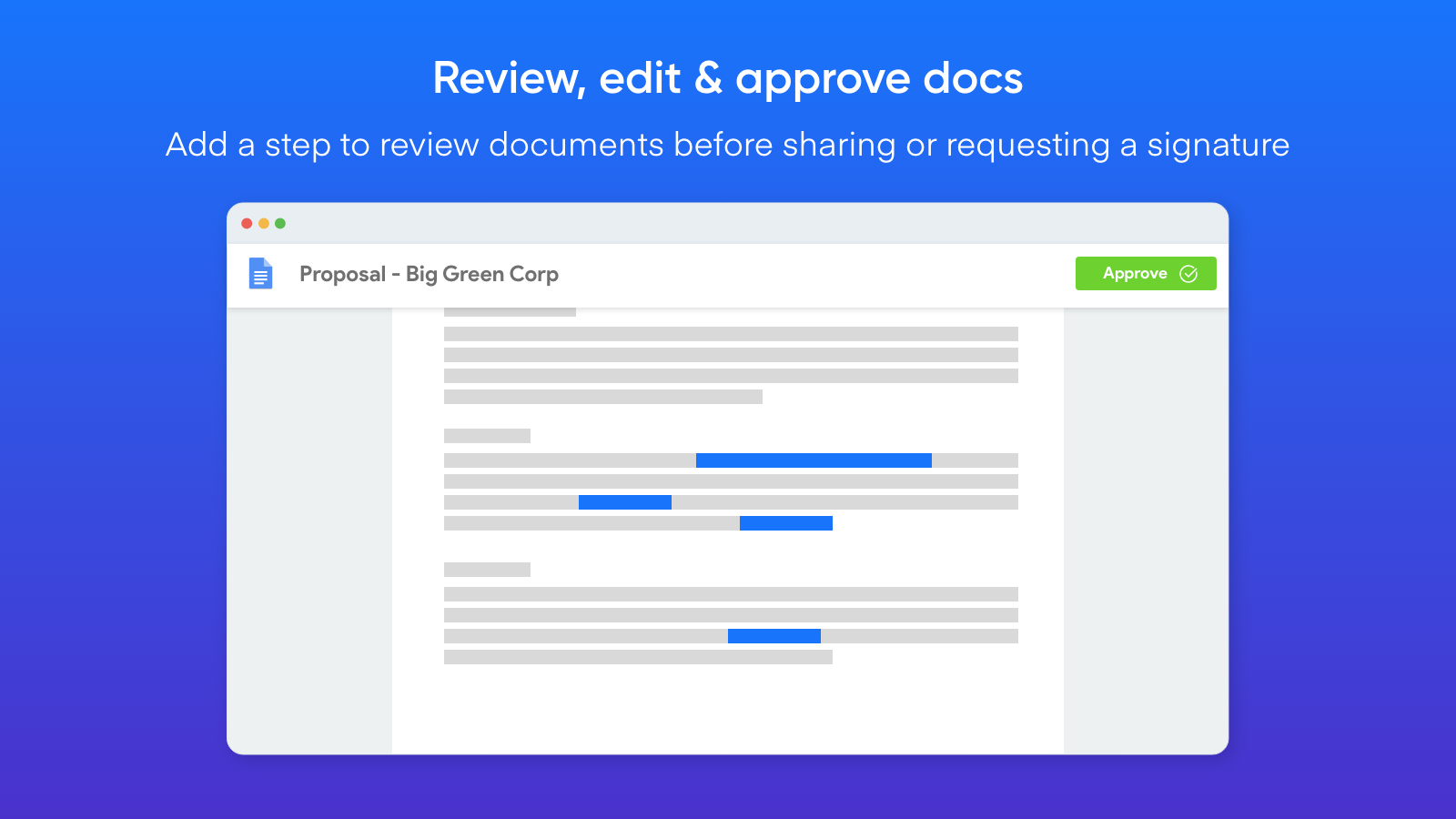
Review generated documents before they are sent
You can add a step to review any document generated by Portant. This enables you to review, edit and then approve the document to be shared or requested to be signed.
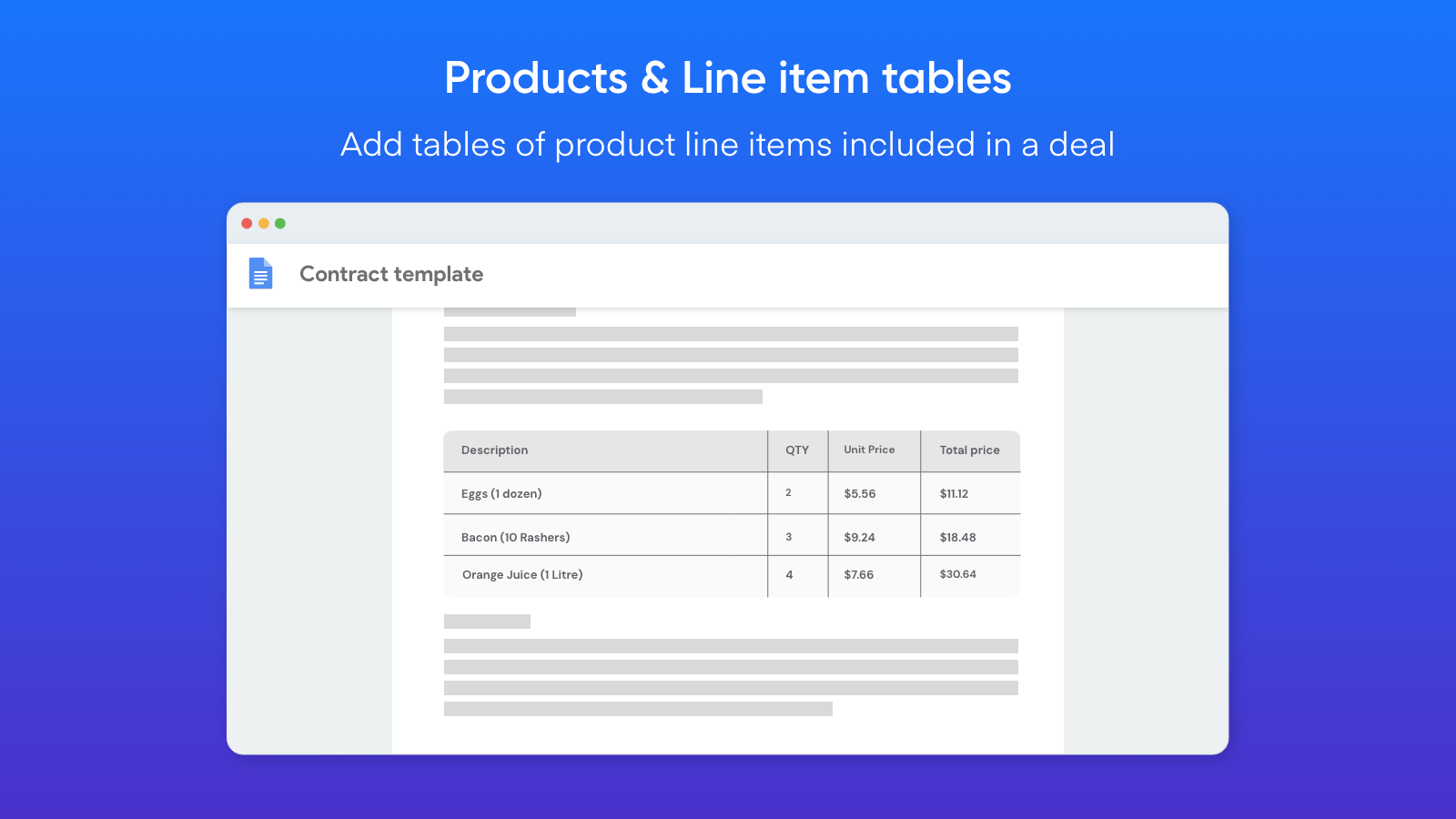
Add tables of HubSpot Product Line Items
Portant can insert all line items added to a deal in a table in your document. This is perfect for quotes or invoices when you need each component of the deal itemised in the document. It also works with any HubSpot object (not just line items).
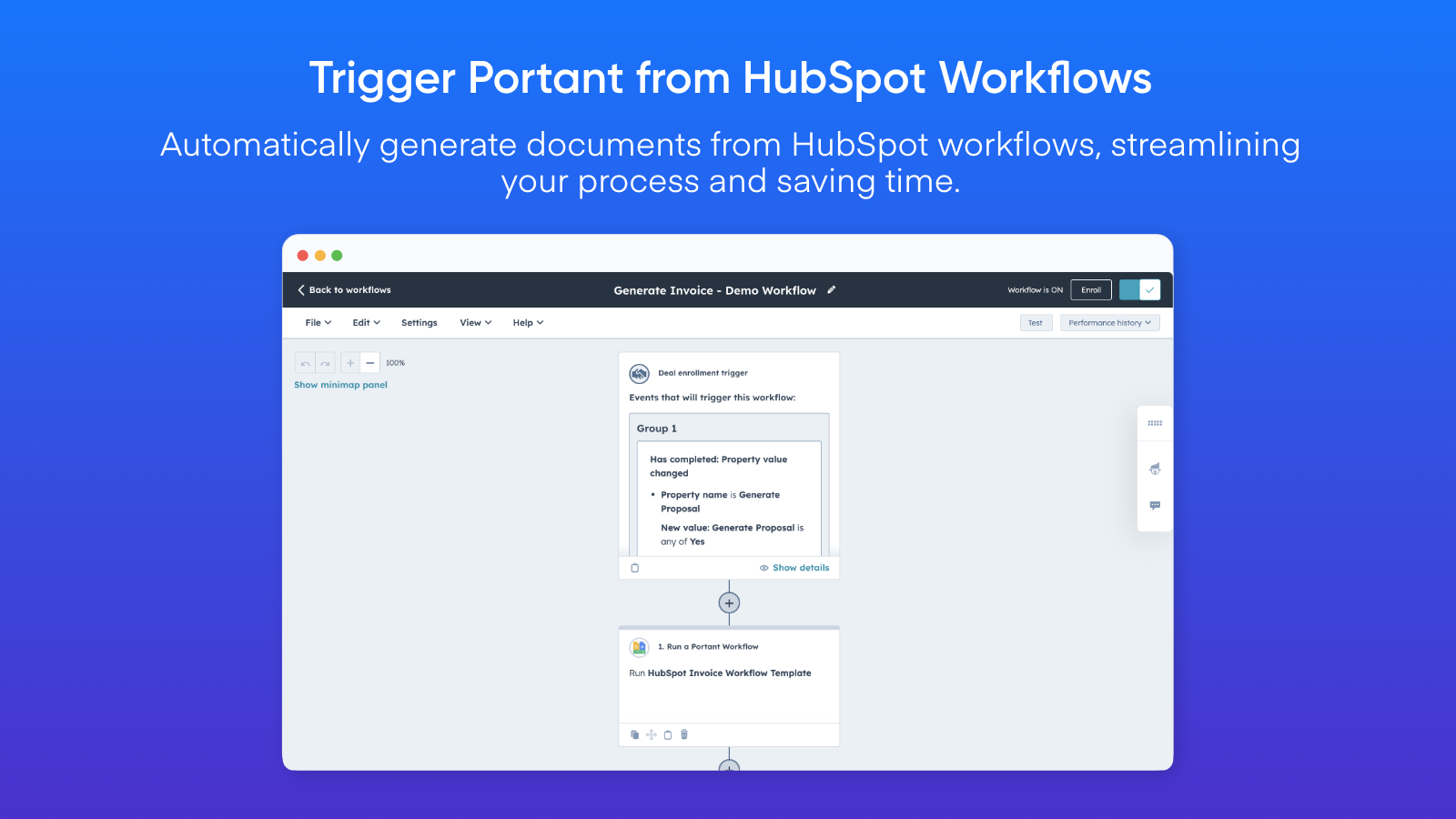
Automate Document Creation via HubSpot Workflows
You can trigger document generation within HubSpot in countless ways. Simply add a Portant Action to your HubSpot workflows to seamlessly run a Portant workflow from within HubSpot.
앱 기능
Document Outputs | Portant documents Portant documents | |
HubSpot Company Fields | ||
HubSpot Contact Fields | ||
HubSpot Contact Lists | ||
HubSpot Deal Fields | ||
HubSpot Meeting Fields | ||
HubSpot Product Fields | ||
HubSpot Ticket Fields | ||
Owners Data | ||
Portant Document Properties | ||
Portant Document Properties | ||
Portant Document Properties | ||
Timeline |
리뷰
4.8
19
4.8
19
- 2026년 2월 7일
뛰어난 고객 지원으로 PDF 요구 사항을 충족하는 완벽한 솔루션
훌륭한 앱, 제대로 작동하고 지원 및 도움말은 10/10입니다.
PDF를 내보내는 데 필요한 모든 작업을 수행합니다.
Mirkovic, L.
- 2025년 11월 18일
Microsoft Word에 비해 고급 서식 지정 기능이 일부 부족하지만 원활한 협업과 편리한 서명이 돋보이는 매우 부드럽고 사용자 친화적인 문서 솔루션입니다.
PDF 내보내기 및 전자 서명 기능과 결합된 Google 문서는 오늘날 가장 편리하고 효율적인 문서 관리 솔루션 중 하나로 자리 잡았습니다. 학생, 기업가, 프리랜서 또는 대규모 조직의 일원이든 상관없이 이 플랫폼은 복잡한 소프트웨어 없이도 문서를 만들고, 공유하고, 서명할 수 있는 접근 가능한 방법을 제공합니다.
인터페이스는 간단하고 직관적이어서 초보자와 전문가 모두에게 적합합니다.
기본 문서에는 적합하지만, Google 문서 도구에는 Microsoft Word나 Adobe 도구에 있는 일부 고급 레이아웃 및 서식 지정 기능이 없습니다.
Muhammed, A.
가격 책정
Pro
US$41.58
/월For individuals that need more documents/month
2000 Documents/month
Document workflows - with Portant branding removed
eSign
Export and Share as PDF
Template gallery
Chat and email support
Pro
US$41.58
/월For individuals that need more documents/month
2000 Documents/month
Document workflows - with Portant branding removed
eSign
Export and Share as PDF
Template gallery
Chat and email support
* 여기에 표시된 가격은 표시 목적으로만 사용됩니다. 모든 가격에는 세금, 인센티브, 할인 또는 기타 가격 변수가 포함되어 있지 않습니다. 가장 최신의 정확한 가격 정보를 알고 싶다면 파트너에게 연락해야 합니다. HubSpot은 파트너가 제공하는 이 가격 정보에 대해 어떠한 책임도 지지 않습니다. 마지막 가격 업데이트 날짜: 2025.12.22.
가장 인기 있는 지표


