

S-Docs | Generate Documents, Contracts, Proposals and Sign
Requirements
HubSpot Plan HubSpot Account permissions - View the required account permissions
Access Type Shared S-Docs | Generate Documents, Contracts, Proposals and Sign Subscription - S-Docs Paid Plan plan
Overview
1/7
S-Docs, a document generation and e-Signature solution for HubSpot, is built to feel like a natural extension of your HubSpot CRM — not a separate platform you need to force into your process. S-Docs streamlines contracts, agreements, and any other document and e-Signature use case directly inside HubSpot, enabling you to tackle even the most complex document and e-Signature workflows with ease.
With S-Docs, you get a flexible, intelligent document automation solution that allows you to design, distribute, and sign documents of any kind effortlessly. It's a breeze to manage various document types, including:
Contracts
Contracts and agreements
Quotes
Proposals
SOWs
NDAs
MSAs
Invoices, and much more.
Key Features:
Integrated HubSpot data: Create templates using data from any standard (Deal, Ticket, Company, Contacts, etc.) or custom objects/associations. Your data is dynamically populated into your templates, ensuring personalized and accurate document generation every time.
Flexible template management: Design stunning, brand-aligned templates with ease, thanks to a user-friendly interface that supports drag-and-drop content blocks, custom fonts, colors, and more. Advanced table support and live preview options offer unparalleled template precision. You can even upload your own PDFs and add fields to them for a personalized, tailored experience.
Intuitive document generation: Generate documents directly from HubSpot cards, with the ability to view them in your record’s cards or Activity timeline. Effortlessly send documents for e-Signature directly after generation, streamlining your workflow.
Easy, secure e-Signatures: Boost your document signing process with secure e-Signature capabilities, including unlimited recipients, customizable email templates, multi-factor authentication, and a comprehensive audit log for added security. e-Signature data syncs automatically back to HubSpot properties.
Utilize S-Docs with data sources beyond HubSpot. Generate documents and e-Signature requests using different data sources (Google Sheets, AirTable) in your tech stack. No need to log into various data platforms; you can do this right in the S-Docs app.
Discover how S-Docs can help you save time, improve accuracy, and deliver high-quality, personalized document generation and e-Signature experiences that drive growth. To see it in action, request a demo today.
Features
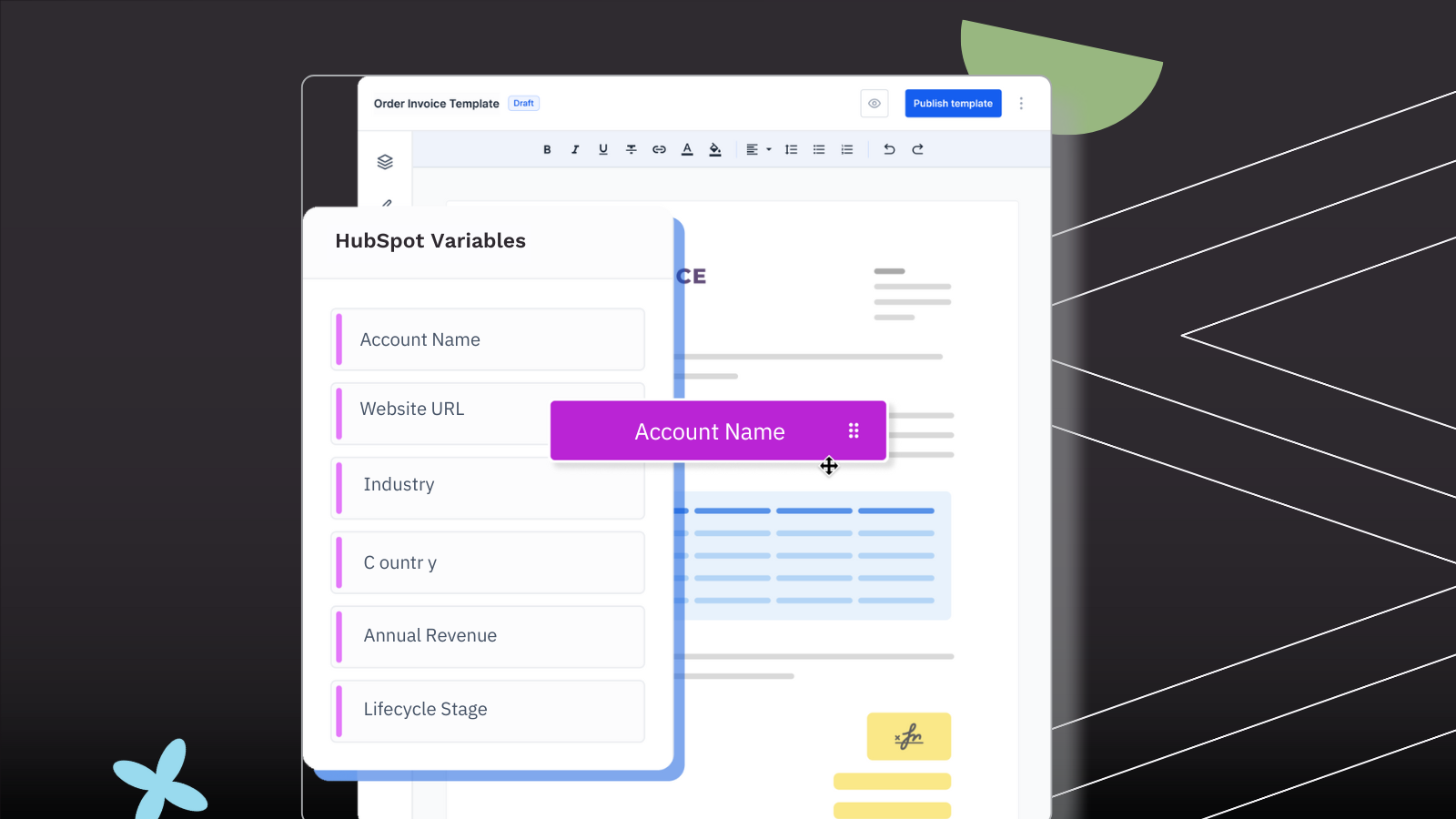
End-to-end HubSpot Document Automation
S-Docs operates entirely inside HubSpot, acting as a natural extension of the CRM. It automates documents and e-Signatures across standard and custom objects, integrates with HubSpot workflows, and syncs data back to records automatically—streamlining complex workflows and removing external tools, data silos, and friction in your day-to-day.
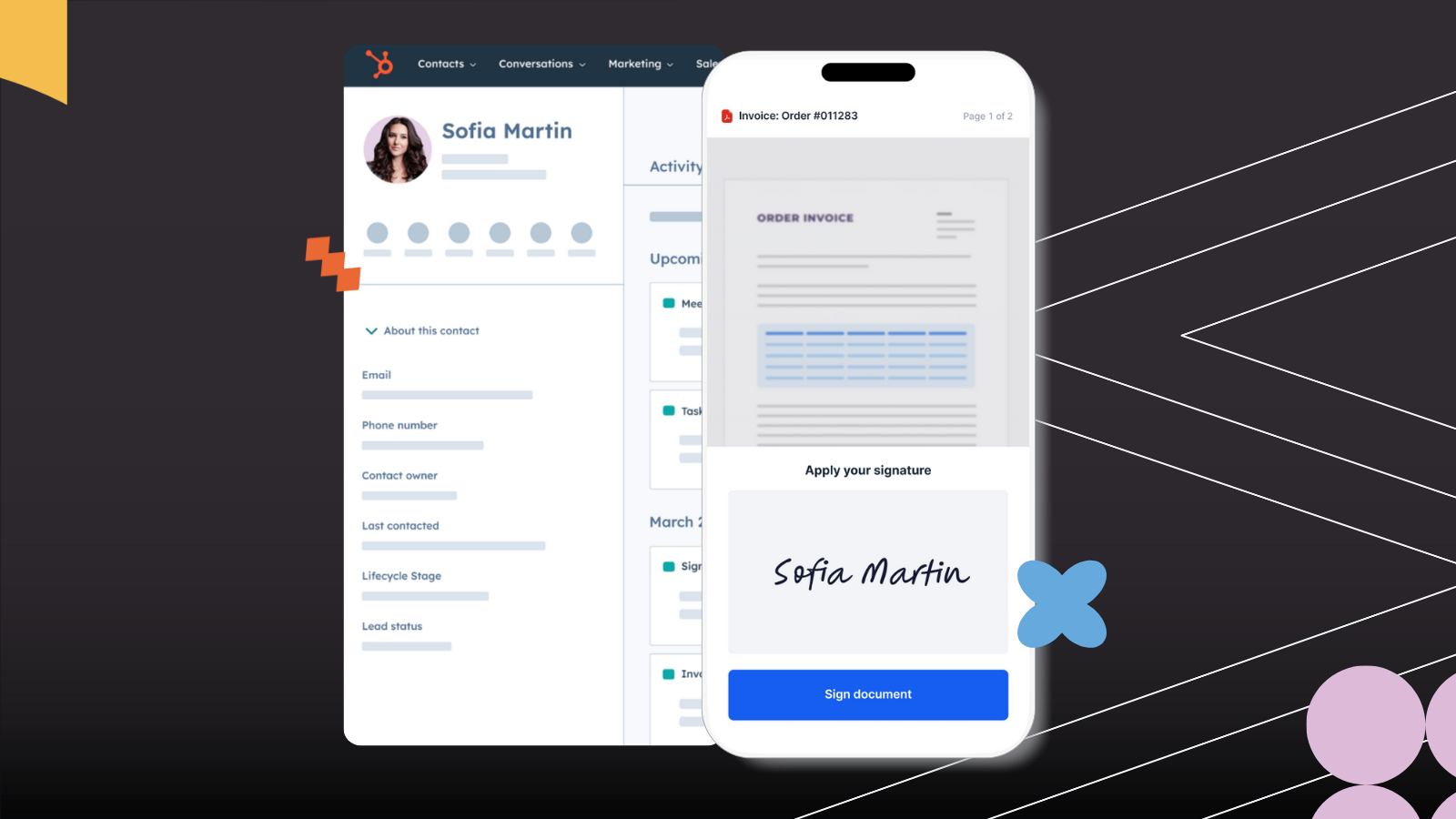
Advanced Control for Complex, Custom Processes
Built for real-world complexity, S-Docs supports granular control, personalization, dynamic fields, conditional workflows, role-based access, versioning, and post-generation editing—all without code. Create and automate highly customized, compliance-sensitive document workflows.
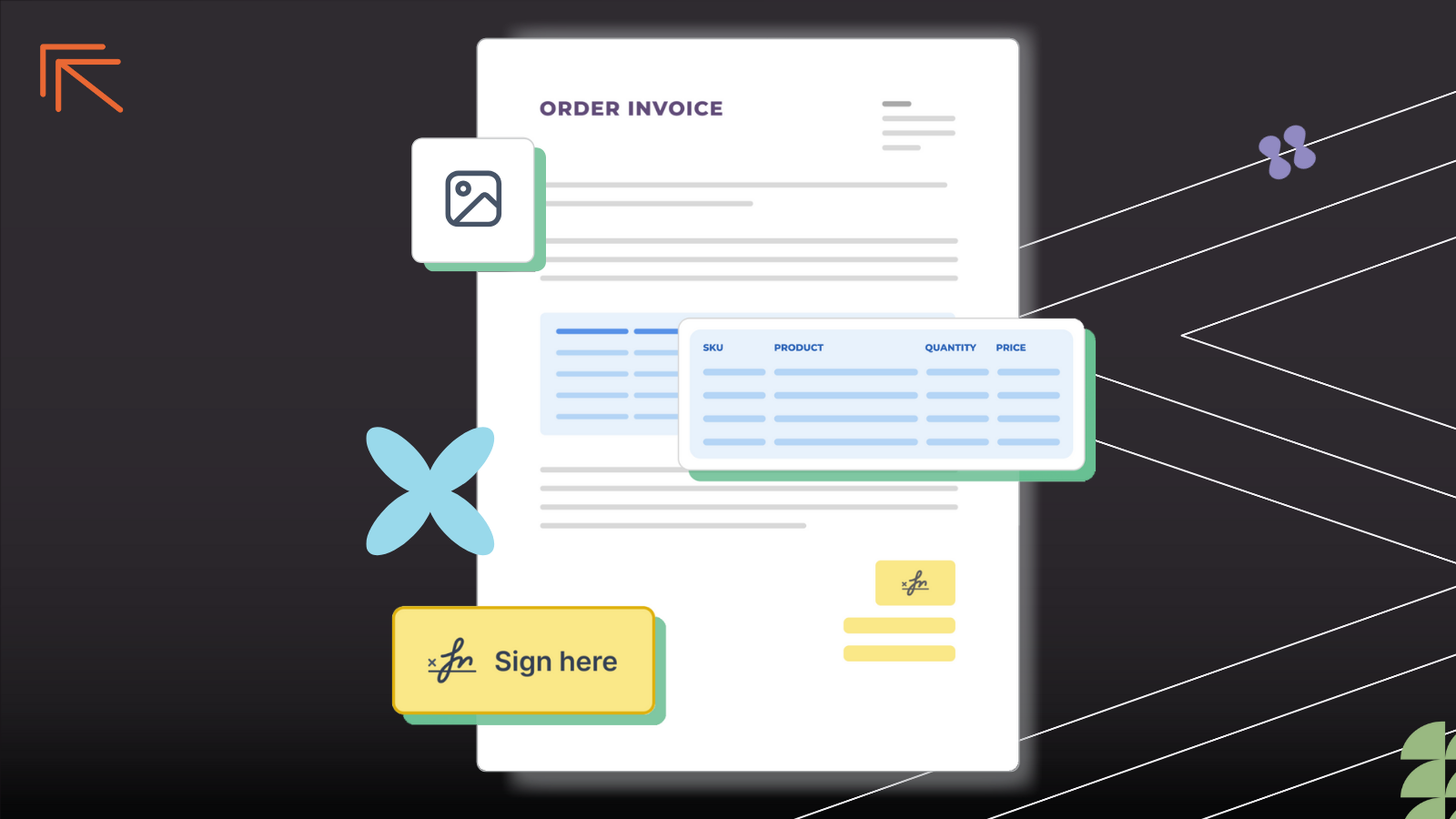
Efficiency, Accuracy, and Scalable Consistency
By removing manual steps and disconnected tools, S-Docs reduces friction, errors, and time spent on documents—saving you hours per day while maintaining brand consistency, legal compliance, and a high-quality customer experience as you scale and grow.
App Functionality
User | ||
Document | ||
Document | ||
Document | ||
Document | ||
Document | ||
Document | ||
Files | ||
Document | ||
Document | ||
Document | ||
Document | ||
Document |
S-Docs captures the API names of properties and objects (standard and custom) and the 3 attributes of the owner (ID, email, and name). All the data is fetched at runtime, and no customer data is stored within the application. When a document or e-Sign envelope is generated, it is written to the engagement timeline in HubSpot and if configured data that is captured as part of the e-Signature process is written back to configured properties on company, deal, contact, ticket and the optional scoped objects. All generated files are stored only in HubSpot.
Reviews
3.8
9
3.8
9
- Feb 28, 2026
Saves so much time!
Great! Just switched over from PandaDoc and this is infinitely better. I have been working with Shaun who has been super helpful, and the platform is great for what I am using it for. Decreases my workload substantially with automating document generation.
Automated document generation, great customer service
A couple of features that would be helpful are not available, but am told they will be part of an upcoming release!
Jaramillo, S.
- Jan 19, 2026
Excellent no-code document builder with fantastic support, but GDPR compliance is a dealbreaker
Works wonderful, the setting up of documents with the builder is super easy. Integration into HubSpot is very easy to do aswell.
No Coding, very easy document builder. I was contacted very quickly about some questions I had and received help within hours.
Unfortunately not GDPR compliant.
Podrimja, D.
S-Docs Paid Plan
If you’re seeking to transform your operations at scale, S-Docs is for you.
S-Docs Paid Plan
If you’re seeking to transform your operations at scale, S-Docs is for you.
* The pricing here is for display purposes only. All prices do not include taxes, incentives, discounts, or other pricing variables. You should contact the partner for the most up to date and correct pricing information. HubSpot does not take any responsibility for this pricing information, which is provided by our partners. Pricing last updated: 08/24/2026
New arrivals

Address Lookup
Find any address and fill HubSpot in one click.

Scrubby
Transform your risky emails into valid leads with Scrubby.
