
Vendelux: Lead Scanner
สร้างโดย - Vendelux
ติดตั้ง - <10 การติดตั้ง
ข้อกำหนด
แผน HubSpot สิทธิ์บัญชี HubSpot - ดูสิทธิ์บัญชี ที่จำเป็น
ประเภทสิทธิ์การเข้าถึง แชร์แล้ว การสมัครใช้บริการ Vendelux: Lead Scanner - Free แพ็กเกจ
ภาพรวม
1/4 - Vendelux app scans a badge, enriches the lead, then shows the contacts in a HubSpot segment. Ends: Your lists are in HubSpot.
TL;DR: Lead Scanner replaces slow, manual, easily-lost event lead capture with something that happens automatically and lands directly where sales and marketing already work.
Why Lead Scanner
Event teams walk away from every trade show with a stack of business cards and badge scans that mostly go nowhere. The information sits in someone's phone or a pile on a desk for days before it ever reaches a CRM, and by the time it's typed in, the lead has already heard from three other vendors and the moment to follow up is gone. Vendelux Lead Scanner closes that gap by turning a phone camera into a live data-capture tool: every card or badge is read, enriched, and tagged the moment it's scanned, so a rep walks away from a conversation with a complete, qualified record instead of a name they'll have to remember to type up later.
Connecting Lead Scanner to HubSpot is what makes that speed actually count. Leads sync into HubSpot automatically and in real time, already enriched with company and contact detail and already tagged Hot, Warm, or Cold by the person who had the conversation — so follow-up can start before the show floor even closes, instead of waiting on a batch upload after the team flies home. Marketing gets event lead data living in the same system as the rest of the pipeline from day one, with no manual re-entry and nothing lost in the handoff. Leadership gets a clear line from event spend to trackable pipeline in HubSpot, instead of a cost that's hard to tie back to revenue.
ฟีเจอร์
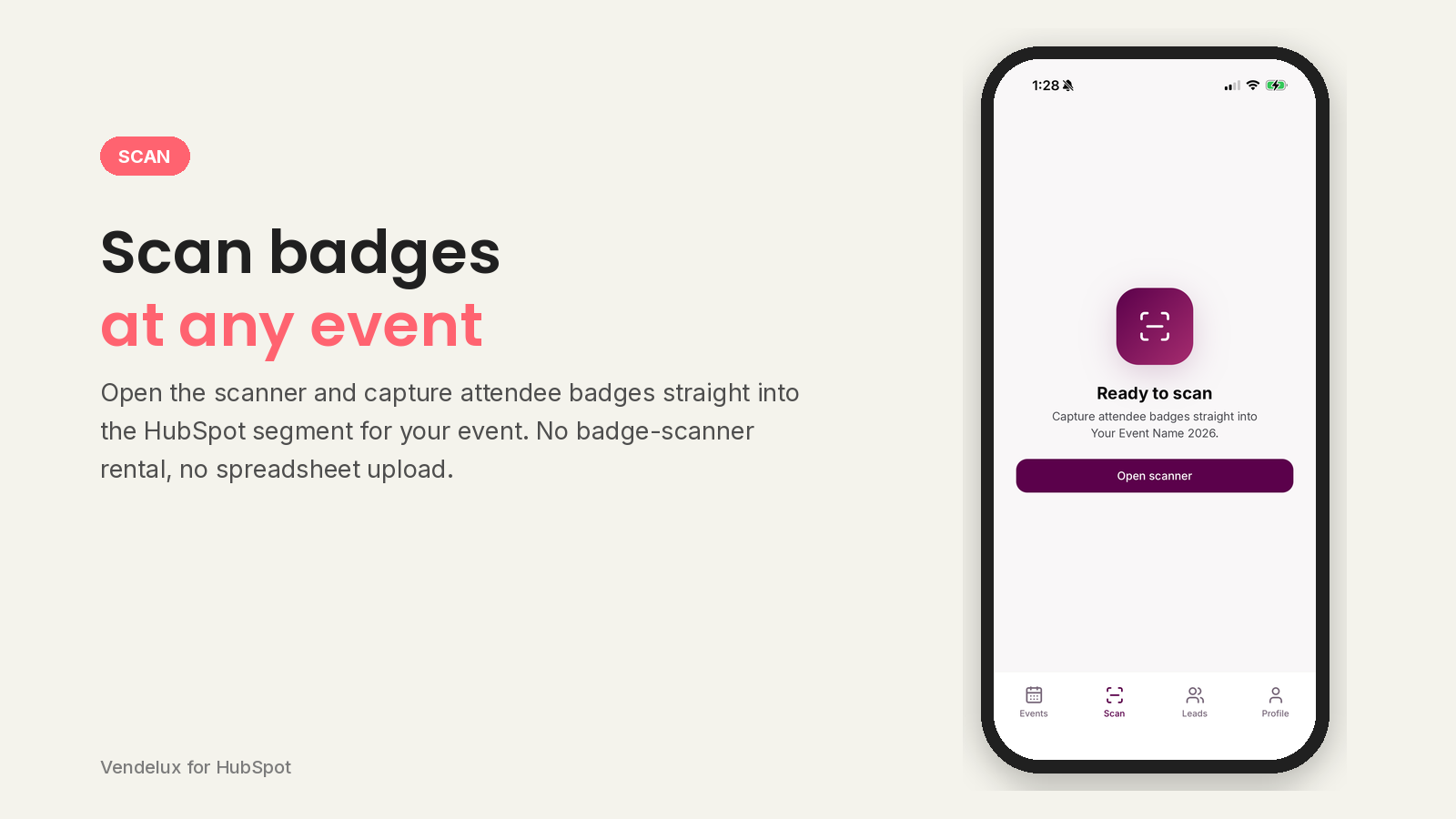
Badge scan to HubSpot contact
Scan an event badge with the phone camera, or import a photo of one, and Vendelux reads the name, job title, company and contact details off it. Once the lead is enriched, a new person is created as a HubSpot contact; anyone already in your CRM is matched and left untouched, never overwritten.
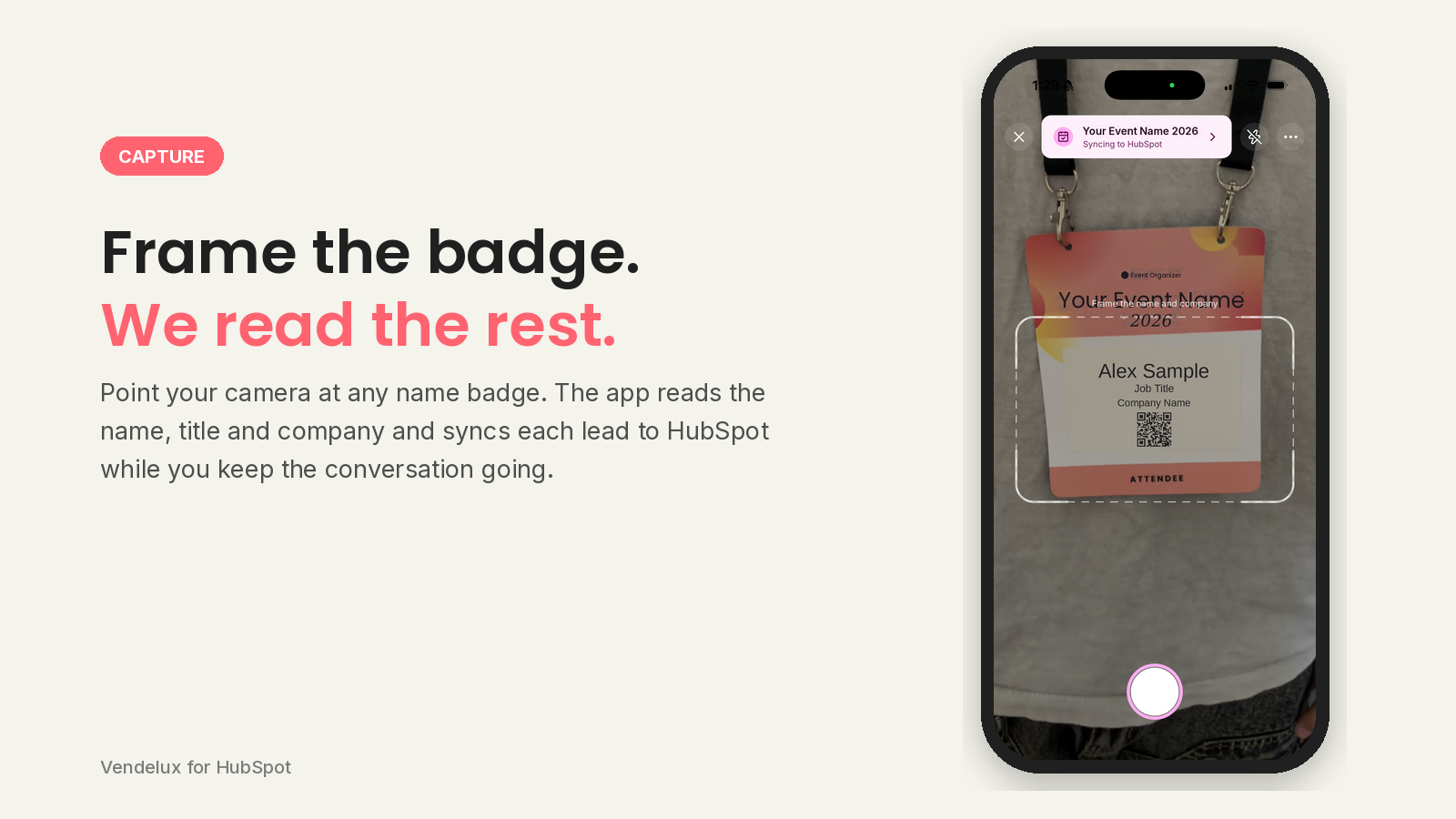
Contact is Enriched
Every badge from any event can be read by our scanner. Just frame their name and company within your phone.
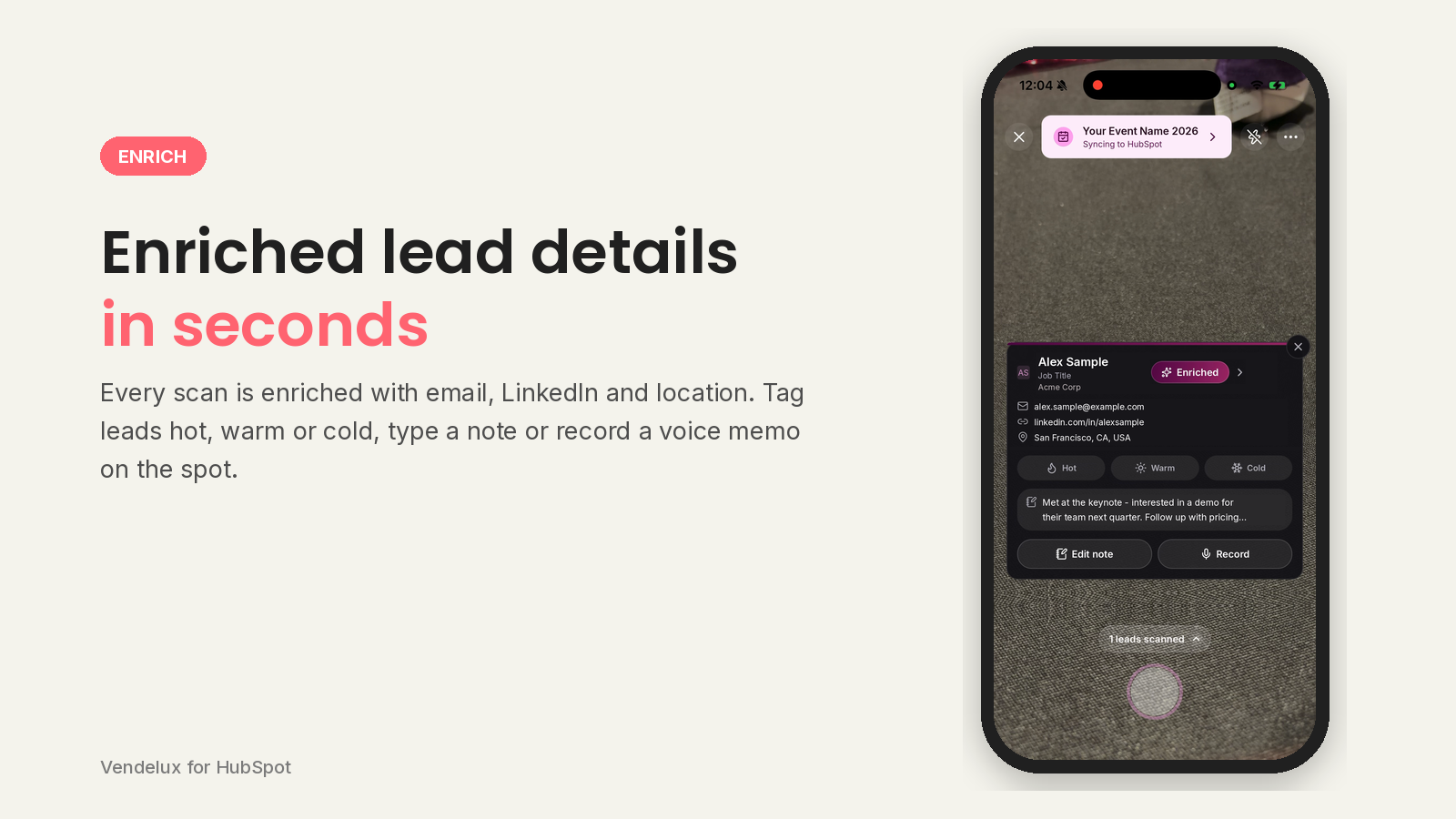
Add notes to your contact
See the enriched contact details right away, add your written or recorded notes, and make a note on their temperature so you know how best to follow-up.
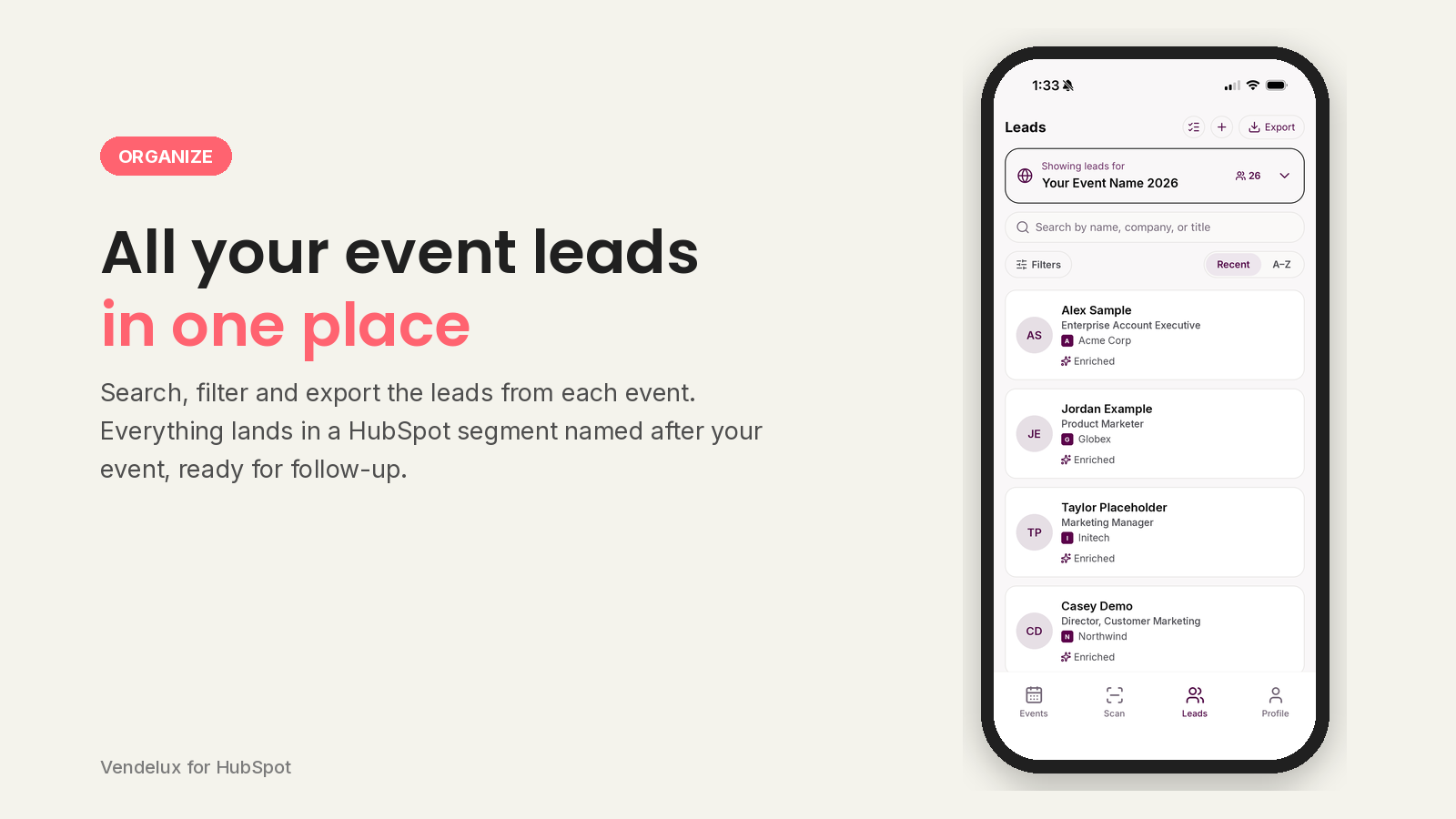
Lead Review in Mobile App
All your leads from the event are located within the app and synced to your CRM so you can easily review on mobile.
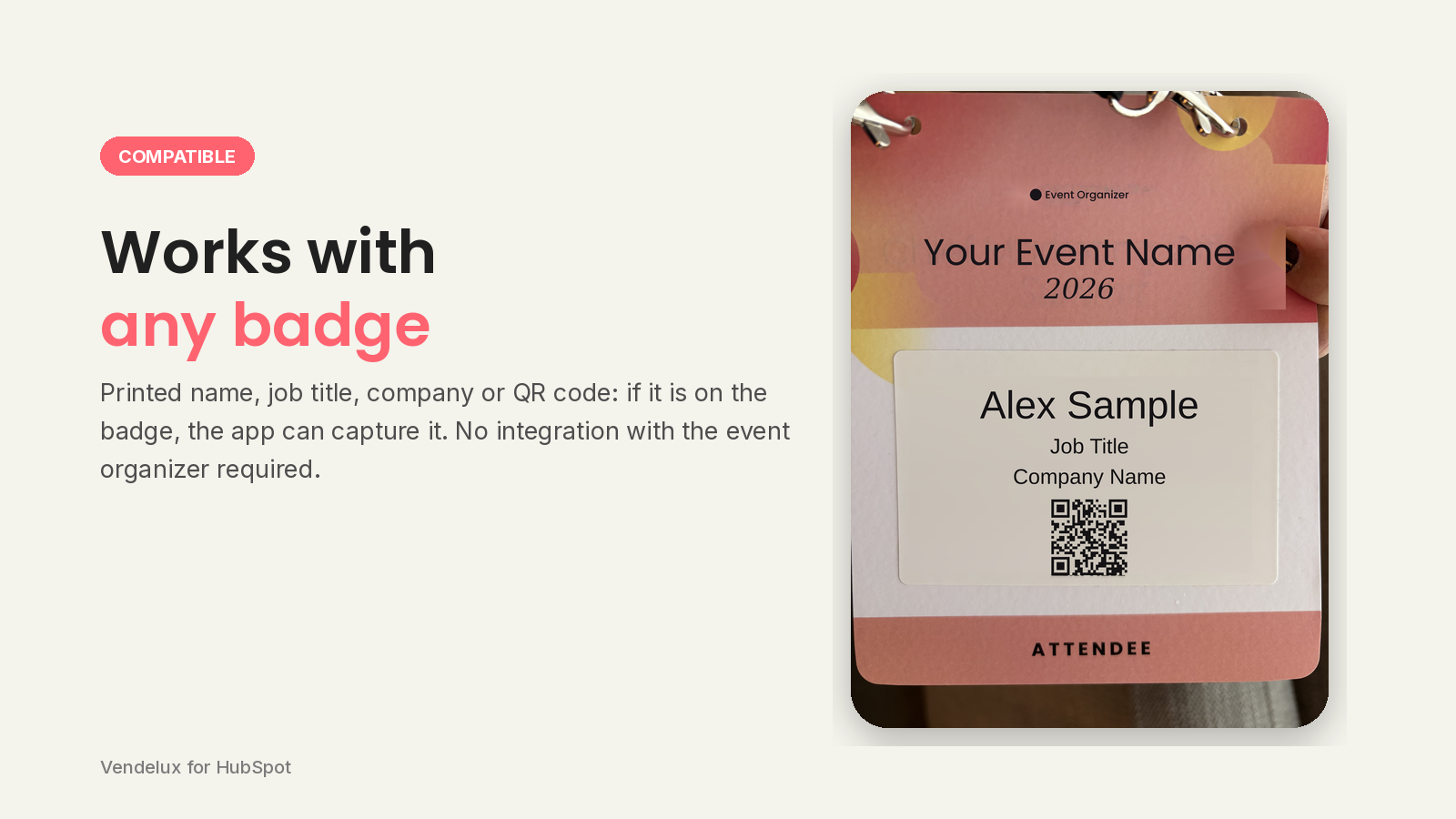
Works with any badge, any event.
Any bad at a trade show, workshop or conference, or any business card can be read with our universal lead scanner.
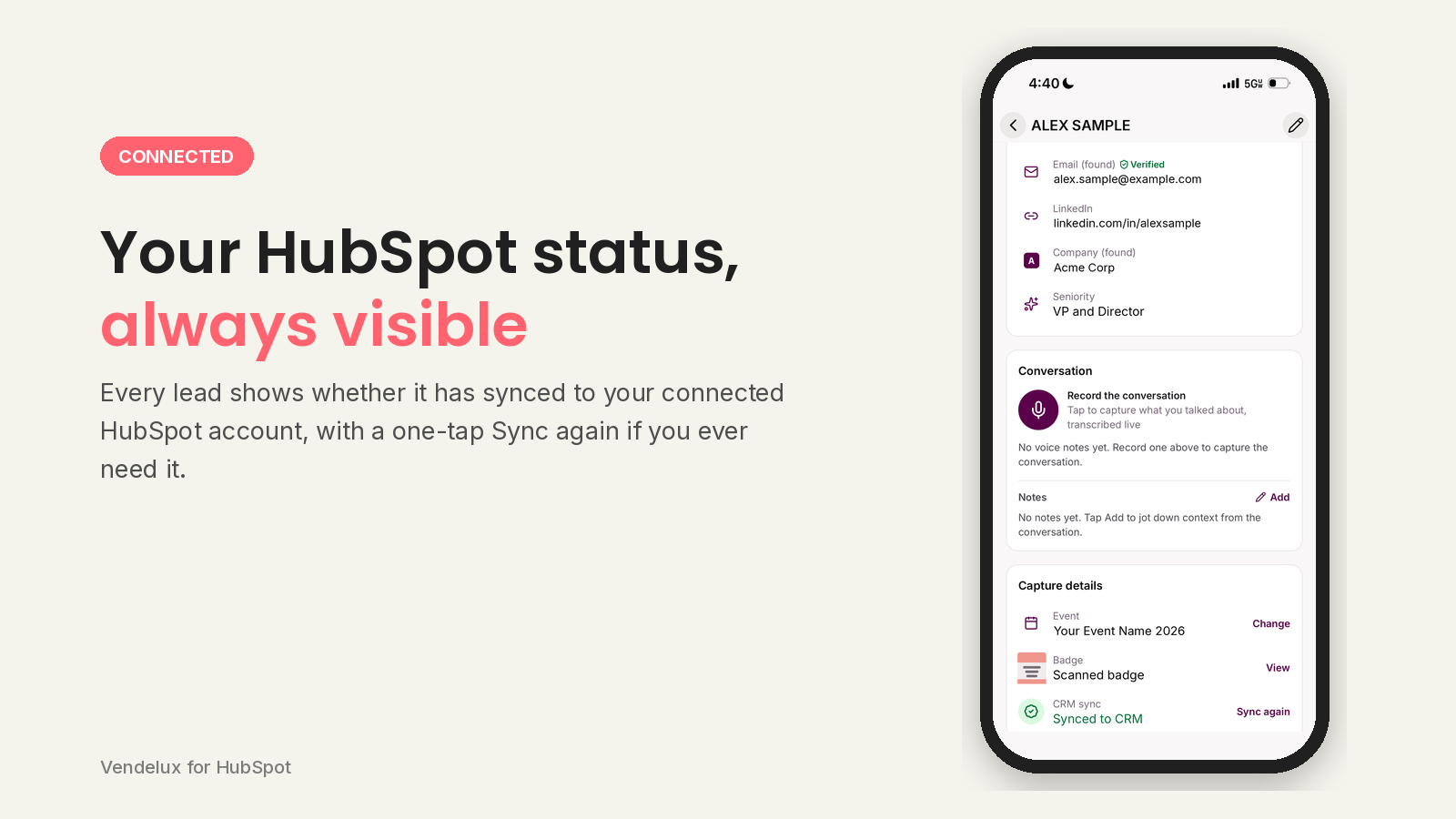
HubSpot Connectivity
Always see your HubSpot connection from the app so you can know your CRM sync status on the go.
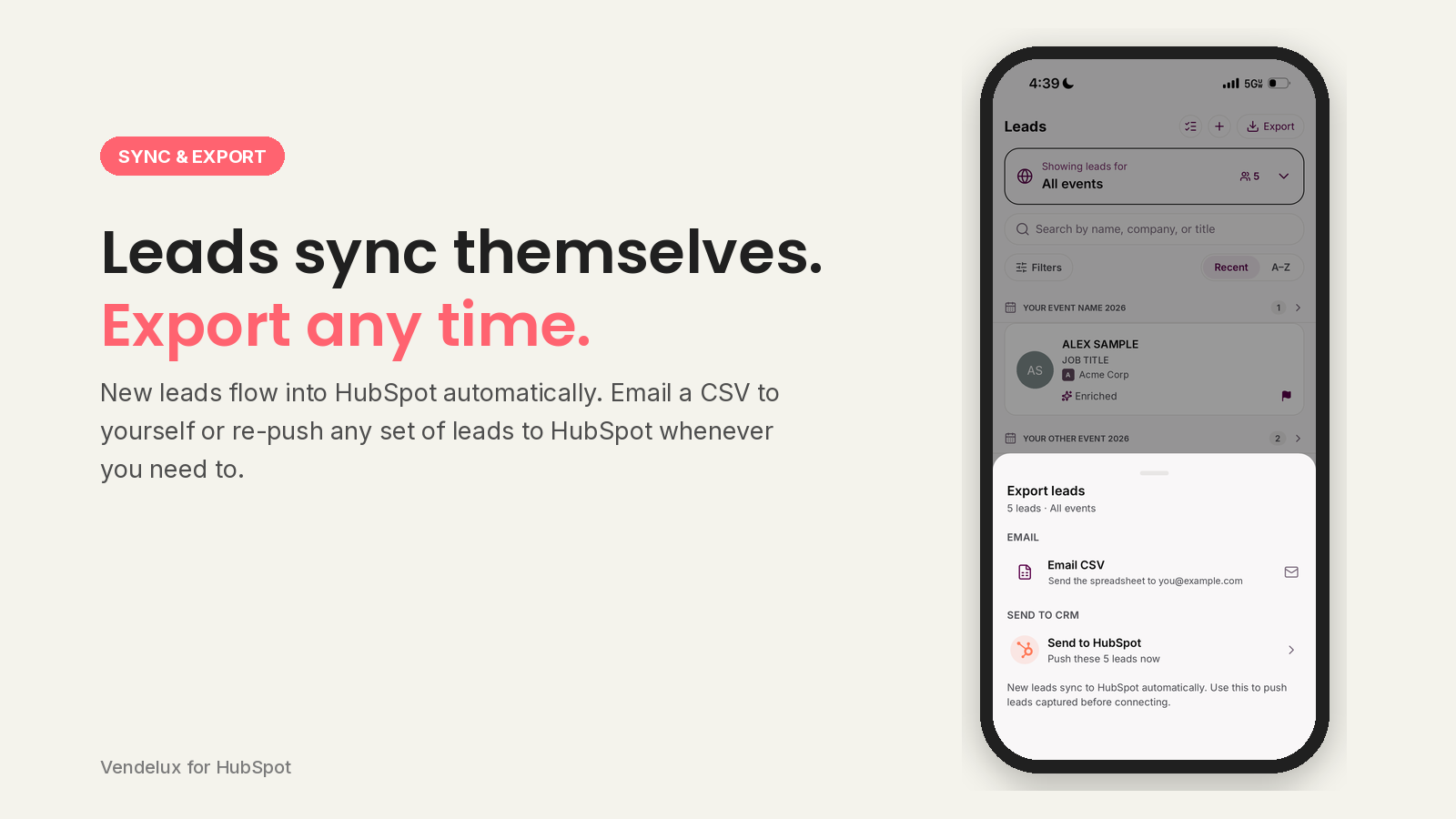
Auto-sync to CRM, Export Leads, No Wifi - No Problem
Your leads automatically sync to your HubSpot CRM, but you also have the ability to email them in a CSV. Bad wifi connection? No worries, you can re-push the leads to your CRM with one push of a button.
ฟังก์ชันการทำงานแอป
ข้อมูลที่แบ่งปัน
Contact | ||
Segment |
Vendelux writes the leads you capture at an event into HubSpot; nothing is copied out of HubSpot and stored in Vendelux. Contacts and segments are listed as two-way above because Vendelux holds both read and write scopes on them, but in practice the read is only an existence check. For contacts: when a captured lead is enriched, Vendelux checks whether a contact with that email already exists in your portal. If it does not, the contact is created from the badge and enrichment data (name, job title, company, email address, phone number). If it does, the existing contact is matched and left as it is, and Vendelux does not overwrite properties on a contact you already have. Either way the rep's note or voice-note transcript is attached to the record. For segments: Vendelux keeps one segment per event and adds the contacts captured at that event to it, reading first to check whether that segment already exists so that repeat captures at the same event reuse it instead of creating a duplicate. Vendelux does not store, export or sync your existing HubSpot contacts or segments back into the app, and it does not request owner data. Scopes requested are oauth, crm.objects.contacts.read, crm.objects.contacts.write, crm.lists.read and crm.lists.write.
รีวิว
การกำหนดราคา
Free
US$0
Sign up for a free account and begin syncing leads automatically
HubSpot contact, list and note sync
Lead enrichment
Voice notes with on-device transcription
Badge scanning with the phone camera
Free
US$0
Sign up for a free account and begin syncing leads automatically
HubSpot contact, list and note sync
Lead enrichment
Voice notes with on-device transcription
Badge scanning with the phone camera
* ราคาที่แสดงนี้มีไว้เพื่อแสดงข้อมูลเท่านั้น ราคาทั้งหมดยังไม่รวมภาษี สิทธิพิเศษ ส่วนลด หรือตัวแปรราคาอื่นๆ คุณควรติดต่อพาร์ทเนอร์เพื่อรับข้อมูลราคาล่าสุดและถูกต้องที่สุด HubSpot จะไม่รับผิดชอบใดๆ ต่อข้อมูลราคานี้ซึ่งจัดทำโดยพาร์ทเนอร์ของเรา การกำหนดราคาอัปเดตล่าสุด: 16/09/2026
ข้อมูลเพิ่มเติม
สร้างโดย - Vendelux
ติดตั้ง - <10 การติดตั้ง
หมวดหมู่ ภาษาที่แอปนี้สามารถใช้ได้ อังกฤษ
กำลังได้รับความสนใจในวันนี้

ChatGPT Ads
Create campaigns in ChatGPT Ads, track performance, and prove ROI — all in HubSpot.

Salesforce
An automatic, bi-directional sync between HubSpot and Salesforce.
